
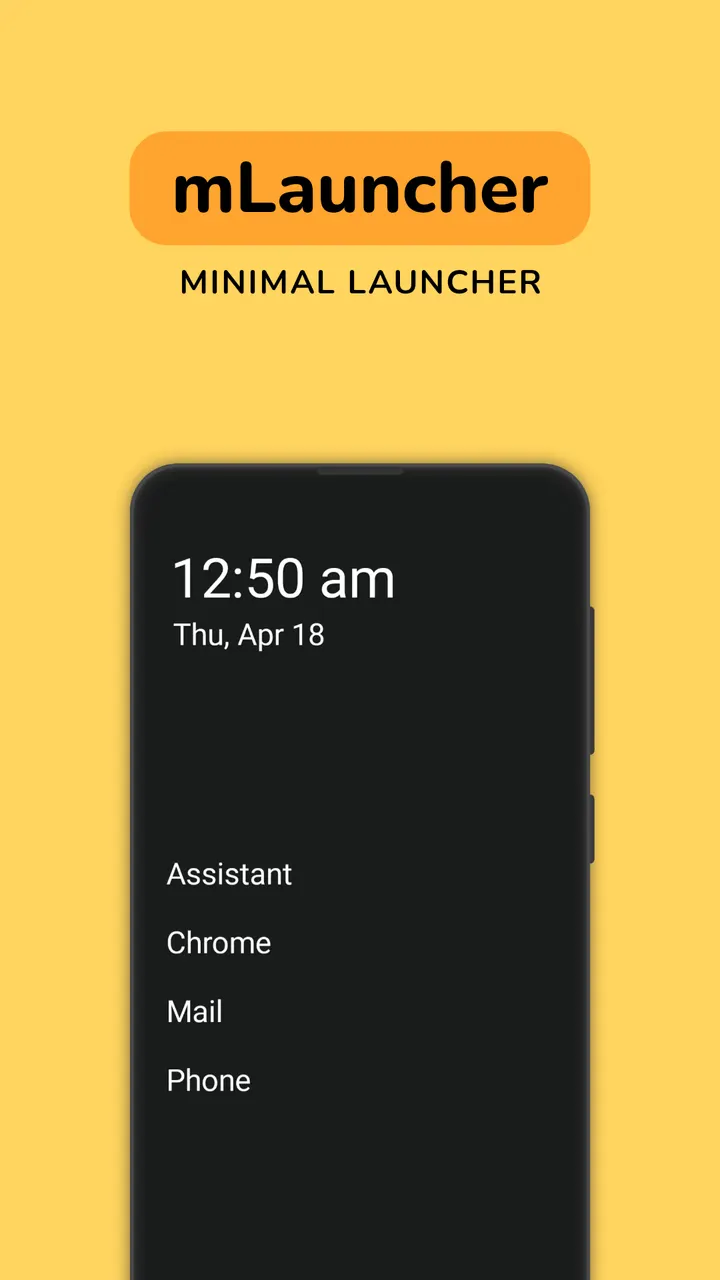
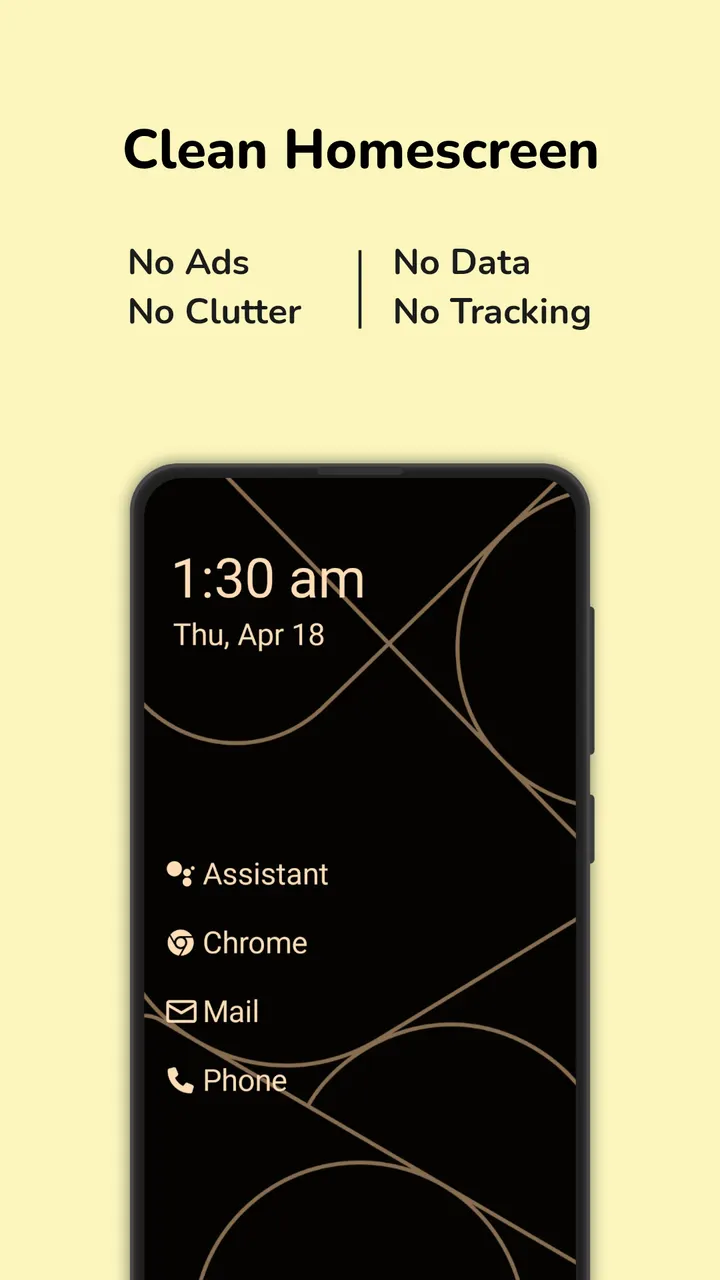
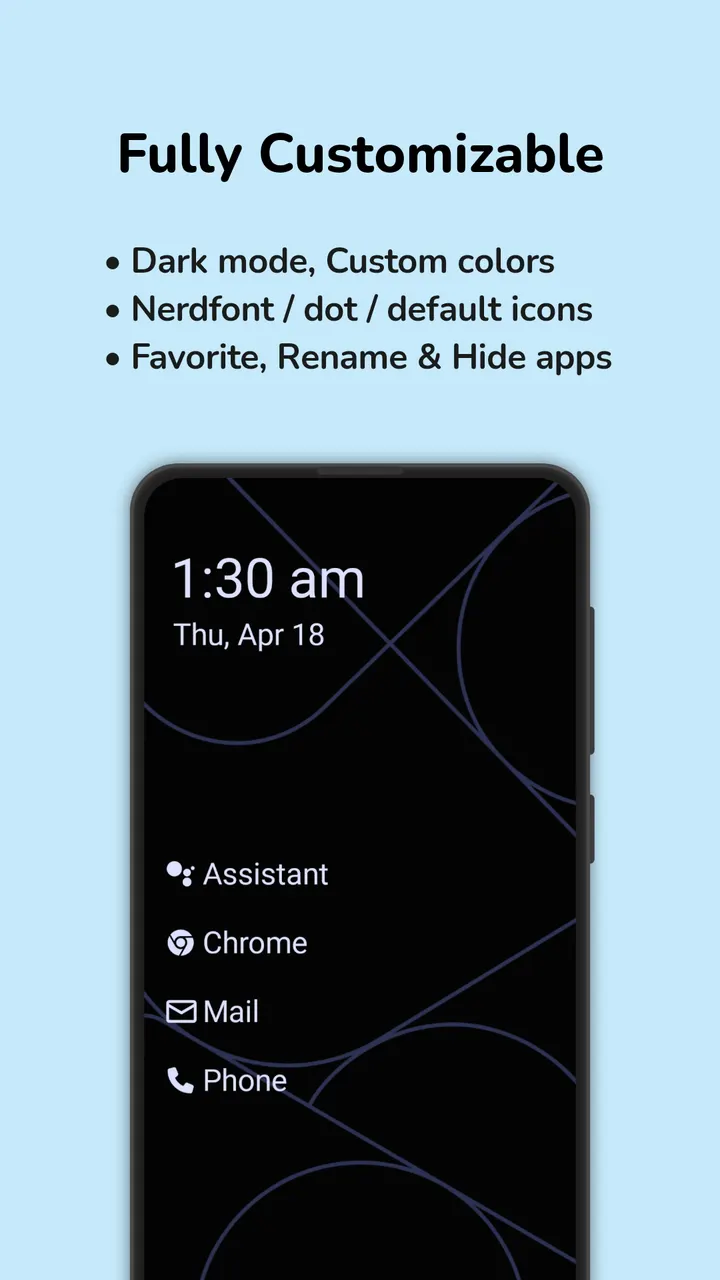
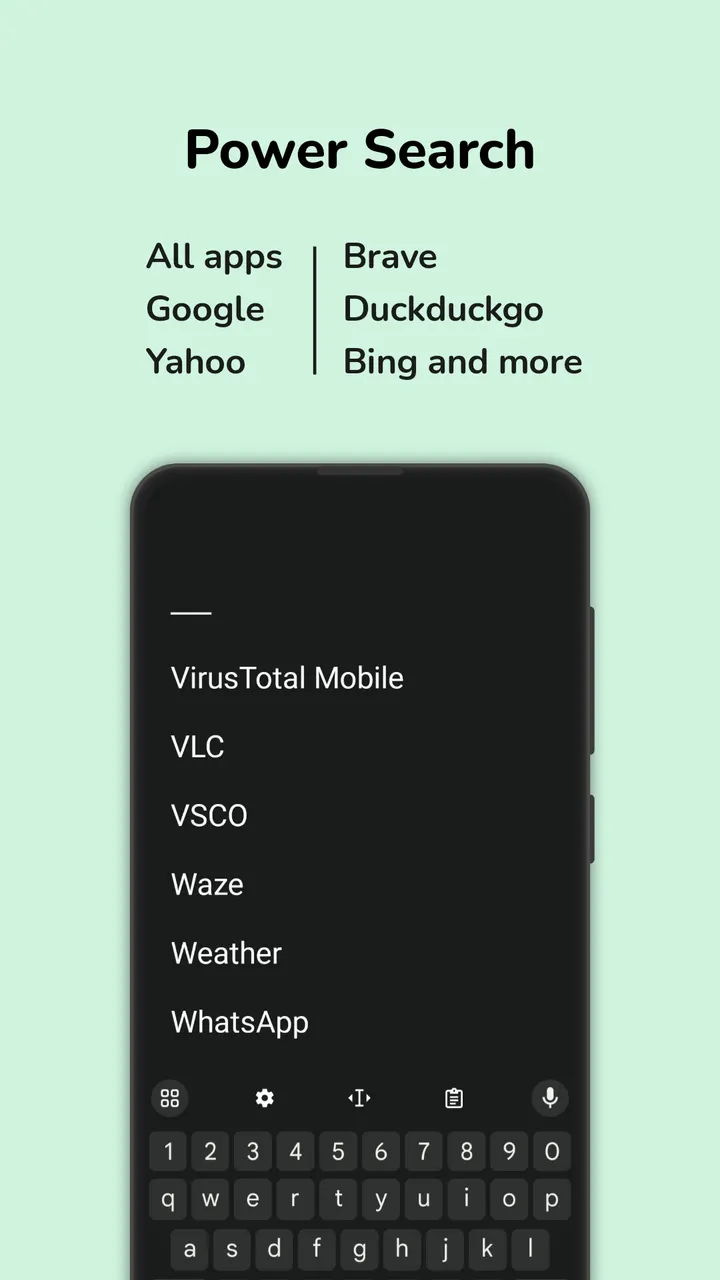
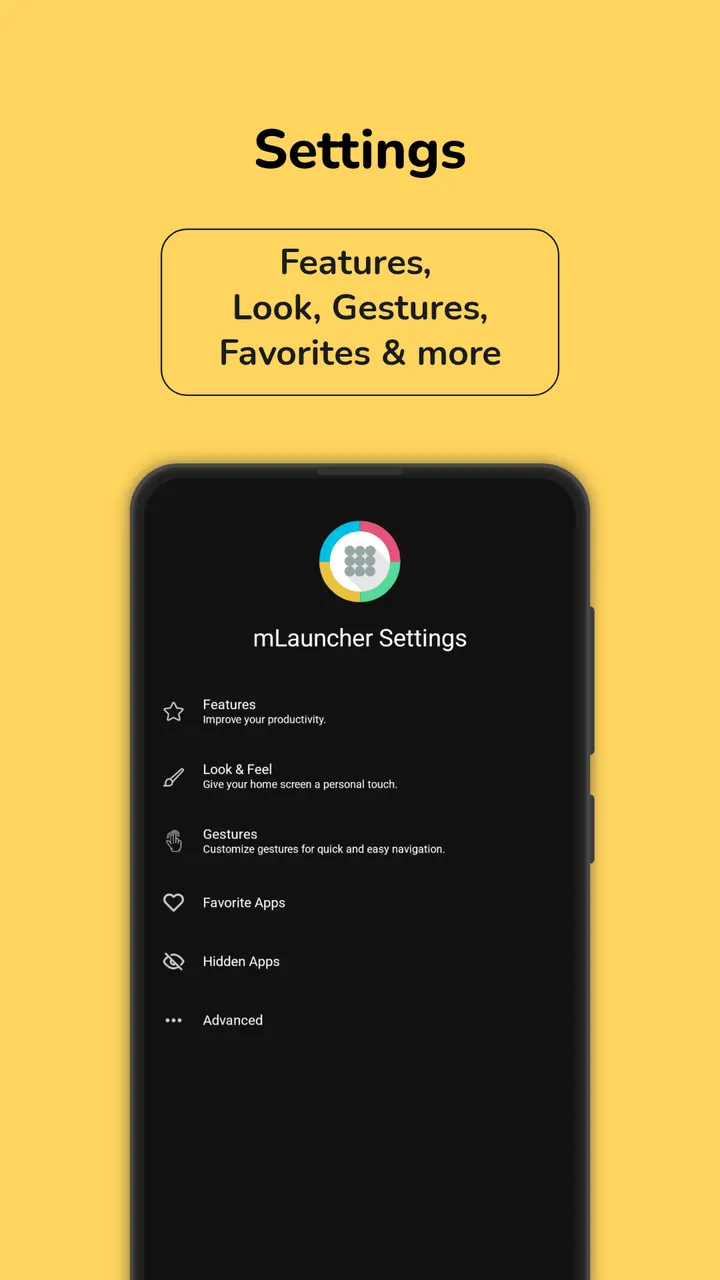
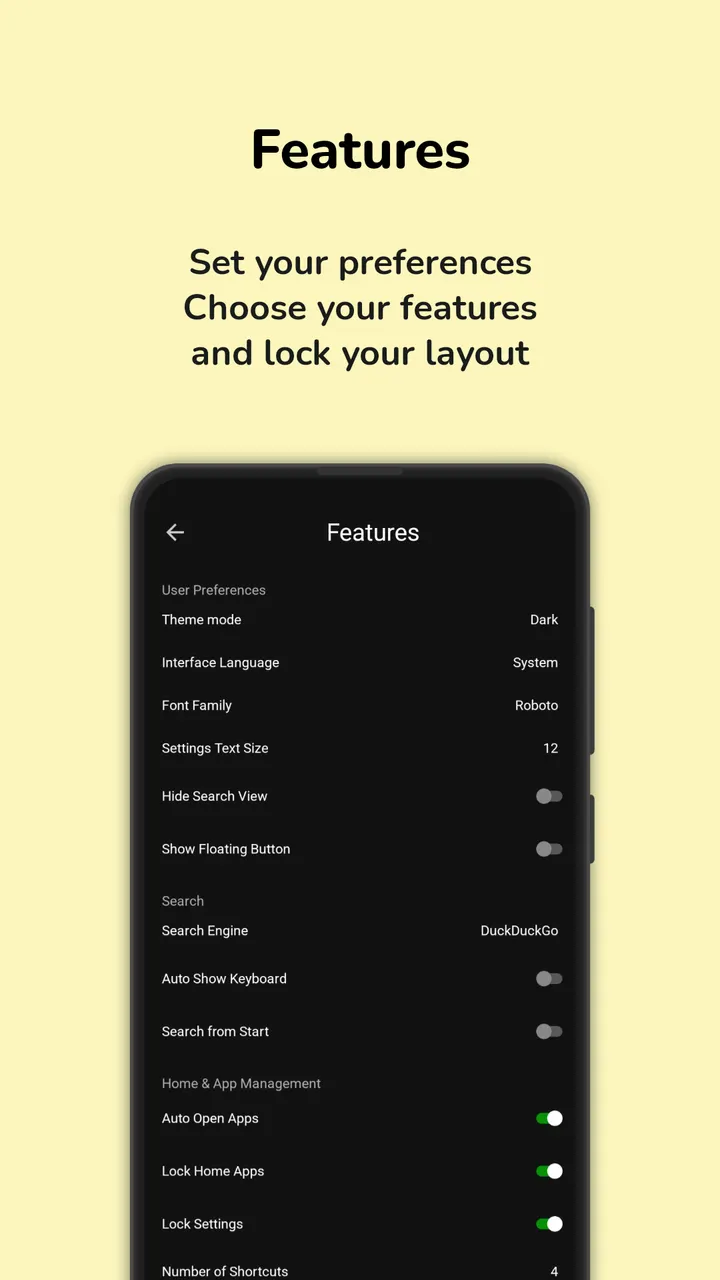
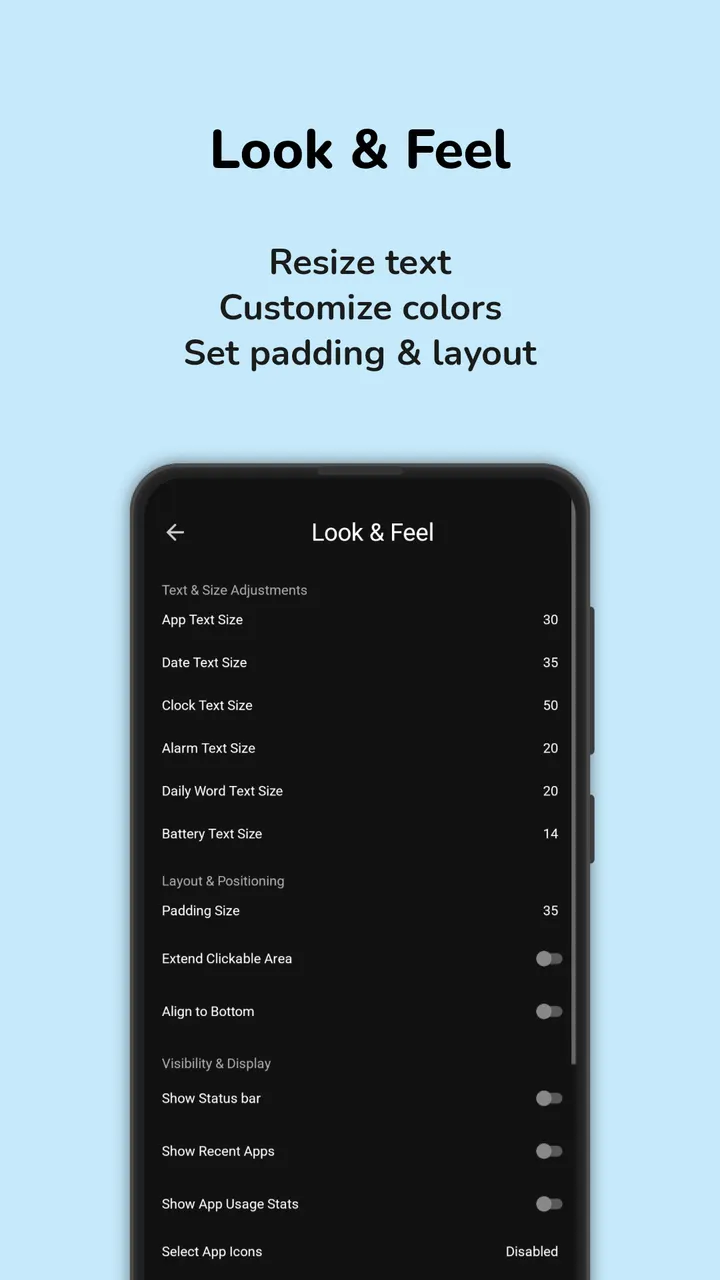
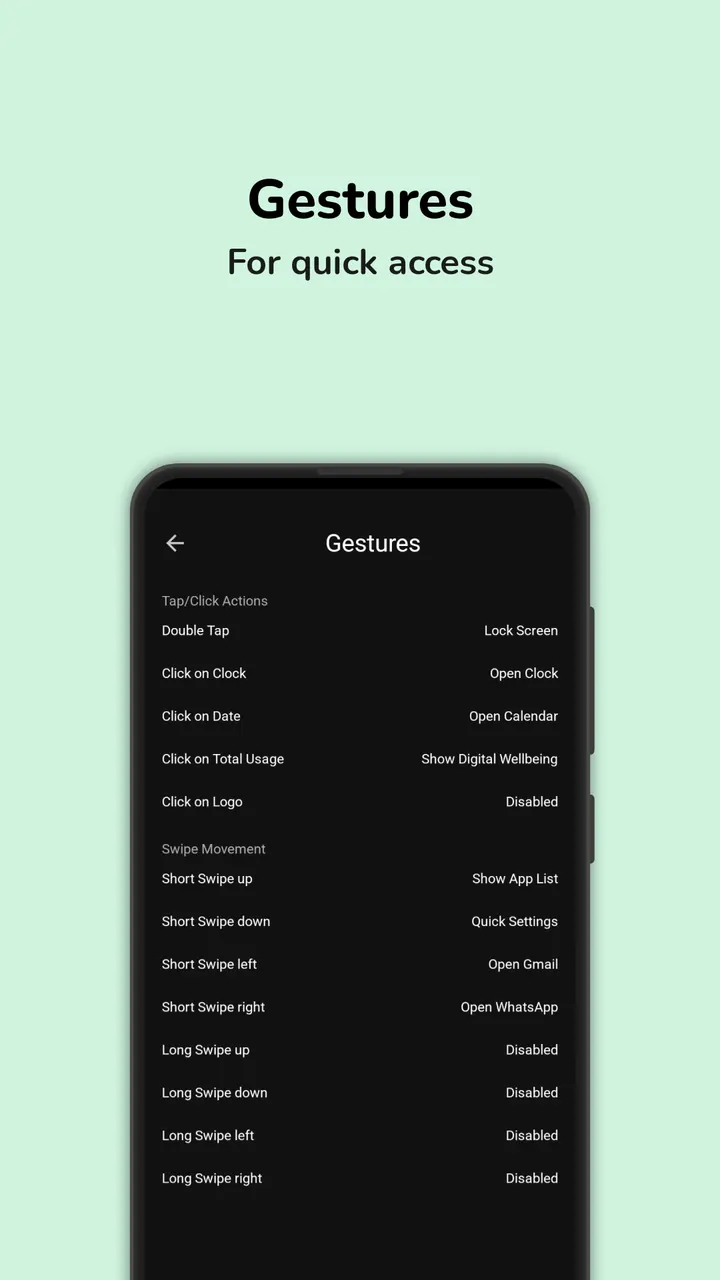
You unlock your phone and see a short list of app names in plain type instead of a grid of small icons. A swipe opens one app, a double tap locks the screen. That is the daily routine Multi Launcher from DroidWorksStudio is built around. The page below covers version 1.12.2 Build 0, updated on October 4, 2026.
A launcher that replaces icons with text
Multi Launcher replaces icon grids with a home screen of labeled text buttons. The developer pitches it at people who want readable type, large text or a calmer screen, and layout, font sizes and clock position can all be adjusted. Its package ID is app.mlauncher, and it sits in the launchers category.
The code is open source under GPL-3.0-only and published on GitHub at DroidWorksStudio/mLauncher. The app is free and shows no ads. The APK is 6.8 MB and needs Android 9 or later.
A typical session: gestures, renamed apps and usage stats
Most of the interaction happens through gestures. Taps, swipes and long swipes can open chosen apps, lock the screen or pull down notifications, and double taps can be assigned custom actions. Apps can be renamed, so a list entry matches how you think of it rather than the store title.
Layout, font size and clock position can be adjusted, and the clock and date can be placed where you want them. An app usage view shows time spent in each app. A biometric lock protects the settings.
The gesture that locks the screen, opens the power menu or lowers the notification drawer relies on the Android AccessibilityService API. The developer states that these functions do not collect or share personal data.
Compared with Hex Launcher, Escape Launcher and others
Six alternatives exist: Hex Launcher, Launcher OS, Defang, Escape Launcher, Grace Launcher and Murine Launcher. Because their behavior is not covered here, no feature-by-feature comparison is made.
Multi Launcher's own profile is text buttons, gesture shortcuts, no ads, a free price and a public GPL source. If you want those traits together, it is the one to check first. If you prefer icon grids, the alternatives are the place to look.
What's new in 1.12.2 Build 0
Version 1.12.2 Build 0 was first released on July 31, 2026 and last updated on October 4, 2026.
Multi Launcher ‧ Home Screen pros and cons
Pros
- Text buttons make app names easy to read
- Gesture shortcuts for opening apps, locking the screen and notifications
- No ads and no price
- Open source under GPL-3.0-only with code on GitHub
- Small 6.8 MB download
Cons
- Requires Android 9 or later
- Gesture functions need the AccessibilityService API
- No Google Play rating or install count is available yet
Is Multi Launcher ‧ Home Screen safe?
The APK here is the unmodified file. To check it, compare its SHA-256 checksum with this value: 437740f419b6565e88f3947ad5c62bfe25d2396341b1517507d45ef11d8e8356. The app is licensed GPL-3.0-only and its source is public on GitHub, so anyone can read the code. No independent security review is mentioned for this app.
How to install Multi Launcher ‧ Home Screen
- Download the APK with the button on this page and wait for it to finish.
- Compare the file with the SHA-256 checksum shown here if you want to confirm it arrived intact.
- Open the file on your phone and allow installs from this source when Android asks.
- Finish the install, then open Multi Launcher ‧ Home Screen from your app drawer.


