
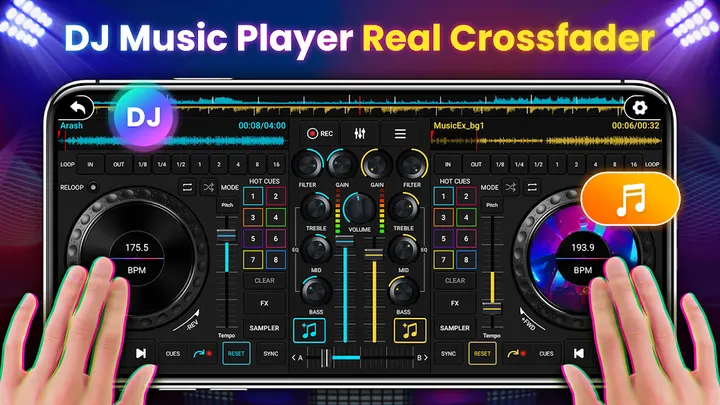
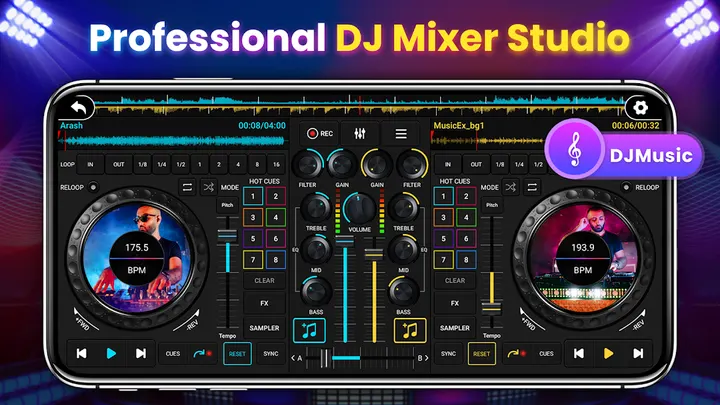
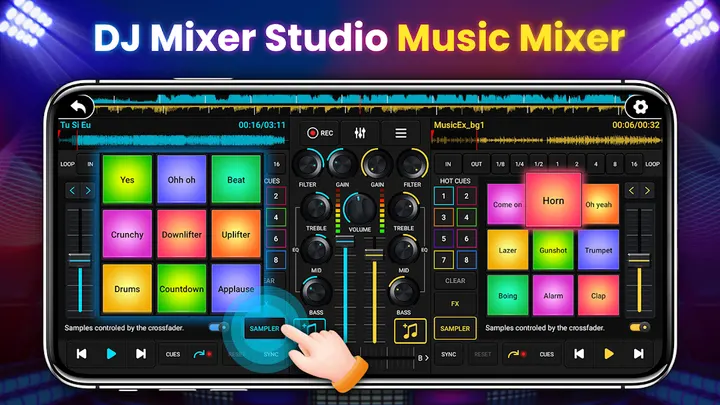
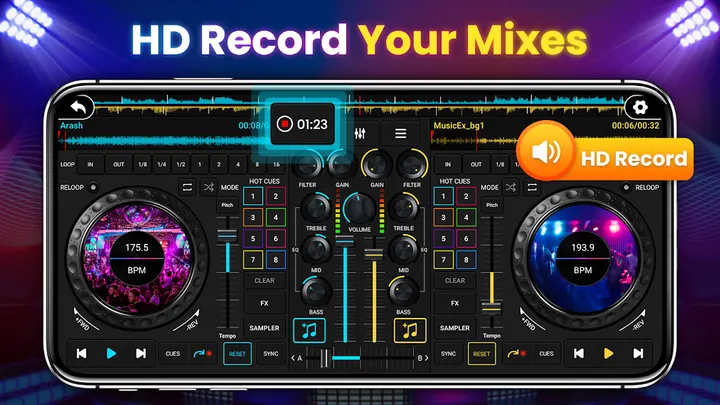
DJ Mixer Studio by Mobile_V5 turns a phone into a two-deck DJ console, with a 3-band EQ, seven FX including AutoWah, Echo and Reverb, and eight loop modes from 1/8 to 16 beats. You can scrub the disc, slide the control bar and rotate the knobs, and it also adds 27 free sample packages. Alternatives include DJ Music mixer and edjing Mix. Version 2.2.0 needs Android 6.0 or newer and is free, with ads and in-app purchases.
First steps after install: load songs and read the BPM
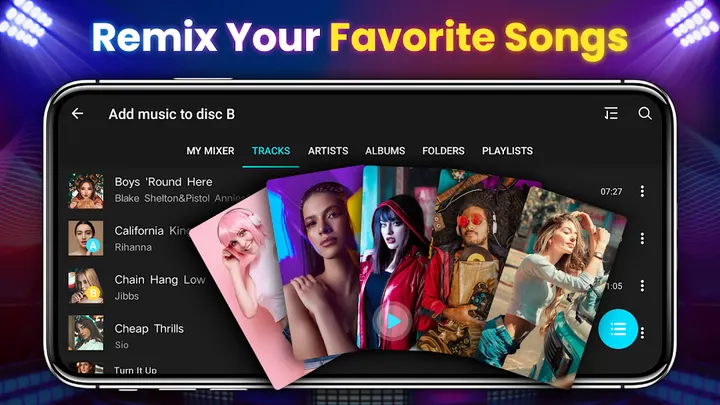
The app reads songs stored locally on the phone, so the first job is loading a track onto each of the two decks. A beginner guide explains the basic controller functions, which is the sensible place to start if you have never touched a DJ console.
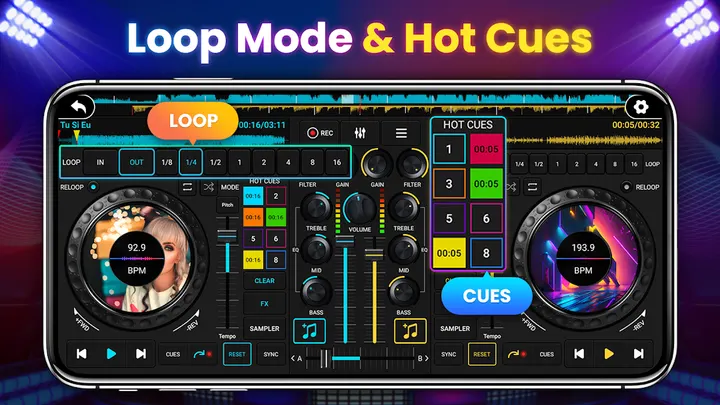
Once two tracks are loaded, the BPM readout shows each song's tempo. A sync function matches the rhythm of both, and a tone lock keeps the pitch steady when tempo changes. The crossfader then handles fade-in and fade-out between decks, and one-click recording captures a session.
Seven effects, eight loop modes and 27 sample packs
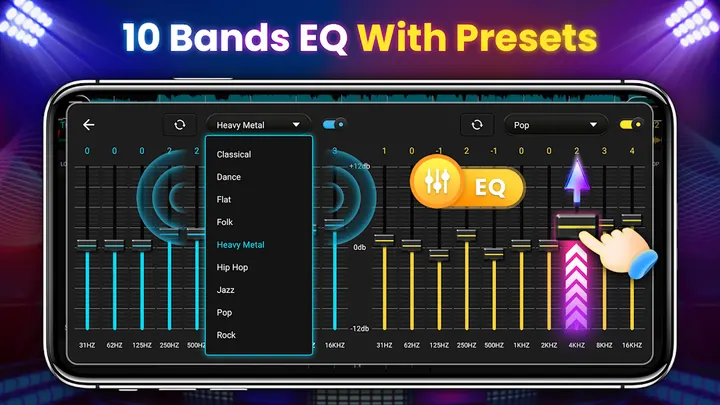
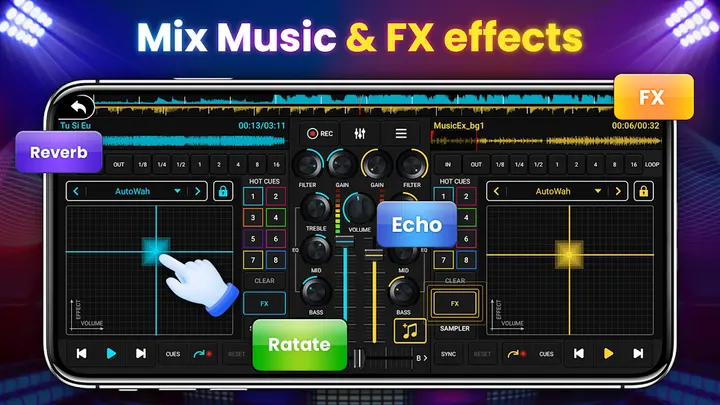
The effects processor has seven FX: AutoWah, Echo, Damp, Reverb, Chorus, Phaser and Rotate. Equalizing comes in two forms, three quick EQ buttons and a ten-segment equalizer for finer work. A bass enhancement control is also included.
Looping covers eight modes from 1/8 to 16 beats, and up to 8 hotspots can be set. The app adds 27 sample packages, described as free, for dropping sound effects into songs. The screen layout uses larger buttons adapted to phone size.
When an alternative fits better
The app offers no desktop-style hardware support, streaming service integration or export options beyond one-click recording. Anyone who needs those should check alternatives such as edjing Mix, DiscDj 3D Music Player or YouDJ Mixer against their own needs.
Beat Maker Pro is another alternative, so compare it directly on Google Play before choosing.
DJ Mixer Studio pros and cons
Pros
- Two decks with a crossfader, BPM sync and tone lock
- Seven FX plus a ten-segment equalizer and three quick EQ buttons
- Eight loop modes from 1/8 to 16 beats and up to 8 hotspots
- 27 sample packages and one-click recording
- Free to install, with a beginner guide
Cons
- Contains ads
- Includes in-app purchases
- Plays local songs only, with no streaming support
Is DJ Mixer Studio safe?
Install DJ Mixer Studio from Google Play, where Mobile_V5 publishes it under the package ID music.disc.dj.mixer.music.mixer. The content rating is Everyone. Before you install, check the permissions the app asks for, since it contains ads and in-app purchases.
How to install DJ Mixer Studio
- Press the Google Play button on this page.
- Check the listing in the Play Store and press Install.
- Open DJ Mixer Studio when the install finishes. Updates arrive through Google Play.