
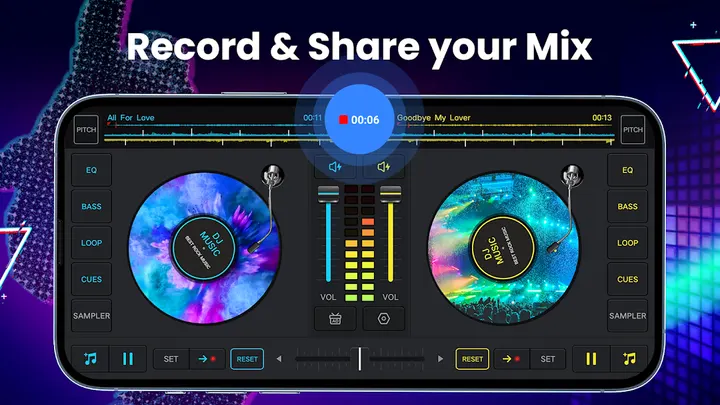
DJ Music mixer has over 50 million installs on Google Play, which puts it among the most widely used phone DJ apps in the catalog. Easyelife publishes it as a free Android app with a crossfader, two virtual turntables and a pad section for sound effects. It is available through Google Play only. This page covers what the app does, how a session works and how it sits next to similar tools.
Two turntables, a crossfader and 6 hot cues per deck
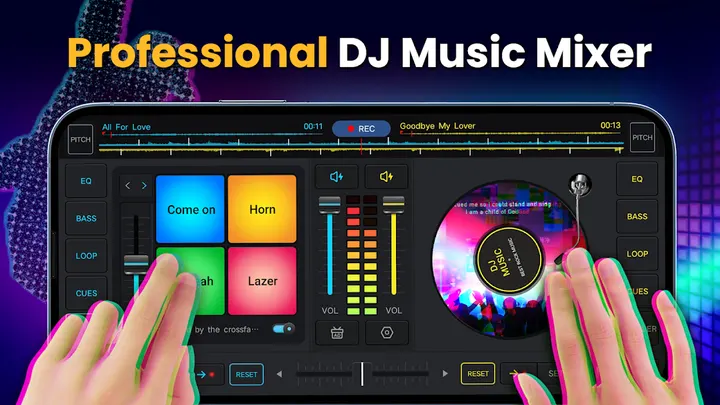
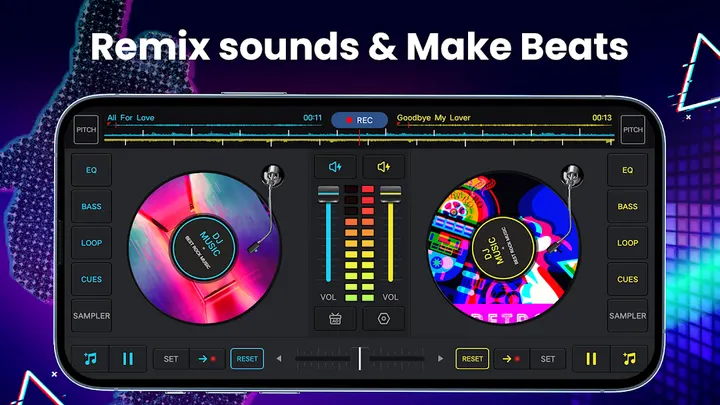
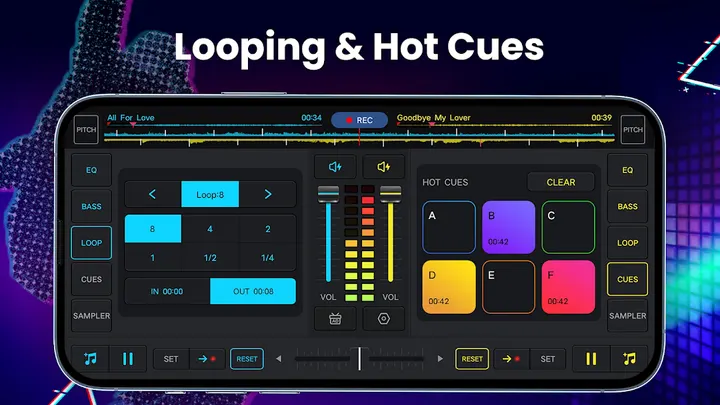
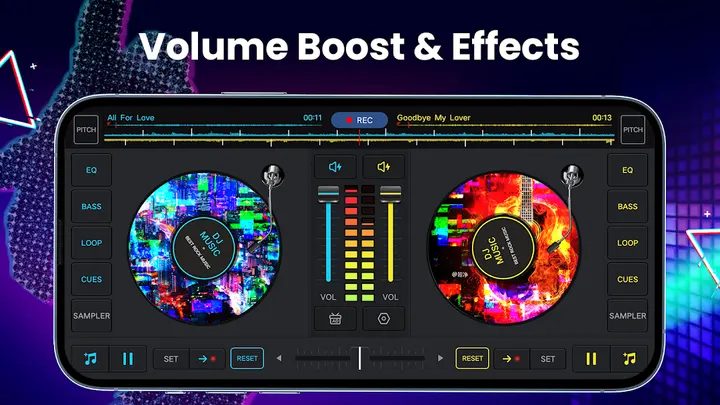
The core of the app is a two-deck mixer. A real crossfader sits between two virtual turntables, and each deck takes up to 6 hot cues. Loops run from 1/64 to 128, so you can lock a very short stutter or a long phrase.
The developer says pro DJs designed the layout and that the main controls are reachable quickly. Google Play rates the app 4.5 from 67.2 thousand ratings.
A typical session from library to recorded mix
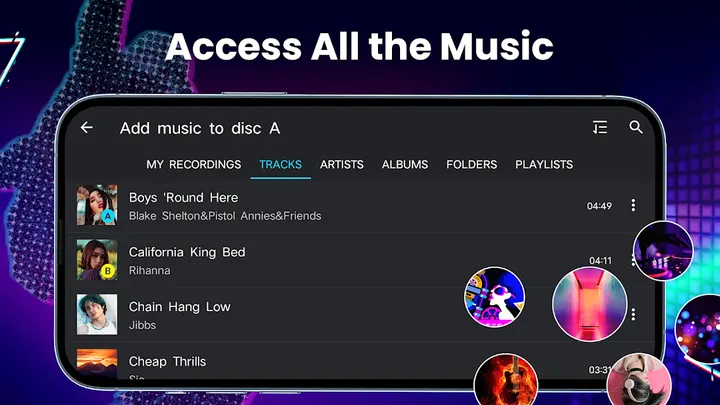
You start by pulling tracks from the music already on the device. The library can be browsed by tracks, artists, albums or folders, and songs can be added to a playlist for easier loading. Once a track is on a deck, you can rotate the disc to play it forward or backward.
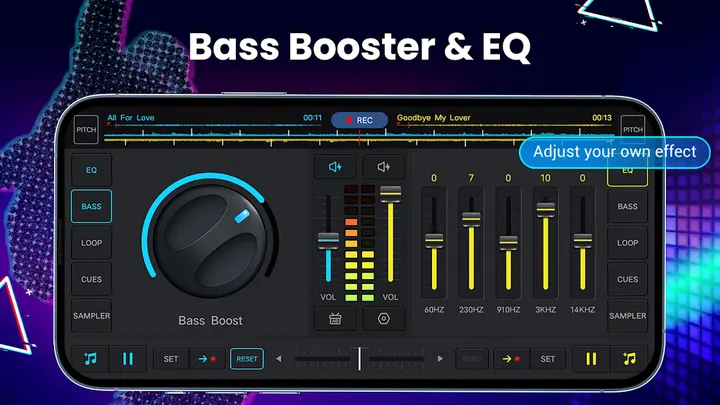
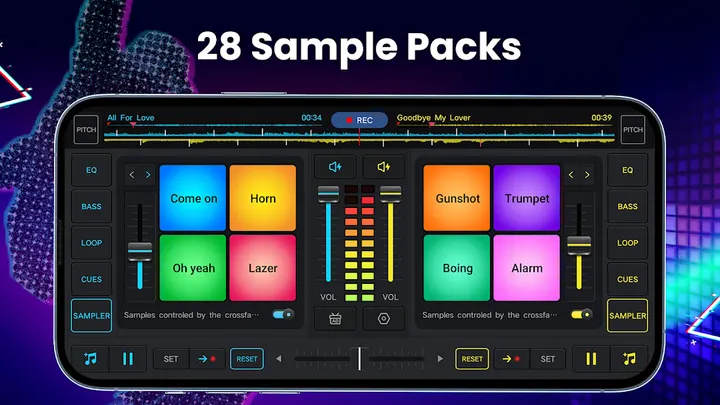
From there the work is mixing and shaping. The five-band equalizer and bass boost adjust tone, while volume and pitch are adjustable per mix. The pad section holds 28 free sample packs, with sounds such as gunshot, clap, boing and scratch.
Recording is built in. Mixes and scratch routines can be saved as .mp3 files, using the microphone or, on Android 10, the internal audio. The app needs Android 6.0 or later.
How it compares with edjing Mix, DiscDj 3D and the others
The catalog lists five alternatives: edjing Mix, Beat Maker Pro, DJ Mixer Studio, DiscDj 3D Music Player and YouDJ Mixer.
This app combines deck mixing, a sample pad bank and an mp3 recorder in one free download, and Easyelife positions it for both beginners and experienced DJs.
DJ Music mixer pros and cons
Pros
- Real crossfader with two virtual turntables
- Up to 6 hot cues per deck and loops from 1/64 to 128
- 28 free sample packs on the remix pads
- Records mixes as .mp3, with internal audio capture on Android 10
- Free to install, with 4.5 on Google Play from 67.2 thousand ratings
Cons
- Contains ads
- Offers in-app purchases
- Needs Android 6.0 or later
- Version 2.7.1 has no published changelog
Is DJ Music mixer safe?
Google Play is the place to install DJ Music mixer, and it carries an Everyone content rating. The publisher is Easyelife and the package ID is dj.music.mixer.sound.effects. The app shows ads and offers in-app purchases. We have no permissions list for it, so read the permissions on the Google Play page before you install, particularly anything about microphone access for recording your mixes.
How to install DJ Music mixer
- Press the Google Play button on this page.
- Check the listing in the Play Store and press Install.
- Open DJ Music mixer when the install finishes. Updates arrive through Google Play.