

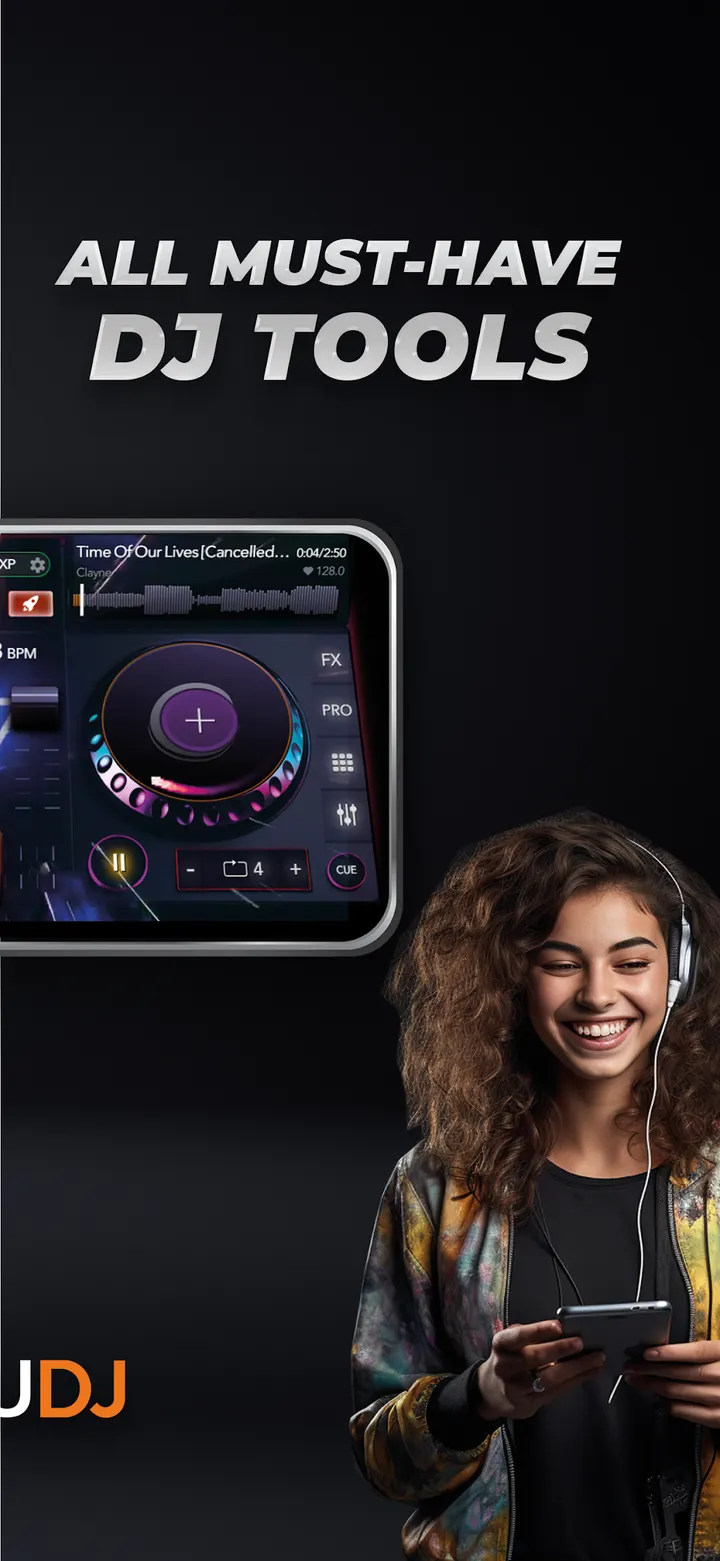
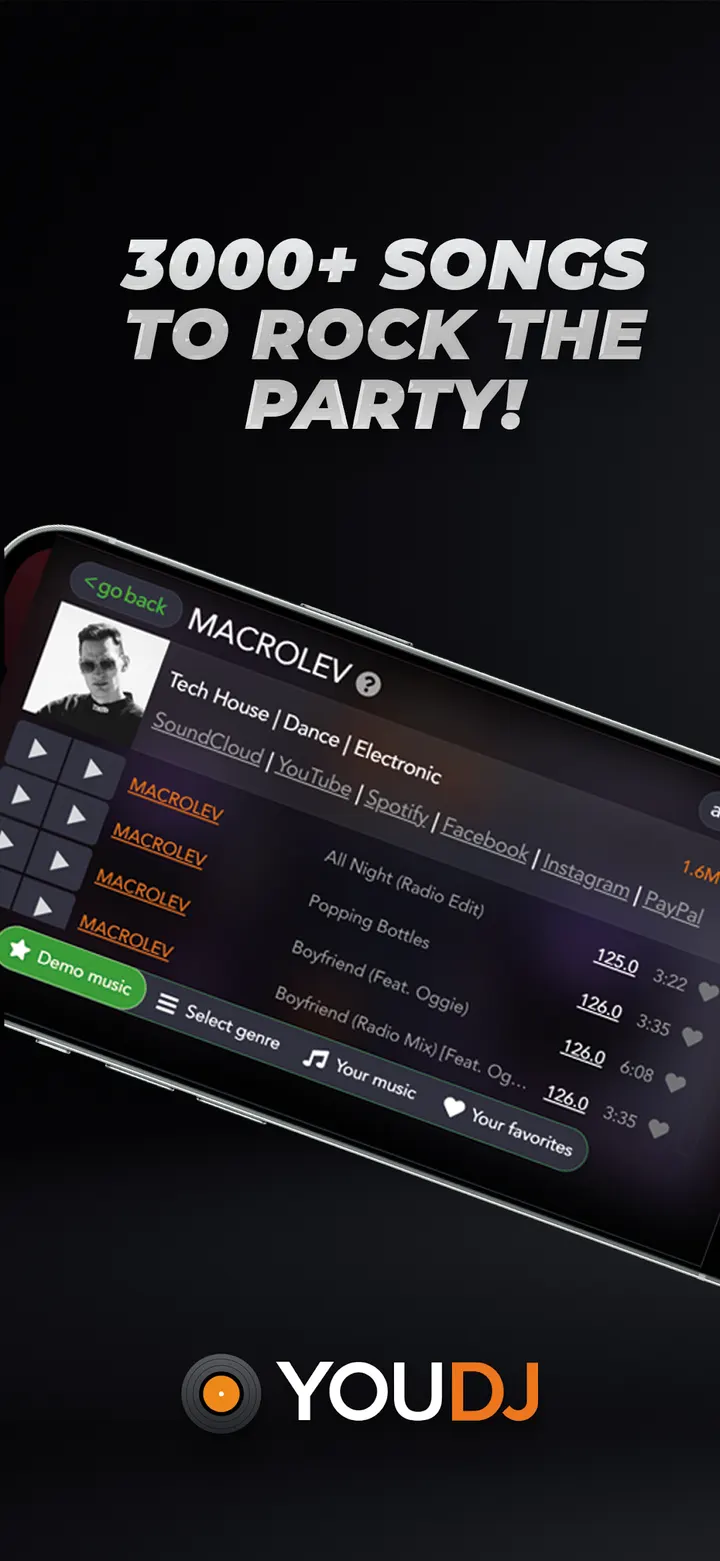

YouDJ Mixer is for people who want to try mixing music on a phone without studying DJ theory first. It was built by a solo programmer, Erik of YOUDJ, who spent 15 years on it, and it runs on Android 7.0 or newer. Features include vinyl scratching, auto beat sync, keylock, loops, automix and hot cues.
Mixing two songs without prior DJ knowledge
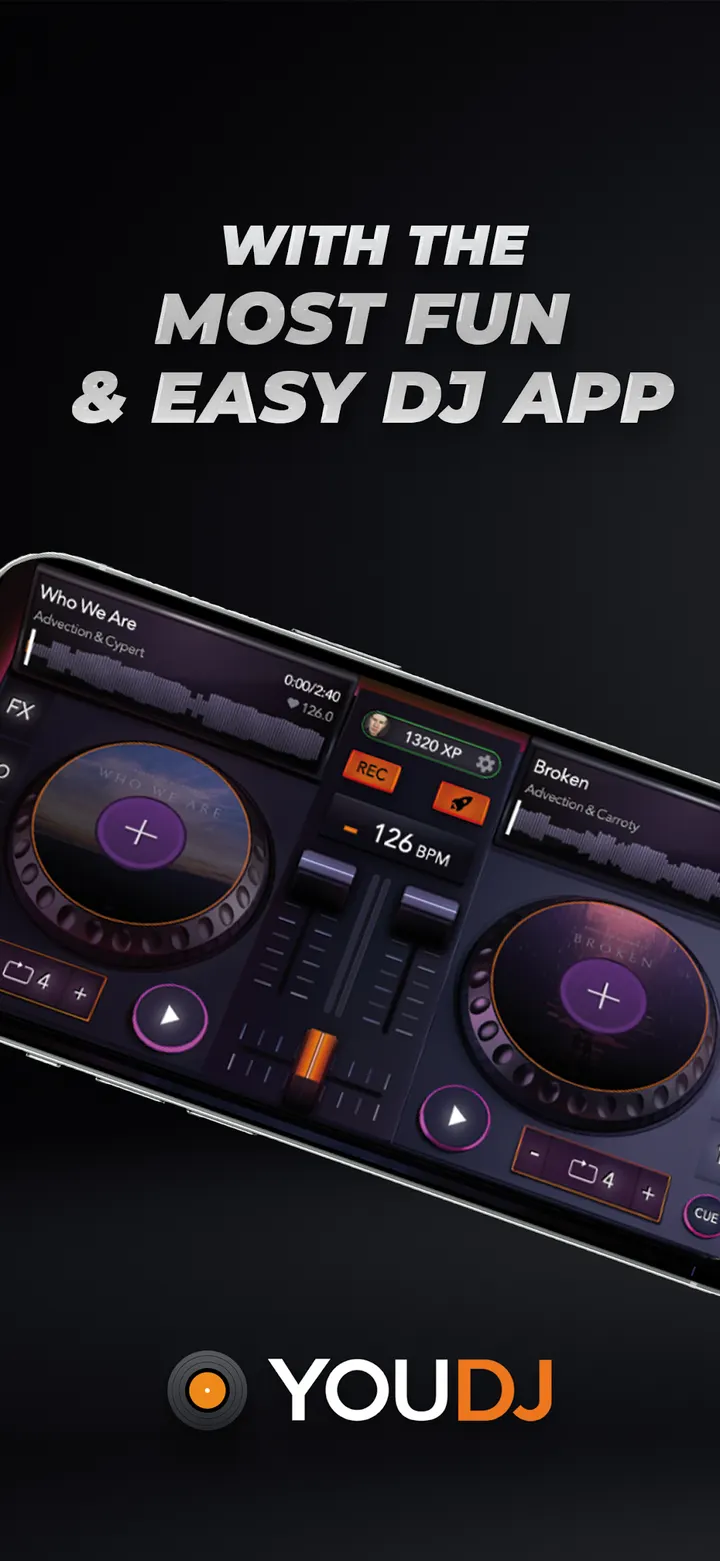
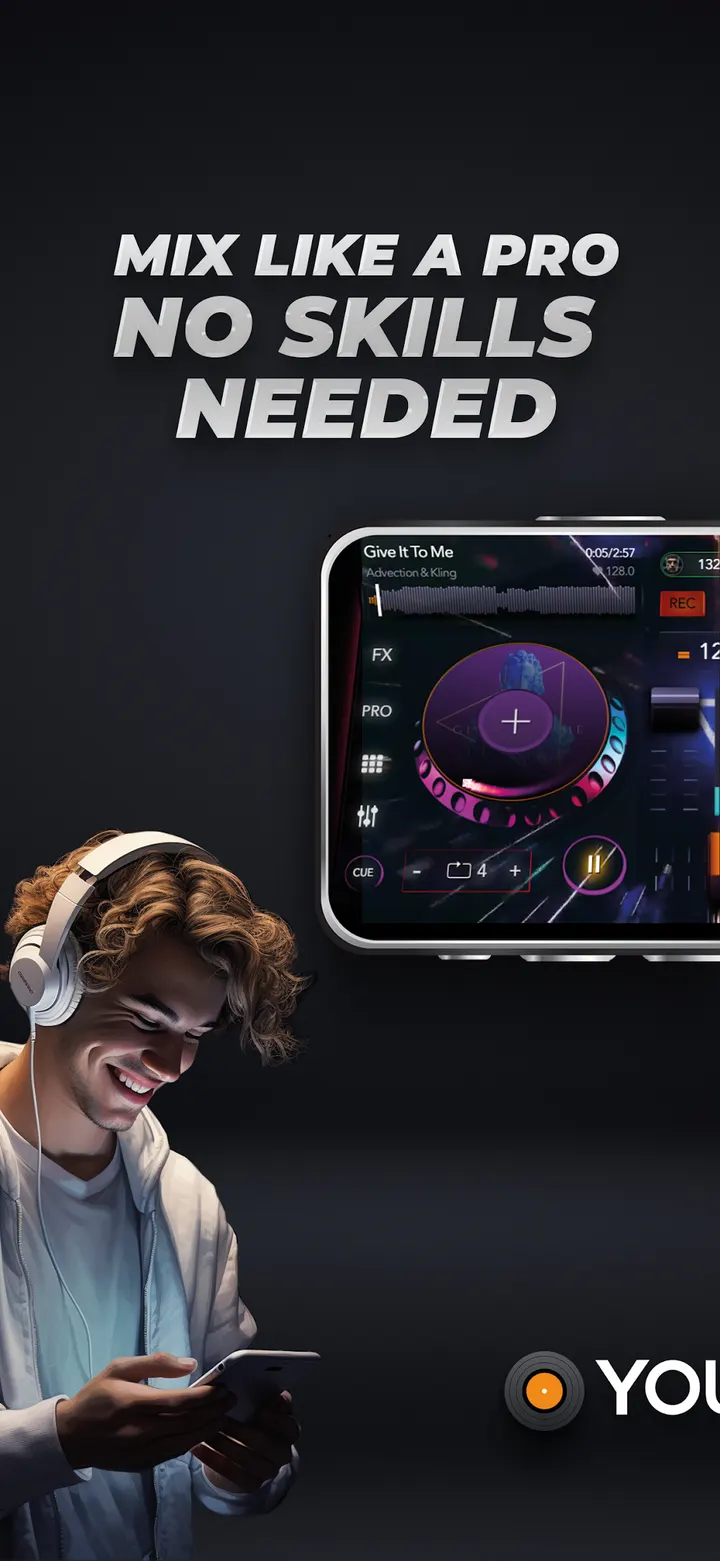
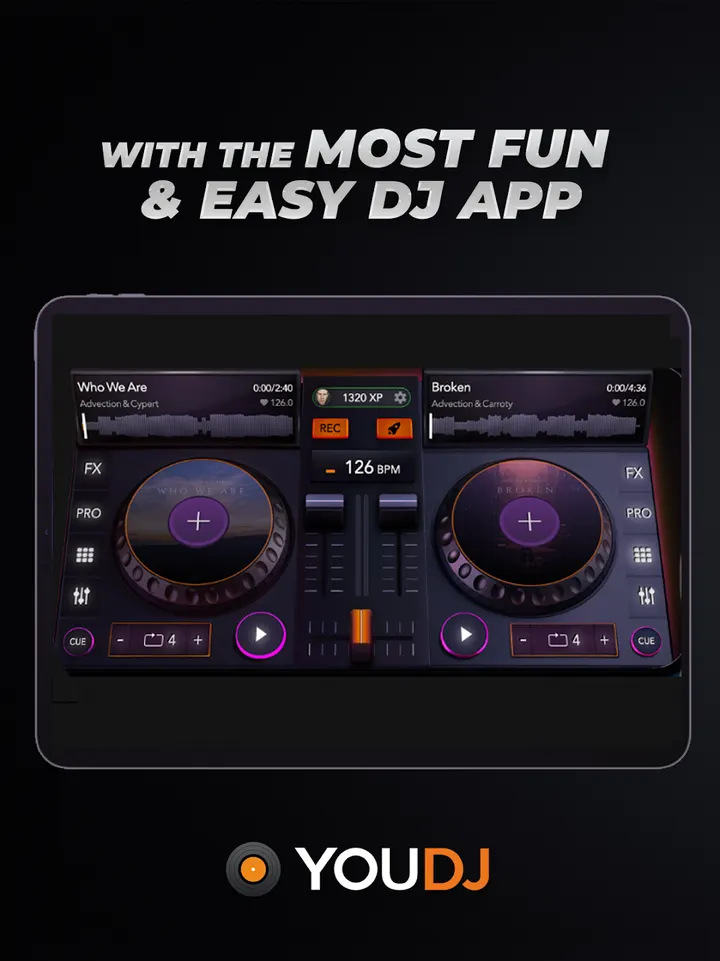
Real DJ gear is expensive and hard to read for a beginner. YouDJ Mixer copies the classic layout of two turntables and a central mixer, so the idea is simple: put a song on each deck and blend them with the mixer.
The developer, who describes himself as a solo programmer, says the app is meant to work without preliminary knowledge.
Scratching, loops and an 80-sound sampler
The tool list is specific. It has 16 sound effects, a sampler with 80 sounds, vinyl scratching, automatic beat synchronization, keylock, loops, automix and hot cues. The description also names the EQ and FX pads as ways to shape a mix.
The developer admits it is not the most complete DJ app. It covers the core tools rather than every advanced function, which fits a beginner audience.
The app ships with a preloaded music collection, and it can also play MP3 files stored on your device.
Streaming limits and what to check before installing
YouDJ cannot connect to Apple Music, Spotify or YouTube Music. The developer explains that those services use closed platforms and DRM encryption, so you need your own MP3 files for anything beyond the bundled tracks.
There are no ads and no in-app purchases, and the app is free. The current version is 30.20, last updated on February 19, 2026, and the app first appeared on February 4, 2020. It is rated Everyone.
YouDJ Mixer pros and cons
Pros
- Free, with no ads and no in-app purchases
- Two-deck layout with scratching, loops, hot cues and automix
- Sampler with 80 sounds and 16 sound effects
- Plays MP3 files from your device
- Rated 4.7 on Google Play from 27.9 thousand ratings
Cons
- No integration with Apple Music, Spotify or YouTube Music
- The developer says it is not the most complete DJ app
- Needs Android 7.0 or newer
- Updates do not come with release notes
Is YouDJ Mixer safe?
The publisher is YOUDJ, with a website at you.dj and the package ID you.dj. Check that the listing shows this package ID before you install. Since the app has no ads and no in-app purchases, nothing inside the mixer asks for payment. Look over the permissions on the store page as well.
How to install YouDJ Mixer
- Press the Google Play button on this page.
- Check the listing in the Play Store and press Install.
- Open YouDJ Mixer when the install finishes. Updates arrive through Google Play.