
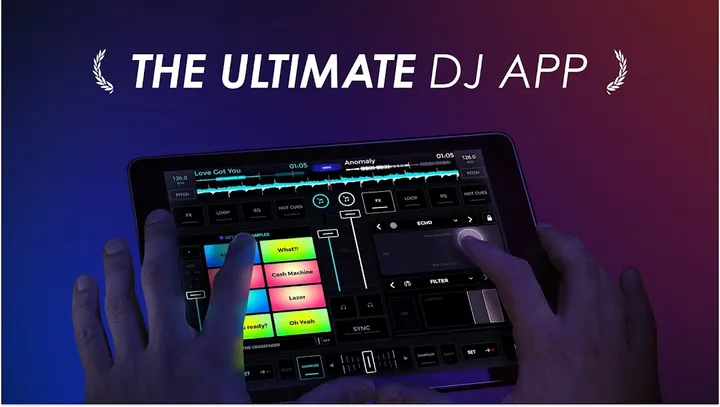
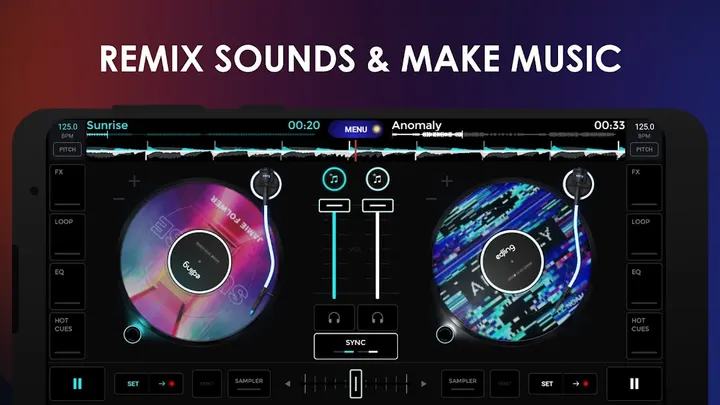
You have a playlist, a phone and a party in an hour, but no turntables. edjing Mix, from MWM - AI Music and Creative Apps, puts two decks, effects and a sampler on an Android screen. It is listed in Google Play only, and the version covered here is 7.40.00, updated October 23, 2026.
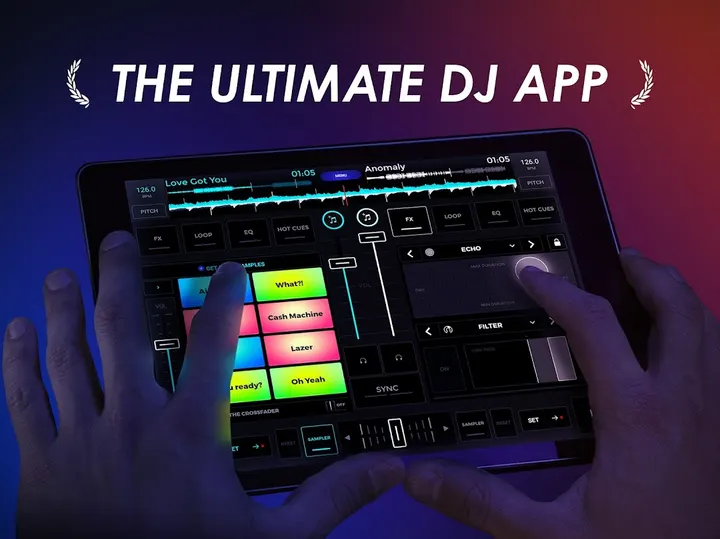
Mixing without hardware, from phone or tablet
The app first appeared on November 13, 2012, and Google Play now shows over 100 million installs. Its rating there is 4.6 from about 1.7 million ratings, with an Everyone content rating.
The pitch is a pocket DJ studio built with professional DJs. It targets people who want to learn mixing or sharpen existing skills without buying equipment.
Spotify decks, BPM detection and WAV recording
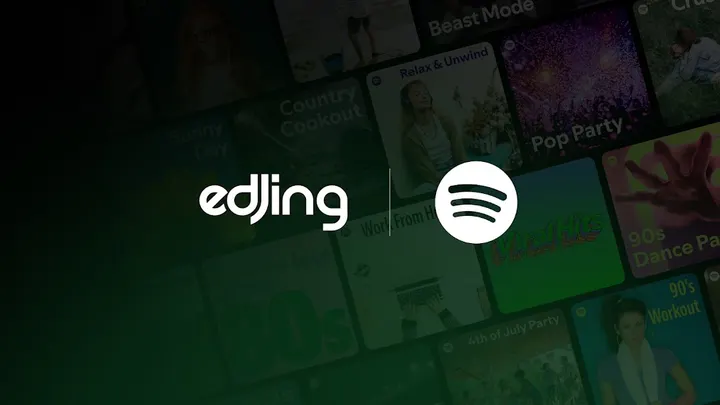
Tracks can come from Spotify, TIDAL, SoundCloud and local folders. Spotify access needs a Premium account, and it covers playlists, Liked Songs and full-length tracks on both decks.
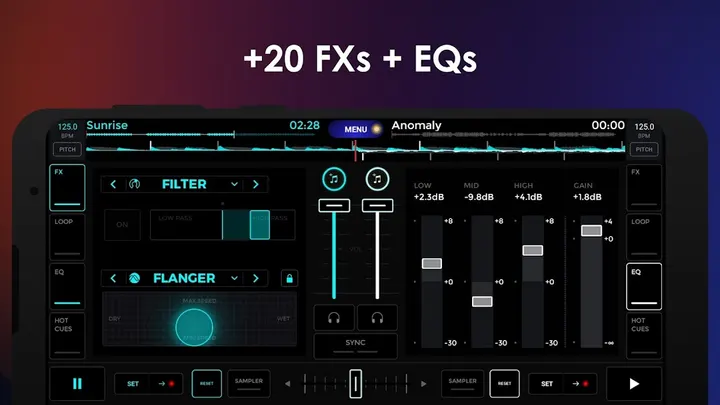
The toolset includes automatic BPM detection, continuous sync between tracks, a three-band EQ with gain, and Echo, Flanger, Reverse and Filter effects. The description also cites more than 20 DJ effects and features overall.
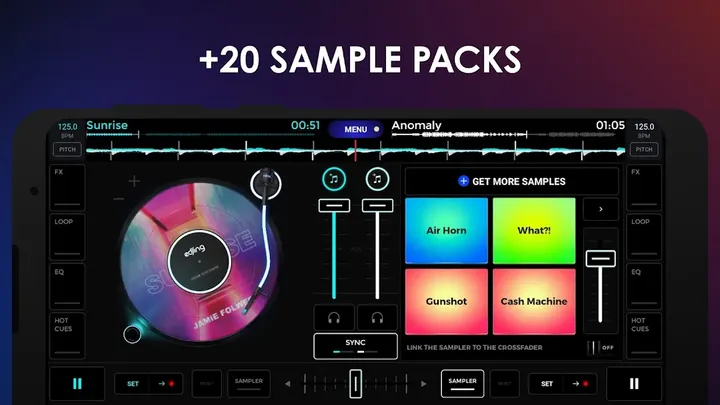
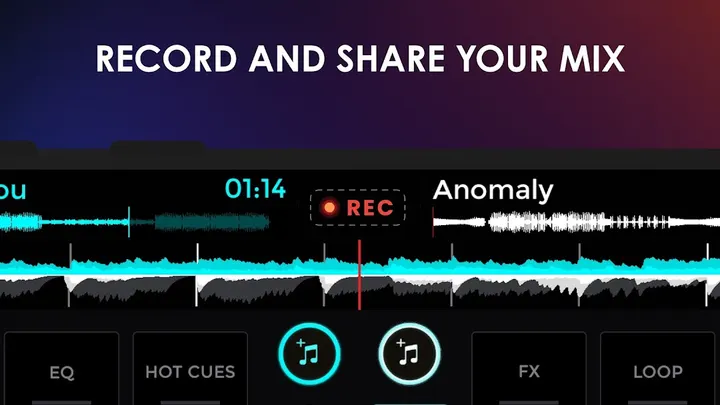
There are over 20 sample packs made with Future Loops, covering styles such as EDM, Hip-Hop and dubstep. Mixes and scratch routines can be recorded in HD as .wav files. The app can also separate vocals, drums and instruments, and it supports a mic.
What to check before installing edjing Mix
edjing Mix is free to install, though it carries ads and offers in-app purchases. Look at the purchase options inside the app before you commit.
Spotify tracks need a Premium subscription, and the developer says what you can use may differ by country. The app also works with DJ hardware.
edjing Mix pros and cons
Pros
- Spotify, TIDAL, SoundCloud and local files can feed the decks
- Automatic BPM detection and continuous sync between tracks
- HD recording of mixes in .wav format
- Over 20 sample packs created with Future Loops
- Rated 4.6 on Google Play across about 1.7 million ratings
Cons
- Contains ads
- Includes in-app purchases
- Spotify features require a Premium subscription
- Feature availability may differ by country
Is edjing Mix safe?
Google Play is the place to install edjing Mix (package ID com.edjing.edjingdjturntable), published by MWM - AI Music and Creative Apps, whose website is edjing.com. No independent security review is part of what we know, so check the permissions the app asks for on its Play page before installing.
How to install edjing Mix
- Press the Google Play button on this page.
- Check the listing in the Play Store and press Install.
- Open edjing Mix when the install finishes. Updates arrive through Google Play.