
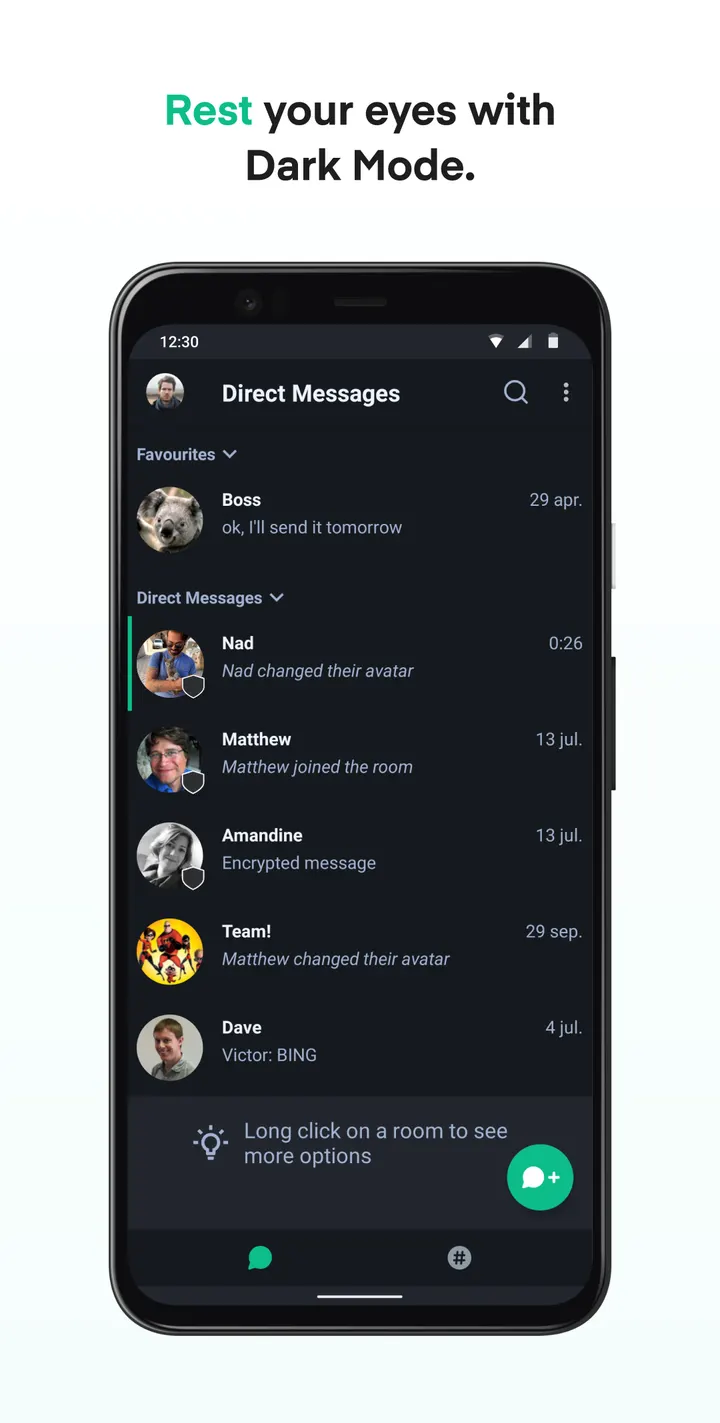
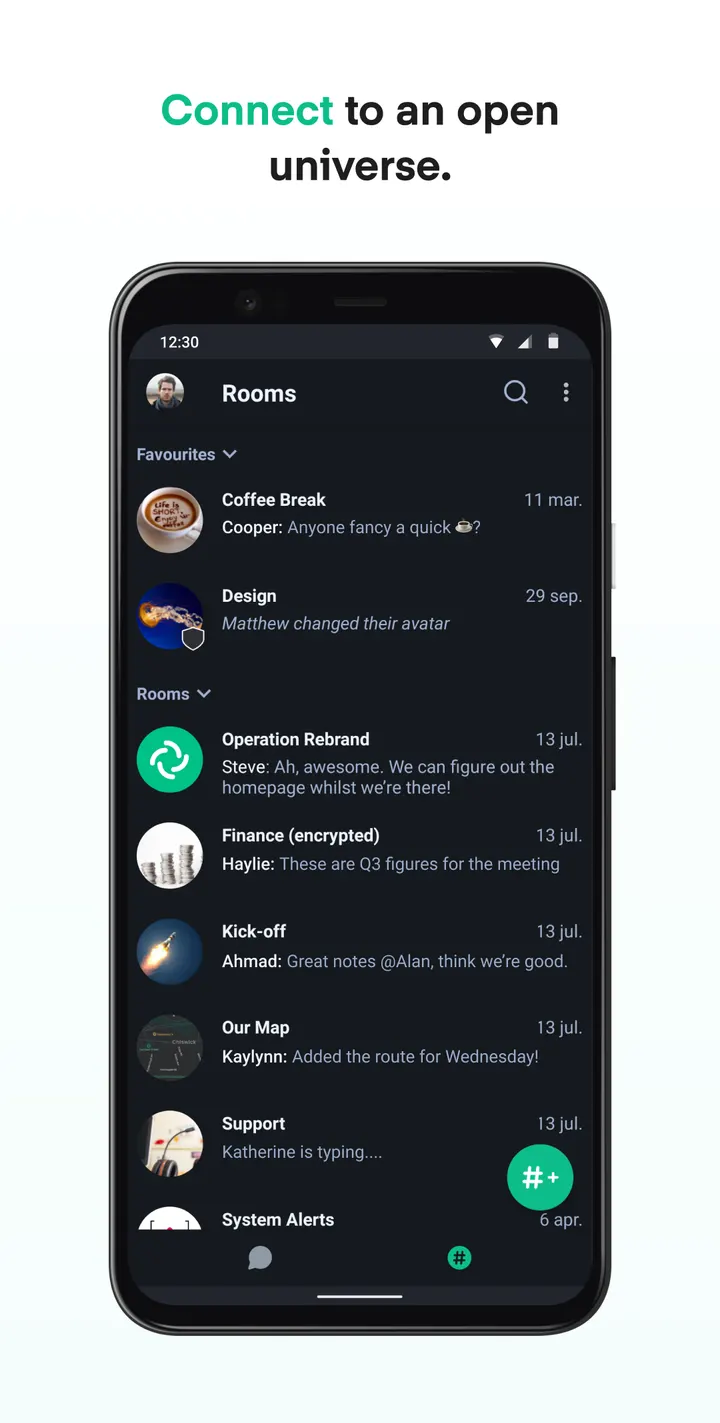
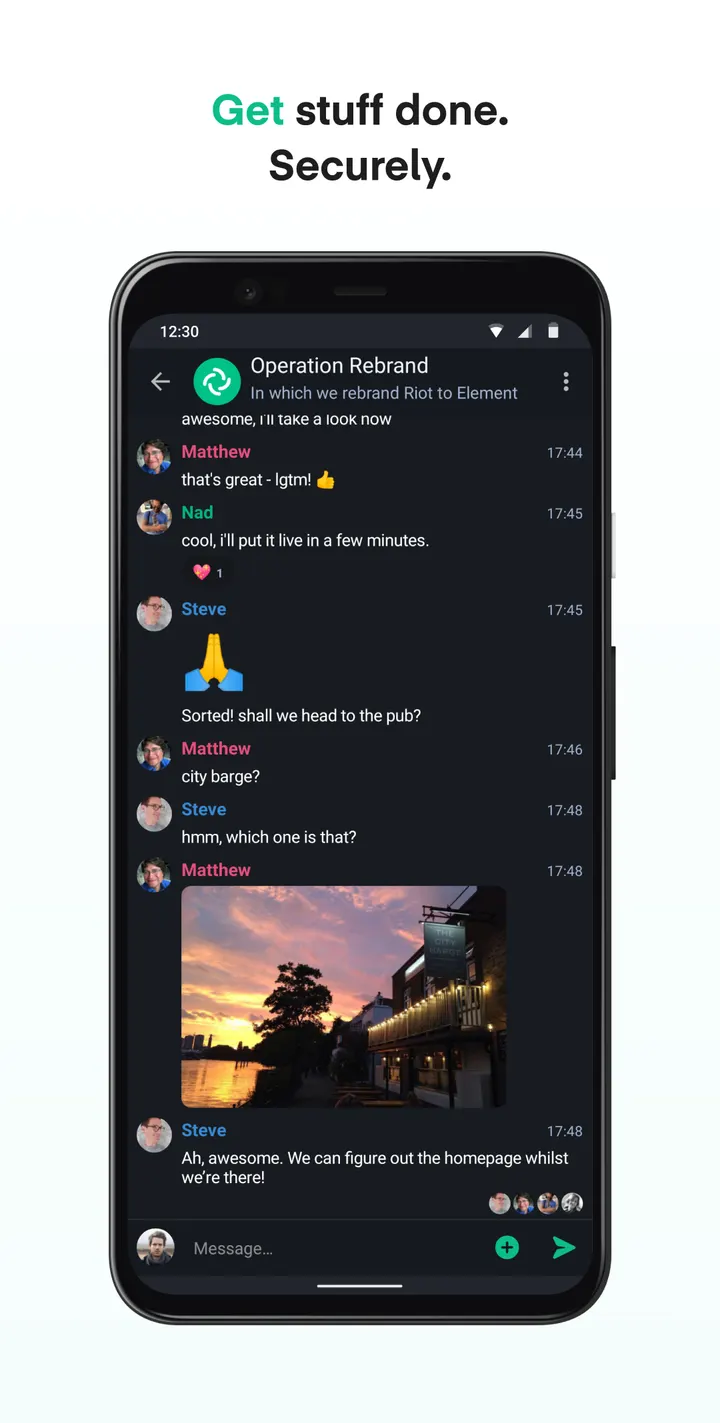
WhatsApp asks you to trust a closed codebase; Element Classic publishes its source on GitHub under AGPL-3.0-or-later. It is the previous-generation Element messenger from Element Creations Ltd., and the developer now points most people to newer apps. TopDown APK hosts version 1.6.62, updated July 29, 2026, as the unmodified file.
First steps after installing the 69.1 MB APK
The package ID is im.vector.app, and the app needs Android 5.0 or newer. The file is 69.1 MB, so check free storage before sideloading.
Compare the SHA-256 checksum of your download with ff73751599211c709c1e691d1a2b7412df0bab979ffbe8ff0d4b7f31c6a444c9 before you open it.
What Element Classic does well without ads or a price
It is free and shows no ads. It sits in the messaging and phone-and-sms tags, and the source is public at the element-hq/element-android repository.
The app has been around since July 16, 2020, and the developer says it still gets critical security updates. It is the previous generation of Element.
Who should pick Element X or Element Pro instead
The developer says friends, family and communities should use Element X, described as faster, easier to use and more powerful. Public sector bodies, enterprises and professional teams are pointed to Element Pro.
Element Classic gets no new features. The developer states it will be available at least until the end of 2025, so check the current status before you rely on it.
Element Classic pros and cons
Pros
- Free, with no ads
- Open source under AGPL-3.0-or-later with a public GitHub repository
- Runs on Android 5.0 and newer
- Unmodified APK with a published SHA-256 checksum
- Critical security updates continue, according to the developer
Cons
- Previous generation, with no new features planned
- Developer recommends Element X or Element Pro for new users
- 69.1 MB download
Is Element Classic safe?
TopDown APK rates this file tier A and hosts it unmodified, so you can verify it against the SHA-256 checksum. The publisher is Element Creations Ltd. and the code is open under AGPL-3.0-or-later. No independent security review is available, so this is not a guarantee beyond that.
How to install Element Classic
- Download the APK with the button on this page and wait for it to finish.
- Compare the file with the SHA-256 checksum shown here if you want to confirm it arrived intact.
- Open the file on your phone and allow installs from this source when Android asks.
- Finish the install, then open Element Classic from your app drawer.


