
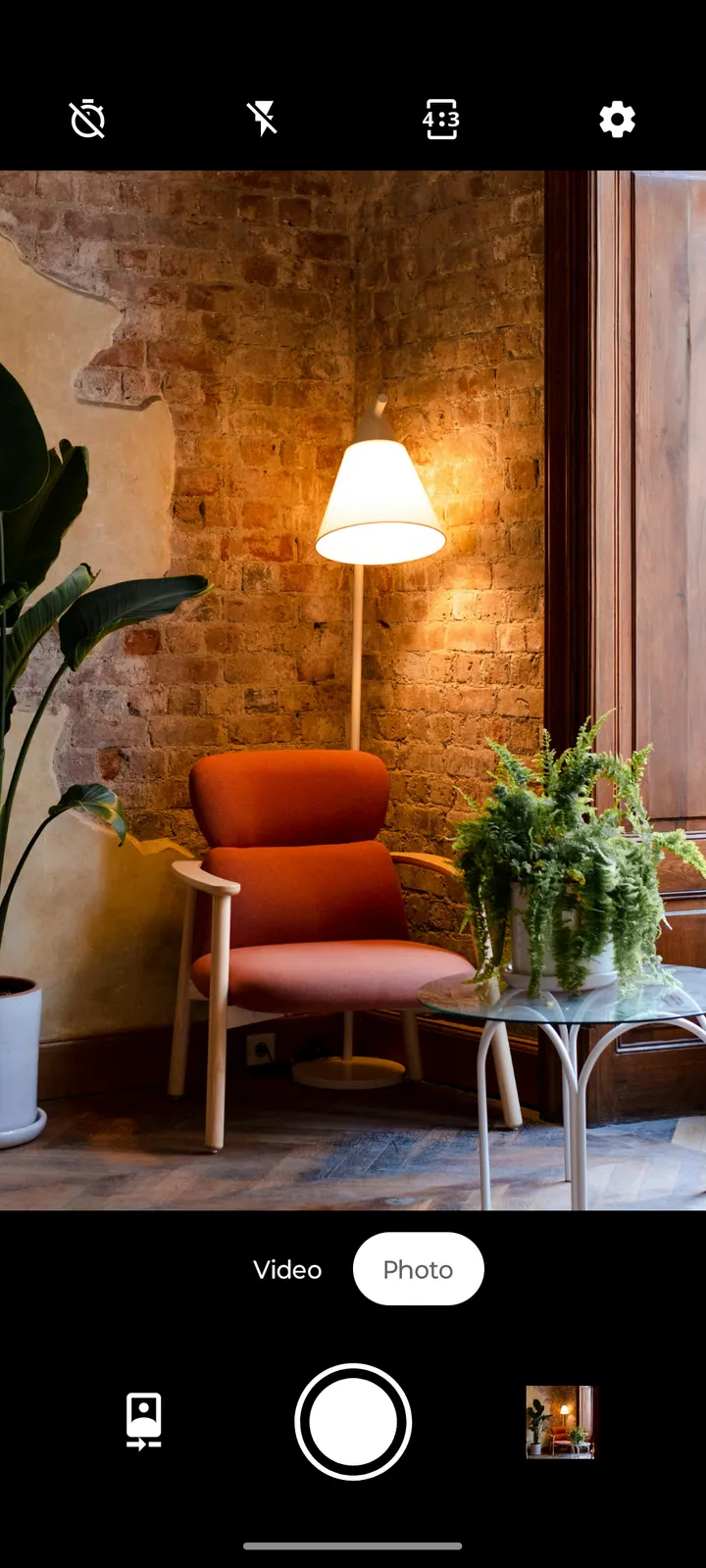
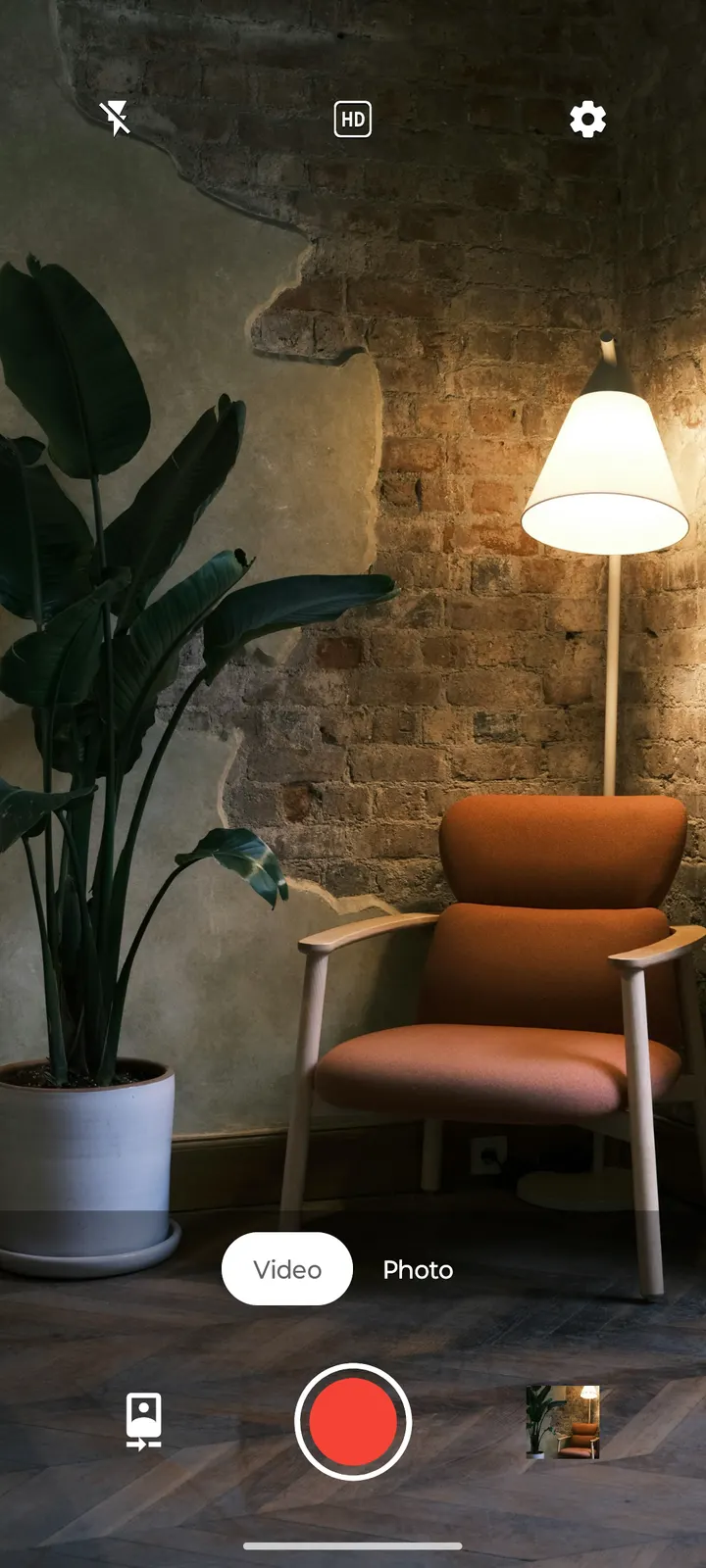
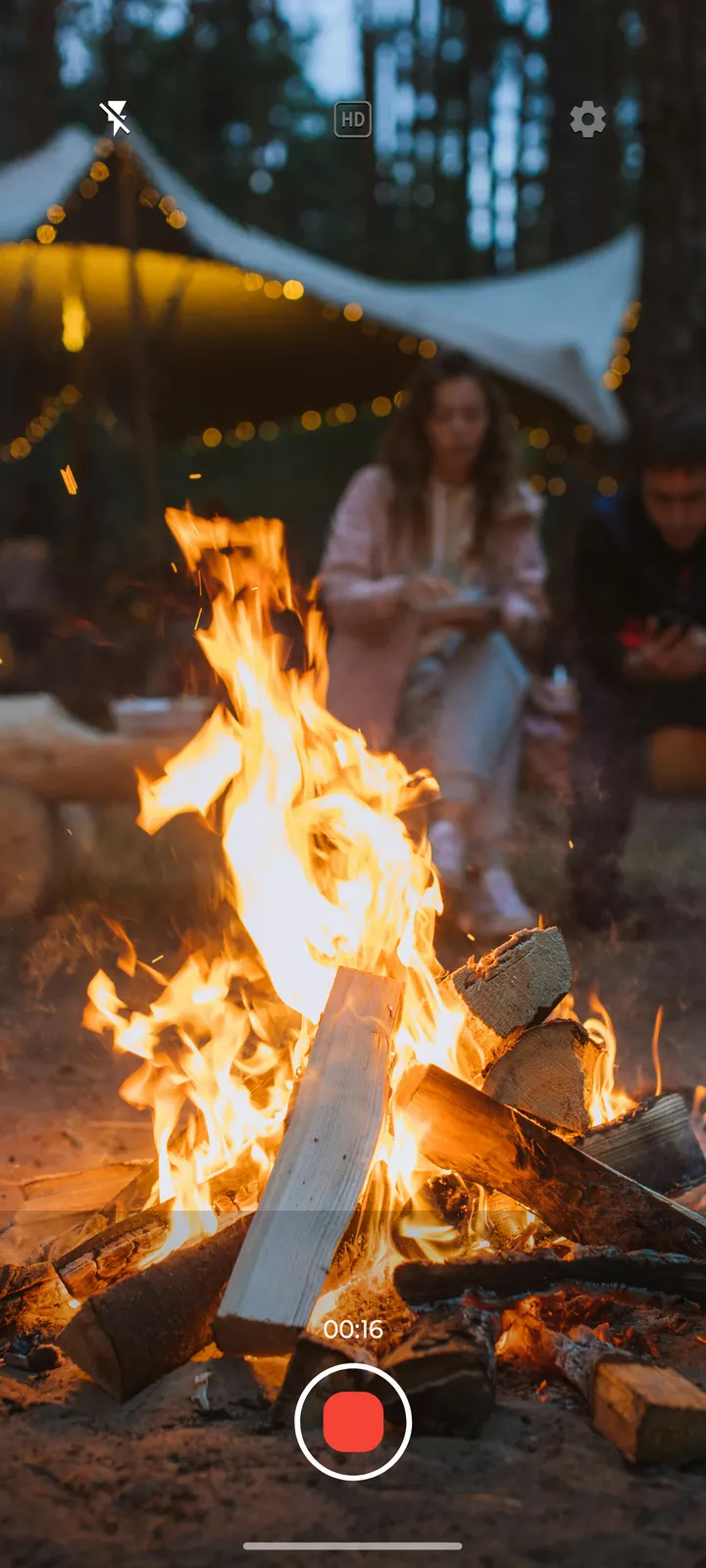
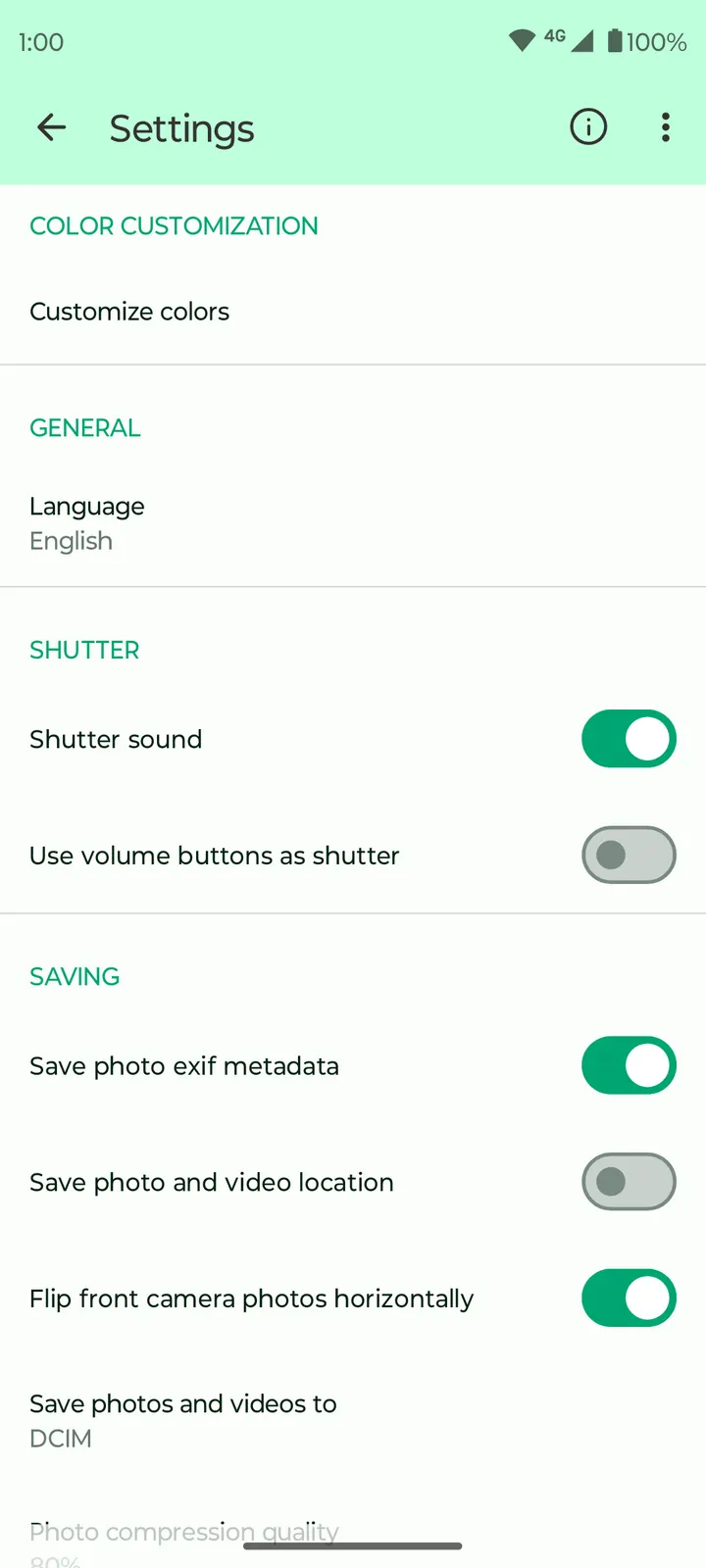
Fossify Camera Beta is for Android users who want a small, free camera app with no ads and published source code. It needs Android 10 or newer and weighs 9.8 MB. The publisher is Fossify, and this page covers version 1.5.0, updated on February 2, 2026. The app first appeared on October 25, 2024.
Installing the 9.8 MB APK and what to check first
TopDown APK serves the unmodified APK for Fossify Camera Beta, package ID org.fossify.camera, version 1.5.0 at 9.8 MB. Its SHA-256 checksum is 116004fd8743f9e47bf25eb9c6049eb77d3f19d59506c3f47513f584c6138435, so compare it with your downloaded file before you install.
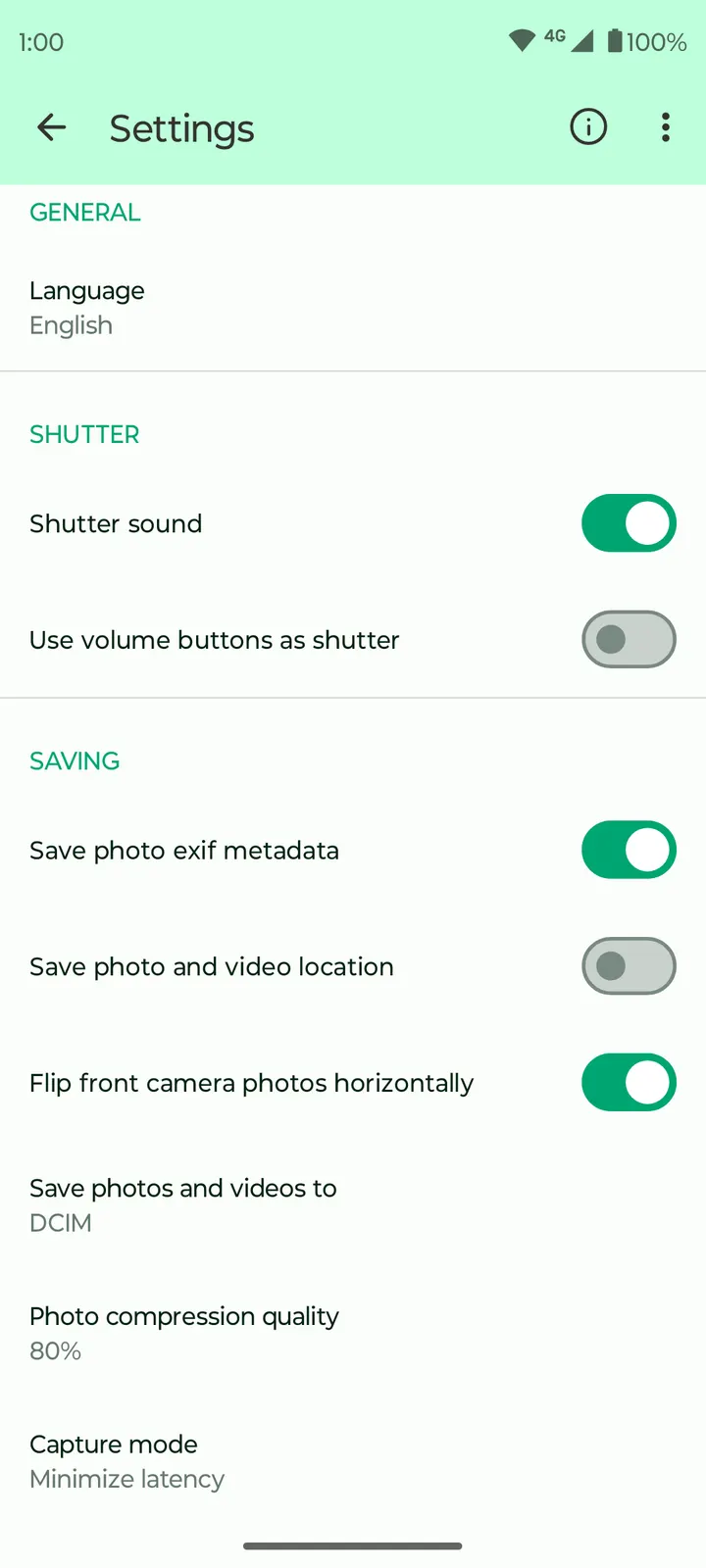
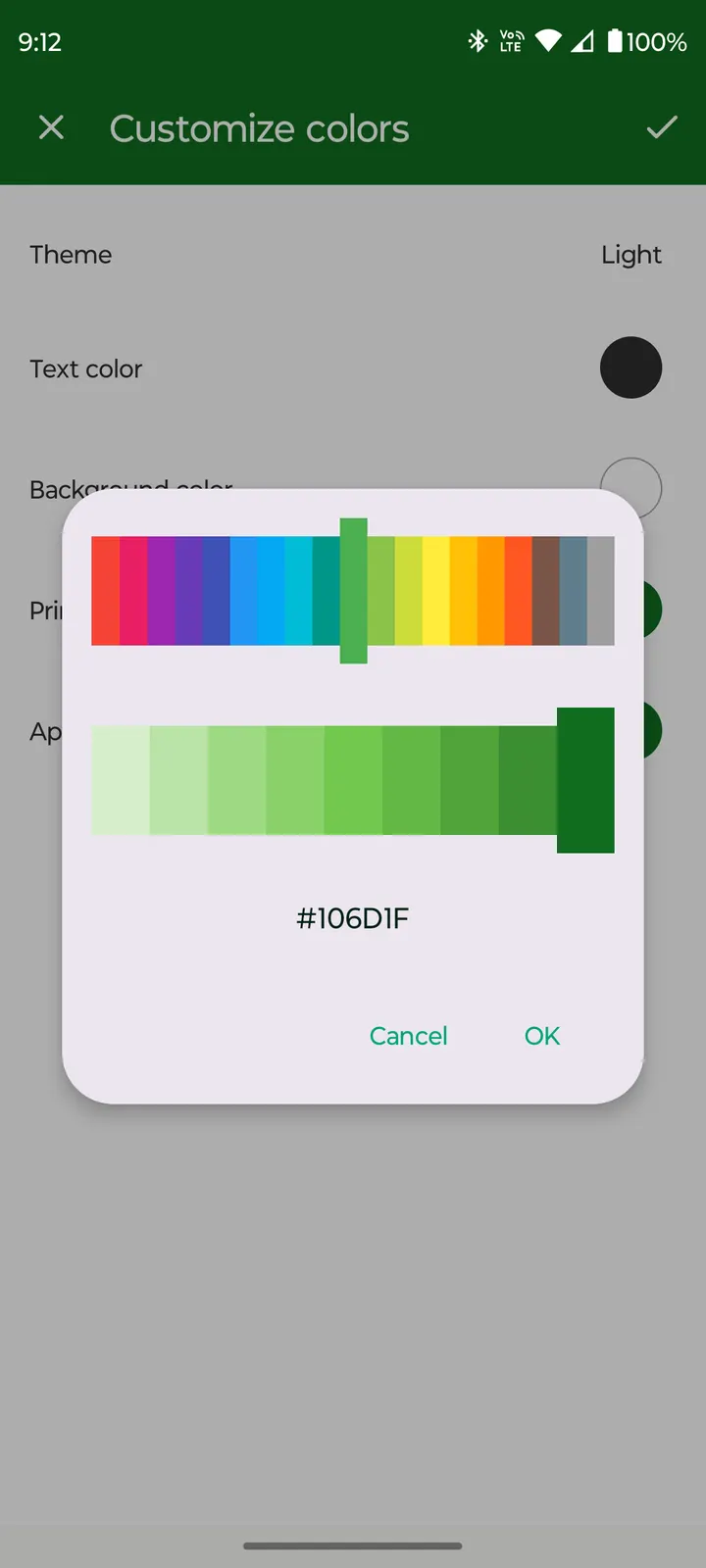
Your phone needs Android 10 or later. The page carries 6 screenshots, which show the camera interface before you commit. After installing, open the settings. The publisher says you can change output quality, the save path and the resolution, plus colors and themes. Choosing the save folder first makes your photos and videos easier to find later.
Controls, customization and the open-source code
The app covers photo and video modes, zoom, and switching between front and rear cameras. Flash, aspect ratio and zoom can be toggled from the camera view itself. The publisher calls the app lightweight, which fits the 9.8 MB size.
Privacy is the main claim. According to the publisher, the camera works without internet access or intrusive permissions. Those statements come from the publisher, so read the permissions on Android's install screen.
The code is under GPL-3.0-only and sits at github.com/FossifyOrg/Camera. Anyone can read it, which gives a way to check the claims independently. The interface follows Material design with a dynamic theme that adapts to your preferences.
When Google Photos or another app fits better
Fossify Camera is a camera app focused on capture and settings. It does not offer editing tools, cloud backup, filters or a night mode. If you need any of those, look at another app such as Google Photos.
The name also carries Beta, so stability may vary. Anyone who depends on the phone camera for important events may want to keep the stock camera installed alongside it.
Fossify Camera Beta pros and cons
Pros
- No ads and free to install
- Small 9.8 MB package for a camera app
- Source code is public on GitHub under GPL-3.0-only
- Output quality, save path, resolution, colors and themes can be changed
Cons
- Needs Android 10 or newer
- Beta release with no Google Play rating or install count
- No editing, backup or night mode
Is Fossify Camera Beta safe?
Fossify Camera Beta is licensed GPL-3.0-only and its source code is public on GitHub, so anyone can read how it handles photos and video. It carries no ads and costs nothing. The SHA-256 checksum above lets you confirm the file you downloaded is intact, though it says nothing about whether the app itself is safe.
How to install Fossify Camera Beta
- Download the APK with the button on this page and wait for it to finish.
- Compare the file with the SHA-256 checksum shown here if you want to confirm it arrived intact.
- Open the file on your phone and allow installs from this source when Android asks.
- Finish the install, then open Fossify Camera Beta from your app drawer.


