
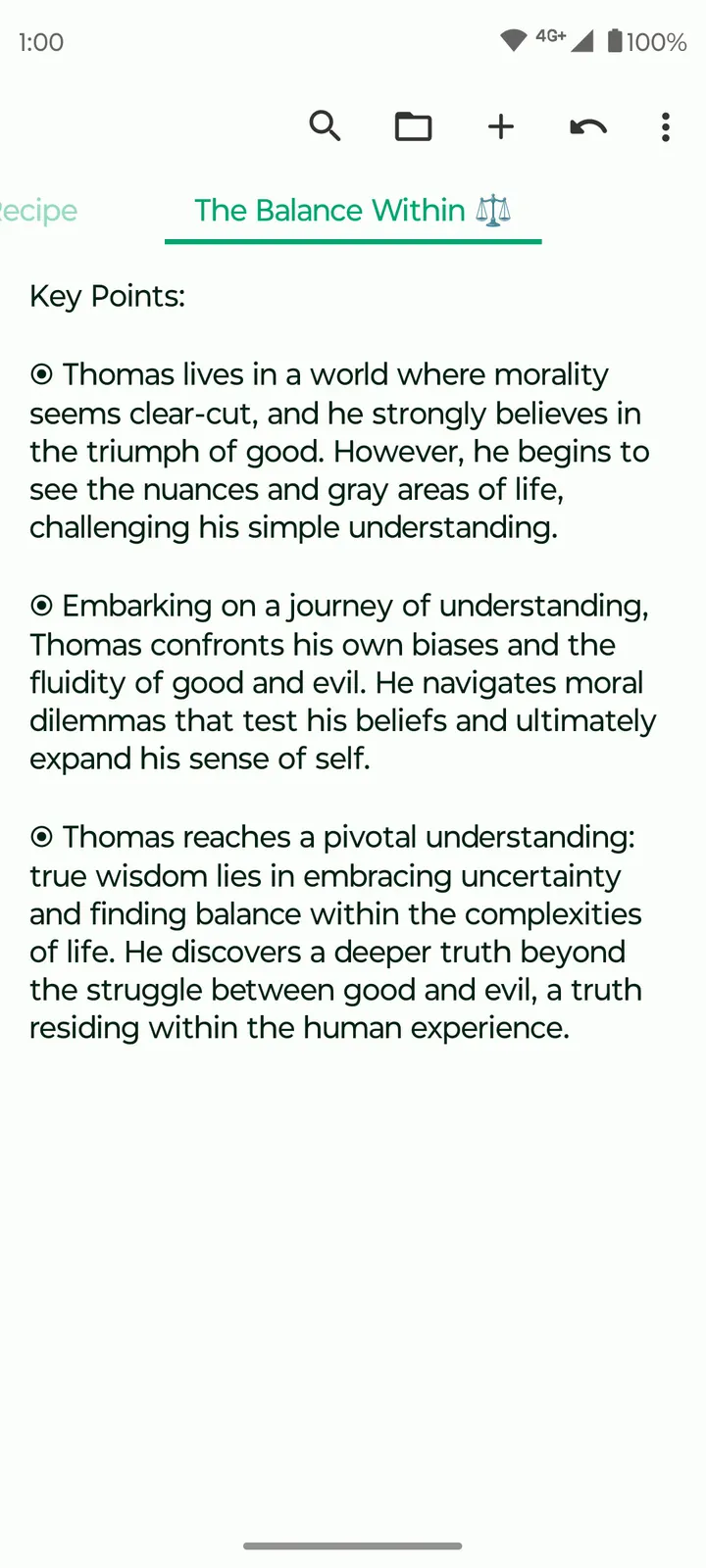
Where WhatsApp or Facebook are built around accounts and online contact, Fossify Notes Beta keeps to a single job: writing things down on the device. It is a free notes and checklist app from the developer Fossify, listed under apps with the tags open-source, note, task, writing and no-ads. Version 1.7.0 was updated on February 3, 2026, and the original release date is April 20, 2024.
Who a no-ads notebook with a widget suits
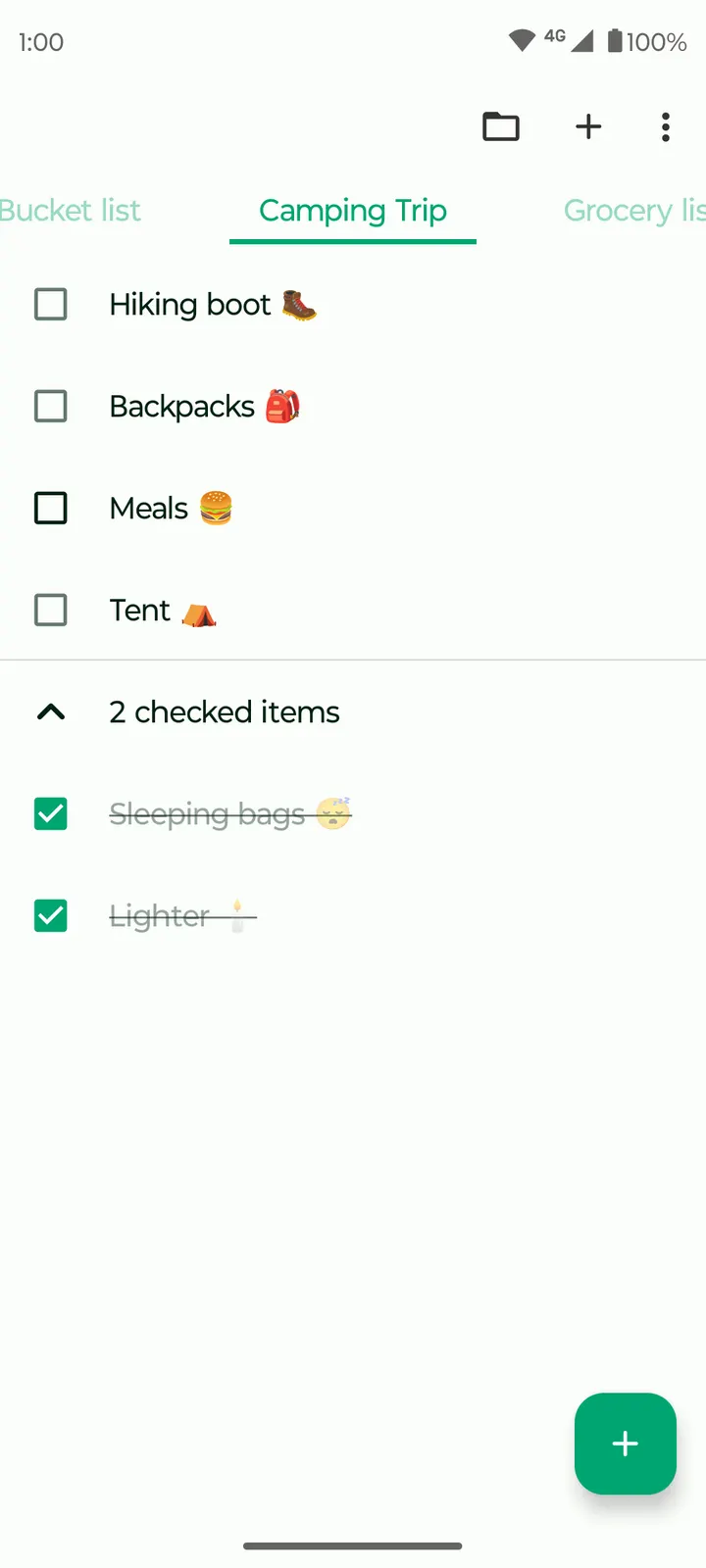
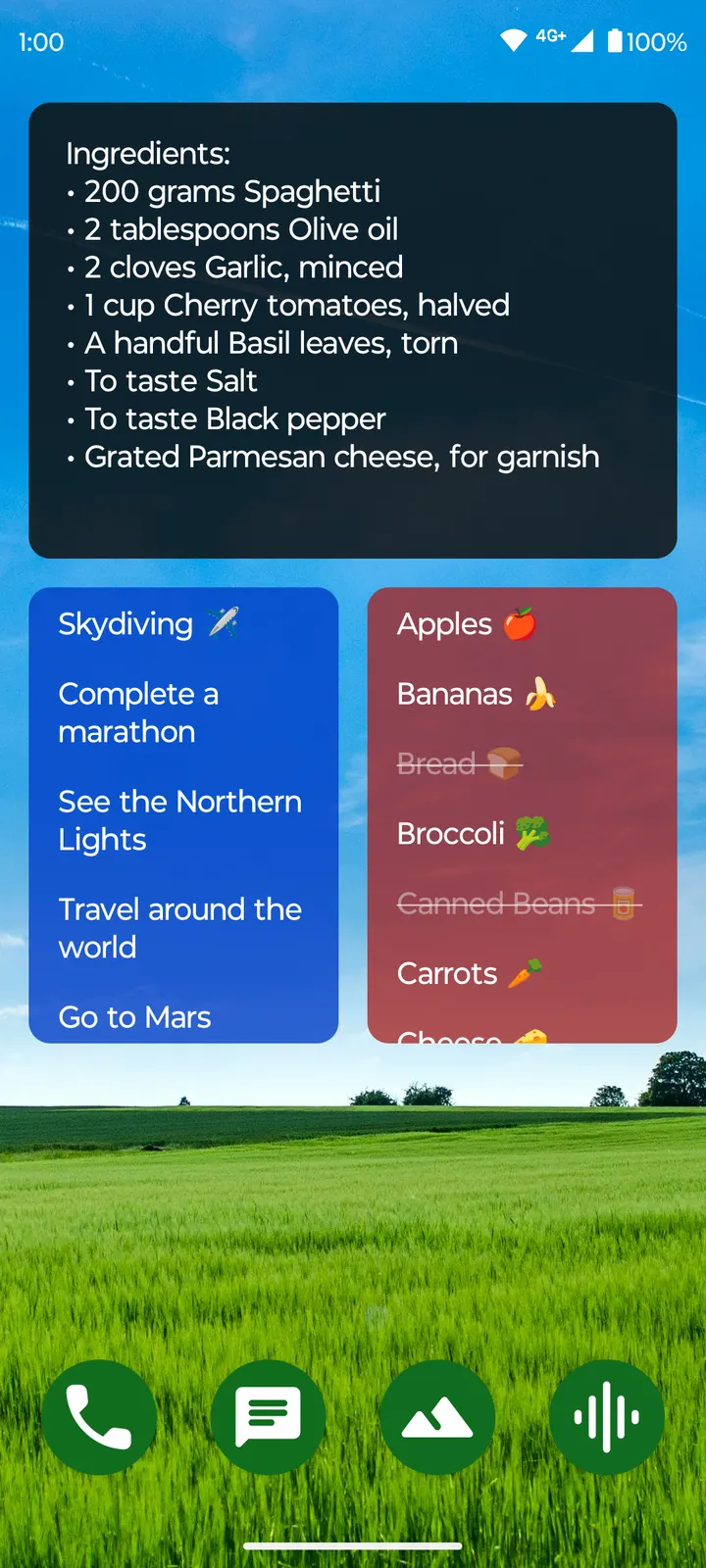
This app suits people who want a plain place for shopping lists, reminders and short drafts, without signing in to anything. The original description talks about jotting down shopping lists, address reminders and ideas, and the feature list matches: a to-do list widget with a notebook organizer, a checklist and a simple shopping list.
It is also a fit for anyone who cares about licensing. The code is published under GPL-3.0-only, and the source sits on GitHub at FossifyOrg/Notes, open to anyone who wants to read it.
Checklists, the home screen widget and automatic saving
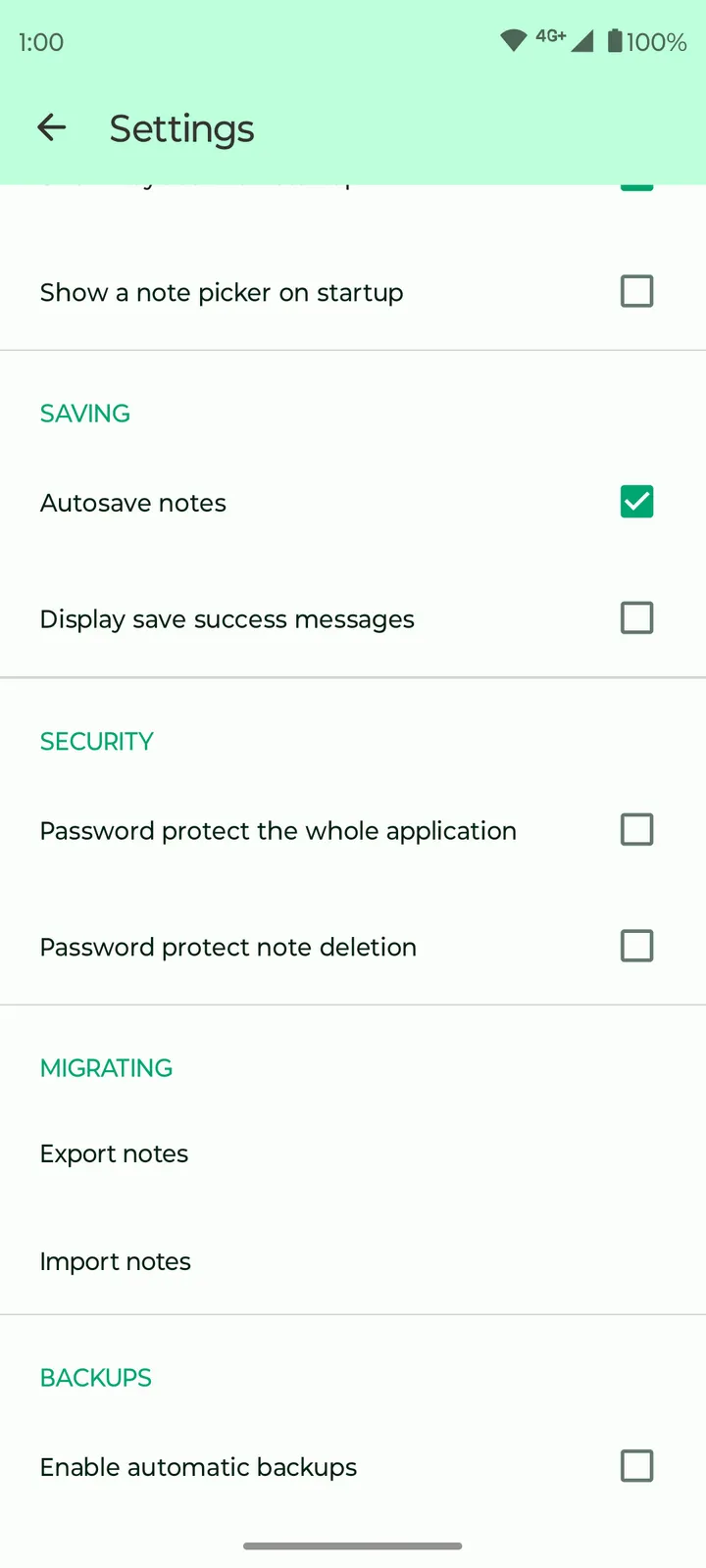
The core of the app is the notebook organizer. You can create several independent notes and lists, and the developer says edits are saved automatically, so there is no save step to forget. Checklists cover the shopping list case, and the widget puts a list or to-do on the home screen for quick access.
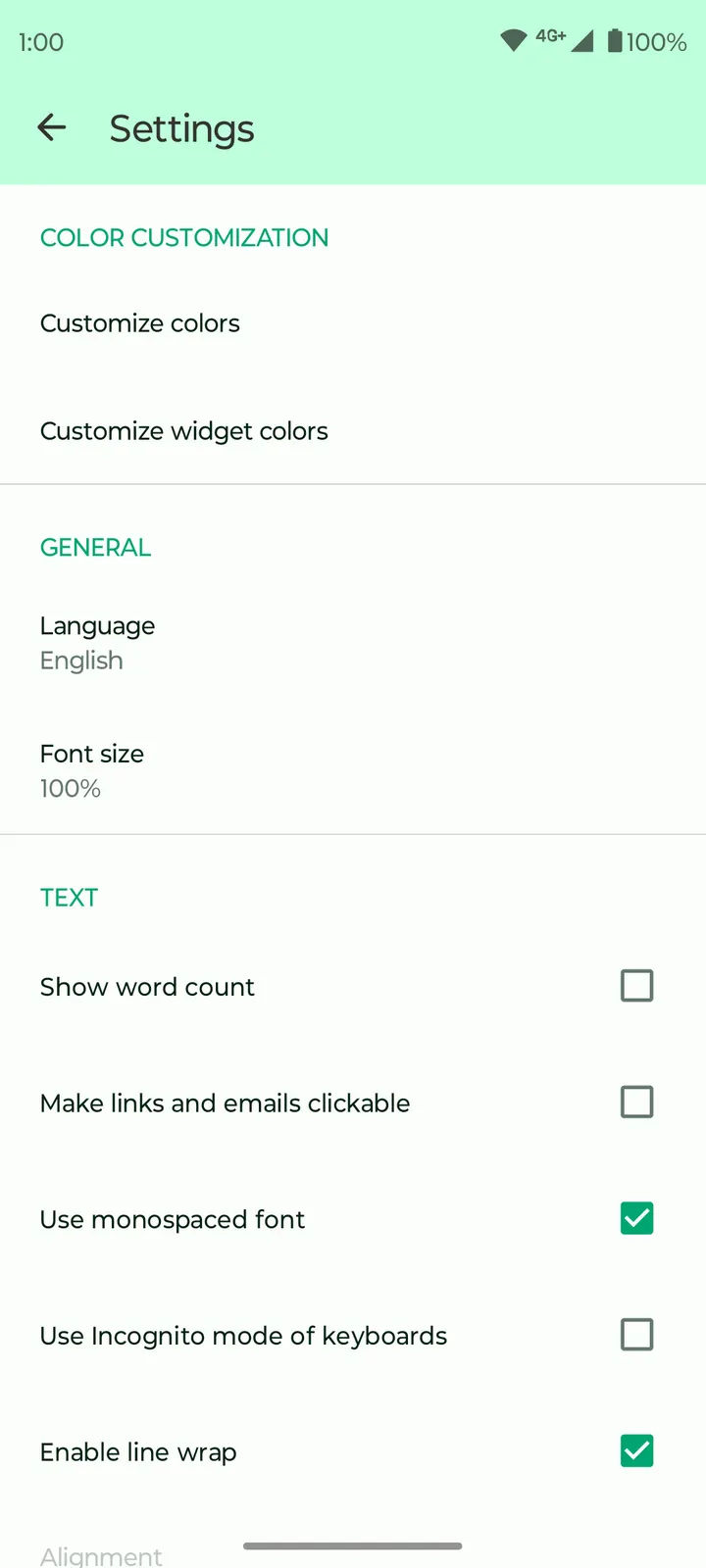
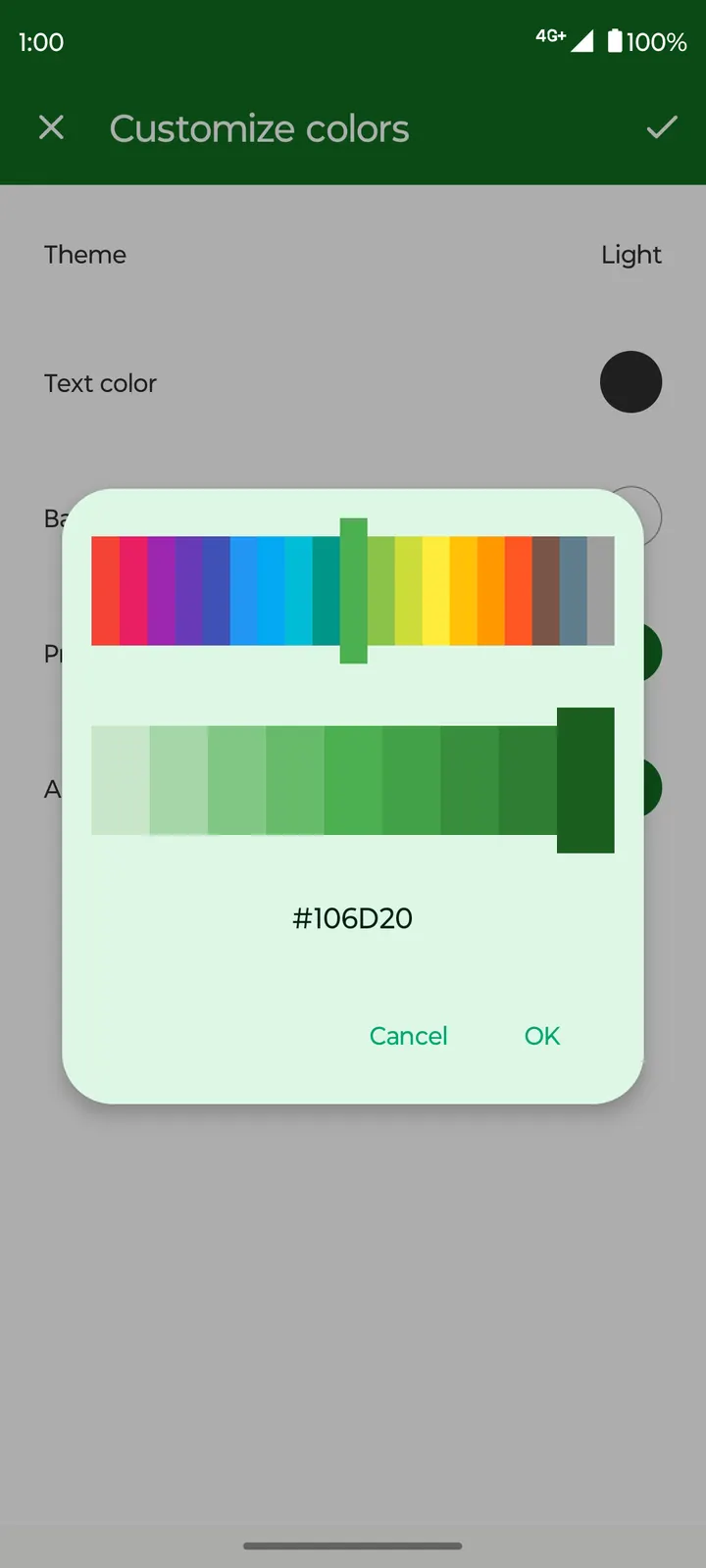
Colors are customizable, both for the widget and across the app. The package ID is org.fossify.notes.
Costs, size and the beta label
The app is free and shows no ads. The download is 9.1 MB, small enough for older phones, and it needs Android 8.0 or newer.
The name carries a Beta tag. The developer says the app works offline without internet permission, which also means there is no built-in cloud sync. Users who need notes shared across devices should keep that in mind before committing.
Fossify Notes Beta pros and cons
Pros
- Free and with no ads
- Small 9.1 MB download
- Checklist, shopping list and home screen widget in one app
- Open source under GPL-3.0-only, with code on GitHub
- Described as working offline without internet permission
Cons
- Beta label
- No built-in sync
- Requires Android 8.0 or newer
Is Fossify Notes Beta safe?
This APK is the unmodified file, stored with its checksum and signature details. Compare the SHA-256 5a56e0e39cc488e1f3b947d3801006d3b7450ec73c67f03195c64c5fd3b6bced against your download to confirm it matches. Fossify publishes the notes app under GPL-3.0-only, with the source open at github.com/FossifyOrg/Notes. It is free and shows no ads.
How to install Fossify Notes Beta
- Download the APK with the button on this page and wait for it to finish.
- Compare the file with the SHA-256 checksum shown here if you want to confirm it arrived intact.
- Open the file on your phone and allow installs from this source when Android asks.
- Finish the install, then open Fossify Notes Beta from your app drawer.


