
You have a few hundred photos with GPS data baked in, and you want to share some without handing over where they were taken. Fossify Gallery is an open-source gallery for Android from the developer Fossify, and it can strip that metadata before you send anything. Version 1.14.1 needs Android 8.0 or newer, takes up 36.8 MB and costs nothing. We host the unmodified APK and list its checksum so you can verify the file.
Who wants a gallery without ads or trackers
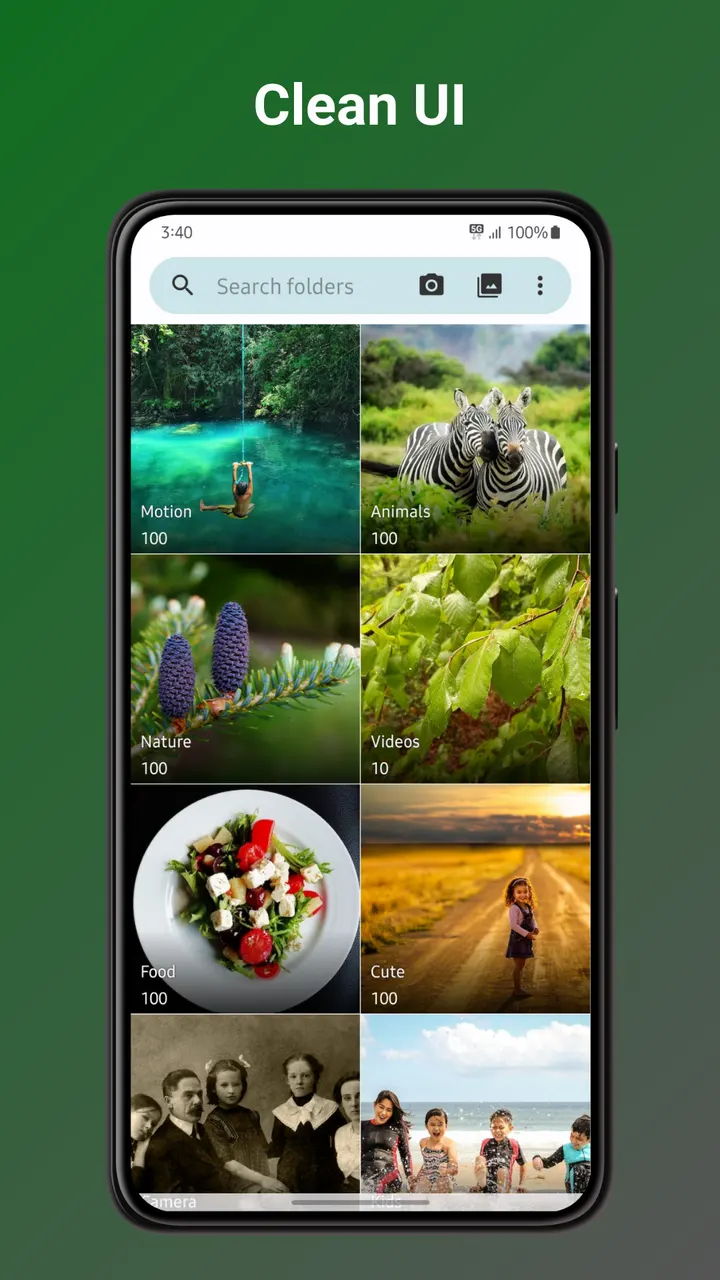
Fossify Gallery is for people who want a plain local photo and video manager and care about what the app is allowed to do. It is free, shows no ads, and its source code is public on GitHub under the GPL-3.0-only licence, so anyone can read how it works.
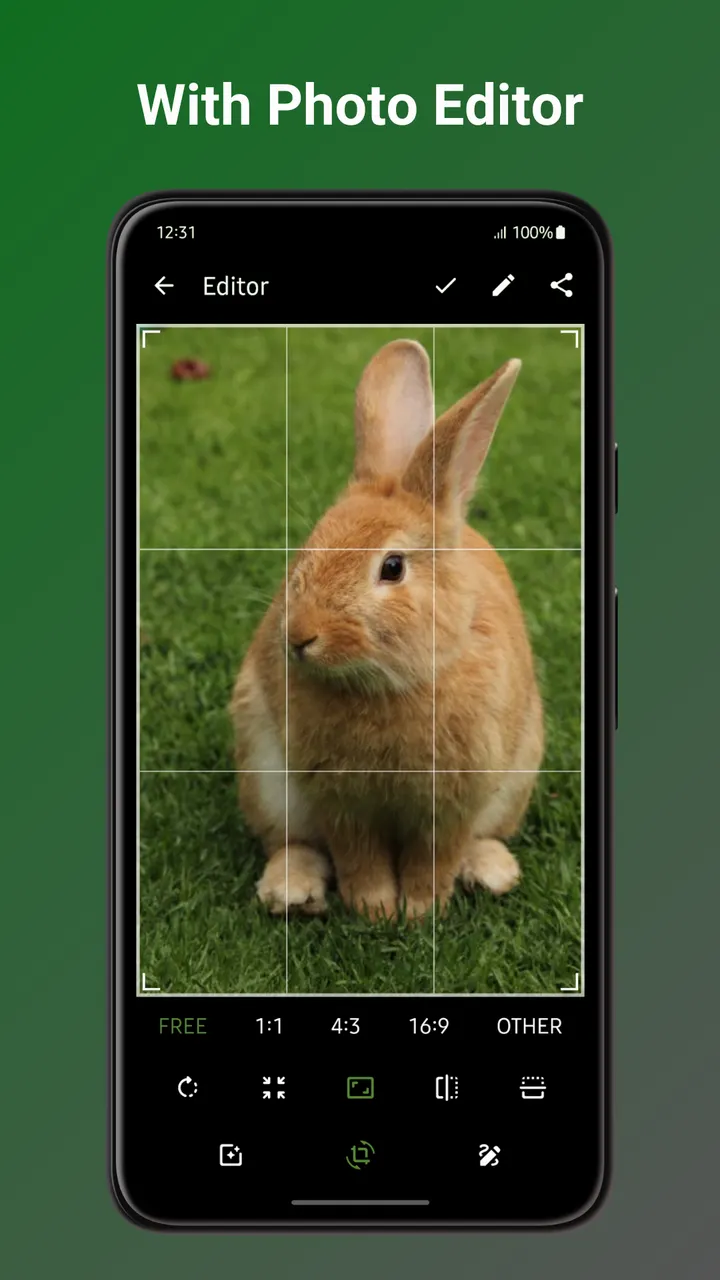
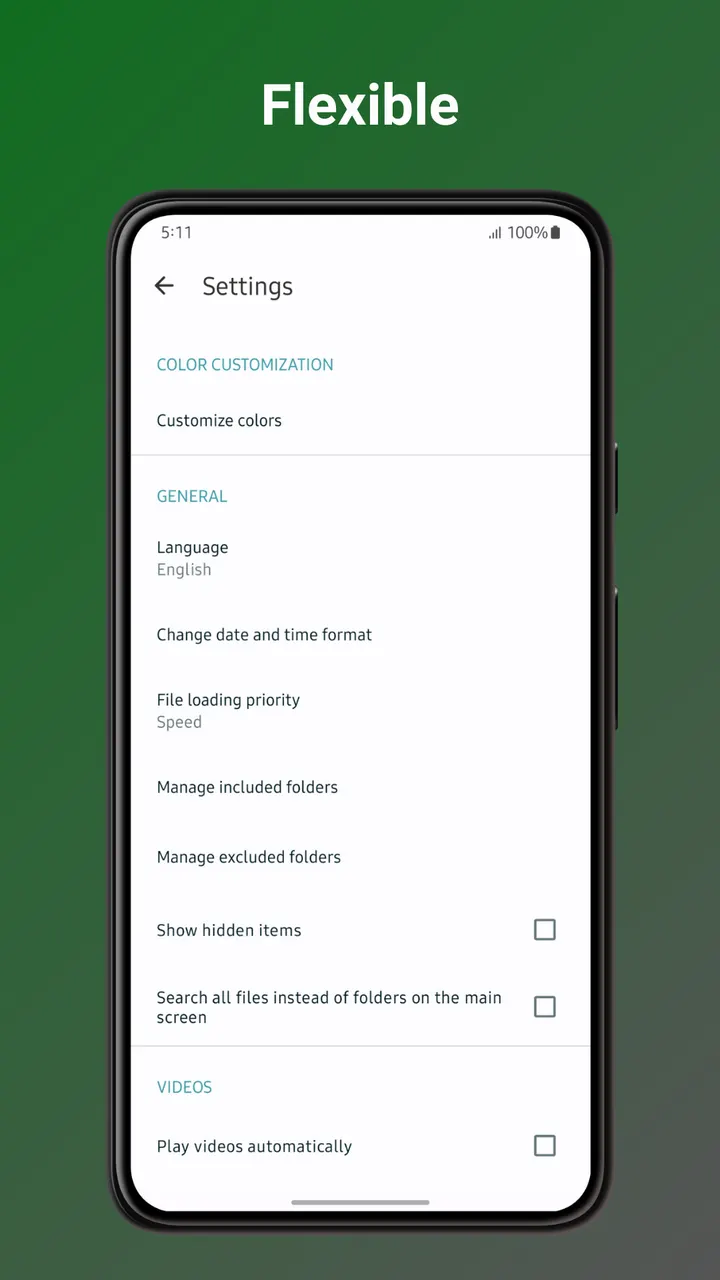
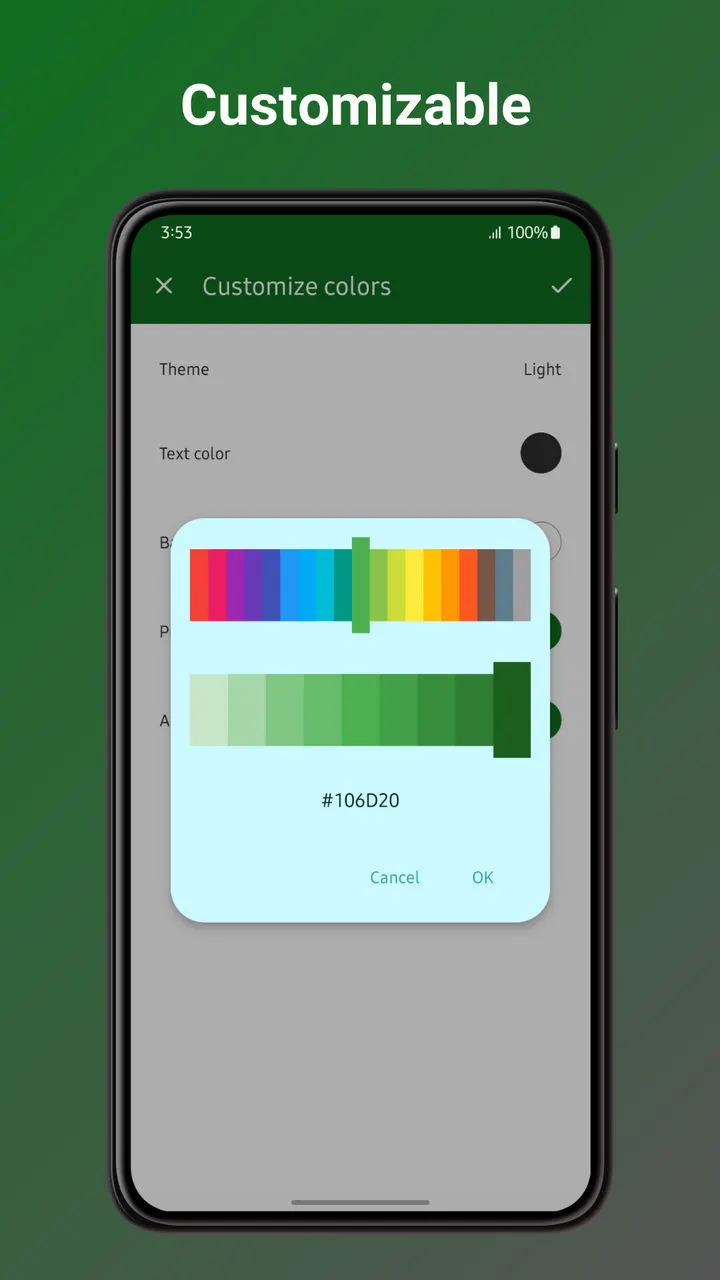
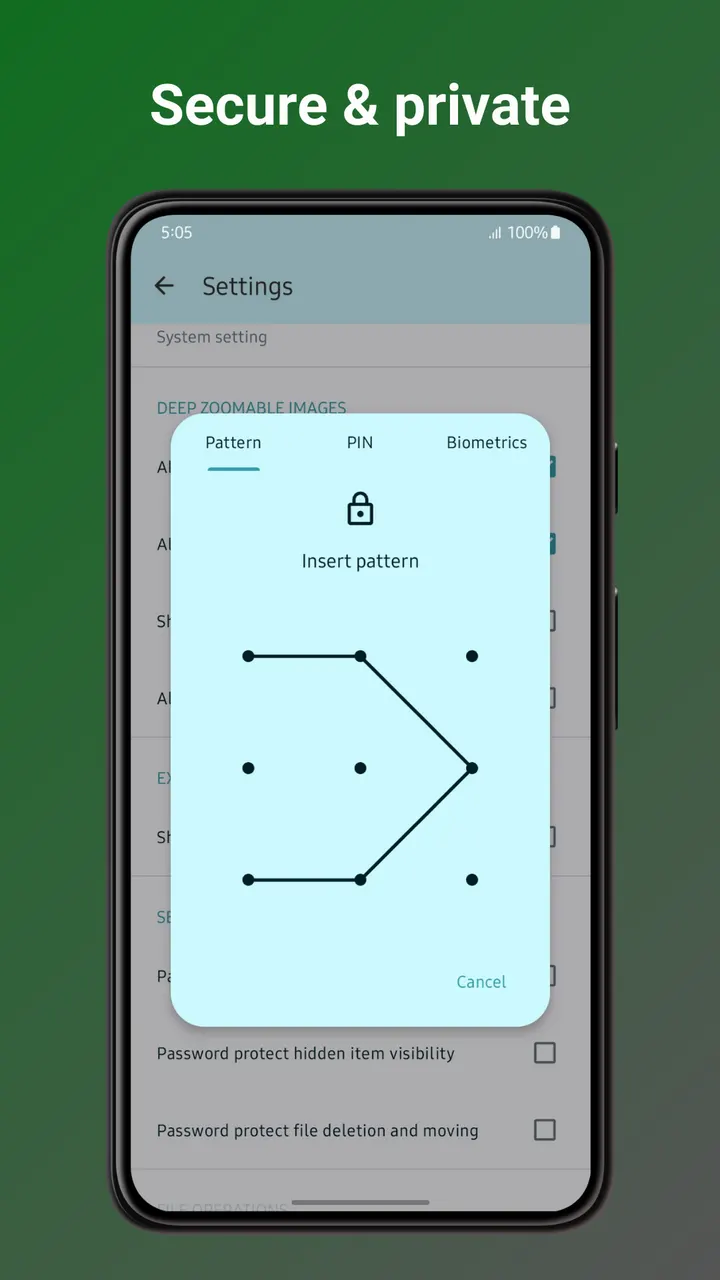
It also fits people who like to adjust their tools. Its built-in editor covers crop, resize, rotate, flip and draw, and it can strip EXIF data such as GPS coordinates and camera details. Pin, pattern or fingerprint protection can lock specific items. If you only want a default viewer, those extras will matter less.
The package ID is org.fossify.gallery, and the project is part of the Fossify family of apps at fossify.org.
Editing, EXIF removal and the recycle bin in practice
The built-in photo editor covers the basics: crop, resize, rotate, flip, draw and filters. It is basic, so it replaces a quick touch-up tool rather than a full editing suite. Because the editor lives inside the gallery, you do not need to send a picture to another app for simple fixes.
The privacy tools are the main draw. You can remove EXIF data such as GPS coordinates and camera details from a photo. Access control works with a PIN, a pattern or a fingerprint, and you can lock individual photos, individual videos or the whole app.
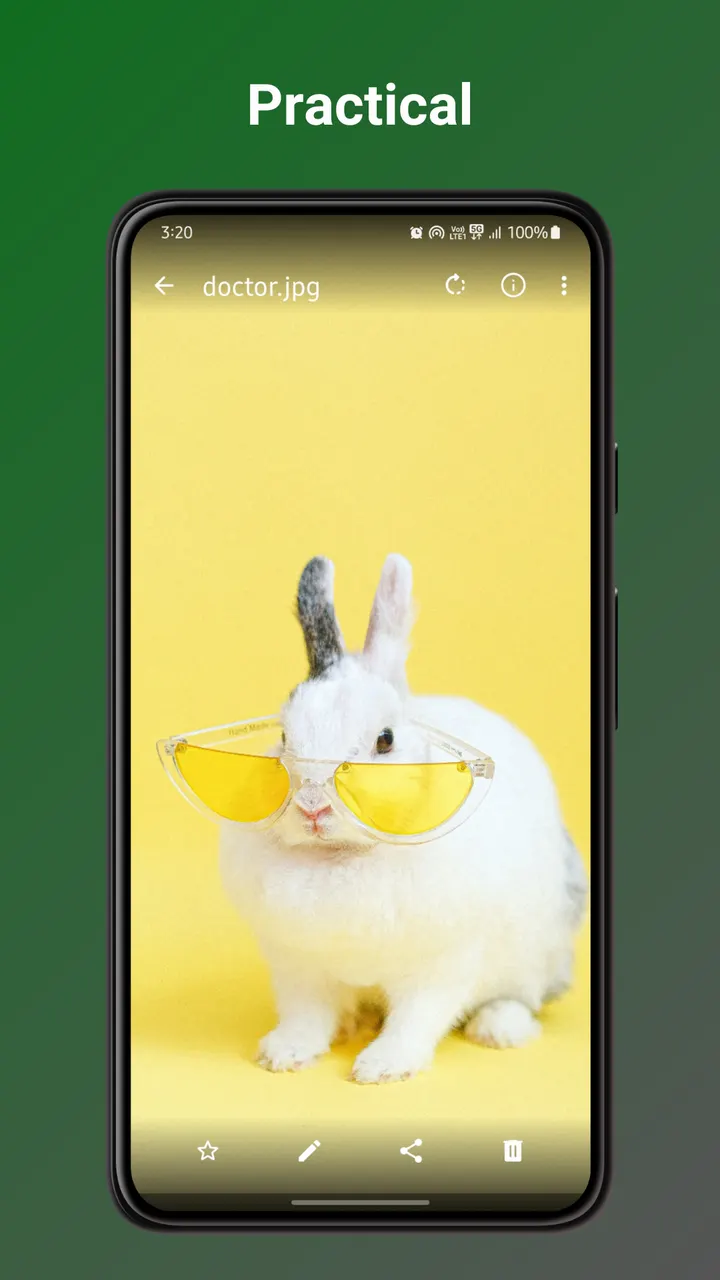
Deleted items go to a recycle bin, where they can be restored. That helps after an accidental tap.
Format support is wide in practice: JPEG, JPEG XL, PNG, MP4, MKV, RAW, SVG and GIF are all supported, along with other video types.
Limits, size and compatibility
The editor is basic, so heavy retouching needs another app. The download is 36.8 MB, which is fair for a gallery but not tiny. It also requires Android 8.0, so older phones are out.
The app has no in-app purchases and shows no ads. Anyone who relies on cloud backup or online photo storage should check that separately.
The app was first released on January 3, 2024, and the current build was updated on October 27, 2026.
Fossify Gallery pros and cons
Pros
- Free, with no ads
- Open-source under GPL-3.0-only, with code on GitHub
- Can remove EXIF data such as GPS coordinates
- PIN, pattern or fingerprint lock for single files or the whole app
- Recycle bin for restoring deleted photos and videos
Cons
- The photo editor is basic: crop, resize, rotate, flip, draw and filters
- Requires Android 8.0 or newer
- No cloud backup or sync
- Heavy photo retouching needs another app
Is Fossify Gallery safe?
The APK is the unmodified file, and its SHA-256 checksum is 9a9f2e06882abfdae6f4c86aeaa83ae8102b2e081591df0eb2134a6f629657c7. Compare it with the file you download. The source code is public on GitHub under the GPL-3.0-only licence, so the code behind the app can be inspected, and the app shows no ads.
How to install Fossify Gallery
- Download the APK with the button on this page and wait for it to finish.
- Compare the file with the SHA-256 checksum shown here if you want to confirm it arrived intact.
- Open the file on your phone and allow installs from this source when Android asks.
- Finish the install, then open Fossify Gallery from your app drawer.


