
You are reading on an e-reader propped against a pillow, and you want to turn pages or dim the frontlight without touching it. Kompanion lets your Android phone do that by talking to KOReader over your home network. This page covers what the app does, how setup works, and how it is maintained.
Free, open source and without ads
Kompanion is free and shows no ads. Its source code sits on GitHub under the GPL-3.0-only licence, and the developer is adpa1013.
It has no in-app purchases. It runs on Android 7.0 or newer and weighs 18.1 MB.
Frontlight, profiles and volume-button page turns
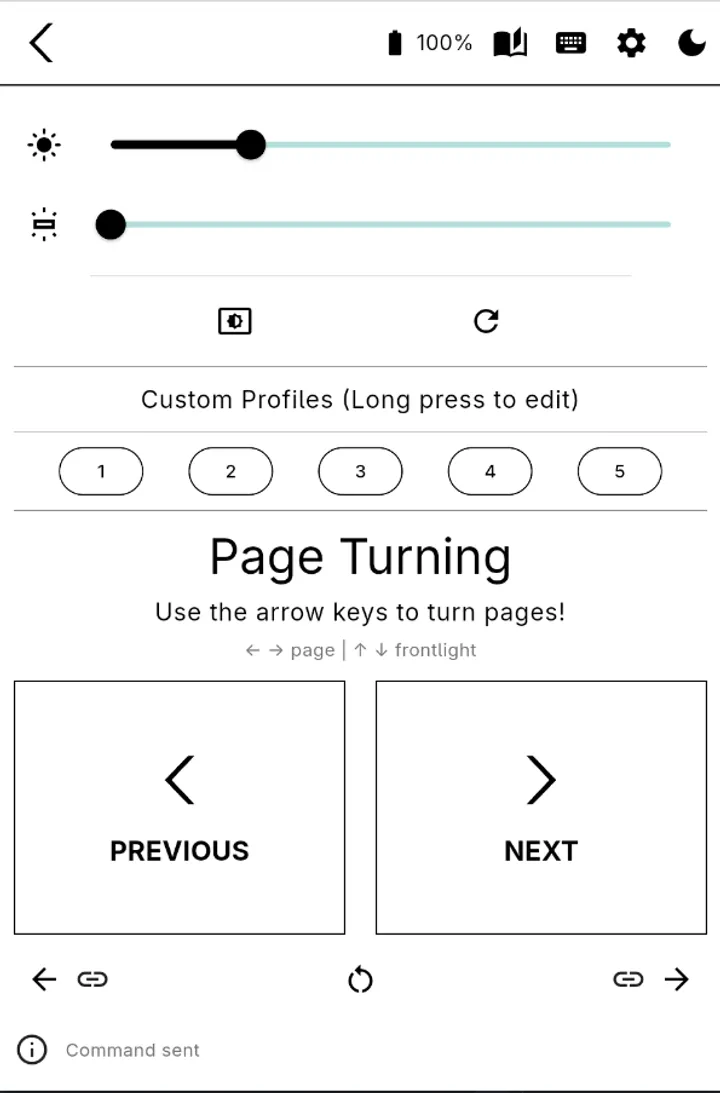
The core of the app is control of a KOReader device. You can change frontlight intensity and warmth, toggle night mode, and trigger a full screen refresh. Five custom buttons each activate one of your KOReader profiles, so a favorite setup is one tap away.
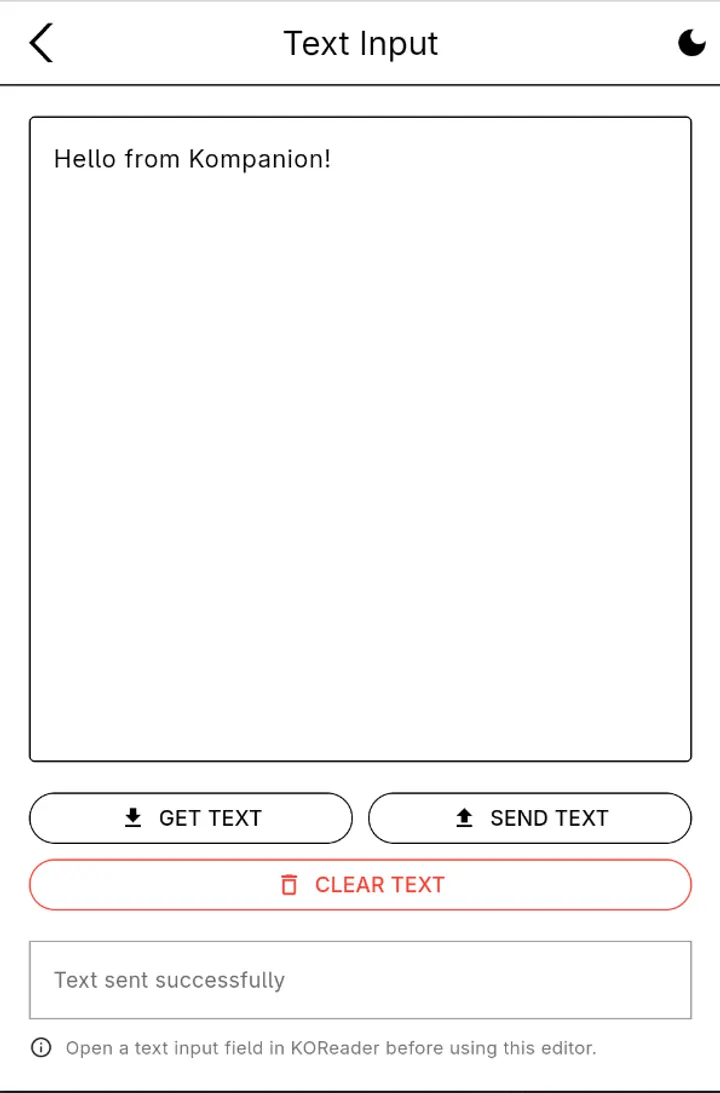
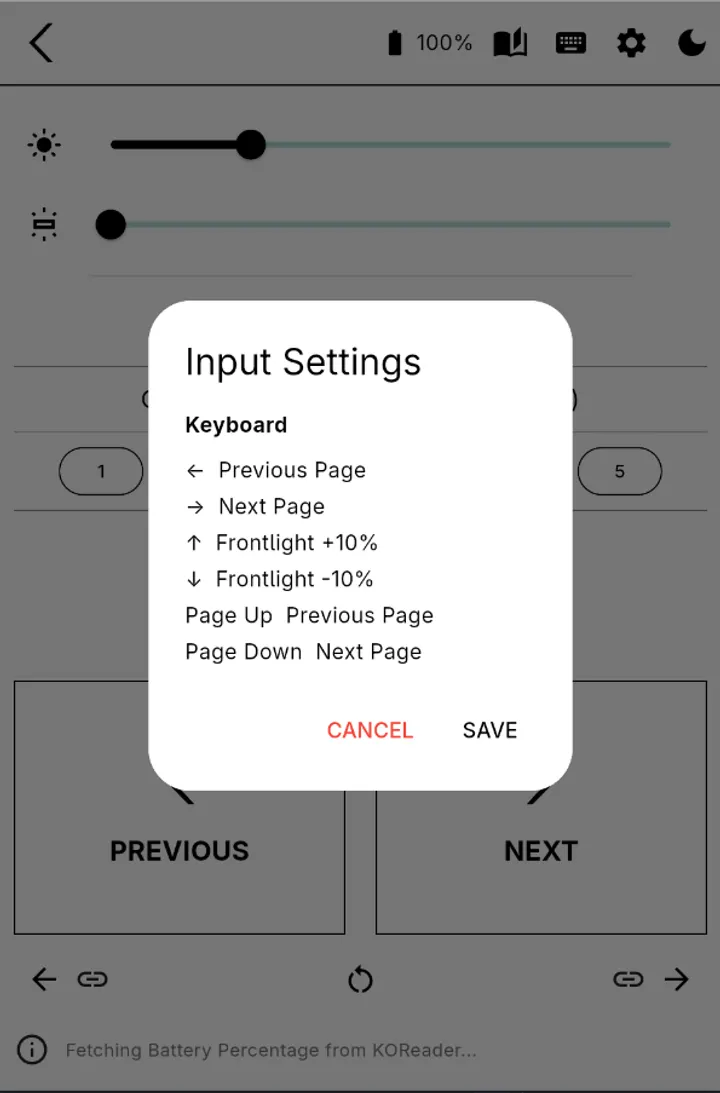
Page turning works with the phone's volume buttons, and the mapping can be changed. A custom back button moves you backward and forward between links you followed. A text input screen can get, send and clear text in an input widget, which the developer pitches for writing notes from the phone.
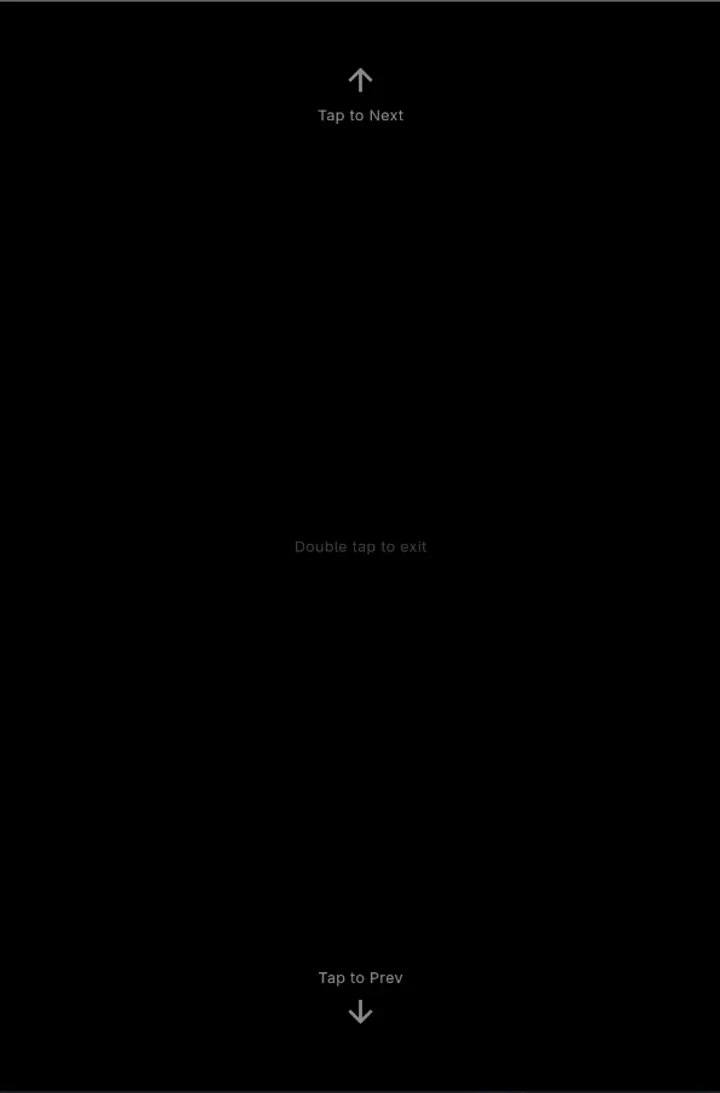
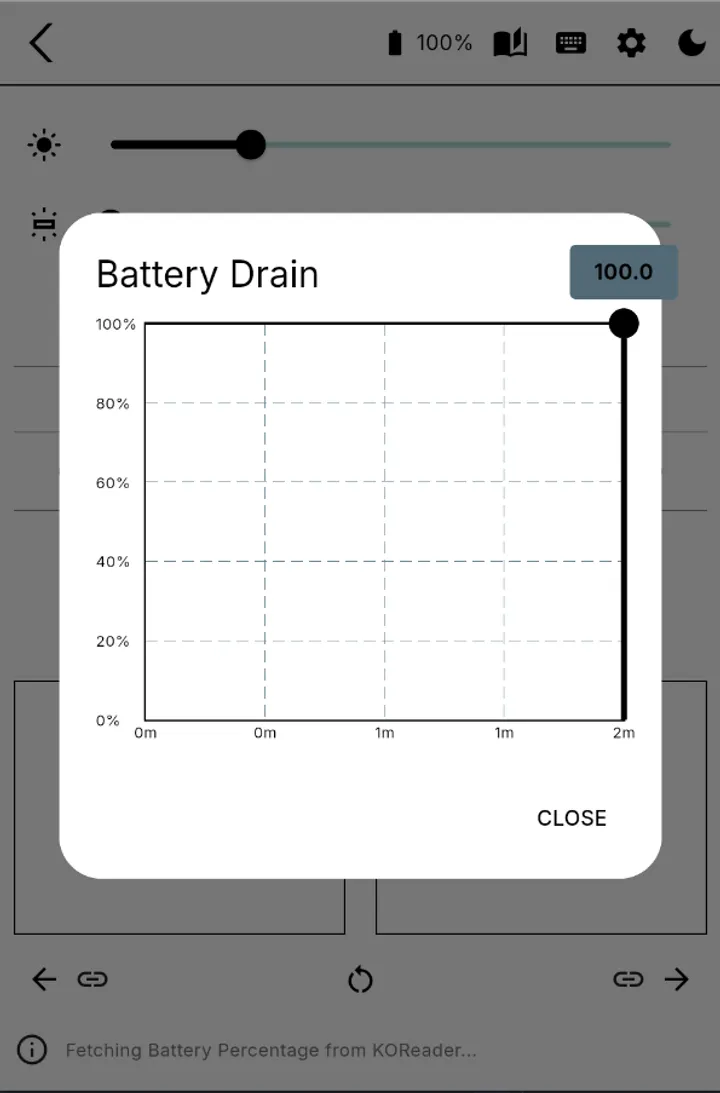
The description also lists a reading mode with minimal interface and minimal brightness, battery information with a graph for the current session, and keyboard shortcuts. Because common keyboards are supported, the app can act as a bridge for most PowerPoint presenter sticks.
Setting up the HTTP Inspector connection
Kompanion relies on the HTTP Inspector plugin built into KOReader. On the e-reader, open Tools, then More Tools, then KOReader HTTP Inspector, and start the server. The default port is 8080.
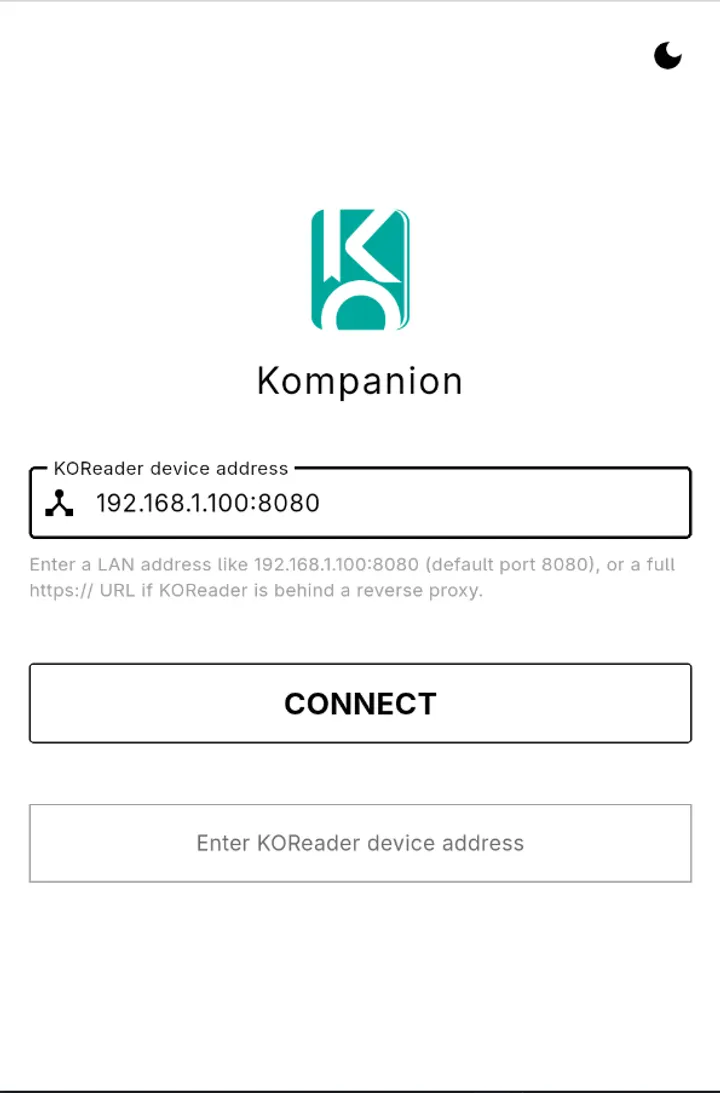
Next, find the device's IP address under Settings, Network, Network info. Enter that address and port in Kompanion and press Connect. Both devices must sit on the same local network, and the app does not talk to any server outside it.
Version 1.4.5 and how current it is
This build is version 1.4.5, released and last updated on September 20, 2026. The source repository on GitHub is the place to check the history.
Kompanion pros and cons
Pros
- Free, with no ads listed
- Open source under GPL-3.0-only, with a public GitHub repository
- Controls frontlight intensity and warmth from the phone
- Volume-button page turning with remapping
- Stays on the local network and contacts no outside server
Cons
- Works only with KOReader and its HTTP Inspector plugin
- Release history is only available on GitHub
- Requires Android 7.0 or newer
Is Kompanion safe?
The APK is stored unmodified, and its SHA-256 checksum is 3b2fe8dce404d9eb74ca9bd4a397a9a6962b50429215e7e5c4abac3c02040a85, so you can compare it with your download. The code is open under GPL-3.0-only, so anyone can inspect it. Kompanion reaches the HTTP Inspector plugin in KOReader over your local network, and it shows no ads.
How to install Kompanion
- Download the APK with the button on this page and wait for it to finish.
- Compare the file with the SHA-256 checksum shown here if you want to confirm it arrived intact.
- Open the file on your phone and allow installs from this source when Android asks.
- Finish the install, then open Kompanion from your app drawer.


