
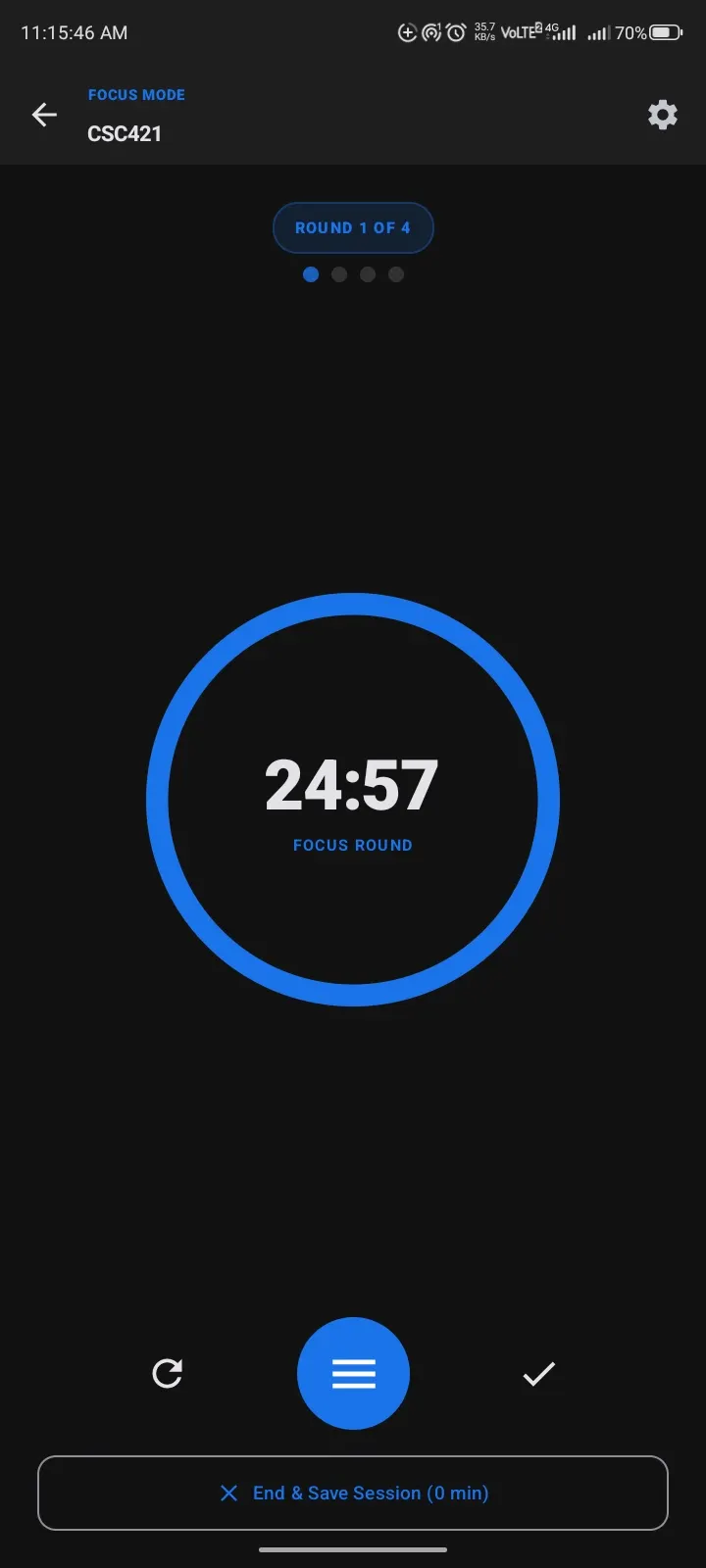
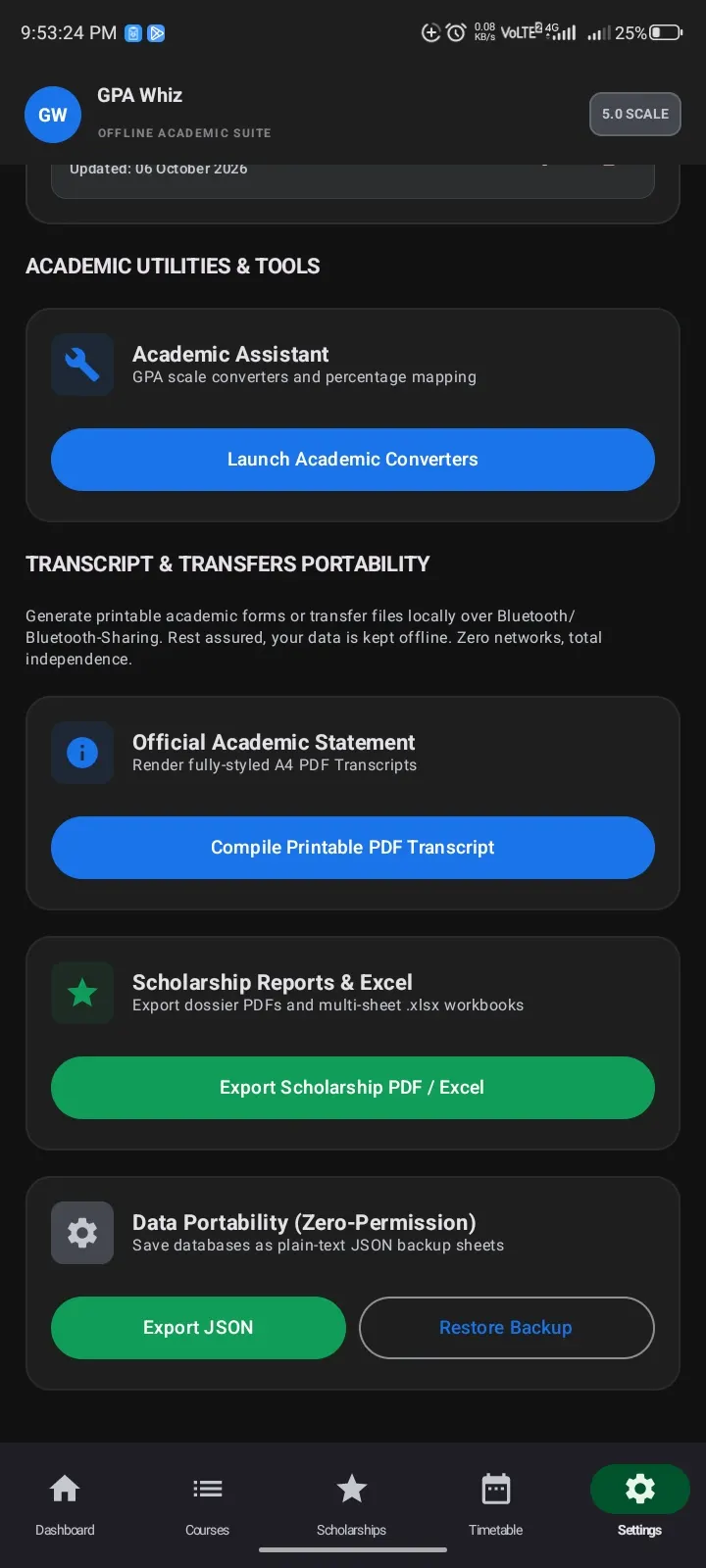
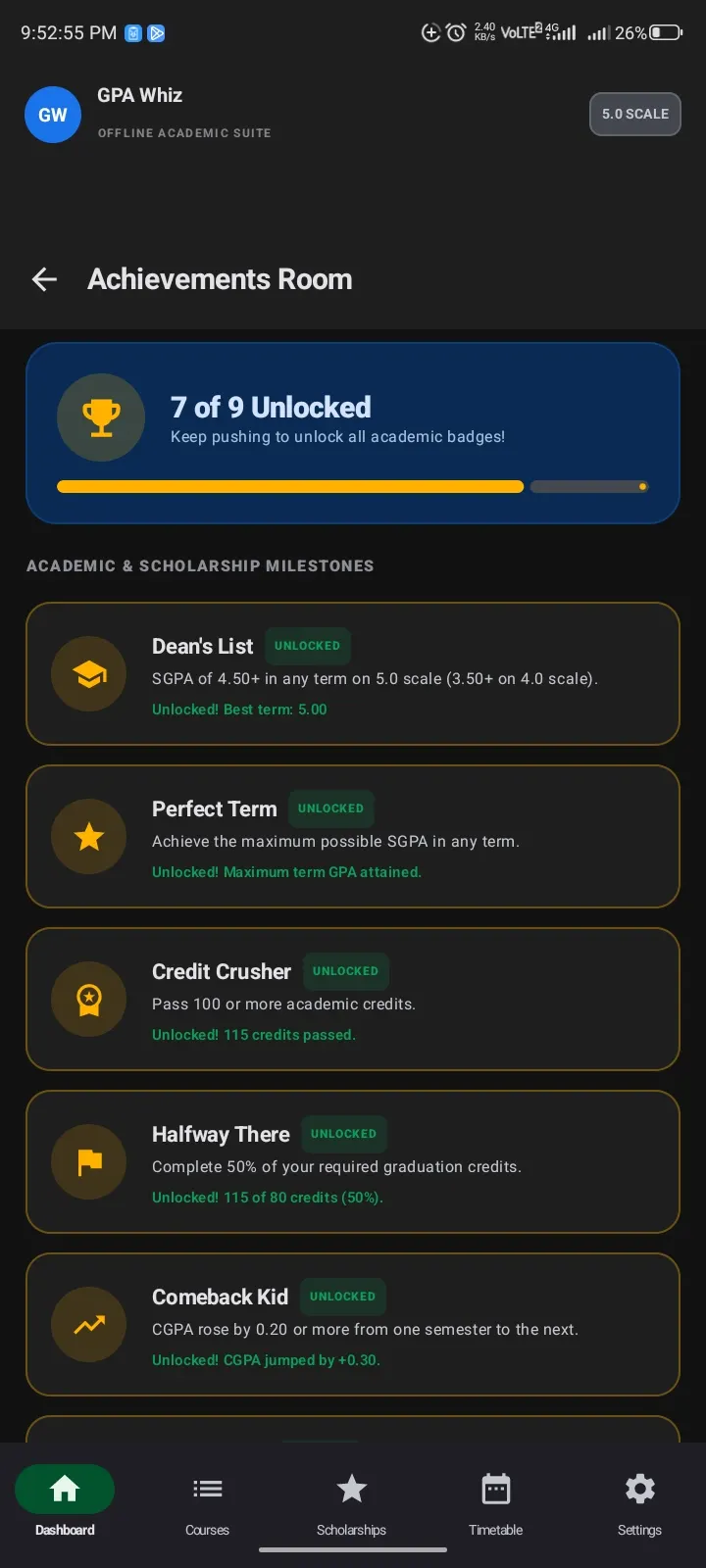
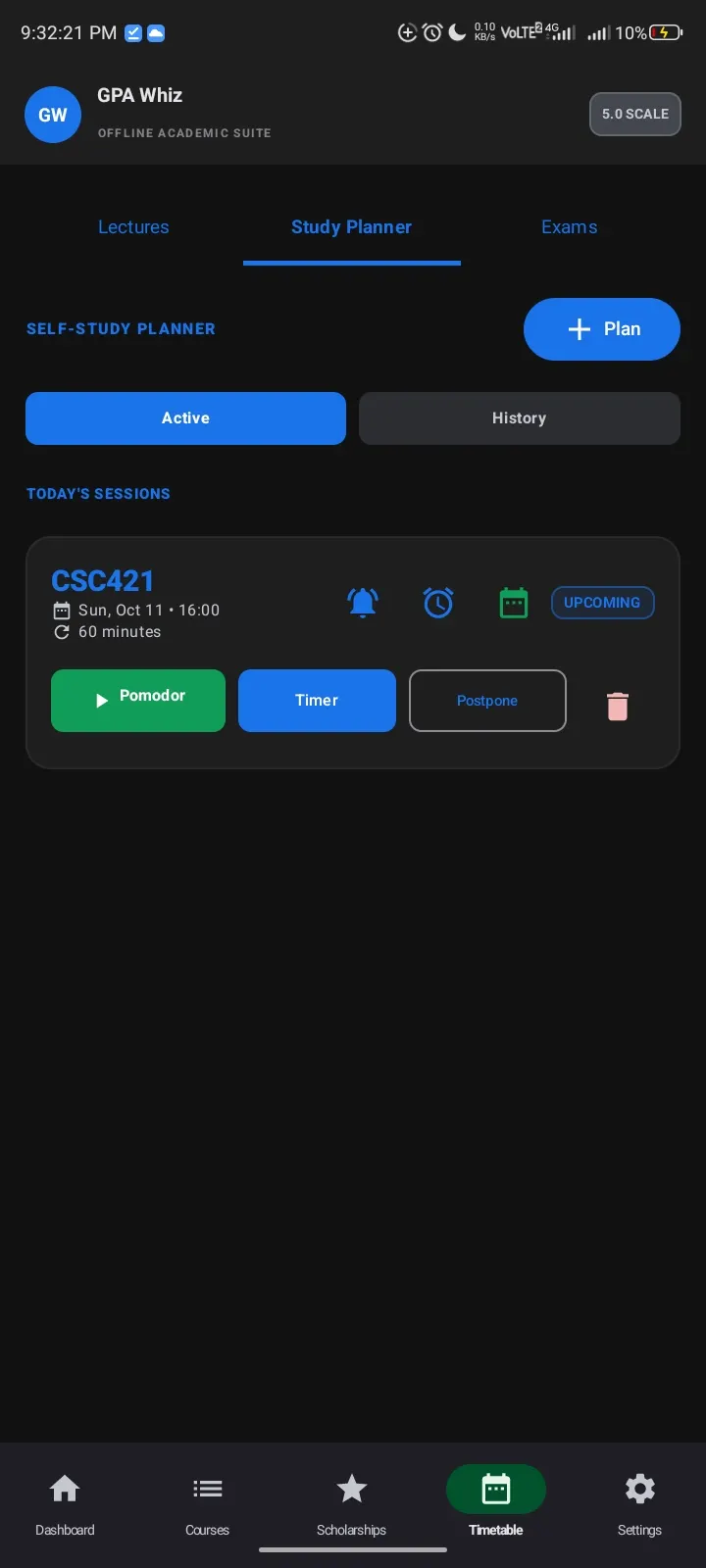
GPA Whiz is a 2.2 MB academic tracker from developer Olumide Adeleke (Dee-Hem). It handles GPA, CGPA, a timetable and scholarship deadlines, and includes a what-if simulator for planning future semesters. Version 1.2.1 runs on Android 7.0 or newer and works without an account.
First steps after installing GPA Whiz
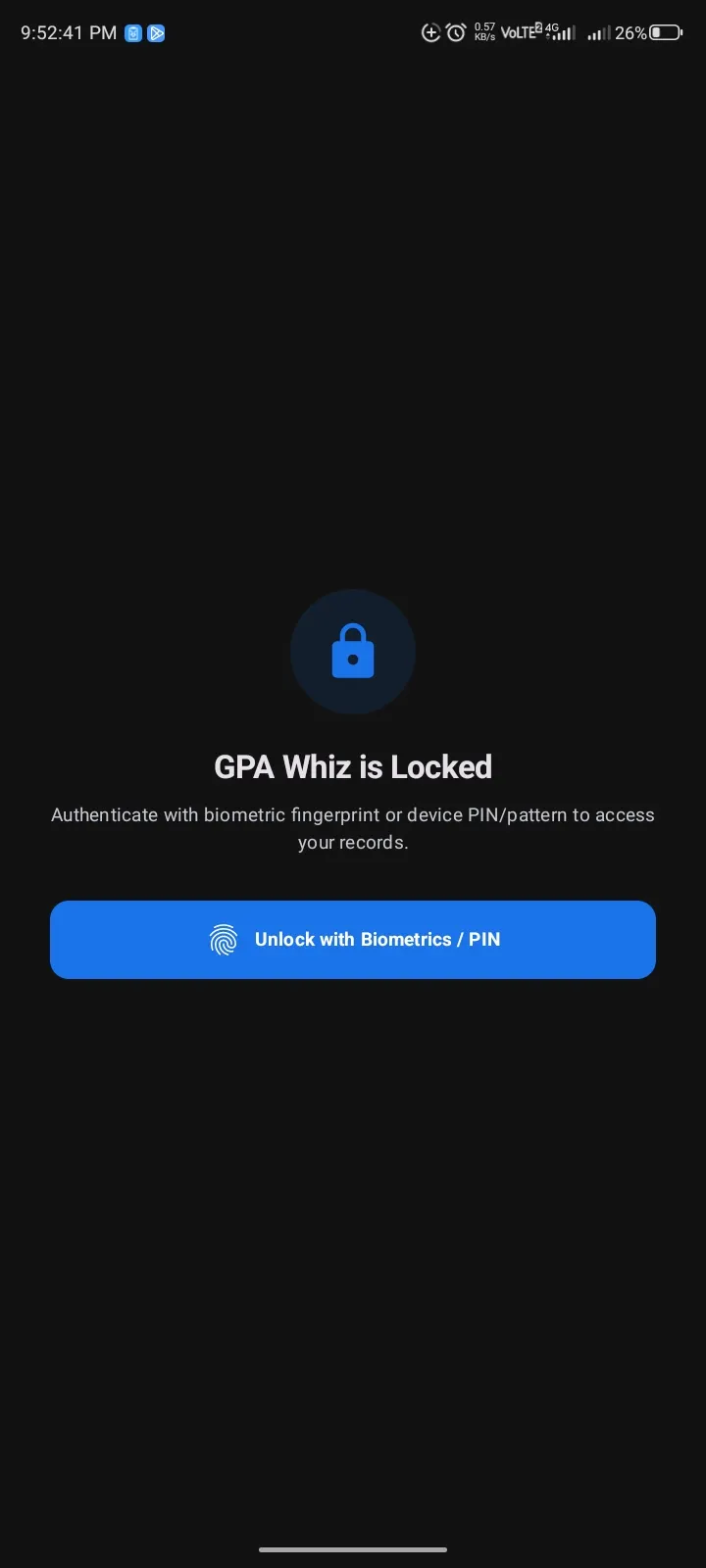
Start by checking the file against the SHA-256 checksum listed on this page: c4484581028c85f234dc470bc27eb209c19f0dde6ab45cd4ca00369e428cc431. Then install it. The app asks for no account and needs no internet permission, so there is no sign-in screen to get through.
A sensible order is to enter your courses and grades first, since the GPA and CGPA figures depend on them. The timetable and academic calendar can follow, with local reminders set afterward. Scholarship entries are best added last, once your core record is in place.
What the GPA simulator and scholarship stages cover
The what-if simulator lets you test grades for future semesters and see how they would change your GPA. Transcript, courses and grades sit in one place rather than across separate tools.
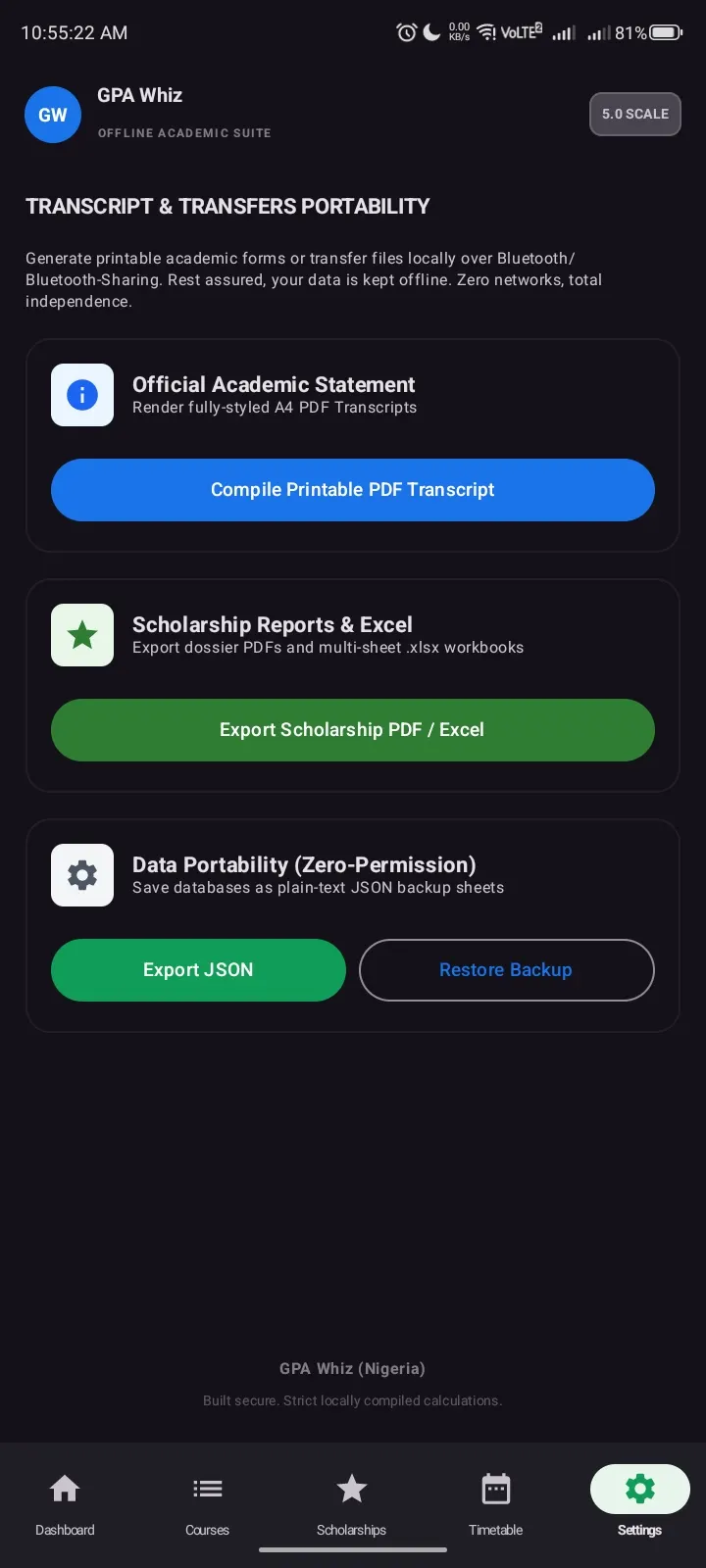
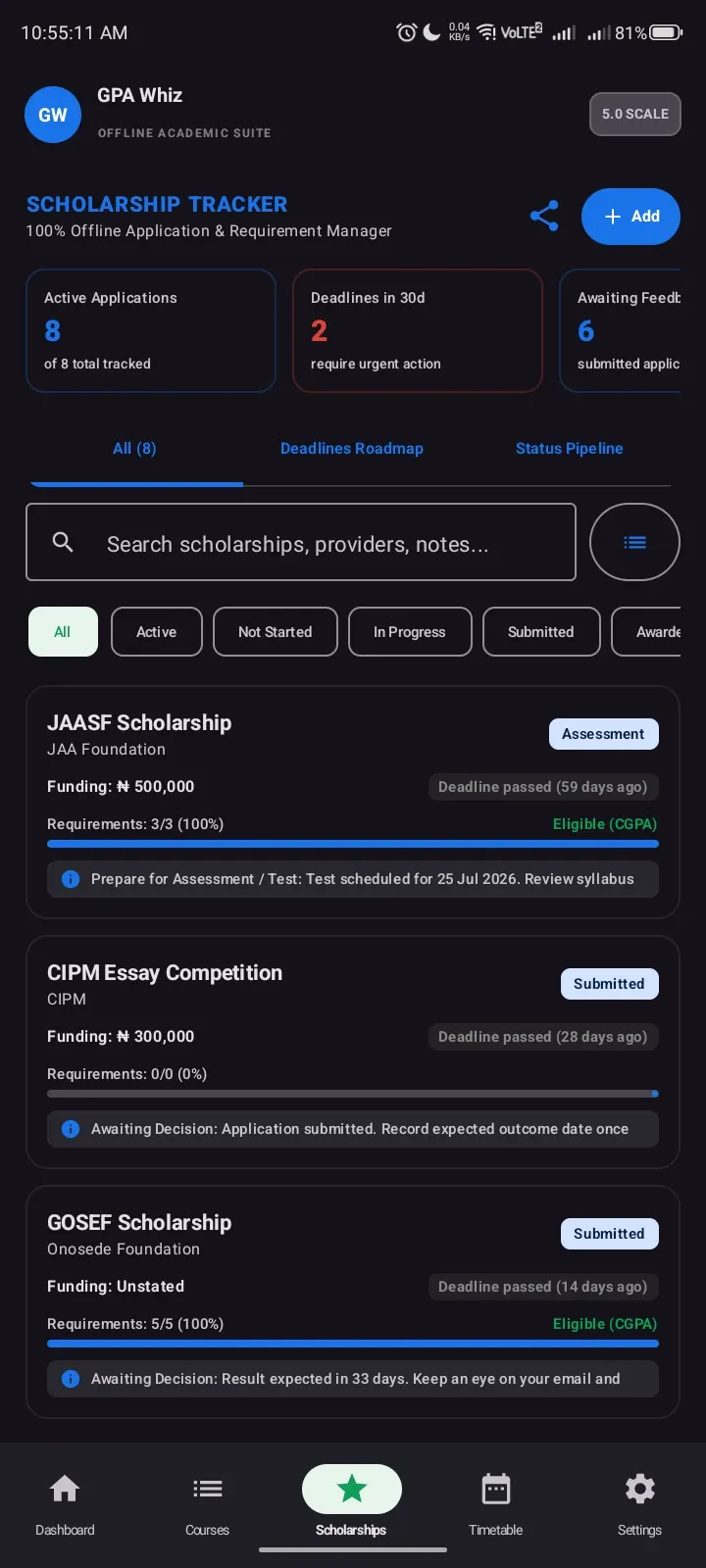
The scholarship tracker follows each application through structured stages, from not started to awarded or rejected. You can record deadlines, feedback dates, required documents and status. Applications can be exported to PDF or Excel.
The app is free, shows no ads, and is licensed GPL-3.0-only, with source code published on GitHub.
When another app fits better
Because data stays on the device and there is no cloud sync, GPA Whiz will not mirror your records across several phones. If you want that, you need a different tool or a manual export. Exports to PDF or Excel are the only way to move your records out of the app.
Alternatives such as Google Photos or Aegis Authenticator solve different problems. Aegis Authenticator is the closer match in spirit, as another offline-minded utility, but it handles two-factor codes rather than grades.
What's new in 1.2.1
Version 1.2.1 was updated on October 18, 2026.
GPA Whiz pros and cons
Pros
- Works fully offline with no account and no internet permission
- No ads and no price
- Open source under GPL-3.0-only with a public GitHub repository
- Small download at 2.2 MB
- Scholarship stages plus PDF and Excel export
Cons
- No cloud sync, so data does not follow you between devices
- Requires Android 7.0 or newer
- No Google Play rating or install data is available
Is GPA Whiz safe?
The APK is the unmodified build, and the SHA-256 checksum above lets you confirm your download matches it. GPA Whiz is open source under GPL-3.0-only, with its code on GitHub at https://github.com/Dee-Hem/GPA-Whiz for anyone to read. The developer says it needs no internet permission, keeps grades and deadlines on the device, and shows no ads.
How to install GPA Whiz
- Download the APK with the button on this page and wait for it to finish.
- Compare the file with the SHA-256 checksum shown here if you want to confirm it arrived intact.
- Open the file on your phone and allow installs from this source when Android asks.
- Finish the install, then open GPA Whiz from your app drawer.


