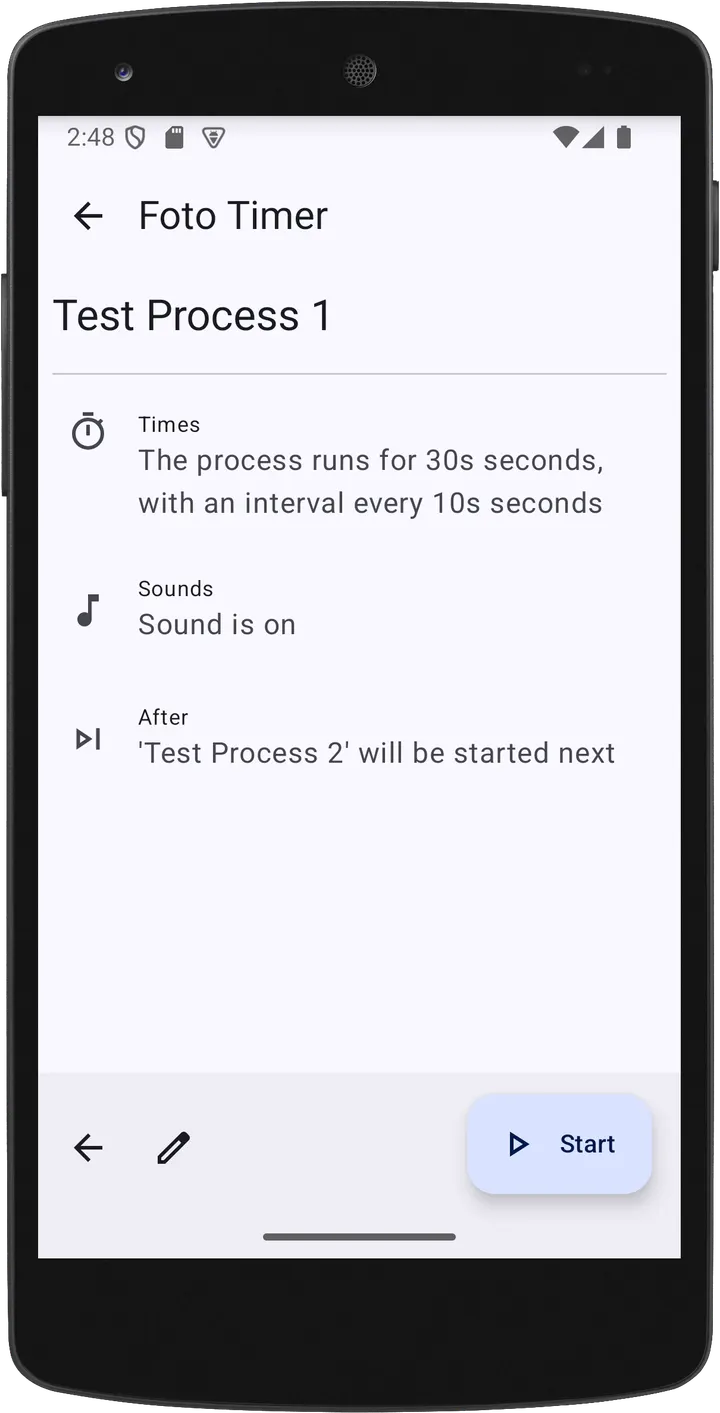
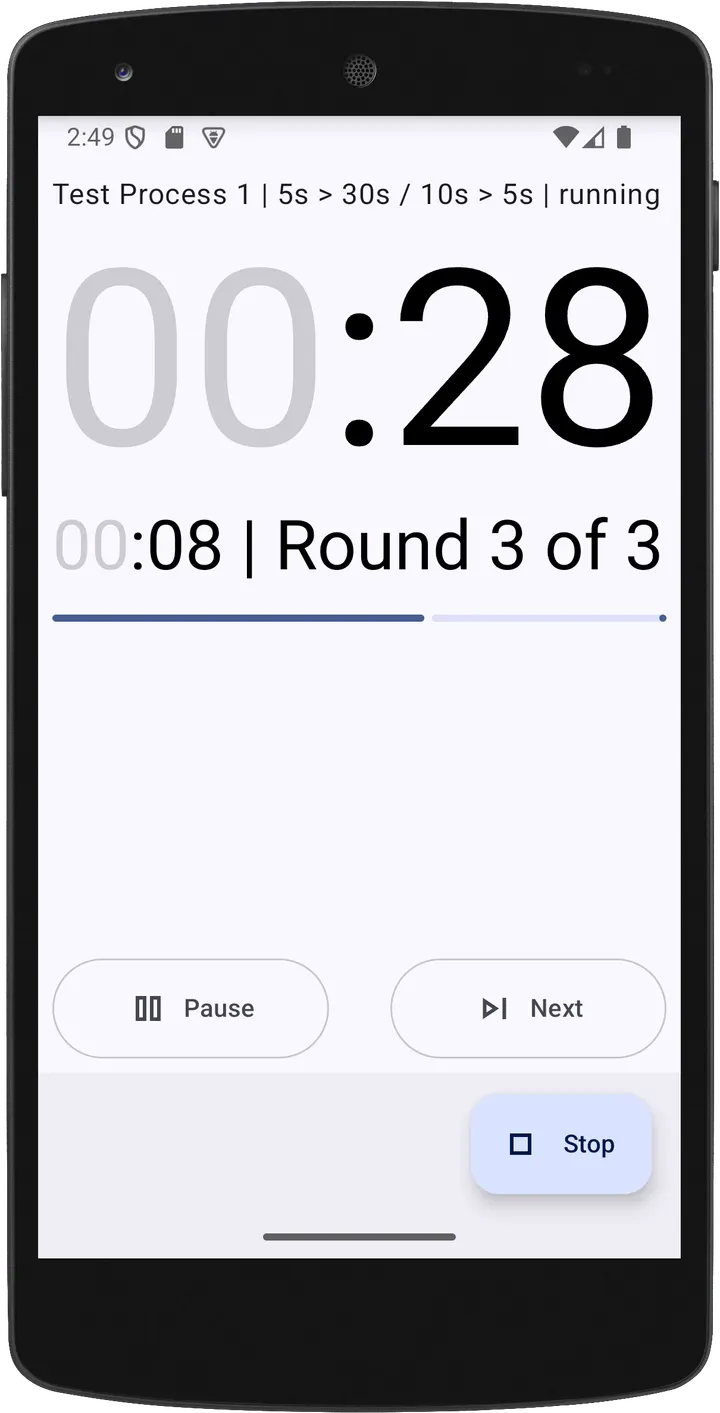
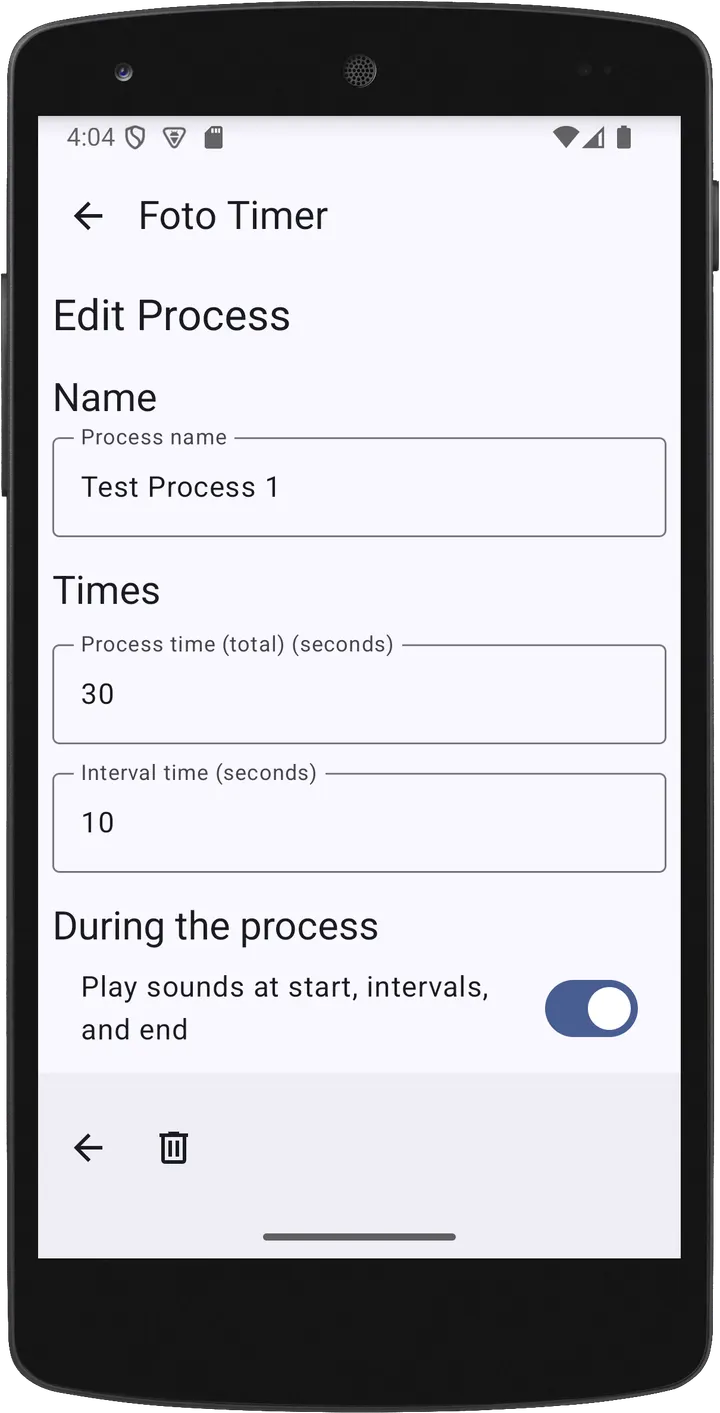
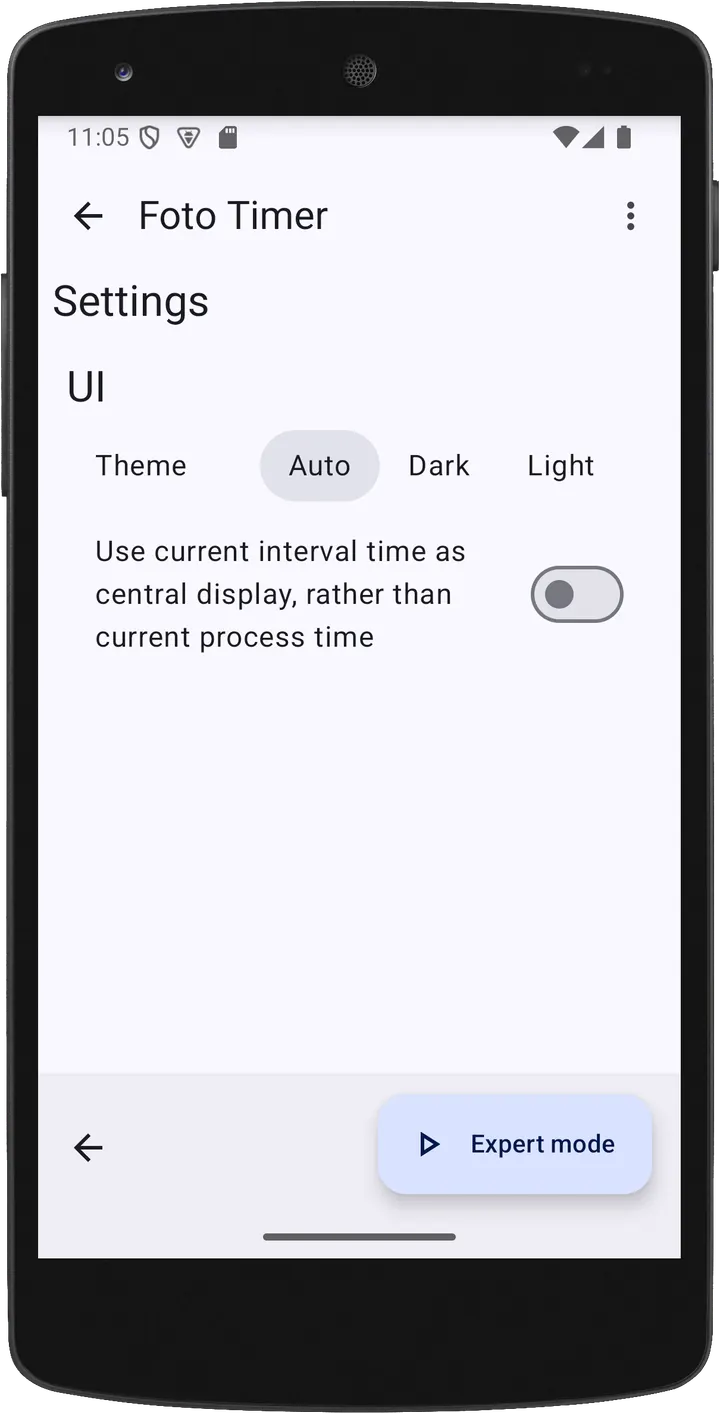
Foto Timer is a free, open-source Android app that counts and beeps for repeating tasks, with no ads. Version 1.4.2 needs Android 10 or later and weighs 3.6 MB. TopDown APK hosts the unmodified APK, and the file has a published SHA-256 checksum.
Free, no ads and an EUPL-1.2 licence
Foto Timer costs nothing and shows no ads. There are no in-app purchases and no paid version to upgrade to.
The code is published under the EUPL-1.2 licence, and the source is hosted on Codeberg. Developer Jan Exner also maintains a project page on his own website.
Processes and chaining for gym sets and film developing
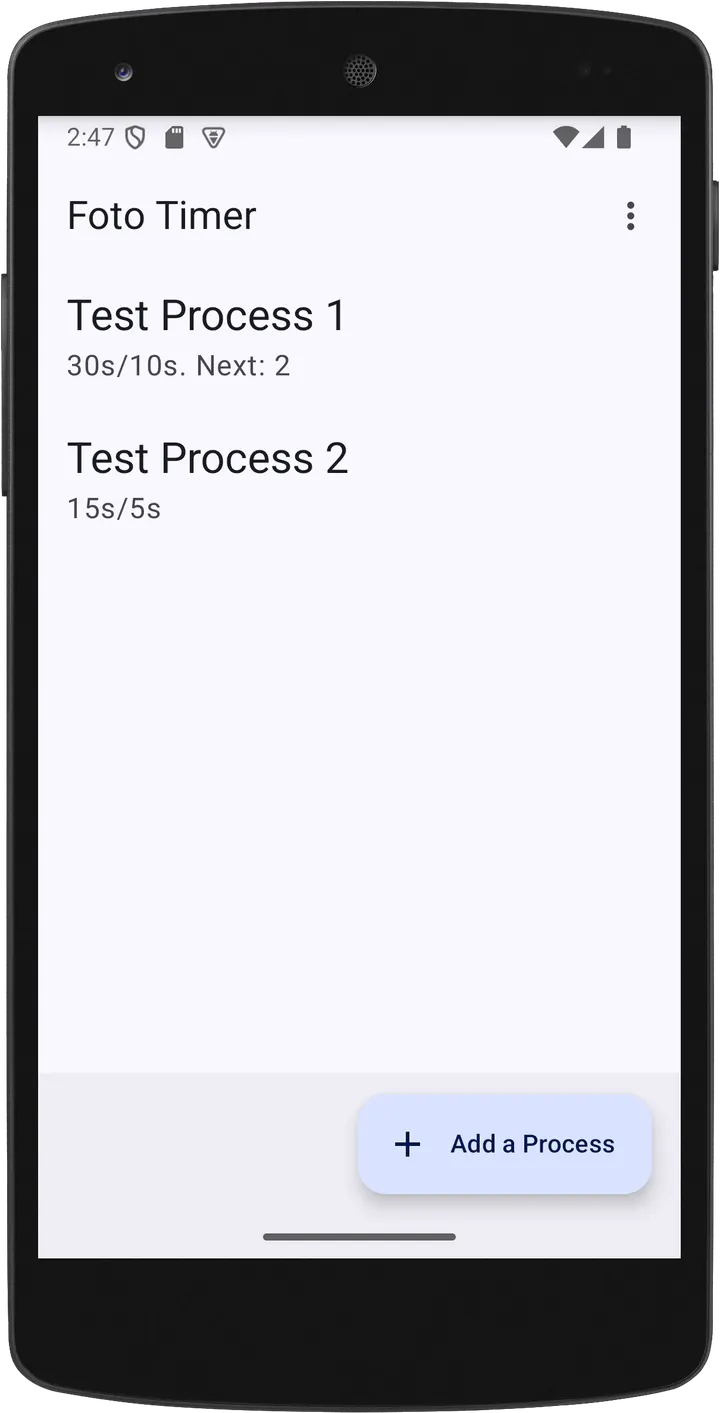
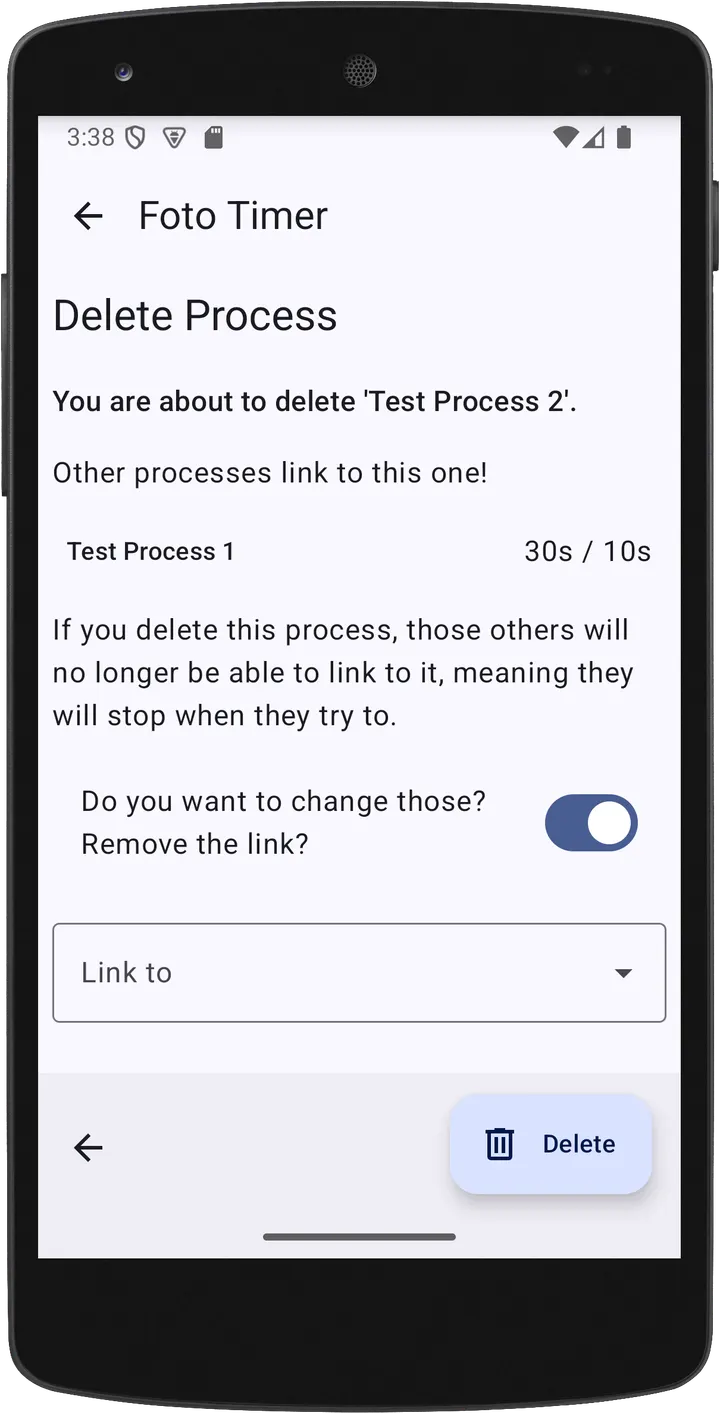
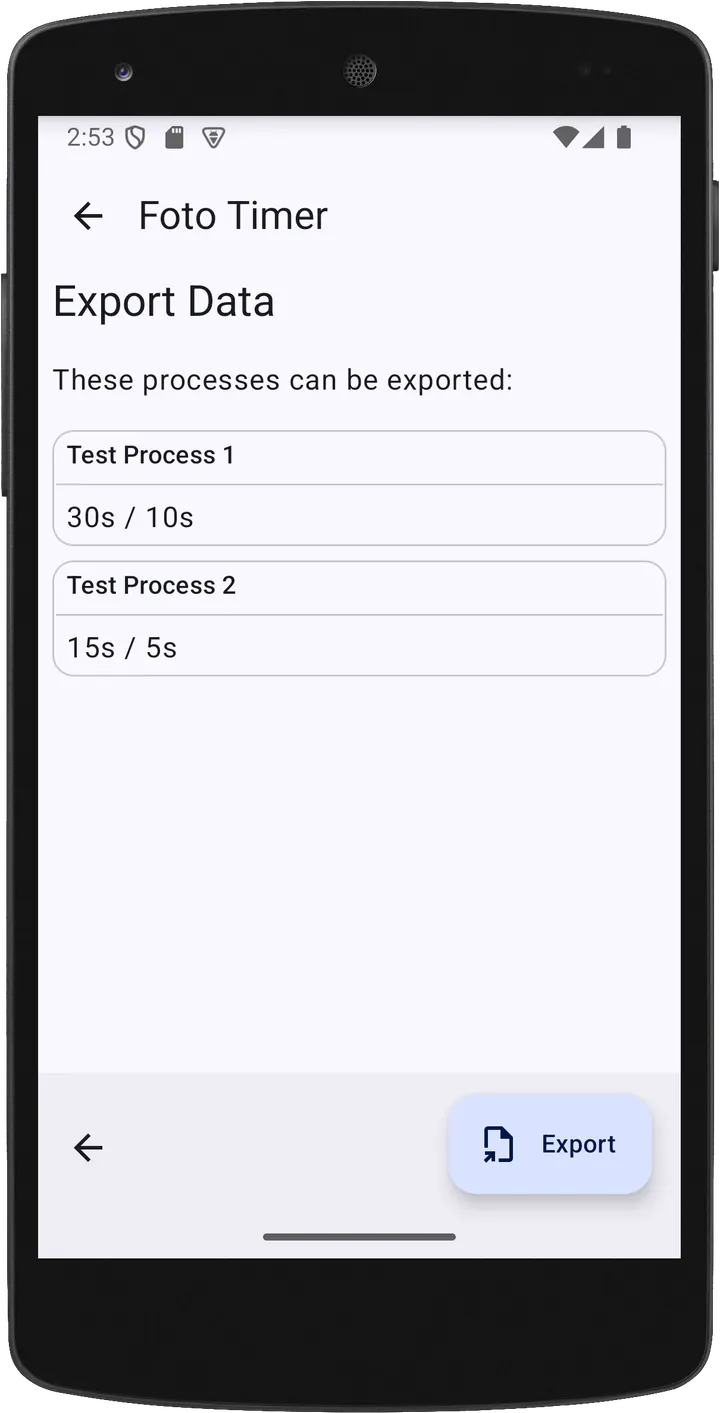
Foto Timer works with processes. Each process defines how the app counts and how often it beeps. Processes can be chained, so one can start another automatically, which suits multi-step routines.
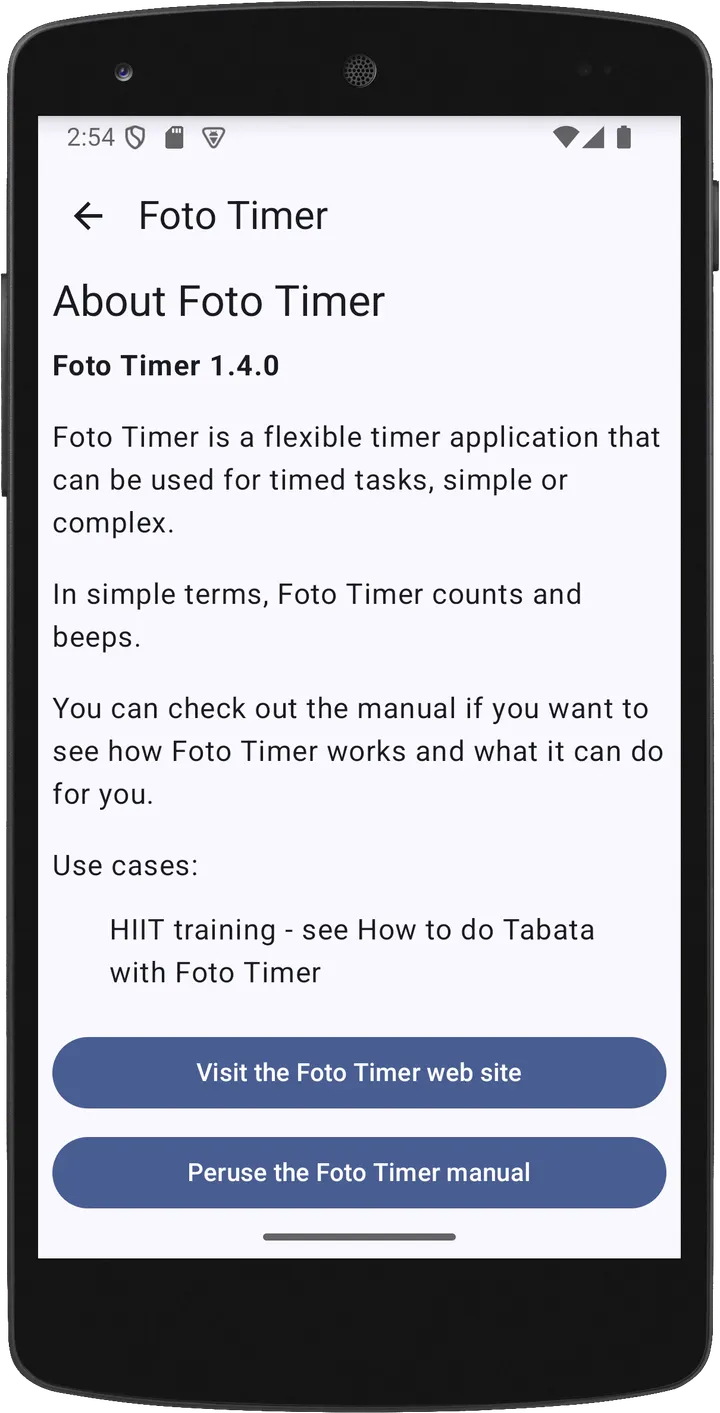
The developer names gym intervals as a typical use, along with developing analogue film and meditation. A manual and a how-to guide for Tabata exercises are linked from the developer's site. The listing carries 8 screenshots.
Release history and upkeep
Foto Timer first came out on June 2, 2024. Version 1.4.2 is the current one, last updated on June 5, 2026.
Its package ID is com.exner.tools.fototimer.
Foto Timer pros and cons
Pros
- Free with no ads and no listed purchases
- Open source under the EUPL-1.2 licence, with code on Codeberg
- Chained processes allow multi-step timers
- Small download at 3.6 MB
- Manual and a Tabata how-to guide available from the developer
Cons
- Requires Android 10 or later
- No published changelog for version 1.4.2
- No Google Play rating or install count
Is Foto Timer safe?
The APK is stored unmodified, and its SHA-256 checksum is 455cad67f7326c515f9773a536e5fc5b3b00c384bb4c22d583b3f066d3937331, so you can compare it with the file you downloaded. The source code is public under EUPL-1.2, and the publisher is the named developer Jan Exner. The app shows no ads.
How to install Foto Timer
- Download the APK with the button on this page and wait for it to finish.
- Compare the file with the SHA-256 checksum shown here if you want to confirm it arrived intact.
- Open the file on your phone and allow installs from this source when Android asks.
- Finish the install, then open Foto Timer from your app drawer.


