
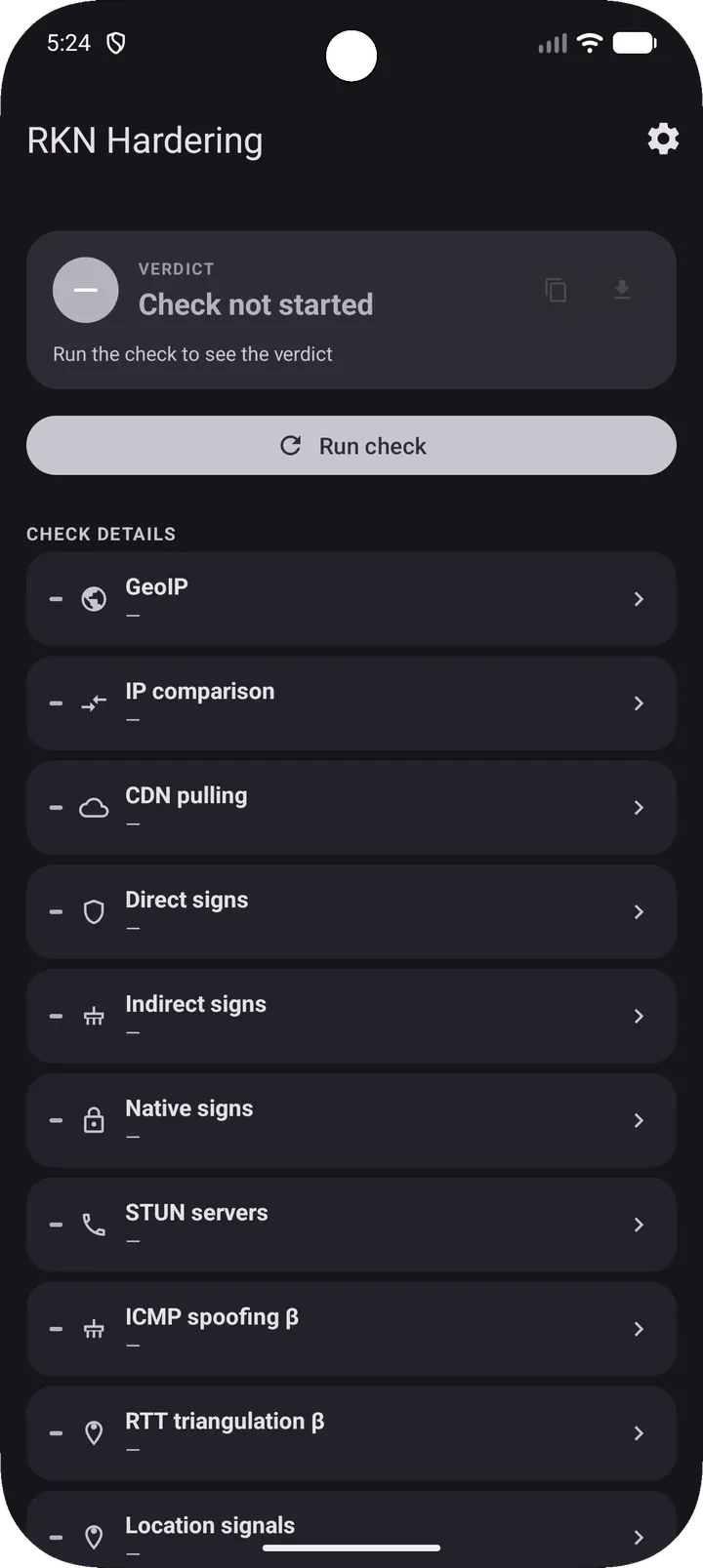
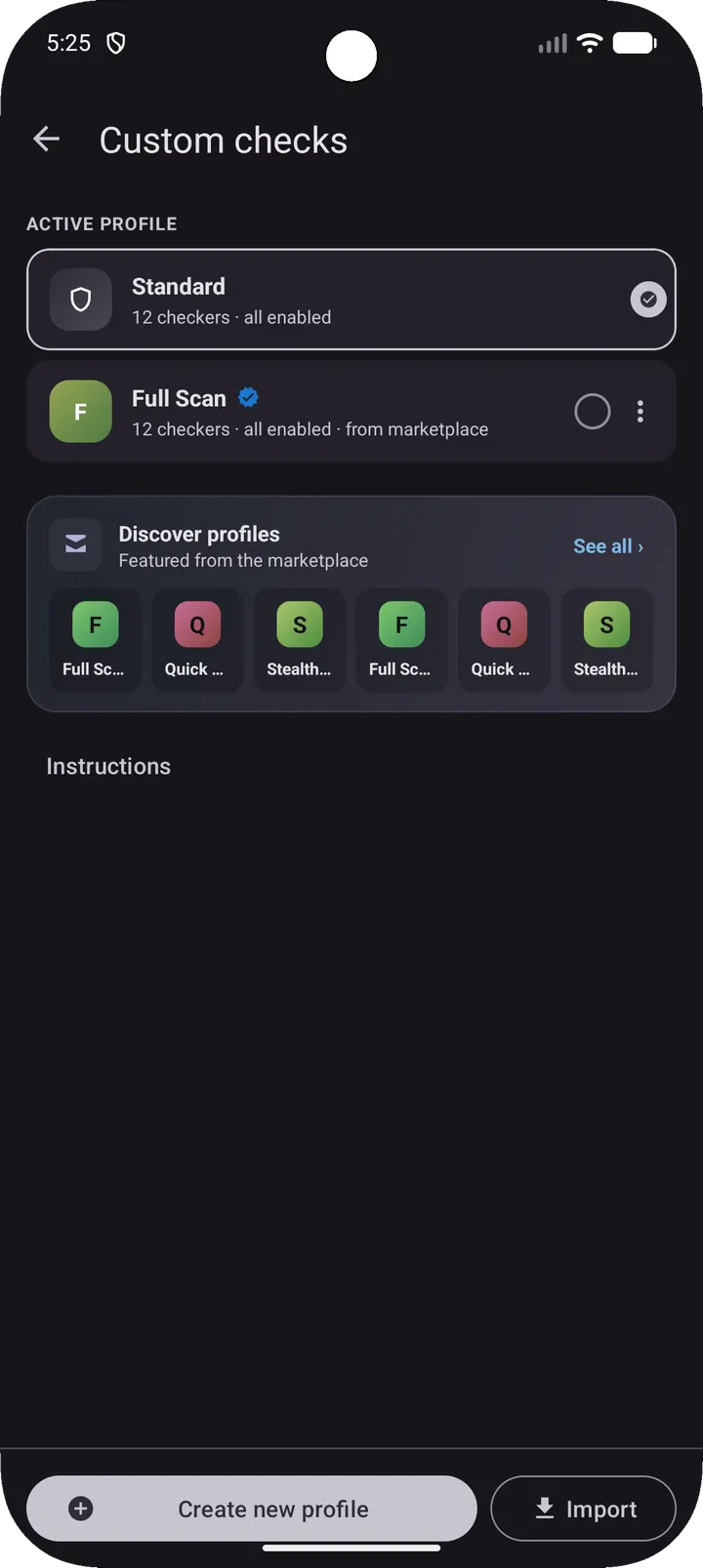
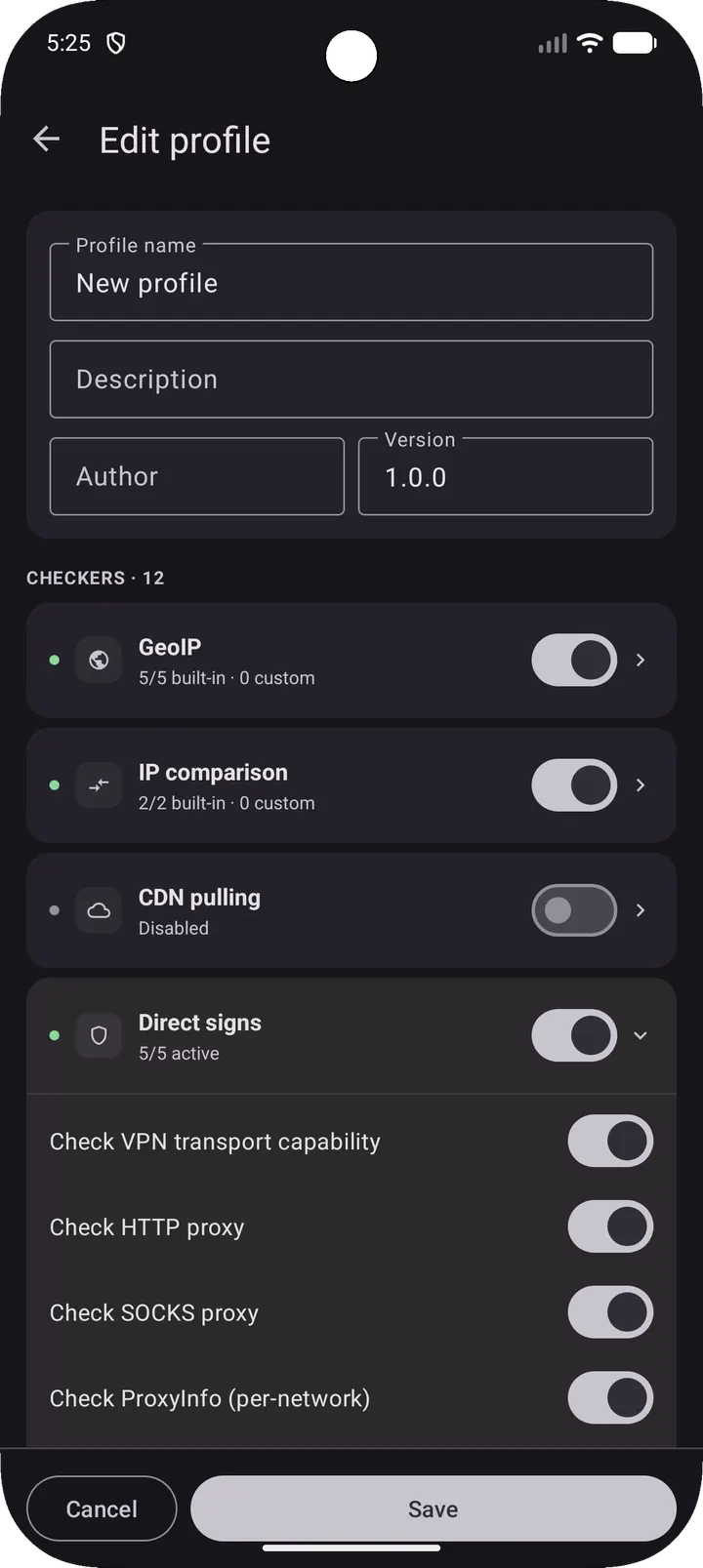
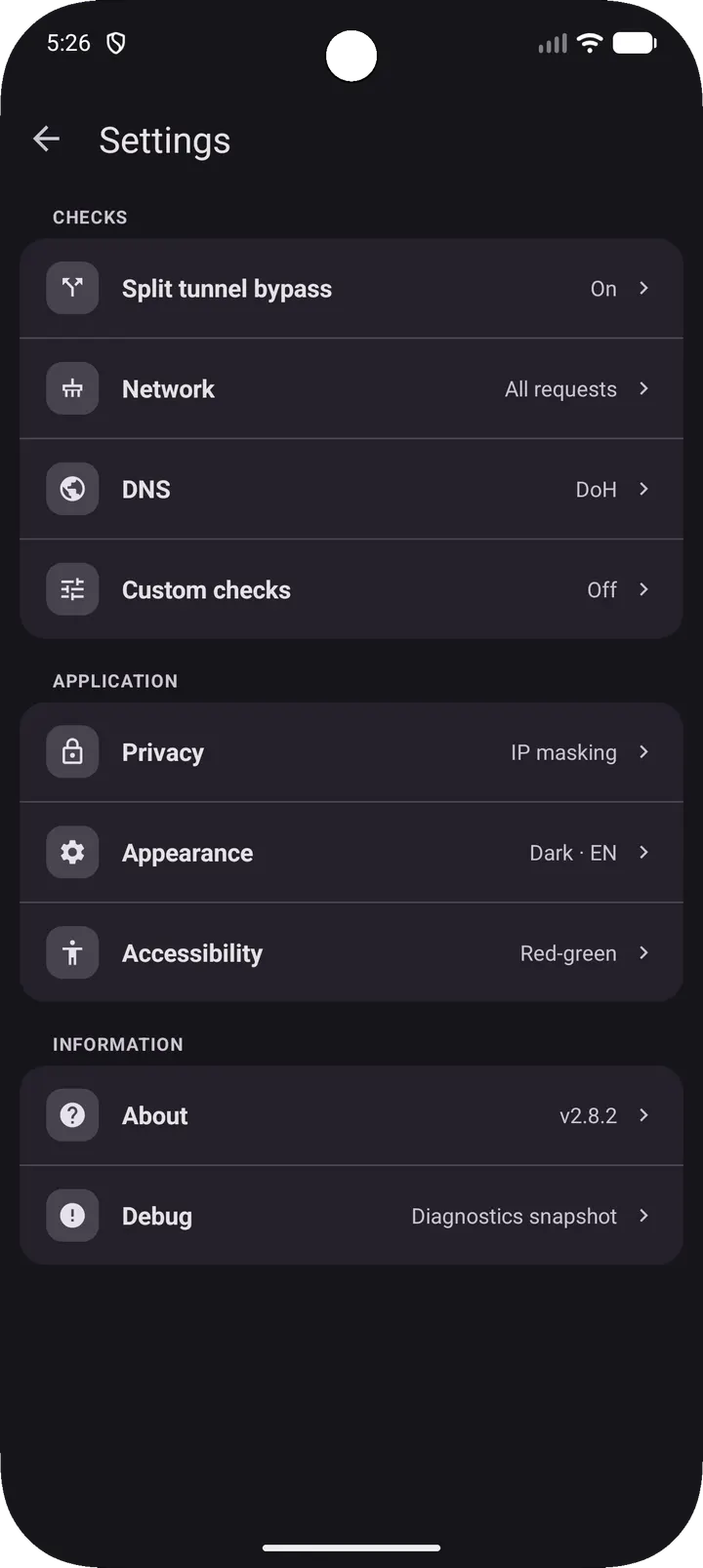
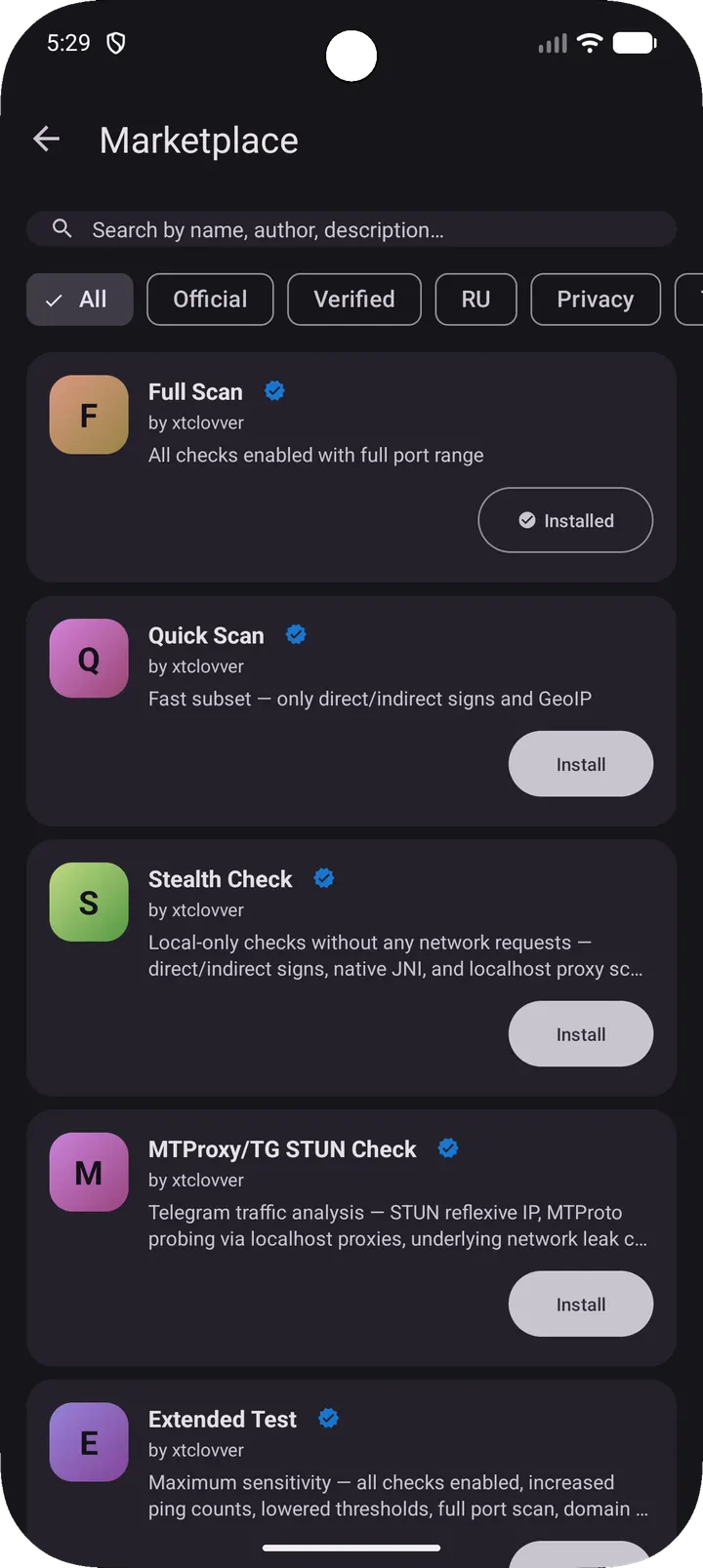
RKNHardering is a free, open-source Android app that checks whether the device it runs on is using a VPN or proxy, following the methodology of Russia's communications regulator, RKN. Version 2.11.0 is 15.1 MB and needs Android 8.0 or newer. The unmodified APK is available from TopDown APK, with its checksum shown below.
What a regulator-style VPN check looks at
The app is built around a specific problem: finding out whether a phone shows signs of using a circumvention tool. It follows the RKN method for spotting such tools and runs nine independent modules in parallel. Their results are merged into one verdict.
The verdict reads NOT DETECTED, NEEDS REVIEW or DETECTED. A component called VerdictEngine calculates it from a weighted combination of the module results, so no single check decides the outcome alone.
From GeoIP to JNI: the nine modules
Several modules look at the network from outside. GeoIP checks the public IP against GeoIP databases and hosting or proxy signal providers. IP Comparison compares answers from IP checkers inside and outside Russia, and CDN Pulling sends HTTPS requests to trace endpoints to find the apparent public IP.
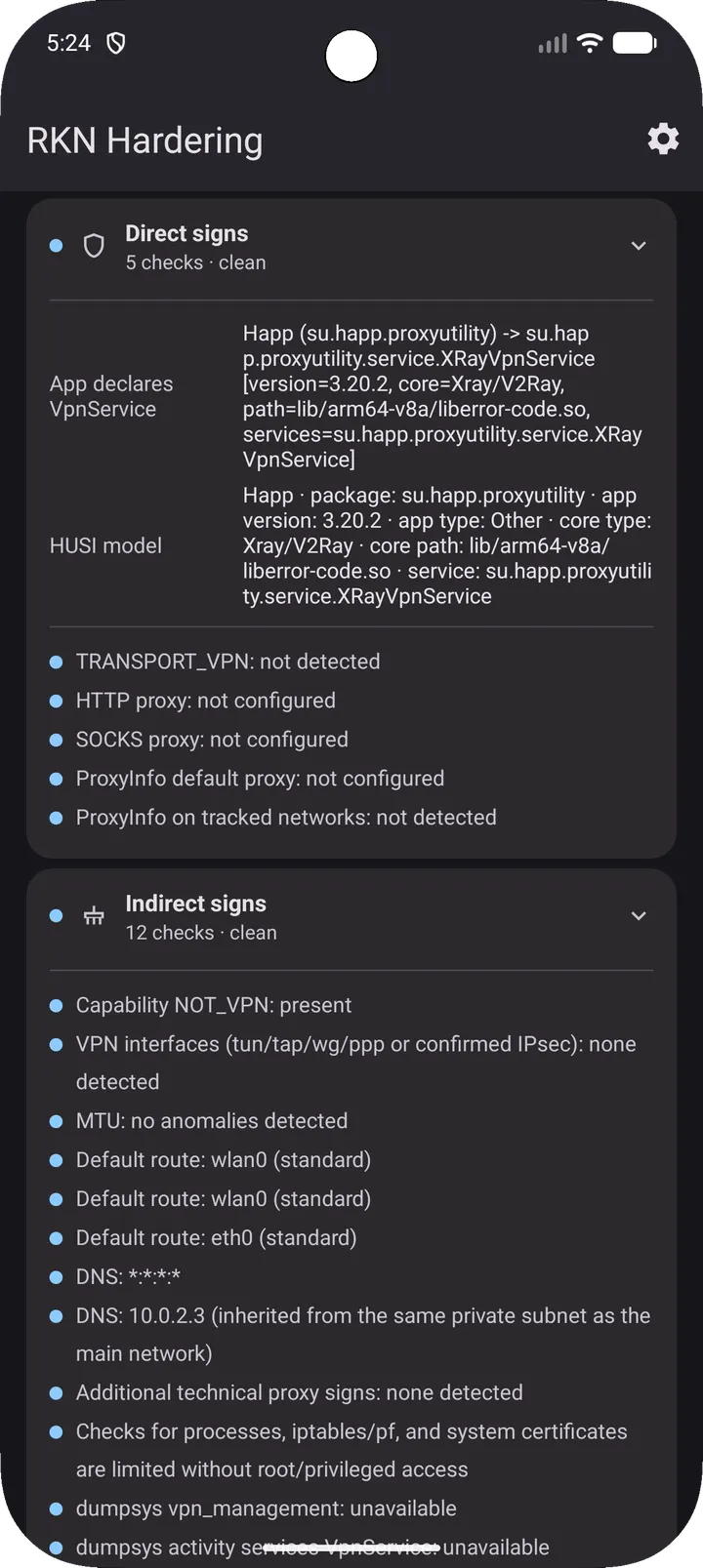
Others inspect the device itself. Direct Signs reads NetworkCapabilities, system proxy settings and installed VPN apps. Indirect Signs examines network interfaces, the routing table, DNS, dumpsys VPN output and localhost proxy listeners. Native Signs goes lower, with JNI-level checks of interfaces and routes, hook markers in /proc/self/maps, and root indicators.
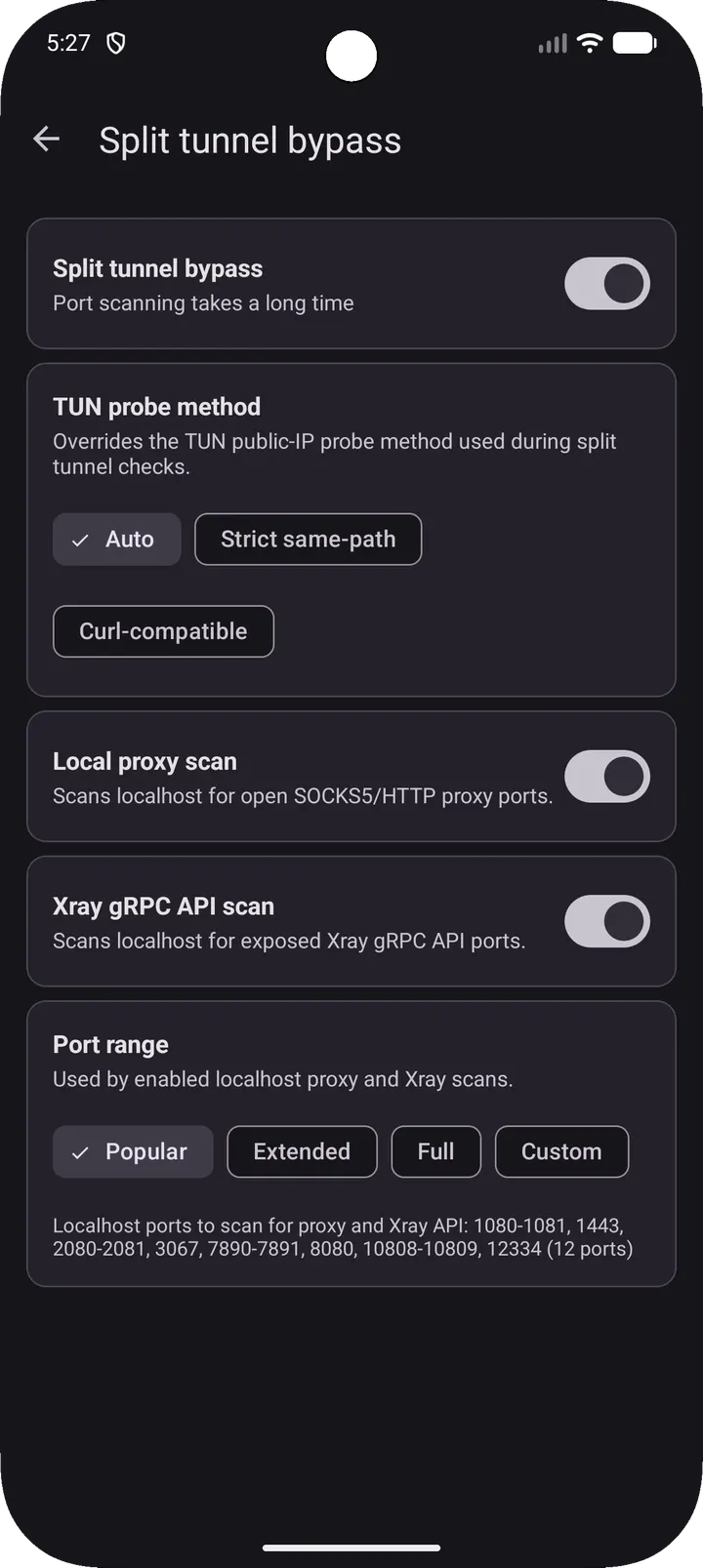
The remaining three cover specific leaks. Location Signals reads MCC, SIM, cell and Wi-Fi data and queries BeaconDB for geolocation. Bypass Check scans localhost for open SOCKS5 or HTTP proxies and Xray gRPC API endpoints, and looks for underlying network leaks. Call Transport tests STUN and MTProto availability to detect traffic tunneling.
Check these details before installing
The app reads SIM, cell and Wi-Fi data and contacts external IP checkers and BeaconDB, so expect network requests and location-related lookups when you run a scan. Review the exact permissions the APK requests in the install prompt.
The package ID is com.notcvnt.rknhardering and the developer is xtclovver. The source is on GitHub under AGPL-3.0-only, and the APK has a SHA-256 of 77d64f300534f9068fb8441fc62d8baa97698d2cf5e7b04e5133f0736399fc59. Compare it with your downloaded file. The app contains no ads.
What's new in 2.11.0
The current version is 2.11.0, updated on July 29, 2026.
RKNHardering pros and cons
Pros
- Free, with no ads and an AGPL-3.0-only licence
- Source code is public on GitHub for inspection
- Nine modules run in parallel and feed one weighted verdict
- Covers both network-level and device-level signals, including JNI checks
- Small download at 15.1 MB
Cons
- Needs Android 8.0 or newer
- Queries external services such as IP checkers and BeaconDB
- Version 2.11.0 has no published release notes
- No Google Play rating or install count is available
Is RKNHardering safe?
The APK is the original, unmodified file, and its SHA-256 checksum is published so you can compare it against your download. RKNHardering is open source under AGPL-3.0-only, written by xtclovver with the code on GitHub. Since the app probes network interfaces, routing, DNS and localhost proxy ports, it is worth reading the source and checking the requested permissions before installing.
How to install RKNHardering
- Download the APK with the button on this page and wait for it to finish.
- Compare the file with the SHA-256 checksum shown here if you want to confirm it arrived intact.
- Open the file on your phone and allow installs from this source when Android asks.
- Finish the install, then open RKNHardering from your app drawer.


