
You notice a flashlight app asking for network access and want to cut it off without rooting the phone. Rethink, built by The RethinkDNS Authors, does that through a local VPN-style service that filters connections per app. The current version is v0.5.8, updated on October 16, 2026, and it is free with no ads.
Who needs a per-app firewall on Android
Rethink fits people who want to see and control which installed apps reach the internet. A file manager, an alarm clock or a calculator has little reason to go online, and blocking such apps on WiFi and mobile data removes one path for data to leave the device.
It also suits users who already have a WireGuard provider and want one app to handle both the tunnel and the filtering. The app is categorized under network tools and VPN apps, and it requires Android 6.0 or newer.
Firewall, DNS and WireGuard in practice
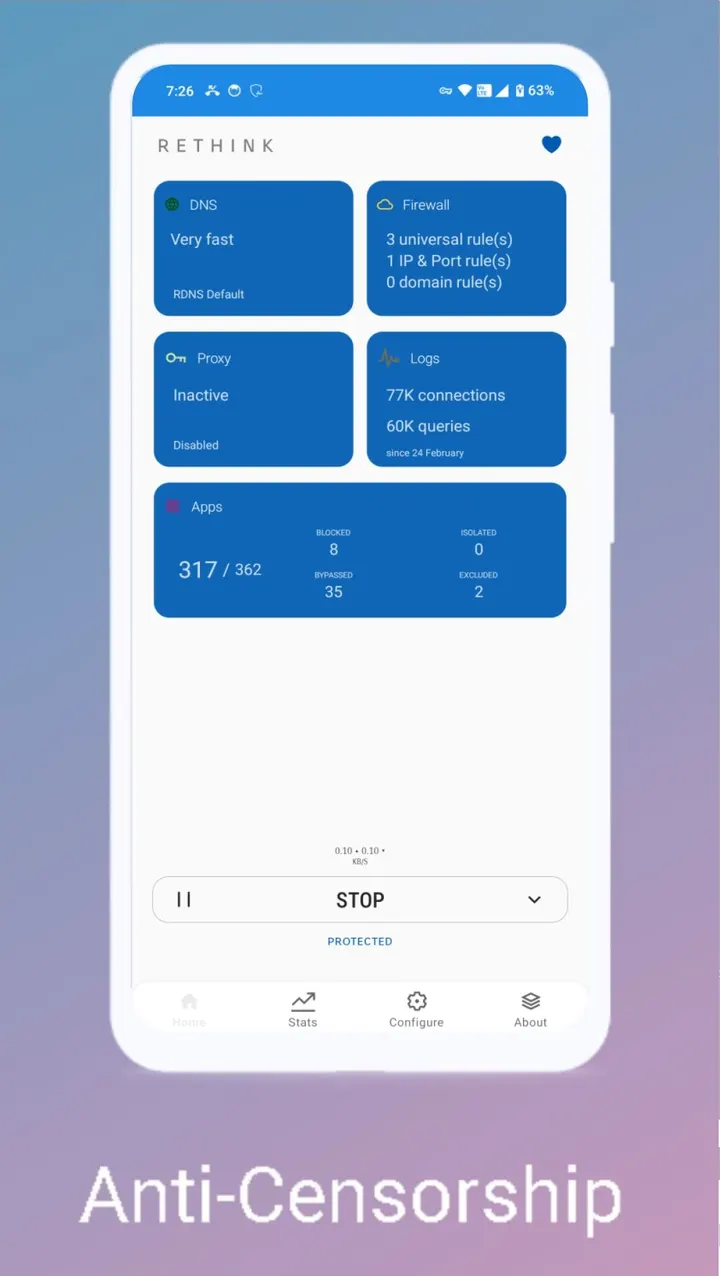
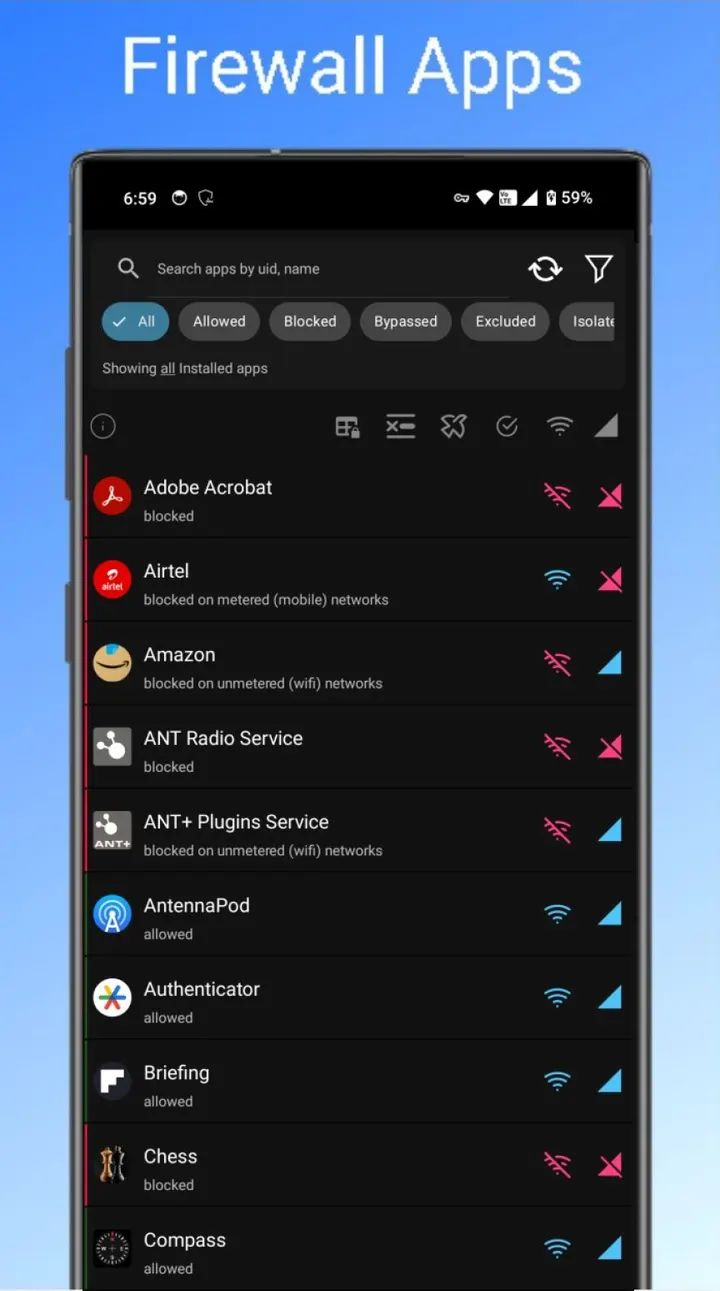
The firewall blocks chosen apps from connecting over WiFi or mobile data. According to the developer, it uses an Accessibility Service to detect and block background apps, so expect to grant that permission if you want that behavior.
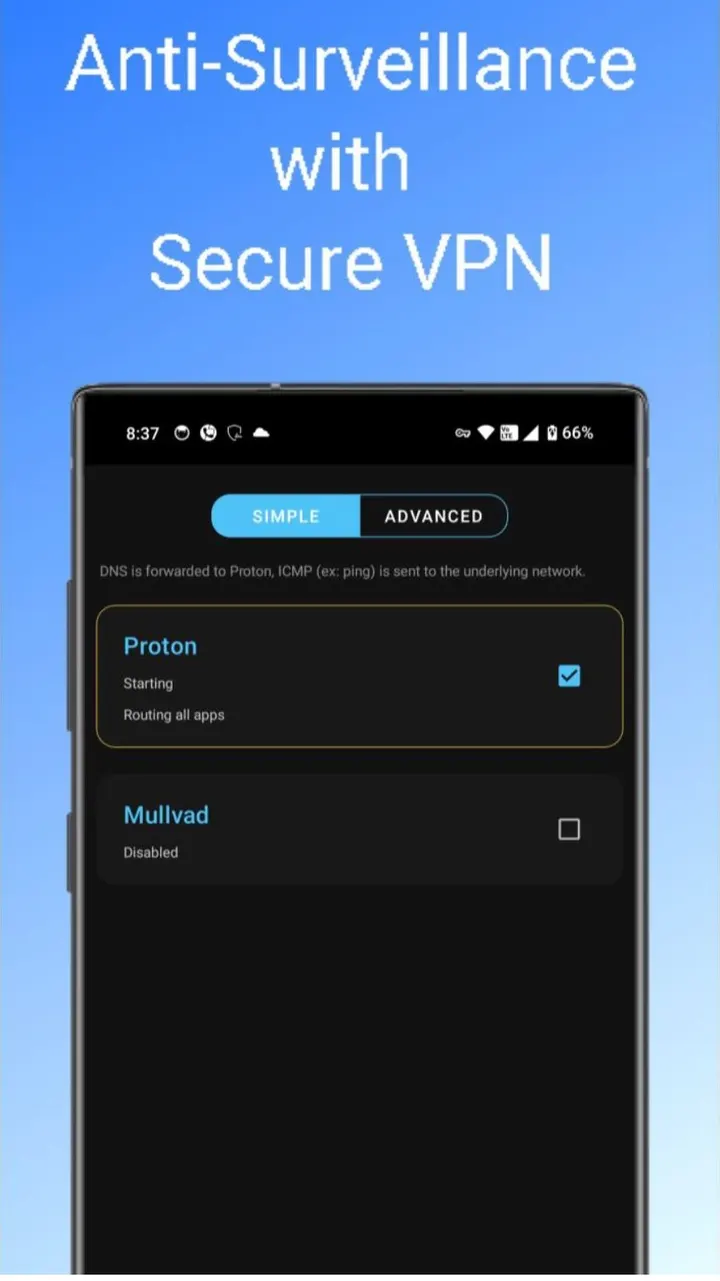
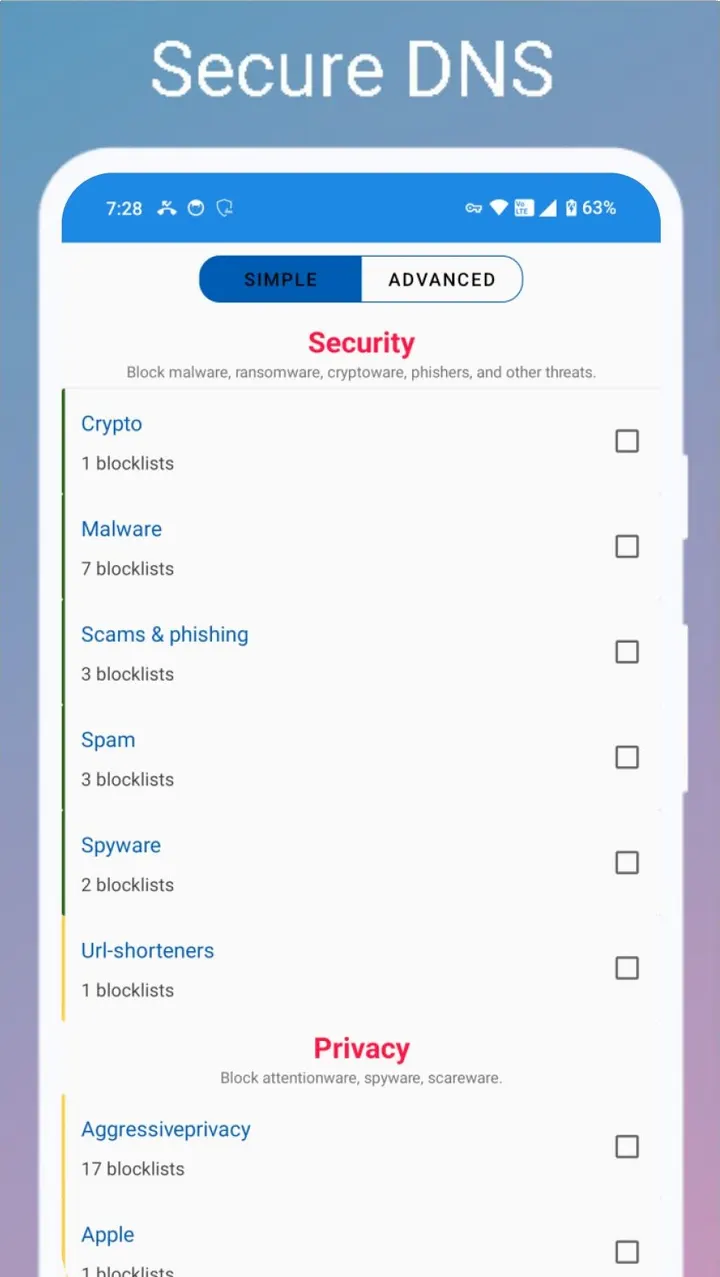
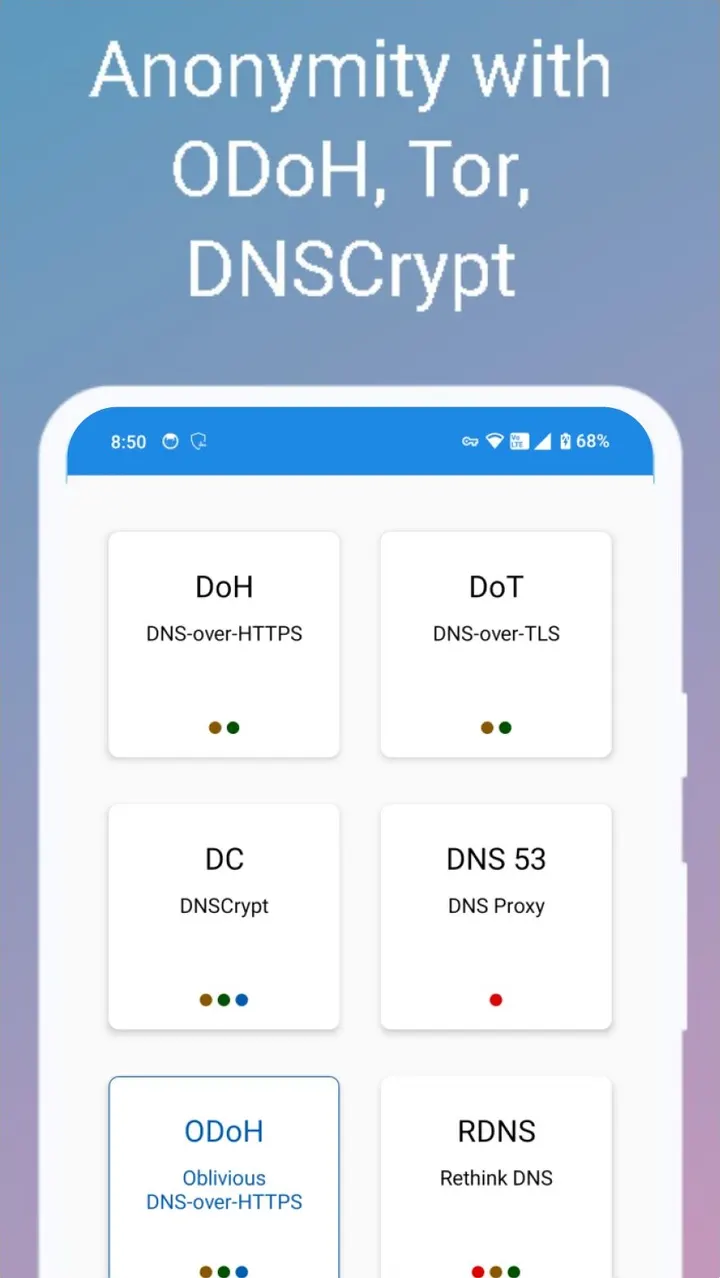
For tunnelling, Rethink connects to several WireGuard VPNs of your choice. It does not supply a VPN service, so you bring your own compatible provider. DNS can be changed too, and the developer says its own DNS servers run in more than 300 locations. The aim is to resist DNS manipulation used to censor sites and messaging apps.
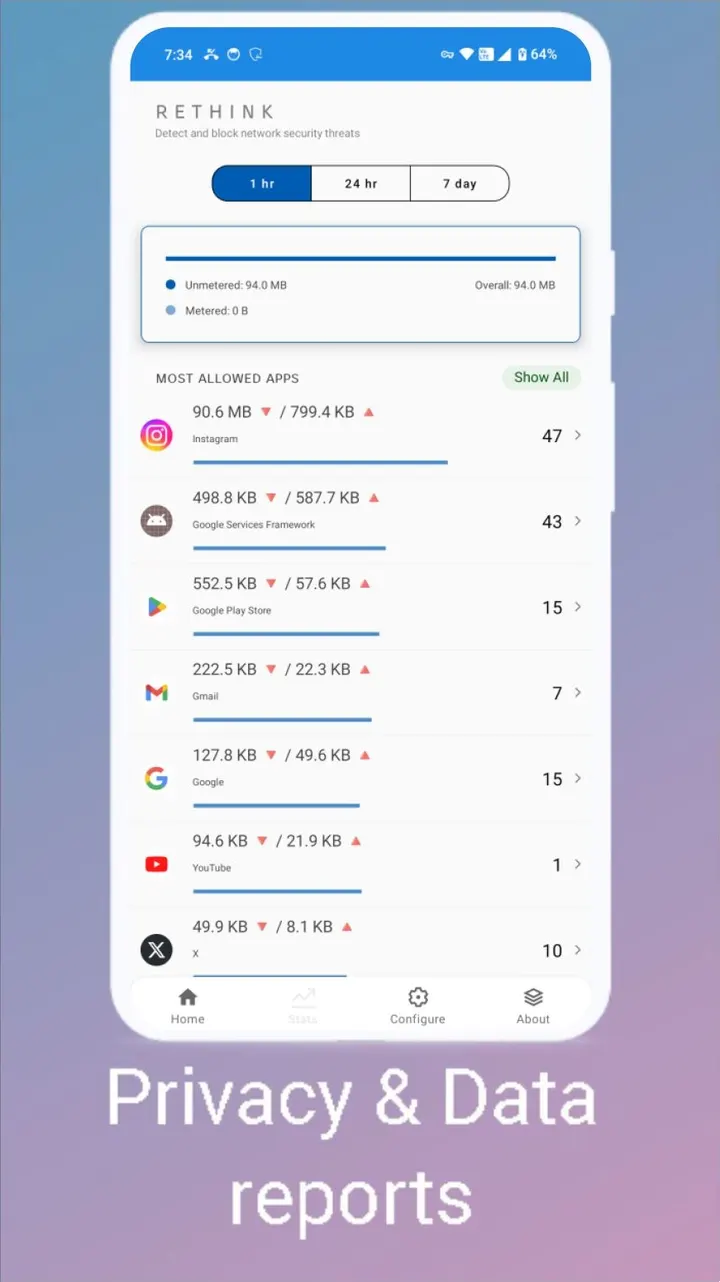
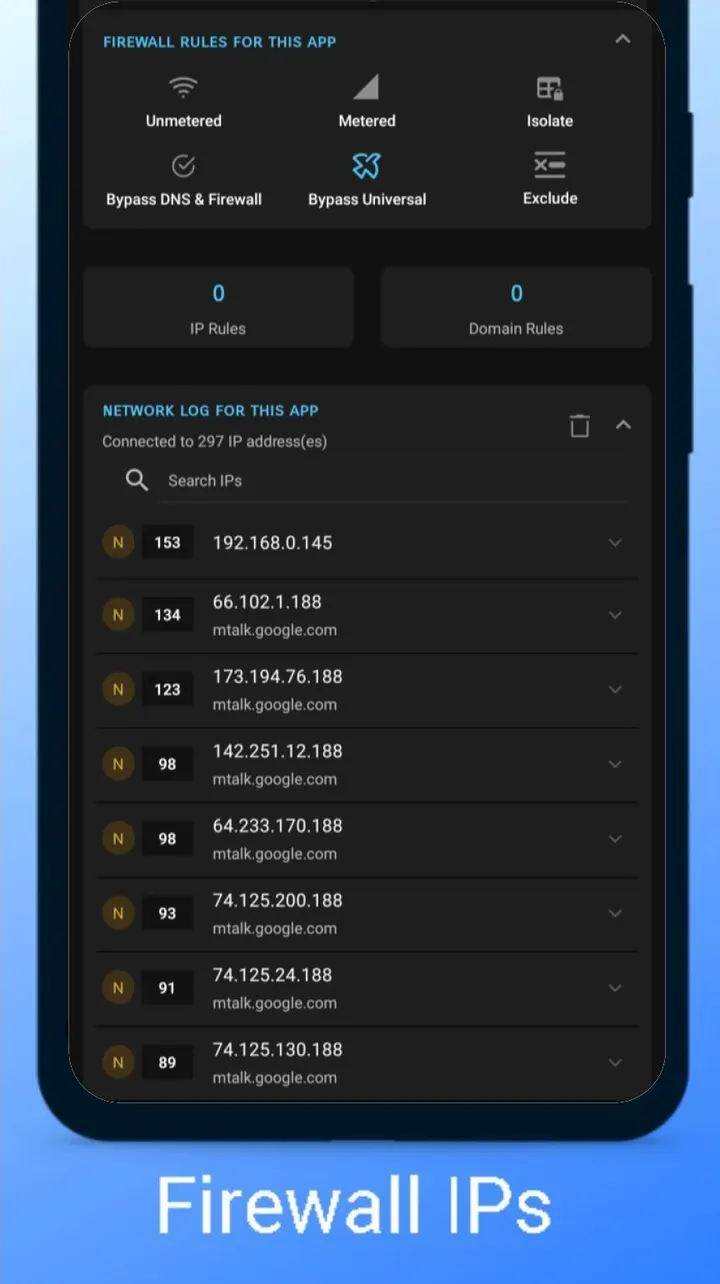
Monitoring is optional. When enabled, connection logs are analyzed and unfamiliar or suspicious connections are flagged, and logs are shown in near-real time. A data monitor tracks mobile and WiFi usage per app and per connection. The developer says around 60% of traffic in its own tests was flagged as coming from known spyware. That figure is the publisher's claim.
Cost and size
Rethink is free, shows no ads, and is released under the Apache-2.0 license, with its source code on GitHub. The download is 29.5 MB, and the app first came out on April 20, 2021.
Anyone expecting a bundled VPN service should know that the WireGuard feature relies on servers you pick yourself.
Rethink pros and cons
Pros
- Free, with no ads and an Apache-2.0 licence
- Source code is public on GitHub
- Per-app firewall for WiFi and mobile data
- Supports multiple WireGuard VPN connections
- Connection logs and per-app data usage tracking
Cons
- Background app detection relies on an Accessibility Service
- No VPN provider is included, so WireGuard needs your own
- No Google Play rating or install data is available
- The 60% spyware figure is the developer's own claim
Is Rethink safe?
Rethink (package com.celzero.bravedns) is distributed as the unmodified APK, and its SHA-256 checksum is f2685bc66ba3b1537c8bb2e04644360f9a8b307ed6de618c393cade12a2651ae. The source code is public under Apache-2.0 at github.com/celzero/rethink-app, and the app carries no ads. Because it sits in the path of your network traffic as a firewall and VPN client, grant VPN access only if you intend to use those features.
How to install Rethink
- Download the APK with the button on this page and wait for it to finish.
- Compare the file with the SHA-256 checksum shown here if you want to confirm it arrived intact.
- Open the file on your phone and allow installs from this source when Android asks.
- Finish the install, then open Rethink from your app drawer.


