
Network Scanner is a free, open-source Android app from developer Usama Iqbal that finds devices on your local network and lists their IP addresses, hostnames and open ports. Version 1.1.11 needs Android 8.0 or later and takes 3.3 MB. We host the unmodified APK for this page, with a verified file and SHA-256 checksum.
Free, no ads, GPL-3.0 licence
Network Scanner costs nothing and carries no ads. The catalog tags it as open-source and no-ads, and no in-app purchases are mentioned.
The code is published under GPL-3.0-only, with the source on GitHub at usamaiqb/network-scanner. Anyone can read how the ping sweep, port scanning and device identification work before installing it.
Discovery methods and the 65,535-port option
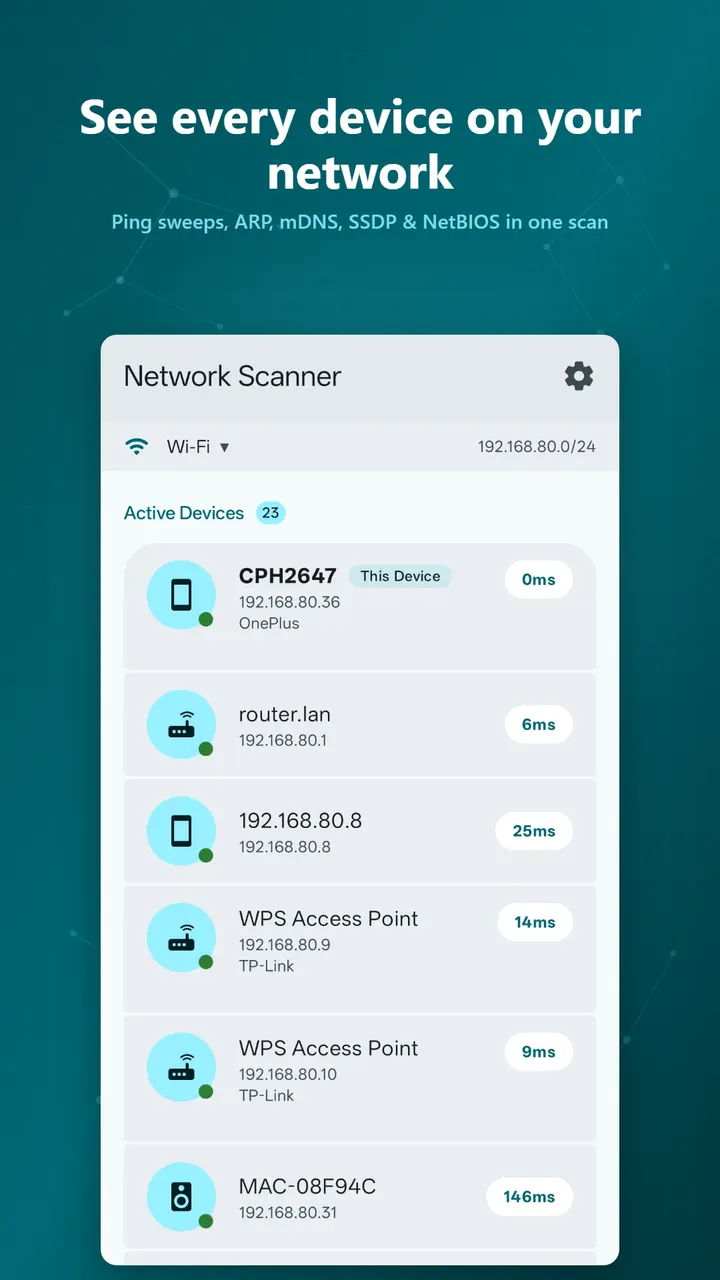
For finding devices, the scanner combines several methods: a ping sweep with a TCP fallback, ARP, mDNS or Bonjour, SSDP or UPnP, and NetBIOS. Using more than one method helps catch devices that ignore a plain ping. Scans run over WiFi, Ethernet or VPN.
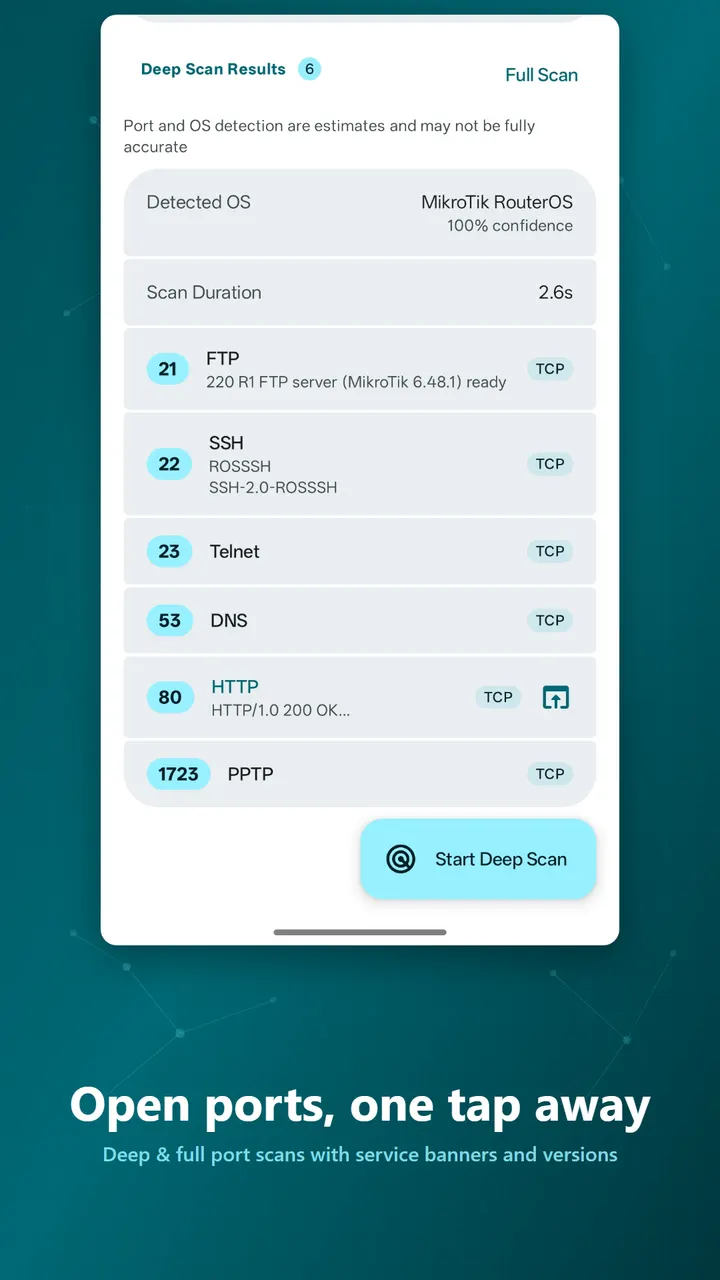
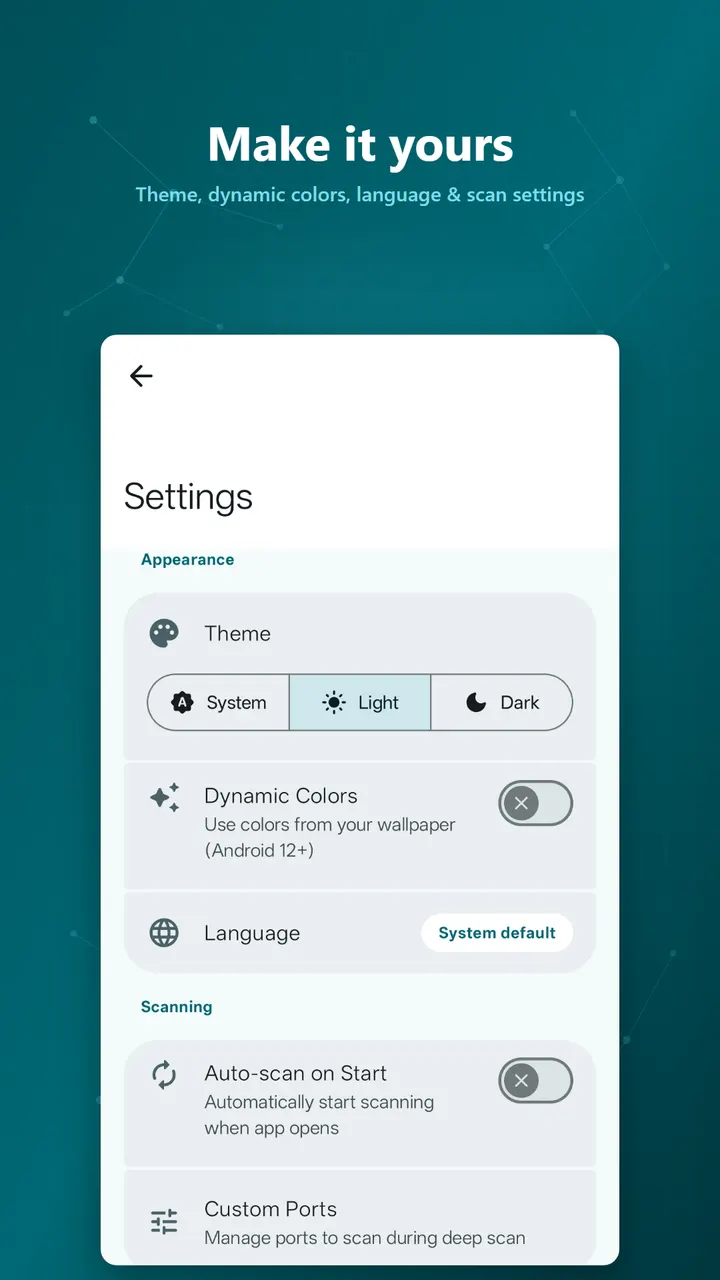
The port scanner checks common ports and tries to detect the service and version behind them. You can also scan all 65,535 ports, and the port list can be customized.
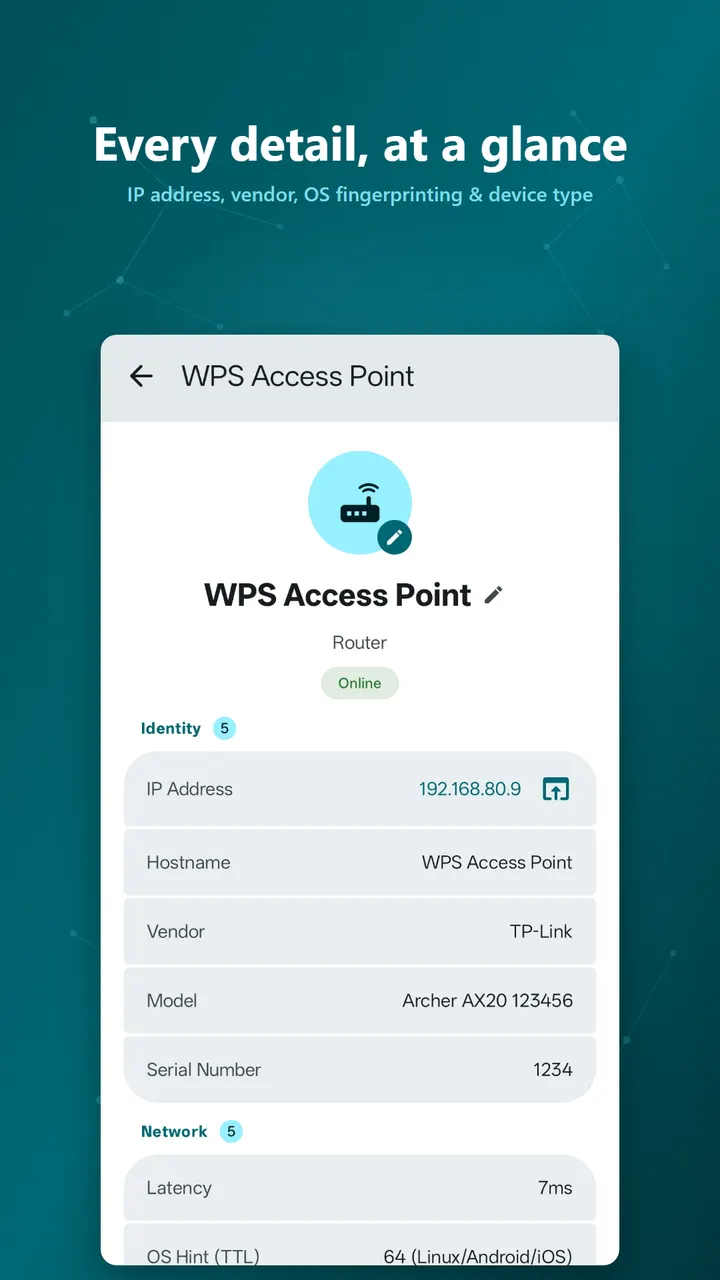
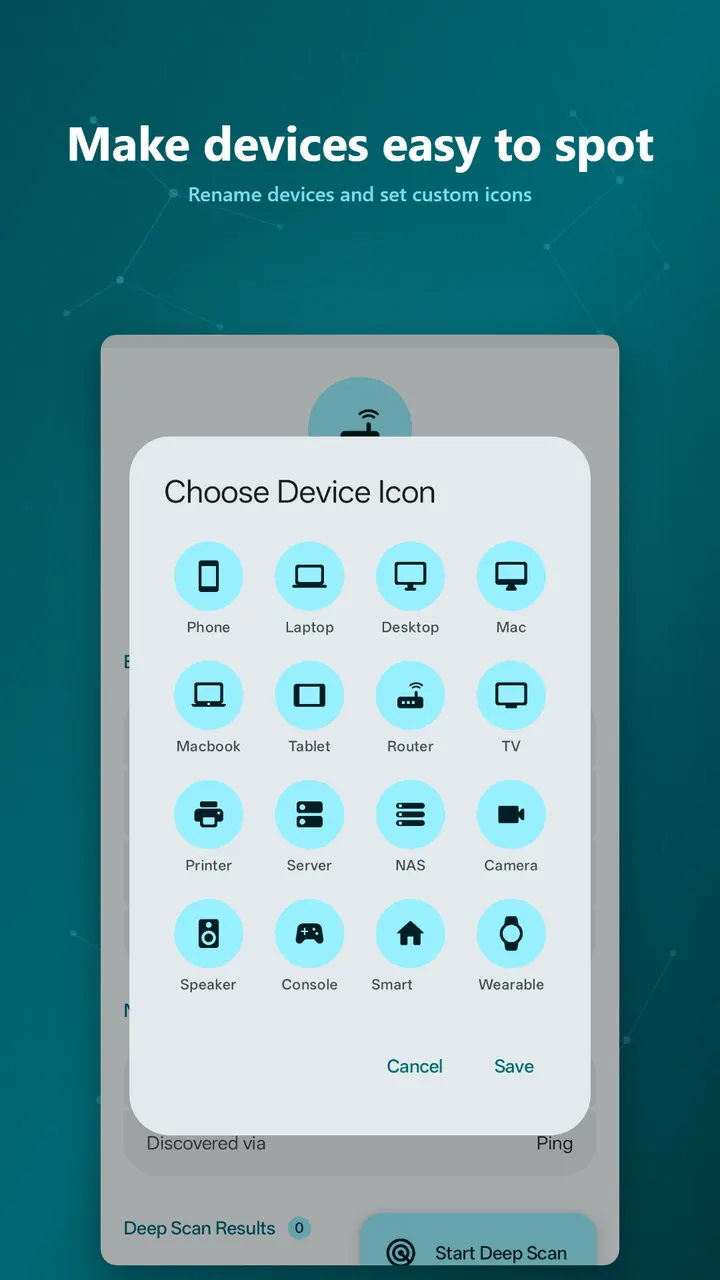
Each device gets a hostname, vendor, model, OS fingerprint and a type such as phone, laptop, TV, router, printer or NAS. Vendor lookup uses a bundled offline database.
MAC addresses on Android 10 and later
Showing MAC addresses on Android 10 and later needs optional Shizuku or root access. It is off by default and only matters if you switch on MAC address access in Settings, where the app reads the network's ARP table.
On Android 16 and later the app requires the Nearby WiFi devices permission to reach devices on your LAN. Location is optional and only used to show the WiFi network name.
Smaller touches include renaming devices, assigning custom icons, long-pressing to copy any detail, and tapping a web port to open it in a browser.
Release and maintenance record
The app was first released on March 11, 2026, and its latest update arrived on October 22, 2026, which is version 1.1.11.
Network Scanner pros and cons
Pros
- No ads, free, and no in-app purchases
- Open source under GPL-3.0-only, with the code on GitHub
- Several discovery methods: ping sweep, ARP, mDNS, SSDP and NetBIOS
- Can scan all 65,535 ports or a custom port list
- Small 3.3 MB download that works over WiFi, Ethernet or VPN
Cons
- MAC addresses on Android 10 and later need Shizuku or root
- Android 16 and later require the Nearby WiFi devices permission
- Recent changes are not documented in a changelog
- No Google Play rating or install count yet
Is Network Scanner safe?
Usama Iqbal publishes Network Scanner, and its source code is public on GitHub under GPL-3.0-only, so anyone can inspect it. The unmodified APK is stored with this SHA-256 checksum: af0c83ab7a6595a1abb59b513aaa99bbee5d8045aab4fd51d0a3fb3a30f35bb3. The developer says scans run offline on the phone with no tracking and no ads. Root or Shizuku access is optional and only adds MAC addresses on Android 10 and later. Scan only networks you own or have permission to test.
How to install Network Scanner
- Download the APK with the button on this page and wait for it to finish.
- Compare the file with the SHA-256 checksum shown here if you want to confirm it arrived intact.
- Open the file on your phone and allow installs from this source when Android asks.
- Finish the install, then open Network Scanner from your app drawer.


