
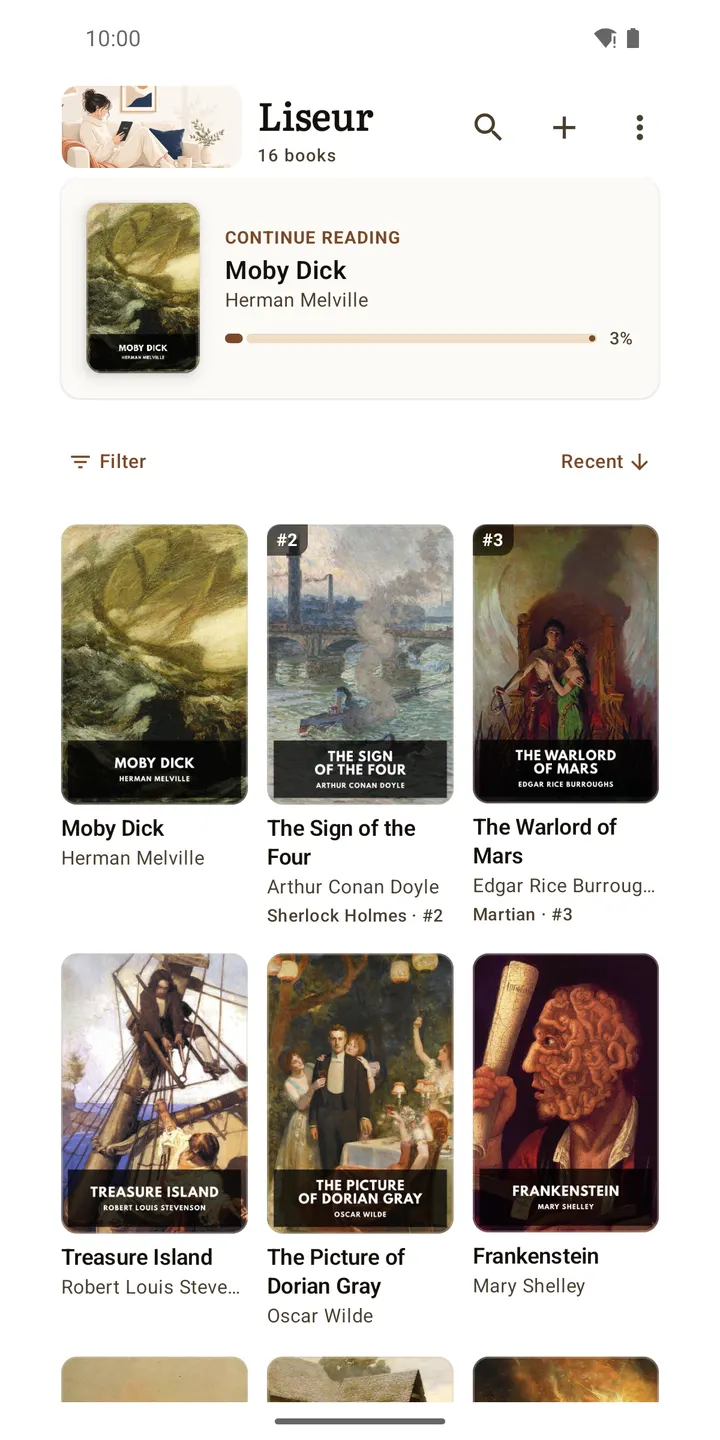
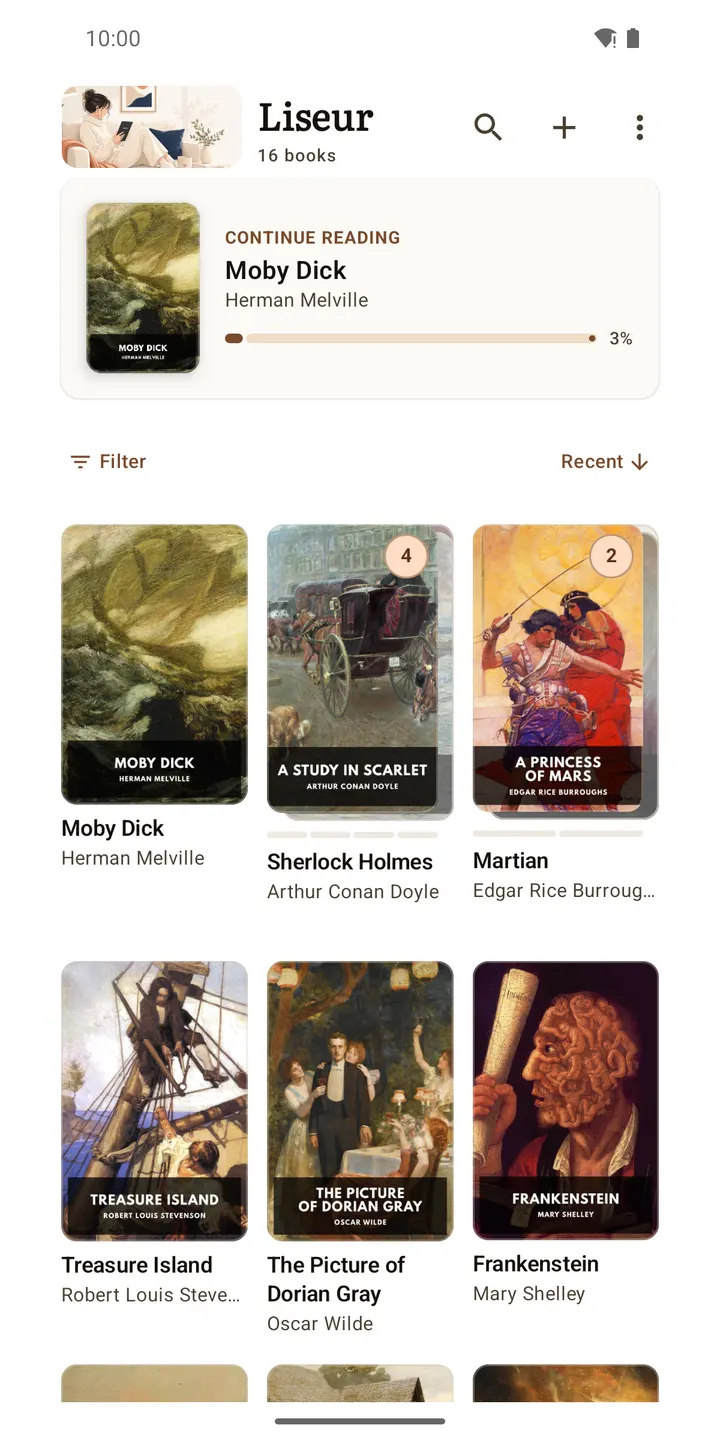
Liseur is a free, open-source EPUB reader for Android 8.0 and newer, released under the MIT licence and free of ads. It reads books aloud with sentence highlighting, translates pages as you go and can answer questions about characters. Version 0.26.0 was updated on October 31, 2026. The APK is the unmodified file, and a SHA-256 checksum is published so you can verify your download.
A reader built by Chmouel Boudjnah, with public source
Liseur is written by Chmouel Boudjnah and uses the package ID com.chmouel.liseur. Its first release came on August 12, 2026, so the project is still young. The source code is public at github.com/chmouel/liseur under the MIT licence.
The app costs nothing and carries no ads. Its tags point to ebook reading and syncing files from cloud storage.
Read-aloud, translation and a character companion
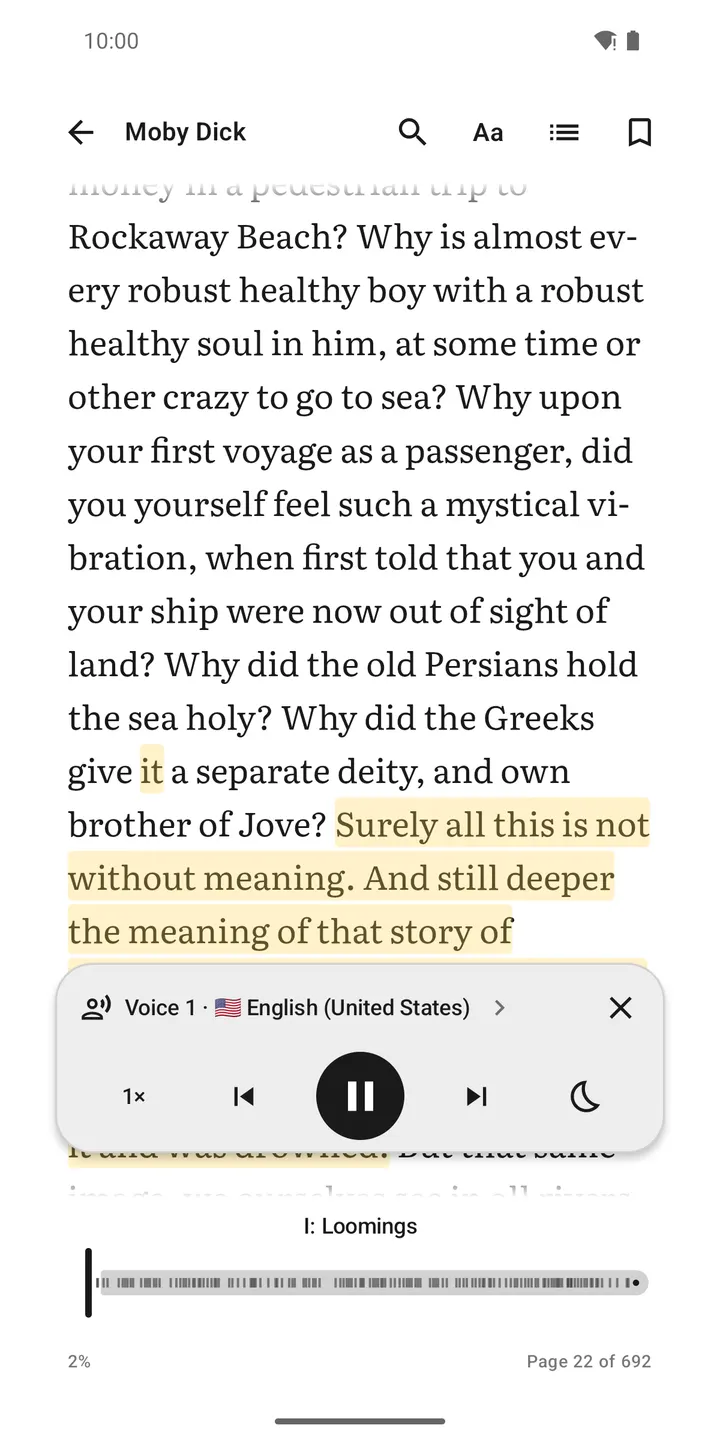
The core feature is EPUB reading with several add-ons. Read-aloud highlights sentences and turns pages on its own. You can pick voices by language, change the speed, keep listening with the screen off and set a sleep timer. Android voices can work offline if a compatible offline voice is installed, and an OpenAI-compatible speech server is also an option.
Translation works on a selection or page by page. Translated sentences are saved on the phone, and you can use Android's on-device translator or an OpenAI-compatible service. Word lookups happen without leaving the page.
The reading companion answers questions about characters and events, using passages before your current position and showing source excerpts. Without an AI service it still builds a searchable on-device index of people, places and groups, and needs no API key.
Reader settings, Project Gutenberg and sync servers
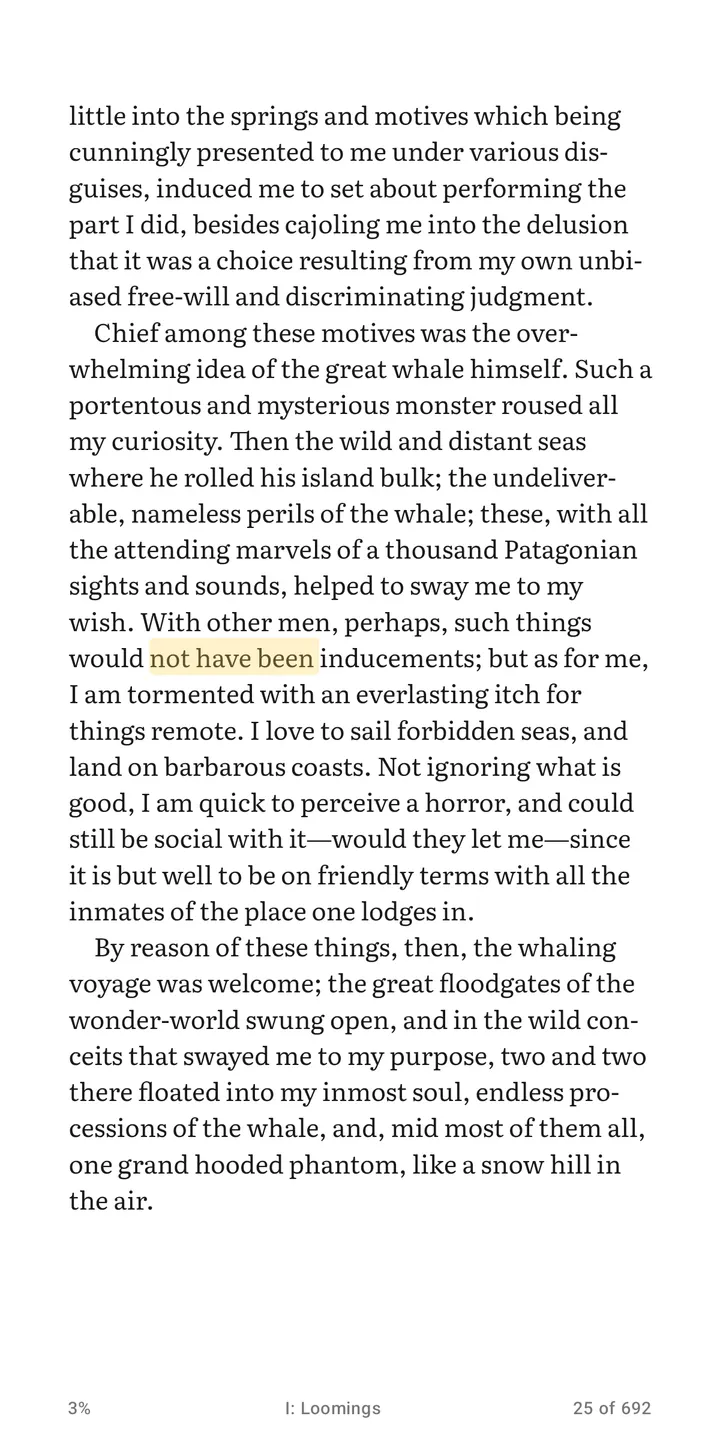
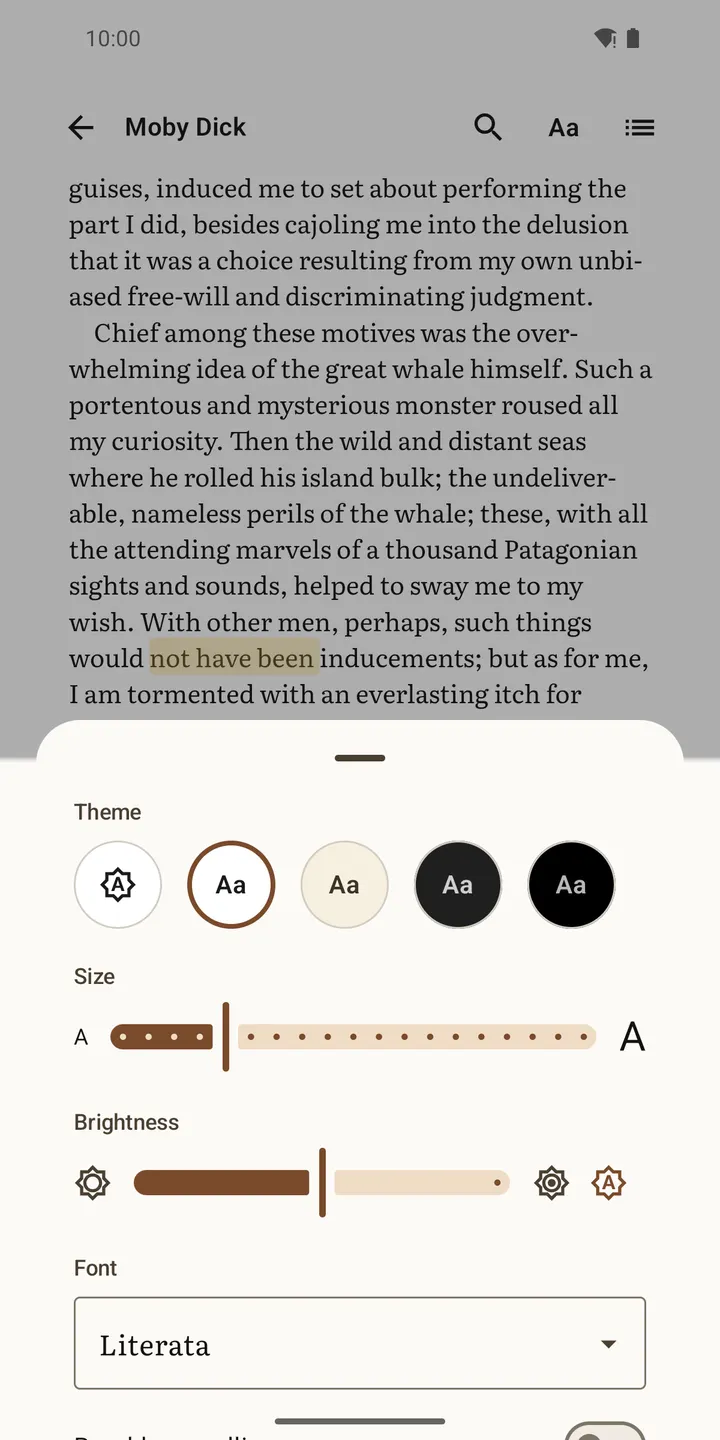
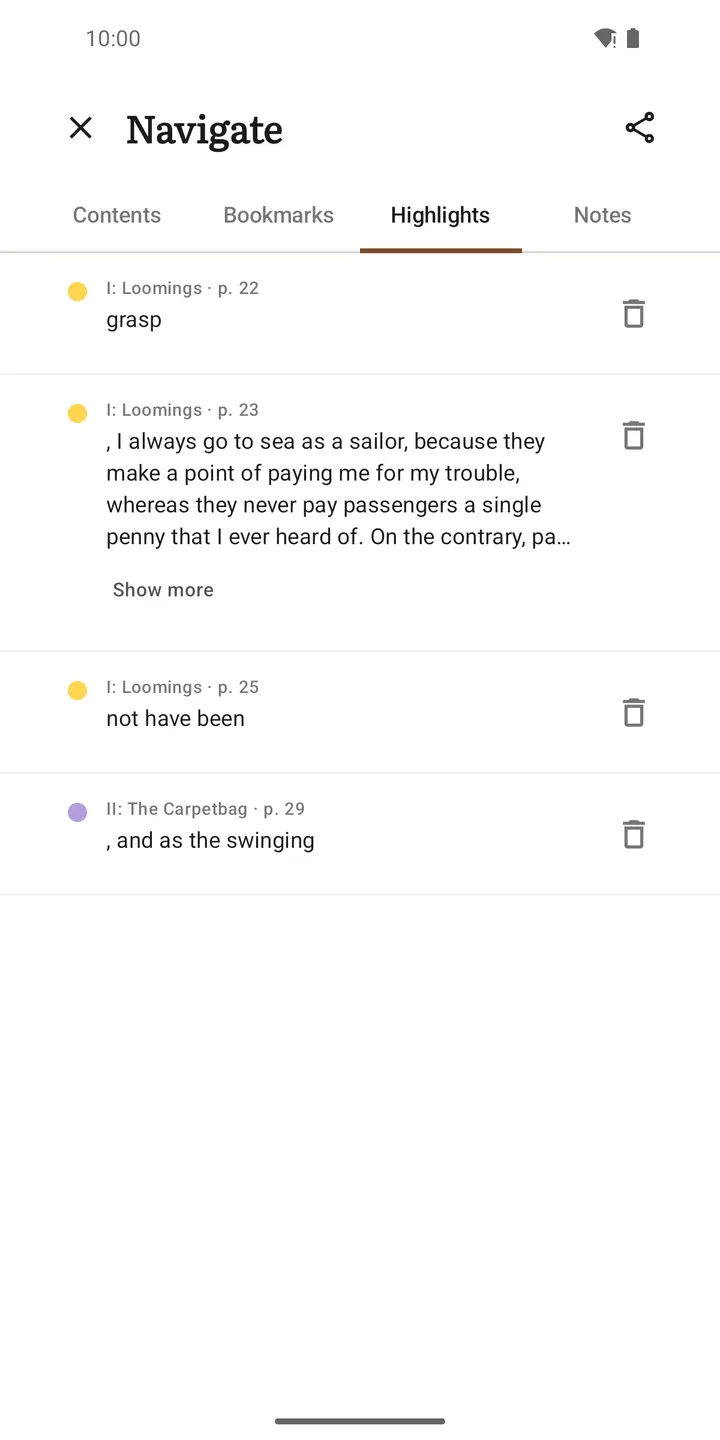
The reader supports paginated pages or continuous scroll, and light, sepia, dark or black themes. You can add highlights, notes and bookmarks, search the full text, import your own fonts and open footnotes in a popup. An E-ink mode turns off animations and adds refresh controls on Onyx devices.
Books can come from local folders, SD cards, OPDS catalogs, calibre-web, Komga, BookOrbit, liseur-sync or the built-in Project Gutenberg catalog. Reading positions sync with calibre-web, Komga, BookOrbit or liseur-sync. Settings, fonts, positions and annotations can be backed up in a ZIP file.
Android 8.0, an 11 MB download and seven screenshots
Liseur runs on Android 8.0 or later. The package is about 11 MB, which is compact for a reader that adds read-aloud, translation and character guides. Seven screenshots show the app in use. No Google Play rating or install count is quoted here.
What's new in 0.26.0
Version 0.26.0 was updated on October 31, 2026.
Liseur pros and cons
Pros
- Free, with no ads and no account needed to read books on the device
- MIT-licensed with public source code and an issue tracker on GitHub
- Read-aloud with sentence highlighting, a sleep timer and optional offline Android voices
- Syncs with calibre-web, Komga, BookOrbit and liseur-sync, and connects to OPDS catalogs
- Small 11 MB package
Cons
- Online translation, companion and speech services send book text to the provider you choose
- Best AI features need an OpenAI-compatible service
- Young project, first released August 12, 2026
- It has no Google Play rating or install count yet
Is Liseur safe?
TopDown APK hosts the unmodified APK, and a SHA-256 checksum is published so you can verify the download. The app is MIT licensed with open source code, so its behaviour can be inspected. Book text stays on the phone with the system translator and on-device index. It goes to the provider only if you pick an online service, and dictionary lookups contact Wiktionary.
How to install Liseur
- Download the APK with the button on this page and wait for it to finish.
- Compare the file with the SHA-256 checksum shown here if you want to confirm it arrived intact.
- Open the file on your phone and allow installs from this source when Android asks.
- Finish the install, then open Liseur from your app drawer.


