
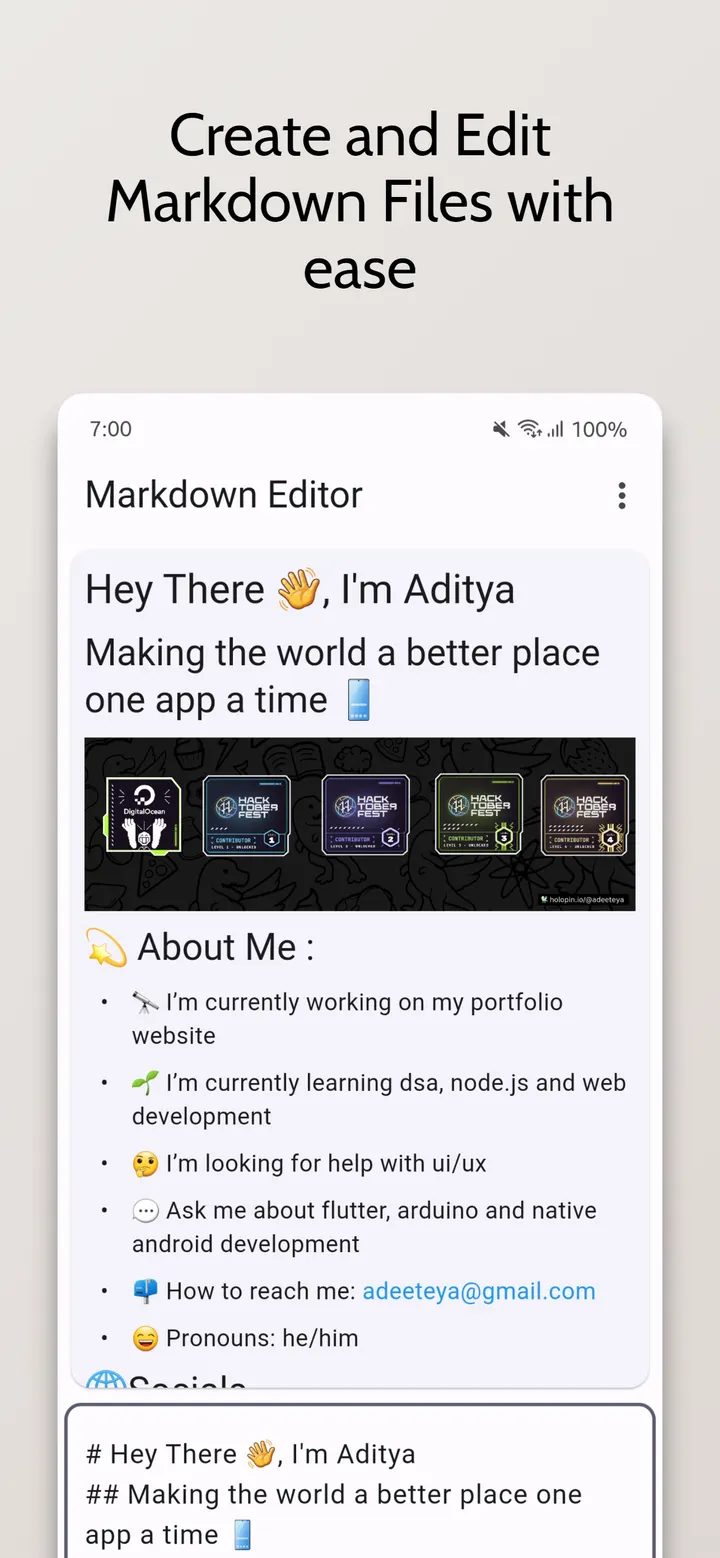
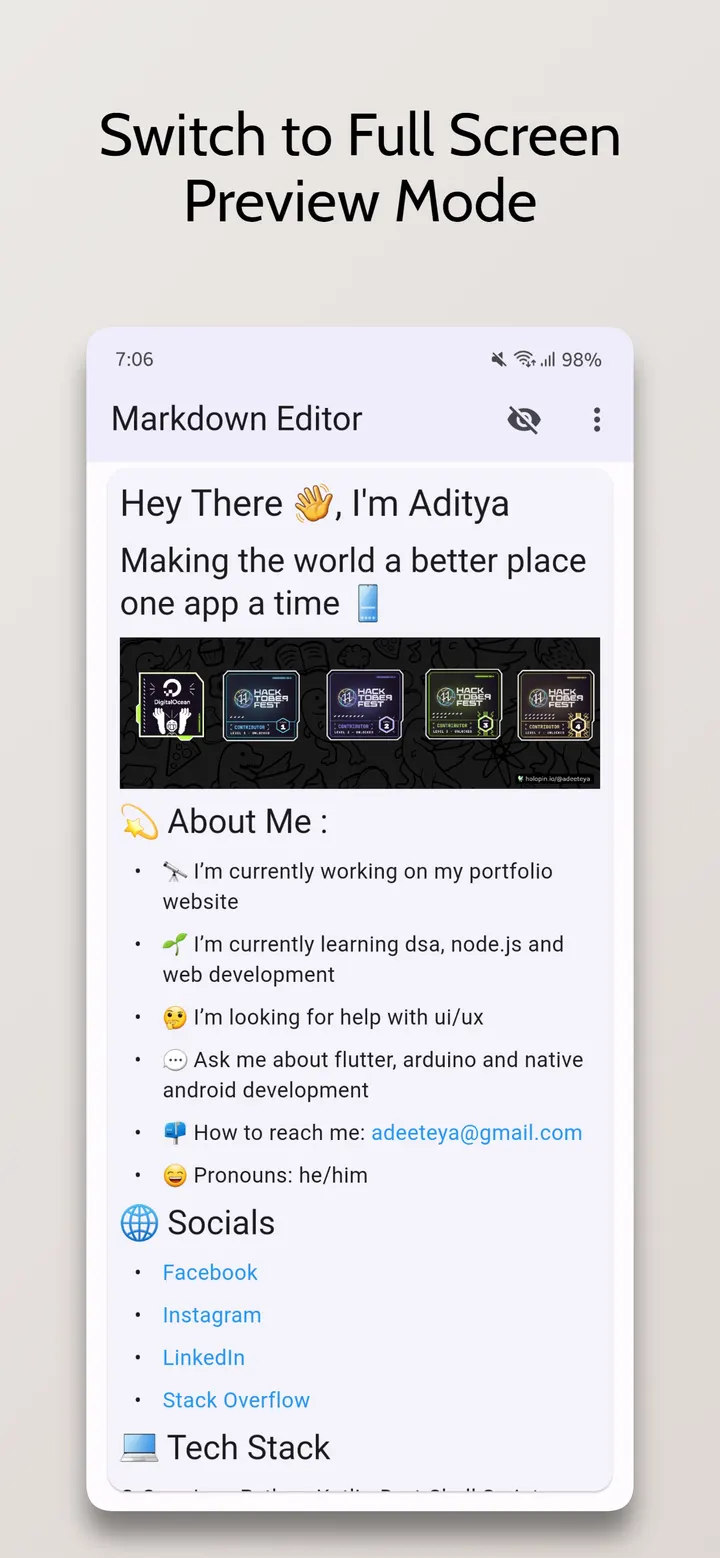
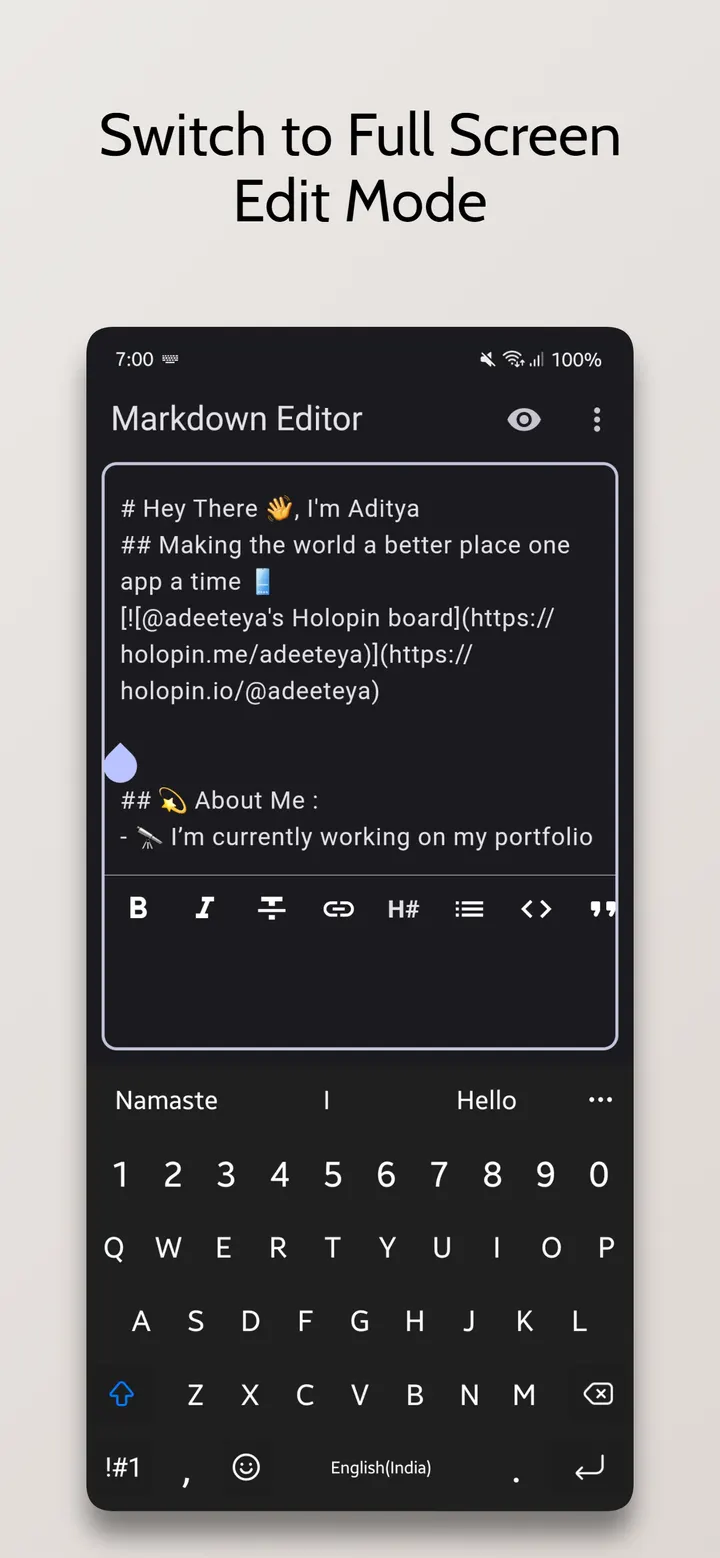
You have a README open on your phone and a typo to fix before a commit. Markdown Editor, by developer Aditya R, opens .md files directly and lets you edit them with a live preview. It is free, shows no ads, and the source code is published under the MIT license.
Opening your first .md file in version 2.1.0
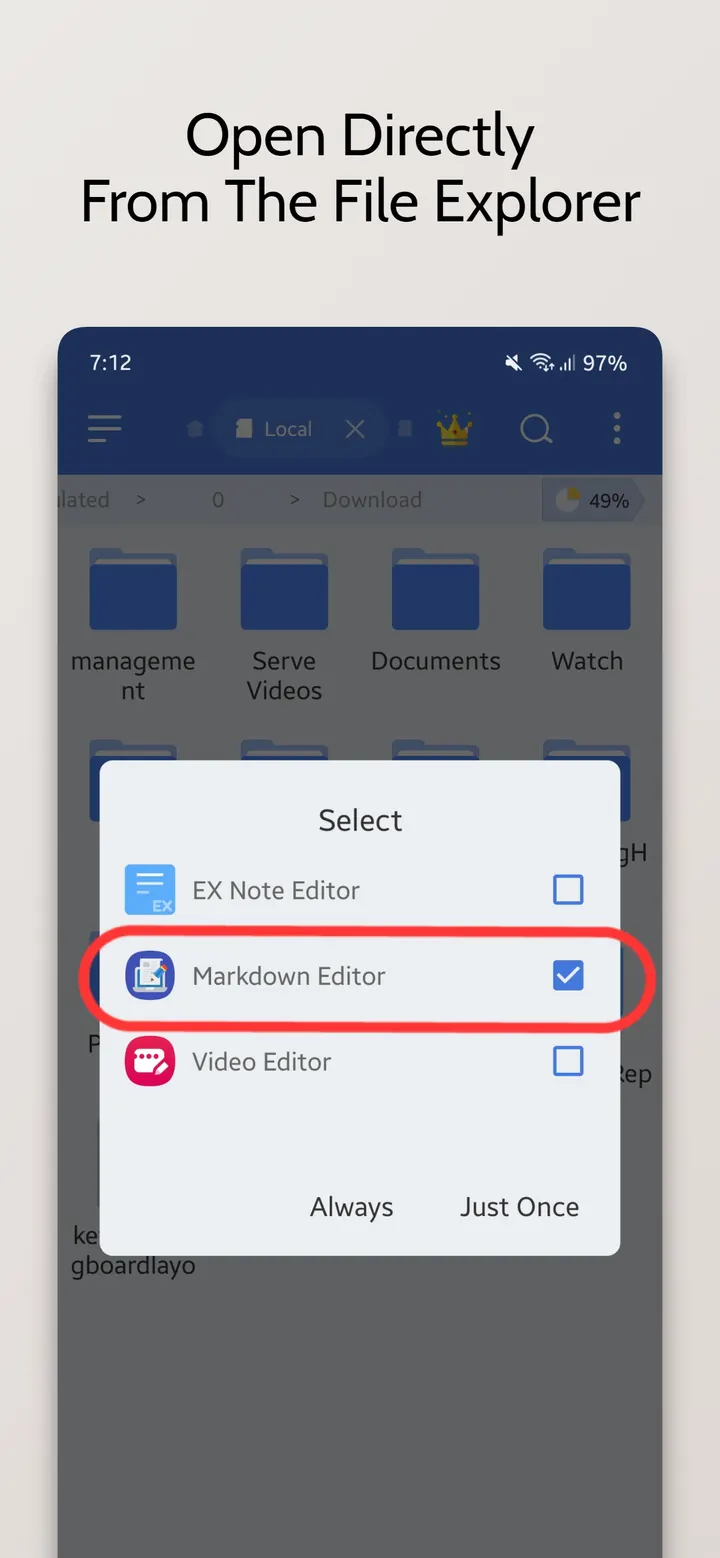
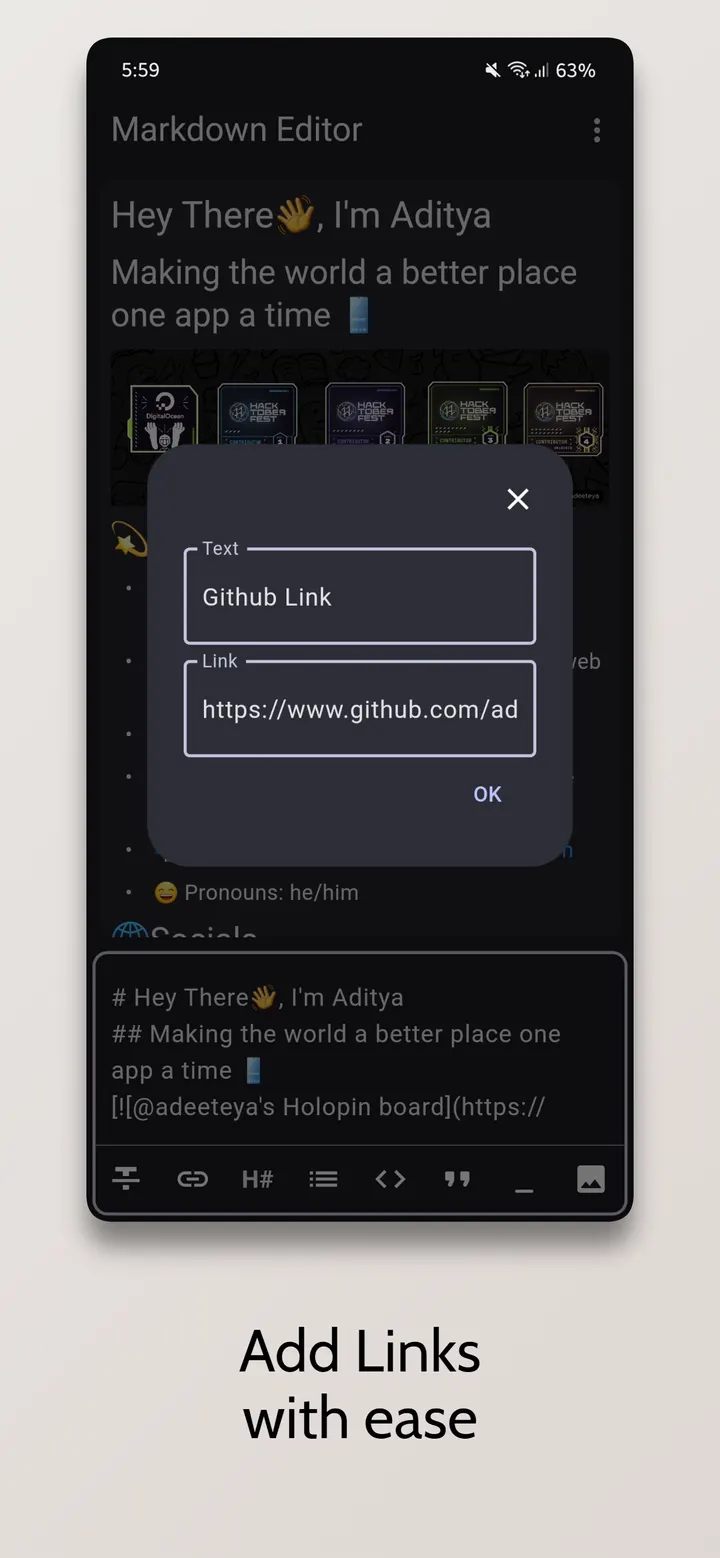
Markdown Editor needs Android 7.0 or newer and takes up 64.5 MB. Open an existing ".md" file straight from your file explorer and start editing, with bold, italics, headings and links available for styling.
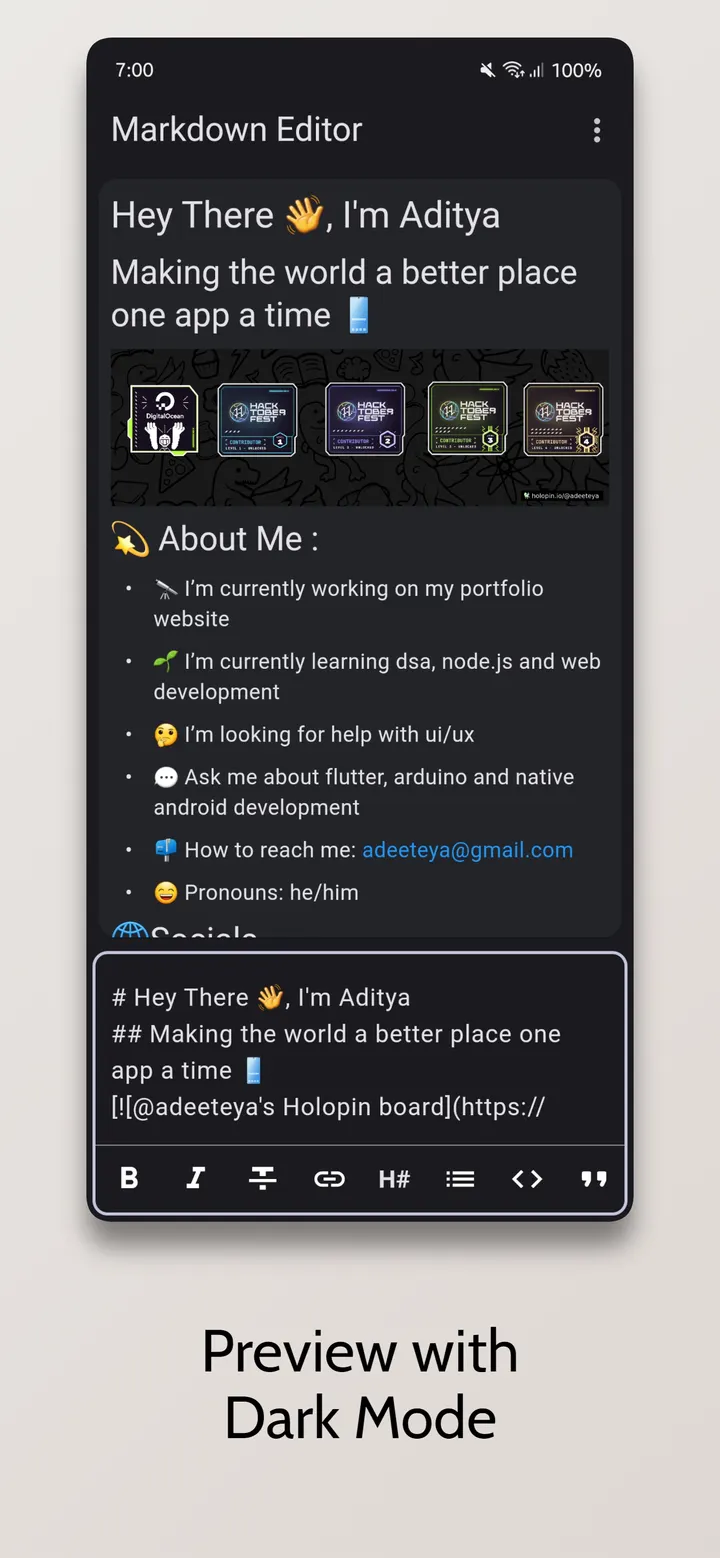
The preview handles JPEG, PNG, GIF, WebP, BMP and WBMP images, and links can be opened from it. Pick a Light or Dark theme, or turn on Dual View to see the editor and preview side by side. Six screenshots show the editing and preview screens, so you can check the layout first.
Dual view, theme choice and image preview
Styling tools cover bold, italics, headings and links, so you do not have to type every symbol by hand. Dual View Mode puts the editor and the rendered preview on screen together. Single View Mode shows only one of them when you want to focus.
The preview can display JPEG, PNG, GIF, WebP, BMP and WBMP images. Links can be opened from the preview, which helps when a document points to other files or web pages. You can switch between Light and Dark themes.
The app was built with Flutter and is aimed mainly at mobile devices. The developer's stated reason is that standalone markdown editors for phones are scarce.
When another app is the better pick
This is a focused editor for .md files and nothing more. Cloud sync, export formats, collaboration and plugin support are not mentioned, so anyone who needs those should look elsewhere. No rating or install count is given either, so there is no community score to lean on.
The alternatives in our catalog, such as Google Photos, WhatsApp and Aegis Authenticator, serve different purposes, so none is a direct substitute for editing markdown. If you only need to write and preview notes in .md format, this app fits that job.
What's new in 2.1.0
Version 2.1.0 was updated on April 14, 2026. The app was first released on September 29, 2025.
Markdown Editor pros and cons
Pros
- Free, with no ads
- Open source under the MIT license, with the code on GitHub
- Dual View Mode shows editing and preview together
- Previews six image formats, including WebP and GIF
- Light and Dark themes
Cons
- The 64.5 MB package is large for a text editor
- No sync, export or collaboration features
- No Google Play rating or install figures to show yet
Is Markdown Editor safe?
The APK is stored unmodified on our server, and its SHA-256 checksum is f7271ed23a7dd3fba8e1fe9c21c85c97acf698ababda5538895b6ac4371d3d0a. Compare it with the file you download. The app is MIT-licensed, and its source code is public at github.com/adeeteya/FlutterMarkdownEditor. The publisher is Aditya R, and the app shows no ads.
How to install Markdown Editor
- Download the APK with the button on this page and wait for it to finish.
- Compare the file with the SHA-256 checksum shown here if you want to confirm it arrived intact.
- Open the file on your phone and allow installs from this source when Android asks.
- Finish the install, then open Markdown Editor from your app drawer.


