
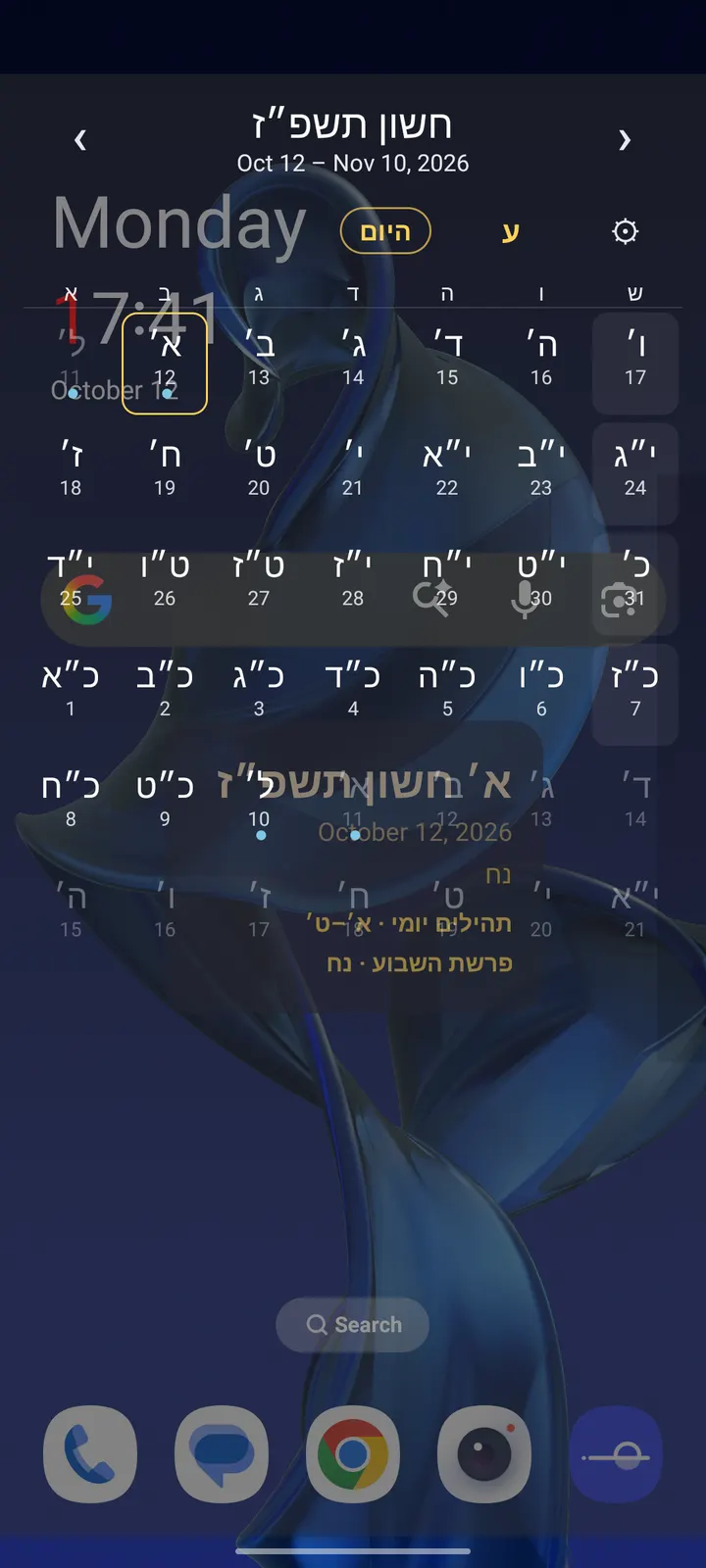
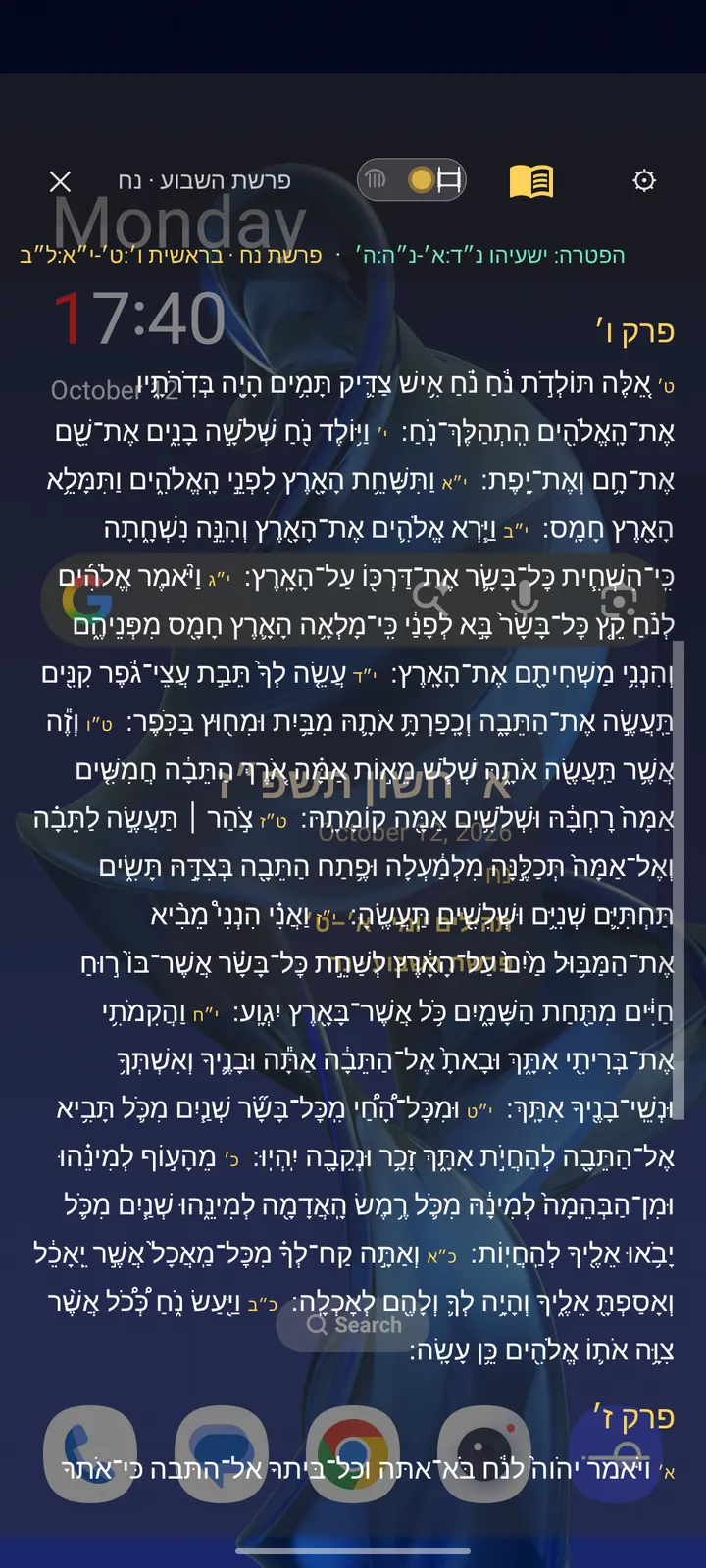
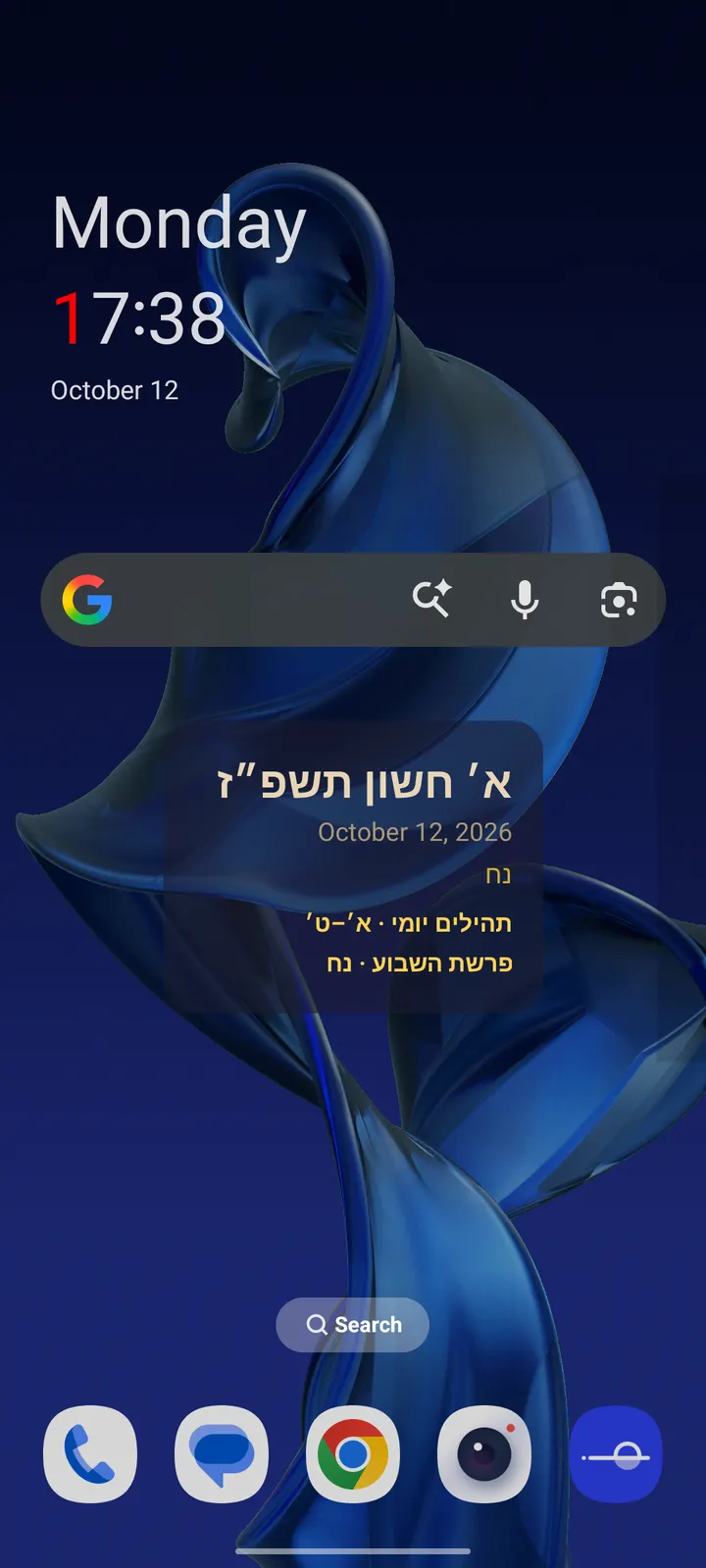
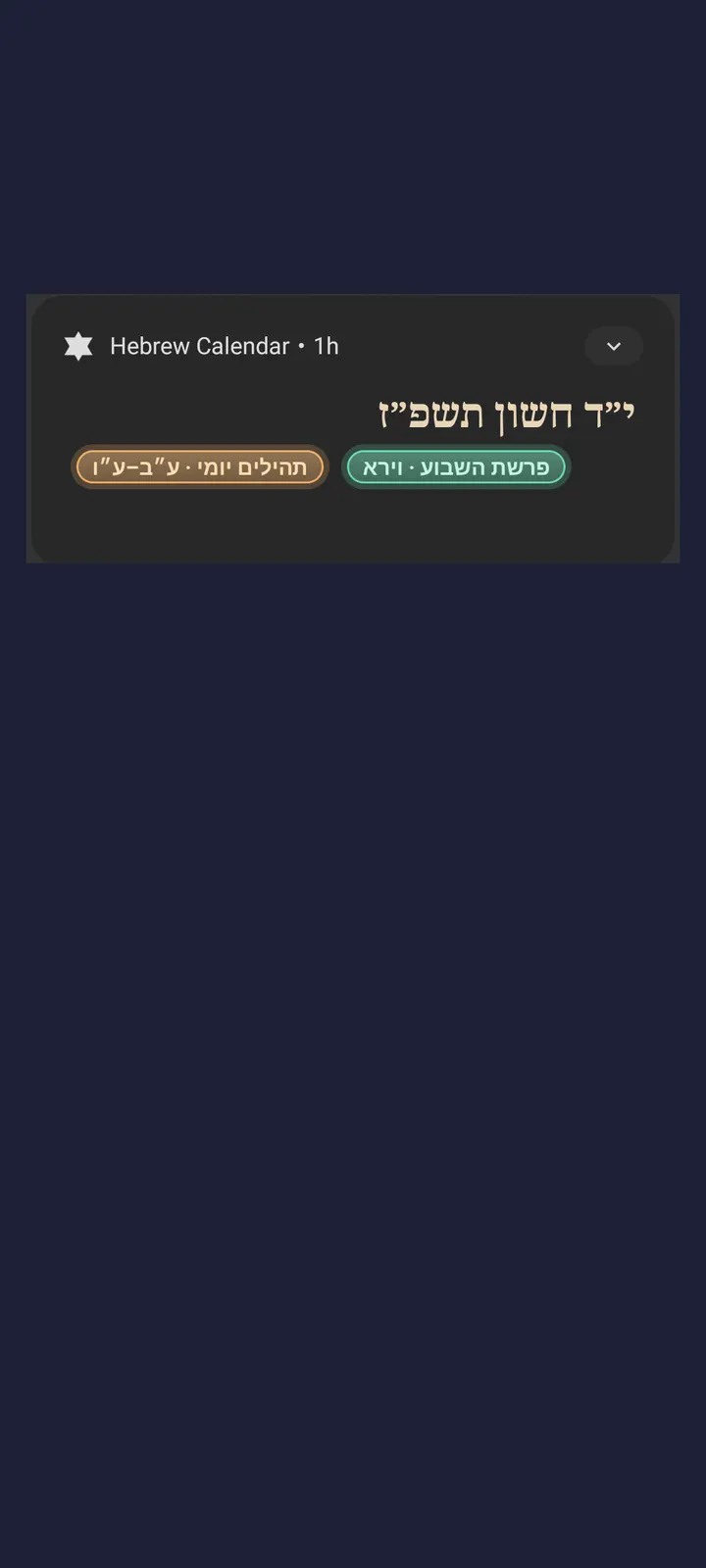
You glance at your phone on a Thursday and want to know the Hebrew date, the coming parsha and when Shabbat starts, without opening anything. Hebrew Calendar, built by the developer matta, puts that information on the lockscreen and in a widget. Version 1.21 is free, has no ads and needs Android 8.0 or newer. TopDown APK hosts the unmodified file, and the SHA-256 checksum is listed with it.
Setting up the lockscreen date and picking your city
The install is 15 MB. After opening the app, choose a city from the built-in database, which covers hundreds of Jewish communities worldwide. That choice drives the zmanim and the candle-lighting times.
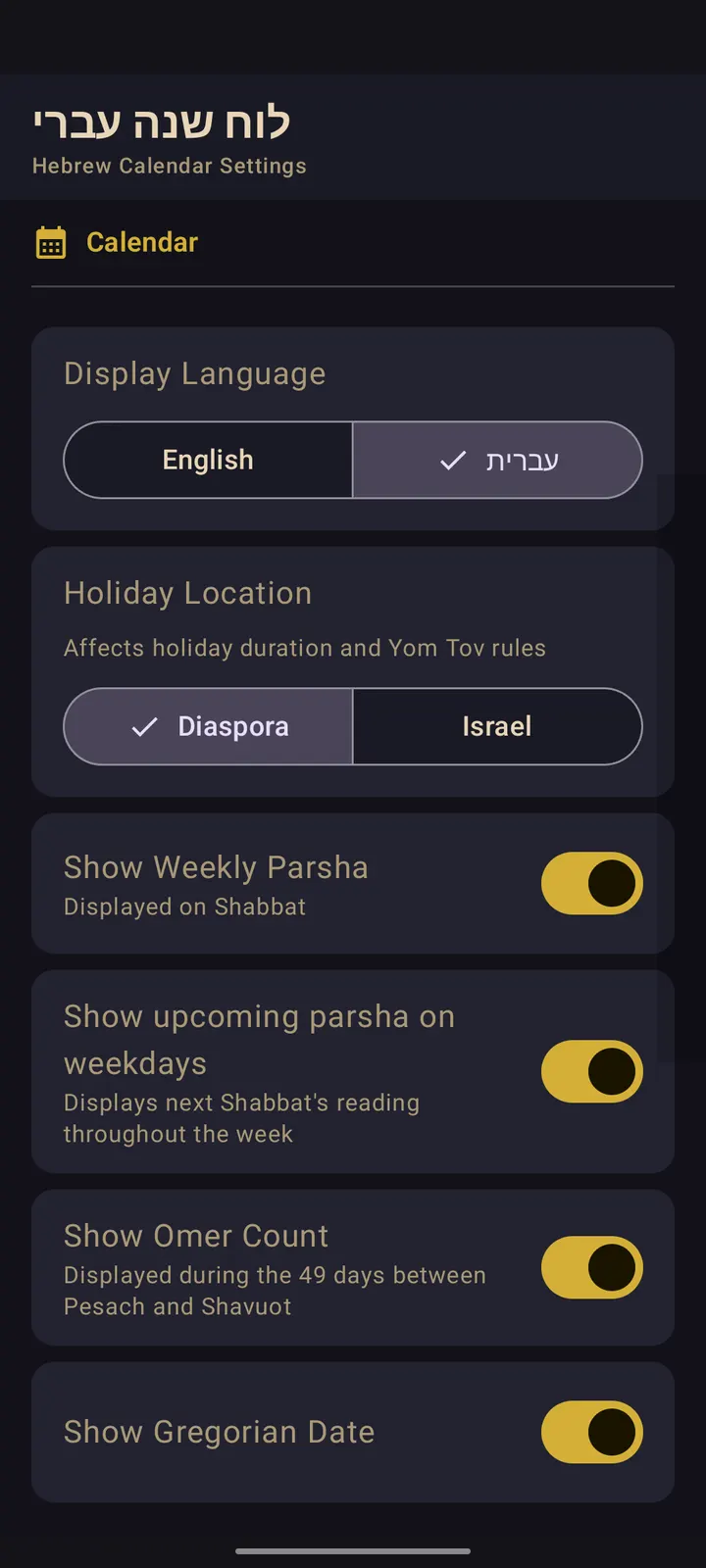
Next, decide how the date is written. You can show it in Hebrew script, for example כ״ב ניסן תשפ״ו, or in English transliteration. There are also separate Diaspora and Israel holiday modes, so set the one that matches your calendar before relying on the holiday labels.
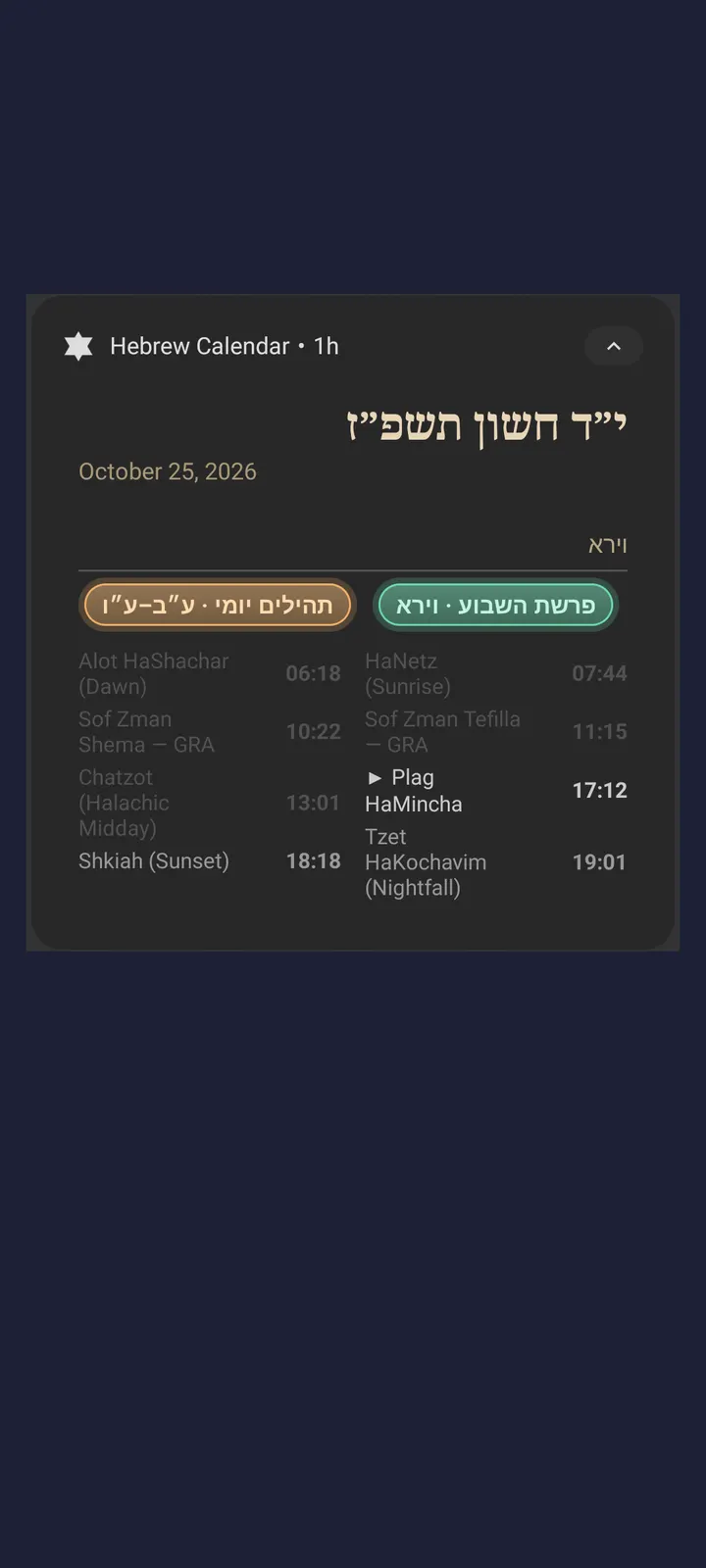
The 12-hour or 24-hour time format is a setting too. The next upcoming zman is highlighted in the collapsed notification.
Zmanim, Shabbat times and the Tehillim reader
The calendar side covers Yom Tov, Chol HaMoed, Rosh Chodesh, fast days and minor holidays. Fast days show start and end times. The Omer count appears during the 49 days between Pesach and Shavuot, and the upcoming parsha is shown all week rather than only on Shabbat.
For Friday and Erev Yom Tov, the app counts down to candle lighting, with options of 18, 20, 30 or 40 minutes before sunset. Havdalah can follow 8.5°, 42 minutes, 50 minutes or 72 minutes (Rabbeinu Tam). Halachic times are calculated by KosherJava and include Alot HaShachar, Sof Zman Shema by GRA and MGA, Chatzot, Mincha and Shkiah.
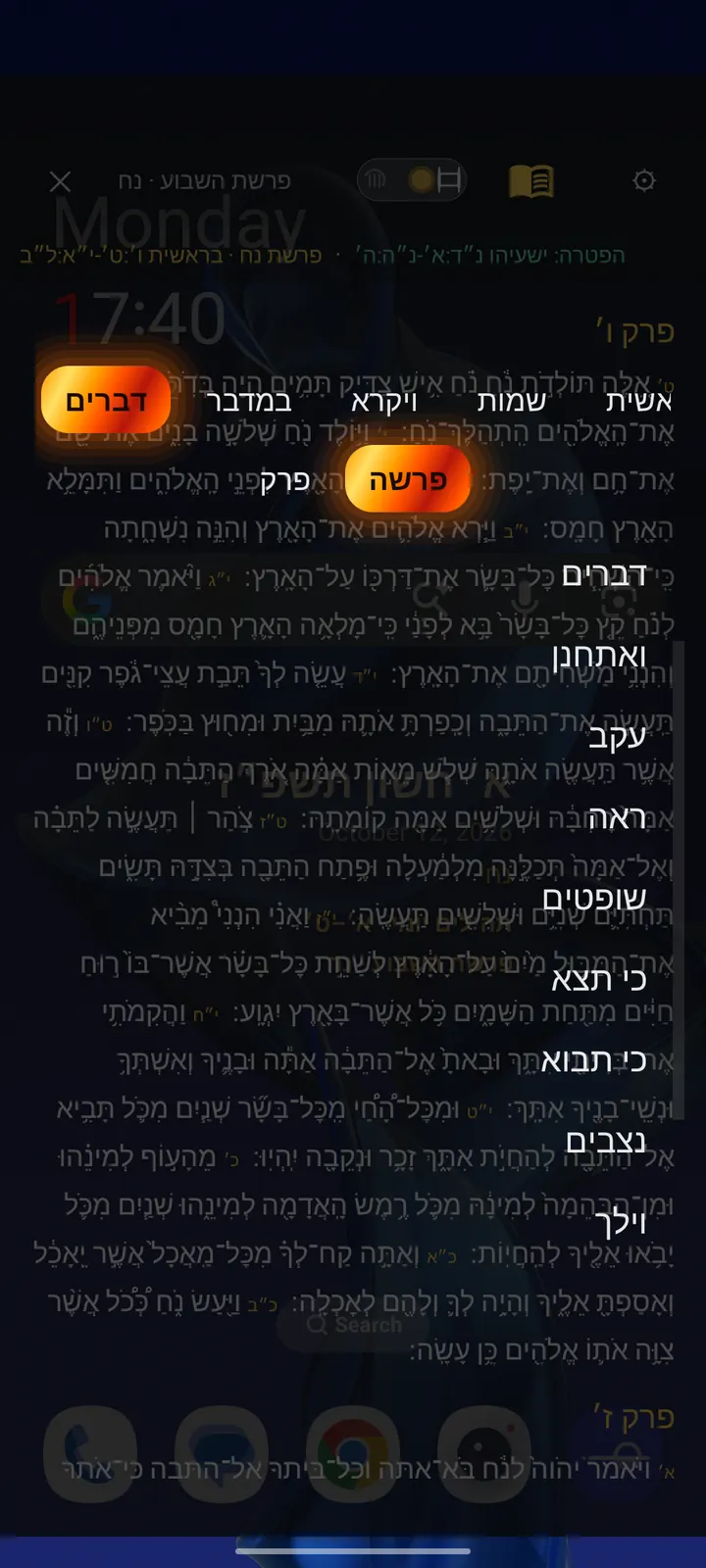
The built-in reader is unusually deep for a calendar. It handles daily Tehillim, the weekly parsha with the haftarah, and a Tikkun mode with unvocalized STaM script. Text comes from Sefaria editions in Hebrew or English, with nikkud and te'amim toggles, and upcoming readings can be downloaded offline over Wi-Fi.
When Fossify Calendar or Google Calendar fits better
This app is built around Jewish observance, not general scheduling. It does not offer event creation, reminders or account sync, so it is not a replacement for a full agenda tool. For appointments and shared calendars, Fossify Calendar, Google Calendar or Samsung Calendar are the more obvious choices.
If you want a different regional calendar, Persian Calendar is an alternative. Many people will run Hebrew Calendar next to one of these rather than instead of it.
Hebrew Calendar pros and cons
Pros
- Hebrew date, holidays, zmanim and Omer count appear on the lockscreen
- Candle-lighting and Havdalah times support several customary opinions
- Built-in Tehillim and parsha reader with Tikkun mode and offline downloads
- Free, no ads, and open source under the MIT licence
- Diaspora and Israel holiday modes
Cons
- Focused on Jewish observance, with no general event scheduling
- Needs Android 8.0 or newer
- The 15 MB size is larger than a plain date widget needs
Is Hebrew Calendar safe?
The APK is unmodified, and its SHA-256 is e3344eae08346e46be11858e55cf16efc517bad0021faa0cbfcdb992fd8c08d3, so you can compare it with your downloaded file. Hebrew Calendar is MIT-licensed with its code at github.com/attam5740/hebrewcal-android, so anyone can read how the lockscreen date and zmanim are handled. It carries no ads. After installing, look over the permissions it asks for, since the zmanim feature may use your location.
How to install Hebrew Calendar
- Download the APK with the button on this page and wait for it to finish.
- Compare the file with the SHA-256 checksum shown here if you want to confirm it arrived intact.
- Open the file on your phone and allow installs from this source when Android asks.
- Finish the install, then open Hebrew Calendar from your app drawer.


