


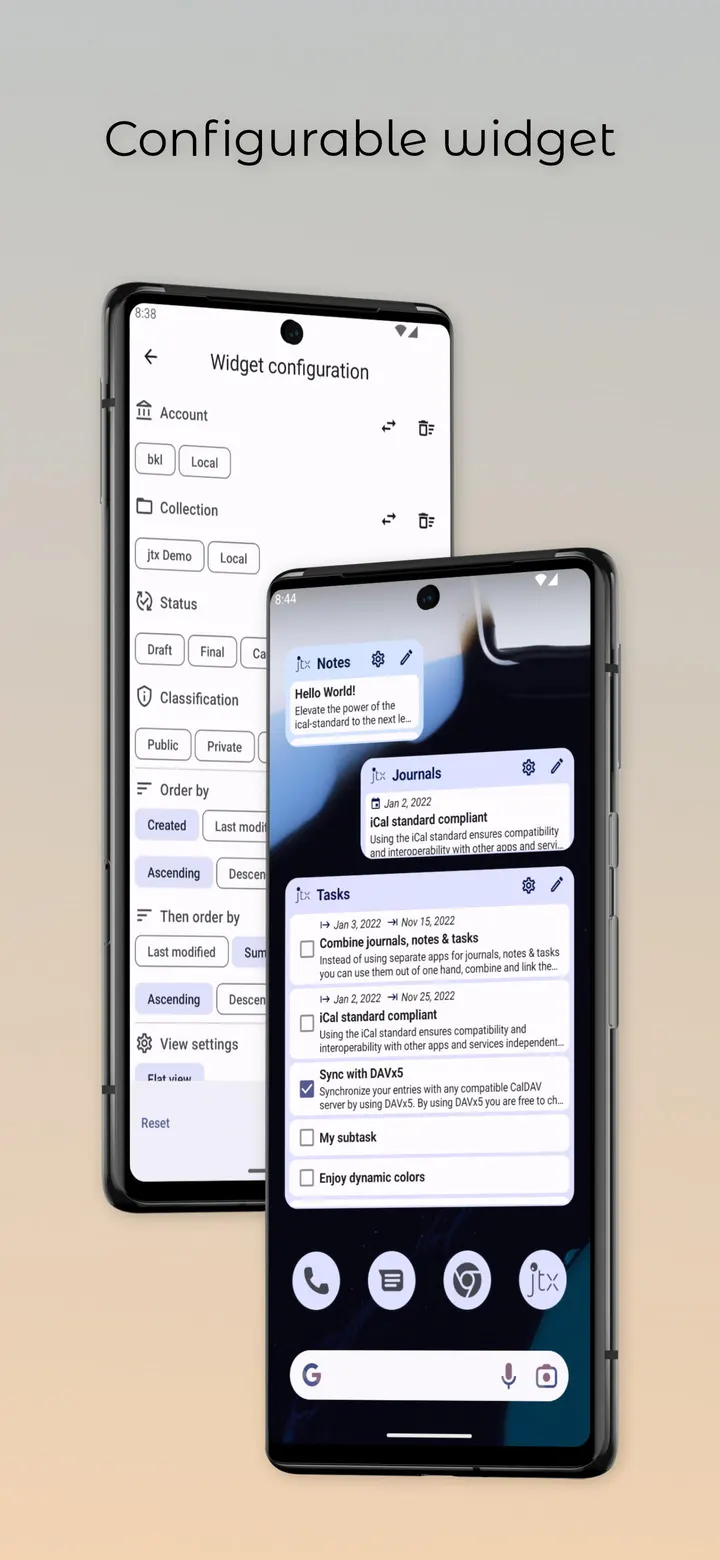
jtx Board suits people who want journals, notes and to-dos in one place and who prefer to store them on their own CalDAV server. It comes from Techbee e.U., costs nothing, shows no ads and is released under the GPL-3.0-only licence. Version 2.17.03.ose needs Android 7.0 and takes up 8.5 MB.
VJournal is the idea behind the app
The app is built around the iCalendar standard, RFC-5545. Most calendar apps handle VEvent, some handle VTodo, and VJournal is almost unused. jtx Board uses it on purpose, and the developer says it wants to revive that component.
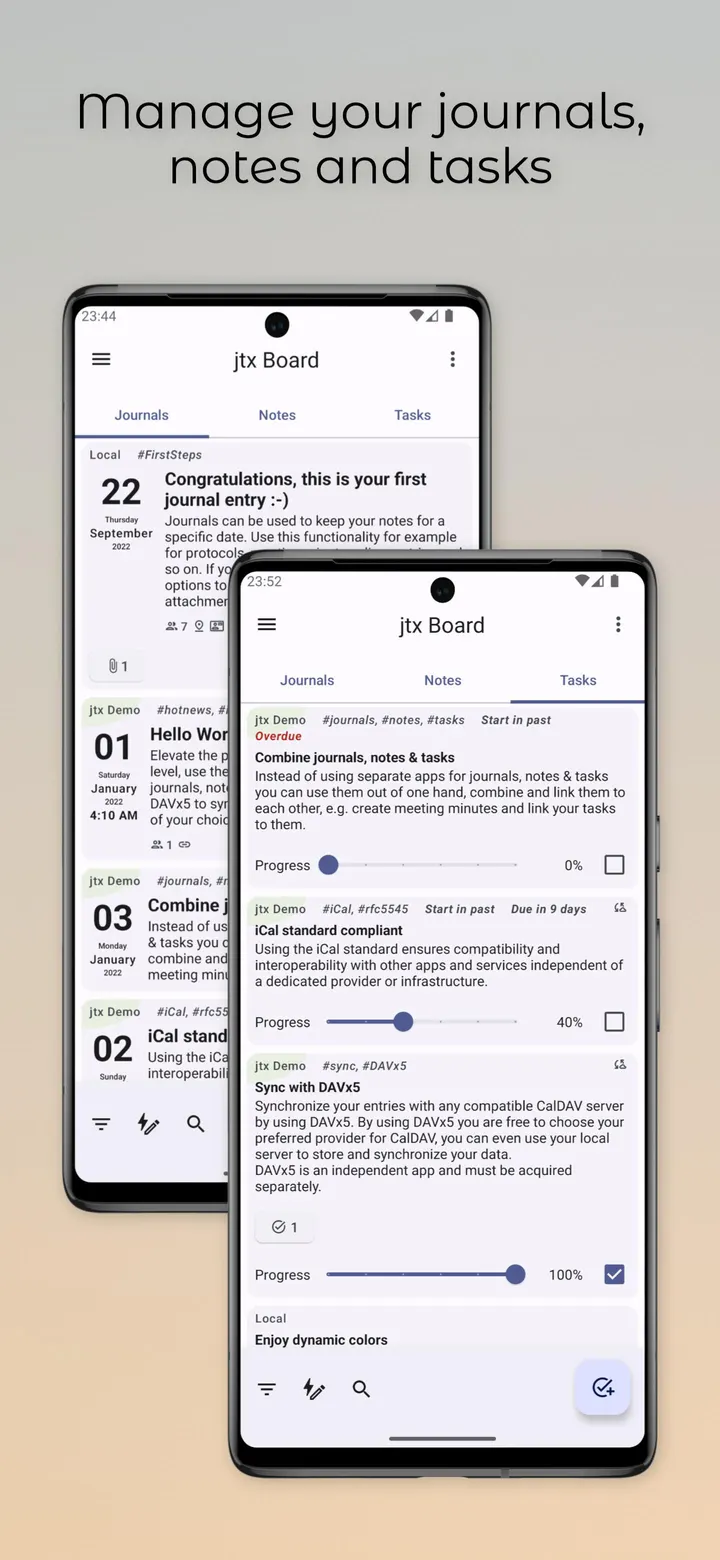
In practice the split is simple. A VJournal with a start date becomes a journal entry, and one without a start date is treated as a note. Tasks use VTodo, which can carry a start, a due date, a completed date, a progress value and a completed status.
Because the data follows the standard, it is not tied to one provider. Journals cannot have an end date or a duration, which is a limit of the VJournal definition itself.
Meeting minutes linked to tasks, synced through DAVx5
A typical session starts with one kind of entry and branches out. For example, write meeting minutes as a journal or note, then create tasks and link them to those minutes. Notes, journals and tasks stay in one app instead of three.
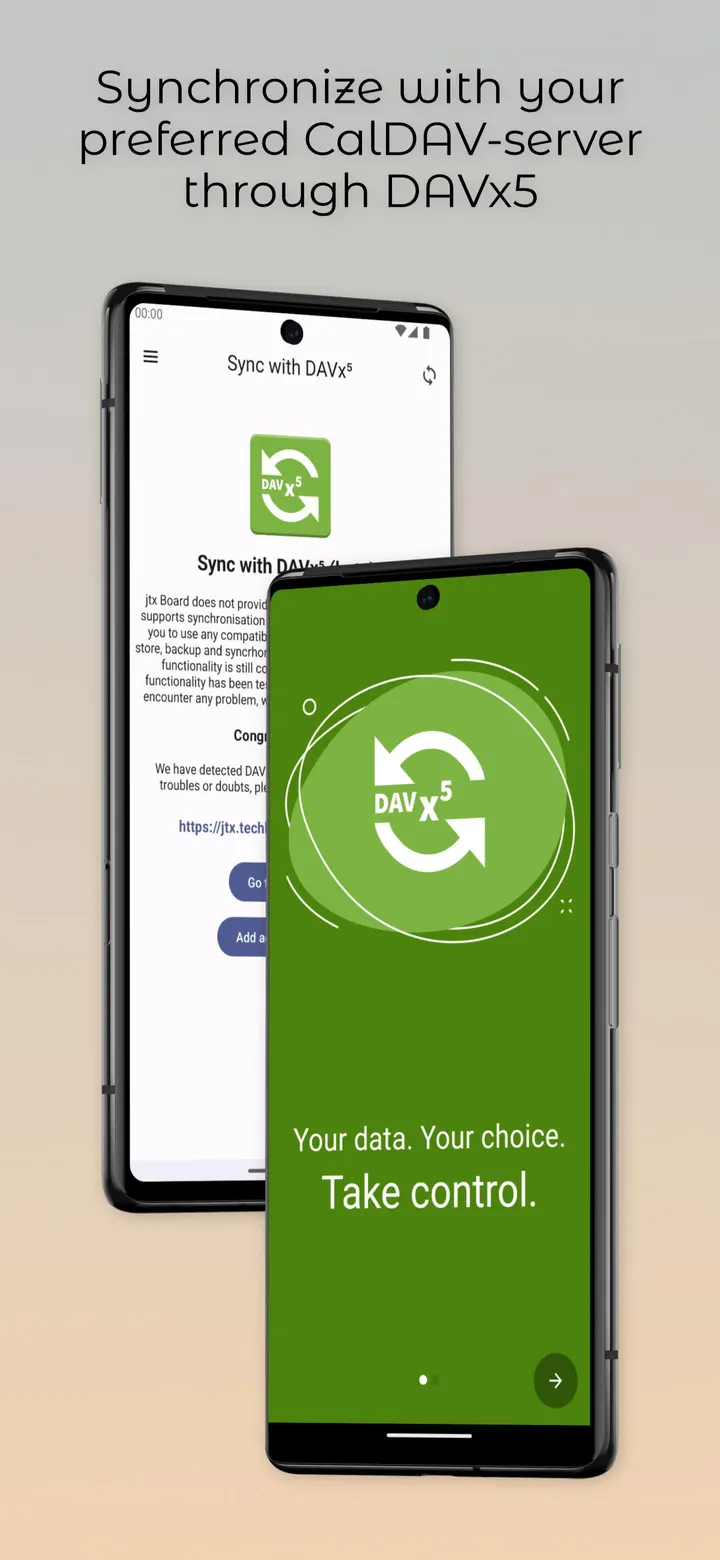
Sync runs through DAVx5, which acts as the sync adapter between the phone and a CalDAV server. You choose the provider, and a local server works too. DAVx5 is a separate app and has to be obtained on its own.
Import and export of .ics files is a planned feature.
Where it sits next to Fossify Calendar and Google Calendar
Fossify Calendar, Google Calendar, Period Calendar Period Tracker, Hebrew Calendar, Persian Calendar and Samsung Calendar sit in the same calendar category. Nothing here describes their features, so a point-by-point comparison would be guesswork.
What is clear is where jtx Board puts its weight. It is tagged for notes and tasks alongside calendar and agenda use, it is open source, and it carries no ads. If you mainly want a plain event calendar, the alternatives are probably the first place to look. If you want your VJournal and VTodo entries kept in an open format you control, that narrower purpose is a good reason to choose this app.
jtx Board journals|notes|tasks pros and cons
Pros
- Free, with no ads and a GPL-3.0-only licence
- Journals, notes and tasks in one app, with links between entries
- Stores data in the iCalendar format, so it is not locked to one provider
- Sync with any compatible CalDAV server, including a local one
- Small download at 8.5 MB, with source code on GitHub
Cons
- Sync needs DAVx5, a separate app that must be acquired on its own
- Journals cannot have an end date or duration under the VJournal definition
- .ics import and export is a planned feature rather than a confirmed one
- Requires Android 7.0 or newer
Is jtx Board journals|notes|tasks safe?
The jtx Board file is Techbee e.U.'s own build, left unmodified. Its SHA-256 checksum is 46e7f232237e6fd7559e616986e05fcd385bb524022e504a80bd87fa6a39db50, so you can compare it with your download to confirm they match. The package ID is at.techbee.jtx. The source is public on GitHub under GPL-3.0-only, so anyone can check how journals, notes and tasks are stored as iCalendar entries. The app shows no ads.
How to install jtx Board journals|notes|tasks
- Download the APK with the button on this page and wait for it to finish.
- Compare the file with the SHA-256 checksum shown here if you want to confirm it arrived intact.
- Open the file on your phone and allow installs from this source when Android asks.
- Finish the install, then open jtx Board journals|notes|tasks from your app drawer.


