
You install a second keyboard for writing in another language, and then find that swapping between the two takes too many taps. Keyboard Switcher by Kunzisoft exists for that moment. It is a small Android utility, 5.5 MB in size, that changes the active keyboard without digging through settings.
One job: changing keyboards quickly
The app does a single thing. It lets you move from the current virtual keyboard to another one. It offers no typing features, themes or dictionaries, so it does not replace your keyboard. It sits beside whichever ones you already use.
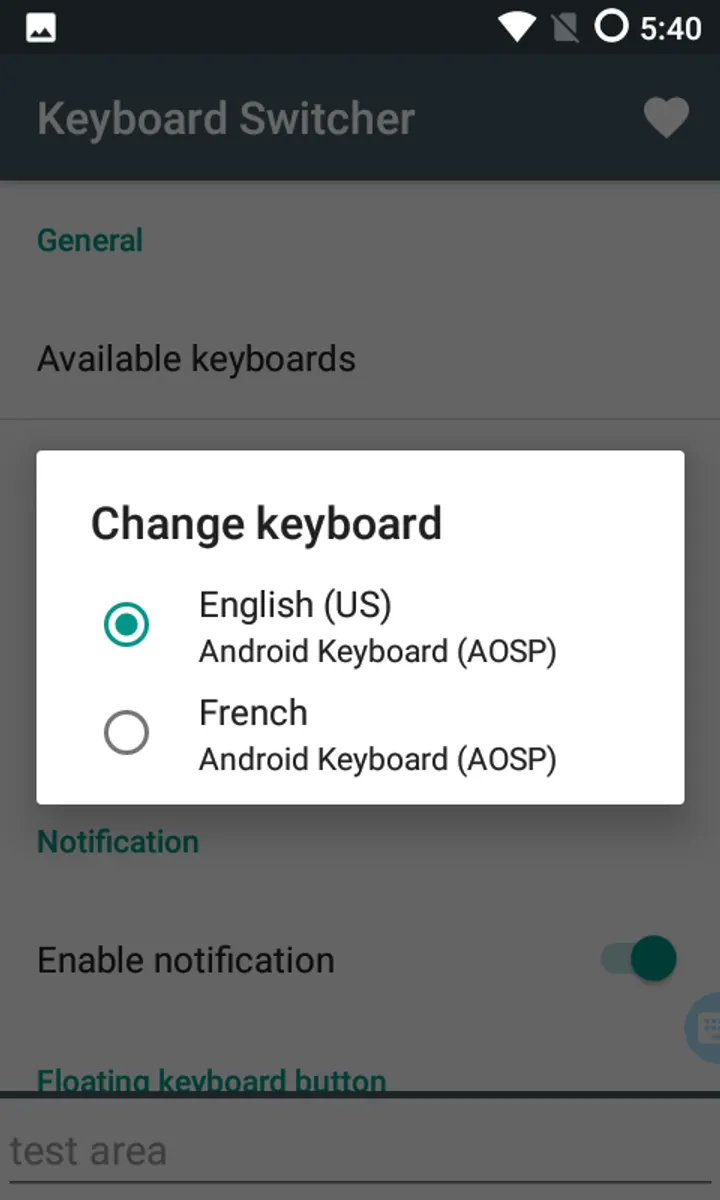
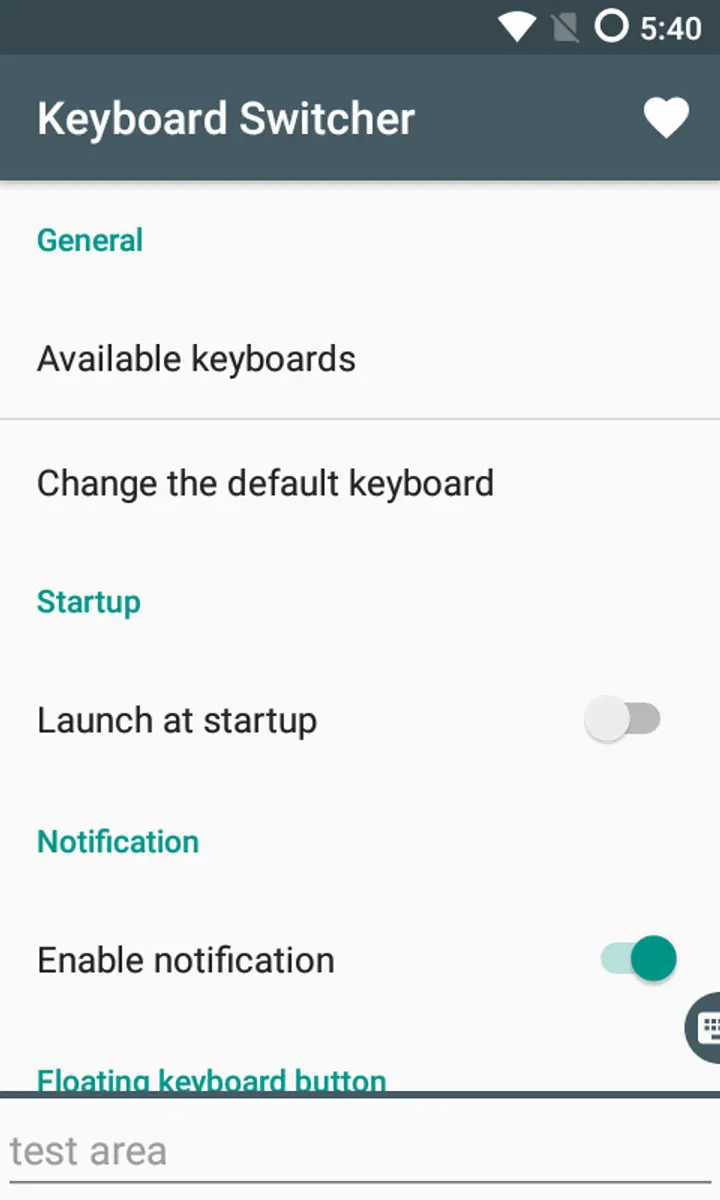
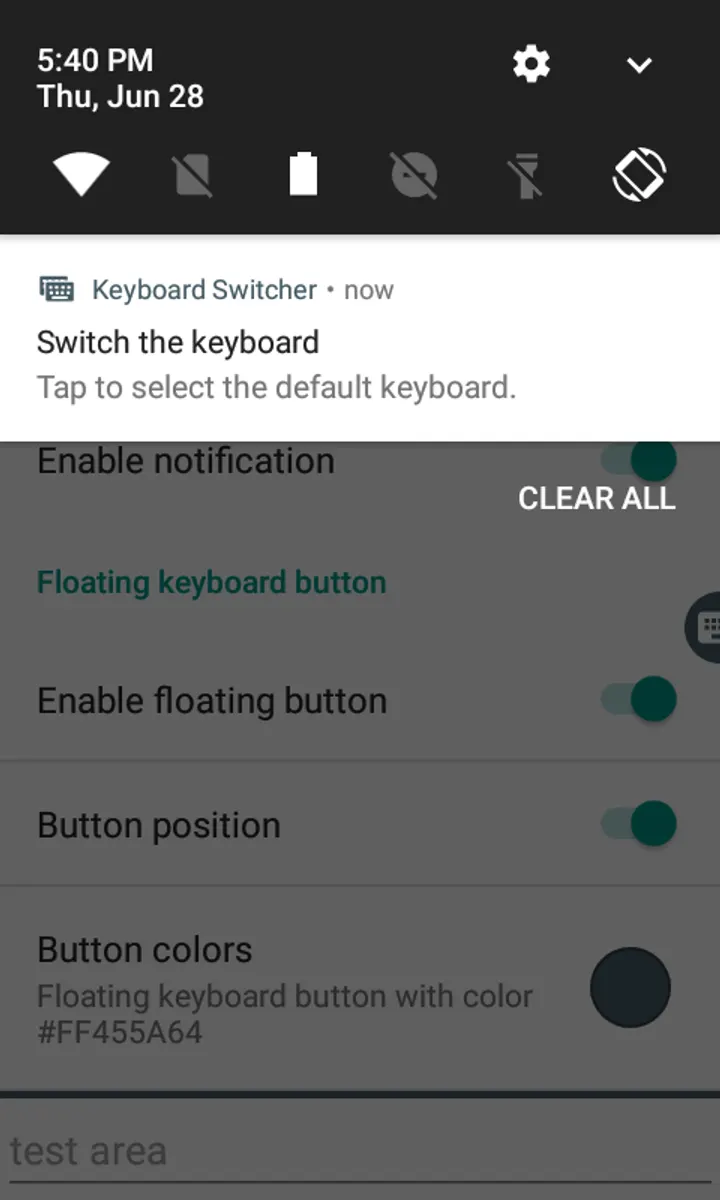
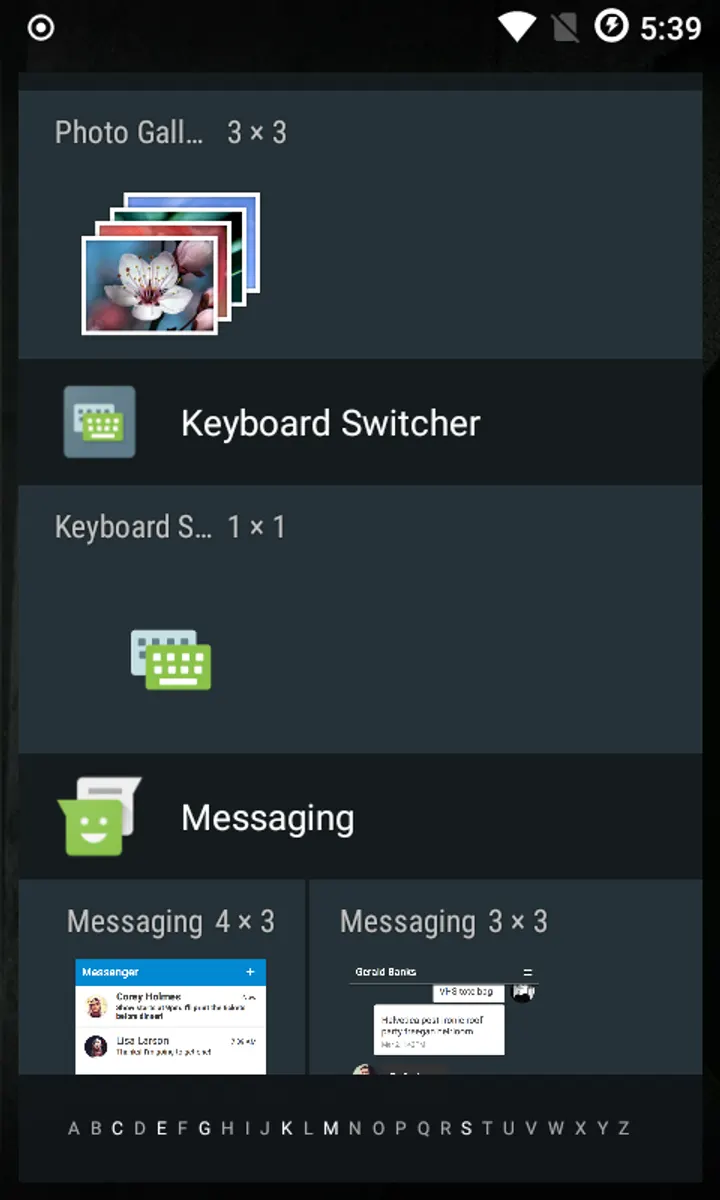
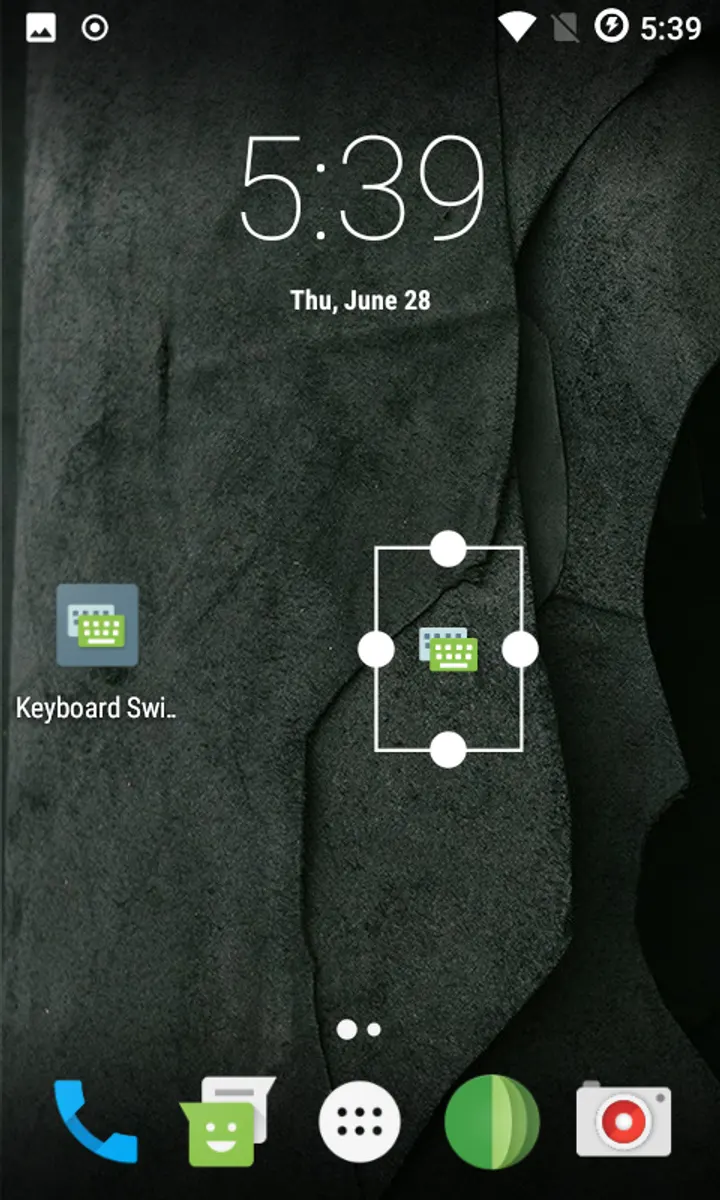
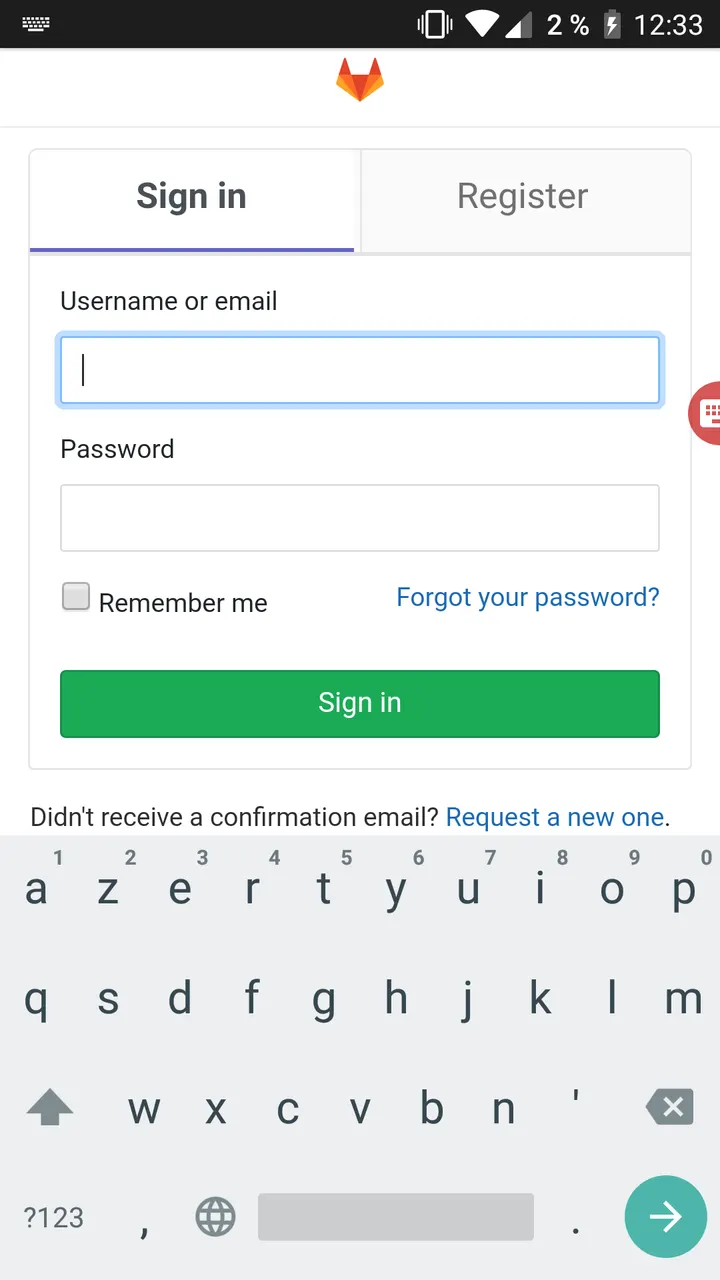
There are four ways to trigger a switch: a discreet floating button on the screen, a shortcut, a quick settings tile, or a notification. You pick the one that suits how you work.
What a typical session looks like
You enable the keyboards you want in Android as usual, then open Keyboard Switcher and choose a trigger. With the floating button active, one tap while typing brings up the choice of keyboards. The notification and tile do the same from the shade.
The app runs on Android 4.4 and later, and version 4.2 was updated on January 23, 2026. The first release dates from June 22, 2018, so the project has been maintained for several years.
When the built-in options are enough
The app may be unnecessary on some devices, and the developer says so. On Android Lollipop and later, a long press on the space bar can change keyboards, and system notifications also allow it. If your keyboard already offers a quick switch, you may not need this.
The tool is aimed at phones where the system and the keyboard give no effective way to switch. Among the alternatives, Gboard, BroadBoard, ClaviRom, Kinetica, LeanType and Fossify Keyboard Beta are keyboards in their own right, so they solve a different problem.
Keyboard Switcher pros and cons
Pros
- No ads and free to use
- Four ways to switch: floating button, shortcut, tile or notification
- Open source under GPL-3.0-or-later with a public GitLab repository
- Small 5.5 MB download
- Runs on Android 4.4 and later
Cons
- Often redundant on Android Lollipop and later, as the developer notes
- Switches keyboards only and adds no typing features
- Version 4.2 has no published changelog
Is Keyboard Switcher safe?
The SHA-256 checksum for the Keyboard Switcher APK is d7a68d080965ffe517c4a33ccb13f14ecce8e80c80b2d76d972cc07cf7f88992, so you can compare it against the file you downloaded. Kunzisoft publishes the source code on GitLab under GPL-3.0-or-later, which means anyone can read how the floating button, shortcut, tile and notification switching work. The app shows no ads and is funded by contributions and donations.
How to install Keyboard Switcher
- Download the APK with the button on this page and wait for it to finish.
- Compare the file with the SHA-256 checksum shown here if you want to confirm it arrived intact.
- Open the file on your phone and allow installs from this source when Android asks.
- Finish the install, then open Keyboard Switcher from your app drawer.


