

Instagram Lite is a free Android app from Instagram, available through Google Play only, with over 1 billion installs on that store. It is a smaller version of the main app, built for slower networks and phones with little storage. Google Play lists a 4.2 rating from about 2.8 million ratings, and the listing was last updated on November 4, 2026.
Who a data-saving Instagram suits
This lighter version of Instagram suits people who want the social feed but cannot spare much mobile data or phone storage. The developer says it performs well on slower networks, uses less mobile data and takes up less space than the standard app. That points to older or budget phones, patchy coverage and limited data plans.
The developer is Instagram, and the package ID is com.instagram.lite. In our catalog it sits under lite apps, with the tags social, no-ads and teen. Check the download size and minimum Android version on its store page before you install.
If your phone already runs the full Instagram app without trouble, there is no specific reason to switch. The case for Lite rests on saving data and storage, not on extra features.
Reels, stories and Direct in the Lite app
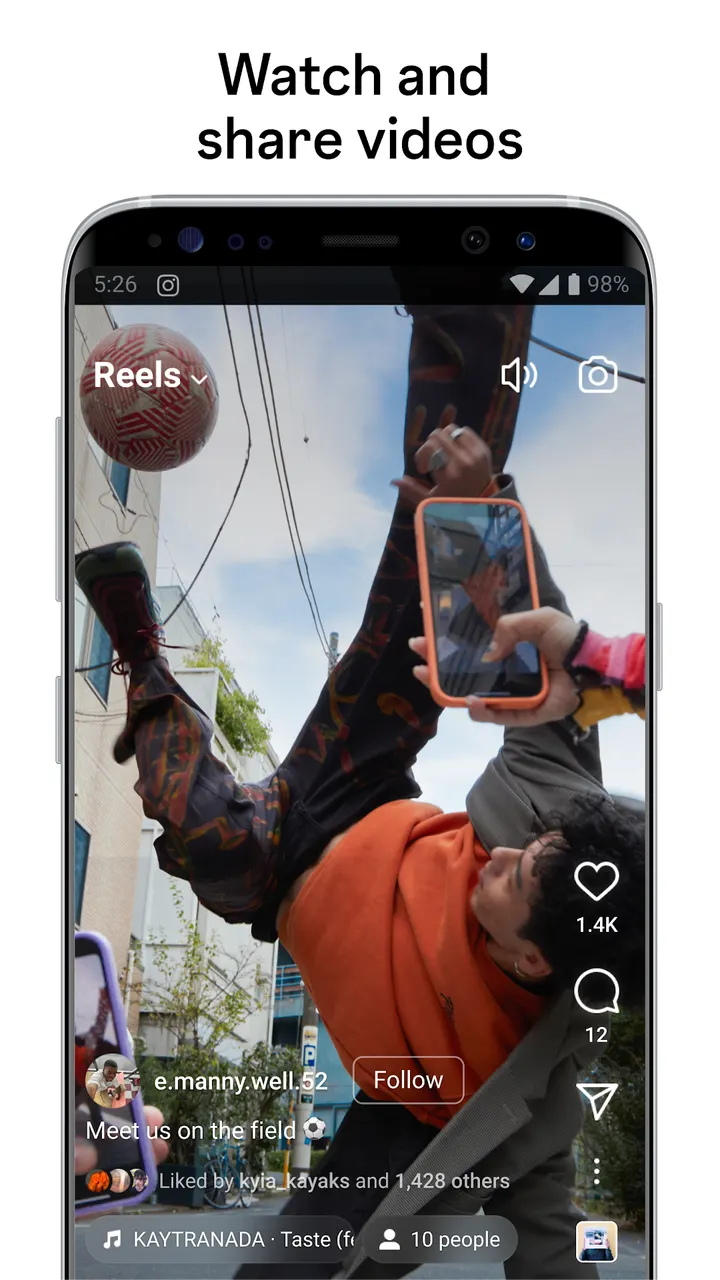
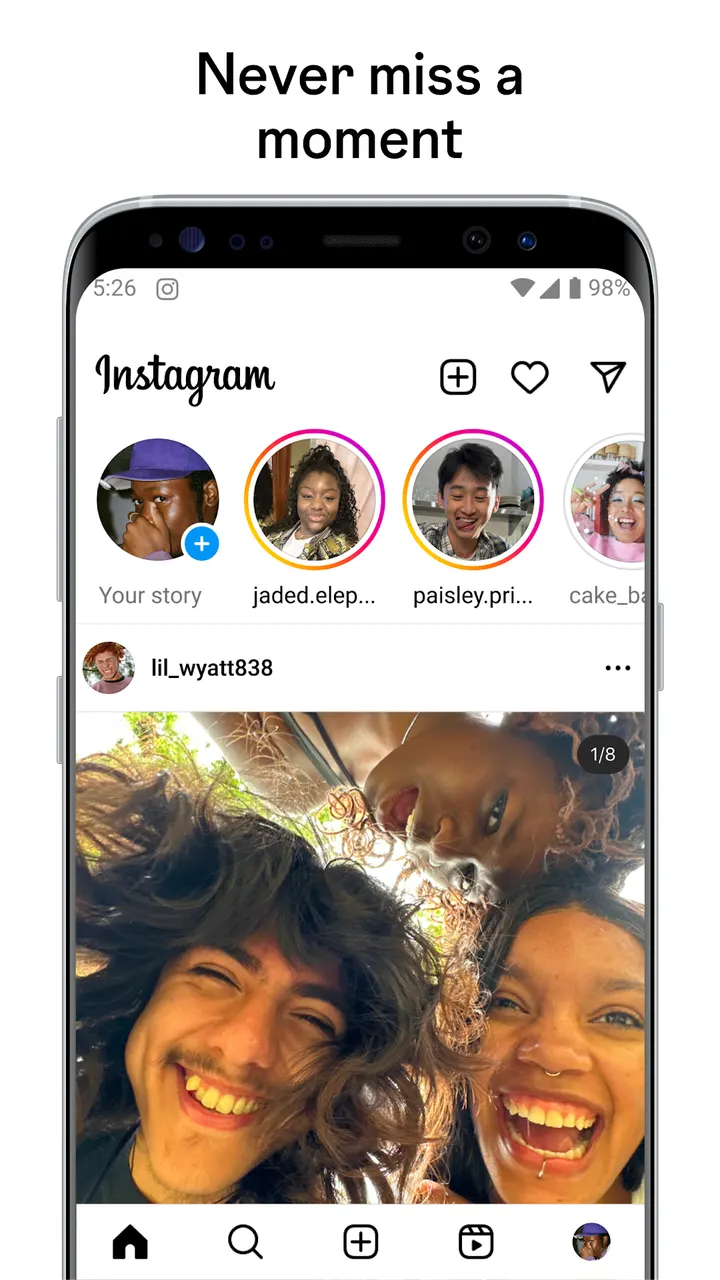
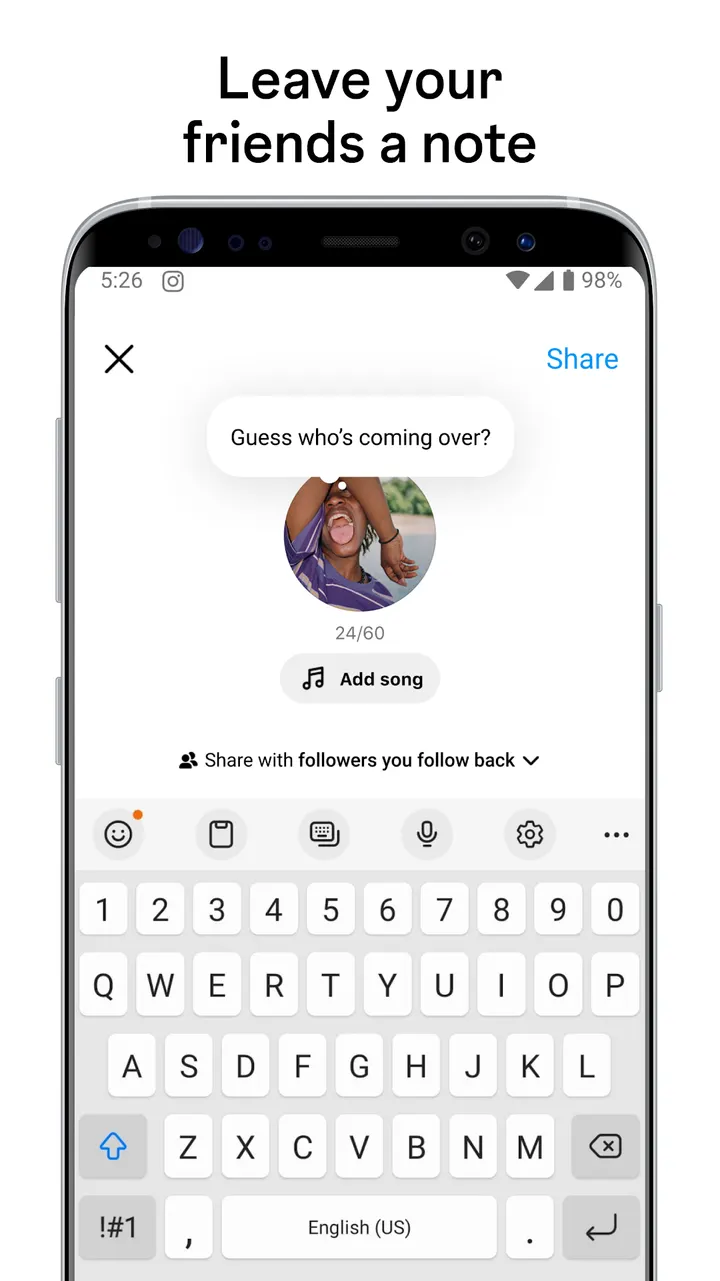
The core feature is sharing photos, making stories and watching reels while using less data. The rest of the everyday toolkit is familiar. You follow friends, artists, brands and creators, and their posts appear in your Feed, where you can like, comment and share.
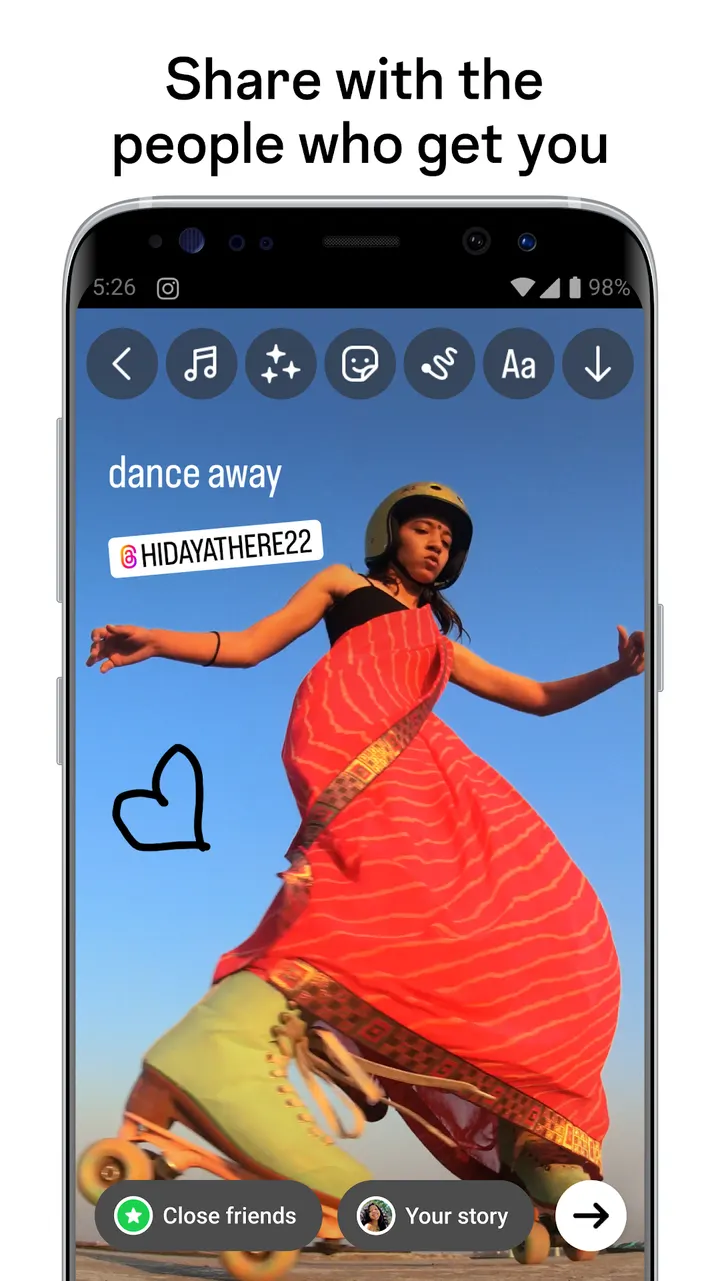
Reels can be watched and also created. You can build multi-clip videos up to 90 seconds, add text, templates and music, and upload clips from your gallery. Stories take photos and videos that disappear after 24 hours. You can decorate them with text, music, stickers and GIFs, and add Questions or Poll stickers to invite replies.
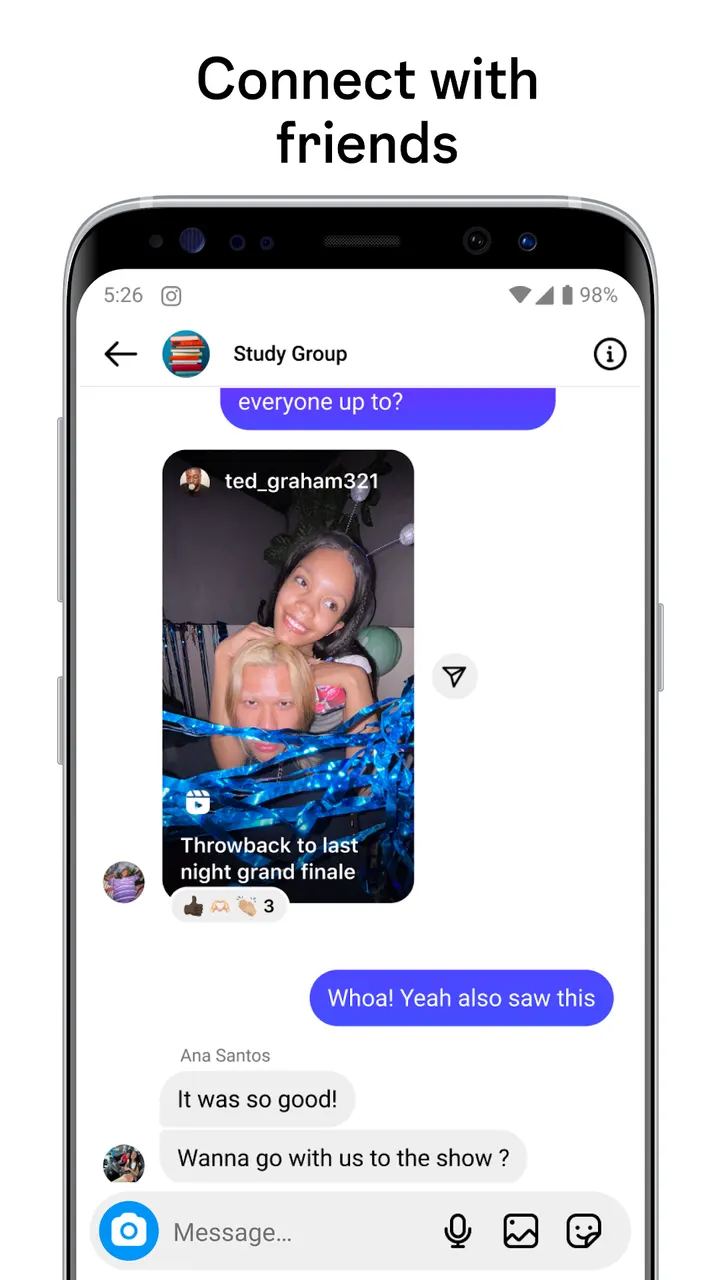
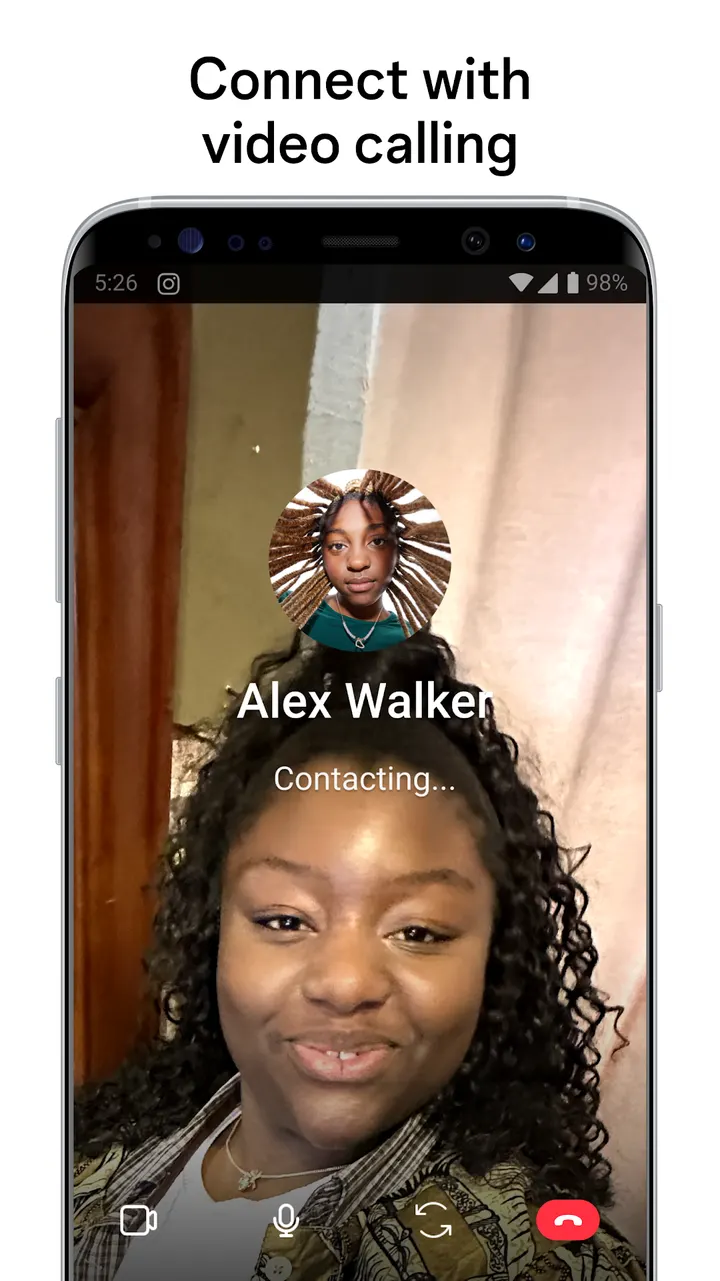
Direct covers messaging. You can send messages, share posts privately, receive chat notifications and make video and audio calls. The Search tab lets you look up topics by keyword and find photos, reels and accounts.
No ads or purchases, but a Teen rating
Instagram Lite costs nothing. The facts list no ads and no in-app purchases, so nothing inside the app asks for payment.
The content rating is Teen. Parents deciding whether a younger user should have the app should weigh that rating alongside Instagram's own terms and privacy rules, since using the app means accepting them.
The design goal is using less mobile data and less storage, which helps on slower networks and on phones with limited room.
Instagram Lite pros and cons
Pros
- Free to install, with no ads and no in-app purchases listed
- Designed to use less mobile data and storage than the standard app
- Covers reels, stories, Direct messages, search and video or audio calls
- Reels can run up to 90 seconds and accept uploads from your gallery
- Google Play shows a 4.2 rating from about 2.8 million ratings
Cons
- Download size and minimum Android version are only on the store page
- Recent changes are hard to follow without a changelog
- Teen content rating, and the use of an account means accepting the Terms of Use and Privacy Policy
Is Instagram Lite safe?
Instagram Lite comes from Instagram under the package ID com.instagram.lite. Its content rating is Teen, it shows no ads and it sells no in-app purchases. Since it handles photos, stories and reels, look at the data safety section and the privacy policy on its store page to see which permissions and data practices apply to you. No independent security review is available.
How to install Instagram Lite
- Press the Google Play button on this page.
- Check the listing in the Play Store and press Install.
- Open Instagram Lite when the install finishes. Updates arrive through Google Play.


