



Instagram has over 5 billion installs on Google Play, which puts it among the most widely installed apps in the store. It is published by Instagram, comes from Meta, and has been on Android since April 2, 2012. The app is free, rated Teen, and available through Google Play only. This page covers what a session looks like and how the app sits next to the other social and messaging apps in the catalog.
Over 5 billion installs and a Teen rating
On Google Play, Instagram holds a 4-star rating drawn from about 169.4 million ratings, a sample that reflects a very broad audience rather than a niche one. The app is free to install.
The content rating is Teen, and the app is tagged as social and teen. Google Play flags both ads and in-app purchases. Some features may not be available in every country or region, so what you see can differ by location.
The most recent update is dated November 2, 2026. The version varies by device, so no single version number applies.
A session from Stories to Reels to Explore
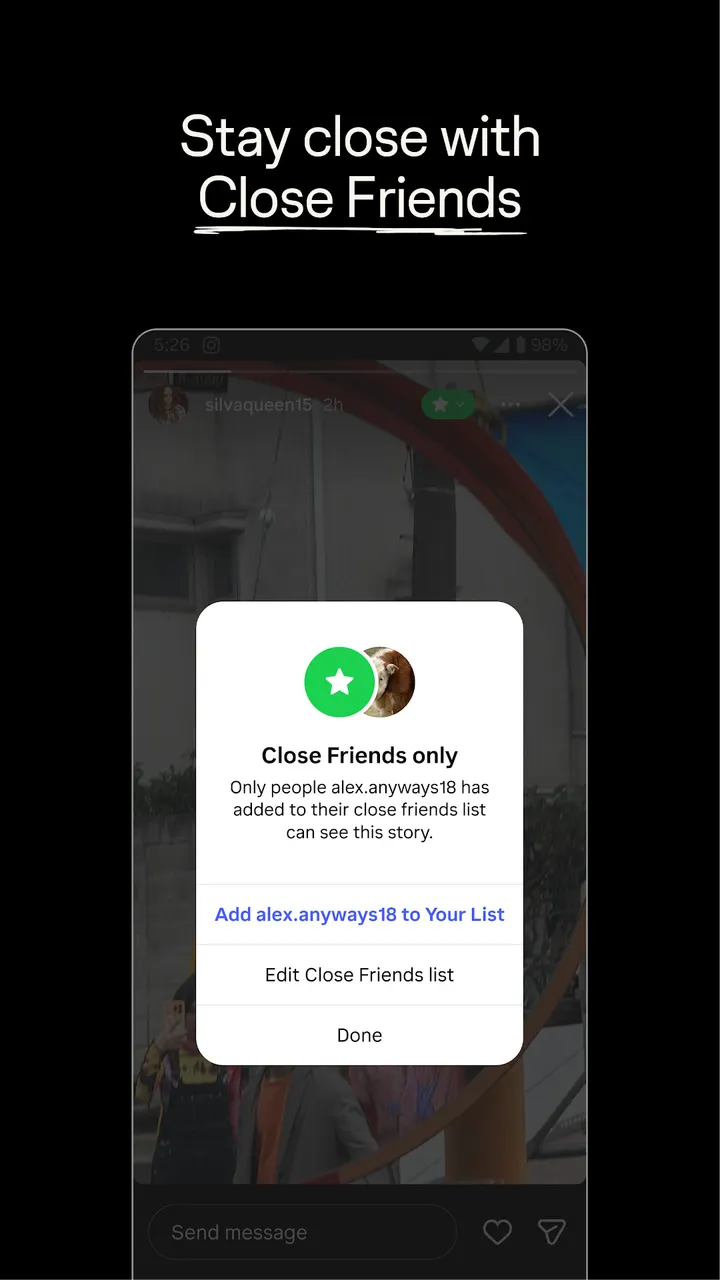
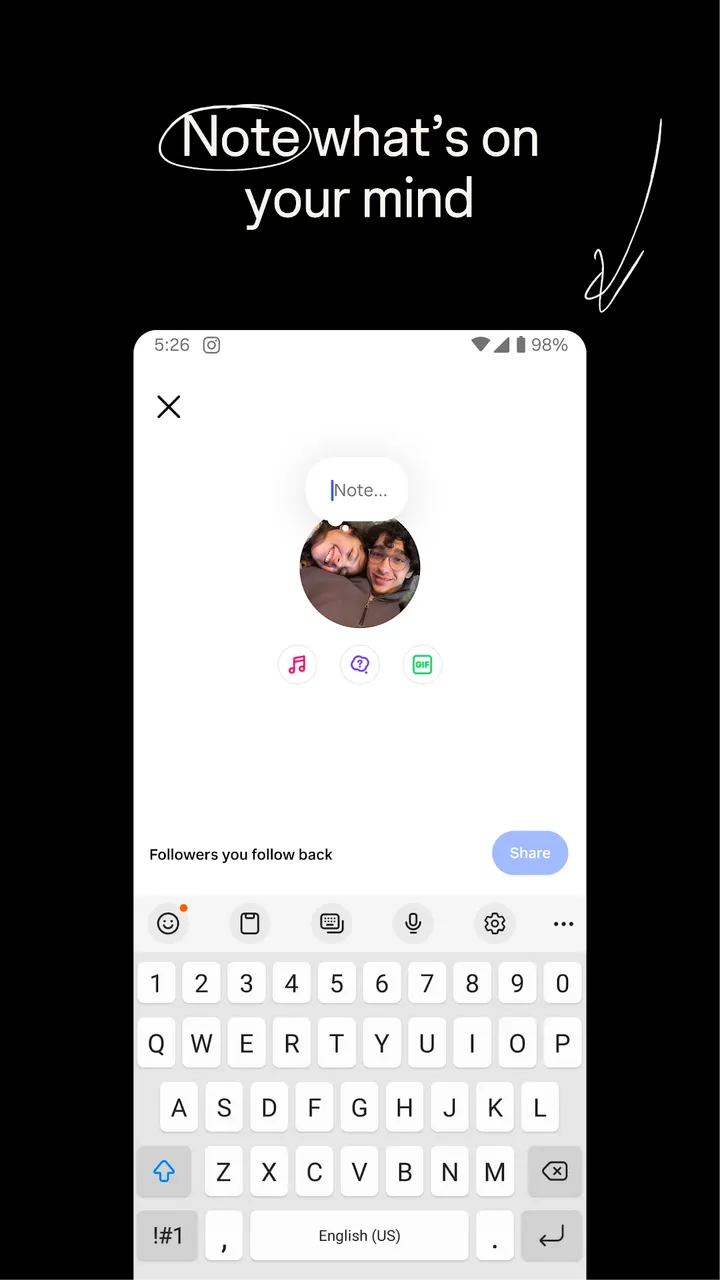
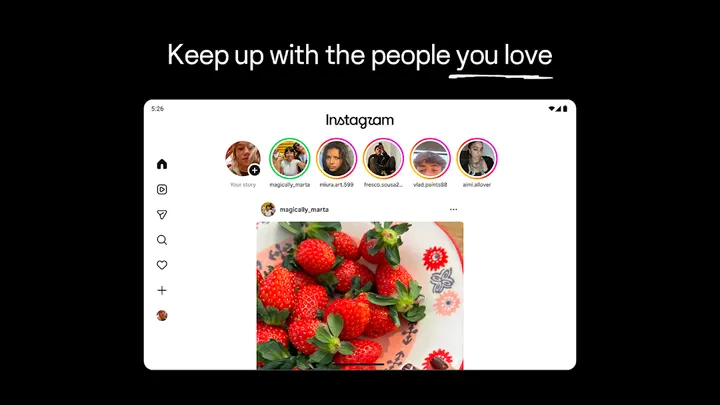
A typical visit starts with Stories and Notes, which disappear after 24 hours. They suit quick updates that do not need to stay on a profile. Close Friends adds a smaller circle: you can start group chats and share unfiltered moments with just that list.
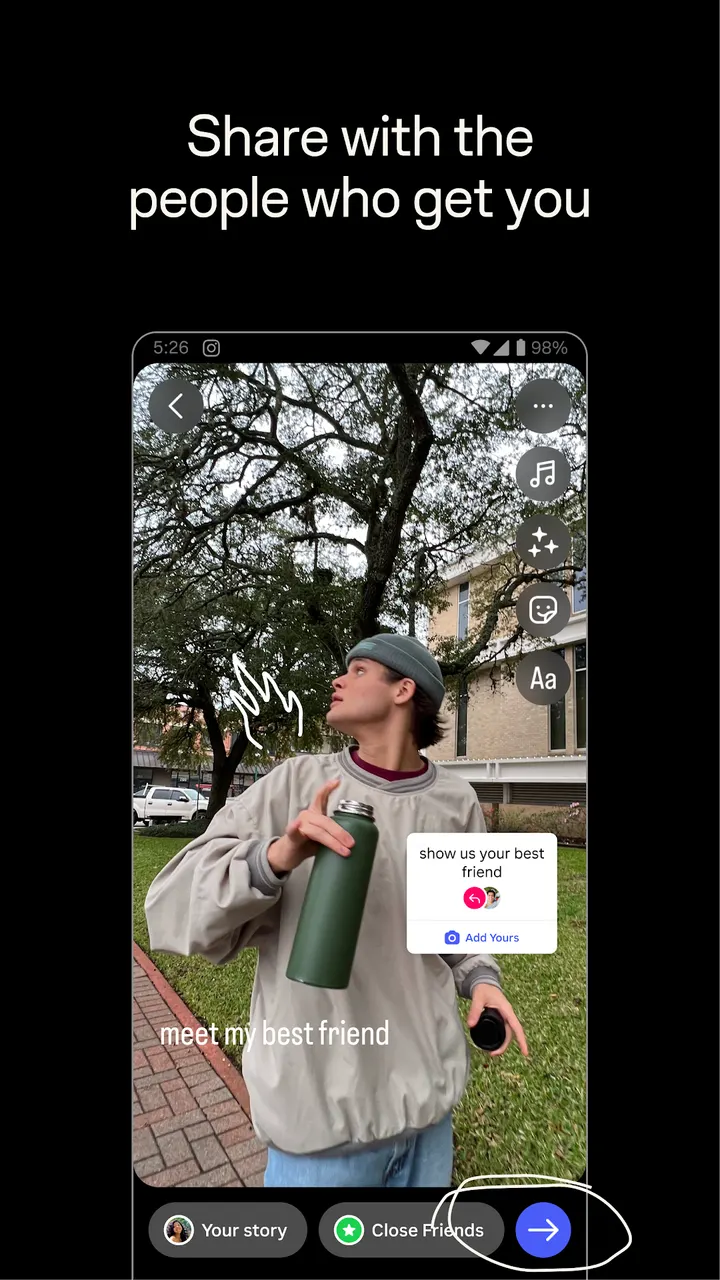
Feed is the place for longer-lived posts, and the description points to memories from recent events or trips. When you create something, templates, music, stickers and filters are there to customize posts. Photos, stories and reels can all be shared with friends from the same creation flow.
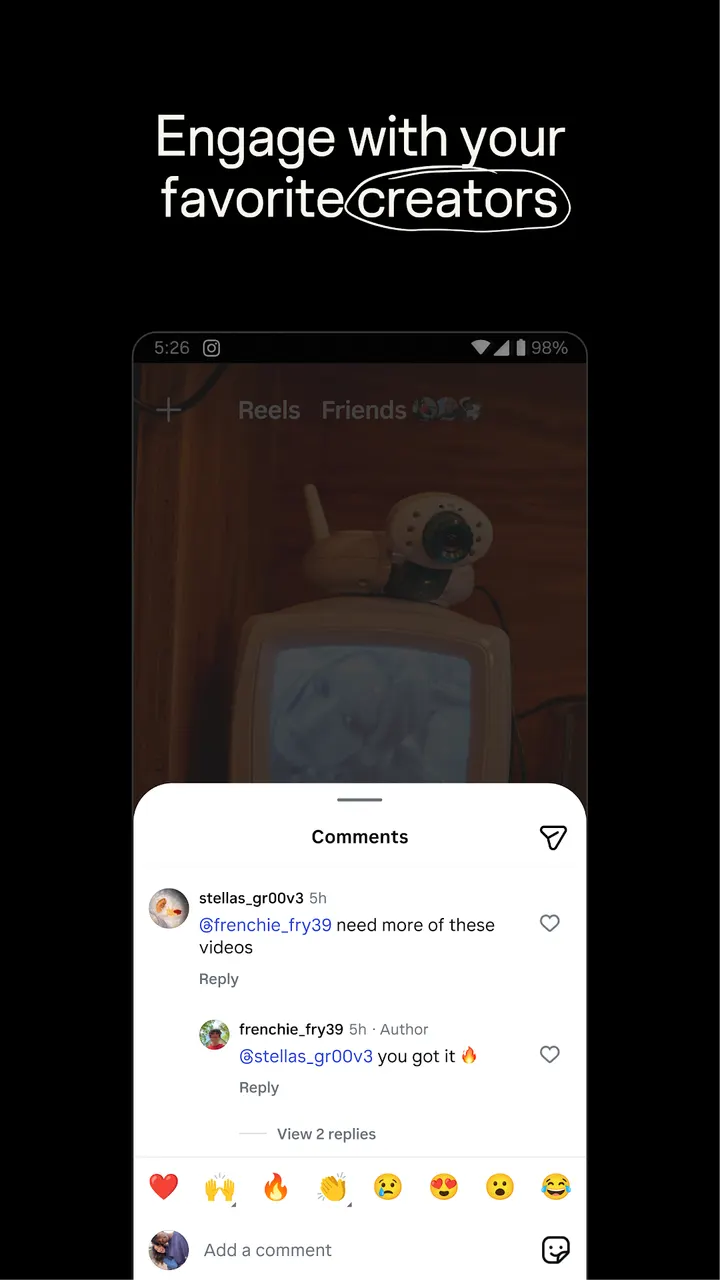
Then the session usually turns to discovery. Reels serves short, entertaining videos, and you can watch clips from favorite Creators along with content personalized to your interests. Explore surfaces photos and videos from new accounts. The description also mentions discovering brands and small businesses and shopping products relevant to your style, which is where the in-app purchase flag becomes relevant.
How Instagram differs from WhatsApp, Facebook and X
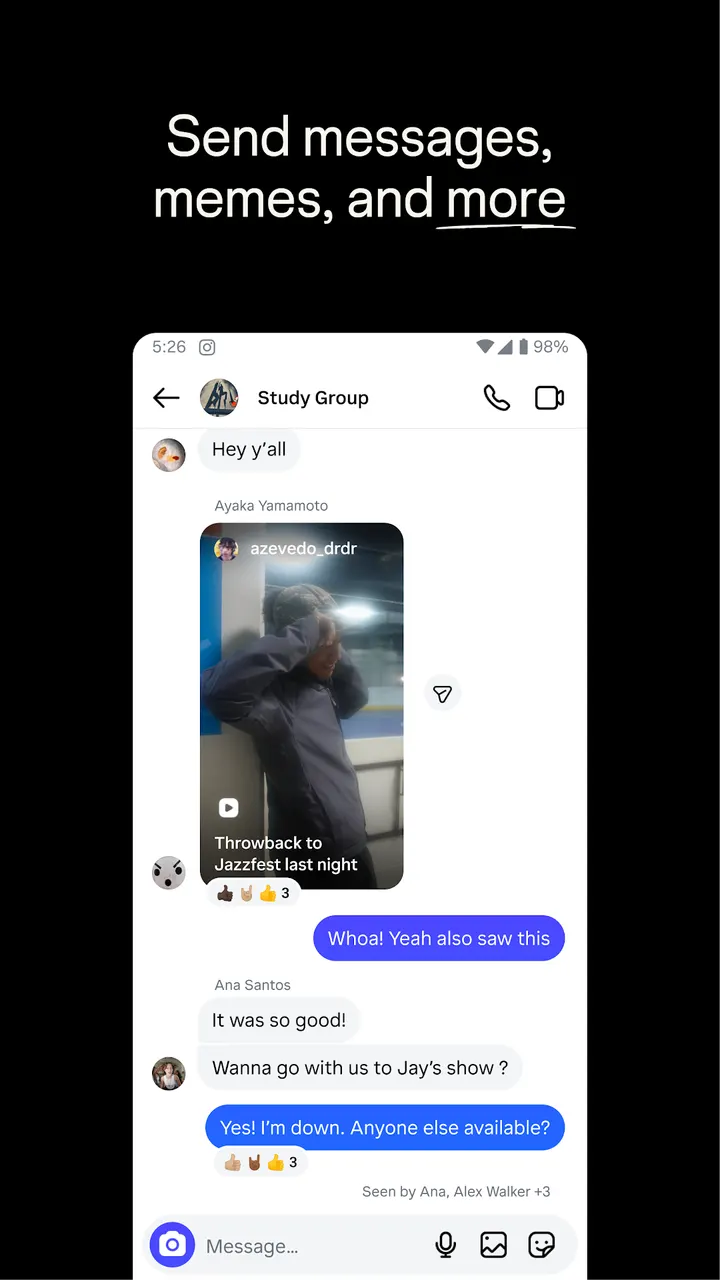
WhatsApp and Messenger are built around conversations. Instagram has group chats too, but they sit beside a feed, stories and video discovery rather than being the main point. Facebook is the closest relative, since Instagram's description itself opens with a Meta credit.
X is also a public posting app, but Instagram is visual first: photos, reels, stickers and filters. Google Photos is a different kind of tool. It is about storing and organizing your own pictures, while Instagram is about sharing them and finding other people's. Aegis Authenticator has no overlap in function with a social app, so a direct comparison makes little sense.
Instagram pros and cons
Pros
- Free to install, with a listed price of zero on Google Play
- Stories and Notes disappear after 24 hours, which keeps casual updates short-lived
- Close Friends lets you share with a smaller list and start group chats
- Reels, Explore and Creator content give several ways to find new accounts
- Templates, music, stickers and filters are built into post creation
Cons
- Contains ads, according to the Google Play listing
- Includes in-app purchases
- Rated Teen, so content suits older children and up
- Some features may not be available in your country or region
Is Instagram safe?
Instagram is published by Instagram, and its store description credits Meta. The content rating is Teen. The store page links to Terms and Policies, a Consumer Health Privacy Policy and an Instagram Safety Center, which are worth reading before a teenager signs up. We have not reviewed the app's security ourselves, so the publisher details and the Teen rating are the only points confirmed here.
How to install Instagram
- Press the Google Play button on this page.
- Check the listing in the Play Store and press Install.
- Open Instagram when the install finishes. Updates arrive through Google Play.


