You are at your desk, the phone buzzes across the room, and a message needs an answer. With KDE Connect the notification appears on your computer, and you can reply from the keyboard without picking the phone up. This page covers version 1.37.0 of the Android app, updated on October 29, 2026.
A phone app that does nothing without a desktop partner
KDE Connect only works as one half of a pair. You must install KDE Connect on your computer too, and keep the desktop version current with the Android one so newer features work. Without that second install, the app has nothing to talk to.
The project comes from the KDE community, and the Android package is org.kde.kdeconnect_tp. It is free, shows no ads, and is licensed GPL-3.0-only, with the source published at invent.kde.org. The project website is kdeconnect.kde.org.
At 7.1 MB it is a small download, and it needs Android 6.0 or newer. It was first released on October 27, 2013.
What a session looks like from pairing to file transfer
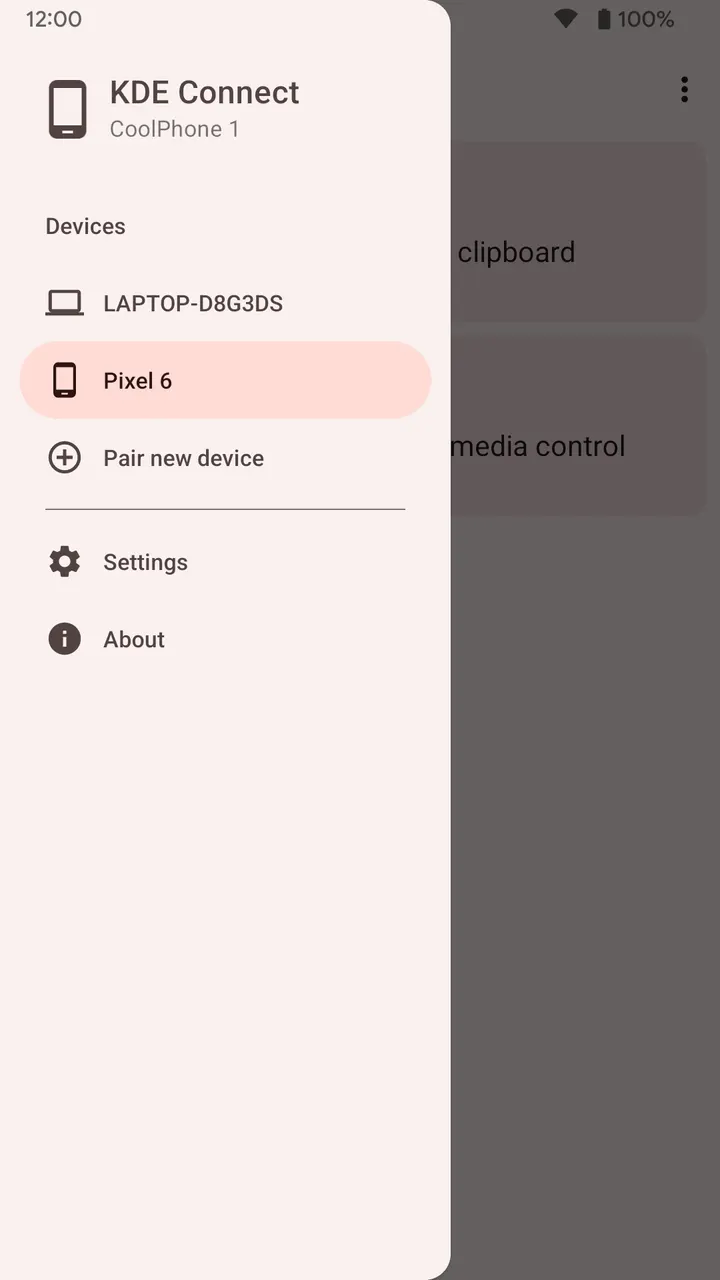
Both devices join the same WiFi network. No USB cable or Bluetooth is needed, and data moves directly across the local network, never through the internet. The developer says traffic uses end-to-end TLS encryption and that nothing is sent to KDE or any third party.
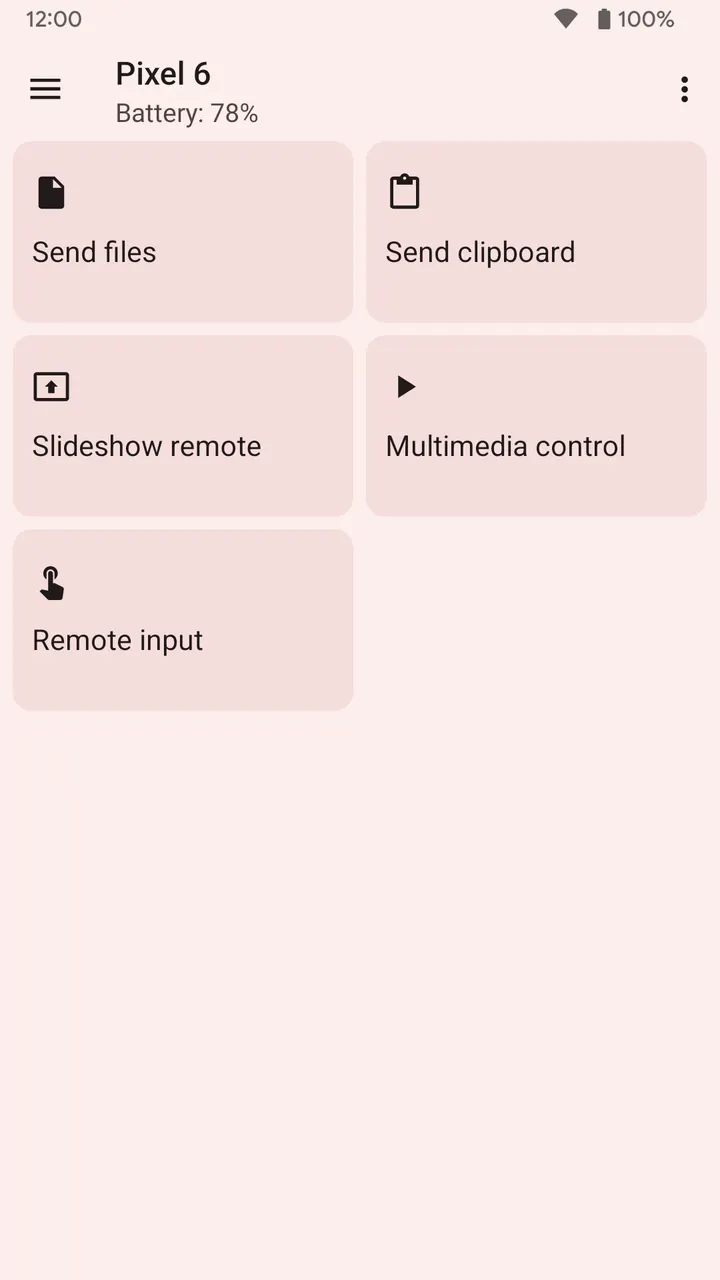
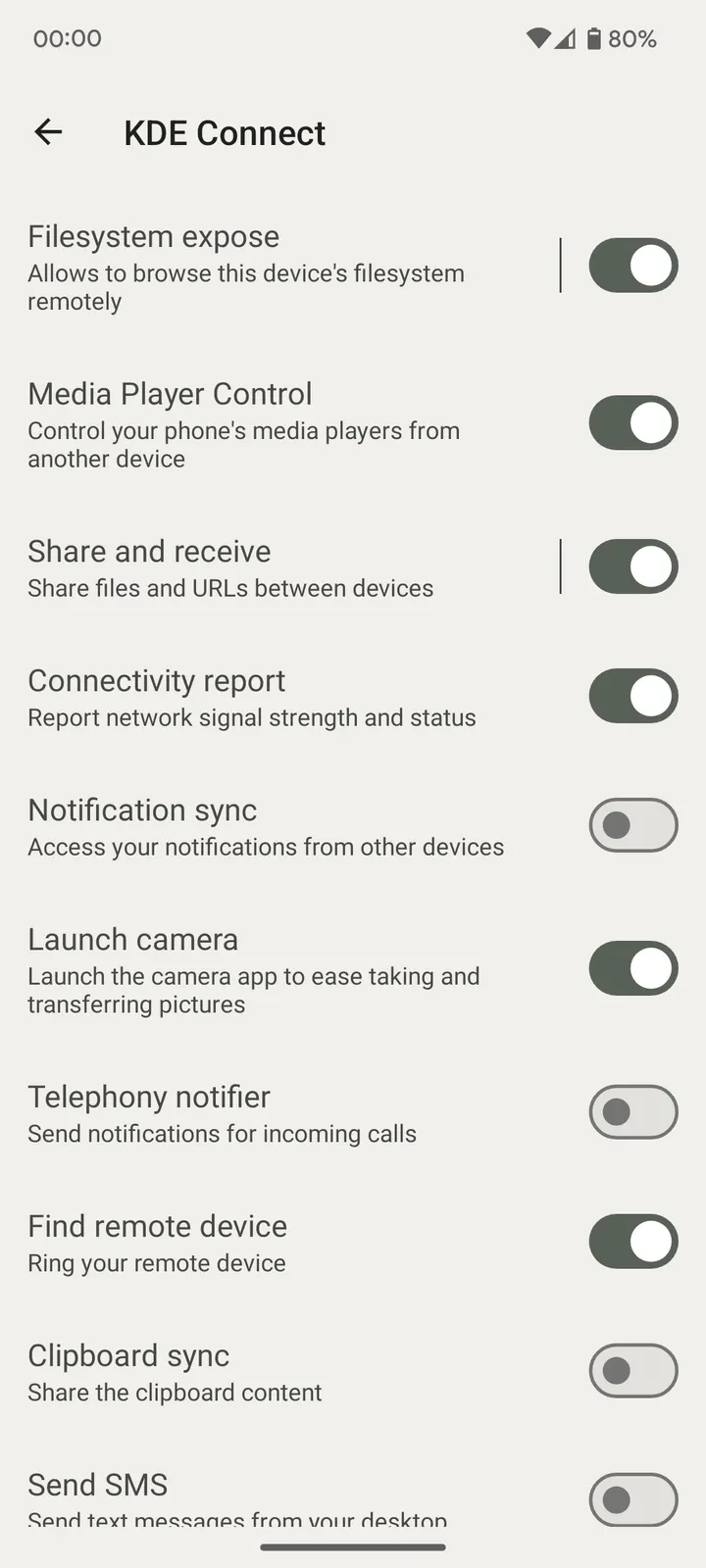
Once linked, the features are separate tools you use as needed. You can send files between devices, or browse files on the phone from the computer without wires. The clipboard is shared, so text copied on one side can be pasted on the other.
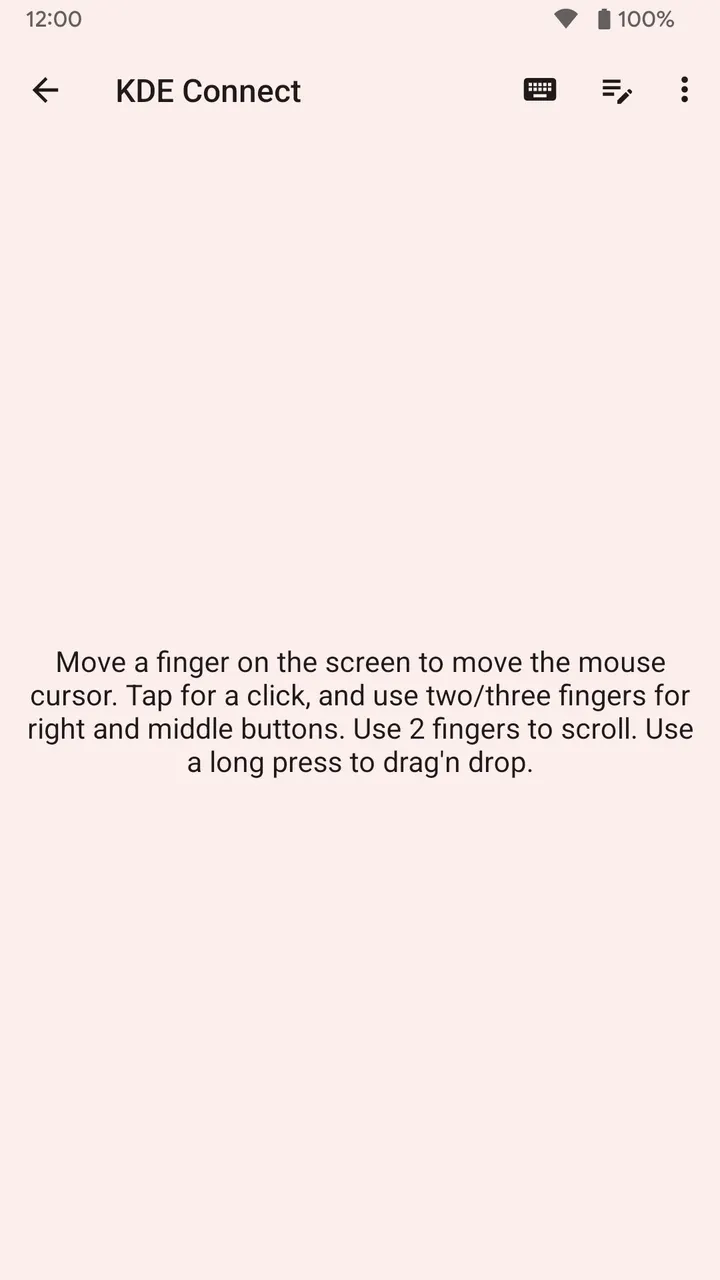
Notifications are the part most people would leave running. Incoming calls and messages show on the computer, and the notification sync lets you reply to messages from there. The virtual touchpad turns the phone screen into a pointer for the computer. A multimedia remote controls Linux media players.
Permissions you will be asked to grant
Two permissions are sensitive. Accessibility access is needed so another device can send input to the phone, and it applies only if you use the Remote Input feature. Background location is needed to learn which WiFi network you are on, and it applies only to the Trusted Networks feature.
How it compares with the listed alternatives
WhatsApp, Facebook, Messenger, Google Photos, X and Aegis Authenticator are the alternatives listed for this app. Most of them are account-based services that send content through online servers. KDE Connect works differently: it links two devices you own over WiFi.
So it acts more like a bridge than a replacement. Conversations can stay in Messenger or WhatsApp while KDE Connect mirrors their notifications on your computer. Google Photos stores pictures online, whereas KDE Connect only moves files between paired devices.
KDE Connect pros and cons
Pros
- Free, with no ads and a GPL-3.0-only licence
- Source code is public at invent.kde.org
- Small download at 7.1 MB
- Data stays on the local network with end-to-end TLS encryption, per the description
- Covers files, clipboard, notifications, touchpad and media remote in one app
Cons
- Requires a separate KDE Connect install on the computer
- Desktop and Android versions must be kept in step for the latest features
- Remote Input needs the Accessibility permission, and Trusted Networks needs background location
- The developer is not named
Is KDE Connect safe?
The APK is stored unmodified, so you can compare it with the SHA-256 checksum a51c6e85585748b44b42fb409229effb333f7758e5e7cbfff2f480a62530dd01. The code is public under GPL-3.0-only, and the app contains no ads. The description mentions end-to-end TLS encryption and a WiFi connection that needs no USB cable or Bluetooth.
How to install KDE Connect
- Download the APK with the button on this page and wait for it to finish.
- Compare the file with the SHA-256 checksum shown here if you want to confirm it arrived intact.
- Open the file on your phone and allow installs from this source when Android asks.
- Finish the install, then open KDE Connect from your app drawer.


