
You are on a train with no signal and want to finish an article you started the night before. The Wikipedia app from the Wikimedia Foundation is built for that case: saved articles stay readable offline, and the same lists follow you across devices. It runs on Android 7.0 and up, weighs 98.6 MB, and costs nothing.
Apache-2.0 code and a nonprofit publisher
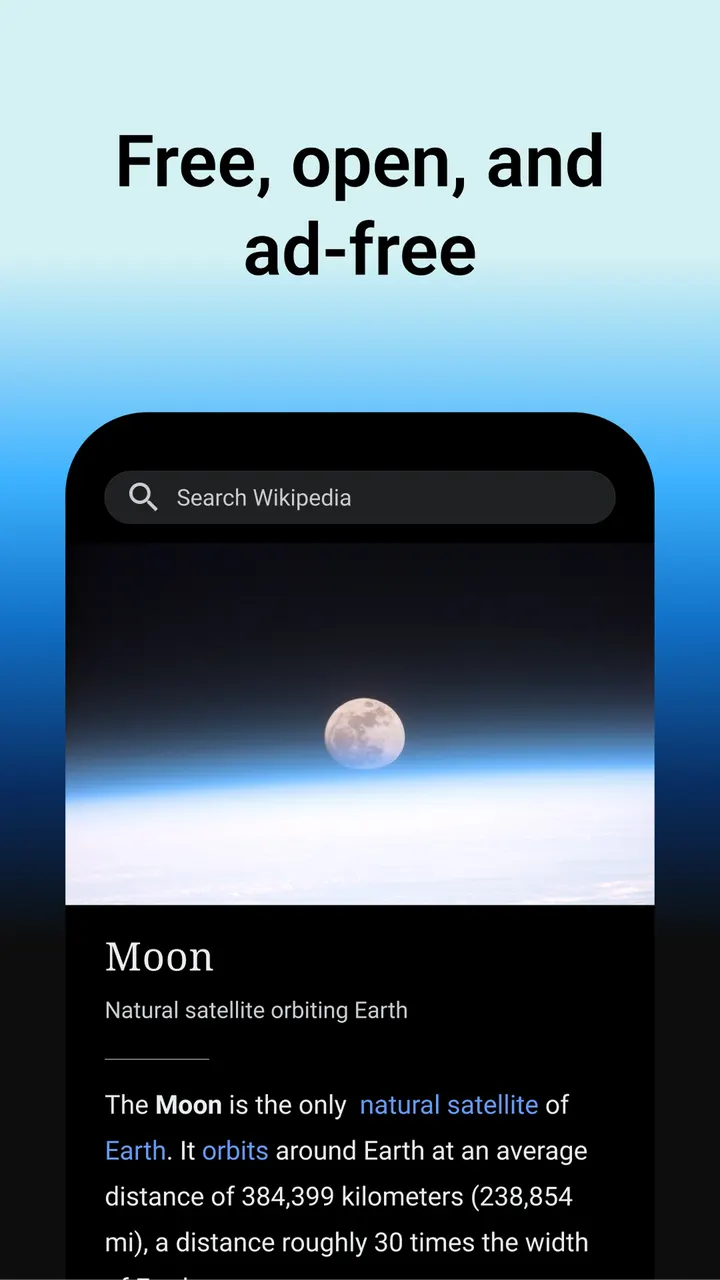
What defines this app is who makes it. The Wikimedia Foundation, the nonprofit that operates Wikipedia, publishes it under the Apache-2.0 license, and the source is public on GitHub. It is free, with no ads and no in-app purchases.
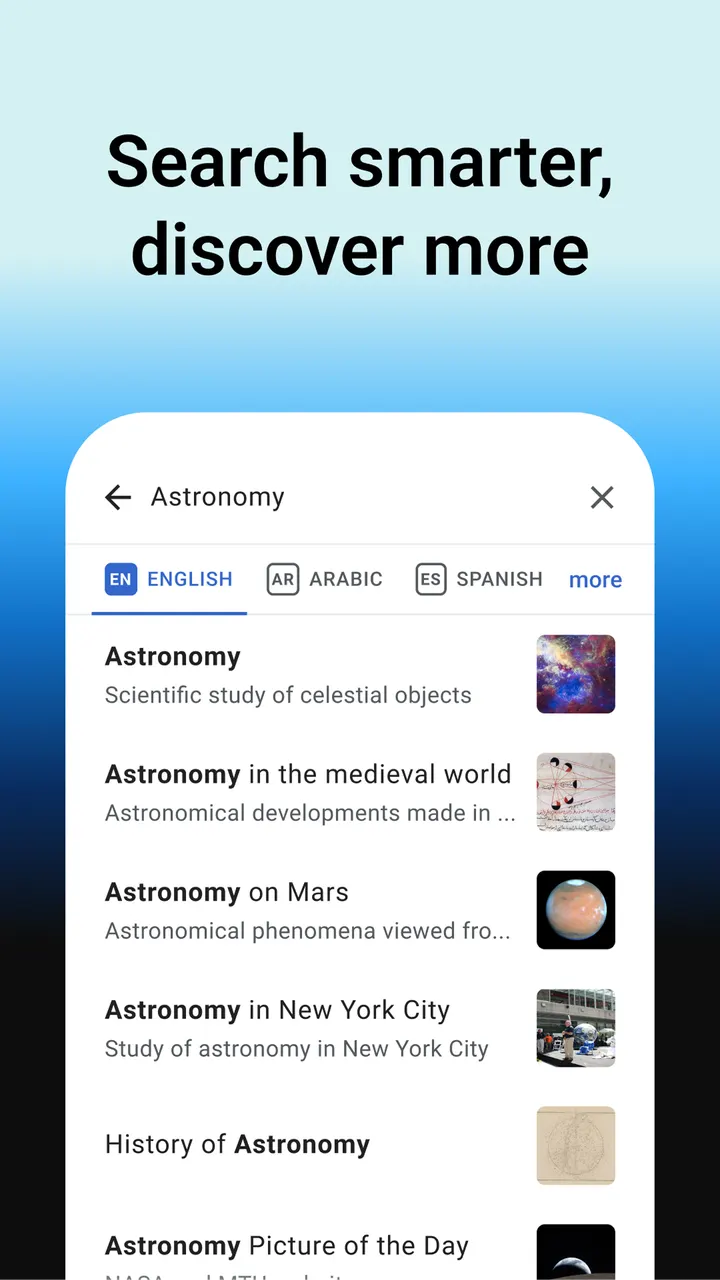
The content side is large. The publisher describes more than 40 million articles in over 300 languages. You can set several preferred languages and switch between them while reading, which helps if you move between a native language and a second one.
Other details include night mode, offline reading, a customizable Explore feed and a content rating of Everyone 10+.
A typical session: search, save to My lists, read in sepia or pure black
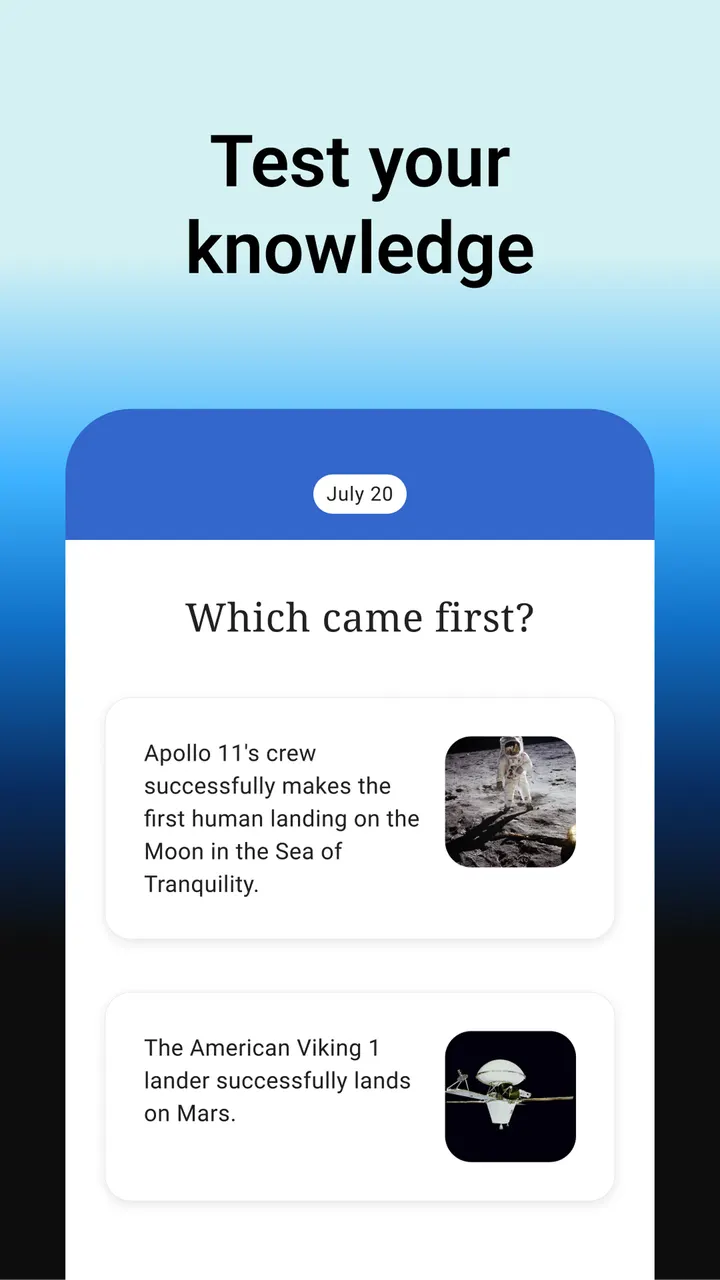
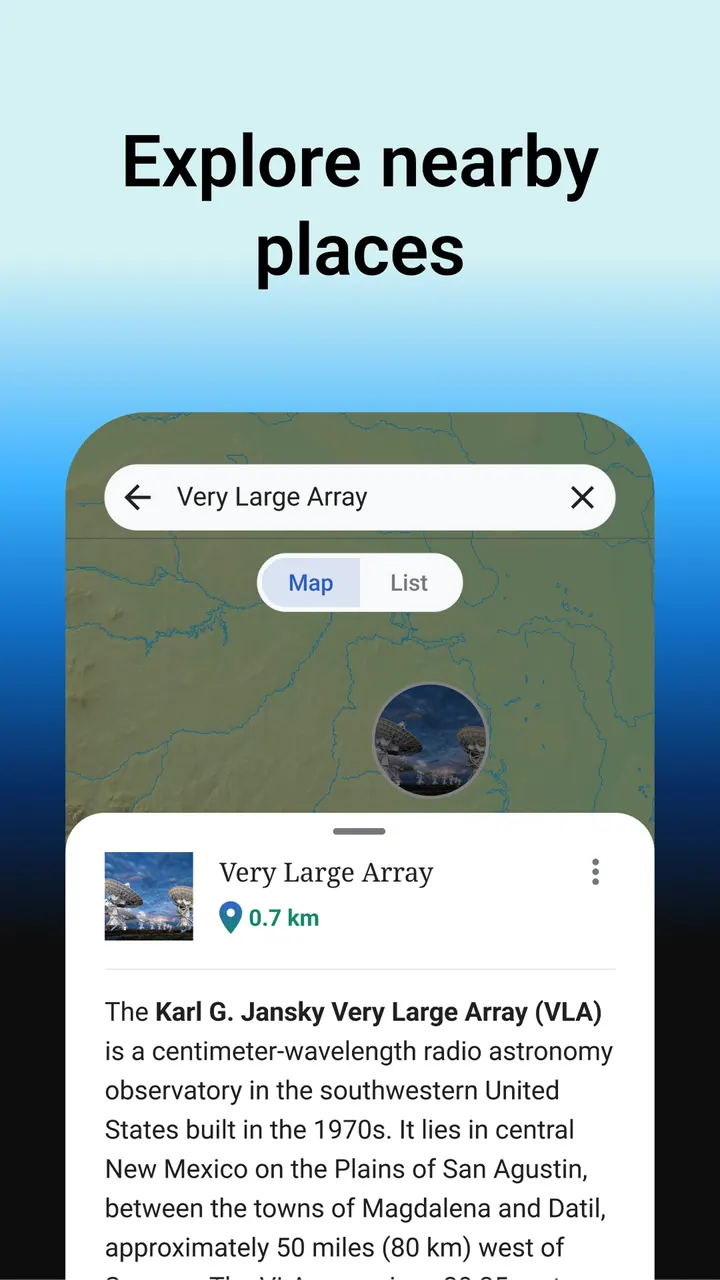
Most sessions start at the search bar at the top. You can type, speak, or even search with emojis, and you can also search inside an article you already have open. The Explore feed sits alongside this and shows current events, popular articles, freely licensed photos, events on this day in history, and suggestions based on your reading history. You can customize which of those cards appear.
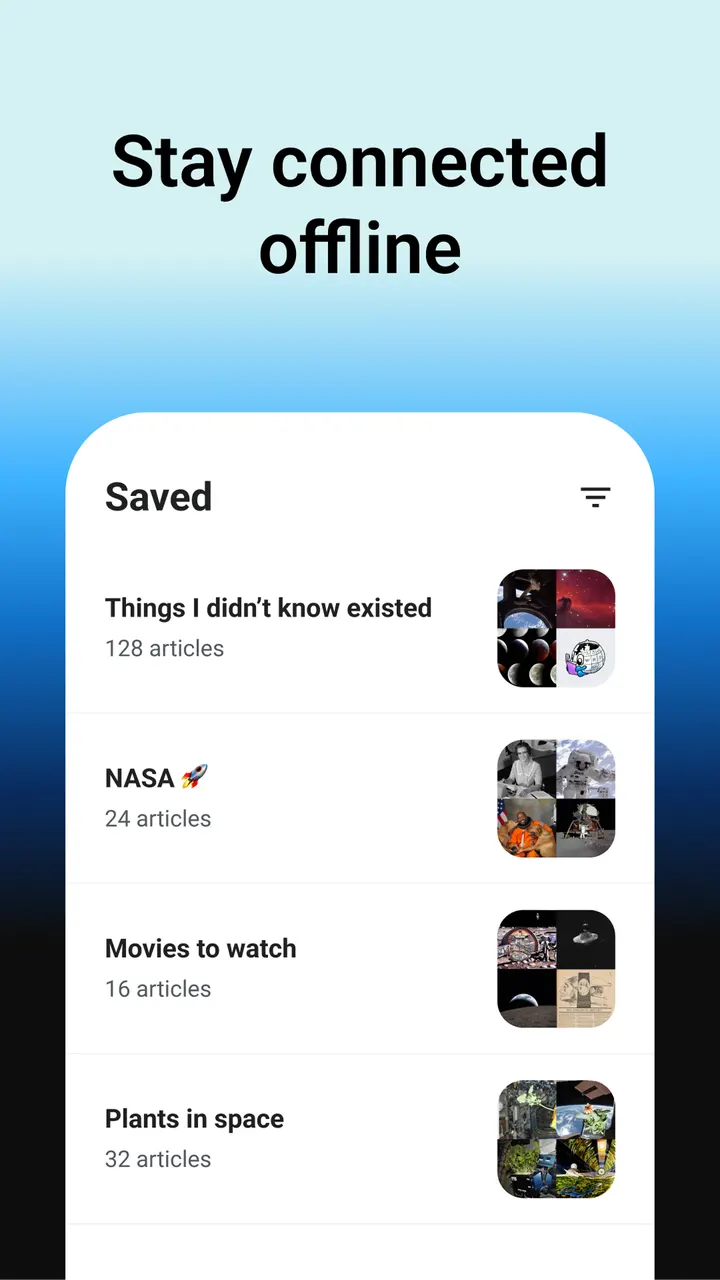
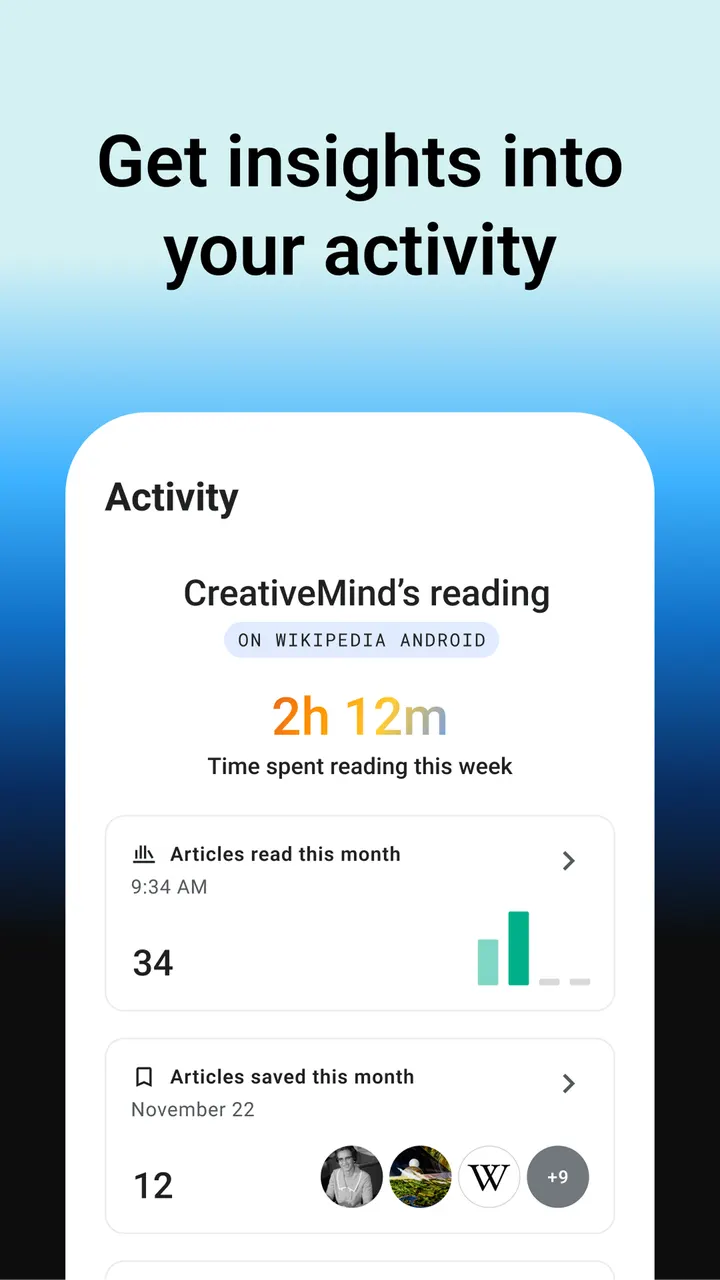
When an article is worth keeping, you add it to a list under My lists. Lists can be named as you like and can mix articles from different languages. They sync across your devices and stay available without a connection.
The reading screen is plain on purpose. Text size can be adjusted, and four themes are available: pure black, dark, sepia and light. Feedback goes through Settings, then the About section, then Send app feedback.
How it compares with WhatsApp, Facebook, Messenger and the rest of the listed alternatives
The apps suggested alongside this page are WhatsApp, Facebook, Messenger, Google Photos, X and Aegis Authenticator. They cover messaging, social networking, photo storage and two-factor codes, so none of them is a direct rival for reading reference articles. Nothing here compares features between them and Wikipedia.
The real difference is purpose. Wikipedia is for looking things up and reading, and it shows no ads. The others are for communicating or managing accounts and files. Choosing among them means choosing different jobs, and this app would sit beside them rather than replace one.
Version r/50614-r-2026-10-20 and the hosted file
The current build is version r/50614-r-2026-10-20, updated on October 27, 2026. The app first appeared on October 24, 2014, so it has a long release history. The package ID is org.wikipedia and it needs Android 7.0 or newer.
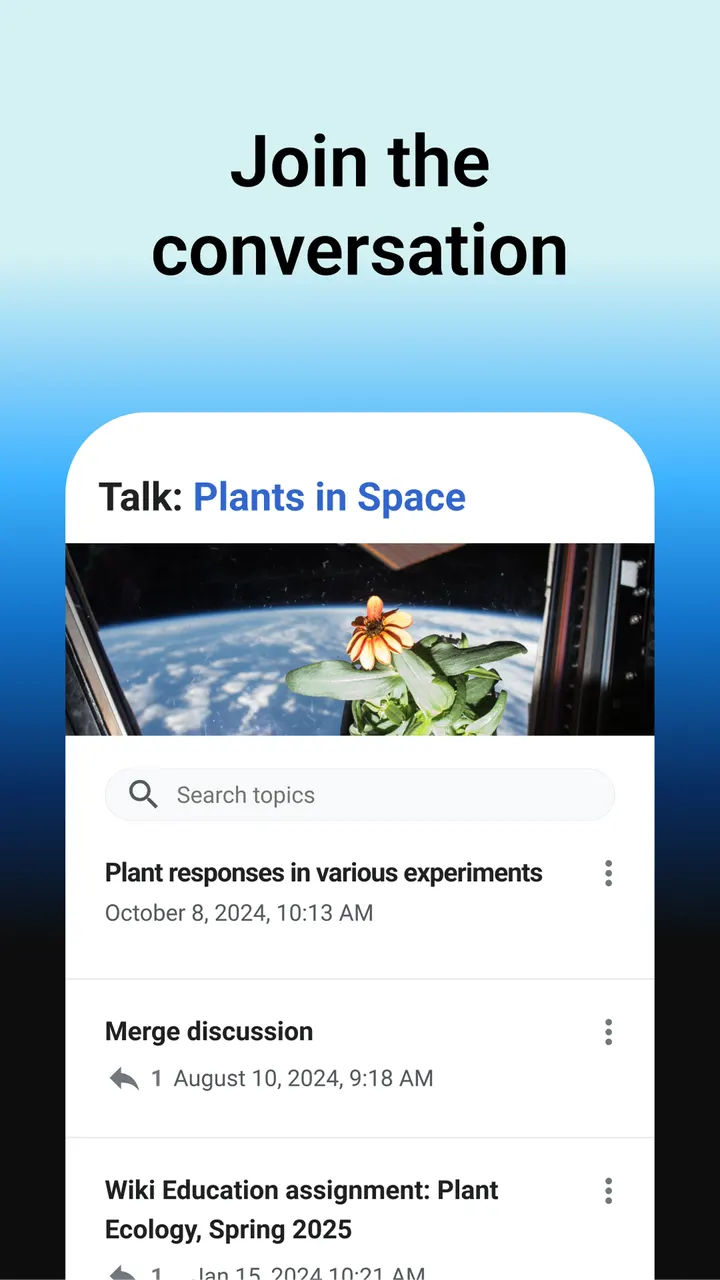
The APK file is stored here unmodified, and its SHA-256 checksum is 076d19f4acf40562a06df7d7de2b9cf11b89cc7b79f6a6cf4dd0768a158289c3. Compare that value with your downloaded file before installing. The page also carries 8 screenshots of the interface.
Wikipedia pros and cons
Pros
- No ads and no in-app purchases, with a price of zero
- Over 40 million articles in more than 300 languages, according to the publisher
- Saved lists work offline and sync across devices
- Four reading themes: pure black, dark, sepia and light
- Open source under Apache-2.0, with the code on GitHub
Cons
- The 98.6 MB size is sizable for a reading app
- Requires Android 7.0 or newer
- Recent changes for this version are unclear
- Offline use depends on saving articles to a list beforehand
Is Wikipedia safe?
The app comes from the Wikimedia Foundation, the nonprofit that runs Wikipedia, and its code is open under Apache-2.0. The APK is stored here unmodified, with a SHA-256 checksum you can verify against your download. The app has no ads and no in-app purchases.
How to install Wikipedia
- Download the APK with the button on this page and wait for it to finish.
- Compare the file with the SHA-256 checksum shown here if you want to confirm it arrived intact.
- Open the file on your phone and allow installs from this source when Android asks.
- Finish the install, then open Wikipedia from your app drawer.


