
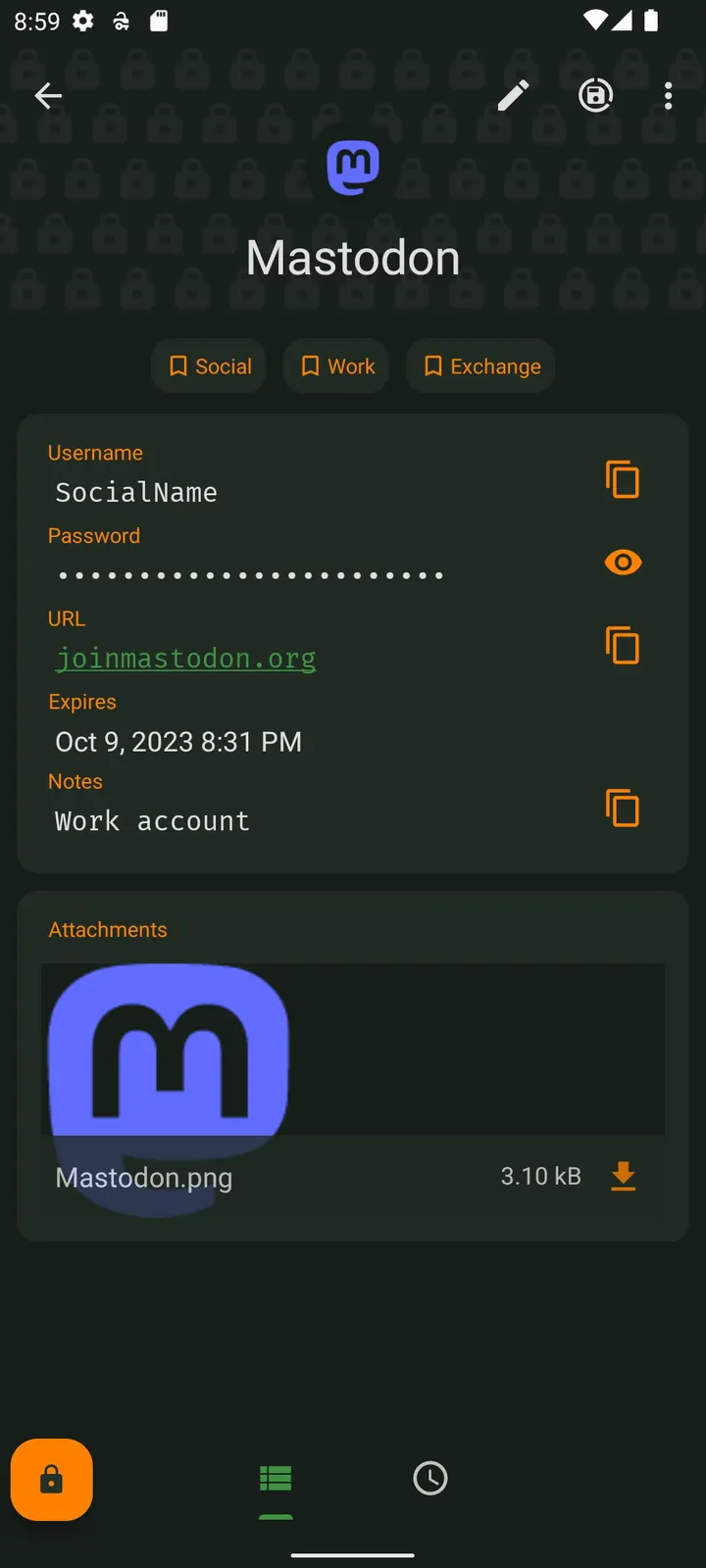
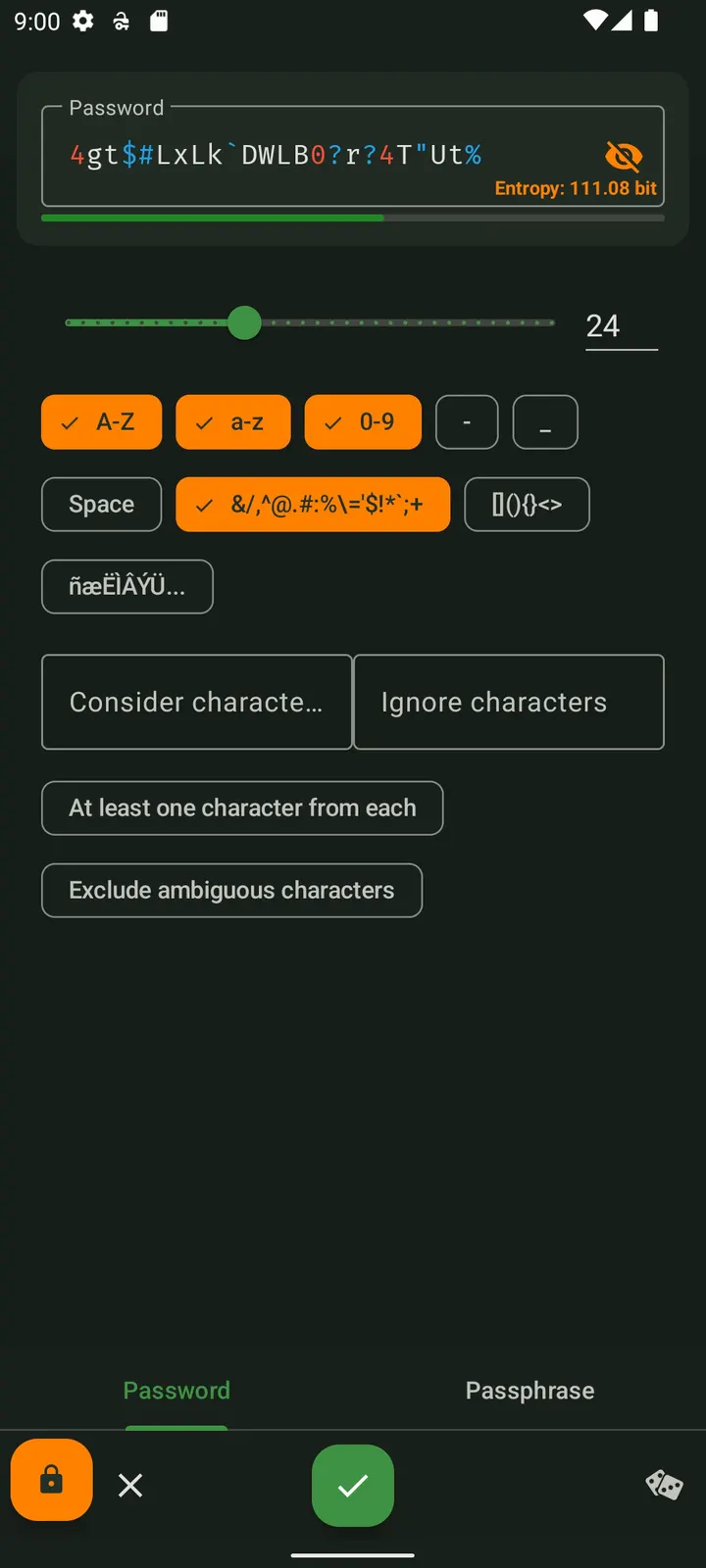
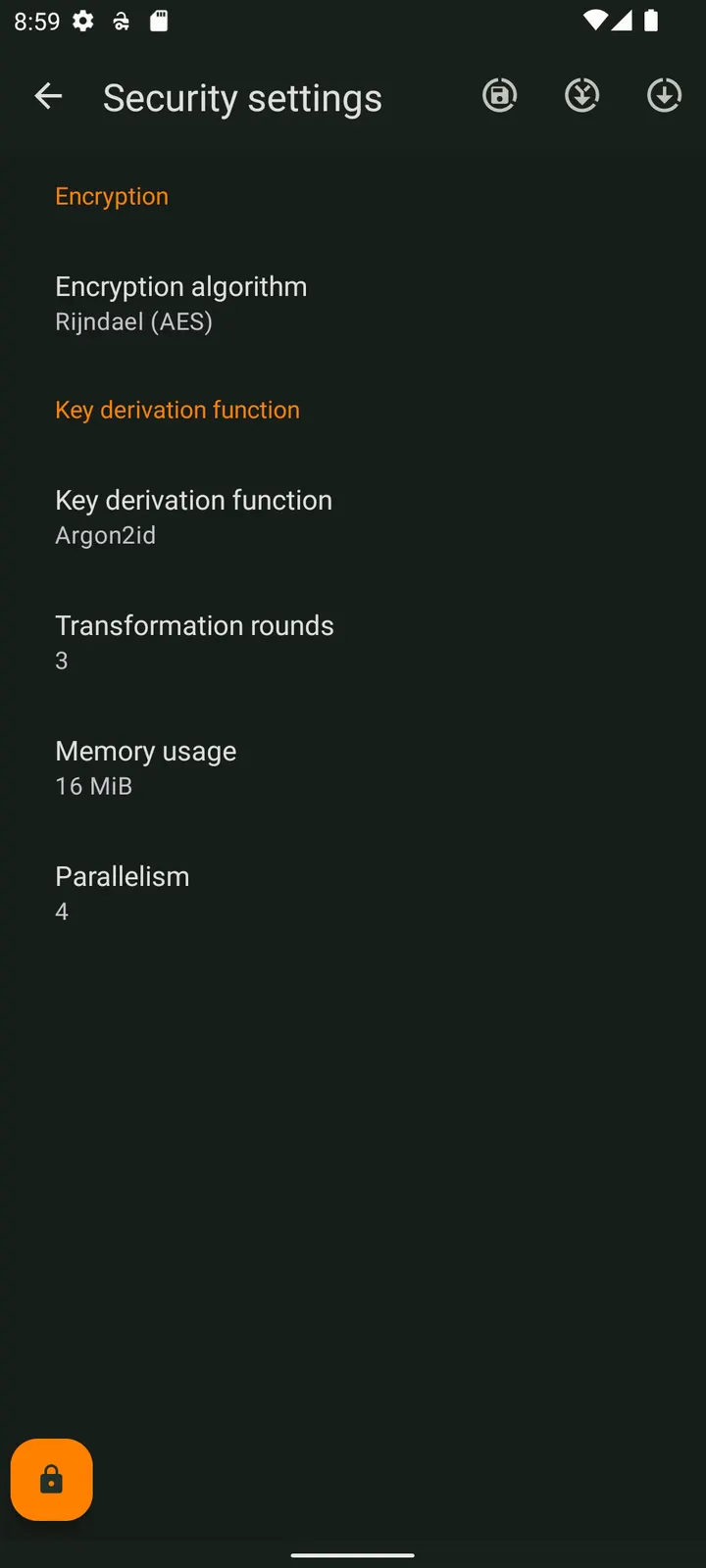
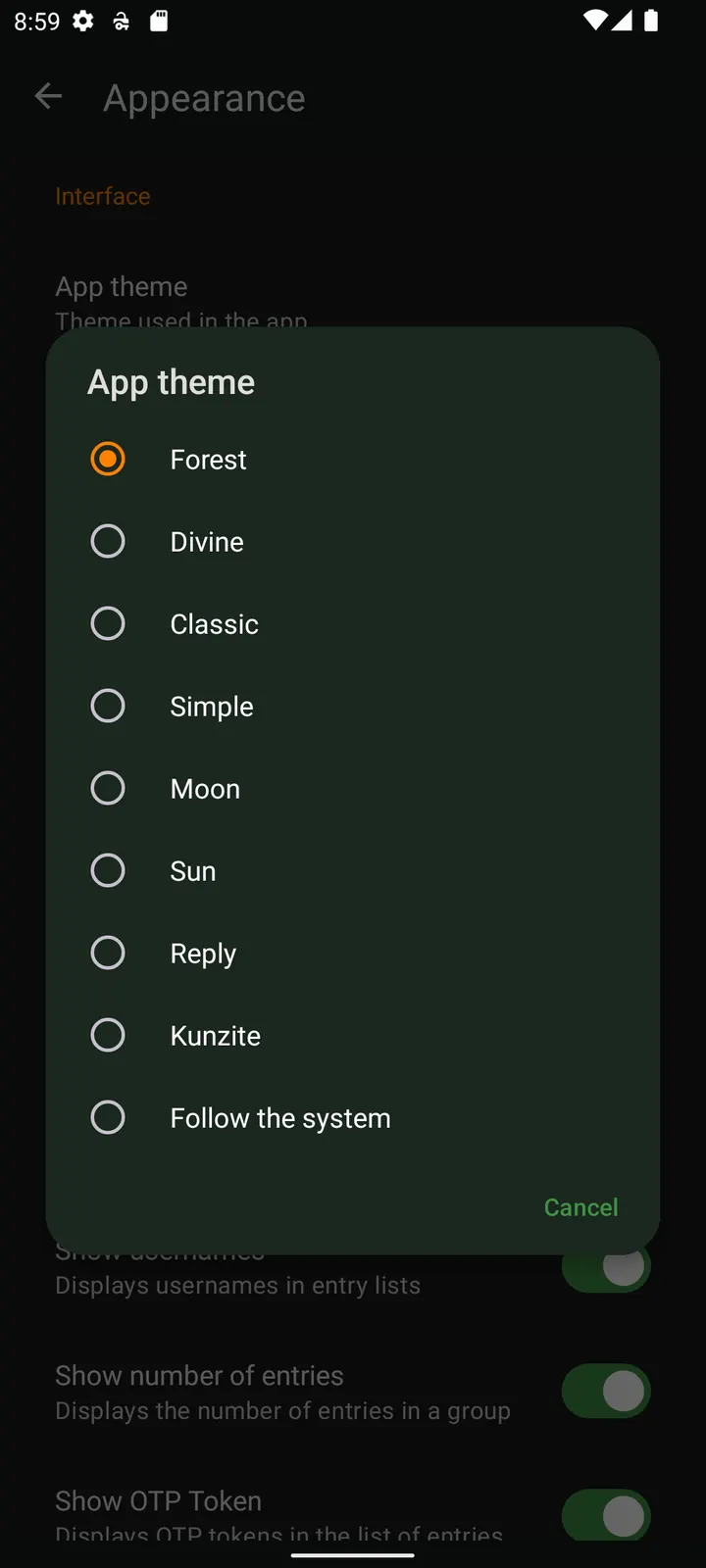
KeePassDX Passkey Vault is a free, open-source password and passkey manager for Android, built by Kunzisoft and released under GPL-3.0-or-later. Version 4.5.8 was updated on November 4, 2026, weighs 16 MB and runs on Android 4.4 or newer. It shows no ads and keeps credentials in a local encrypted file instead of an online account.
The APK on this site is the original, unmodified file, and its SHA-256 checksum appears below so you can check your download against it.
Why a local KeePass file instead of a cloud account
Many password managers tie your logins to a company server. KeePassDX takes the other route: it edits encrypted data in a single file in the open KeePass format and needs no internet connection. You decide where that file lives and how it is backed up.
The app has been around since November 24, 2017, and its source code is public on GitHub at Kunzisoft/KeePassDX. Because the format is open, the vault is not locked to one program, so the same file can be opened in other KeePass-style tools.
Alongside passwords, it stores passkeys with their private keys kept locally, and it can generate one-time codes (HOTP and TOTP) for two-factor authentication.
Passkeys, TOTP codes and Magikeyboard
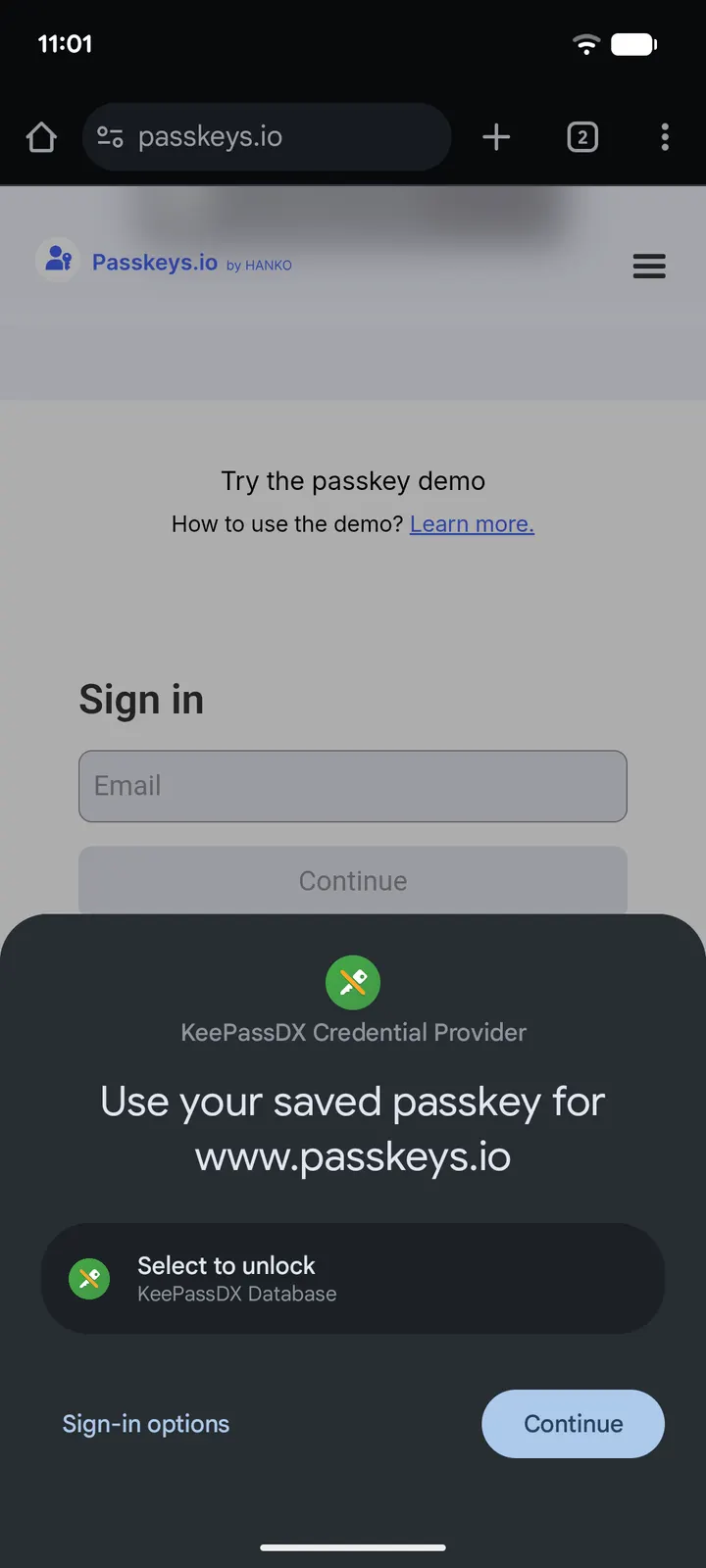
Passkey support is the headline addition. The app can handle passkeys for authentication and store the private keys locally, next to ordinary passwords, inside the same vault.
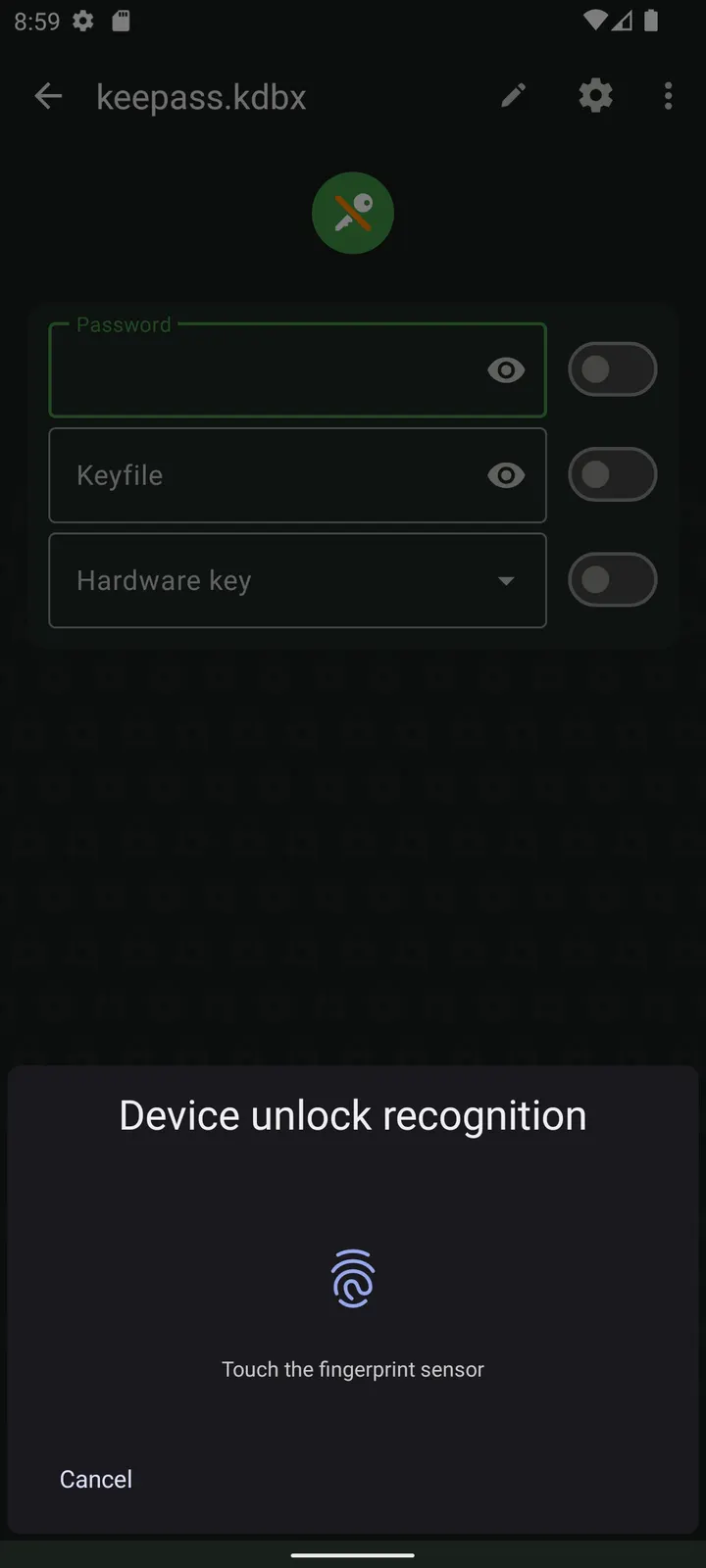
For two-factor authentication it manages one-time passwords of both HOTP and TOTP types, so codes and logins can sit together. Biometric unlocking covers fingerprint and face unlock, which saves typing a long master password on every open.
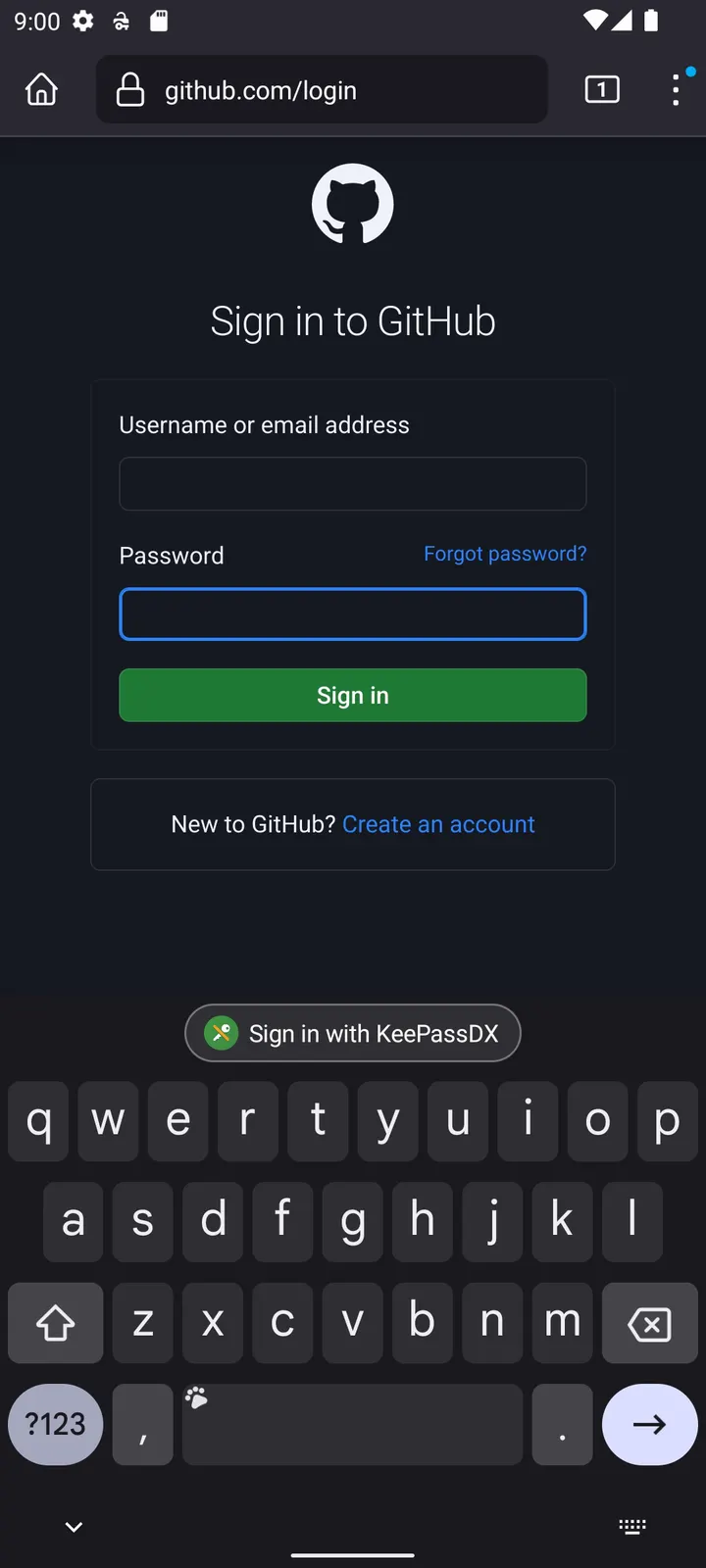
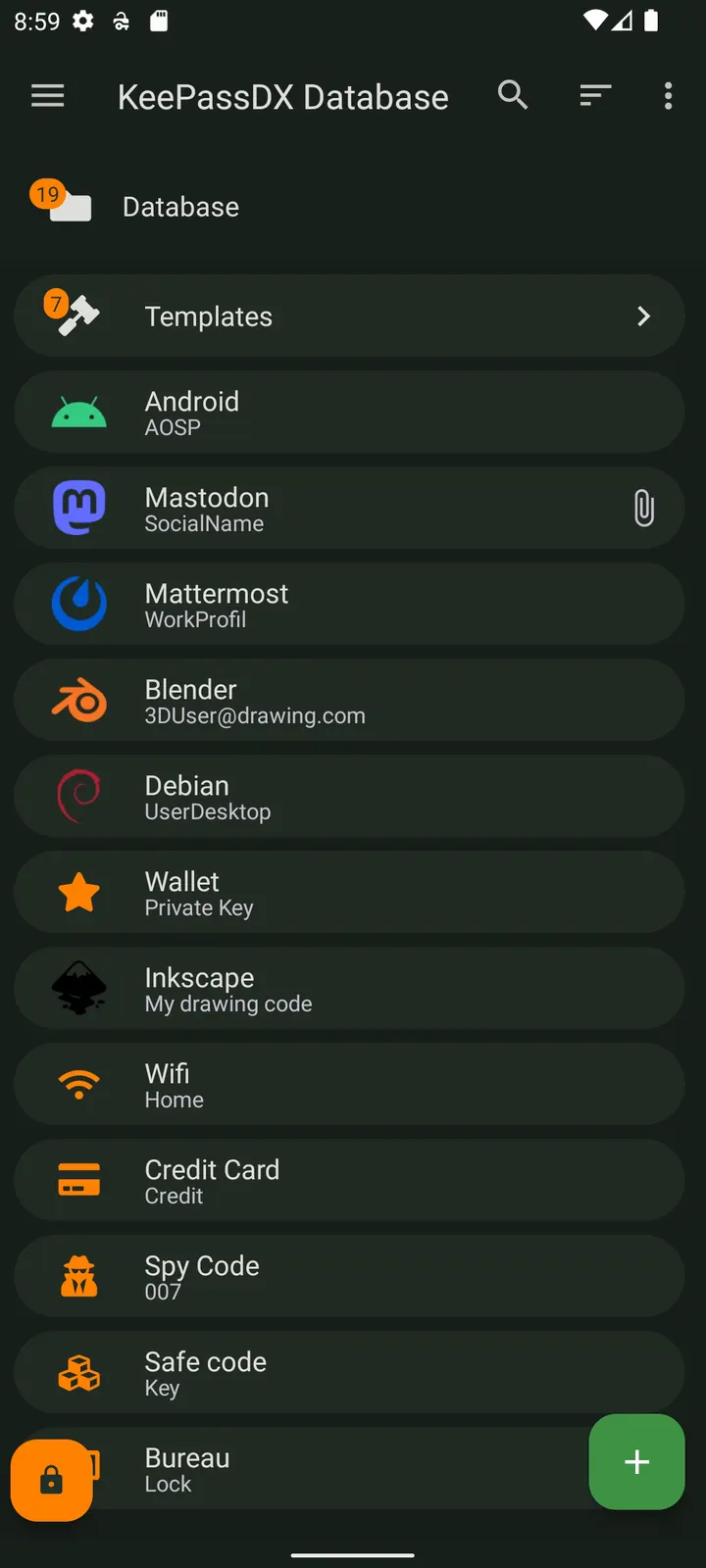
Filling forms has two paths. Autofill handles passwords in supported forms, and Magikeyboard is a keyboard that fills in any field, which helps where autofill does not work. Entries are organized by entry and in group trees, with dynamic templates per entry type and a history for each entry.
What to check before you install KeePassDX
The vault model puts responsibility on you. Google Play lists a separate pro version, com.kunzisoft.keepass.pro, for donations and faster development. This page covers the free package com.kunzisoft.keepass.libre, which has no in-app purchases.
Check the file against the SHA-256 value 8b3c1818aebfb9196814eb2eea39da897b8f18e2404aa5b47f603fc56641c593 after downloading. Keep a backup copy of your database file, since a local-only vault has no server to restore from. There is no sync feature, so moving the file between devices is a manual task.
The interface uses Material design with themes, and settings are described as precisely adjustable.
KeePassDX Passkey Vault pros and cons
Pros
- No ads and a price of zero, with GPL-3.0-or-later source code on GitHub
- Works offline with a single encrypted KeePass file you control
- Stores passkeys and handles HOTP and TOTP codes in the same vault
- Opens .kdb and .kdbx files, versions 1 to 4, and works with KeePassXC and KeeWeb
- Autofill, Magikeyboard and biometric unlock cover several ways to sign in
Cons
- No sync service is described, so you move and back up the database file yourself
- A separate paid pro version exists for supporting development
- There is no sync feature, so moving the vault between devices is manual
Is KeePassDX Passkey Vault safe?
The APK we store is unmodified, and we publish its SHA-256 checksum (8b3c1818aebfb9196814eb2eea39da897b8f18e2404aa5b47f603fc56641c593) along with signature details so you can compare them with your download. Kunzisoft develops KeePassDX, and its source code is public on GitHub under GPL-3.0-or-later, so anyone can read how the vault handles your KeePass database. The app carries no ads and needs no internet connection to open or edit your encrypted file.
How to install KeePassDX Passkey Vault
- Download the APK with the button on this page and wait for it to finish.
- Compare the file with the SHA-256 checksum shown here if you want to confirm it arrived intact.
- Open the file on your phone and allow installs from this source when Android asks.
- Finish the install, then open KeePassDX Passkey Vault from your app drawer.


