
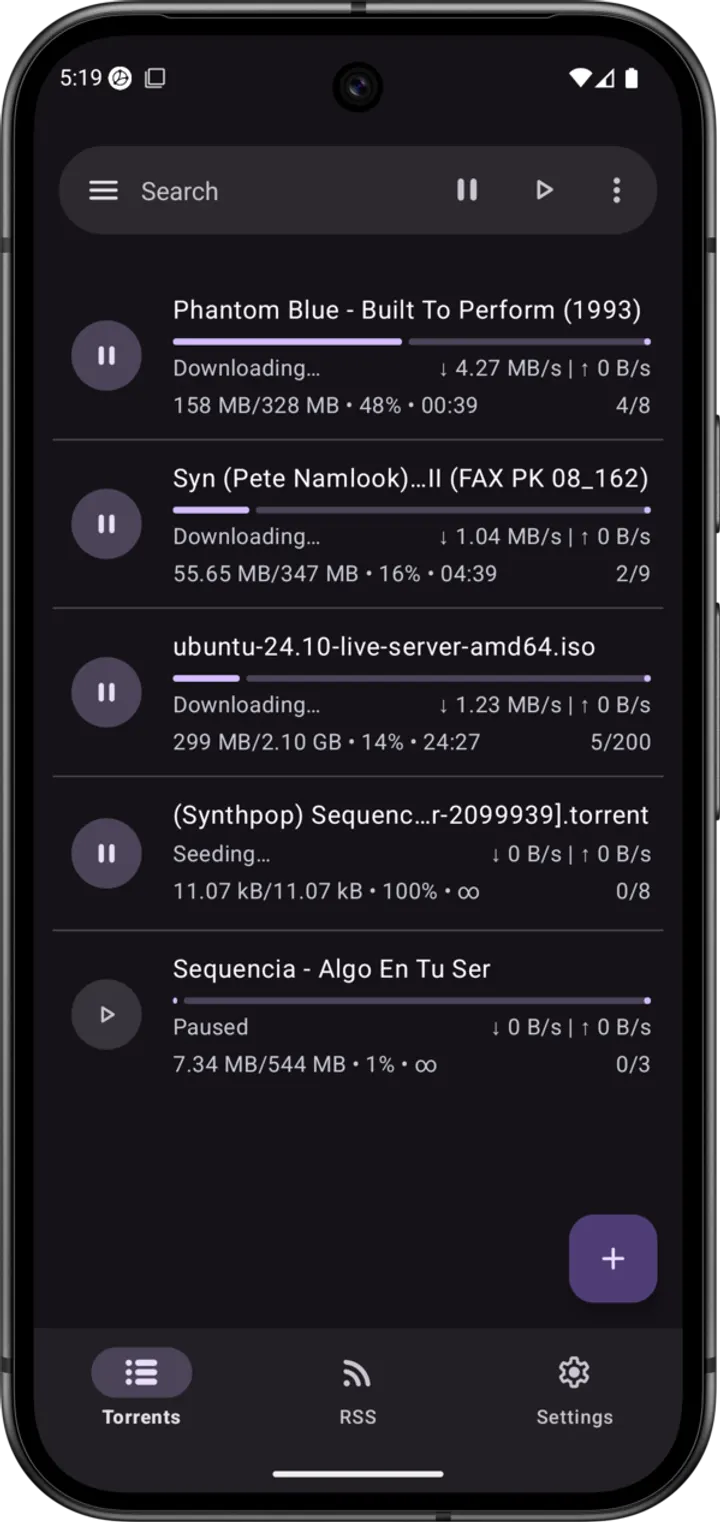
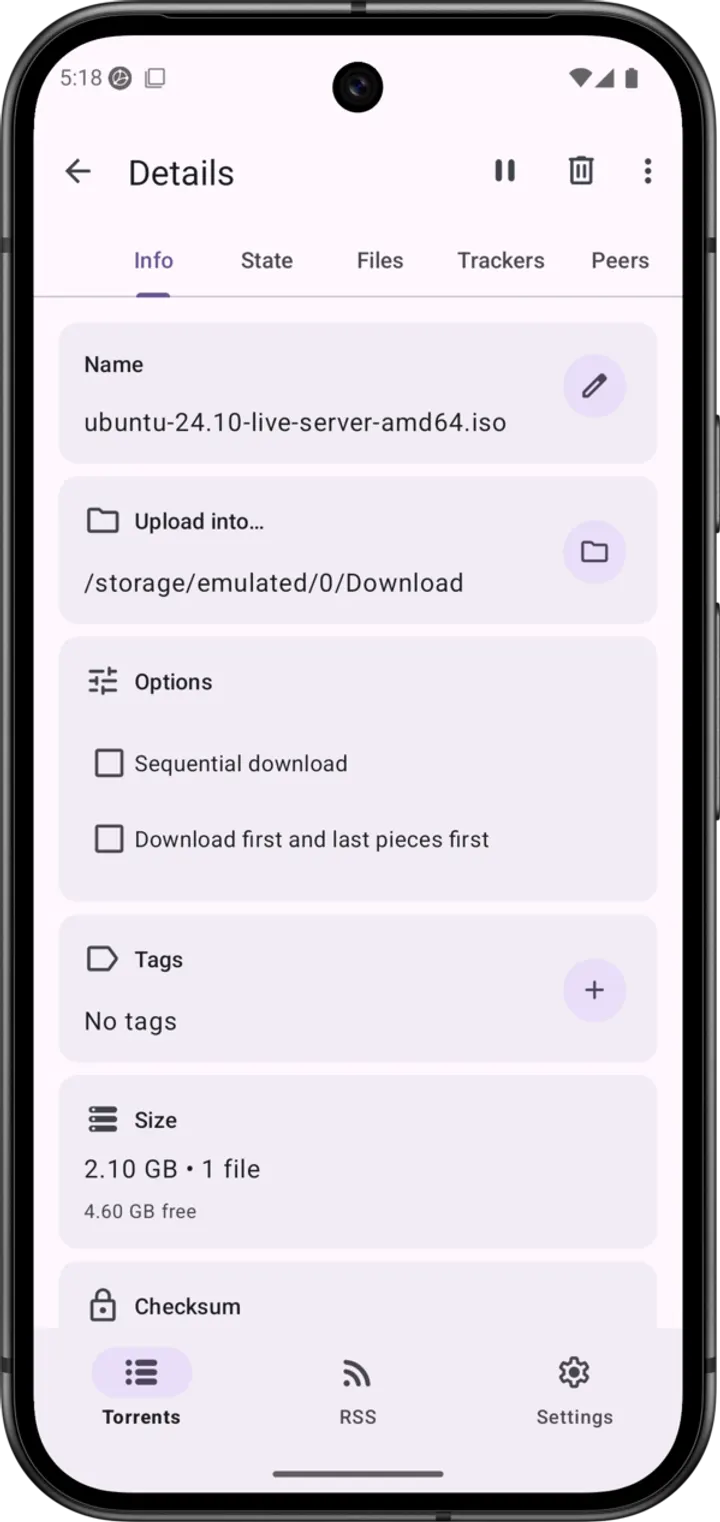
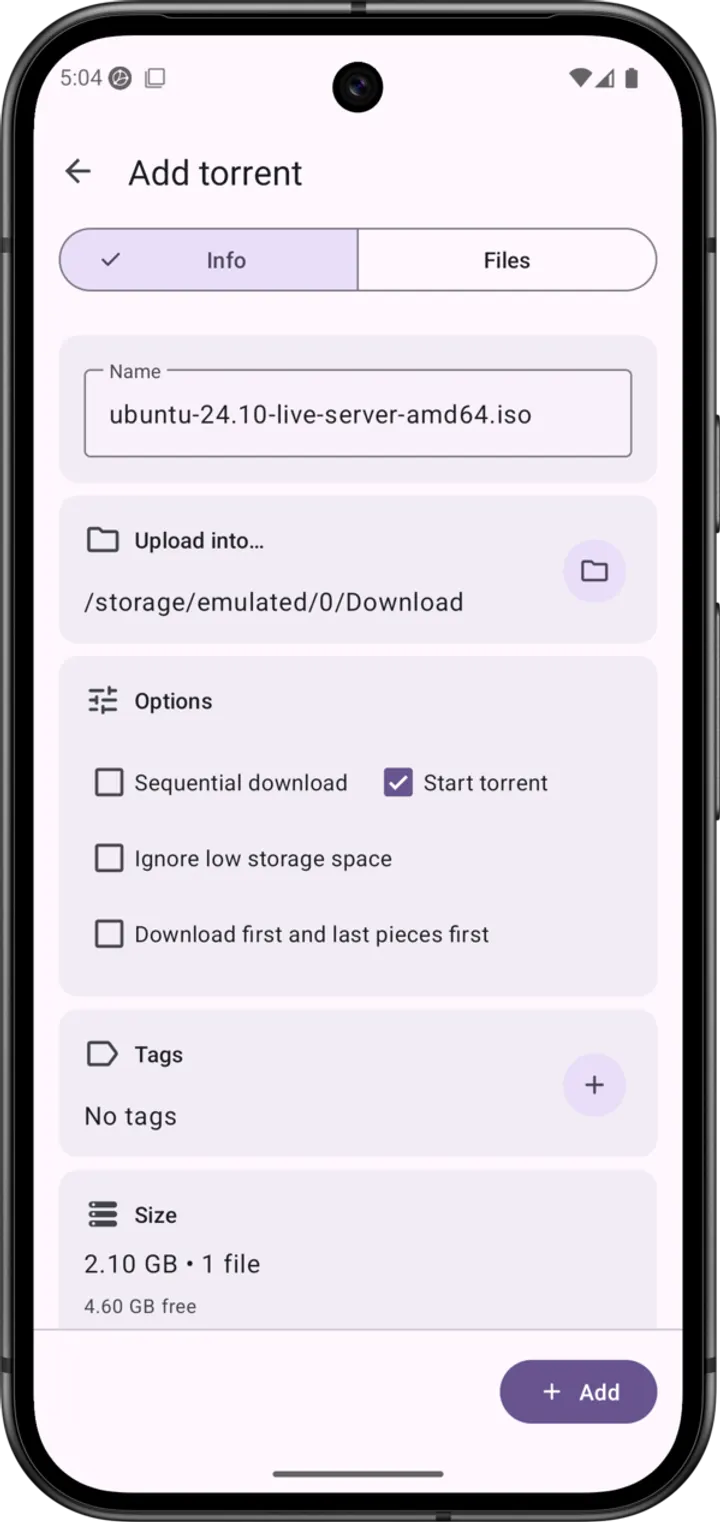
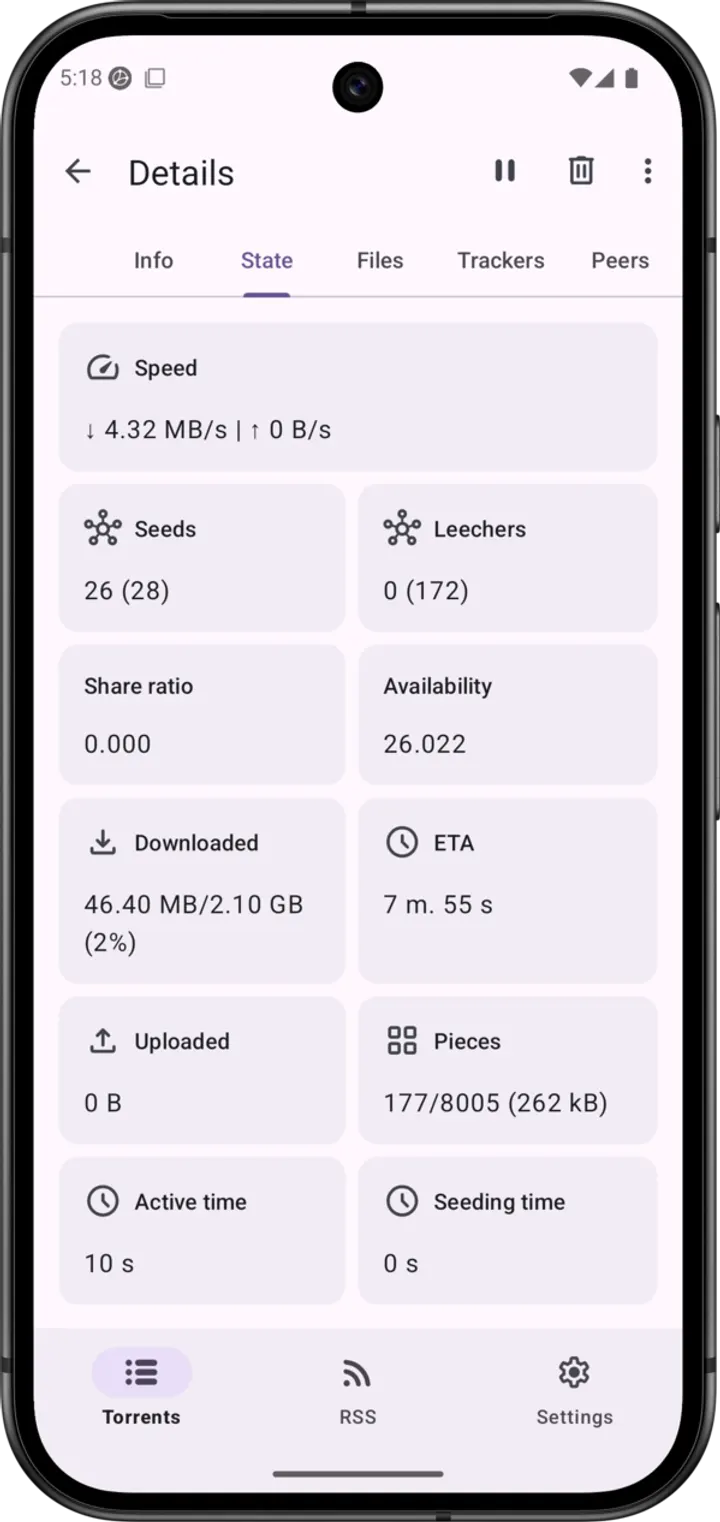
You have a magnet link from a Linux distribution site and want the files on your phone, with only the folders you need and a copy moved to an SD card afterward. LibreTorrent, developed by Yaroslav Pronin, handles that job as a torrent client for Android. This page covers version 4.1.1, which needs Android 7.0 or newer and weighs 22.2 MB.
No price, no ads, and a GPL licence
LibreTorrent costs nothing and shows no ads. It is tagged open-source and no-ads in the catalog.
The licence is GPL-3.0-or-later, and the source code is public on GitLab. The project calls it copylefted software that anyone may use, read, change and share. Under the hood it runs on libtorrent4j.
File selection, streaming and automatic moves
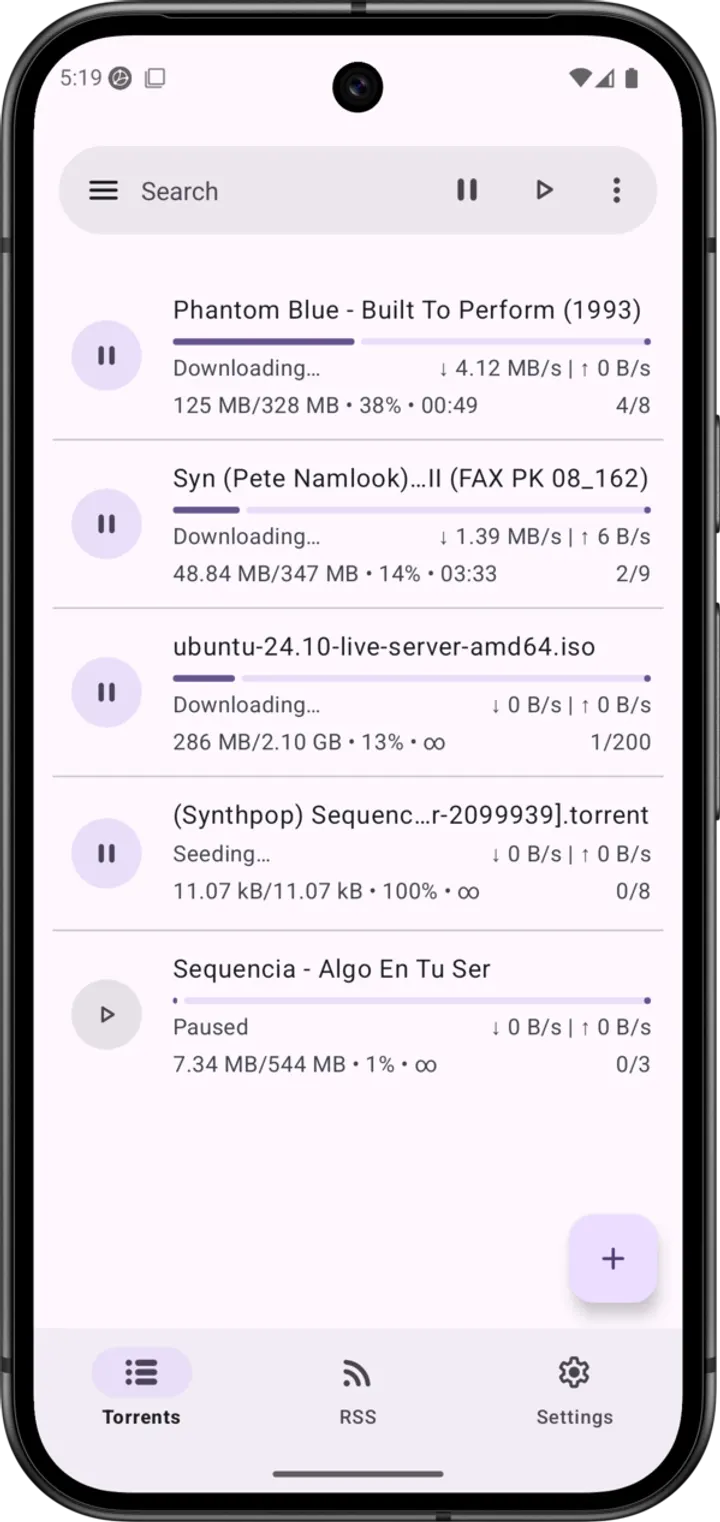
The download controls are the core of the app. You can pick which files in a torrent to fetch, and you can move files while a download is still running. A rule can also send finished files to another folder or an external drive.
Streaming works through sequential downloads, so a file can be read in order instead of waiting for the full set. The client supports BitTorrent 2.0 and WebTorrent, and it accepts HTTP and HTTPS links as well as magnet links.
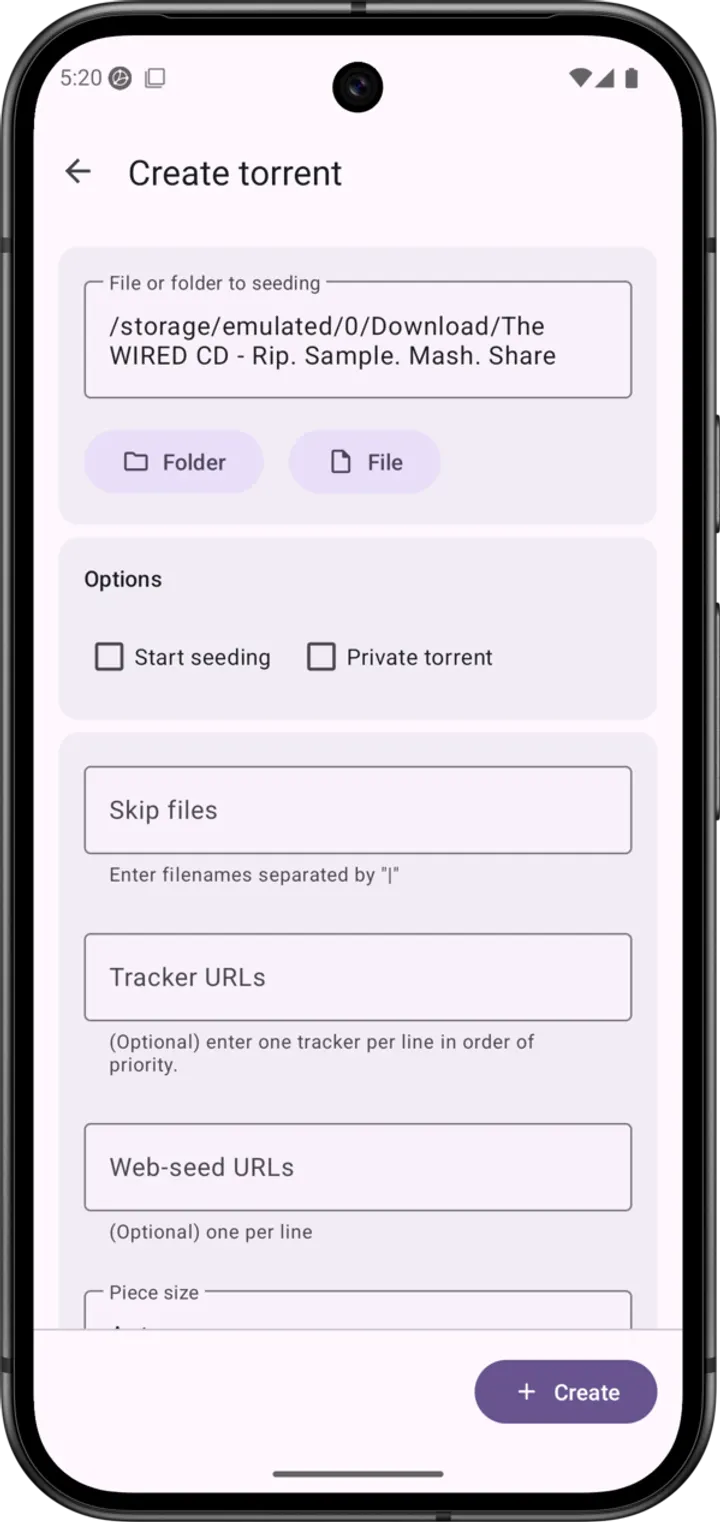
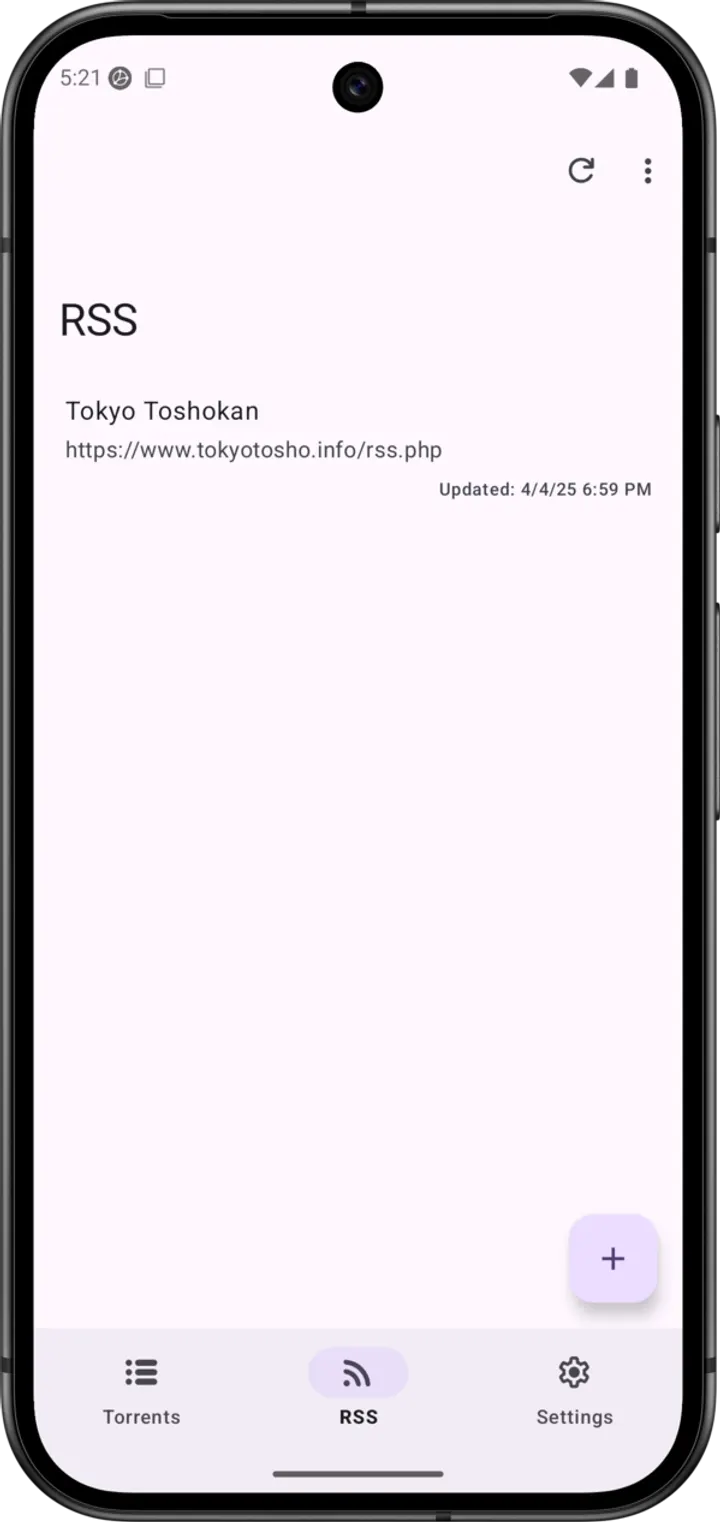
Automation is covered too. An Atom and RSS manager handles auto-downloading, there is a scheduler, and you can create torrents that contain many large files.
Network options, themes and translations
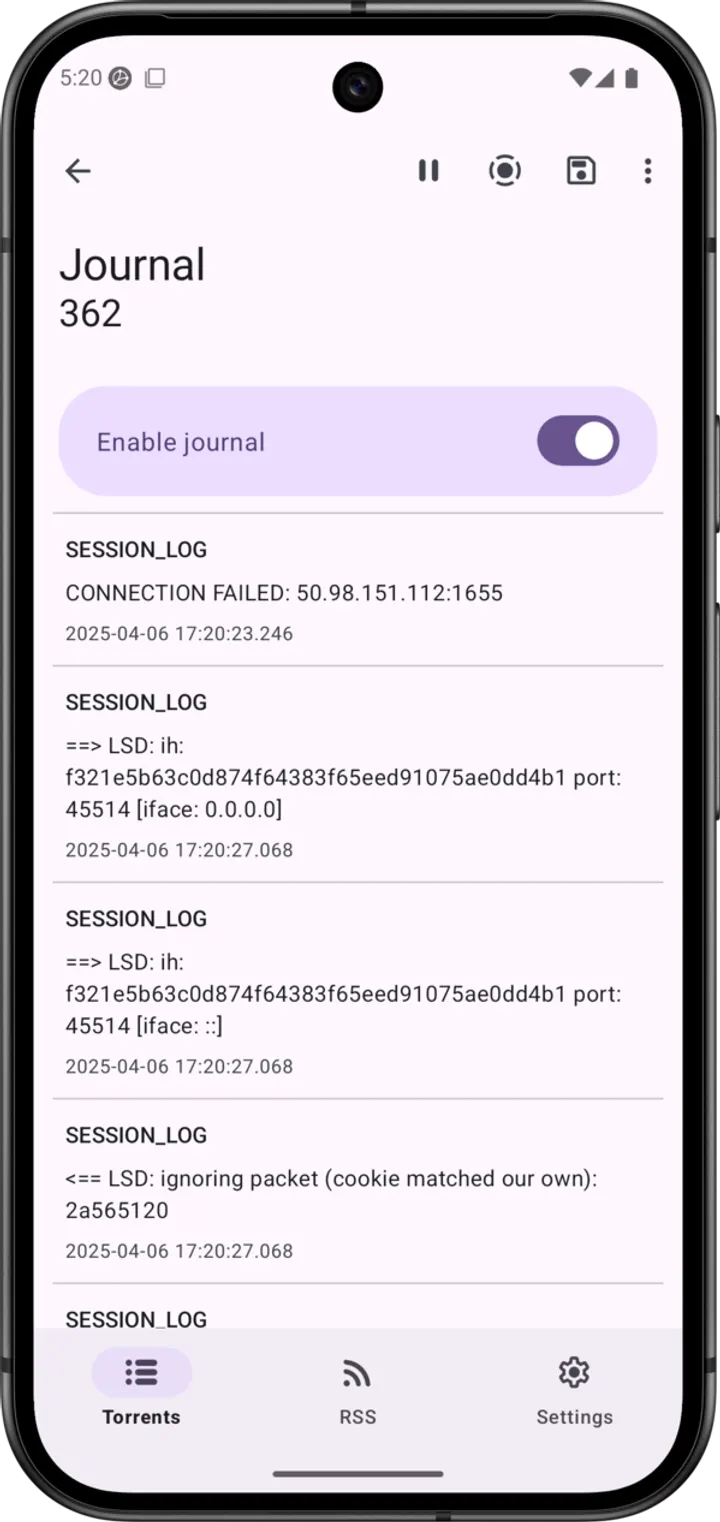
On the network side, the app supports DHT, PeX, encryption, LSD, UPnP, NAT-PMP and µTP. IP filtering accepts eMule dat and PeerGuardian lists, and proxy support covers both trackers and peers. Network, battery and interface settings can all be adjusted.
The look follows Material design with dark and black themes, and a tablet layout is included. Android TV is supported. The app has 35+ translations.
Release history and upkeep
The app first appeared on October 20, 2016, and the current build, 4.1.1, was updated on July 28, 2026. That is a project with nearly ten years of history and a recent update.
LibreTorrent pros and cons
Pros
- Free, with no ads
- GPL-3.0-or-later licence with public source on GitLab
- Per-file selection and moving files during a download
- RSS auto-downloads, scheduling and sequential streaming
- Dark and black themes, tablet UI and 35+ translations
Cons
- Specific changes in version 4.1.1 are not documented
- Many network and filtering options may feel dense to casual users
- Google Play rating and install count are not shown
Is LibreTorrent safe?
The APK is kept unmodified, and its SHA-256 checksum is 072d2fde19bcc6e0d5b56bc07422f2c65b6712656f8be41050b2eccac56dd950, so you can compare it with your download. The code is open under GPL-3.0-or-later at gitlab.com/proninyaroslav/libretorrent, and the app shows no ads. What arrives through the torrent client depends entirely on the torrents you choose, and we have no information about their content.
How to install LibreTorrent
- Download the APK with the button on this page and wait for it to finish.
- Compare the file with the SHA-256 checksum shown here if you want to confirm it arrived intact.
- Open the file on your phone and allow installs from this source when Android asks.
- Finish the install, then open LibreTorrent from your app drawer.


