
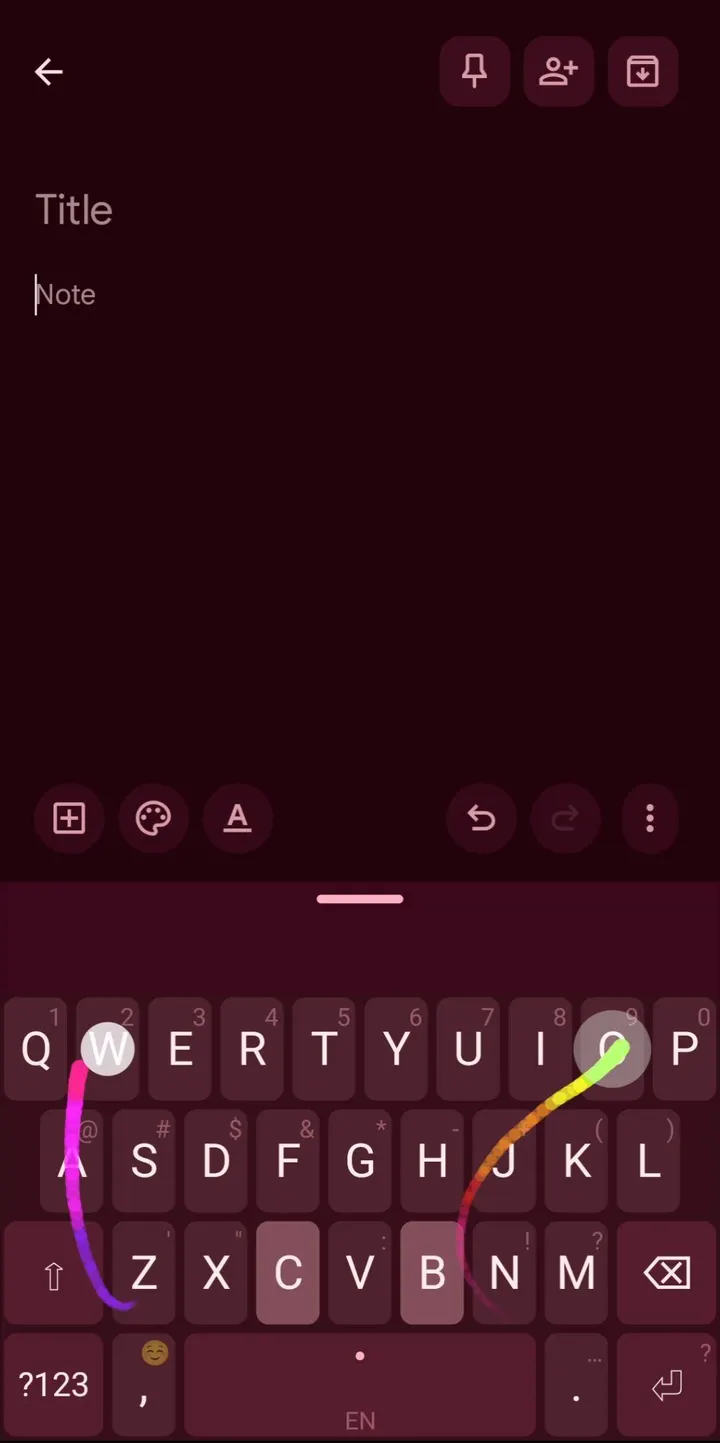
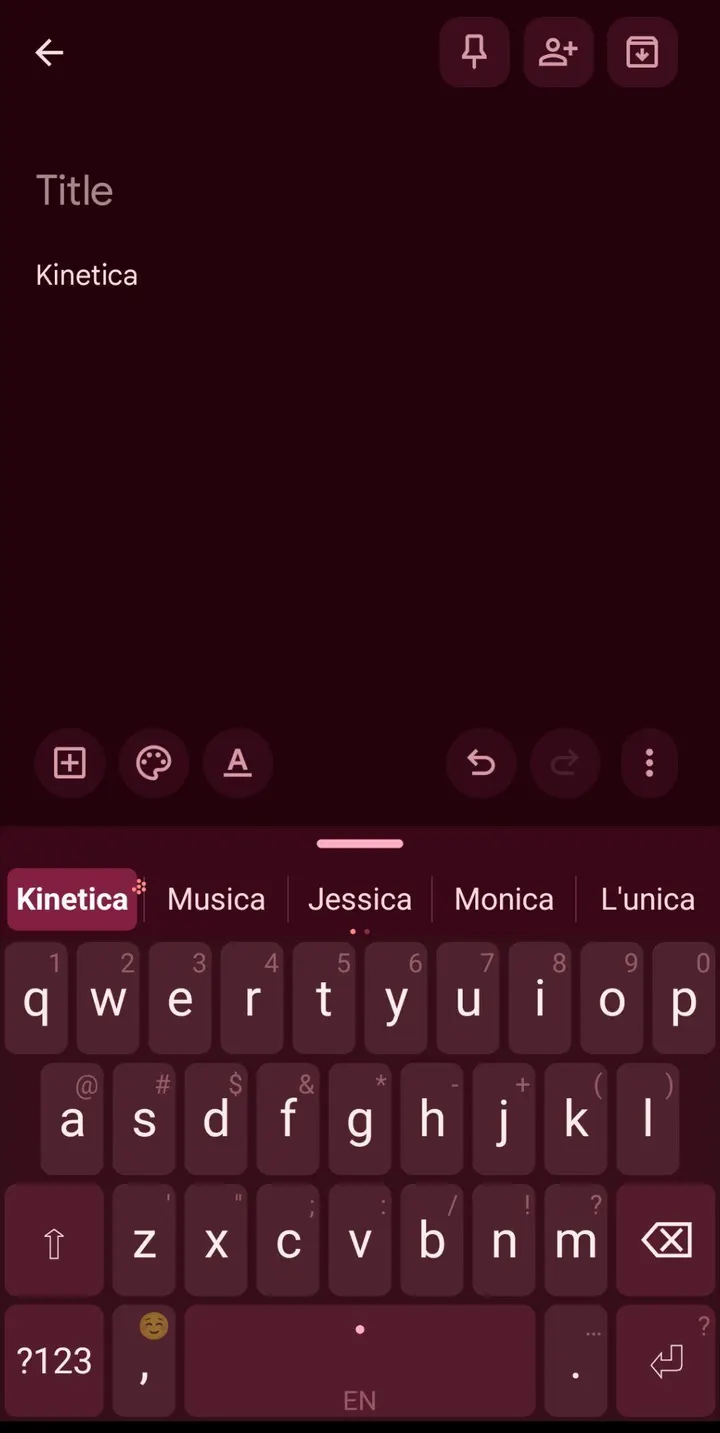
You are walking with one bag in hand and still need to answer a message in two languages. Kinetica is built for typing like that: the left thumb taps while the right swipes, and the keyboard merges both into one word. This page covers version 2.1.3 of the app, which is free, open source and hosted here as the unmodified APK.
A Nintype successor written from scratch by Elia Zanella
Kinetica is published by Elia Zanella under the package ID com.kinetica.keyboard. The source description calls it a spiritual successor to the discontinued Nintype. It is built on Android's public IME APIs and is not a fork of anything.
The developer states that no third-party gesture or prediction library is used. Dynamic time warping, trie search and the two-thumb merge all live inside the app. The code is under the GPL-3.0-or-later licence, and the source with build instructions is on GitHub at EZ-eta/kinetica.
The first release was on August 26, 2026, and the latest update came on October 31, 2026.
How two thumbs and nine languages work in practice
Each thumb has its own cursor, so a word can pass between them in any order, and one tap can stand for a double letter. As an example, to type "something" the left thumb taps S and E while the right swipes O to M and then T-H-I-N-G. The app merges these into a single word.
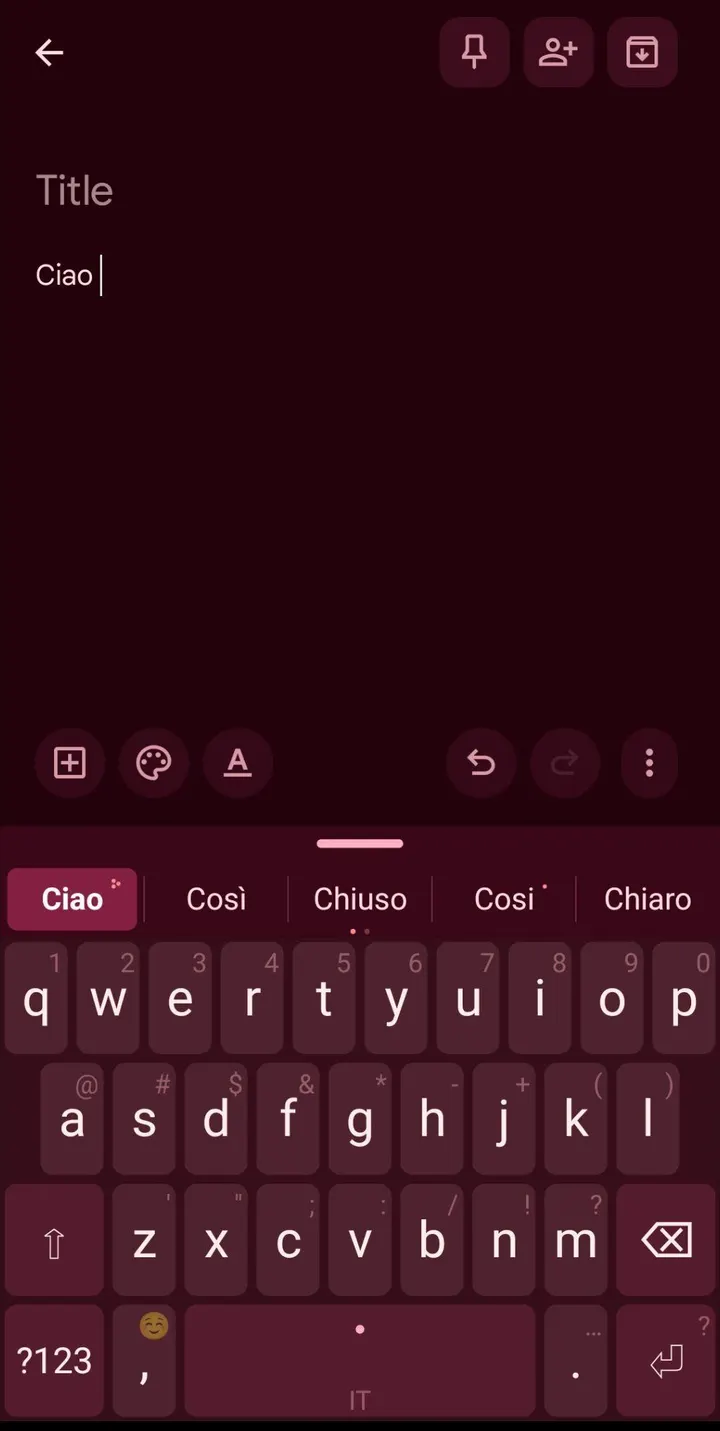
Supported languages are English, Italian, Spanish, Polish, Czech, Dutch, German, French and Norwegian. Russian, Ukrainian, Hebrew and Arabic are marked experimental. Each language carries 46k to 50k words with real corpus frequencies, and you can mix two languages in the suggestions or let the keyboard follow what you type.
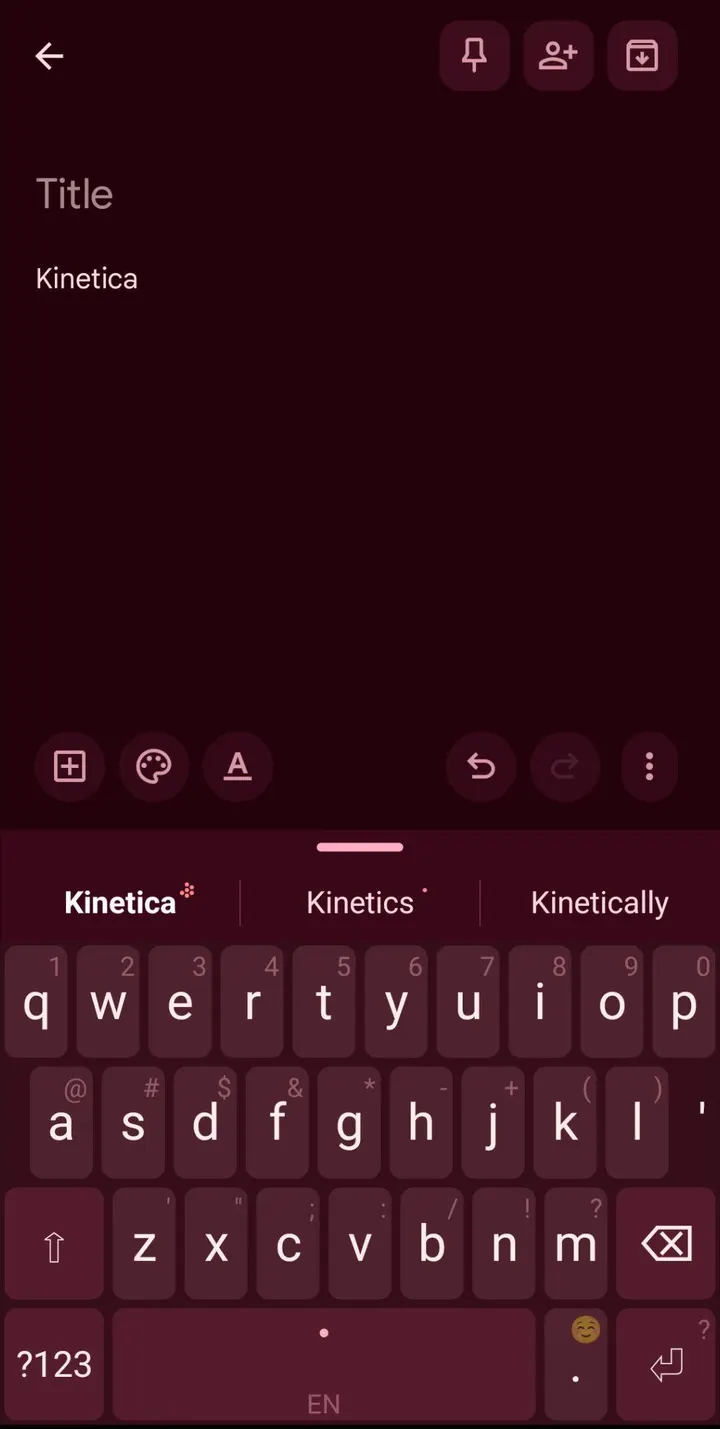
Corrections are adjustable. Autocorrect has three levels, and backspace right after a correction undoes it. Words you use rank higher over time, and you can slide a suggestion to raise, lower or block it.
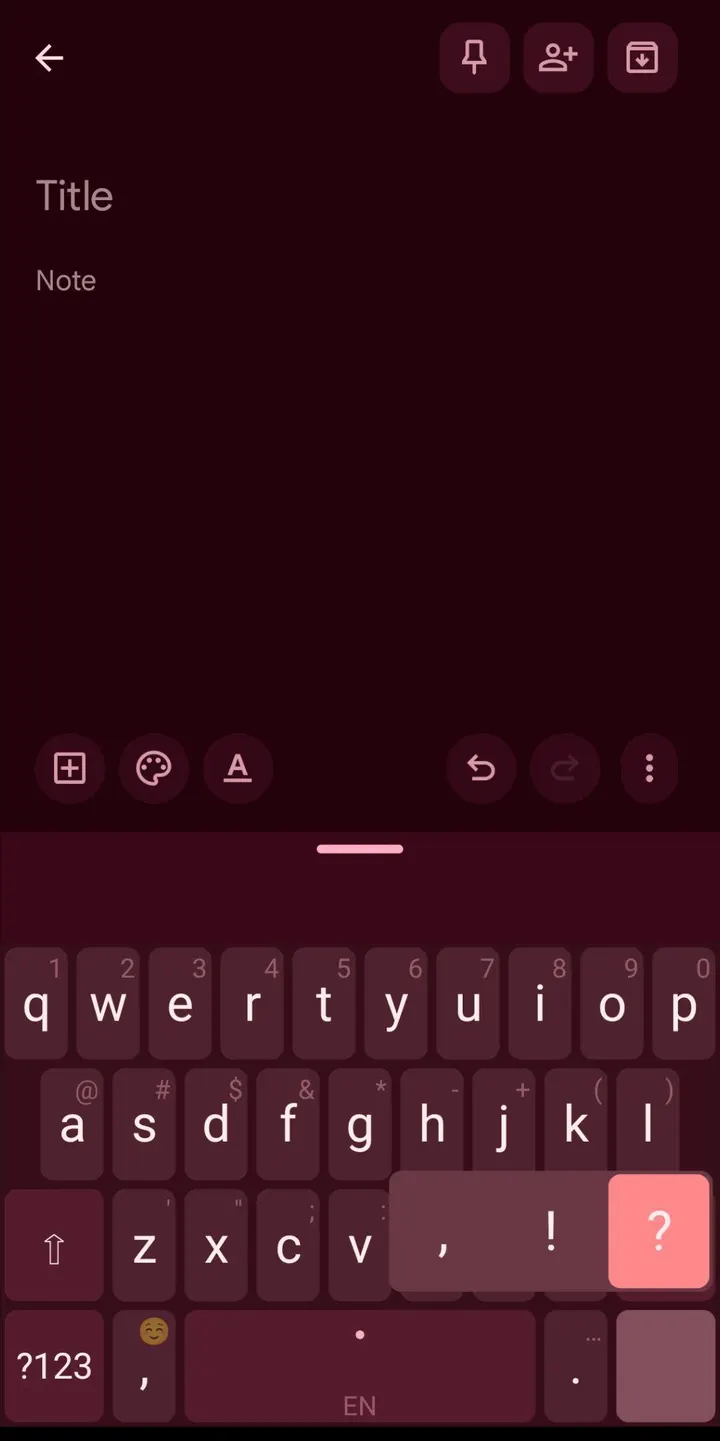
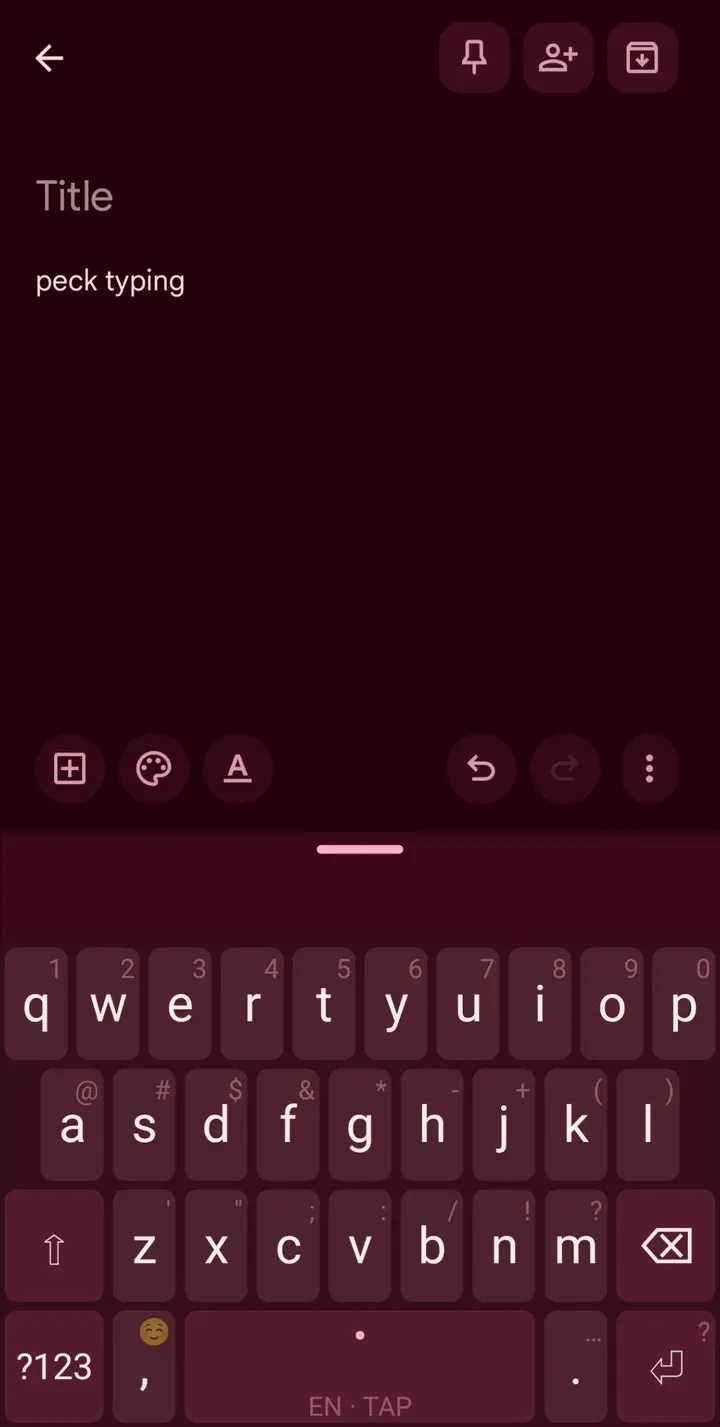
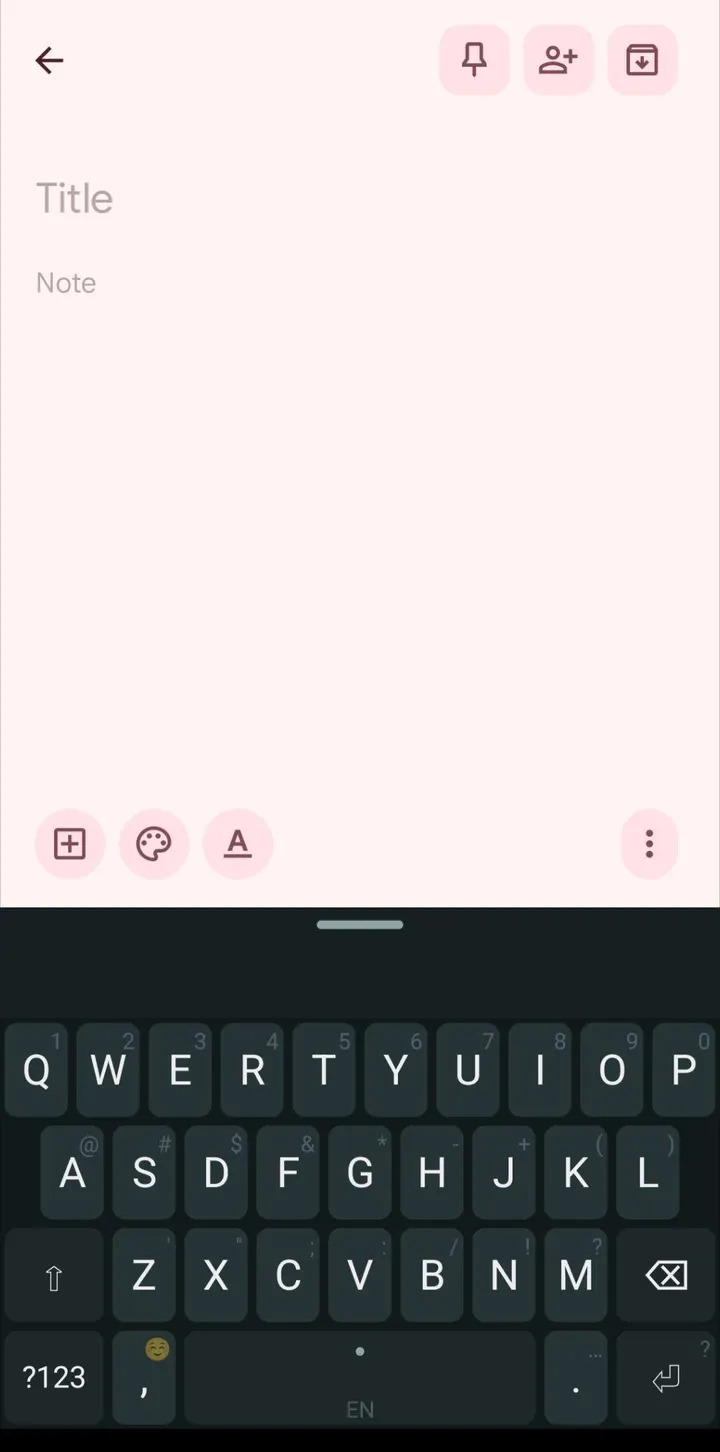
Layout options include a numbers row, landscape split, one-handed mode for either hand, adjustable height and margins, and a peck-type mode for slang and code. Themes are dark, light, Material You or a custom colour. All settings, learned words and shortcuts can be saved in one backup file.
Android 8.0 requirement and a 12.4 MB download
Kinetica runs on Android 8.0 or newer. The APK weighs 12.4 MB. Settings come in English and Italian, and there are short tips plus a two-thumb tutor to help you learn the method.
The APK here is the unmodified build. Its SHA-256 checksum is bad257bb8c5fd59648234995d96031ea417564ccd3cf57eef52b4e7b05bc3455, so you can hash the downloaded file and compare the two before installing.
What's new in 2.1.3
Version 2.1.3 was updated on October 31, 2026.
Kinetica pros and cons
Pros
- Both thumbs can swipe and tap at once, with each thumb tracked separately
- No INTERNET permission is declared, and decoding and learning run on the device
- Free, no ads, and open source under GPL-3.0-or-later
- Nine supported languages, with two usable together in suggestions
- Backup of settings, learned words and shortcuts in a single file
Cons
- Russian, Ukrainian, Hebrew and Arabic are only experimental
- The app's own settings come in English and Italian only
- The two-thumb method needs a learning period, which is why a tutor is included
Is Kinetica safe?
Kinetica's source code is public under GPL-3.0-or-later, so anyone can read how the two-thumb decoder works. The app declares no INTERNET permission, which leaves typed text no network route out of the phone. Per the description, password and private fields switch off suggestions, trails and learning. A SHA-256 checksum is listed so you can compare it against your download.
How to install Kinetica
- Download the APK with the button on this page and wait for it to finish.
- Compare the file with the SHA-256 checksum shown here if you want to confirm it arrived intact.
- Open the file on your phone and allow installs from this source when Android asks.
- Finish the install, then open Kinetica from your app drawer.


