
Marmalade STT suits people who dictate on their phone and want the mic key of their keyboard to work without sending audio to a server. Maxwell Warren publishes it as a free app under the MIT licence. Version 1.2.3 needs Android 9 or newer and takes up 30 MB.
Recognition runs on the phone, not on a server
The defining point is where the work happens. Marmalade STT converts speech to text on the device itself, so there is no company server in the loop. After you download a speech engine once, dictation works without a connection.
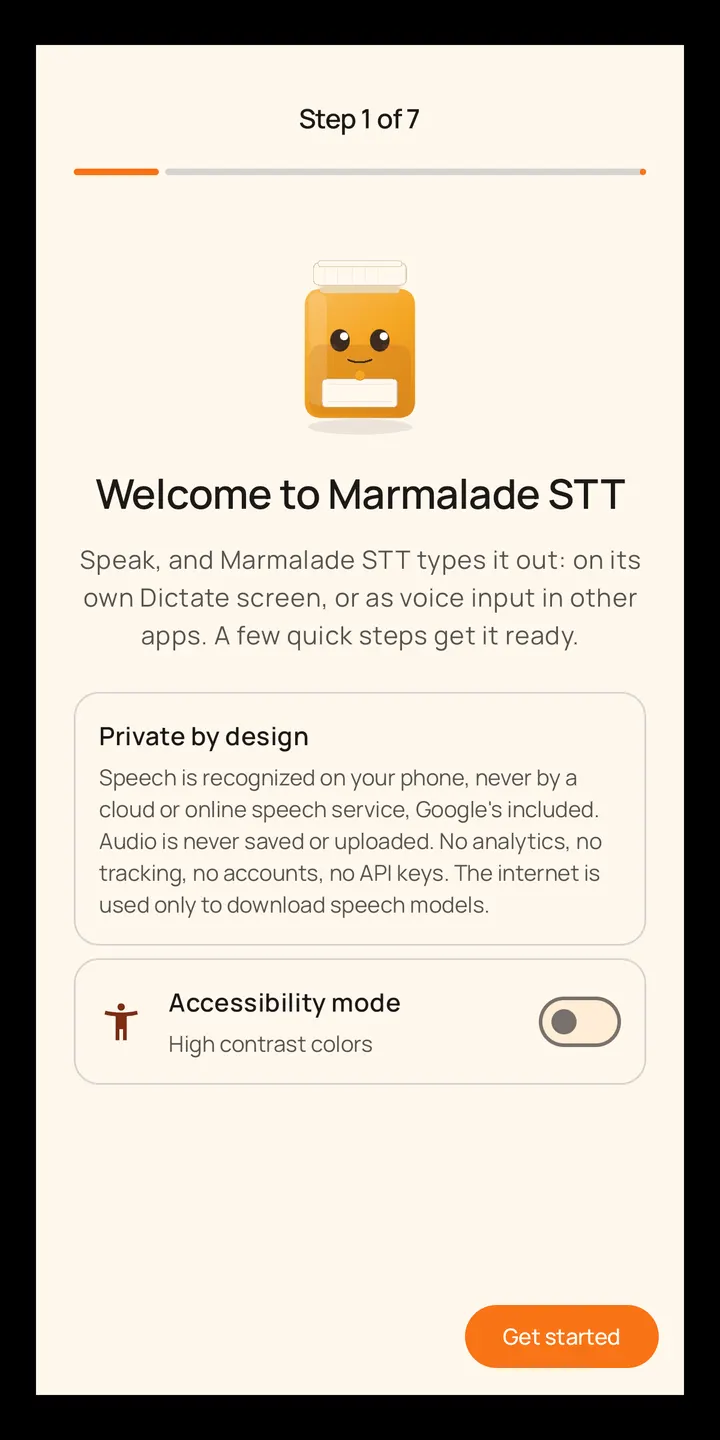
The only network use is fetching the engines you pick, and they come from GitHub. Each file is compared with a pinned SHA-256 hash before use. The developer states there are no accounts, analytics, tracking or crash reports, and Android backup is switched off so nothing is copied to the cloud.
A typical session with the keyboard mic key
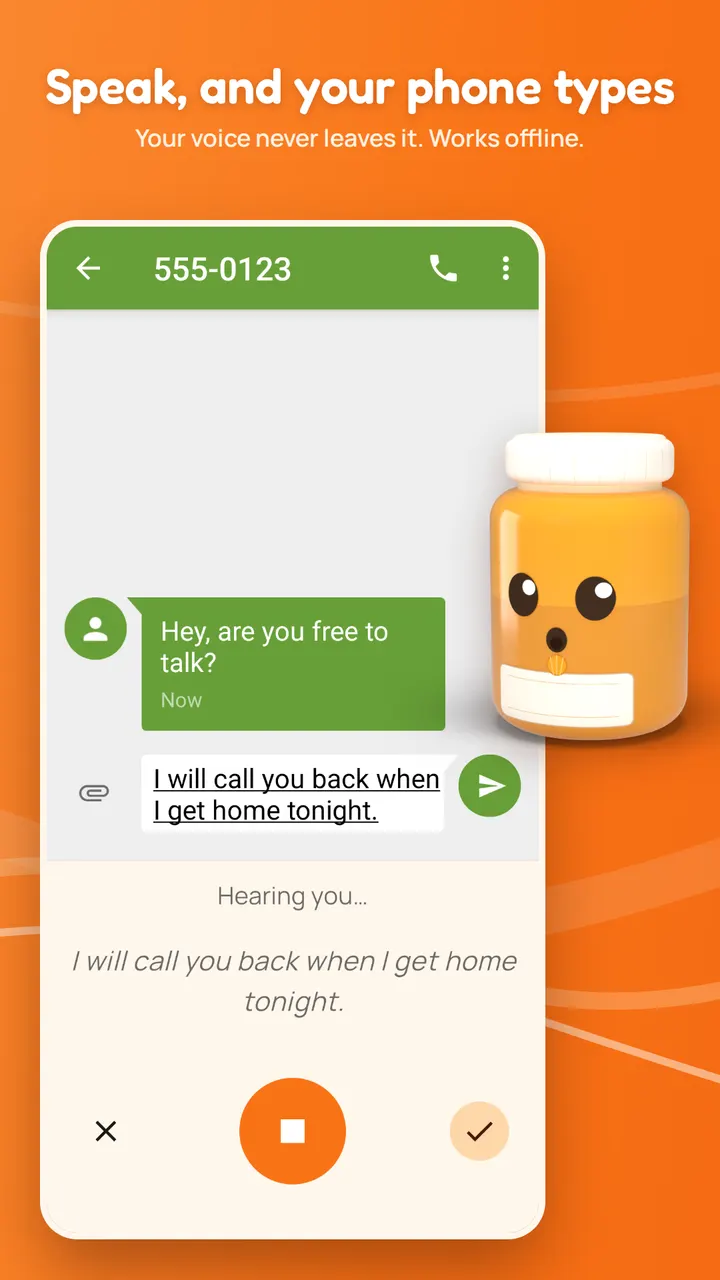
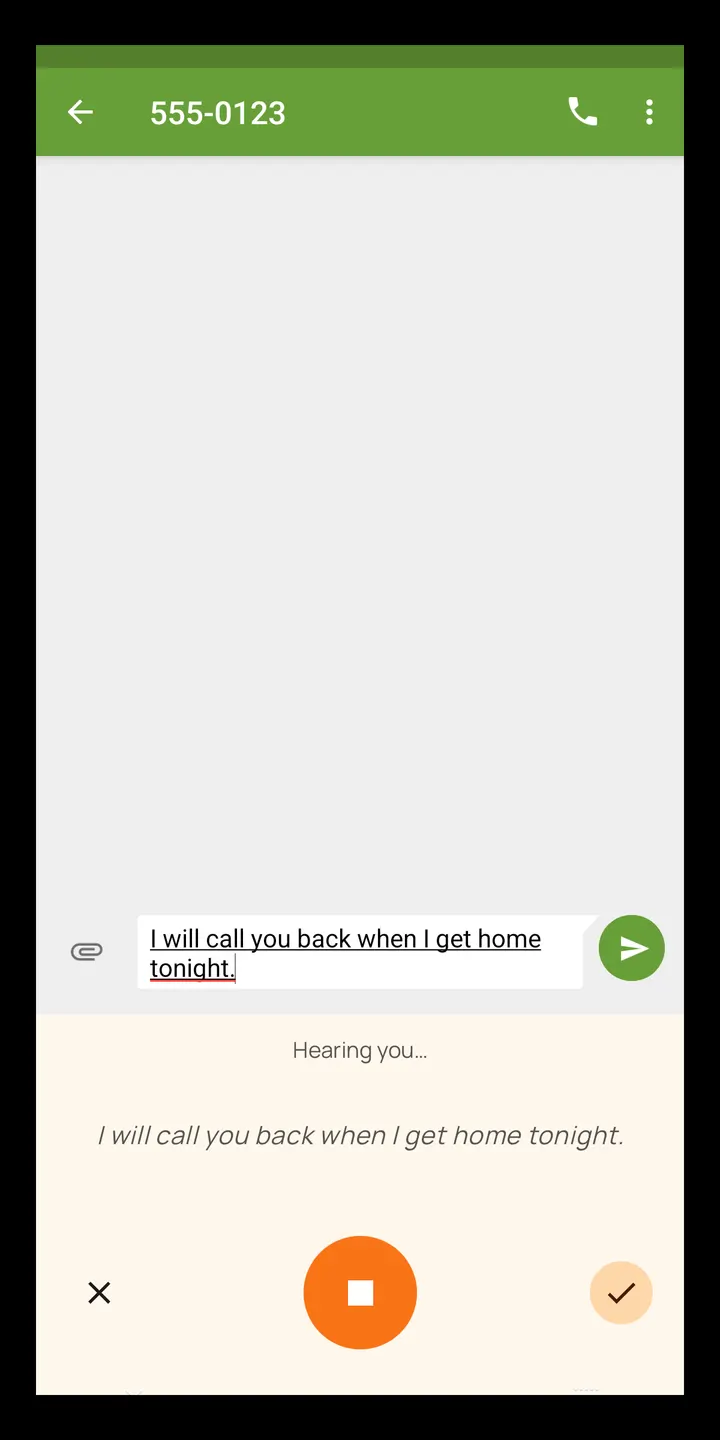
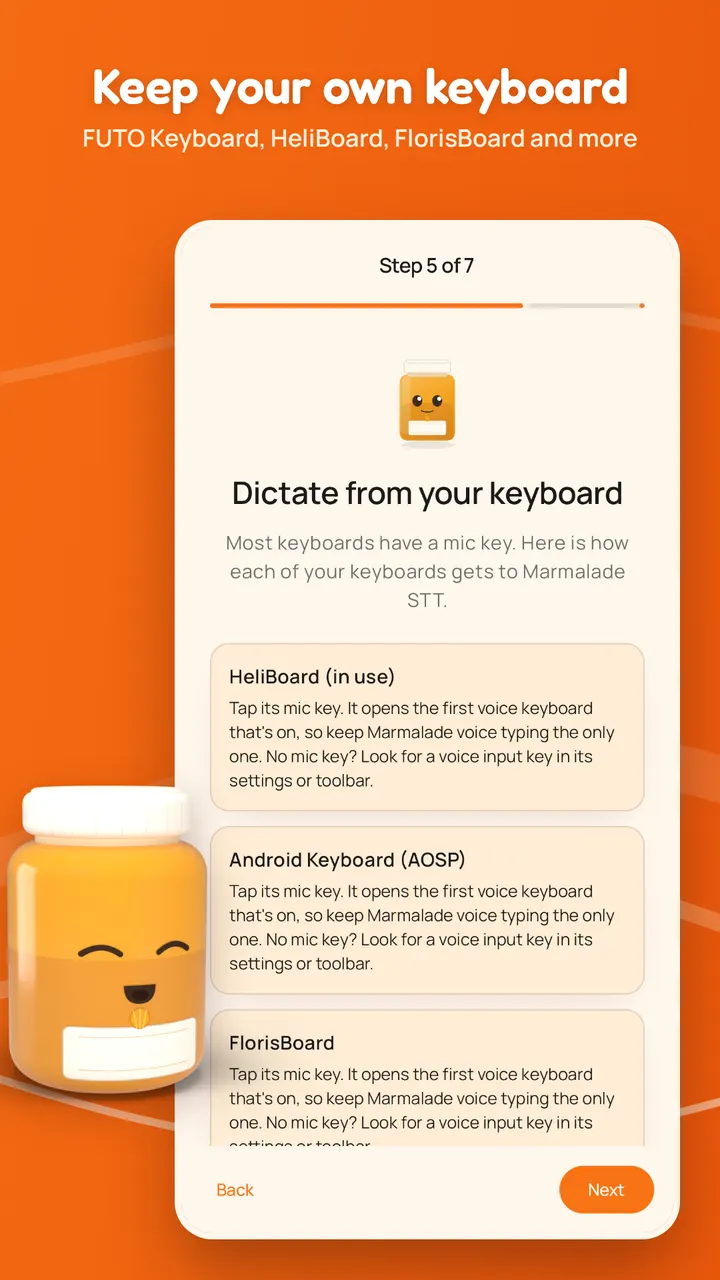
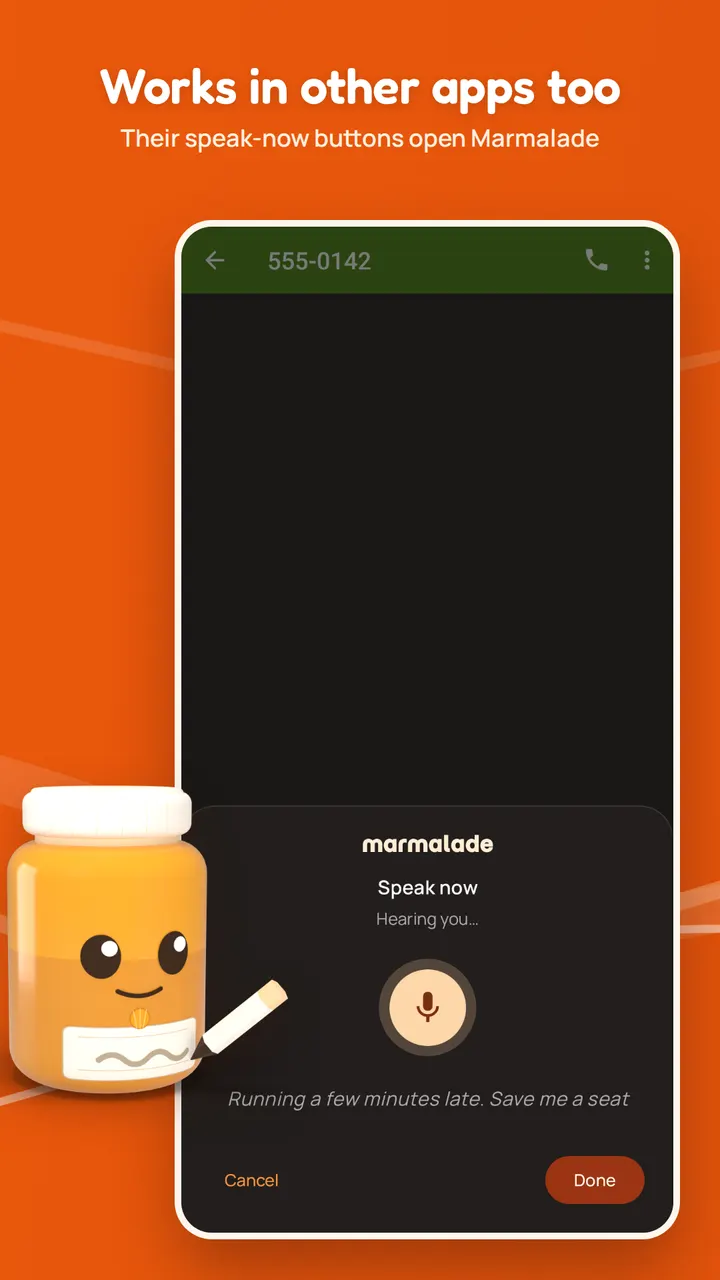
You switch on the app's voice typing option in Android, then tap the mic key on a supported keyboard. A small Marmalade panel opens and types what you say. Supported keyboards include FUTO Keyboard, HeliBoard, FlorisBoard, AnySoftKeyboard, Unexpected Keyboard and the AOSP keyboard. Other keyboards with a voice key should also work.
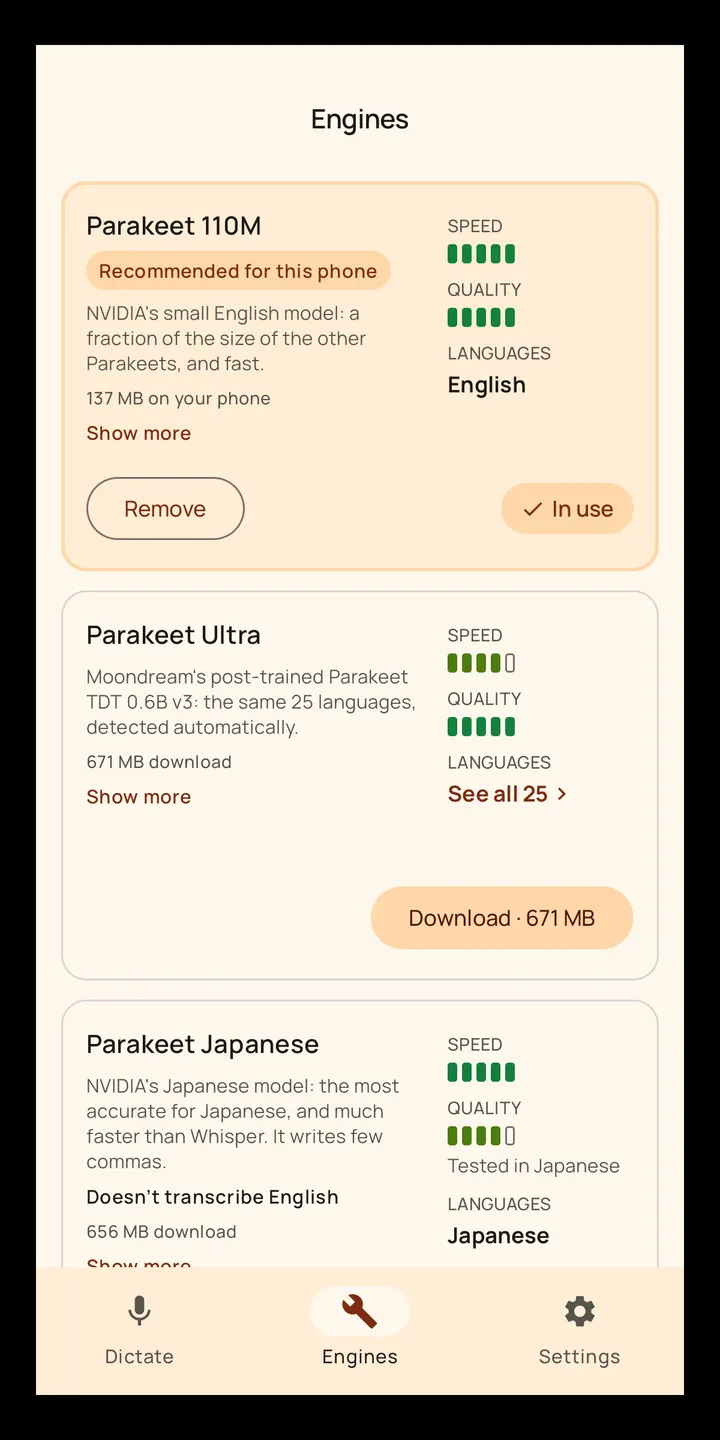
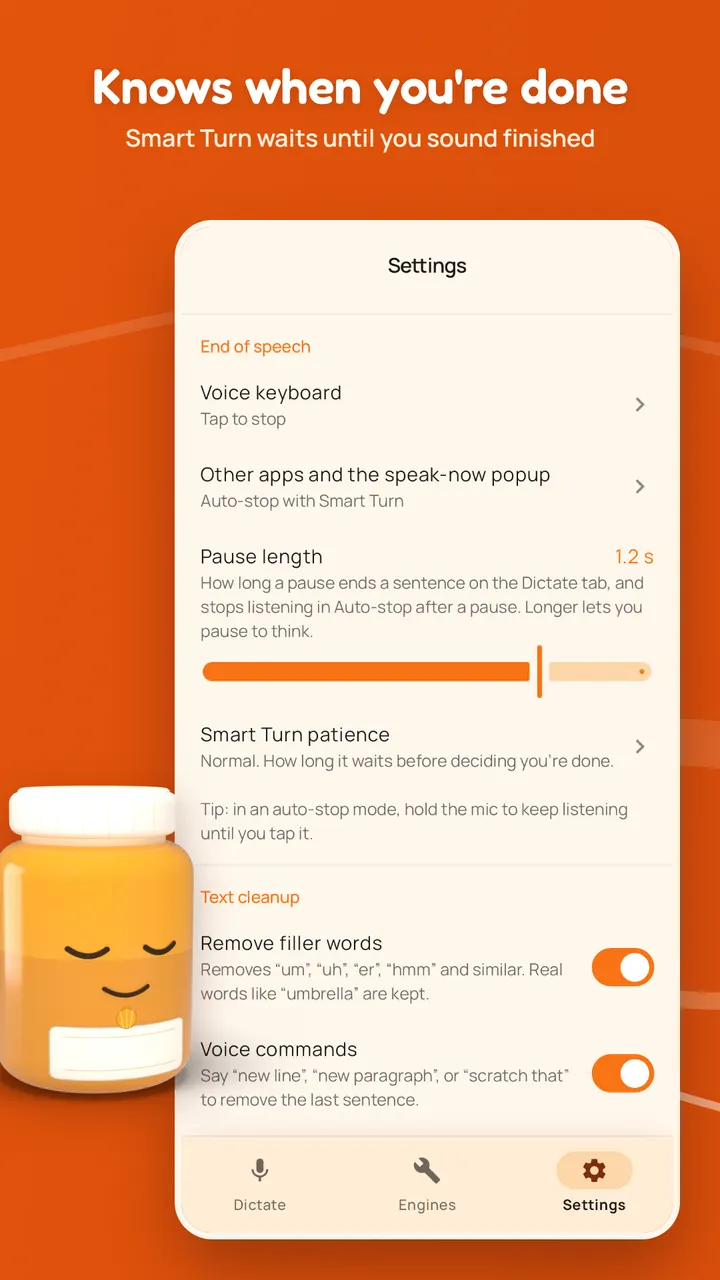
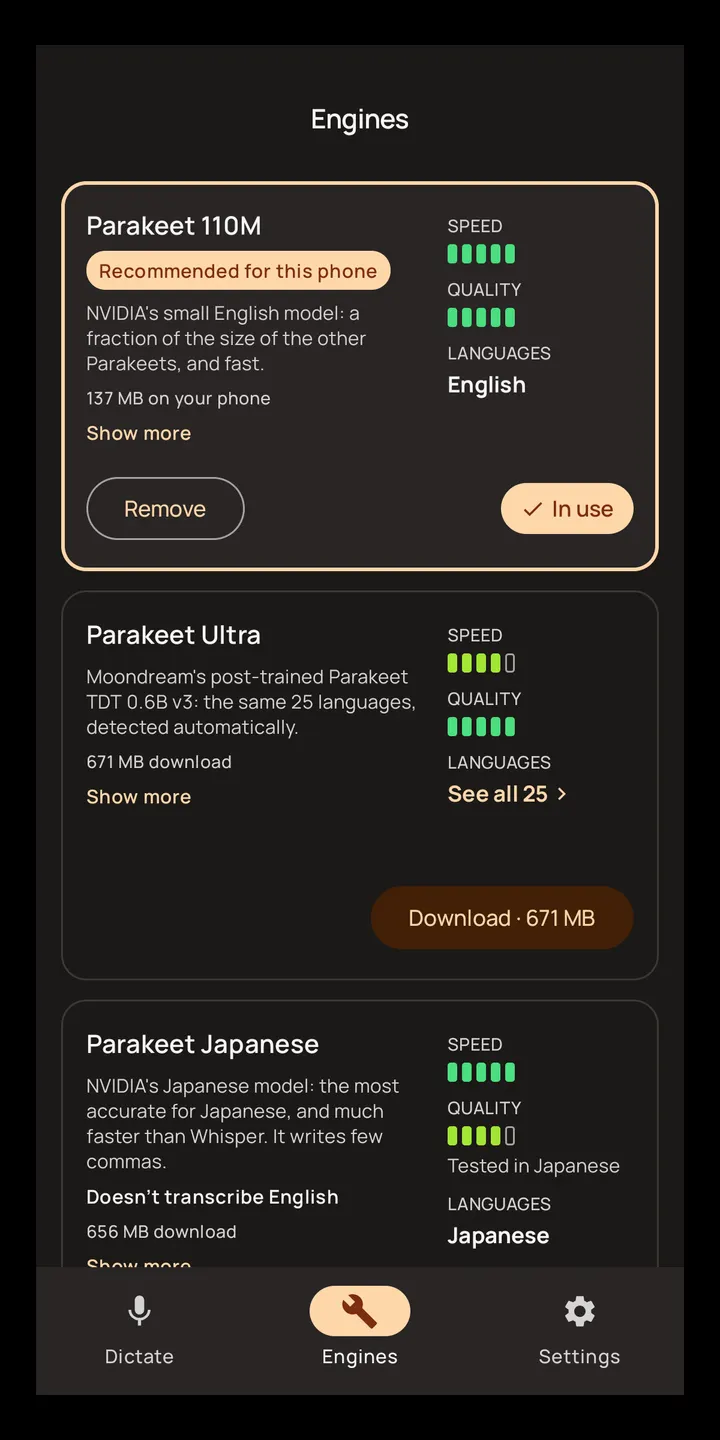
On first run, a setup guide suggests an engine based on your language and your phone's memory and speed. You can download other models and try them. In the speak-now popup and in other apps, Smart Turn v3 decides when you have finished, so a short pause rarely ends the recording. If it cuts you off, you can stop at a pause or choose an end word. On the keyboard, recording continues until you tap, unless you enable Smart Turn there too.
Optional cleanup fixes capitals. In English it also drops filler words, turns spoken "new line" and "period" into real punctuation, and writes numbers as digits. Name replacements and text snippets work in any language.
The app lists 100 languages. Fast engines handle English, German, French, Spanish, Japanese, Hindi, Arabic, Vietnamese and many European languages. Chinese and Korean use Qwen3-ASR, which is lighter than Whisper. Remaining languages go through Whisper Large v3 Turbo, with more delay.
Where WhatsApp, Aegis Authenticator and the other listed apps fit
The alternatives listed for this app are WhatsApp, Facebook, Messenger, Google Photos, X and Aegis Authenticator. They cover messaging, social feeds, photo storage and one-time codes, and none of them does offline speech recognition, so they are not direct substitutes.
The closer relationship is complementary. Marmalade STT supplies voice input to any app that asks Android for speech, so you could dictate a message inside a chat app. It also plugs into keyboards such as FUTO Keyboard, HeliBoard or FlorisBoard. It belongs with keyboard and speech-recognizer tools rather than with social or messaging apps.
Marmalade STT pros and cons
Pros
- Speech is recognized on the device, with offline use after a one-time engine download
- No ads, no accounts, no analytics, and a price of zero
- Open source under the MIT licence, with code on GitHub
- Works with FUTO Keyboard, HeliBoard, FlorisBoard and other keyboards that have a voice key
- Covers 100 languages, with a setup guide that suggests an engine for your phone
Cons
- Needs Android 9 or newer
- A speech engine must be downloaded before offline use works
- Languages outside the fast engines go through Whisper Large v3 Turbo, with more delay
- Filler-word removal and spoken punctuation are described for English only
Is Marmalade STT safe?
We host the unmodified APK, and its SHA-256 checksum is 1d8194c36dabfdd30259ca5d99158aa4e3c1e21a0022e7d28d6c582276b305d3, so you can verify the file you download. The code is public under the MIT licence, and the package ID is app.marmalade.stt. The developer, Maxwell Warren, says the app has no ads, no accounts and no tracking. No independent security audit is available.
How to install Marmalade STT
- Download the APK with the button on this page and wait for it to finish.
- Compare the file with the SHA-256 checksum shown here if you want to confirm it arrived intact.
- Open the file on your phone and allow installs from this source when Android asks.
- Finish the install, then open Marmalade STT from your app drawer.


