

A contract lands in your email while you are away from a desk, and it needs a signature before the end of the day. Acrobat Reader, published by Adobe, is built for that kind of job on an Android phone or tablet. Google Play lists it at over 500 million installs with a 4.5 rating from 8.1 million ratings, and it is free to download with ads and in-app purchases.
Opening your first PDF and setting the default app
After installing, the quickest test is to open a PDF from where it already lives. The app reads files from your phone, email, Google Drive, OneDrive or Dropbox, so you do not need to move anything first. You can also set Acrobat Reader as the default PDF app, which means PDFs from email or your browser open straight in it.
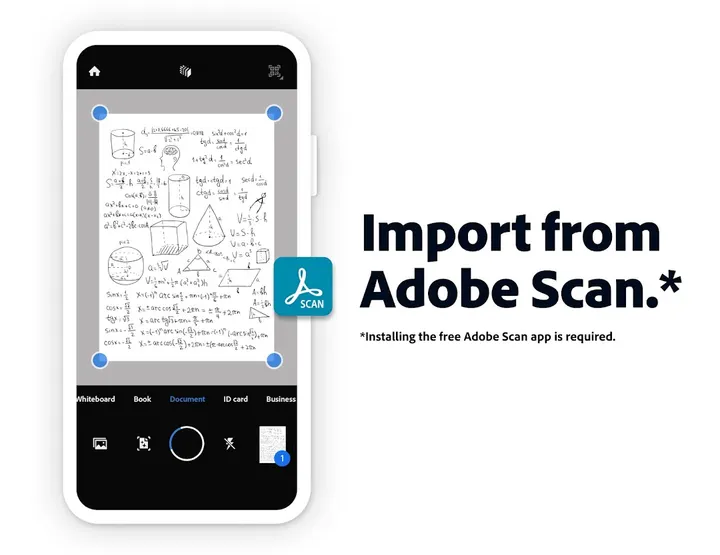
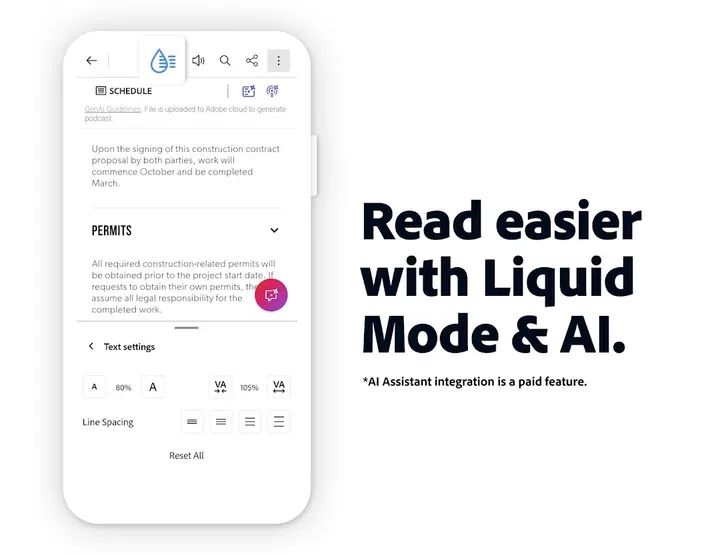
For long documents, try Liquid Mode, which reflows the text to fit the screen. Starred files give you quick access to important documents, and the app can store and manage files too. If you scan paper with the free Adobe Scan app, those scans can be opened here to fill in, sign and share.
What the free version covers: comments, Fill & Sign and sharing
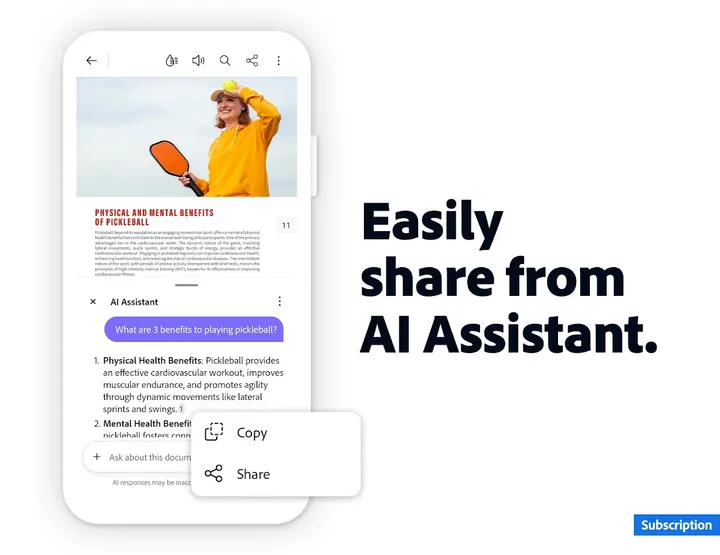
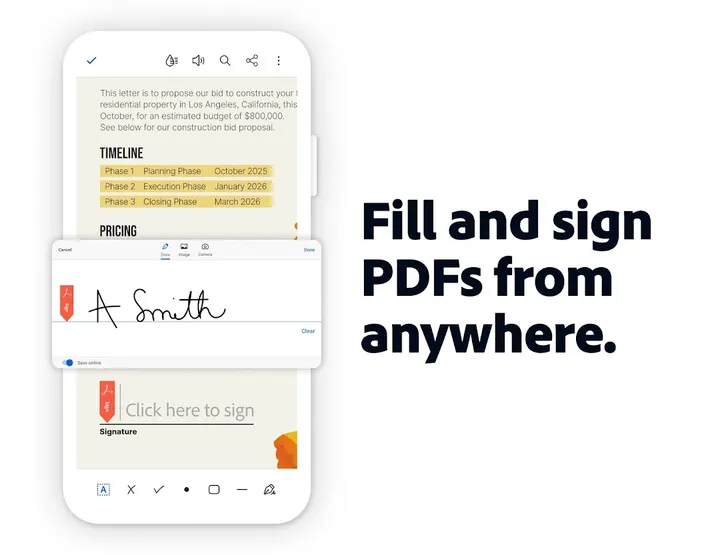
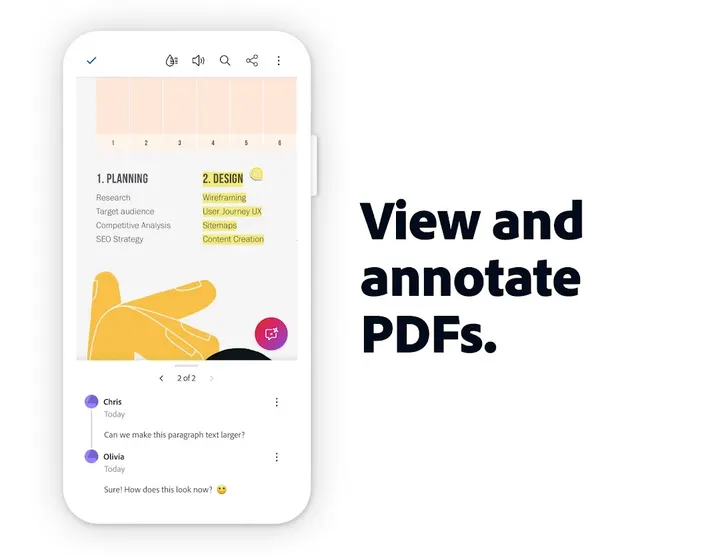
The free tier handles the everyday paperwork jobs. You can highlight text and add comments and sticky notes, which suits students marking up readings. Fill & Sign lets you complete PDF forms and sign with a finger on the screen. Sharing happens directly from the app.
Adobe says reading, filling in and signing do not require a subscription. The Android-specific extra is listening to PDFs through Android Auto for hands-free reading on the road.
Premium editing and AI Assistant sit behind a paywall
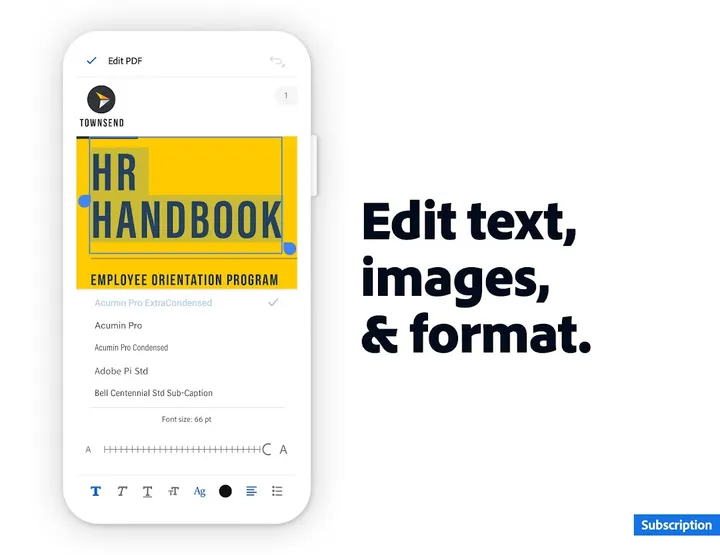
Heavier editing moves to Acrobat Premium, which starts with a 7-day free trial. It adds text and image editing, PDF creation from photos, Office files, Google Docs or web pages, and conversion to Word, Excel, PowerPoint or images. It also covers merging, compressing, reordering and splitting pages, OCR for scans, and password protection.
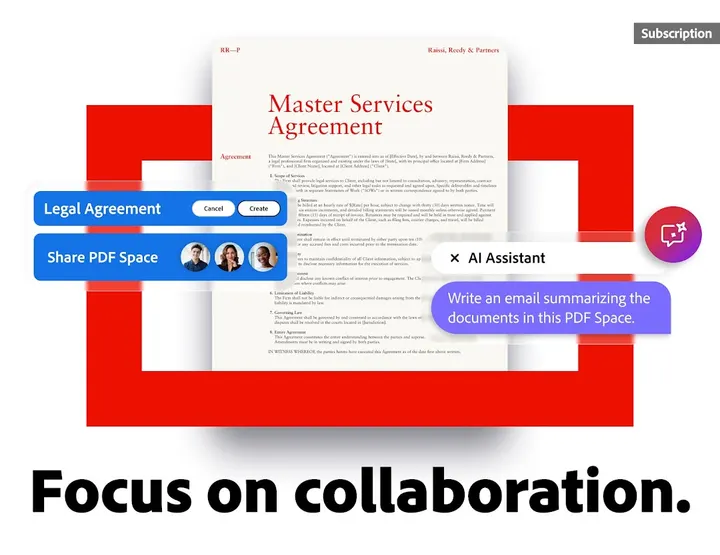
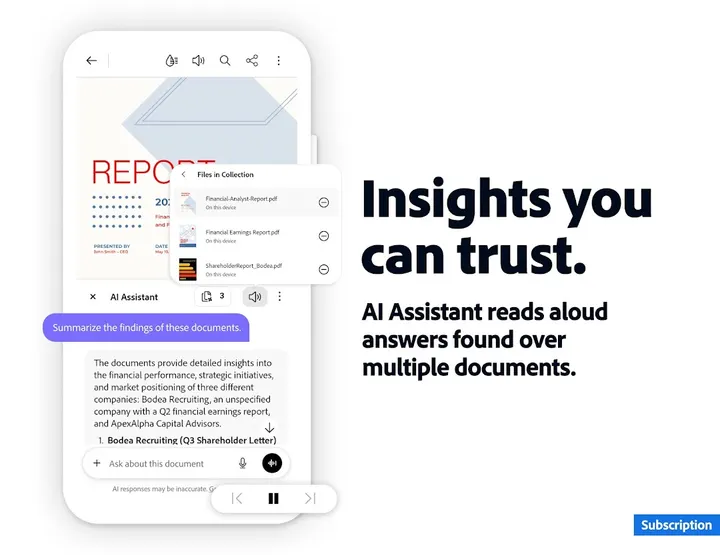
The AI Assistant is described as a paid feature, free for a limited time. It answers questions with cited results, including from charts and tables, and generates summaries. PDF Spaces let you work across multiple files in one place. If you only read and sign, none of this is needed.
When Librera Reader, ReadEra or another alternative fits better
If you want to edit text or convert files without a subscription, the free tier will not do it. PDF Reader, ReadEra, Document Reader & PDF Editor, Librera Reader and Turn the Page are alternatives, so check each listing for features and pricing.
Ads and in-app purchases are present in Acrobat Reader, which may push some people toward a simpler reader. Anyone who mainly wants a lightweight viewer, not Adobe's cloud and AI tools, has reason to look at those names.
What's new
The latest changelog mentions collaborating and sharing files in PDF Spaces and turning document summaries into podcast-style audio. It also adds design and editor tools powered by Adobe Express.
Acrobat Reader pros and cons
Pros
- Free reading, commenting, form filling and signing with no subscription required
- Opens PDFs from phone storage, email, Google Drive, OneDrive and Dropbox
- Liquid Mode reflows text to fit a phone screen
- Android Auto support for listening to PDFs hands-free
- Rated 4.5 on Google Play across 8.1 million ratings
Cons
- Contains ads and in-app purchases
- Text editing, conversion, merging and OCR need Acrobat Premium
- AI Assistant is a paid feature, free only for a limited time
- Version number is listed as varying by device, so no fixed version is shown
Is Acrobat Reader safe?
Acrobat Reader is published by Adobe under the package ID com.adobe.reader and is distributed through Google Play. It is rated Everyone and sits in tier C on this catalog. No independent security review is available, so review the permissions and data safety section on the Google Play listing before installing.
How to install Acrobat Reader
- Press the Google Play button on this page.
- Check the listing in the Play Store and press Install.
- Open Acrobat Reader when the install finishes. Updates arrive through Google Play.