

Gboard is Google's keyboard for Android, installed over 10 billion times and rated 4.5 across about 18.9 million ratings. It costs nothing, shows no ads and sells no in-app purchases. Glide Typing, voice typing, handwriting and built-in Google Translate are among its features. To install it, open Google Play.
Setting up Gboard and turning on the number row
The package ID is com.google.android.inputmethod.latin, and the app is published by Google LLC. After installing it from Google Play, the first useful stop is the settings screen. Two options are off by default and need to be enabled by hand.
The number row lives under Settings → Preferences → Number Row. Symbol hints sit under Settings → Preferences → Long press for symbols, and they print small hints on the keys so you can see what a long press gives you.
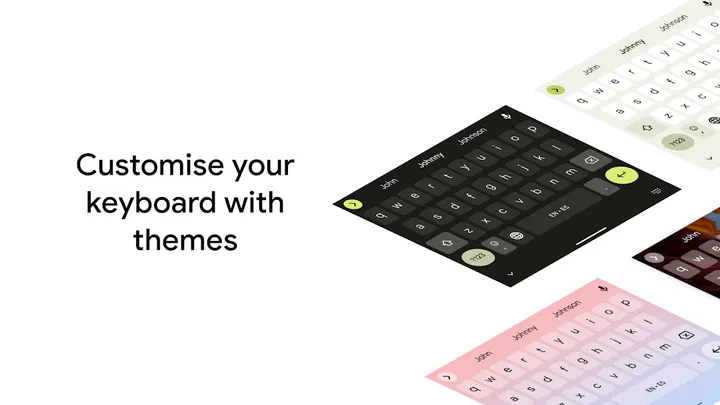
People with a large phone can also pin the keyboard to the left or right edge with one handed mode. Themes are available too, with or without key borders, so appearance can be changed early on.
One limit applies right away. Gboard is not supported on Android Go devices, and handwriting, emoji search and GIFs carry the same restriction.
Gestures, glide typing and 60-plus languages
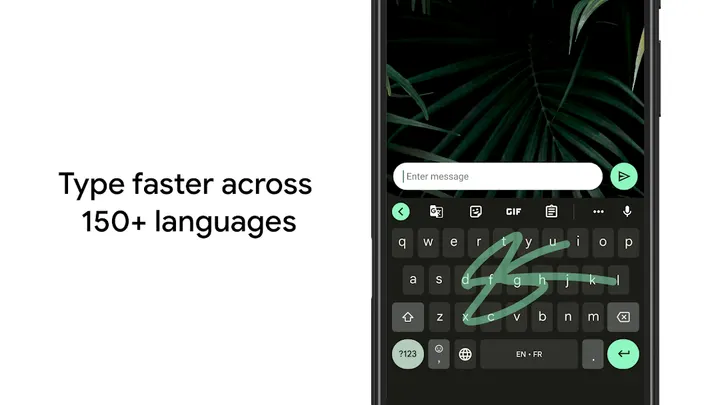
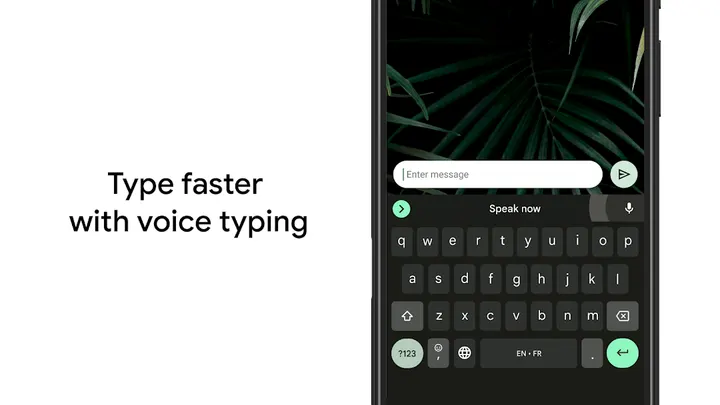
Typing speed is the core of the listing. Glide Typing lets you slide a finger from letter to letter instead of tapping each key. Voice typing handles dictation, and Handwriting accepts cursive and printed letters.
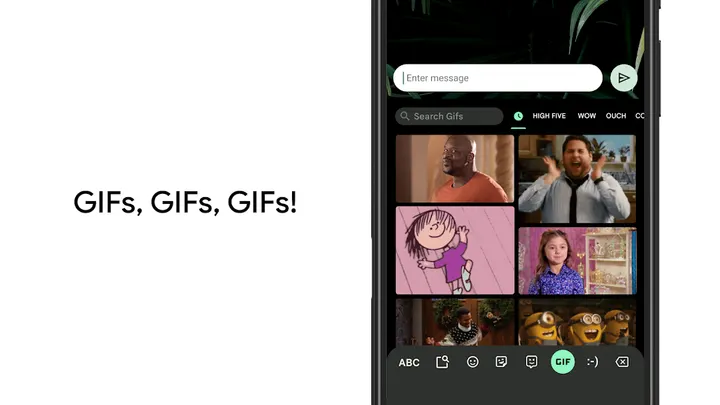
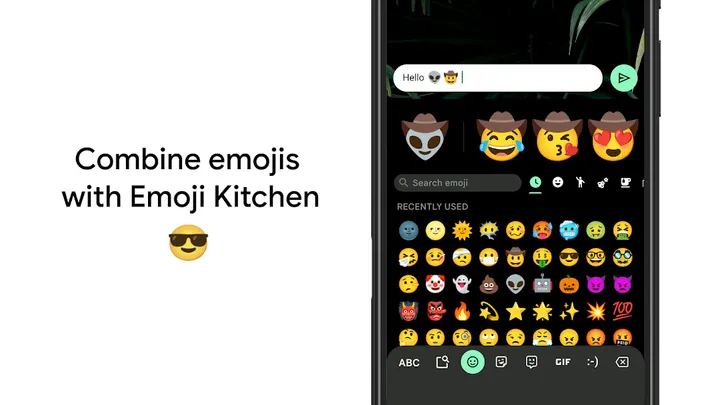
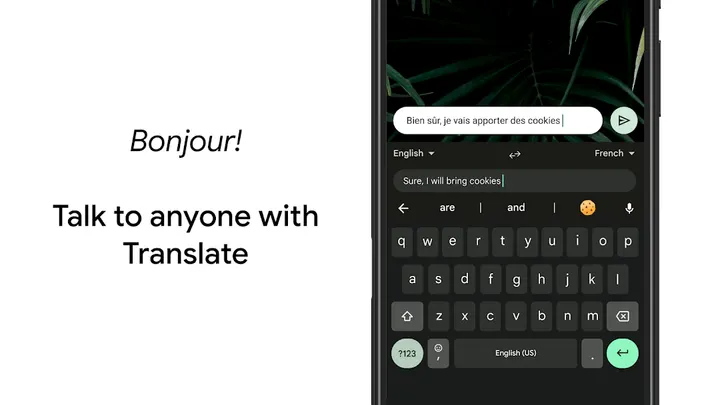
Two gestures save time on edits. Sliding across the space bar moves the cursor, and sliding left from the delete key removes several words at once. Emoji and GIF search are built in, and Google Translate can translate text while you type.
Language coverage is broad. The description names hundreds of language varieties, from Afrikaans and Amharic to Yoruba and Zulu, and says you can enable several at once. Gboard then autocorrects and suggests from any enabled language, so you do not switch manually.
There is also Wear OS support. The watch version carries Glide Typing, voice typing and emoji typing, across the Wear OS languages listed such as Czech, Danish, Finnish, Norwegian and Swedish.
When Fossify Keyboard Beta or LeanType may fit better
Gboard works for most people, but there are cases where another keyboard makes sense. Android Go devices are not supported, and owners of those devices lose the headline extras. If that is you, a lighter alternative is the obvious route.
The catalog lists six alternatives: Fossify Keyboard Beta, BroadBoard, ClaviRom, Keyboard Switcher, Kinetica and LeanType. Compare them on their own pages before switching.
Anyone who wants to review what Gboard does with typed data before choosing should read the developer's support pages at support.google.com/gboard.
Gboard pros and cons
Pros
- Free, with no ads and no in-app purchases
- Glide Typing, voice typing and handwriting in one keyboard
- Cursor and delete gestures speed up editing
- Hundreds of language varieties, with several enabled at once
- Wear OS support with glide, voice and emoji typing
Cons
- Not supported on Android Go devices
- Handwriting, emoji search and GIFs are unavailable on Go devices
- Number row and symbol hints must be switched on in settings
- Version number and changelog are not published here
Is Gboard safe?
Gboard is made by Google LLC and is installed from Google Play. It carries a content rating of Everyone, shows no ads and has no in-app purchases. Permissions and data handling are not described here, so read the details on its Google Play page before you install.
How to install Gboard
- Press the Google Play button on this page.
- Check the listing in the Play Store and press Install.
- Open Gboard when the install finishes. Updates arrive through Google Play.


