
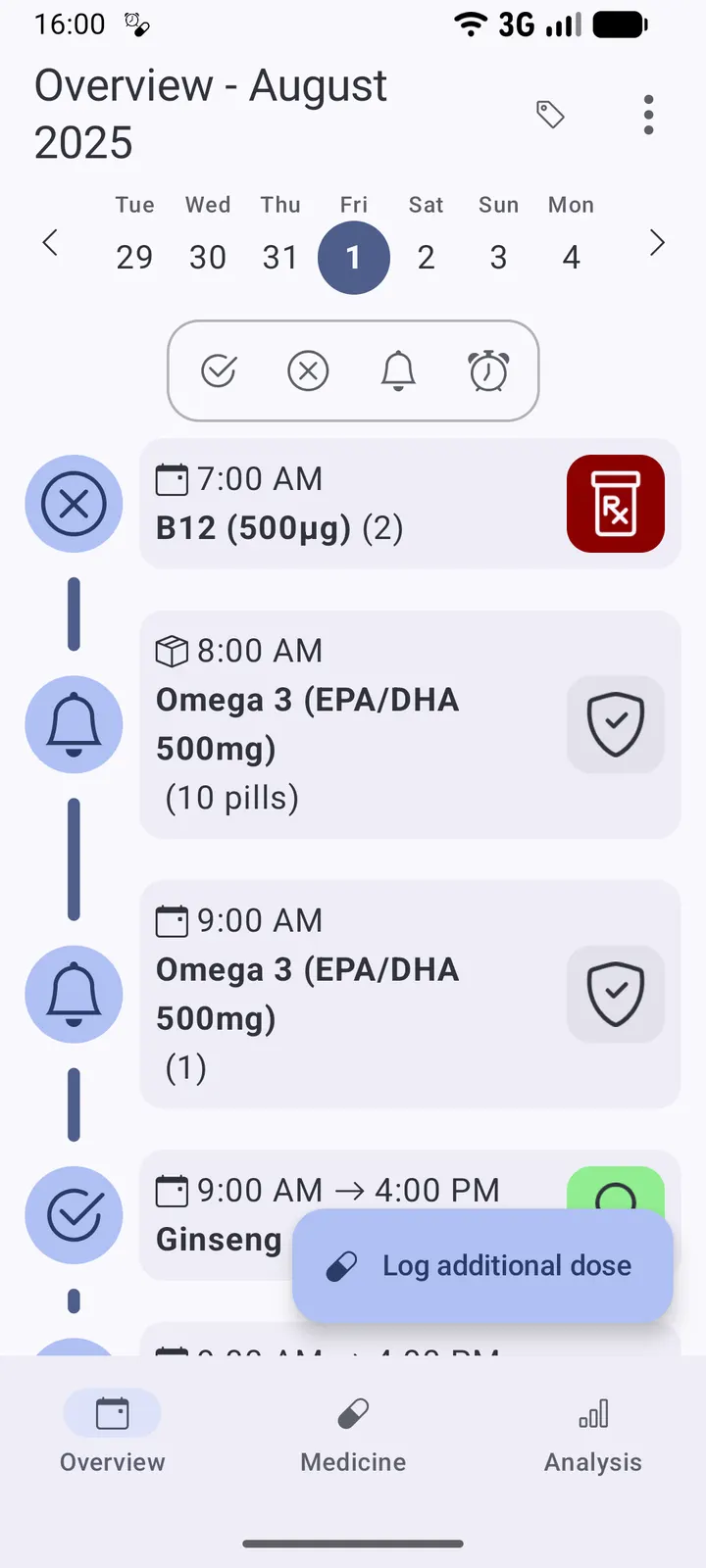
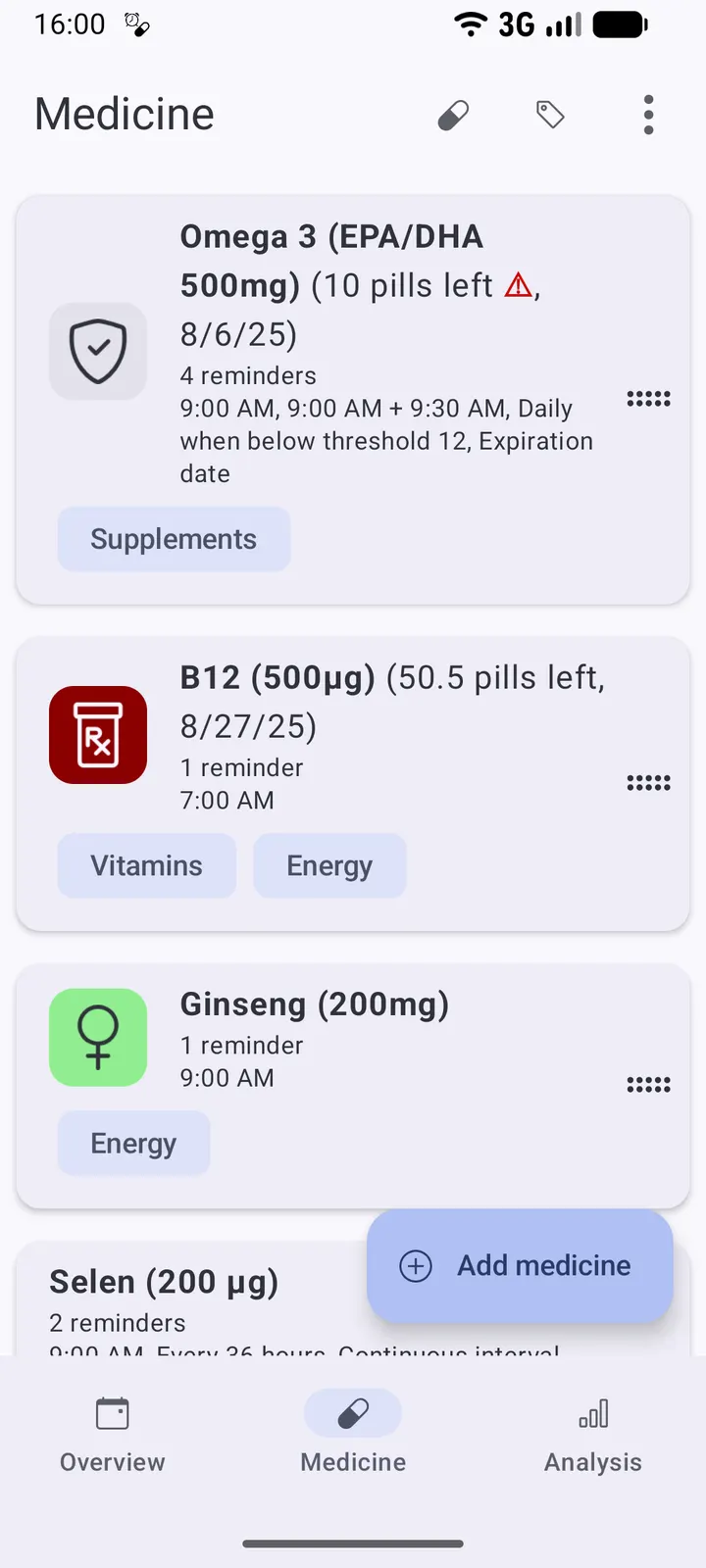
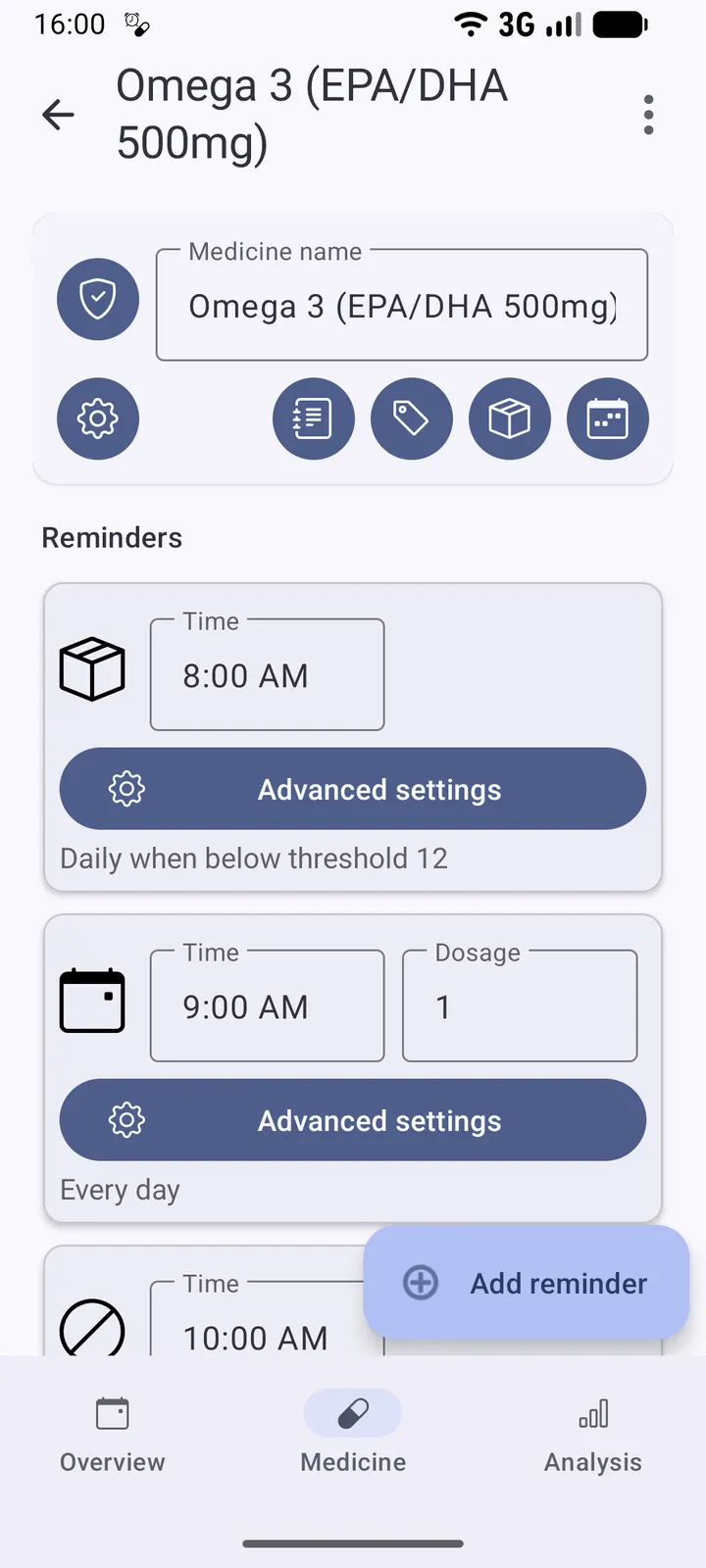
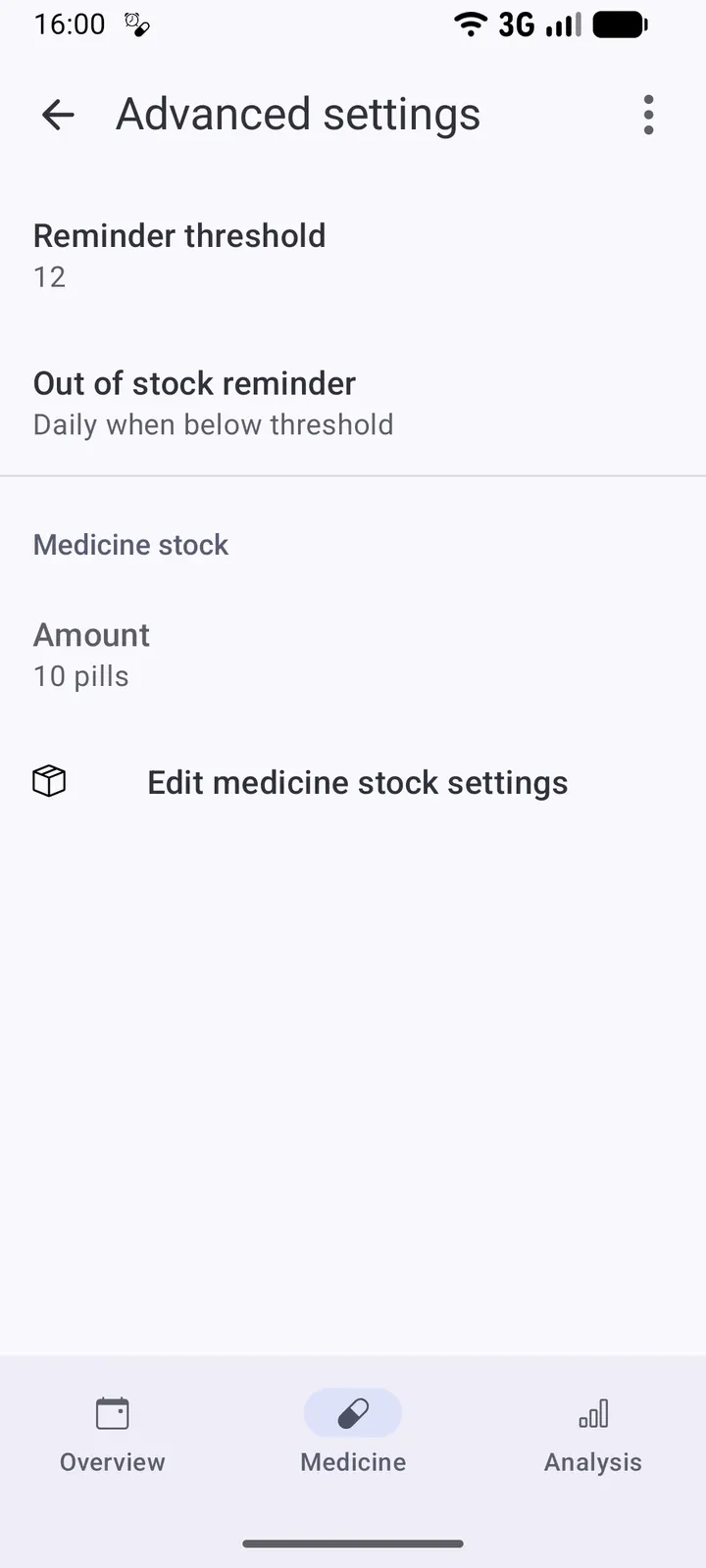
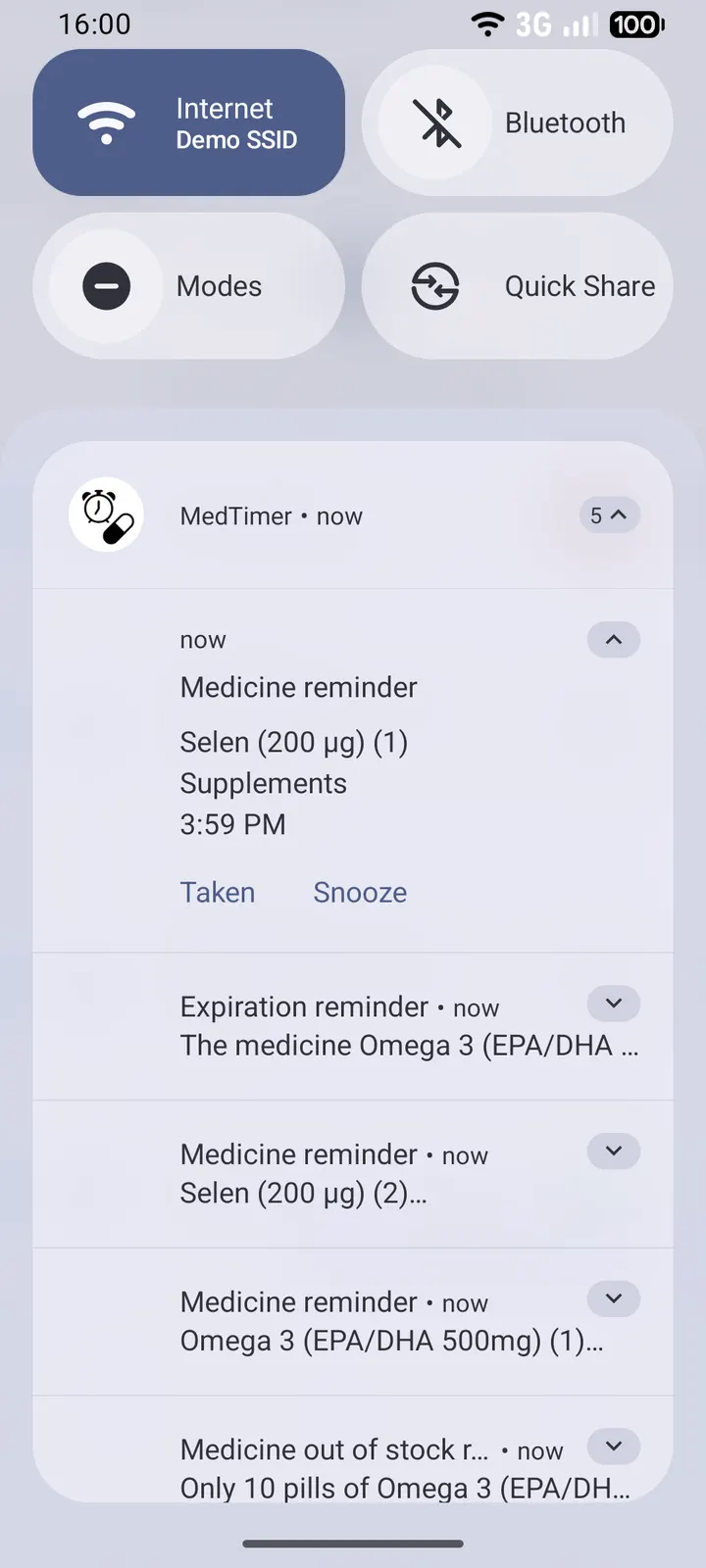
Aegis Authenticator, also on our alternatives list, protects codes on your device, and MedTimer applies a similar local-first idea to medication schedules. The developer is Florian Fetz, the app is free, and it carries no ads. We host version 1.26.4 as the unmodified APK, with a published SHA-256 checksum for verifying the file.
Who a local-only pill reminder fits
MedTimer suits people who juggle several medications and want the schedule and history to stay on the phone. It is fully offline and privacy focused, so no internet connection is needed for reminders to work.
It also fits irregular routines. Reminders can include breaks and specific days, and the developer gives birth control pills as an example. Anyone who needs a simple daily alert can use the defaults instead.
It needs Android 9 or newer and takes up 12.9 MB.
Weekend mode, interval timers and location snooze
You can add unlimited medications, each with its own reminders. Weekend mode delays alerts to a set time on days you choose, which helps if you sleep in on Saturdays and Sundays.
Interval reminders come in two forms: reminders that follow each other at set gaps, and ones limited to a start and end time each day. If you need an extra dose, you can add it on the fly.
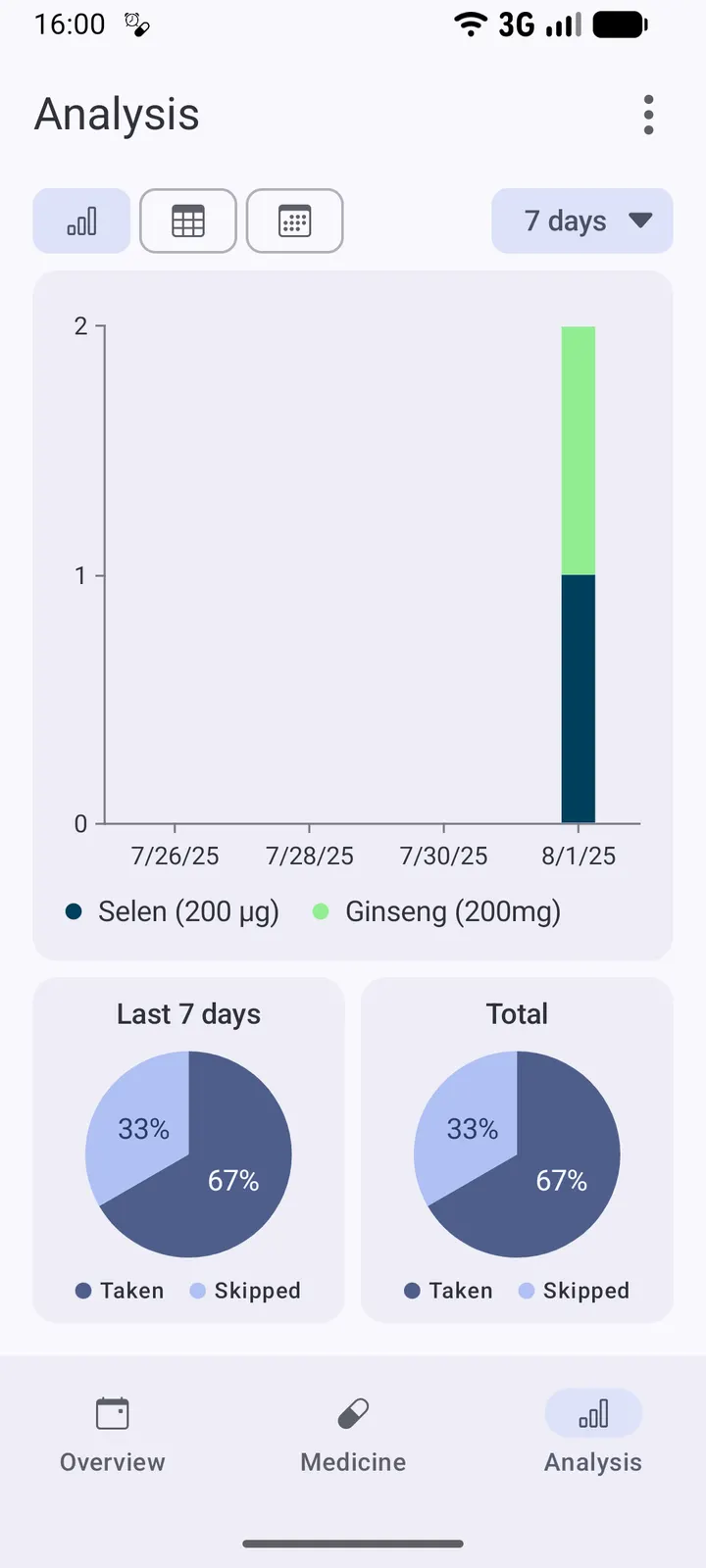
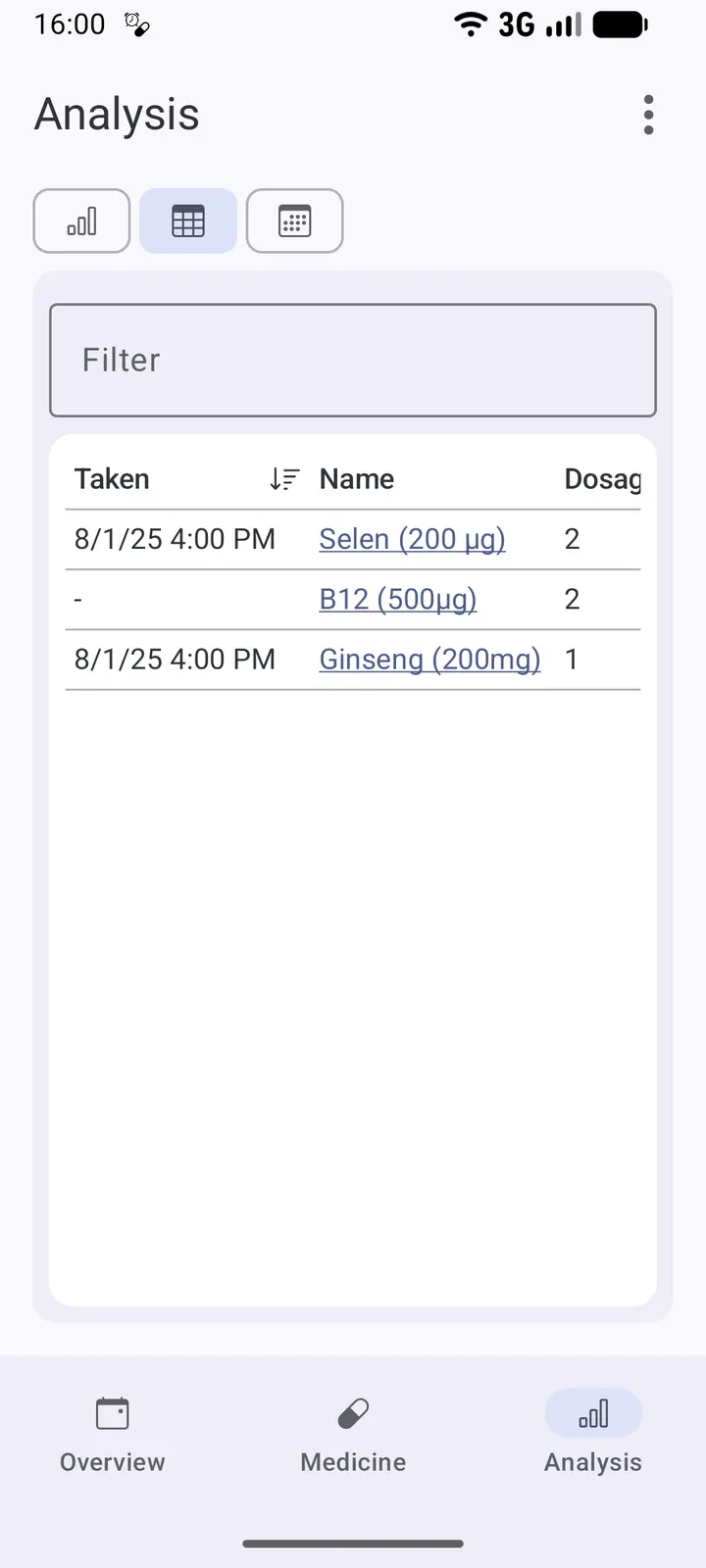
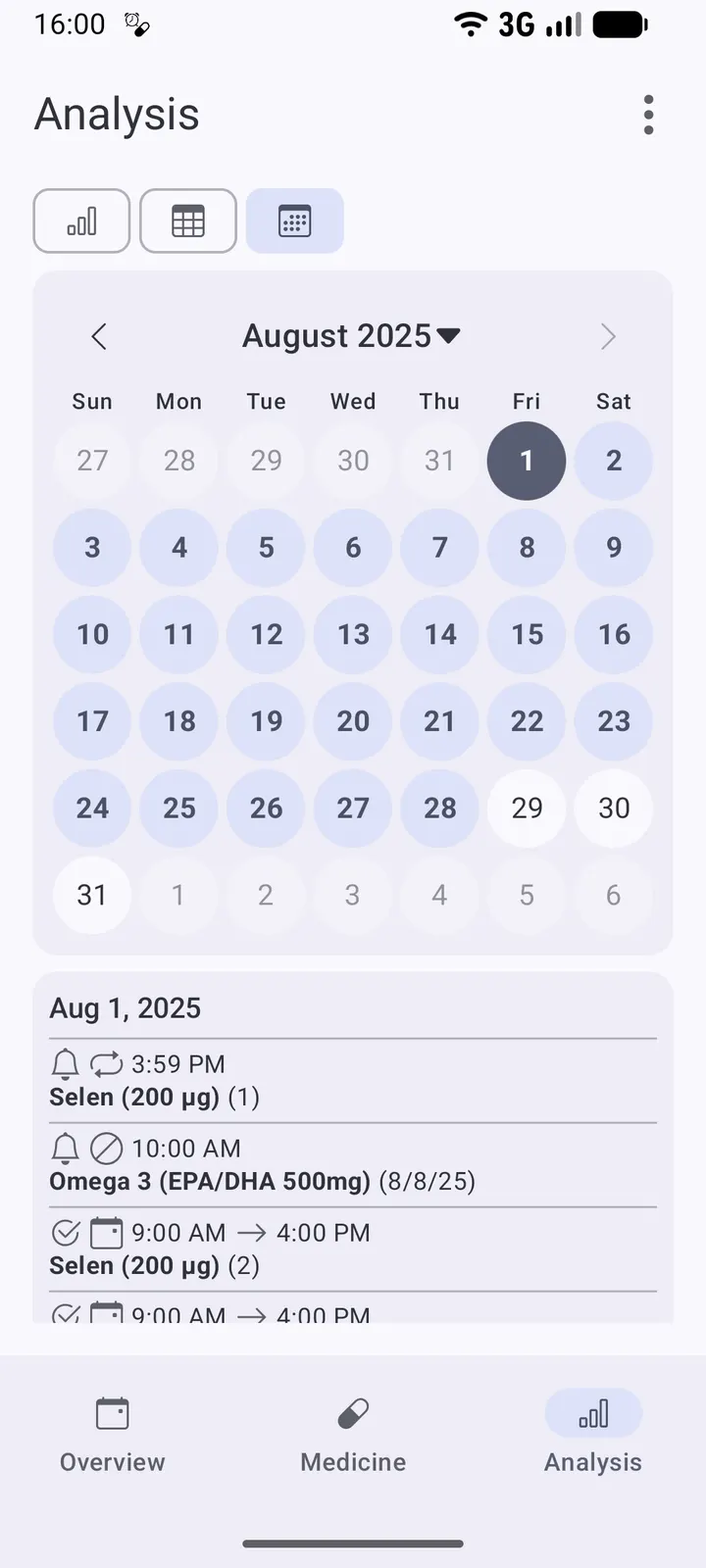
Snoozing is more flexible than usual. You can postpone a notification, be reminded repeatedly, or use location-based snooze, which alerts you again when you arrive home. The store text also lists alarm-type reminders that sound even in silent mode, plus a log, charts and a table of past doses.
Data tools include CSV export of your history and JSON backup and restore of the medication list. Stock tracking with out-of-stock reminders and tag filtering are listed too.
Costs, permissions and privacy
MedTimer costs nothing and shows no ads. Its source code is public on GitHub under the MIT licence, so anyone can read how the reminders and the dose log work.
We have no list of the permissions it requests. The location-based snooze, which re-notifies you on arriving home, may ask for extra access, so read the prompts after installing.
MedTimer pros and cons
Pros
- Free with no ads and an MIT-licensed open-source codebase
- Works fully offline, with data stored on the device
- Flexible schedules: breaks, specific days, weekend mode and interval reminders
- Location-based snooze re-notifies you on arrival at home
- CSV history export and JSON backup of the medication list
Cons
- Requires Android 9 or newer
- Google Play rating and install figures are not shown here
- Permissions should be checked before installing
Is MedTimer safe?
The unmodified APK for MedTimer is stored with its SHA-256 checksum (9c93b6b3c90f505a4f6d16269a222655ed89cf838091fc0b47818de9b8eeb72d), so you can compare it with the file you download. Florian Fetz develops the app, and the code is open source under the MIT licence. The description says it works fully offline and keeps your medication data private, and it has no ads. After downloading, verify the checksum and look over the permissions your device asks for.
How to install MedTimer
- Download the APK with the button on this page and wait for it to finish.
- Compare the file with the SHA-256 checksum shown here if you want to confirm it arrived intact.
- Open the file on your phone and allow installs from this source when Android asks.
- Finish the install, then open MedTimer from your app drawer.


