
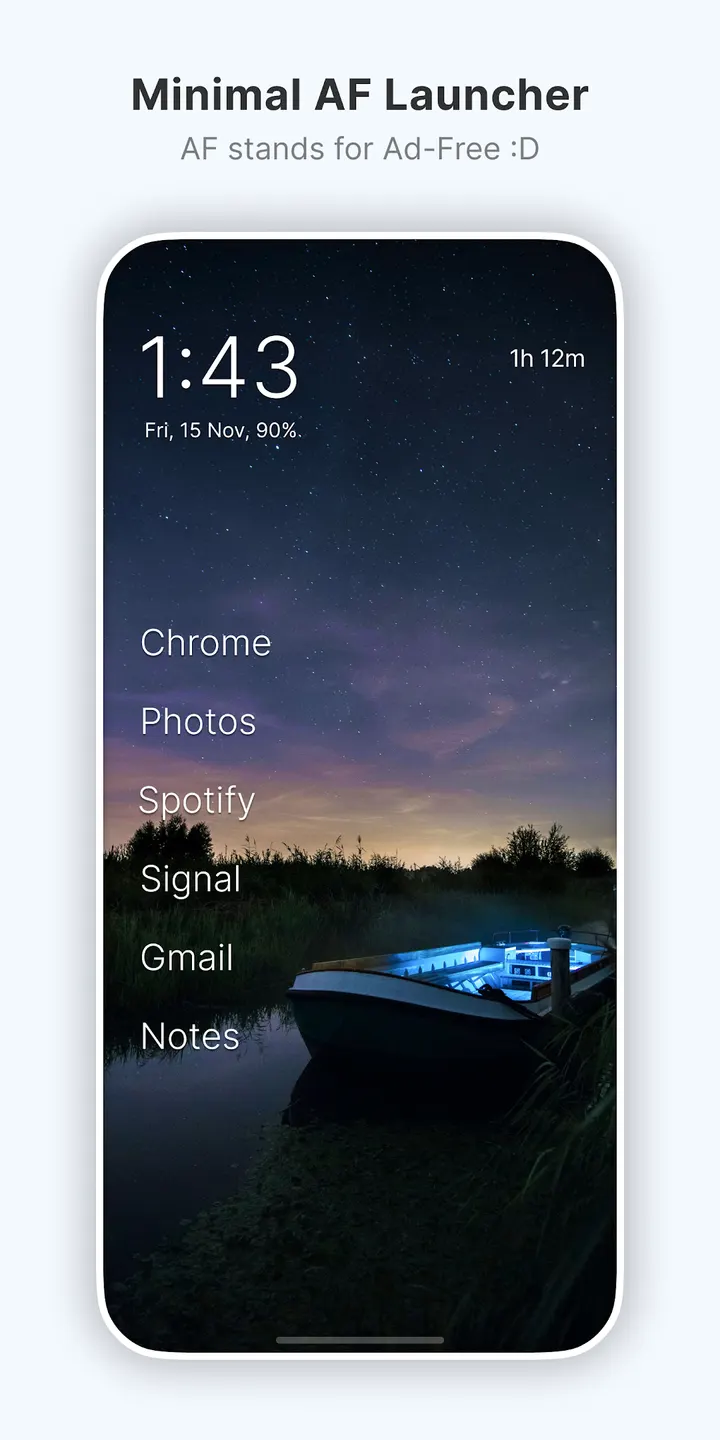
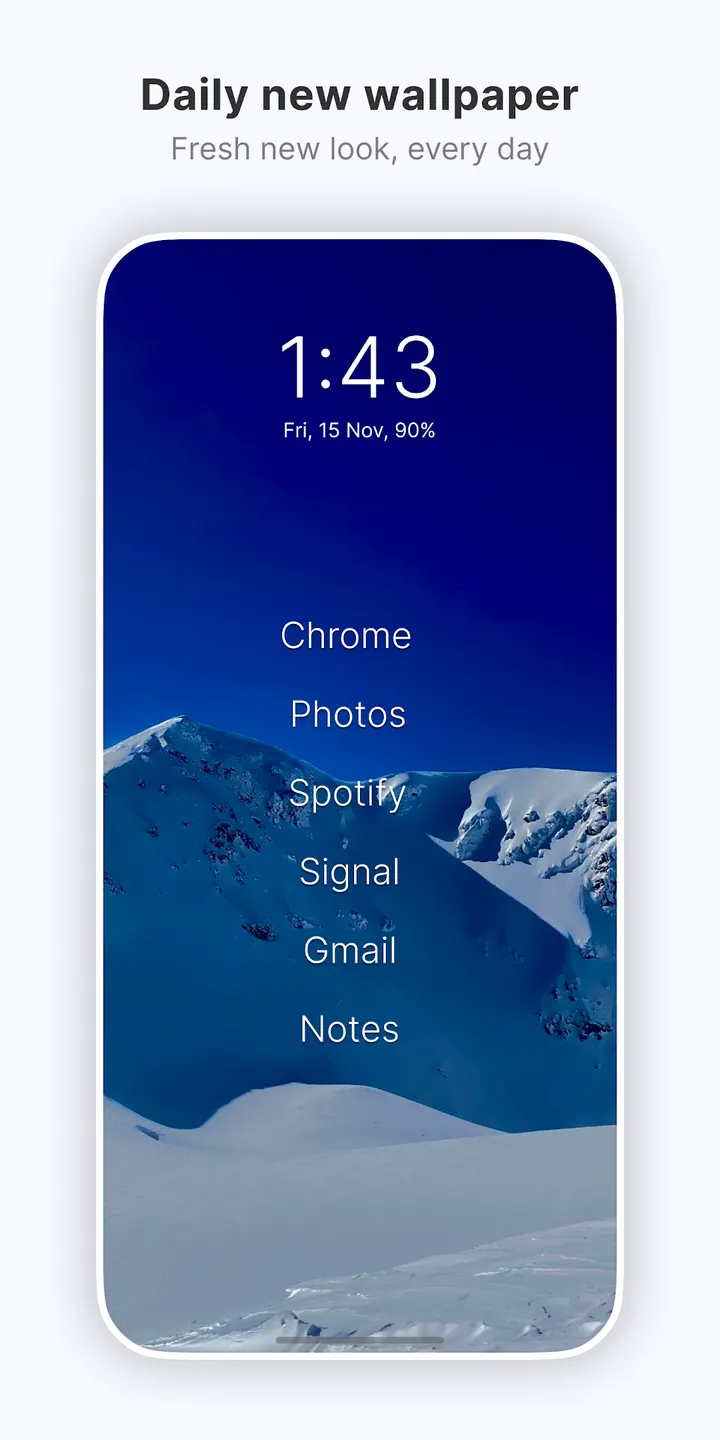
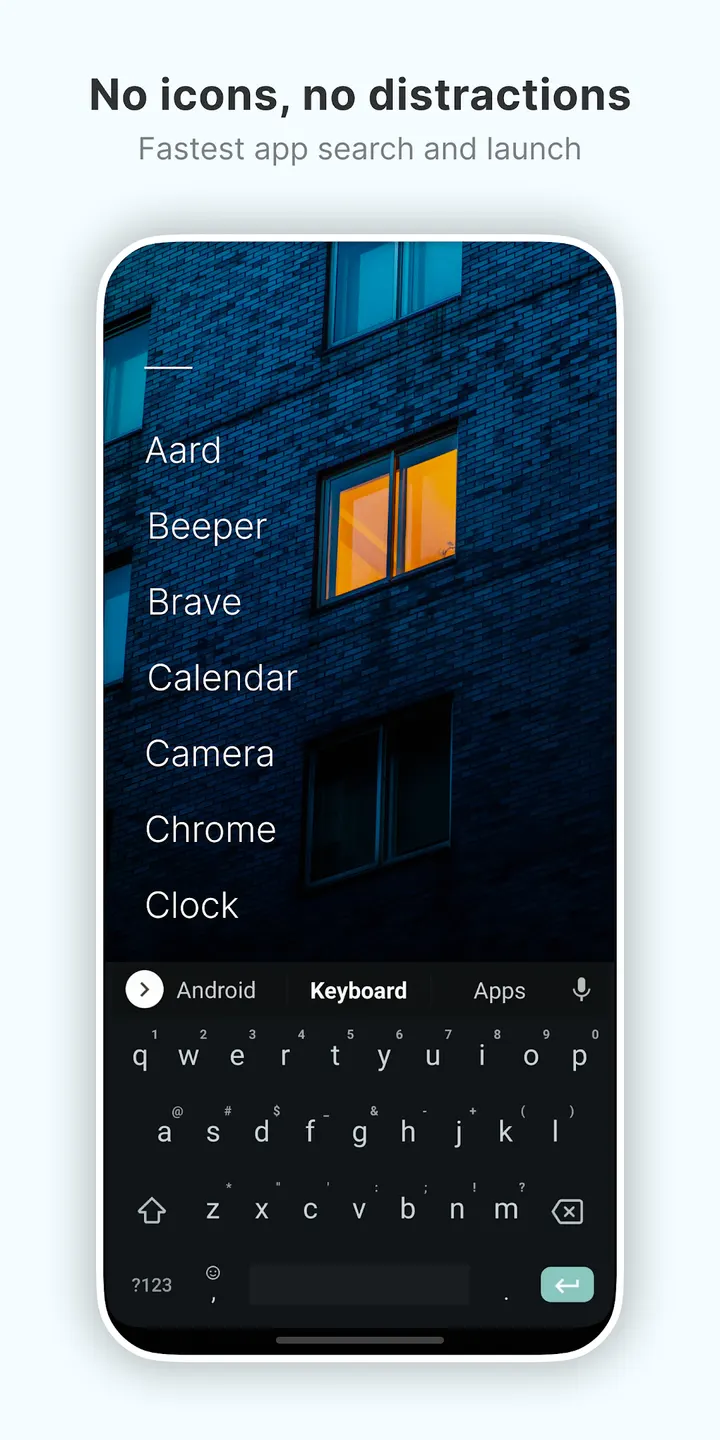
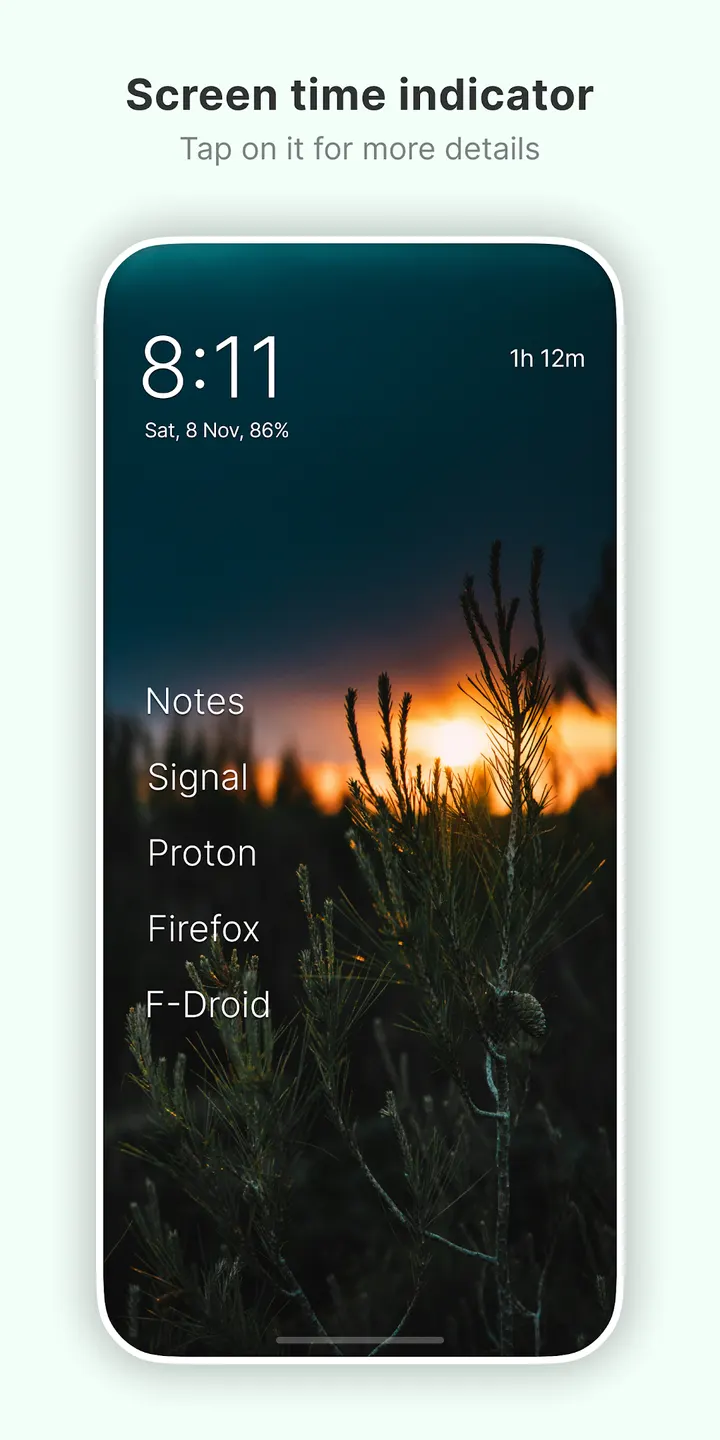
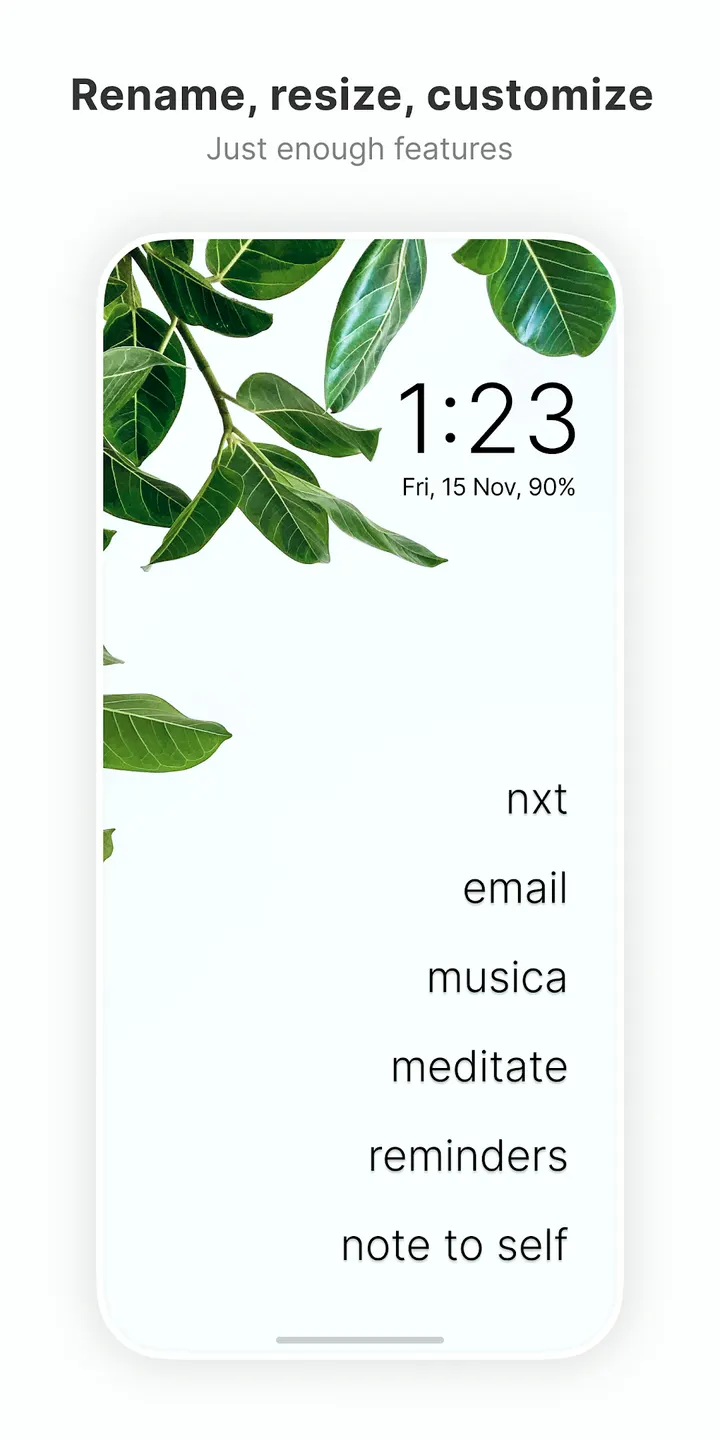
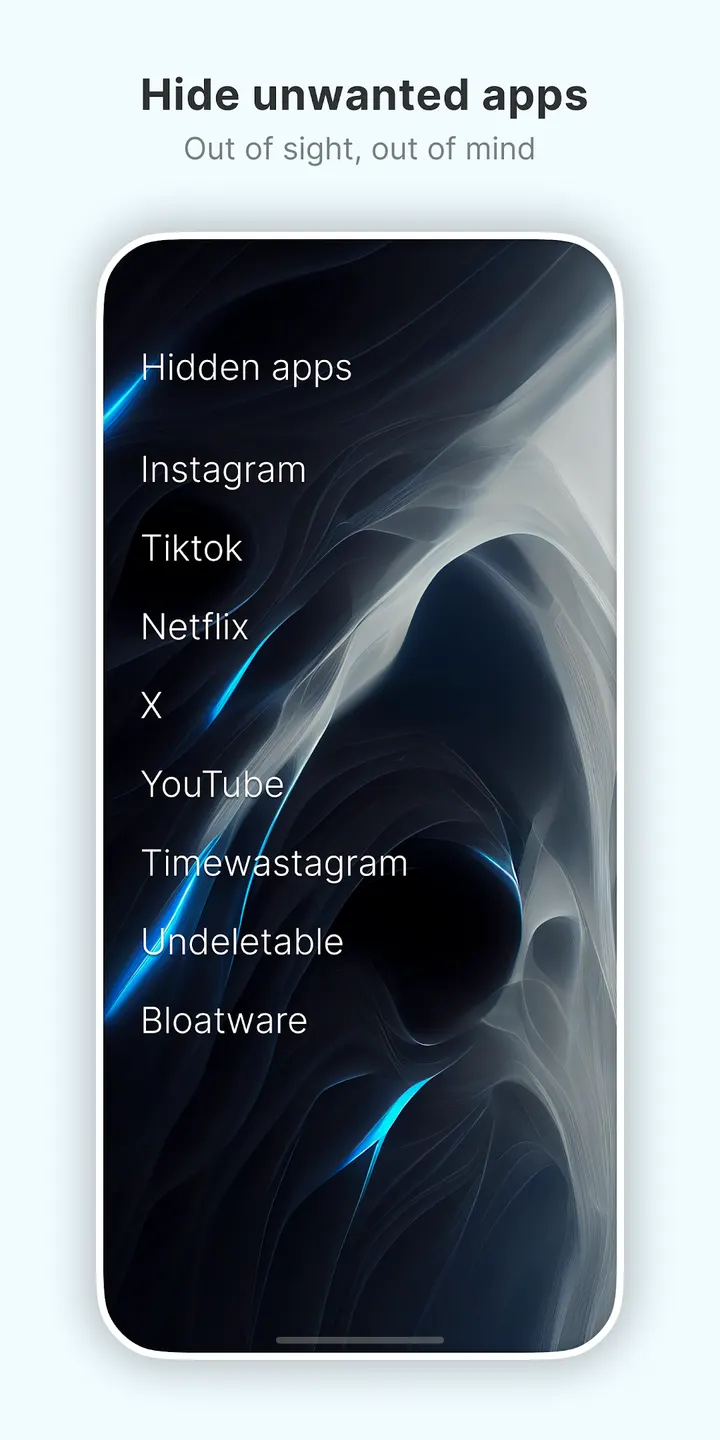
Hex Launcher and Escape Launcher lean on styling and layout options, while Olauncher takes the opposite route and strips the home screen down to plain text. It comes from the developer Digital Minimalism, runs on Android 7.0 or newer, and costs nothing. A new wallpaper arrives daily, and apps you want out of sight can be tucked away in a hidden list.
Digital Minimalism and the open-source project behind it
Olauncher was first released on September 9, 2020, and the developer contact is a Twitter profile at tanujnotes. The source code is public on GitHub under the GPL-3.0-only licence, so anyone can read how it works.
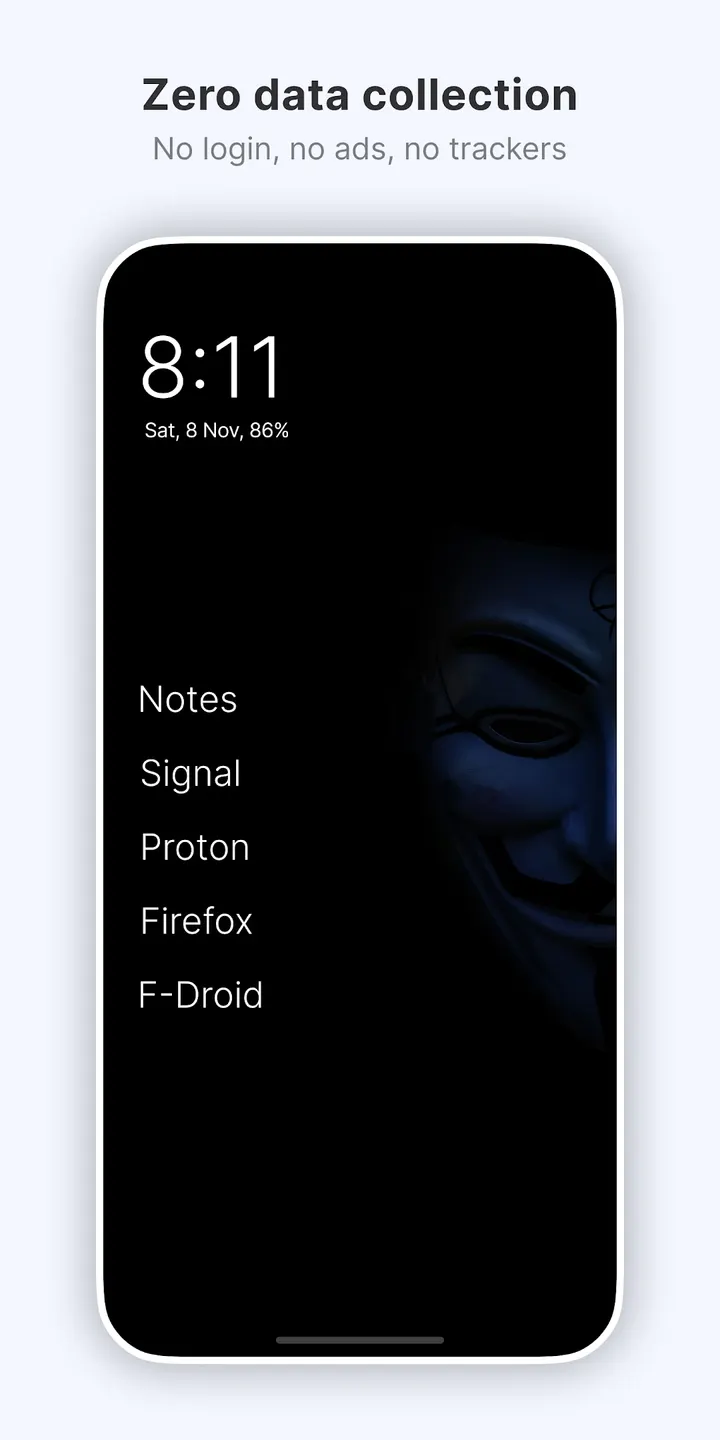
There are no ads and no in-app purchases, which fits a launcher built to cut down screen time.
Text-only home screen, swipe gestures and hidden apps
The home screen has no icons. You get a clean list of text entries, and the aim is to cut down on screen time. Settings open with a long press anywhere on the home screen. Tapping the Olauncher label at the top of that screen reveals the apps you have hidden.
Gestures cover the basics: double tap to lock the screen, swipe left or right to open apps, and swipe down for notifications. The double-tap lock relies on an Accessibility Service. The developer says it is optional, off by default, and used only for turning the screen off.
Other options include resizing text, renaming apps, showing or hiding the status bar, and changing text alignment. Dark and light themes, dual apps, work profile support and auto app launch are also available. A new wallpaper arrives daily, and you can set your own from system settings or the Gallery or Photos app.
Android 7.0 requirement and gesture limits on some phones
The current version is v6.10.27, updated on October 31, 2026. The file is 2.4 MB, and the content rating is Everyone. The minimum Android version is 7.0.
One caveat applies to navigation gestures. Some devices do not support system gestures when a downloaded launcher is in use, and the developer says only the device maker can fix that through an update. The About page in settings lists the remaining niche features and further FAQs.
Olauncher. Minimal AF Launcher pros and cons
Pros
- No ads and no in-app purchases, which suits a launcher meant to reduce screen time
- Open source under GPL-3.0-only, with code on GitHub
- Only 2.4 MB and runs on Android 7.0 or newer
- Double tap to lock, swipe gestures, hidden apps and renaming
- Google Play rating of 4.8 across about 84.5 thousand ratings
Cons
- Some devices block navigation gestures with a third-party launcher, and only the manufacturer can fix it
- Some niche features are hidden and found only through the About page
- The double-tap lock needs an optional Accessibility Service
- Some devices do not support system navigation gestures with a downloaded launcher
Is Olauncher. Minimal AF Launcher safe?
The APK we keep is the unmodified file, and you can compare it against the SHA-256 checksum 27d02910287065256f2e4df8cbf28fc7cbfa6c865294d5773158b633f250bdb8. Because the launcher's code is open under GPL-3.0-only, anyone can inspect what it does.
How to install Olauncher. Minimal AF Launcher
- Download the APK with the button on this page and wait for it to finish.
- Compare the file with the SHA-256 checksum shown here if you want to confirm it arrived intact.
- Open the file on your phone and allow installs from this source when Android asks.
- Finish the install, then open Olauncher. Minimal AF Launcher from your app drawer.


