
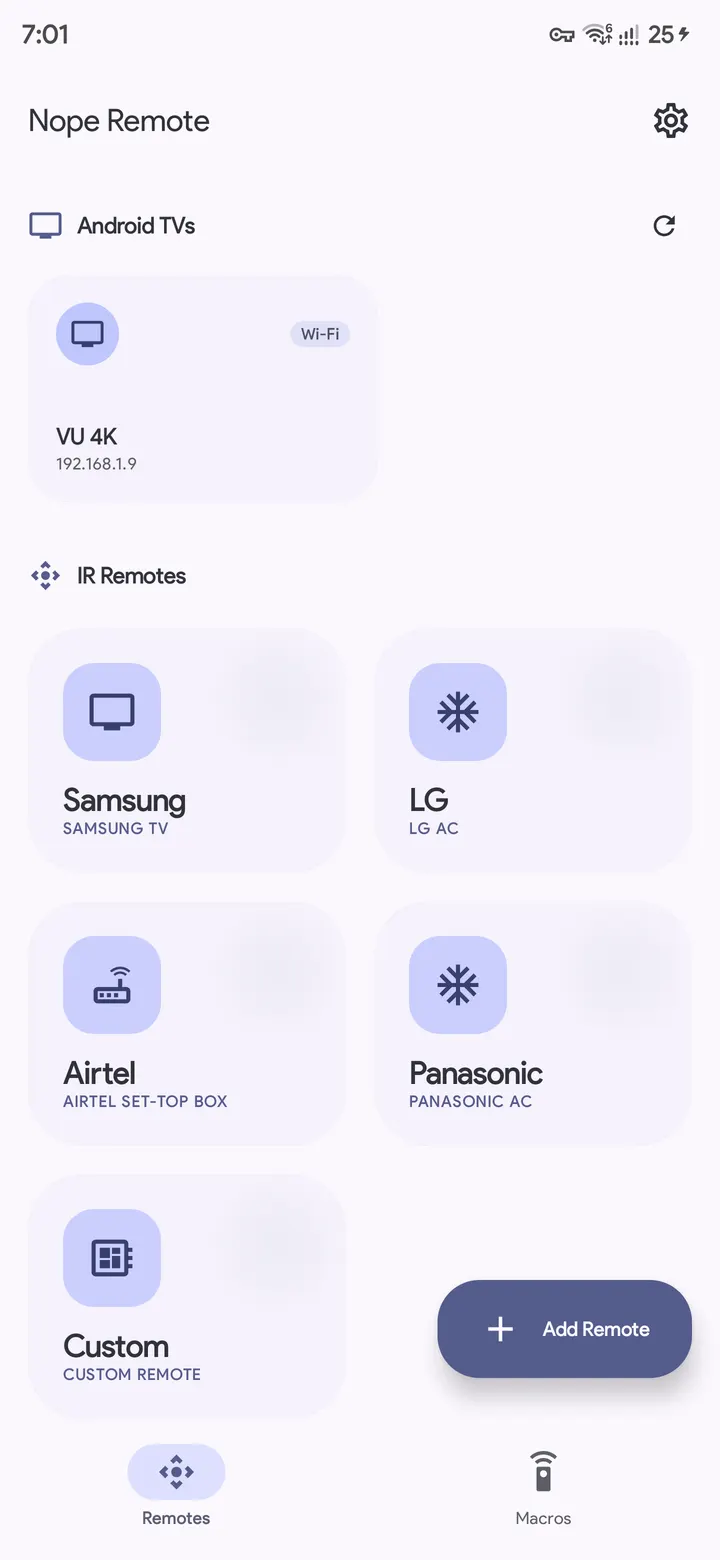
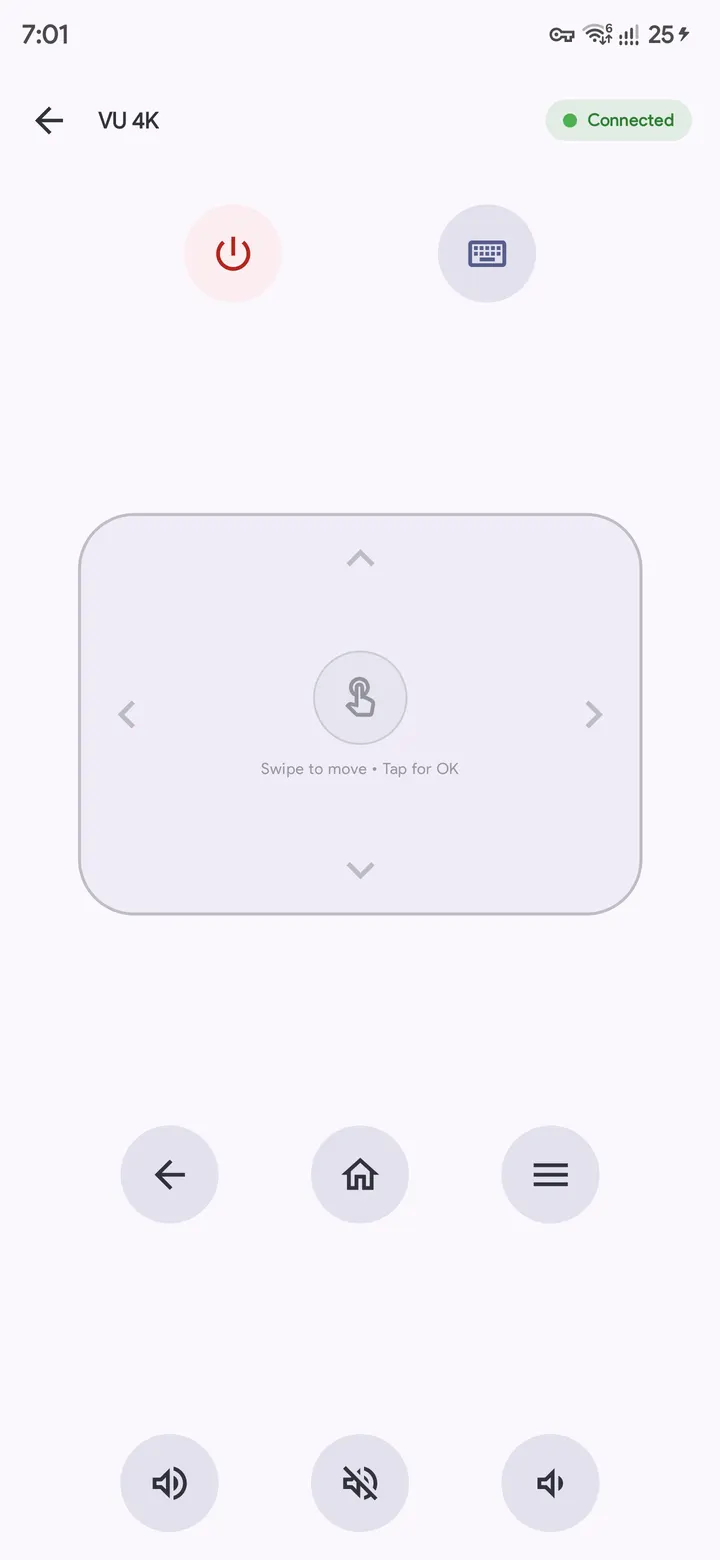
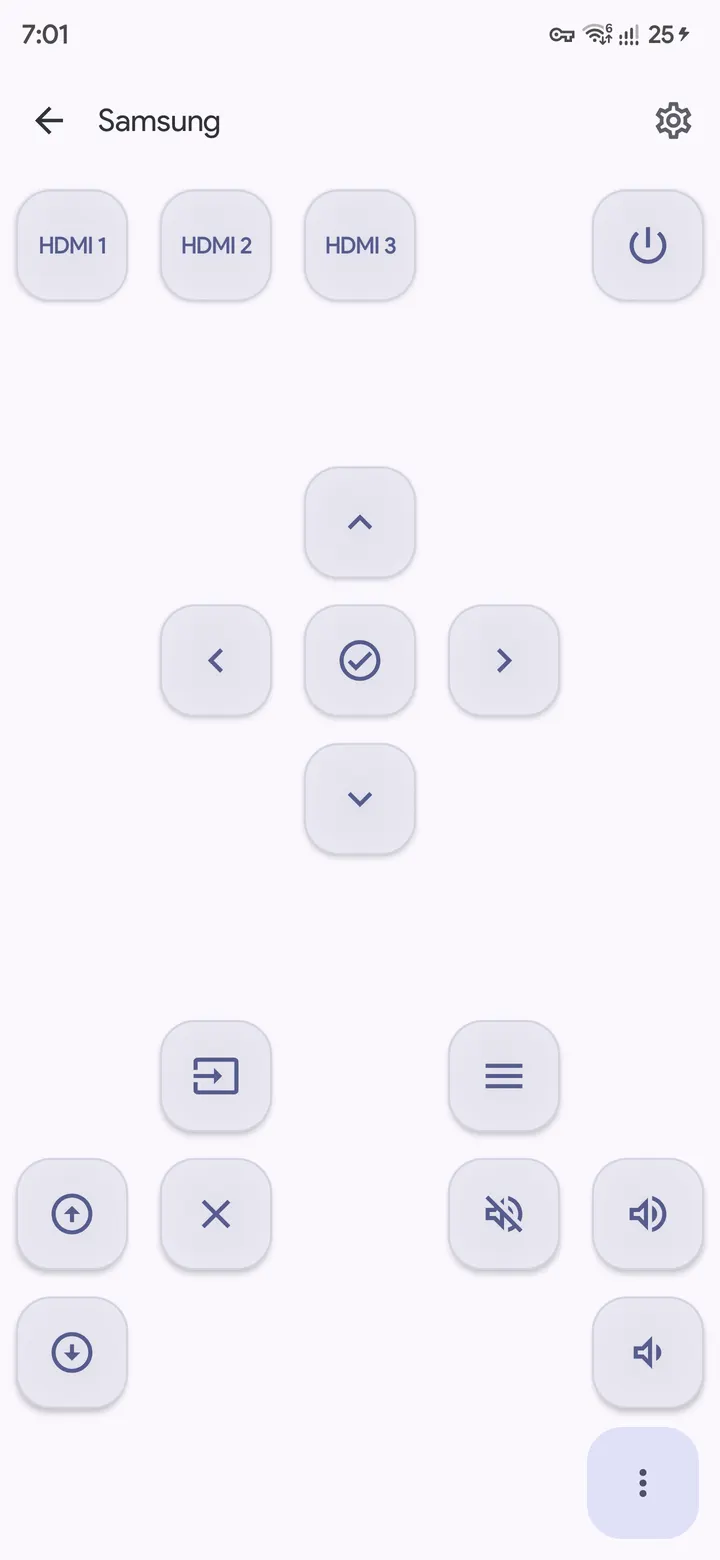
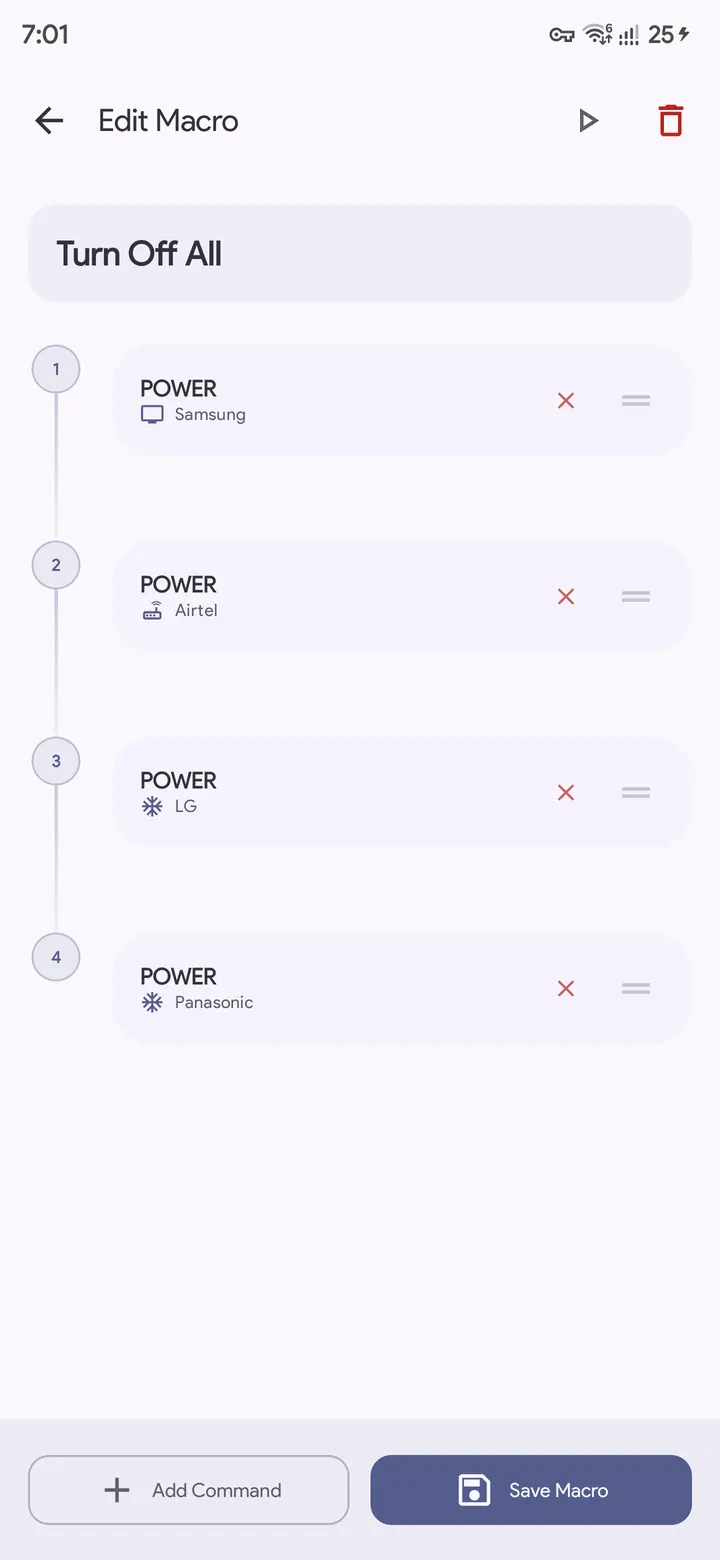
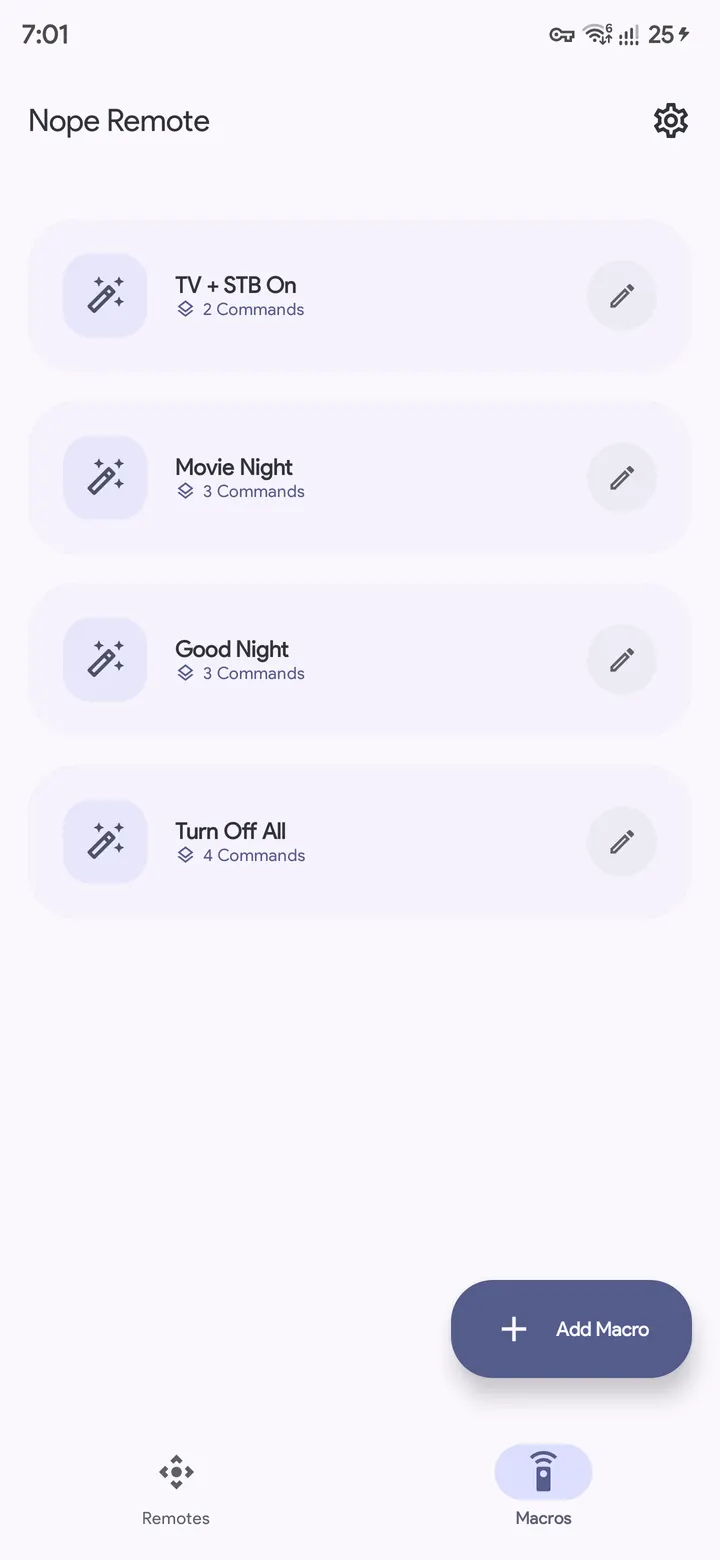
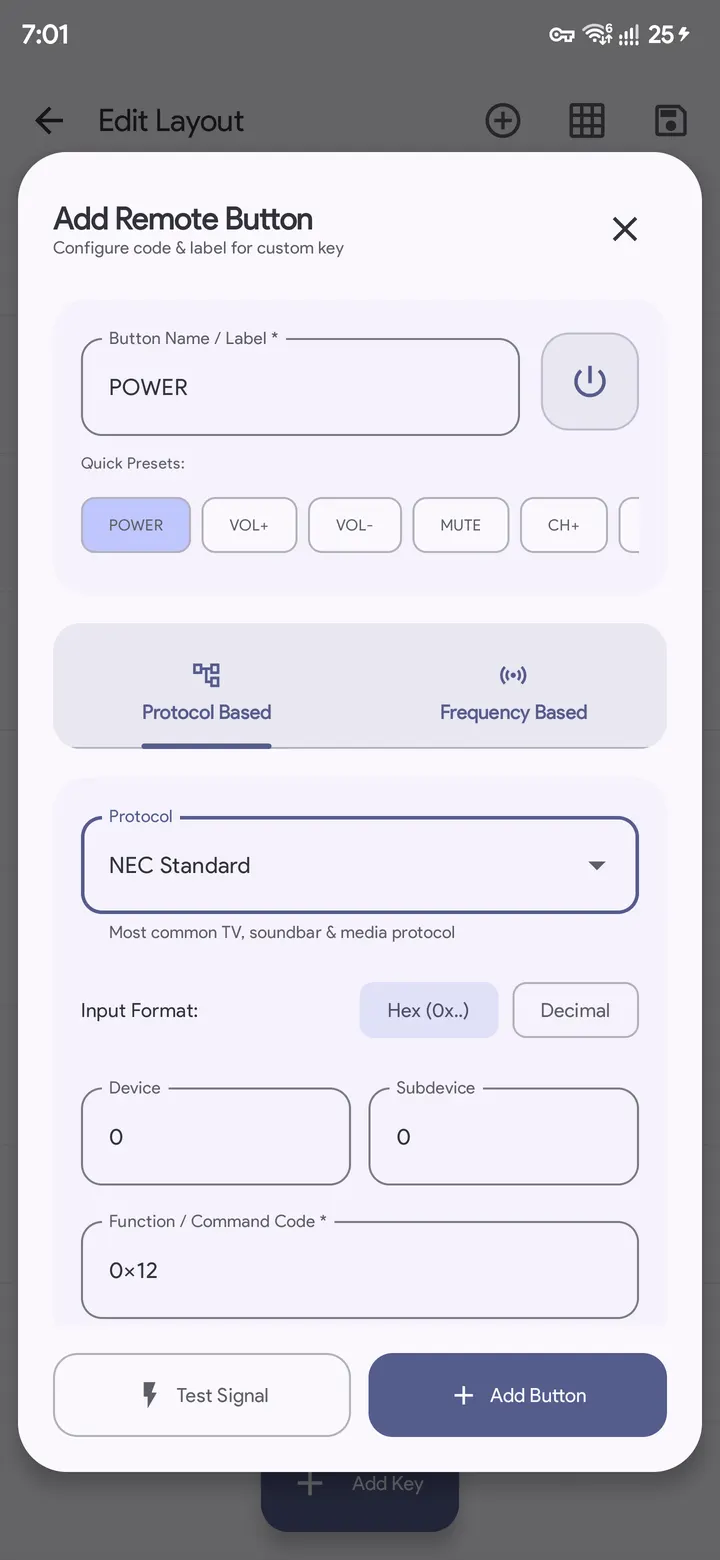
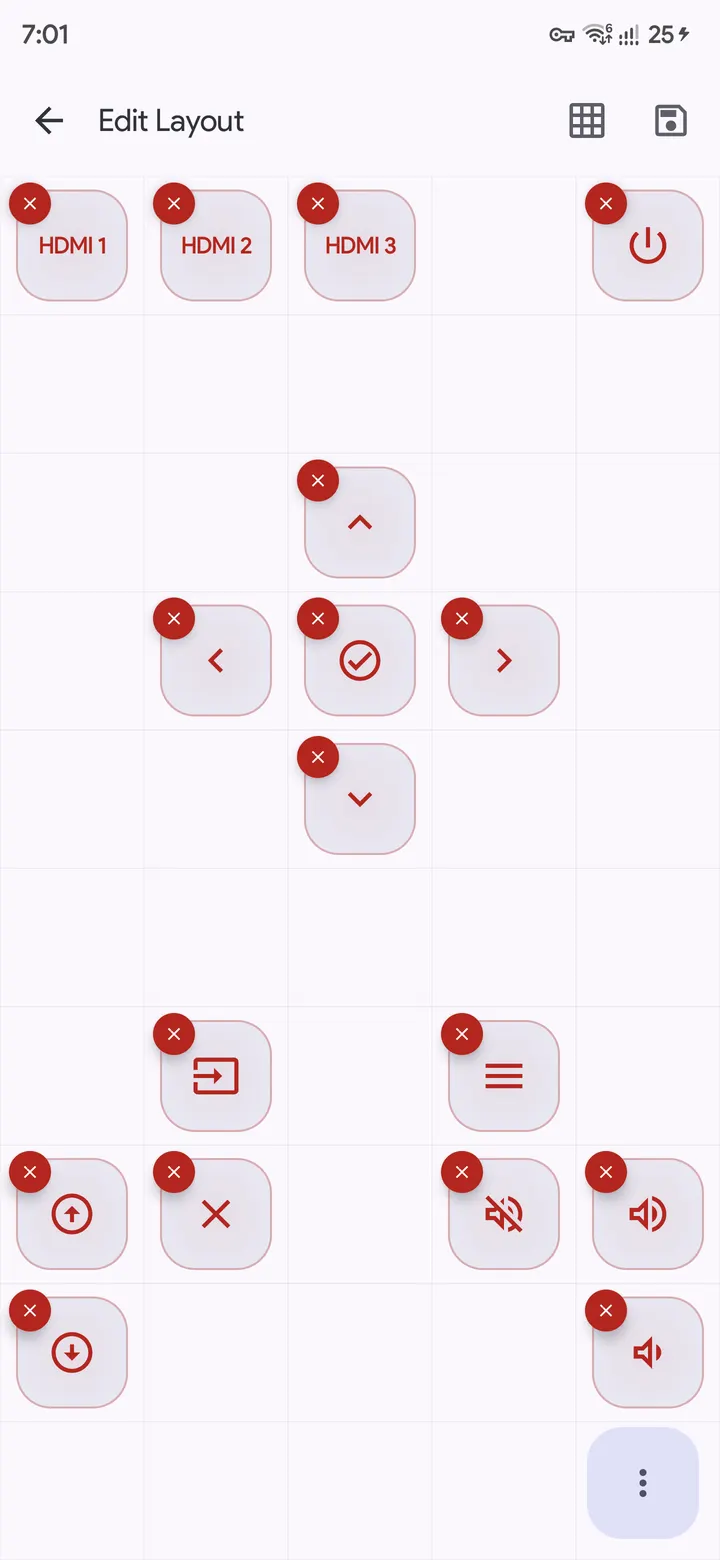
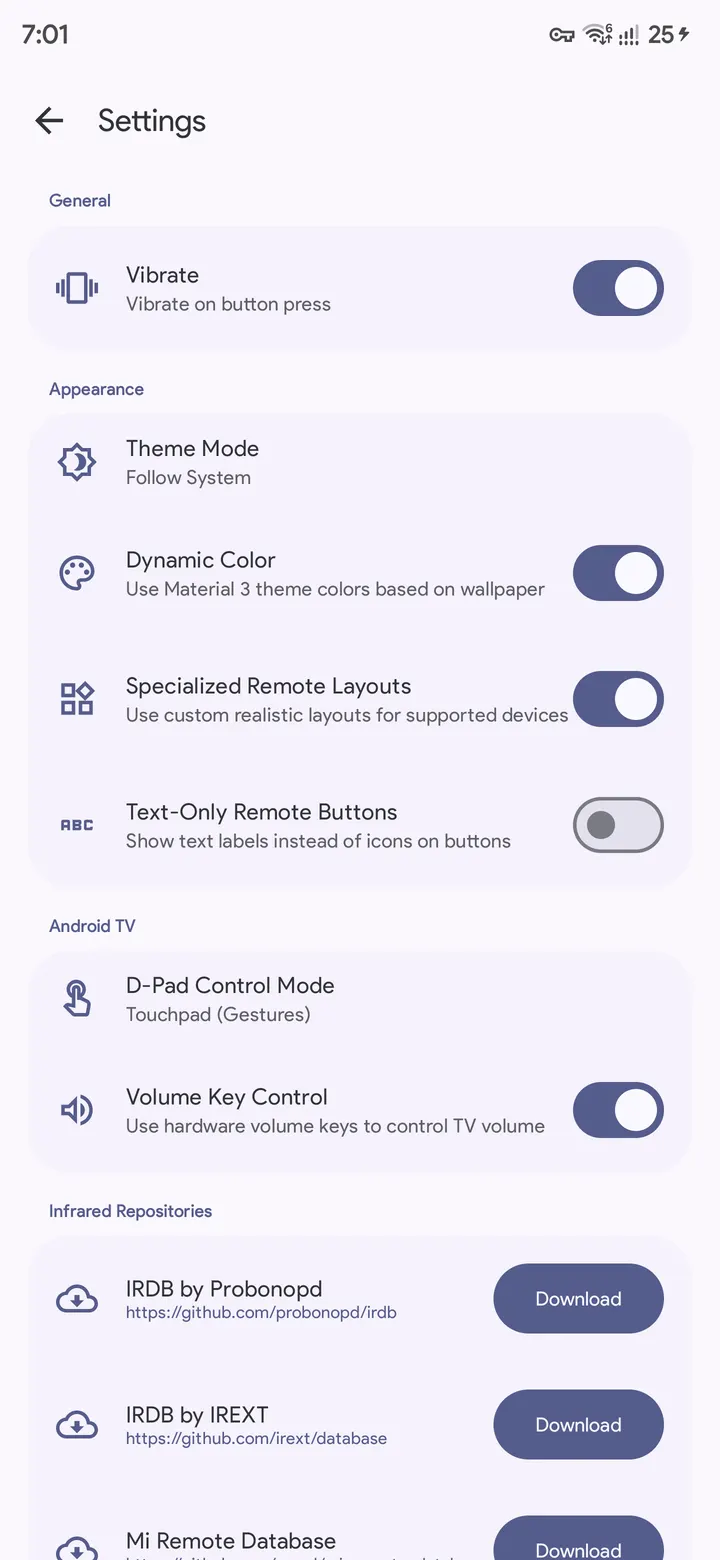
Nope Remote is a free, open-source Android app from Monu Kumar that turns a phone into a remote for infrared gear and Android TV. Version 2.6 weighs 4 MB, shows no ads, and lets you build custom remotes and chain commands into macros. A SHA-256 checksum is listed so you can verify the file.
A GPL-3.0 project by one developer, Monu Kumar
The app comes from the developer Monu Kumar, and its package ID is com.monuk7735.nope.remote. The source code is public on GitHub at monuk7735/nope-remote and is released under GPL-3.0-only. It first appeared on December 30, 2025, and the latest update in our records is dated October 31, 2026.
It sits in the TV remote apps category and carries tags for open source, remote controller, system and no ads. The store description also mentions a Material You look that follows the wallpaper colors, plus dark and light themes.
Custom remotes, macros and an offline IR database
The core idea is building your own remotes. You can start from scratch and add buttons with custom icons, labels, IR codes and protocols. Targets include TVs, set-top boxes and air conditioners, sent through the phone's built-in IR blaster.
Macros chain several commands into one tap. One example turns on a TV, a set-top box and a soundbar together. An option also lets the phone's physical volume buttons change the TV volume.
The IR database can be downloaded for offline use, so it does not depend on third-party CDNs. Support for several community repositories has been expanded, and the setup process was improved.
For Android TV and Google TV, the app offers discovery over mDNS or a manual connection by IP or hostname, including across VLANs. It also offers secure pairing, a directional pad, media playback, text input and app shortcuts. Haptic feedback on button presses has adjustable vibration settings.
Android 6.0 minimum, and what to check on your phone
The app needs Android 6.0 or newer. IR control depends on a built-in IR blaster, which many phones lack. Without one, Android TV devices can still be found and controlled over Wi-Fi.
Eight screenshots on the page show the remote layouts and the editor for custom buttons.
What's new in 2.6
Version 2.6 is the current build. It adds an offline IR database, expanded support for community repositories and an improved setup process.
Nope Remote pros and cons
Pros
- No ads and no price, with a 4 MB file size
- Source code is public on GitHub under GPL-3.0-only
- Custom remotes with editable icons, labels, IR codes and protocols
- Macros can switch on a TV, set-top box and soundbar in one tap
- Offline IR database with no reliance on third-party CDNs
Cons
- IR features need a phone with a built-in IR blaster
- Requires Android 6.0 or newer
- No Google Play rating or install figures are available
Is Nope Remote safe?
The SHA-256 checksum is 958b6e91508cdc5d8eb5d1810552dc427849aad4fc8acff2b5df07b12b6347e8. Compare it with your downloaded file before installing. The code is open under GPL-3.0-only and published by Monu Kumar on GitHub, so anyone can inspect how it handles IR codes and TV pairing. The app shows no ads.
How to install Nope Remote
- Download the APK with the button on this page and wait for it to finish.
- Compare the file with the SHA-256 checksum shown here if you want to confirm it arrived intact.
- Open the file on your phone and allow installs from this source when Android asks.
- Finish the install, then open Nope Remote from your app drawer.


