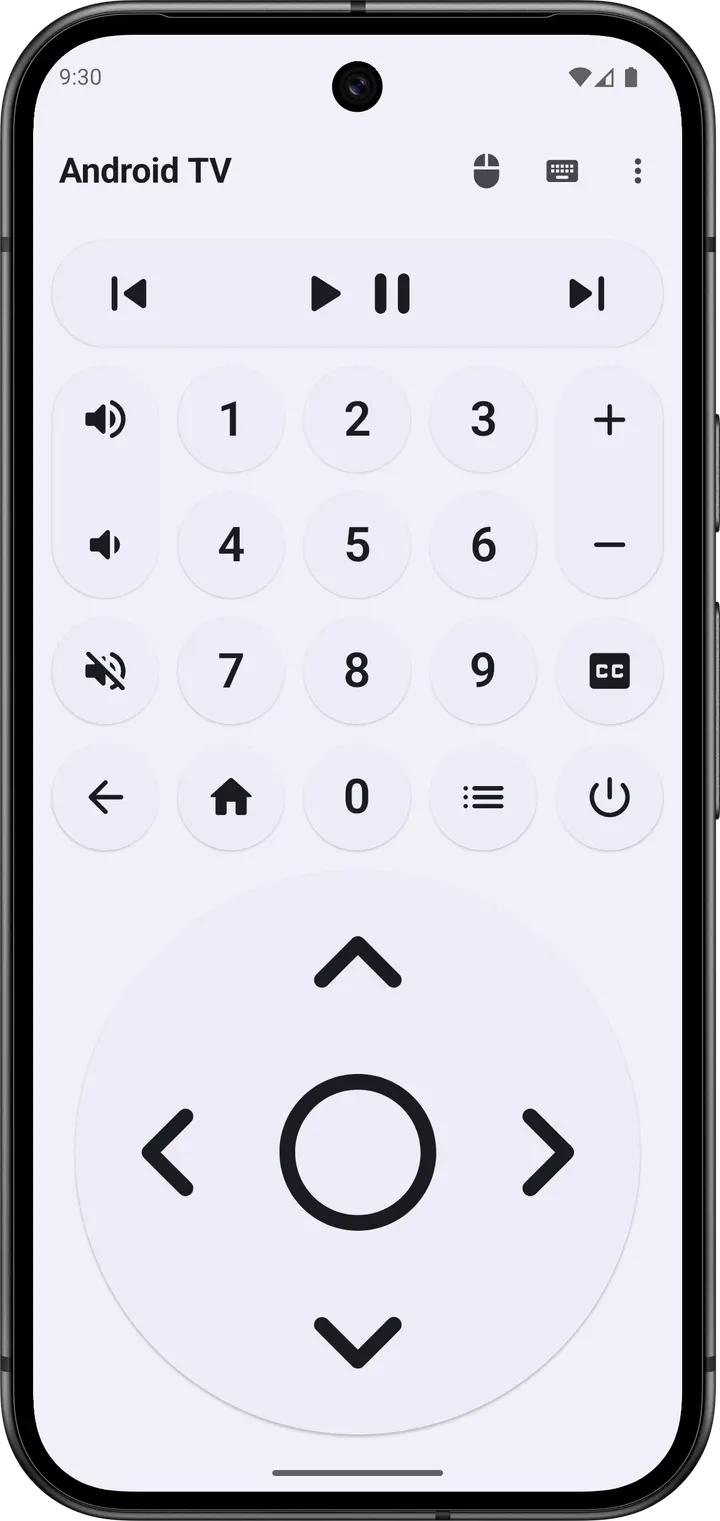
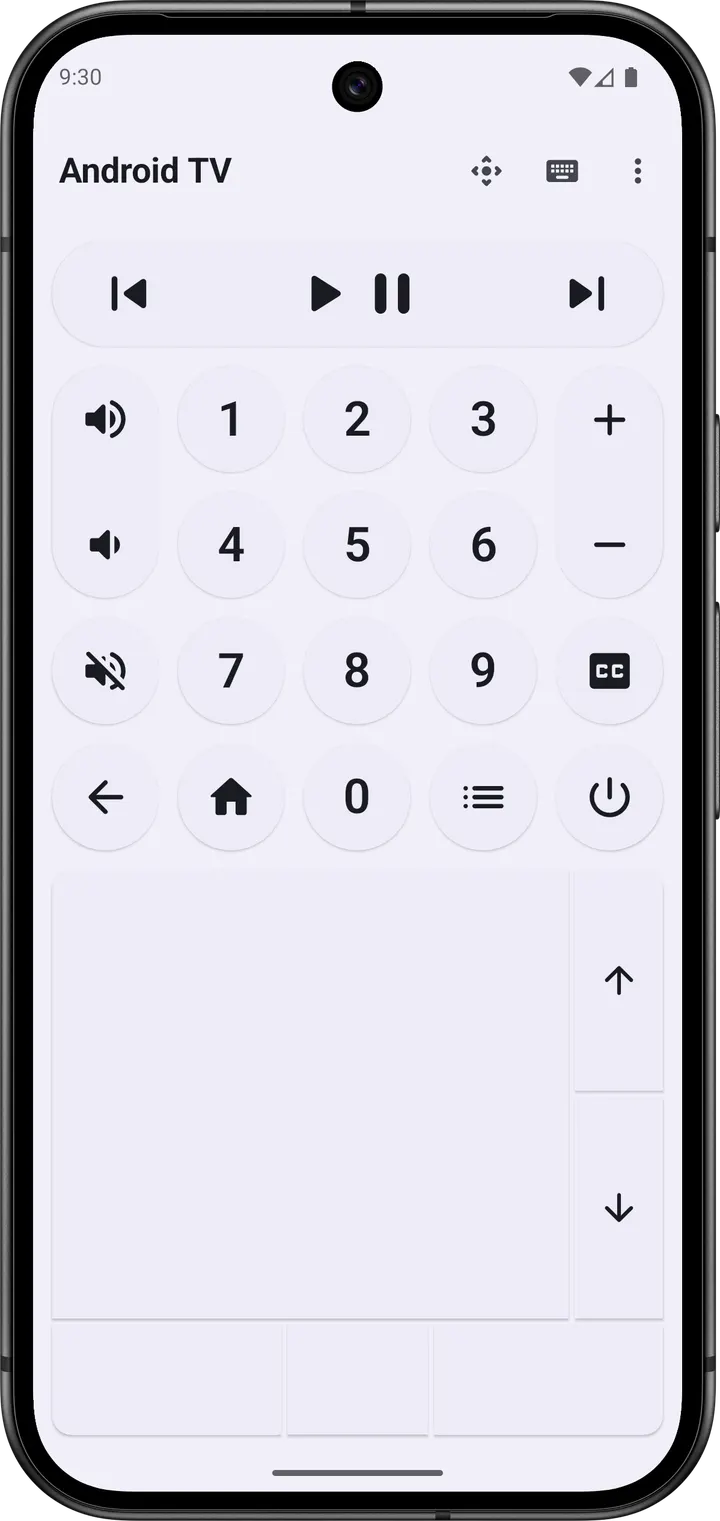
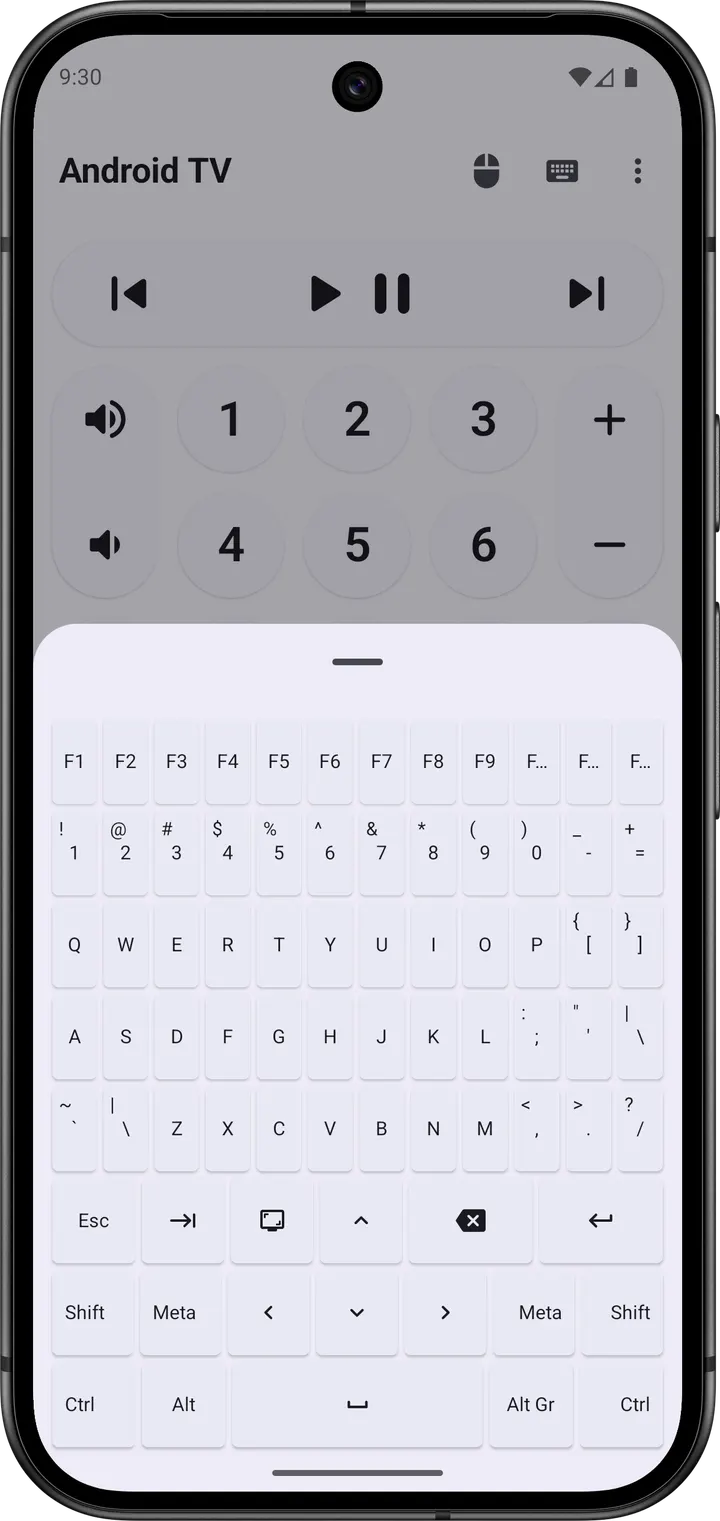
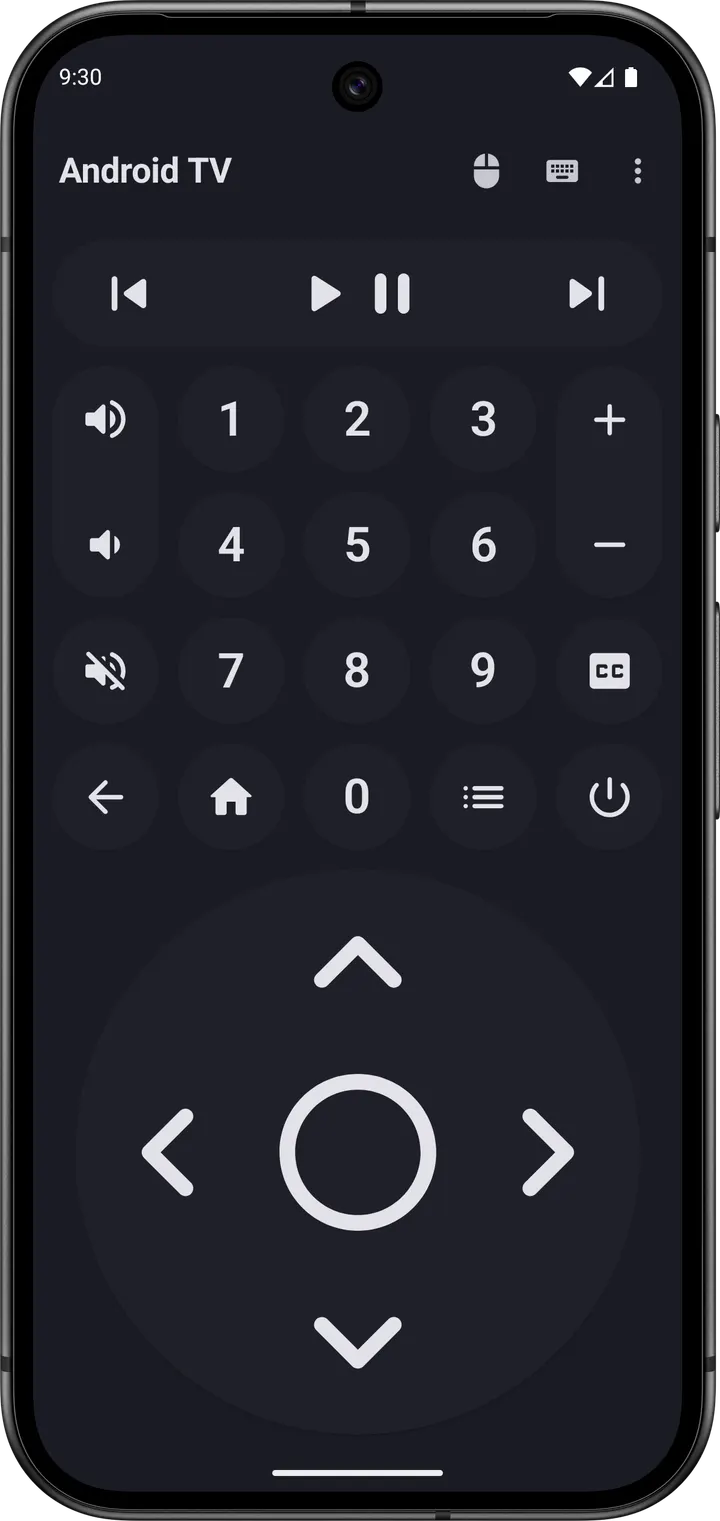
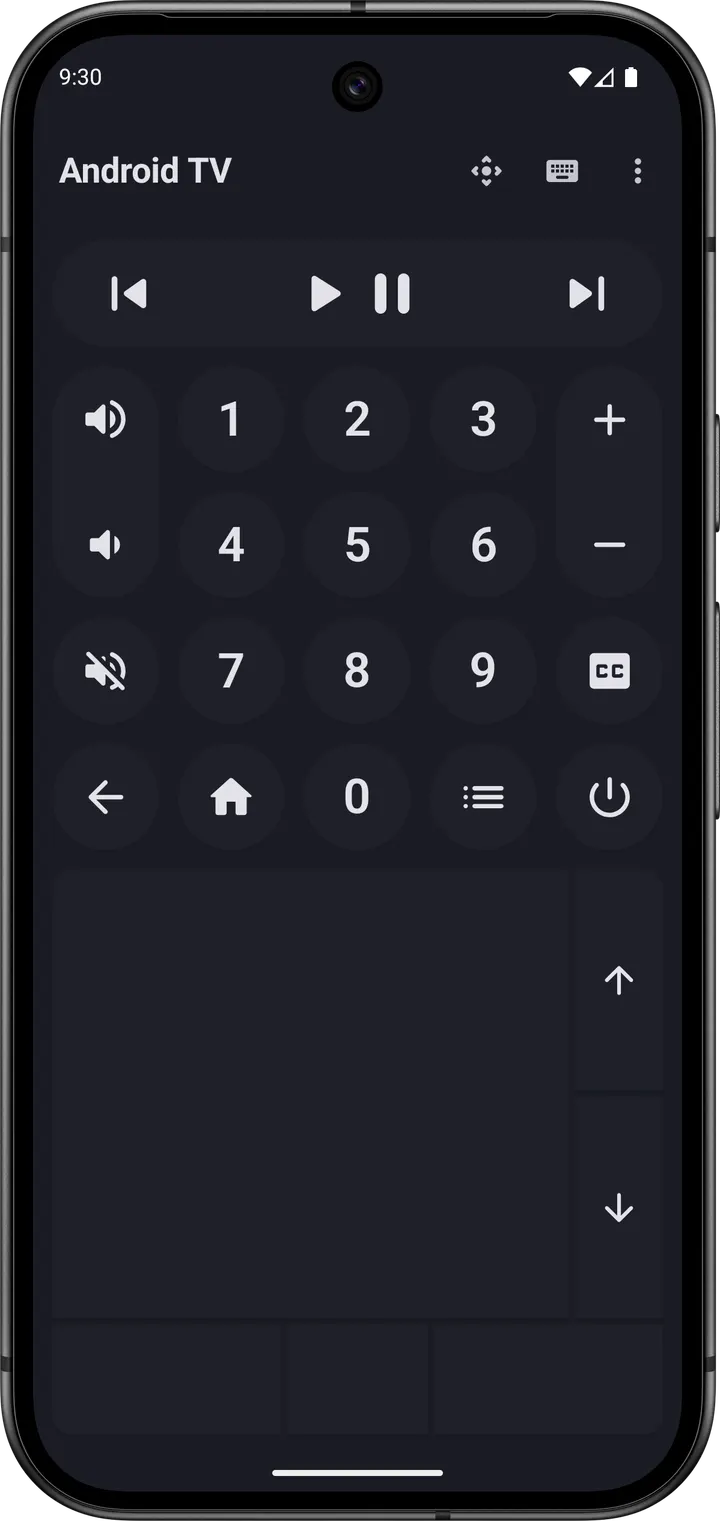
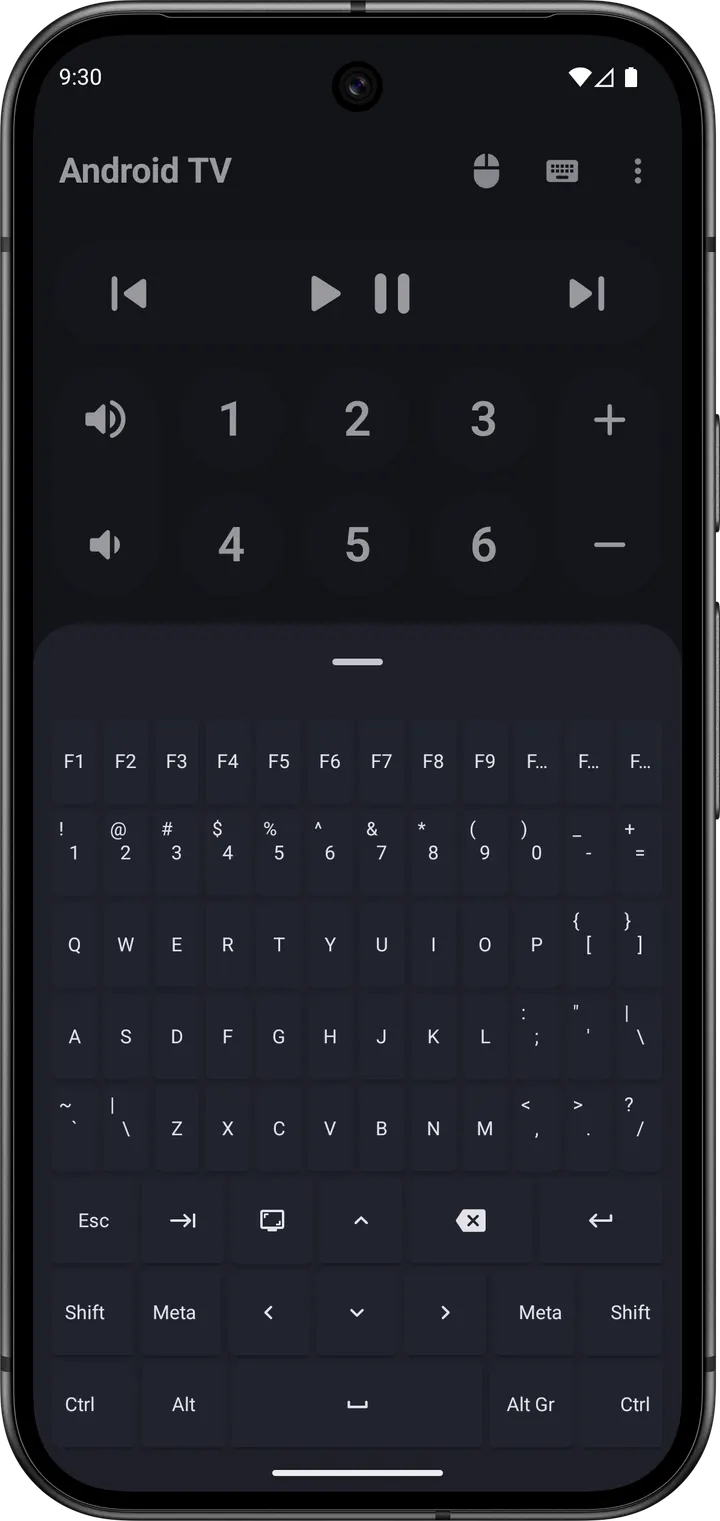
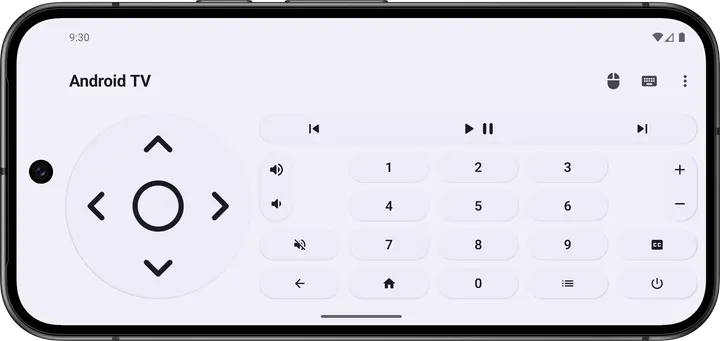
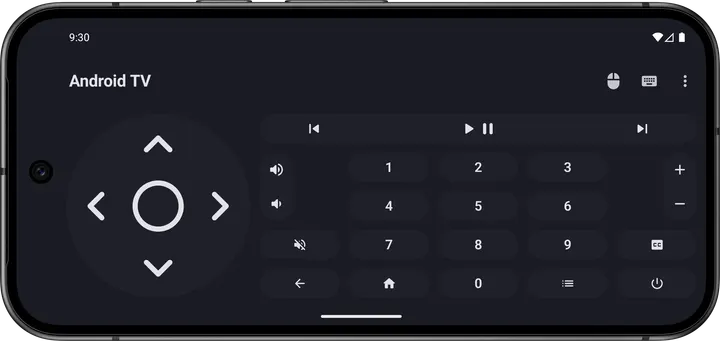
Roku Remote (Official) and Mi Remote controller are tied to specific hardware, while Bluetooth Remote by Atharok aims at Android TV through a plain Bluetooth link. It turns a phone into a remote with buttons, a mouse and a keyboard. The app is free, carries no ads and is published as open source.
This page covers version 1.13.0, which needs Android 9 or newer and weighs 4.7 MB.
Free, no ads and a GPL-3.0 licence
The app is free and contains no advertisements. The developer lists no paid tier, and there are no in-app purchases.
The code is released under GPL-3.0-or-later and the source is hosted on GitLab at Atharok/BtRemote. Anyone can read what the app does, which matters for a tool that talks to your TV.
HID pairing means nothing to install on the TV
The app uses the HID protocol, so the Android TV needs no companion app. The phone presents itself as a Bluetooth input device and the TV treats it like a keyboard or mouse.
The interface includes all the buttons needed for basic remote control. Mouse and keyboard input are built in, which helps with text entry and pointer-driven screens. The app is written in Kotlin with Jetpack Compose and Material 3, and the description calls the interface modern and responsive.
Internet permission disabled, version 1.13.0
The developer states that the app collects no data and that its internet permission is disabled. That is a concrete design choice for a remote that only needs a local Bluetooth connection.
The current build is 1.13.0, last updated on August 26, 2026. The first release dates to May 9, 2024, so the project has been maintained for a little over two years. The developer maintains a project page for the app.
Bluetooth Remote pros and cons
Pros
- Free with no ads and no in-app purchases listed
- Open source under GPL-3.0-or-later, with code on GitLab
- Works through HID, so the TV needs no extra app
- Internet permission is disabled and no data is collected
- Small 4.7 MB download
Cons
- Targets Android TV, so other TV brands are not covered
- Requires Android 9 or newer
- The current release is version 1.13.0.
Is Bluetooth Remote safe?
The APK we serve is the unmodified file from the developer, and its SHA-256 checksum is 58000262bb6fcbab195501cc18d3f46685b06f0d65abb76e168ddf769b898e6a, so you can compare it after downloading. Atharok publishes the app under the package ID com.atharok.btremote. The source code is open under GPL-3.0-or-later at https://gitlab.com/Atharok/BtRemote, and the developer says the internet permission is disabled, so the app collects no data. No independent security review is part of what we know about it.
How to install Bluetooth Remote
- Download the APK with the button on this page and wait for it to finish.
- Compare the file with the SHA-256 checksum shown here if you want to confirm it arrived intact.
- Open the file on your phone and allow installs from this source when Android asks.
- Finish the install, then open Bluetooth Remote from your app drawer.


