
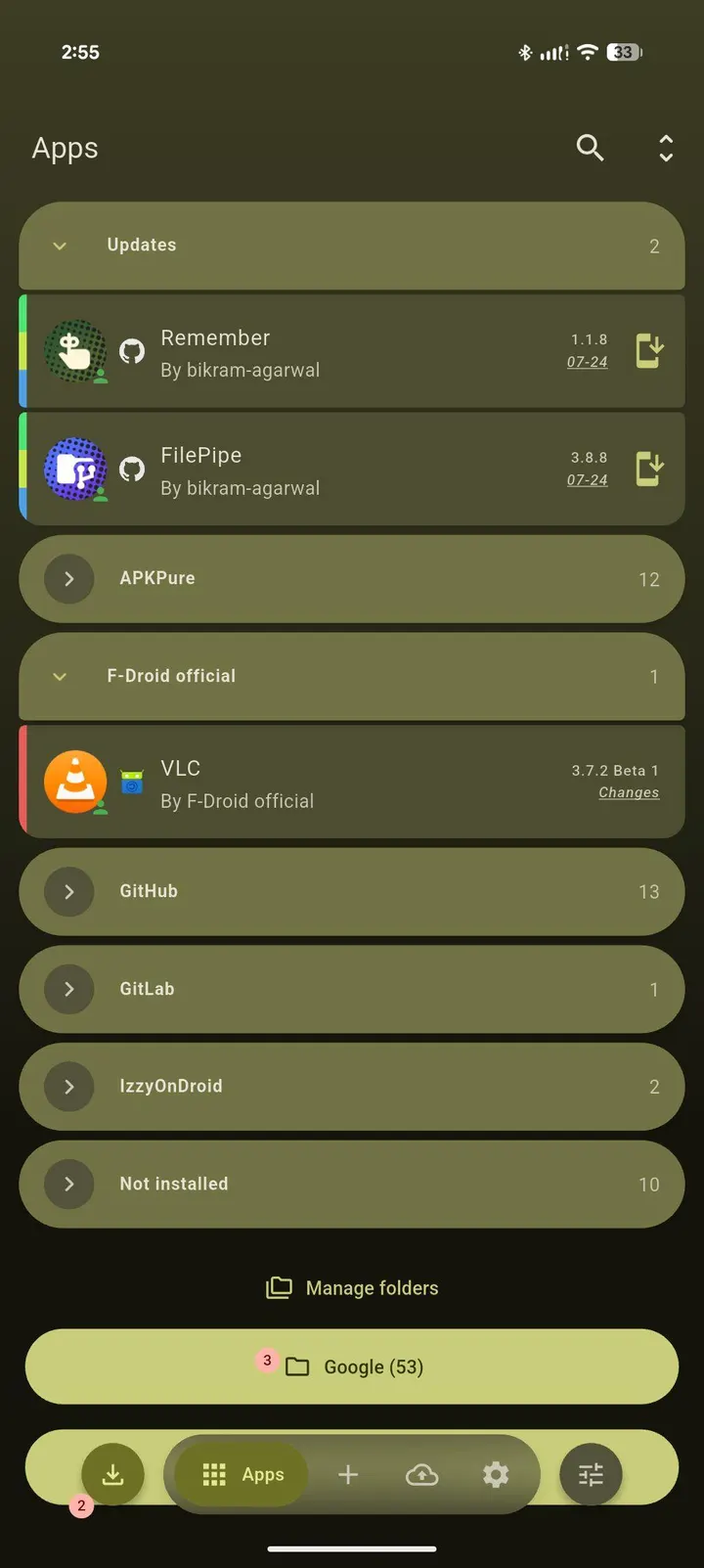
ObtainX is a fork of Obtainium that checks the original release sources of your apps, such as GitHub, GitLab, F-Droid, IzzyOnDroid, APKMirror and APKPure, instead of a central store. Developer Bikram Agarwal publishes it under GPL-3.0-only, and it costs nothing and shows no ads. Version 2.21.0 needs Android 8.0 and weighs 26.6 MB. TopDown APK hosts the unmodified APK for it.
Release pages as the update source
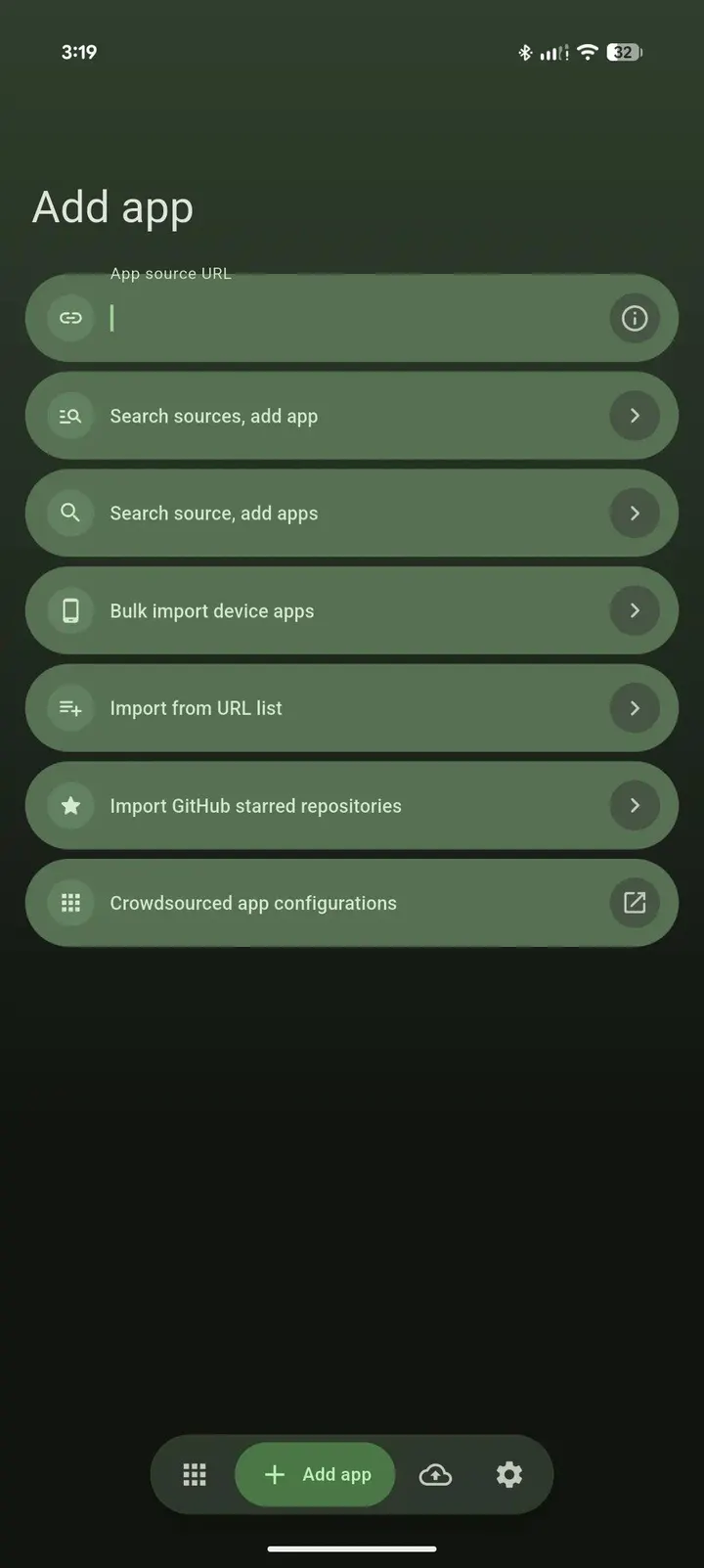
The defining choice in ObtainX is that each app is tracked against the place its developer publishes builds. The developer says there is no central repository, no account and no tracking. You add an app by URL, by search, or from the apps already on the device, and all three paths sit on one screen under a segmented control.
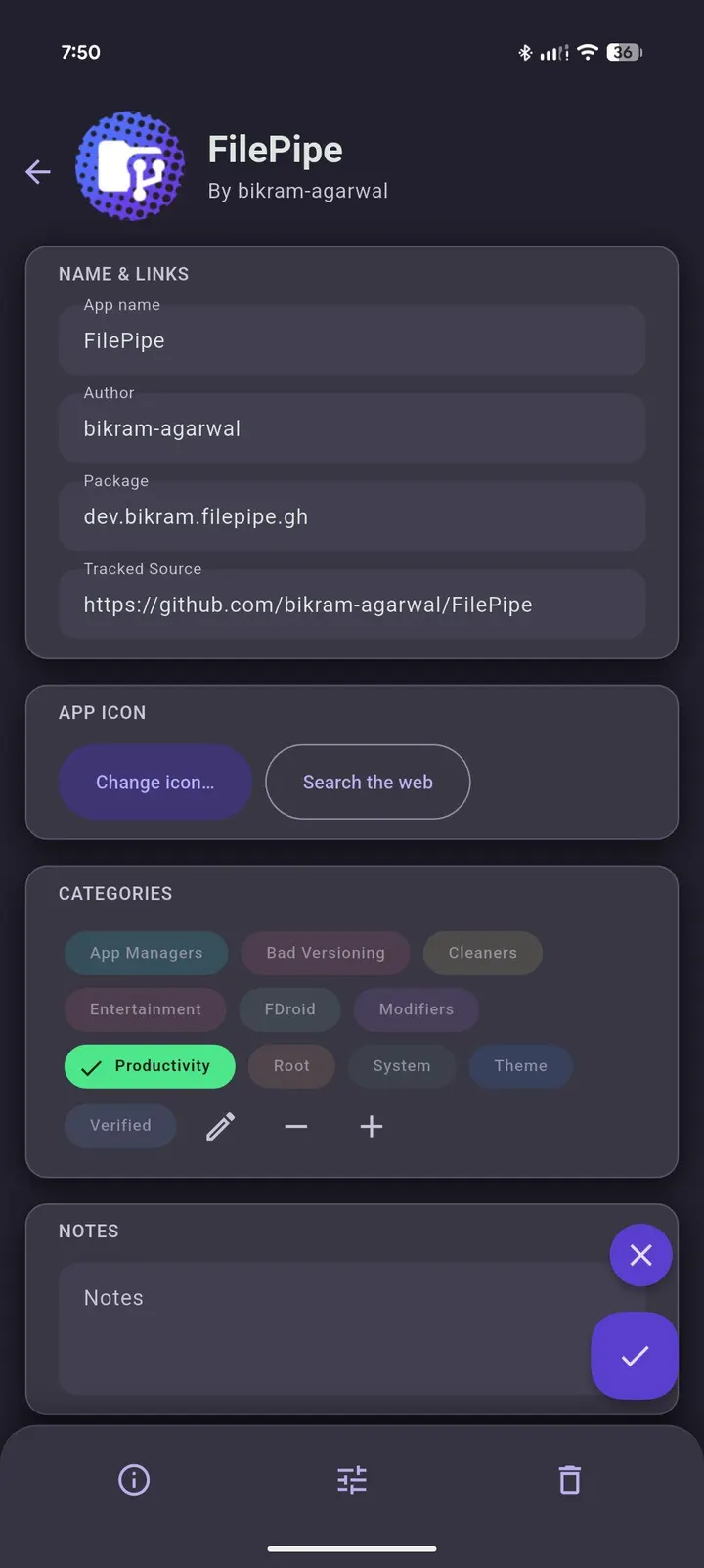
APKMirror updates are switched on here, although the developer says they are disabled upstream. They open the specific release page. For track-only sources you can edit the package ID, which restores correct install detection and updates.
A session with bulk import and dynamic folders
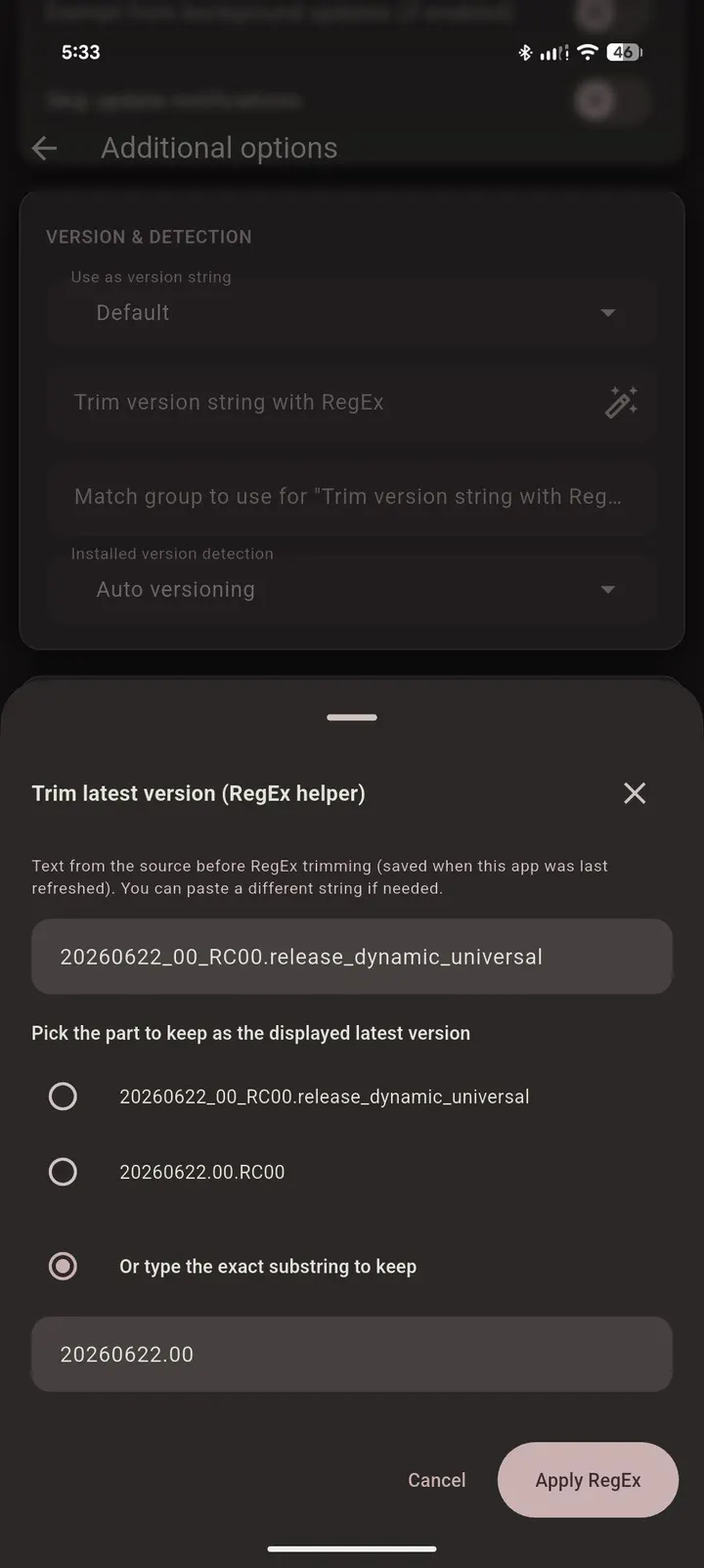
A first session usually starts with Bulk Import from Device. You select apps already installed, and ObtainX finds their sources on its own, so you skip hunting for URLs. Where a filter is needed, RegEx Assist walks through building version and APK filters without regex knowledge.
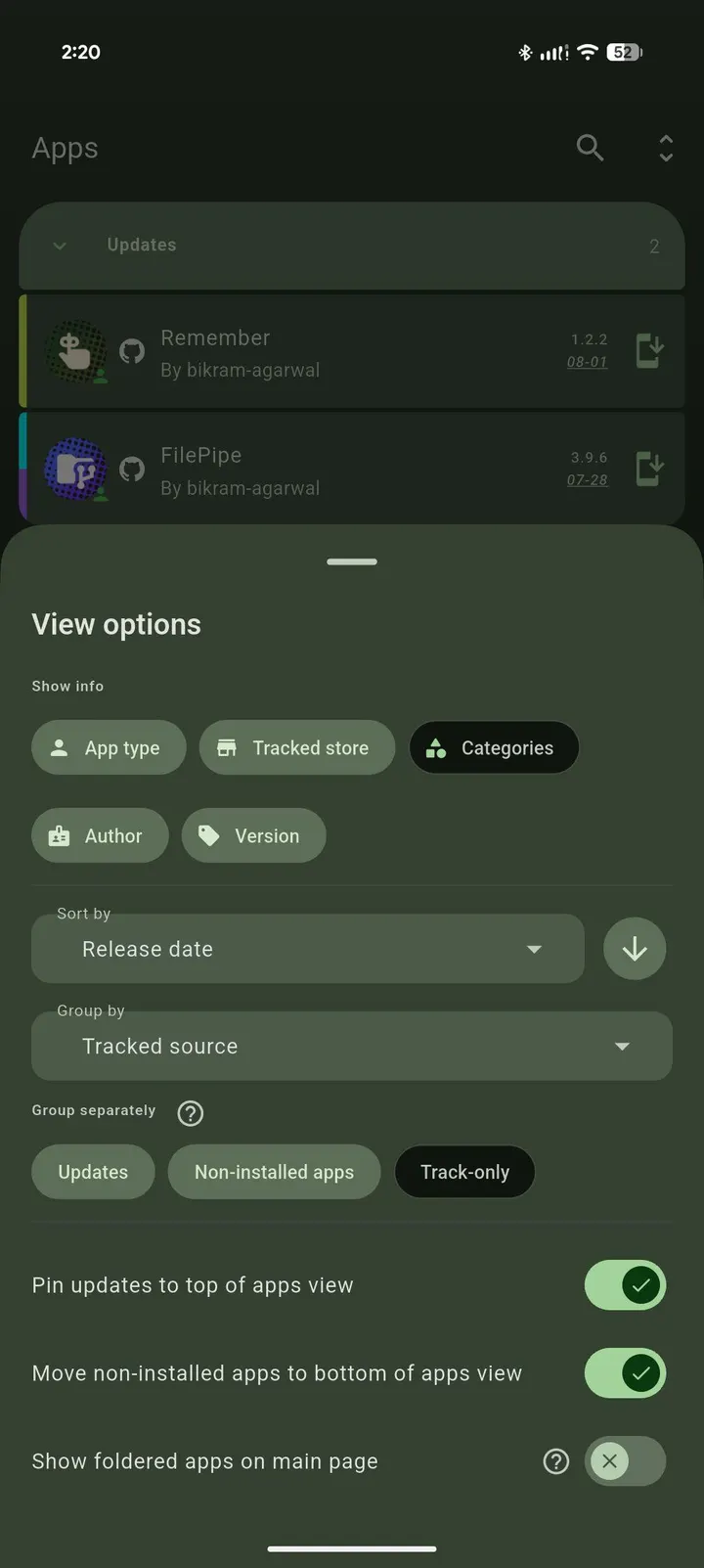
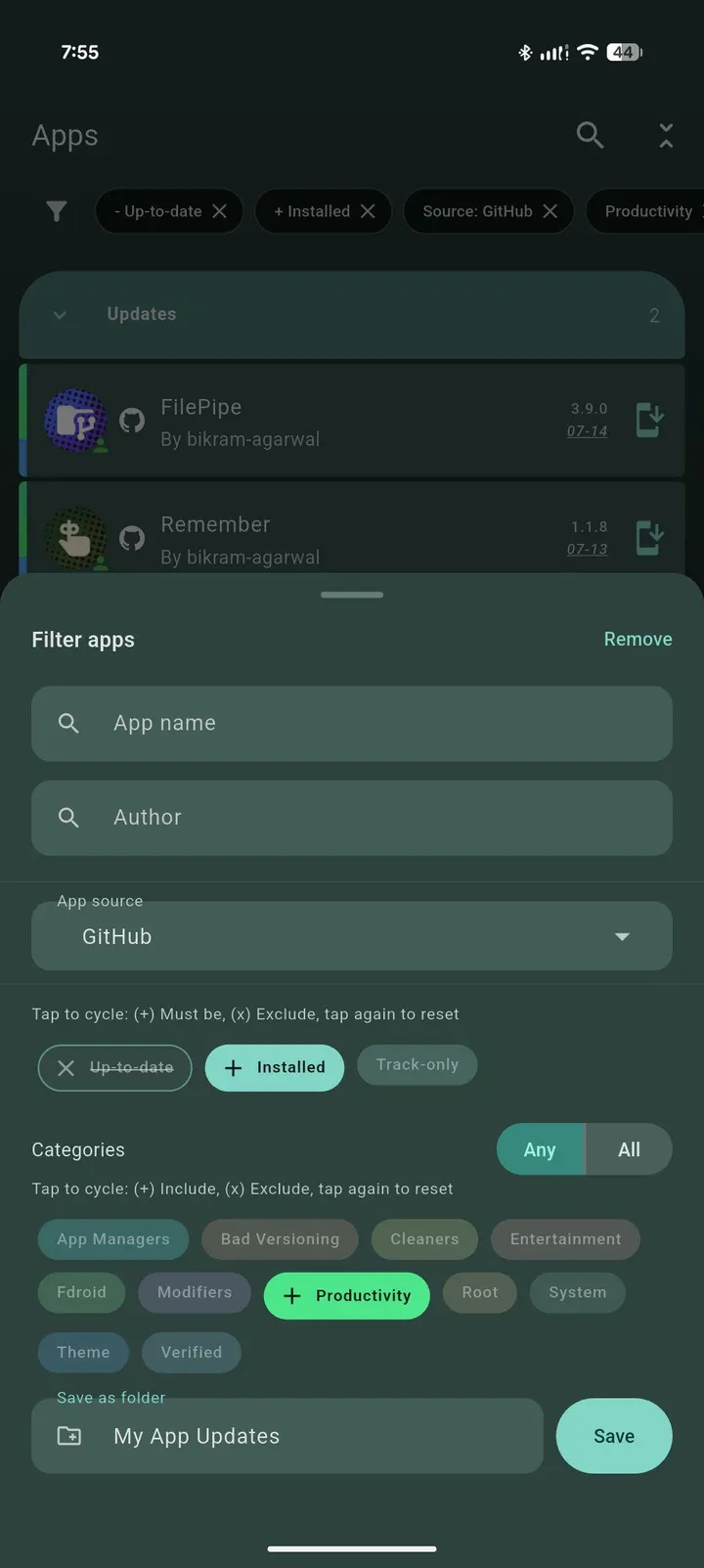
Once the list fills up, Dynamic Folders help. They can be manual or rule-based, using name, author, package ID, category or source, and each folder keeps its own layout. On-Demand Only mode hides rarely updated apps from the main list and skips them in global scans, so you check them only when you choose.
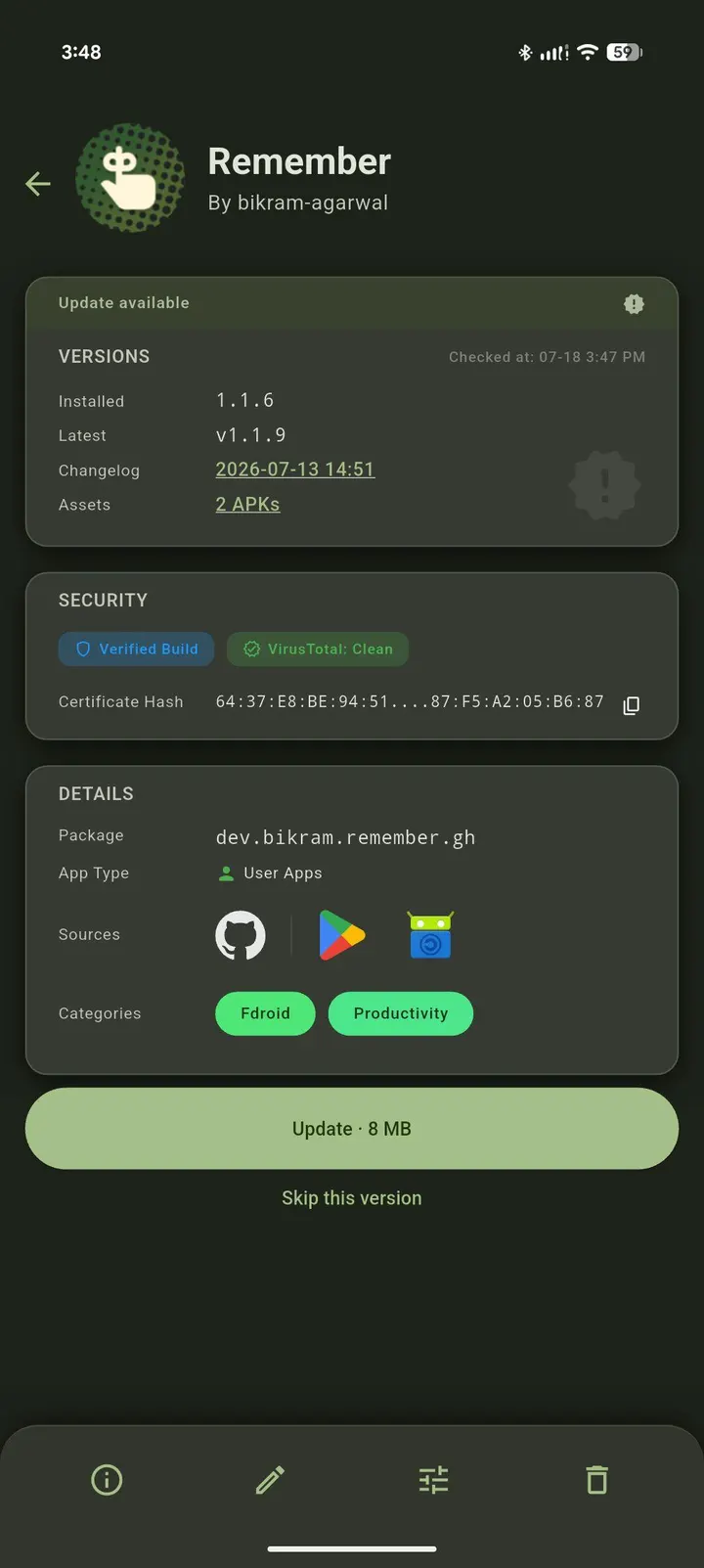
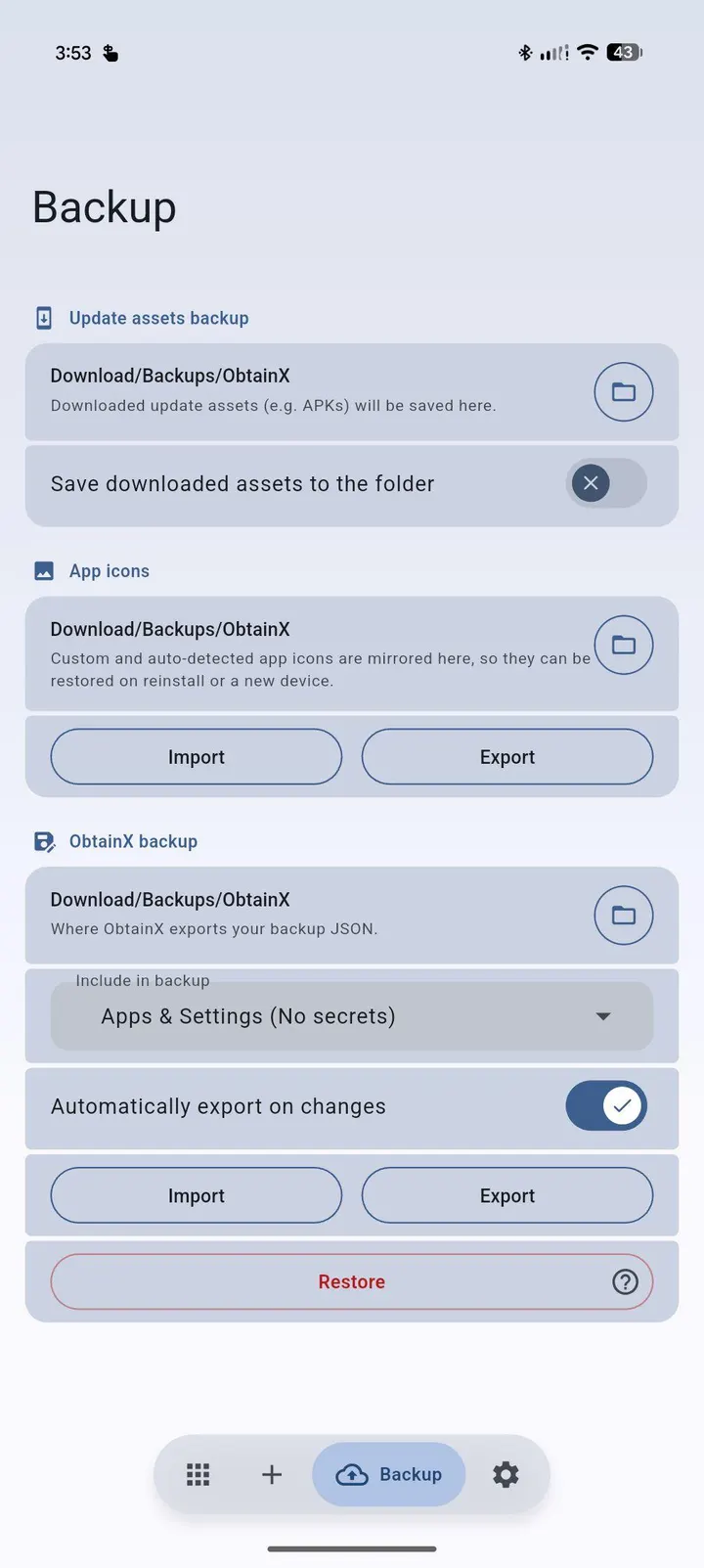
Day-to-day handling is set by swipe gestures, with independent left and right actions per row, including Update, Install, Pin, Edit and Delete. Swipe or bulk delete shows an Undo snackbar for 5 seconds. Before updating you can see the exact download size, skip a version without marking the app updated, cancel a download from the app, notification or queue, and save downloaded APKs to a folder.
Build verification and outside installers
ObtainX adds cryptographic checks that Obtainium lacks, according to the developer. They cover F-Droid and IzzyOnDroid reproducible builds and GitHub Release Attestations, and they flag manipulated binaries before install. The app's own updates carry GitHub attestations as well.
Updates can also be handed to a third-party installer such as InstallerX or App Manager, which show APK metadata the stock installer hides. The developer calls this essential under Advanced Protection. Version status has six states rather than a plain update or up-to-date flag.
Compared with Aurora Store, F-Droid and Droid-ify
The listed alternatives are Aurora Store, F-Droid, Droid-ify, Aurora Droid, Neo Store and RepoStore. This page makes no feature-by-feature claims about them. ObtainX leans on no single repository and can pull from many sources at once.
It also carries extras aimed at heavy users: custom app icons, colored and renamed categories, active filter chips, and verified links showing other stores where an app is confirmed present. On tablets and foldables a navigation rail replaces the bottom bar and the list sits beside the detail page.
ObtainX pros and cons
Pros
- Free, open-source under GPL-3.0-only, with no ads
- Bulk Import from Device finds sources for installed apps automatically
- Build verification checks flag manipulated binaries before install
- Dynamic Folders and On-Demand Only mode keep long app lists manageable
- Supports handing updates to InstallerX or App Manager
Cons
- Needs Android 8.0 or newer
- The 26.6 MB install is not small for an updater
- No user ratings or install counts are available to help judge its popularity
Is ObtainX safe?
The APK is stored unmodified, and its SHA-256 is a6ebda5a39f820fc1dd5a3283cde4cb618848708936aa57f93887840c8cf6a2d, so you can compare it against your download. ObtainX is GPL-3.0-only with public code at github.com/bikram-agarwal/ObtainX, and it carries no ads. Inside the app, Build Verification checks F-Droid and IzzyOnDroid reproducible builds and GitHub Release Attestations, which helps flag tampered binaries before you install updates for other apps.
How to install ObtainX
- Download the APK with the button on this page and wait for it to finish.
- Compare the file with the SHA-256 checksum shown here if you want to confirm it arrived intact.
- Open the file on your phone and allow installs from this source when Android asks.
- Finish the install, then open ObtainX from your app drawer.


