
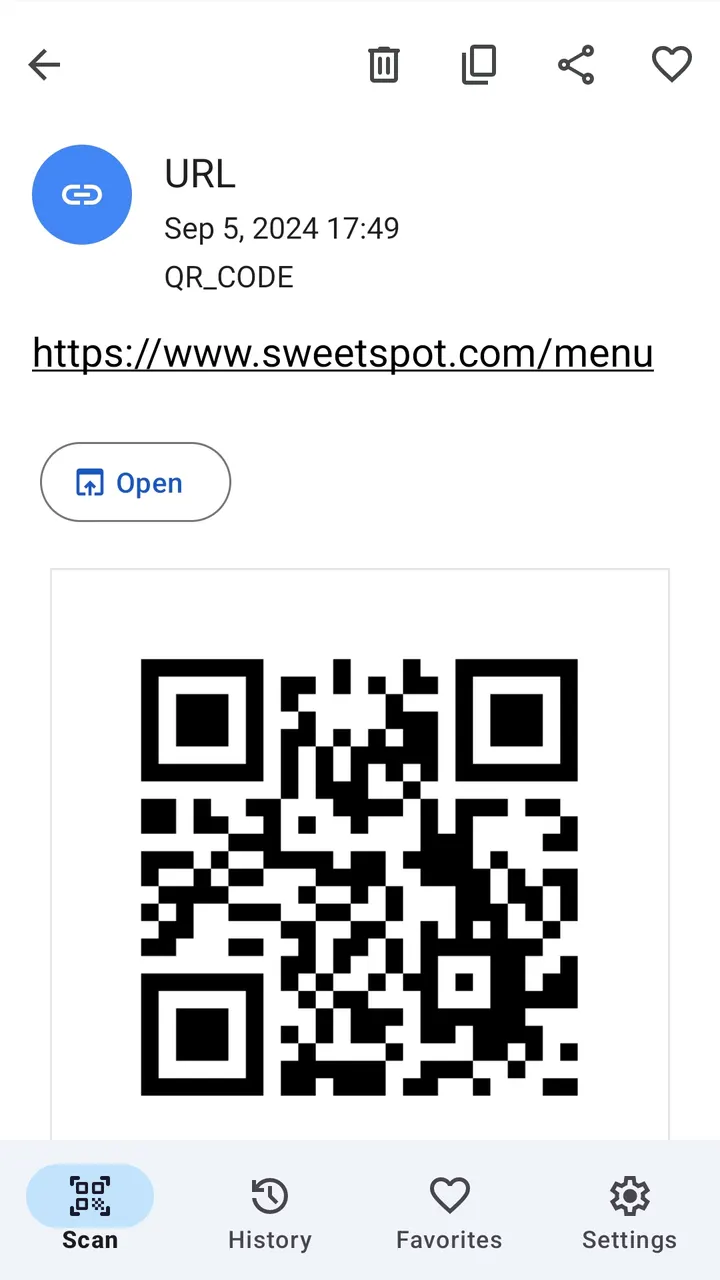
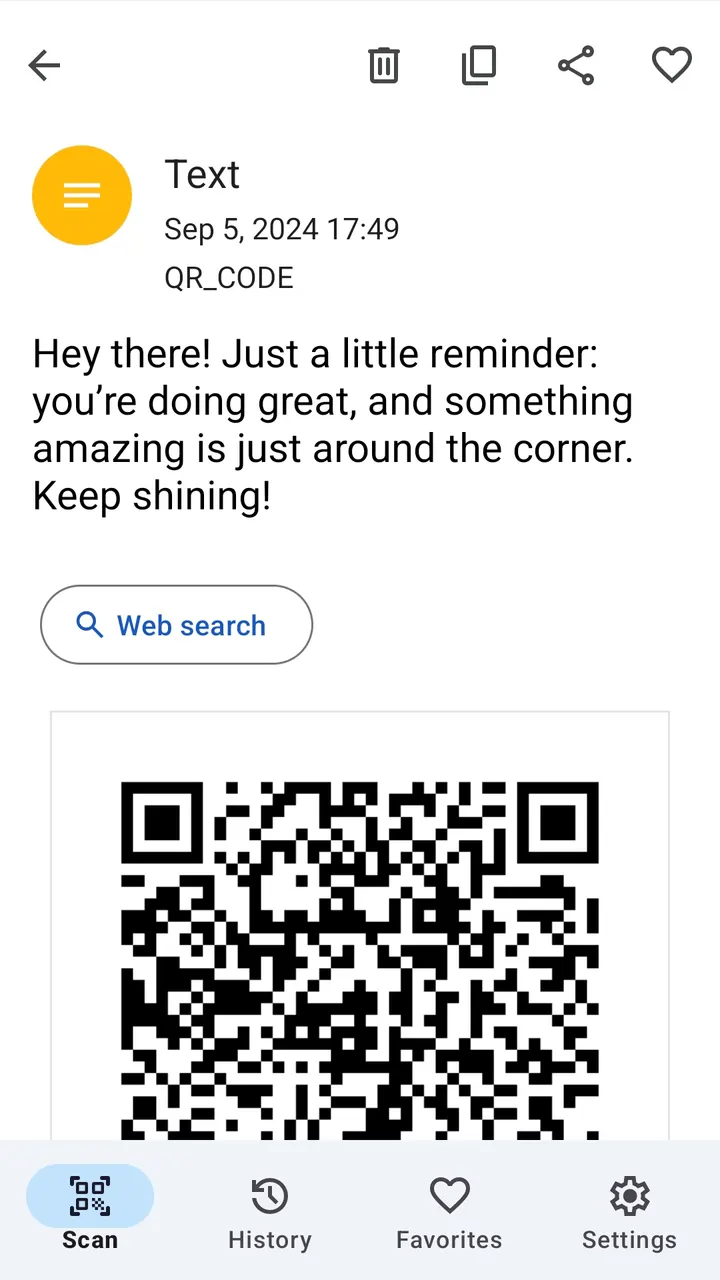
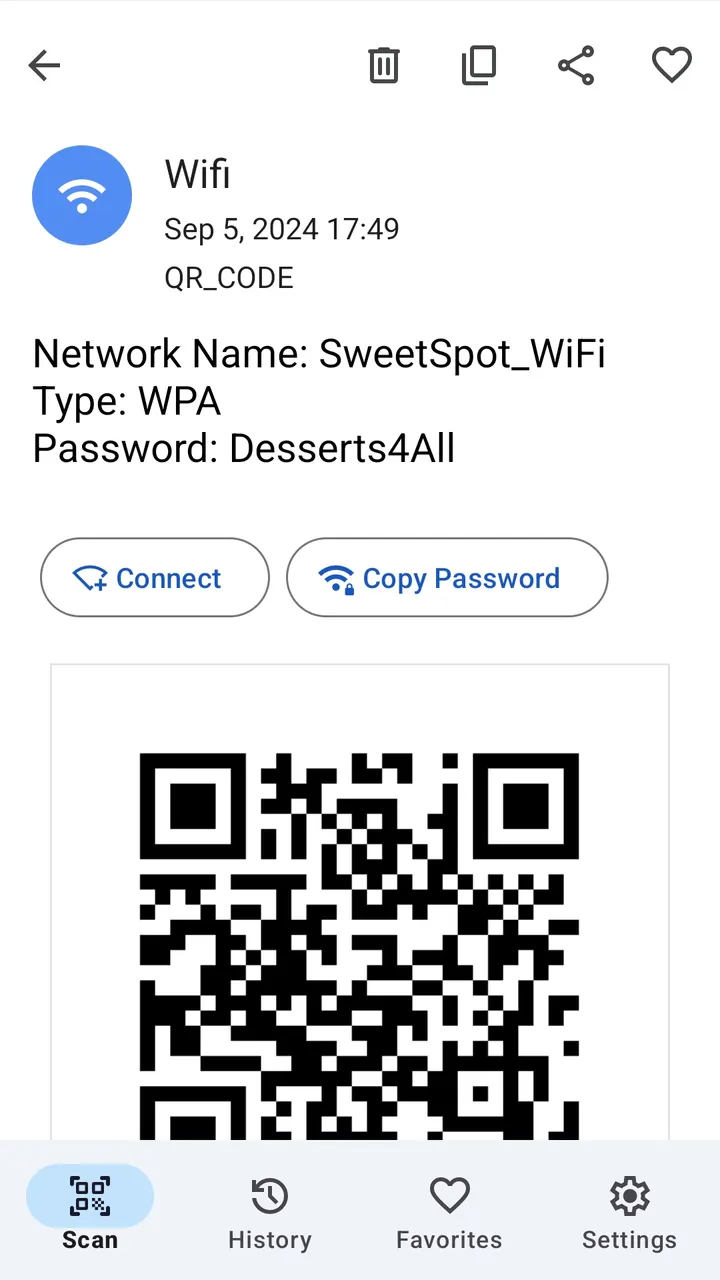
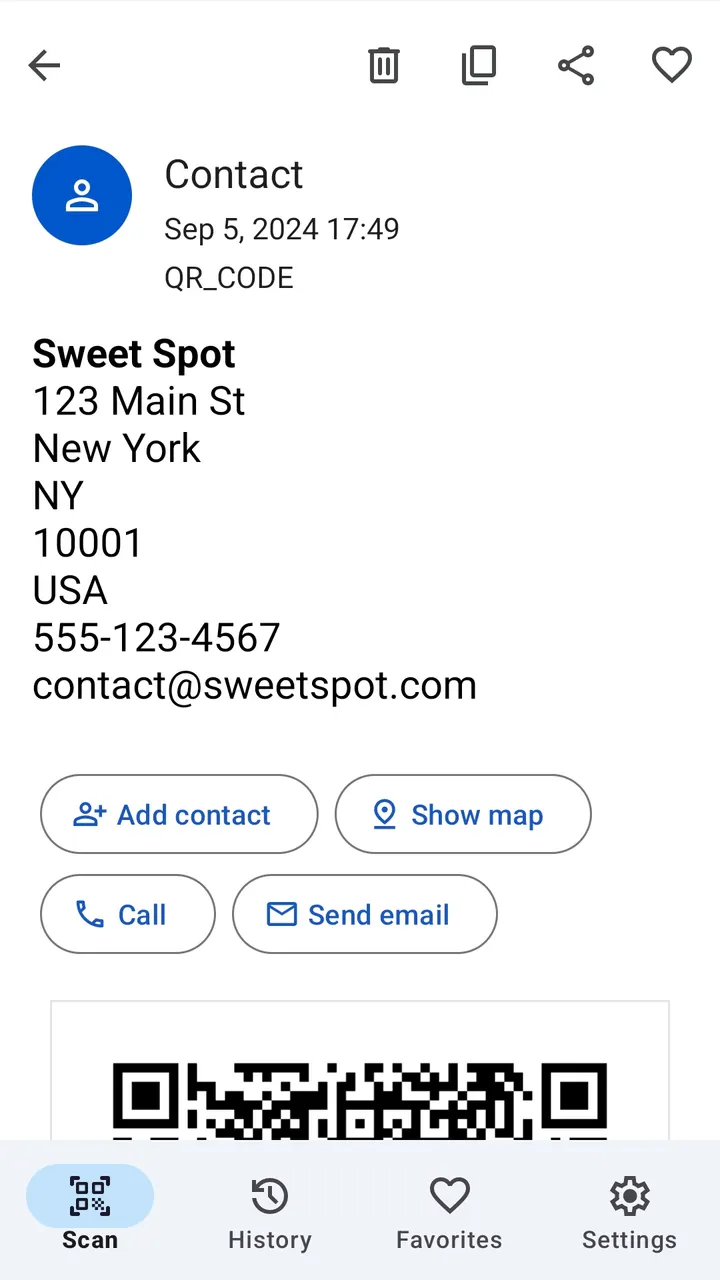
You are standing at a cafe table with a Wi-Fi code printed on a card, and you want to join without typing the password. QR Code Scanner from Triple Tap Limited is built for that kind of quick job. It reads QR codes and barcodes, and Google Play lists over 1 million installs.
No ads, no purchases, no connection needed
QR Code Scanner costs nothing, shows no ads and sells no in-app purchases. The developer, Triple Tap Limited, says it works without Wi-Fi or mobile data, so a scan needs no connection.
It reads QR codes and barcodes, and the description also mentions support for QR in QR codes. The content rating is Everyone.
Wi-Fi codes, barcodes and photo scanning
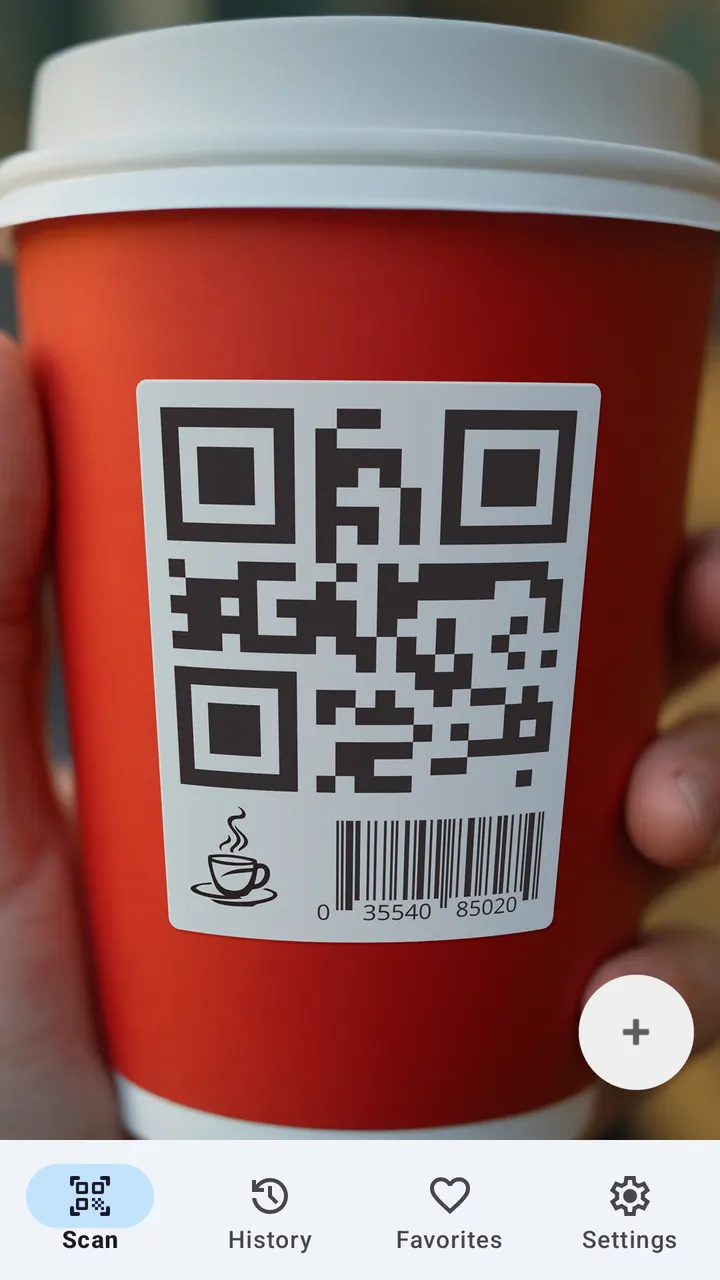
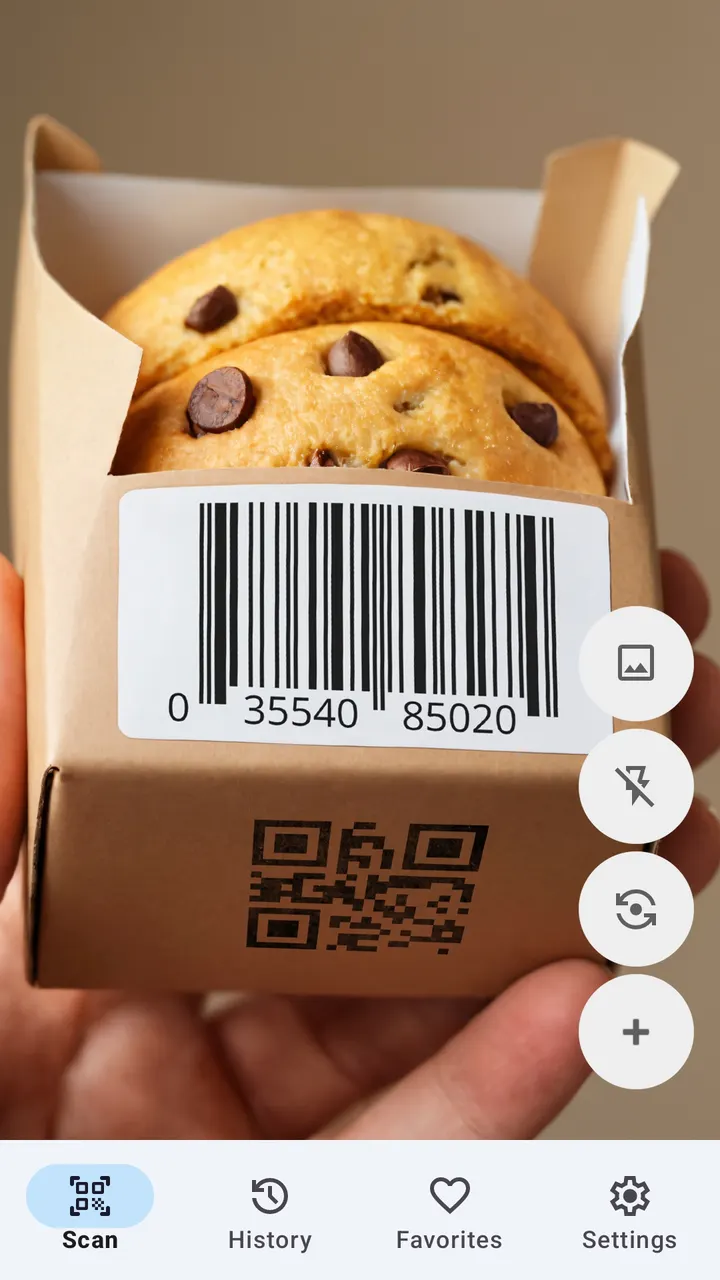
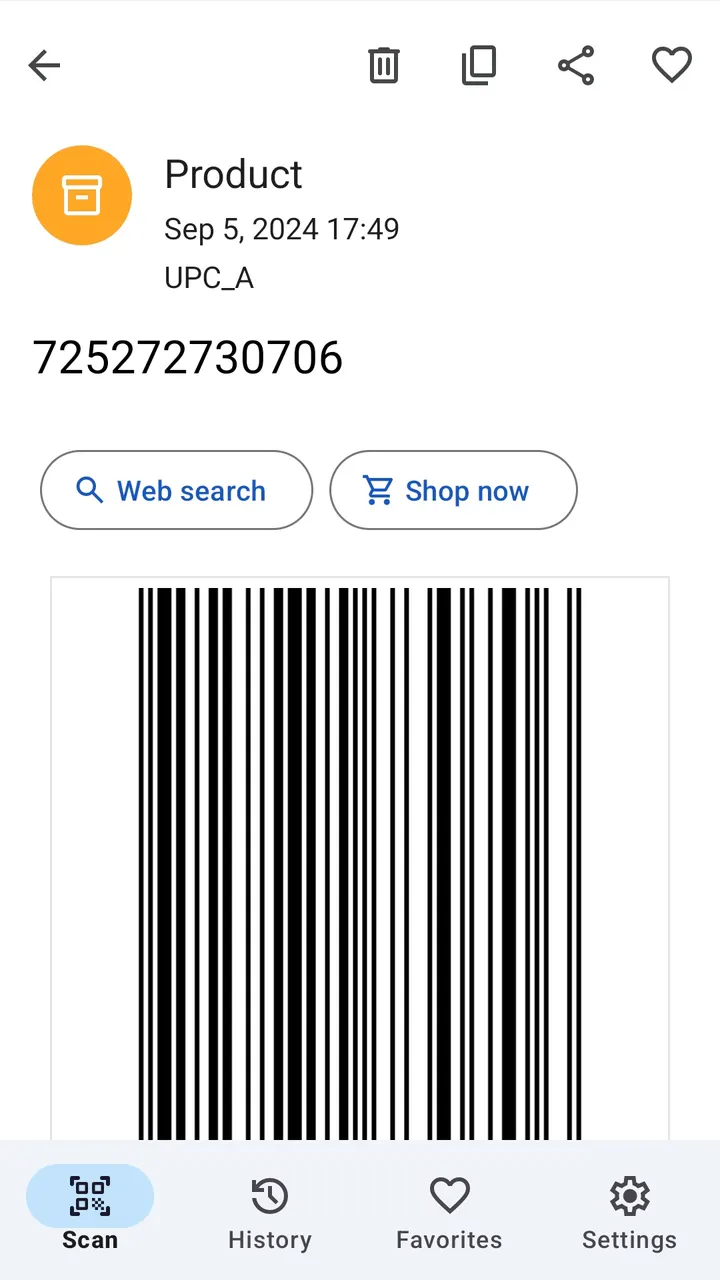
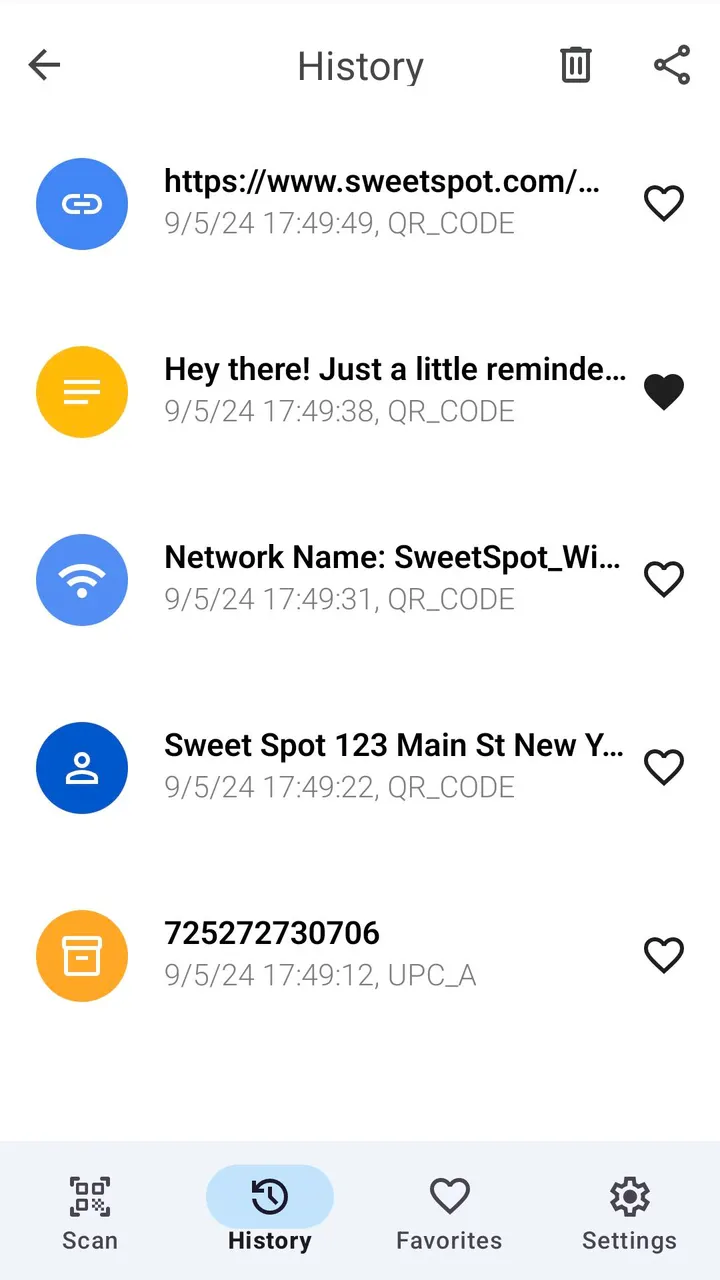
The core feature is an easy QR code and barcode scanner. It also includes a mode for Wi-Fi password codes, support for QR-in-QR codes, and reading codes from screens and photographs.
Barcode scanning is meant for looking up product information and comparing prices. The app can also read URLs, contact details and encrypted text embedded in codes.
Version 1.0.13 and a 2024 release
The app first appeared on March 28, 2024. The latest listed version is 1.0.13, updated on September 26, 2025, so the app has had maintenance well after launch. It needs Android 6.0 or newer.
QR Code Scanner pros and cons
Pros
- Free, with no ads and no in-app purchases
- Google Play rating of 4.9 from 42.3 thousand ratings
- Works without an internet connection, according to the developer
- Covers Wi-Fi codes, barcodes and codes in photos
- Runs on Android 6.0 and later
Cons
- Release notes for version 1.0.13 are not published
- Several feature claims come from the developer's description only
- Available through Google Play only, with no Windows version listed
Is QR Code Scanner safe?
Install QR Code Scanner from Google Play, where Triple Tap Limited publishes it (website: tripletap.ltd). It carries an Everyone content rating, with no ads and no purchases. No permissions list is given here, so read the permissions on the Play page before you install.
How to install QR Code Scanner
- Press the Google Play button on this page.
- Check the listing in the Play Store and press Install.
- Open QR Code Scanner when the install finishes. Updates arrive through Google Play.