
Network Scanner and PCAPdroid look at what devices and traffic are doing on a network, while WiFi Analyzer (open-source) looks at the radio side: which access points are nearby and how crowded each channel is. It comes from VREM Software Development, has been on Android since April 17, 2016, and the file is only 2 MB. Version 3.3.1 was updated on July 3, 2026.
Who needs a channel view of the neighbourhood
This app suits anyone tuning a home or small office router. If the signal drops in one room or a neighbour's network seems to share your channel, a scan shows the picture directly, with graphs of channel strength and of each access point over time.
It also appeals to people who prefer software they can inspect. The source code is on GitHub under GPL-3.0-only, and the app does not need internet access.
Graphs, ratings and the 6 GHz band in practice
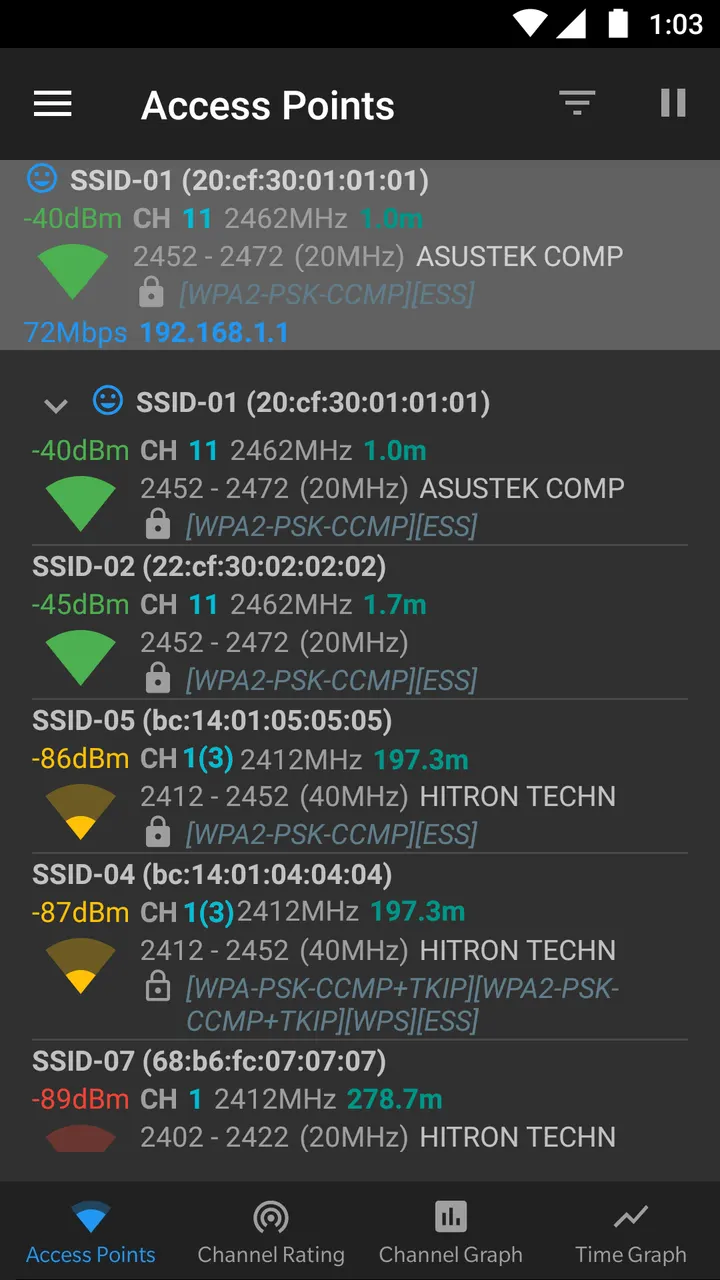
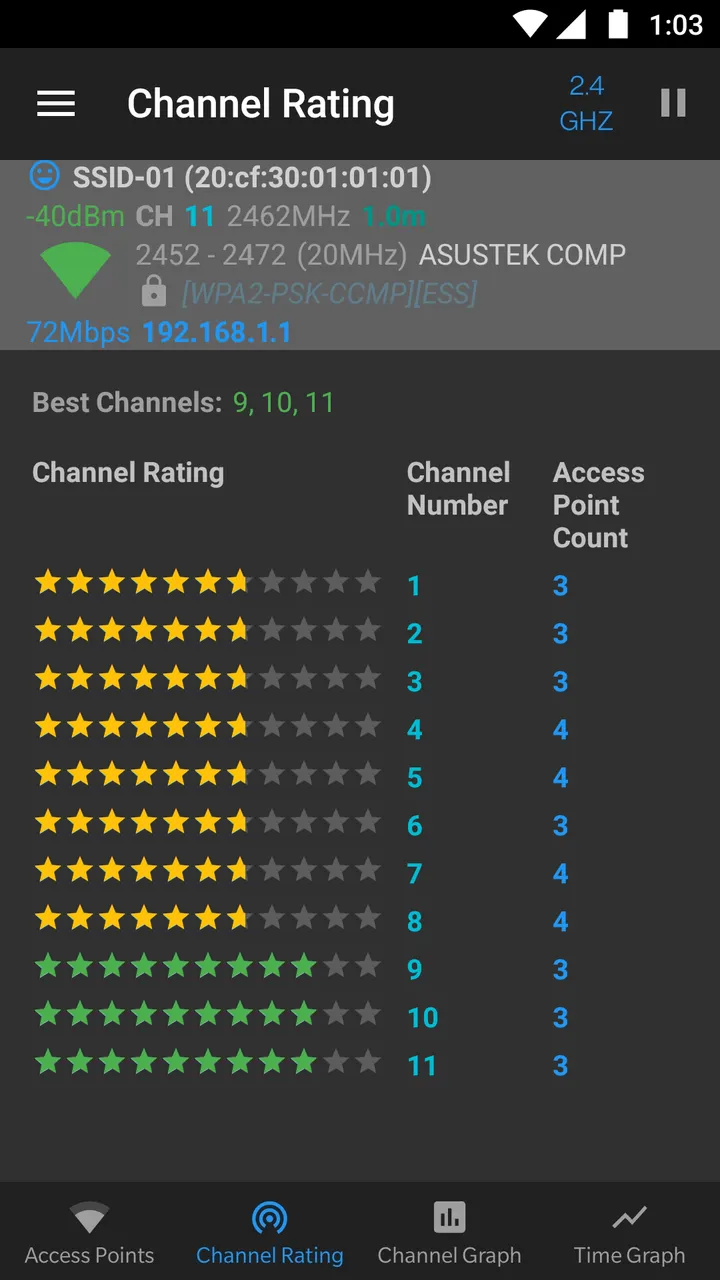
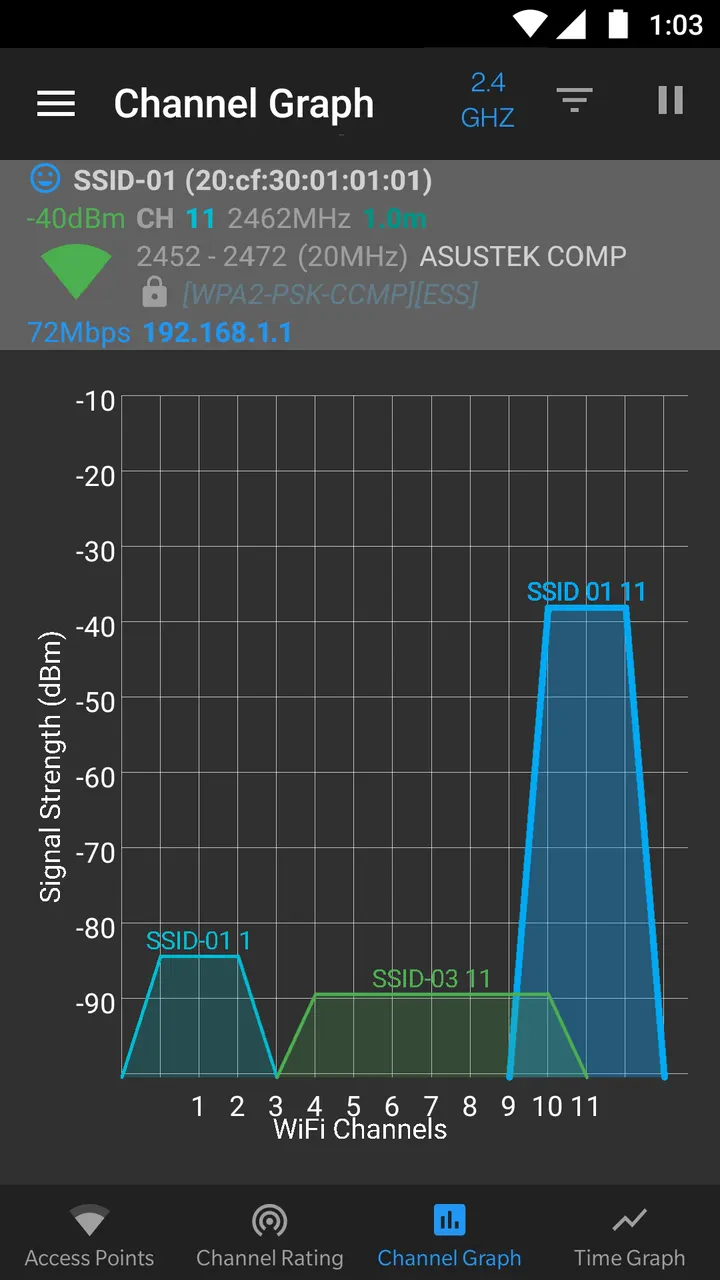
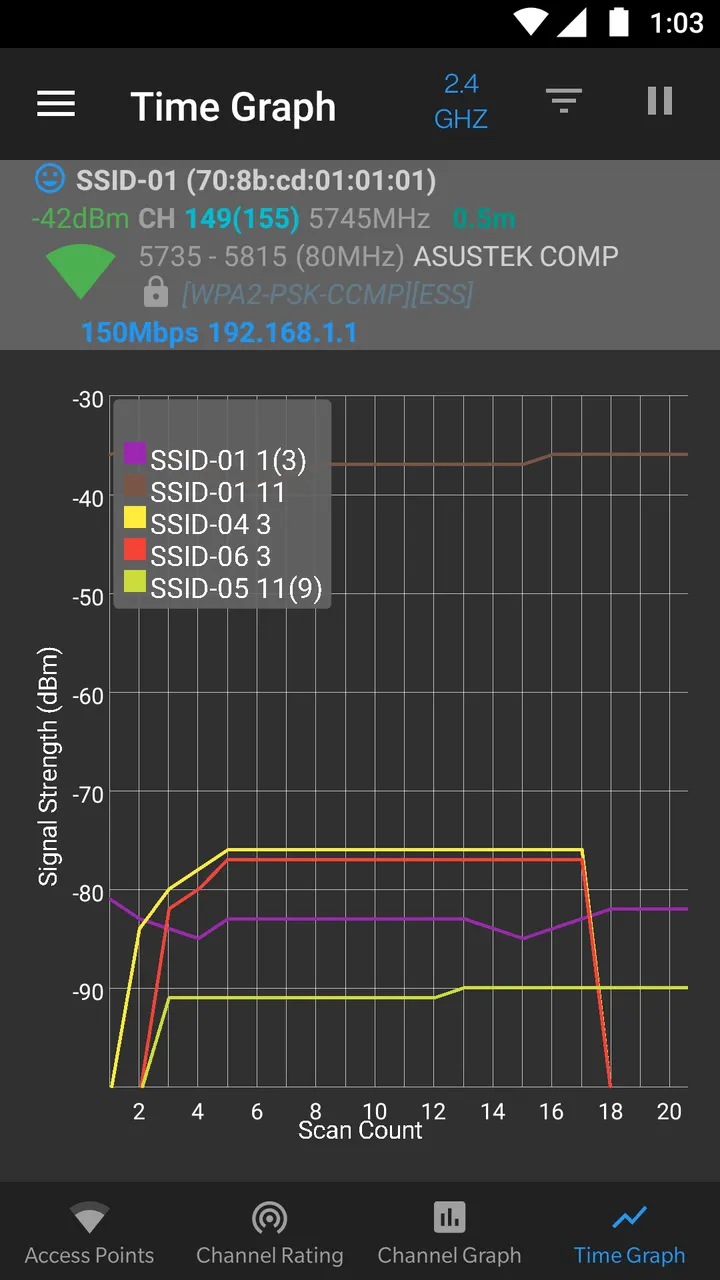
The core job is to identify nearby access points and graph their signal strength per channel. A second graph tracks a single access point over time, which helps when you walk around with a phone and compare spots. The channel rating feature analyzes the networks it sees and scores channels so you can pick a quieter one.
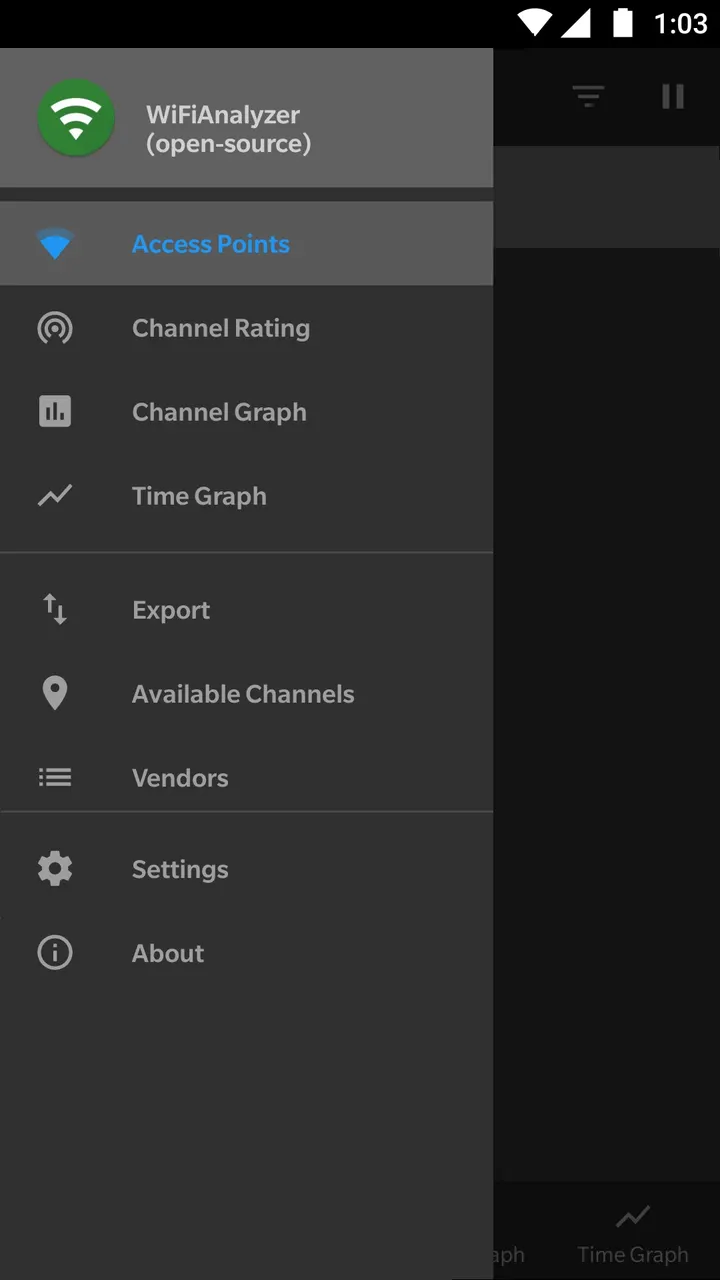
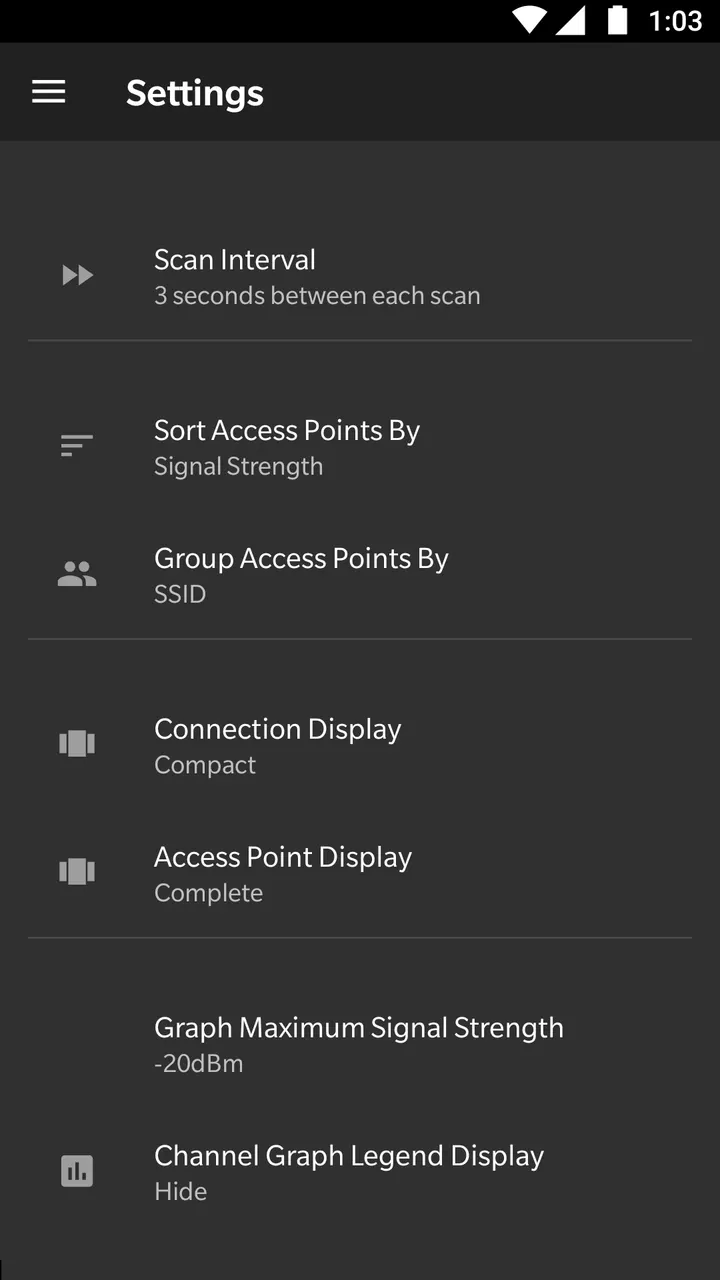
It covers the 2.4 GHz, 5 GHz and 6 GHz bands, and detects 40, 80, 160 and 320 MHz channel widths. Both depend on hardware and software support in the phone. The access point list can be shown in a complete or a compact view.
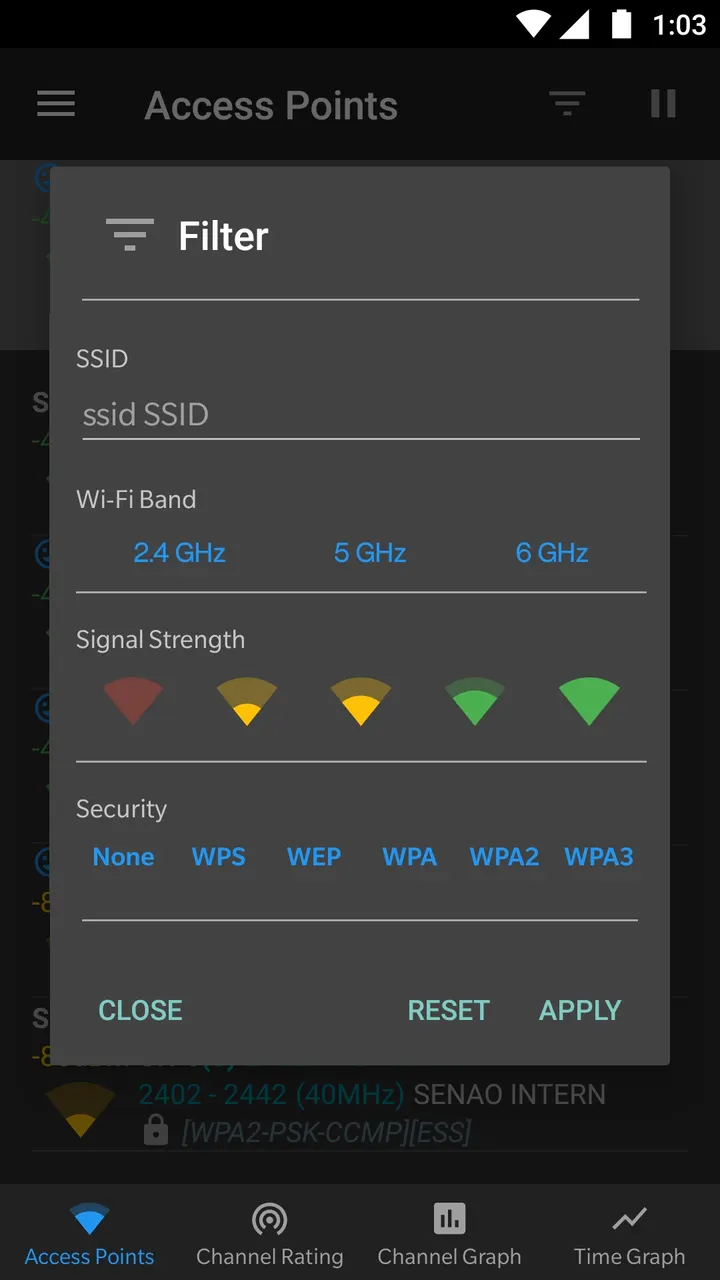
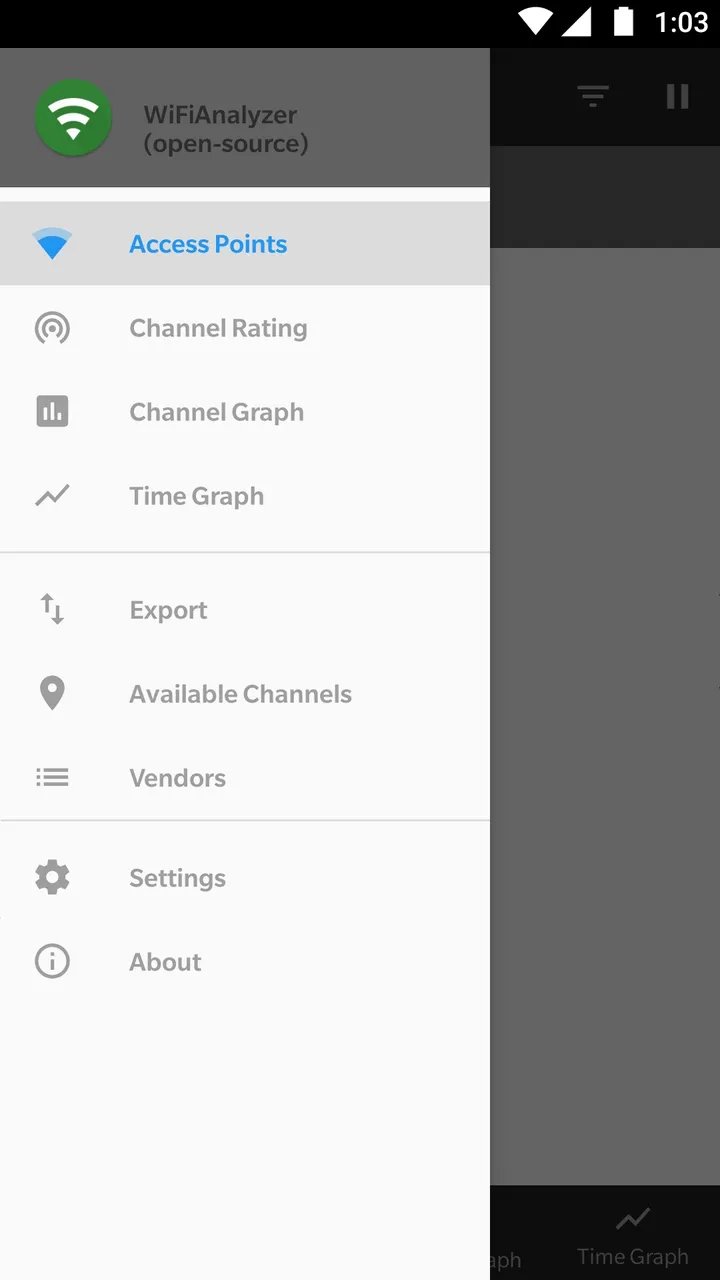
The store description adds more: estimated distance to access points, export of access point details, pause and resume of scanning, and filters for band, signal strength, security and SSID. A vendor lookup and dark, light and system themes are listed as well.
Scan throttling and location permission on Android 9 and later
The app requires Android 9 or newer. Wi-Fi scans need the location permission and location services switched on, and the system limits how often scans run.
The app is free, with no ads and no in-app purchases. The developer says it is not a password cracking or phishing tool, so expect analysis only. The 5 GHz and 6 GHz bands and wide channel detection depend on your phone's hardware and software support.
WiFi Analyzer (open-source) pros and cons
Pros
- Free with no ads and no in-app purchases
- Open source under GPL-3.0-only with code on GitHub
- Graphs both channel strength and one access point over time
- Covers 2.4, 5 and 6 GHz bands where hardware allows
- Only 2 MB in size
Cons
- Needs Android 9 or newer and location services switched on for scans
- Wide channels and 6 GHz depend on hardware and software support
- Scan throttling on Android 9 and later limits update frequency unless disabled in developer options
Is WiFi Analyzer (open-source) safe?
The APK is stored unmodified, and its SHA-256 checksum is 282a06fcc5ce5d889799113a1c6edf5e408b0902acc542308ad21051a2a7cc2b. The publisher is VREM Software Development and the code is public under GPL-3.0-only, so anyone can read what it does. The developer says the app needs no internet access and collects no personal information. The content rating is Everyone.
How to install WiFi Analyzer (open-source)
- Download the APK with the button on this page and wait for it to finish.
- Compare the file with the SHA-256 checksum shown here if you want to confirm it arrived intact.
- Open the file on your phone and allow installs from this source when Android asks.
- Finish the install, then open WiFi Analyzer (open-source) from your app drawer.


