
Telegram is a messaging app from Telegram FZ-LLC that first appeared on September 5, 2013, and has over 1 billion installs on Google Play. Unlike WhatsApp, one of the alternatives named on this page, it leans on cloud-stored chat history and large groups rather than a history tied to one phone. Below you will find what the app does, what the figures say about it and where the file comes from. The download is served from the official server at telegram.org.
Cloud-synced chats and 200,000-member groups
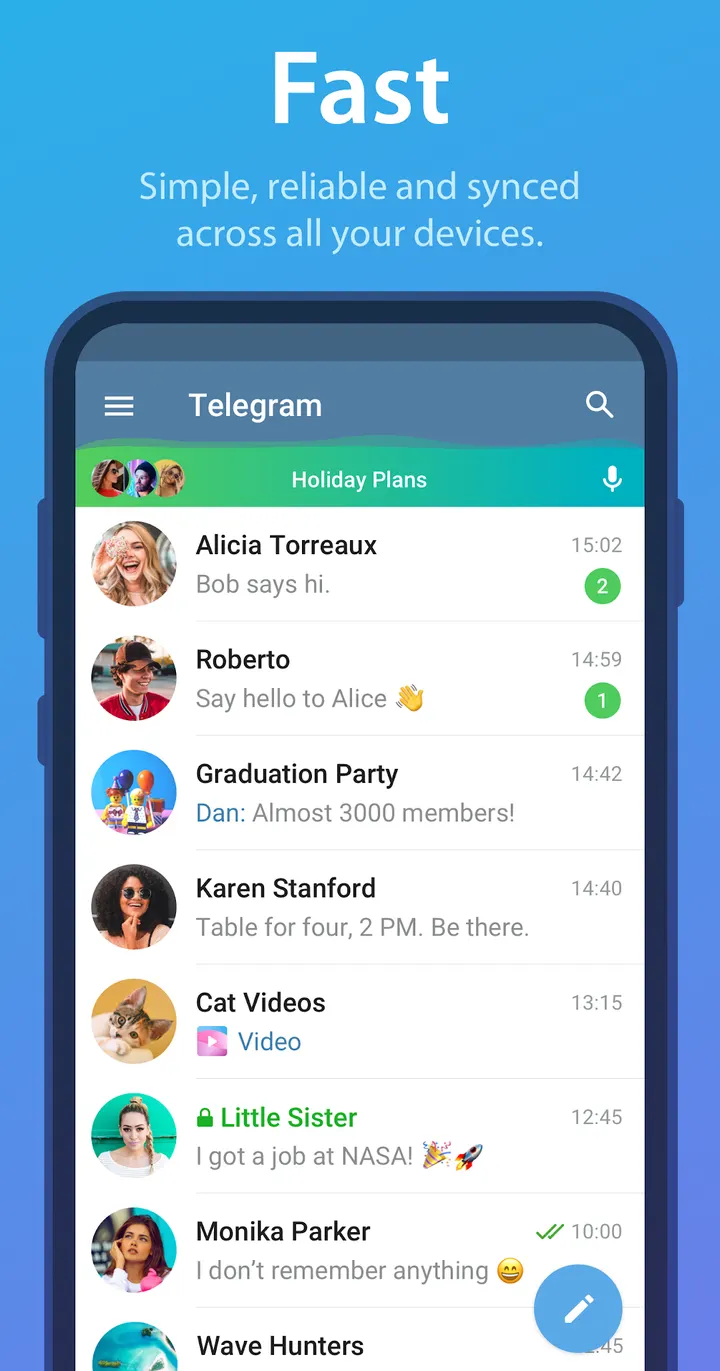
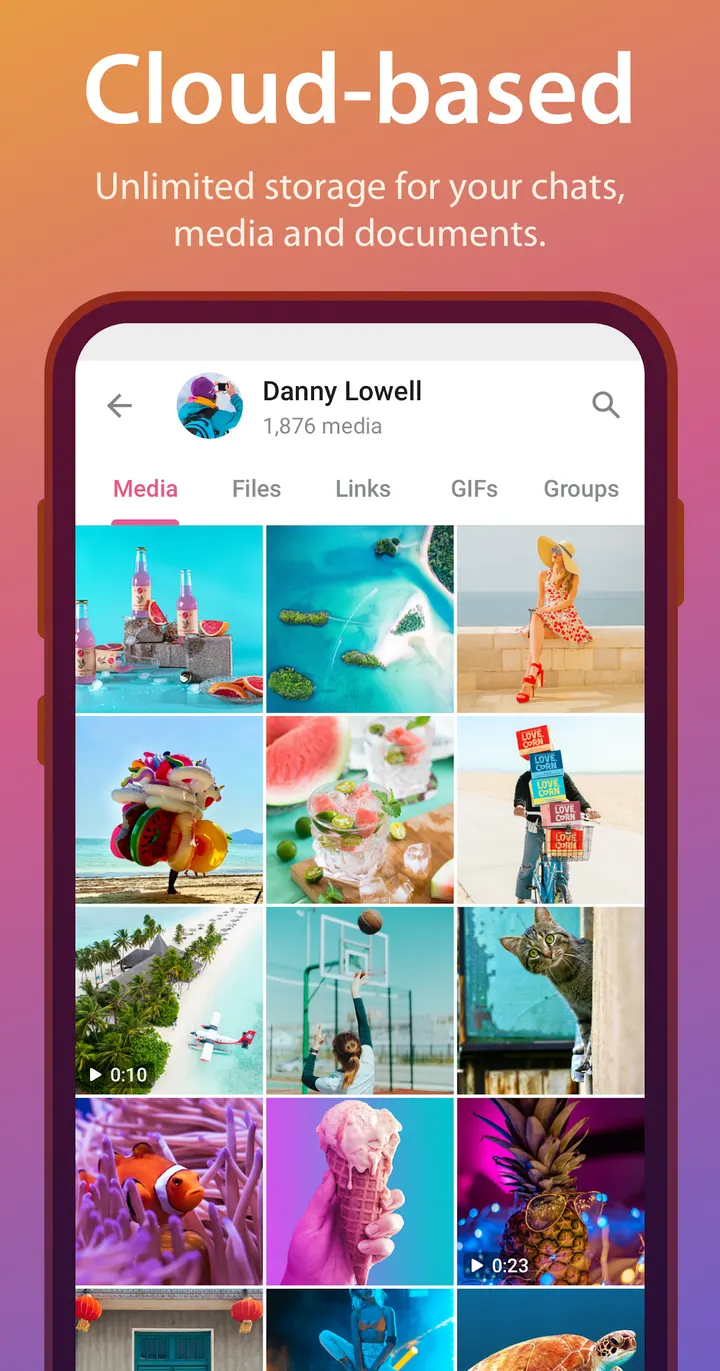
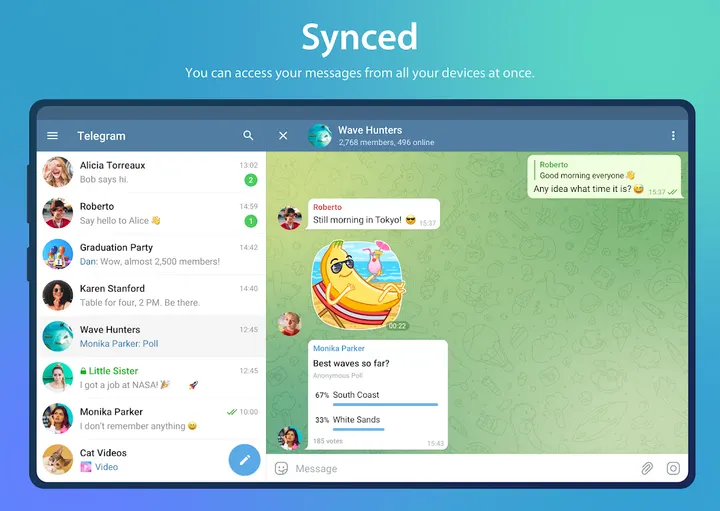
What defines Telegram is where your messages live. Chats are kept in the Telegram cloud, so the history does not take up disk space on the device. The same account can be opened on phones, tablets and computers at once, and the desktop and tablet apps are standalone, so the phone does not have to stay connected.
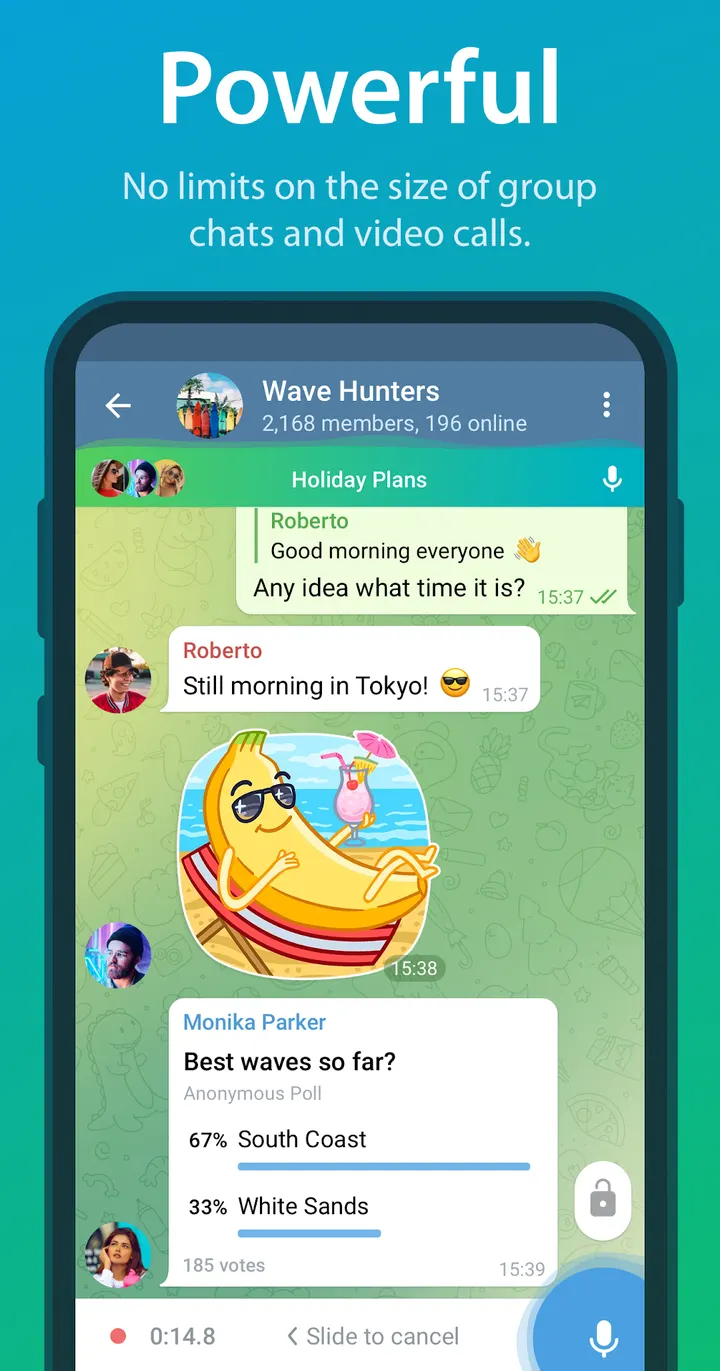
Scale is the second part. Groups can hold up to 200,000 members, and files of any type can be shared up to 2 GB each, including .DOCX, .MP3 and .ZIP. Bots can be set up for specific tasks, which suits communities and team coordination.
What a typical session involves
A normal session is plain messaging. You open a chat, send text, photos, video or documents, and pick the thread up later on another device, even in the middle of a half-written message. The app is built to use little data and to work on weak mobile connections, the developer says.
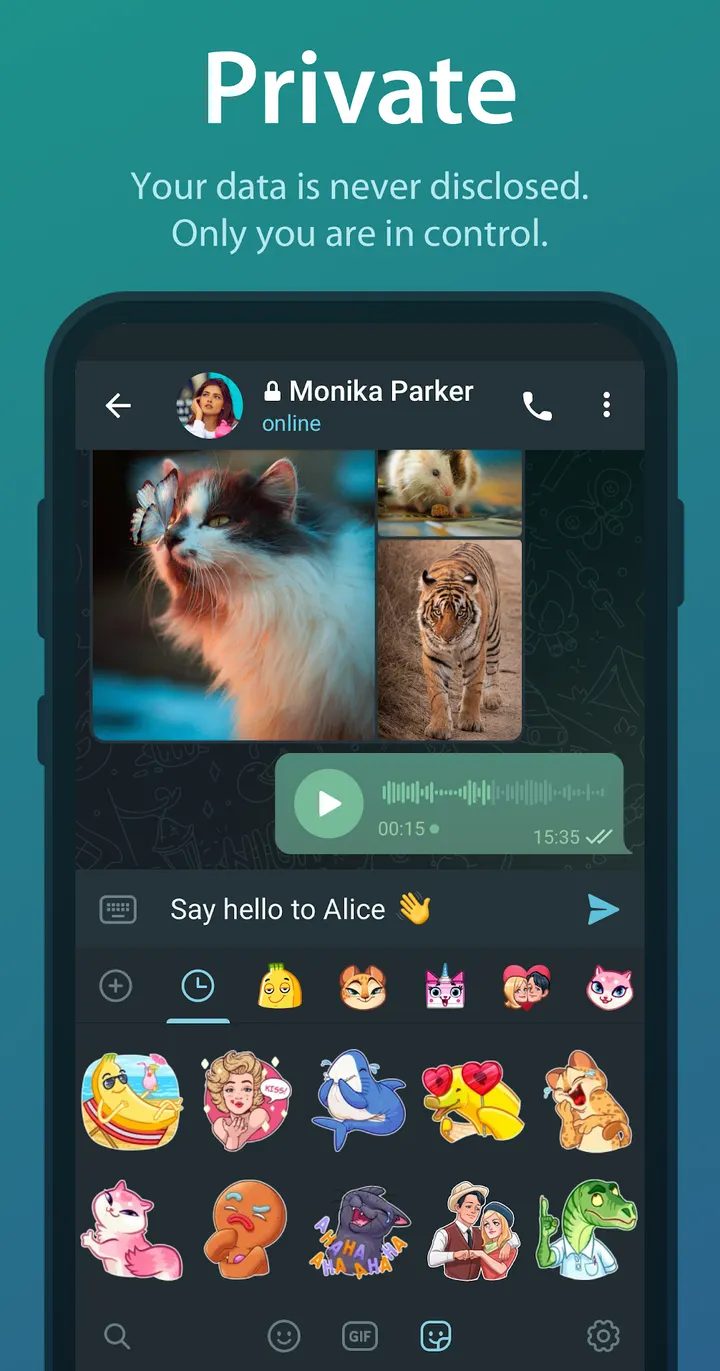
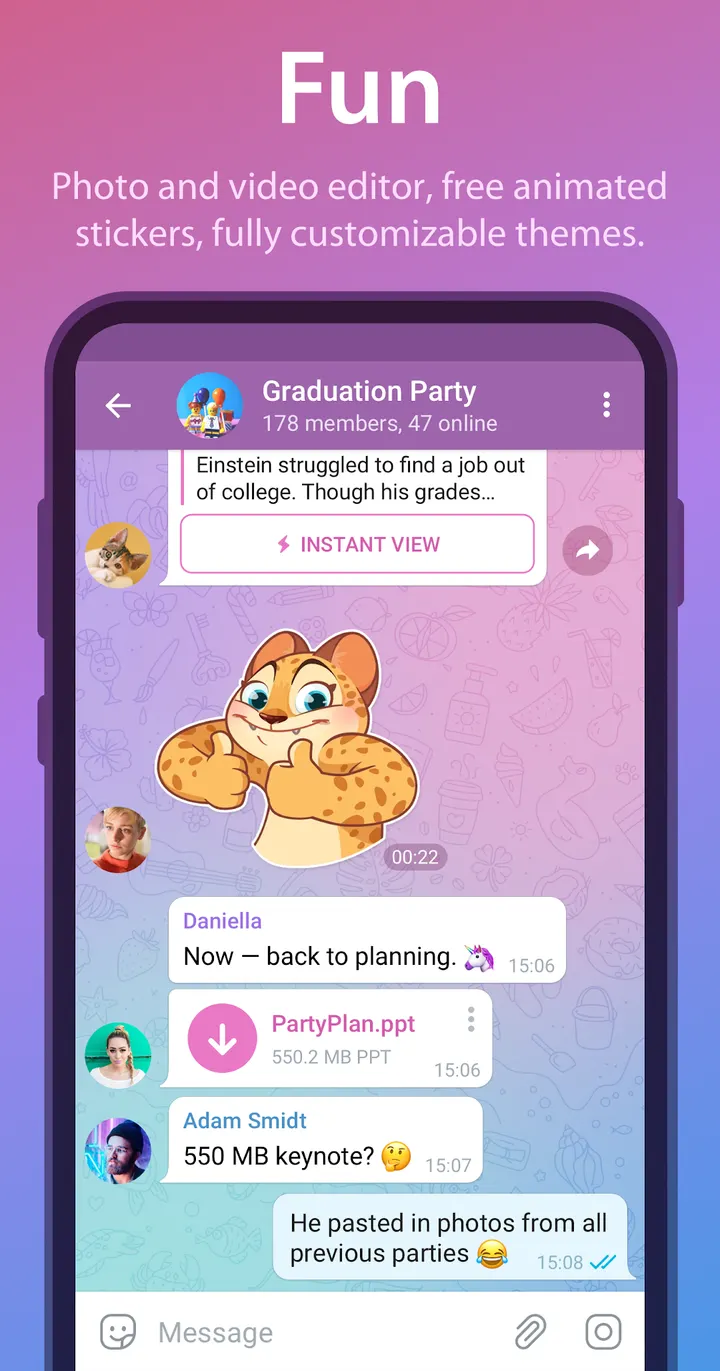
Around that sit the extras. Telegram includes photo and video editing tools, animated stickers and emoji, customizable themes and an open sticker and GIF platform. Messages you sent or received can be deleted for both sides at any time.
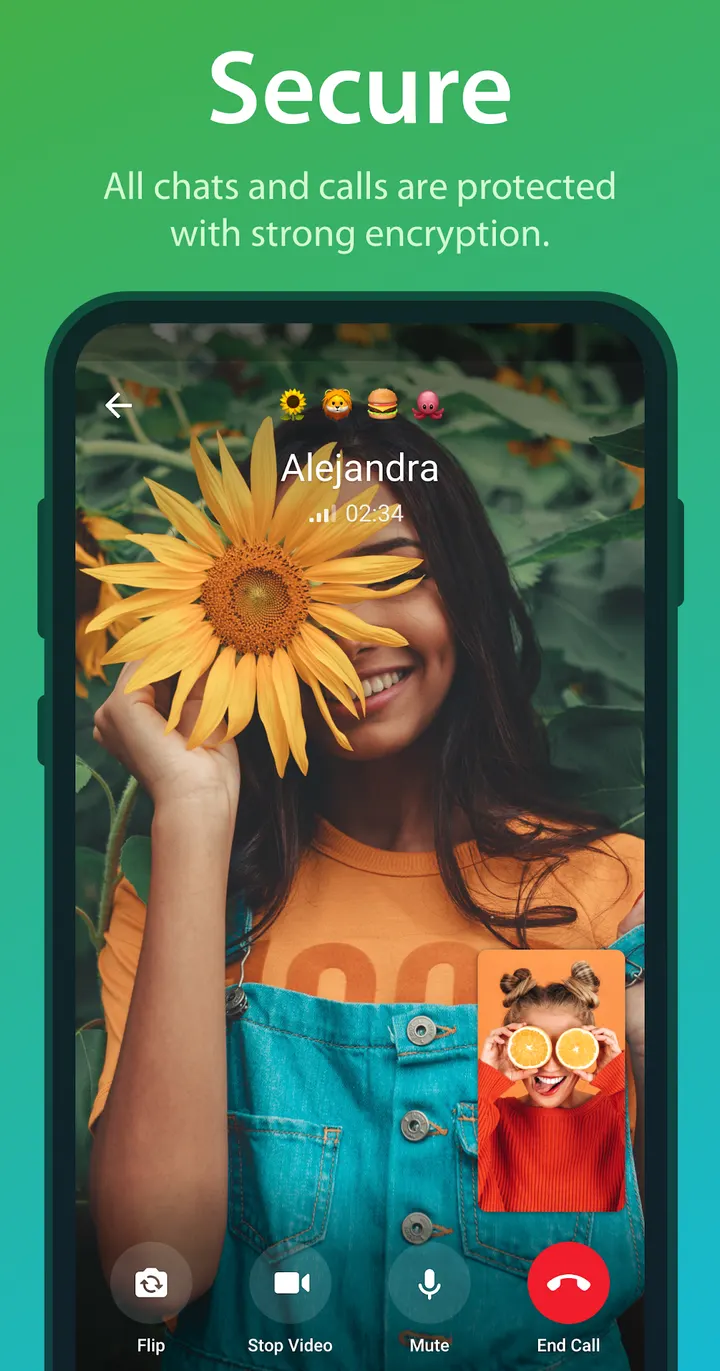
Secret Chats are a separate mode. They use end-to-end encryption and can be set to self-destruct on both devices. Ordinary chats are encrypted with a mix of 256-bit AES, 2048-bit RSA and Diffie-Hellman key exchange, the developer says.
Telegram against WhatsApp, Messenger and the rest
The alternatives listed for Telegram include WhatsApp, Messenger and Facebook, which are the closest in purpose. Google Photos, X and Aegis Authenticator are different kinds of apps, so they overlap only in part.
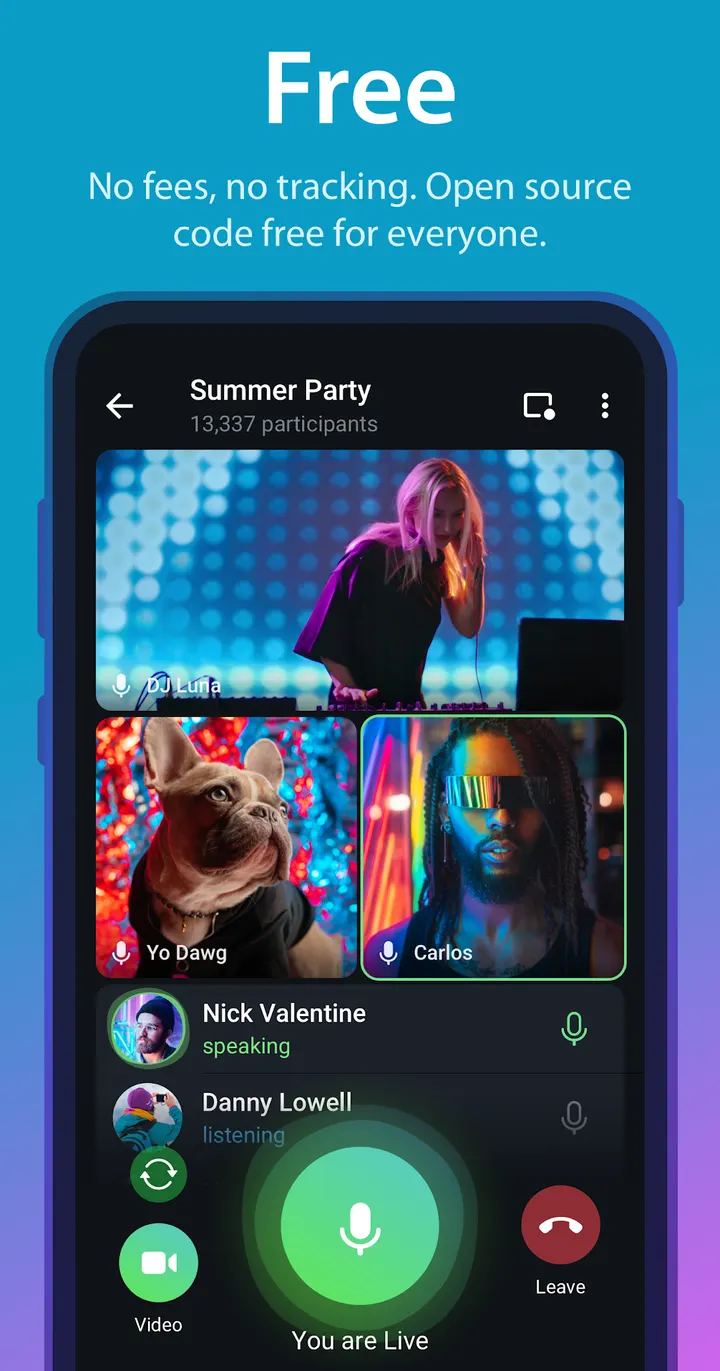
The app carries no ads, is free to install, and has in-app purchases. It has a Mature 17+ content rating and a Google Play rating of 3.8 from about 17.4 million ratings. Its source is published on GitHub under GPL-2.0-or-later, and the publisher says builds can be verified against that source.
Telegram pros and cons
Pros
- No ads, and the publisher states it will not use data to show ads
- Chat history is stored in the cloud and syncs across phones, tablets and computers
- Groups of up to 200,000 members and files up to 2 GB each
- Source code is published on GitHub under GPL-2.0-or-later
- Secret Chats offer end-to-end encryption with self-destructing messages
Cons
- Google Play rating is 3.8 from about 17.4 million ratings, modest for an app this large
- Contains in-app purchases, though the app itself is free
- Rated Mature 17+
- Standard chats are cloud-stored, and end-to-end encryption applies only in Secret Chats
Is Telegram safe?
Telegram is published by Telegram FZ-LLC, and its source code is public on GitHub under GPL-2.0-or-later, so anyone can read how the app is built. It has no ads and offers in-app purchases, and its content rating is Mature 17+.
How to install Telegram
- Press the download button to get the official file.
- Save the APK from that server to your phone.
- Open the file and allow installs from this source when Android asks.
- Finish the install, then open Telegram from your app drawer.


