Turn the Page suits readers who keep FB2 and EPUB files on their phone and want a bookshelf that behaves like a physical one. It is a free, ad-free reader from developer Алексей Щербинин, built around page-turn animation and, on foldables, a two-page spread. Version 1.7.2 is 14.5 MB and runs on Android 8.0 or newer.
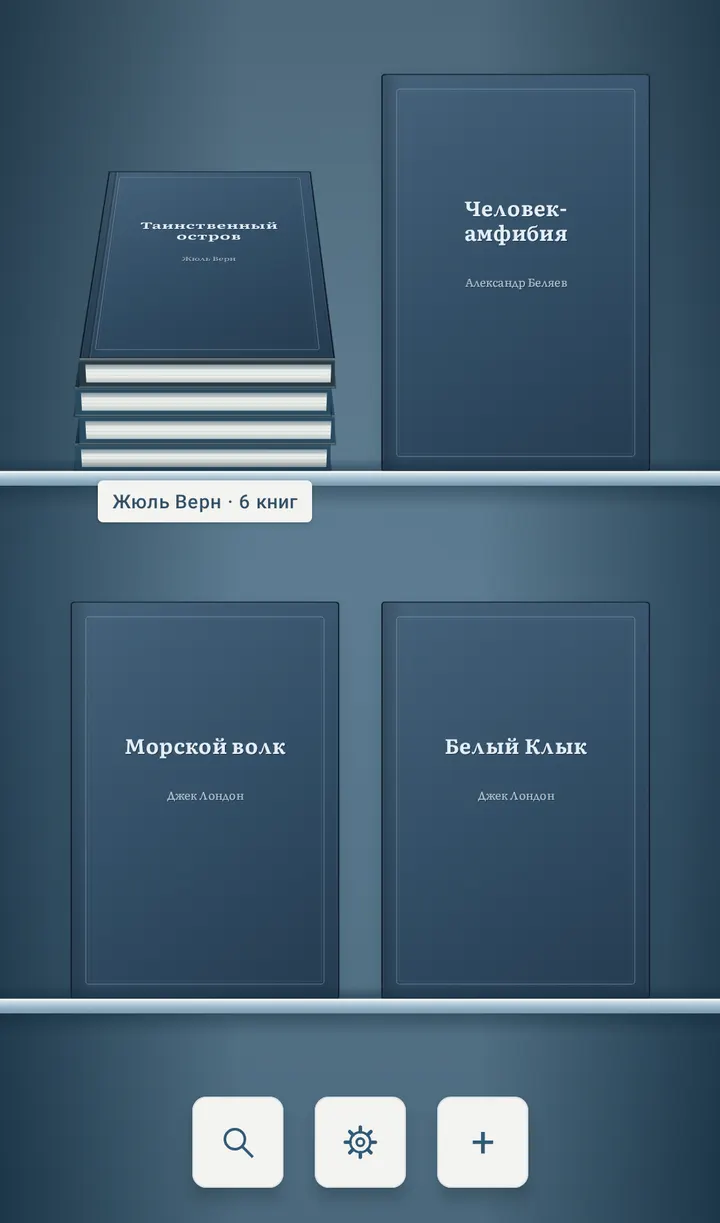
A shelf for people with large FB2 collections
The app imports FB2, FB2.ZIP, EPUB 2 and 3, and PDF. You can add several files at once or point it at a folder, including subfolders. That matters if your books already sit in author directories.
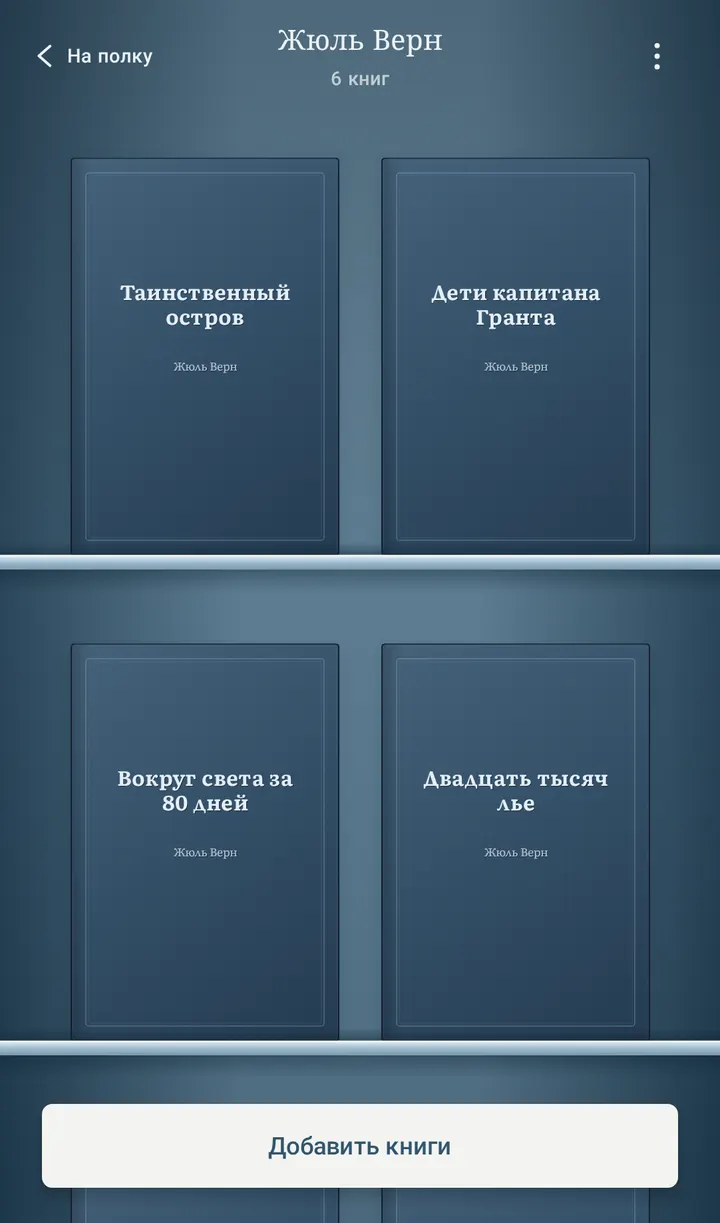
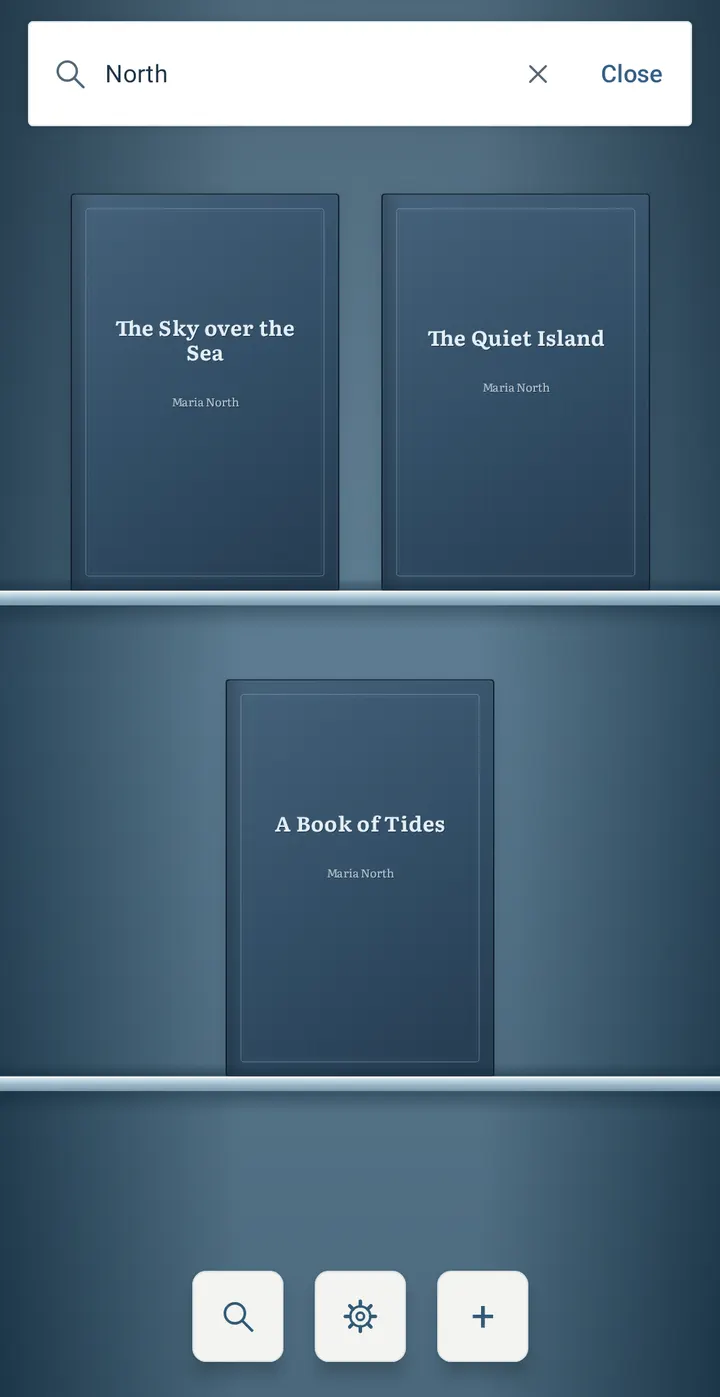
Once imported, books can be dragged into named stacks for an author, series or genre. Pinching the shelf switches between three zoom levels, and library search finds books by title or author, including those inside stacks.
Page turns, highlights and the Plyos Sans font
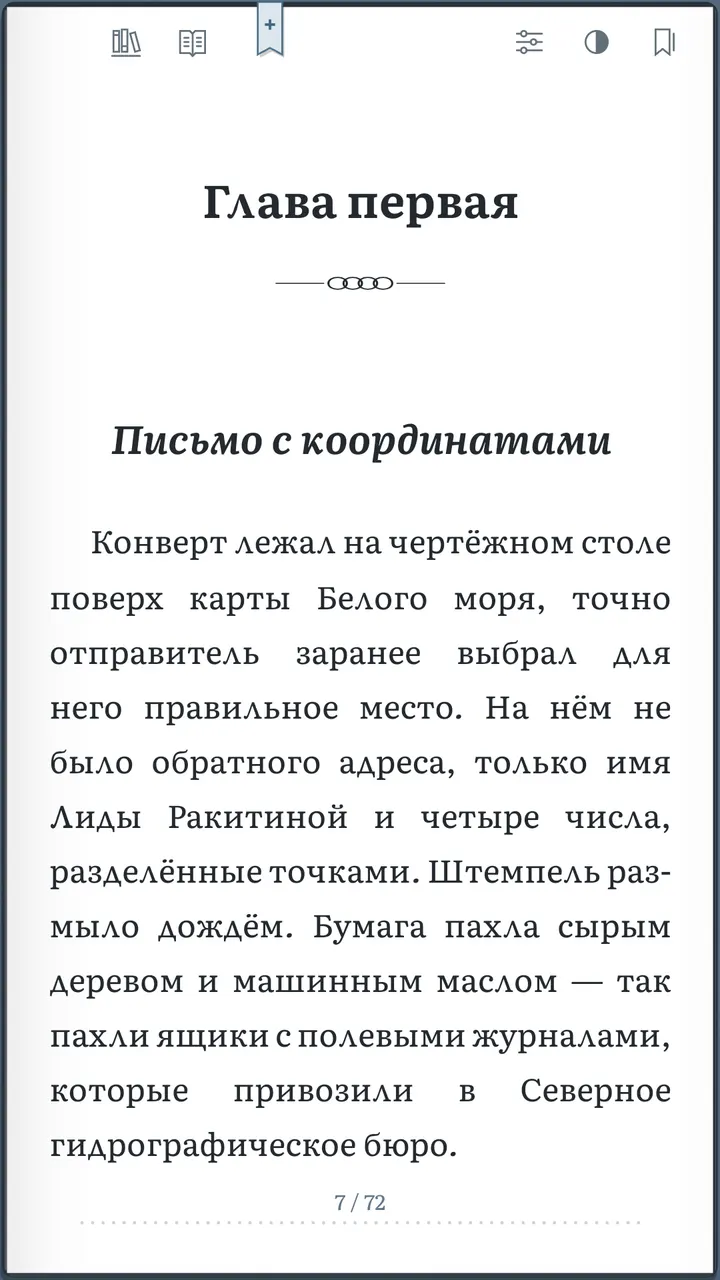
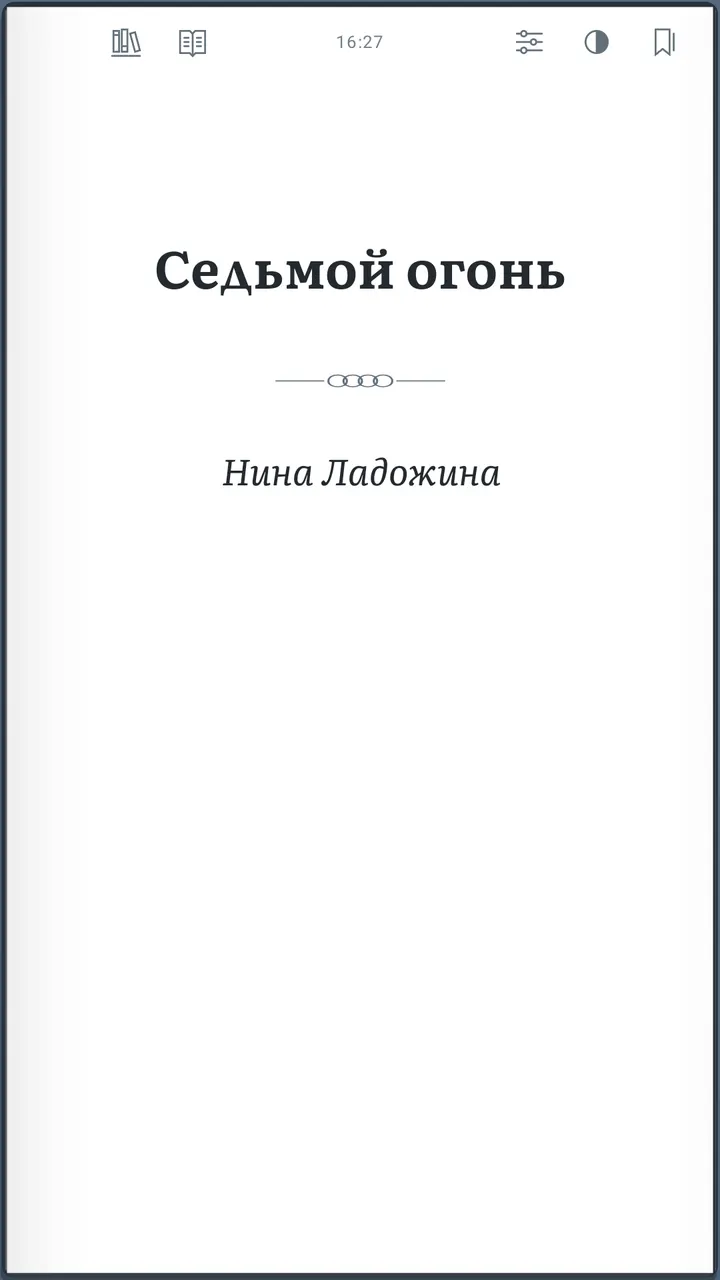
Reading follows the paper-book idea. A phone shows one page, while a foldable or wide screen shows a spread, with chapter titles starting on the right. Phones skip blank pages that exist only for layout. Chapters and parts carry vector ornaments.
For FB2 and EPUB you can adjust typography, including the new sans-serif Plyos Sans font. Selected text can be copied, shared, or saved as a highlight in blue, green, amber or violet. A Highlights list sits next to Bookmarks and jumps back to the original passage.
A pinch gesture can resize text with a live preview, zoom the page temporarily, or be turned off. The screen can stay awake, and the small clock at the page edge can be hidden.
What PDF and DRM files cannot do here
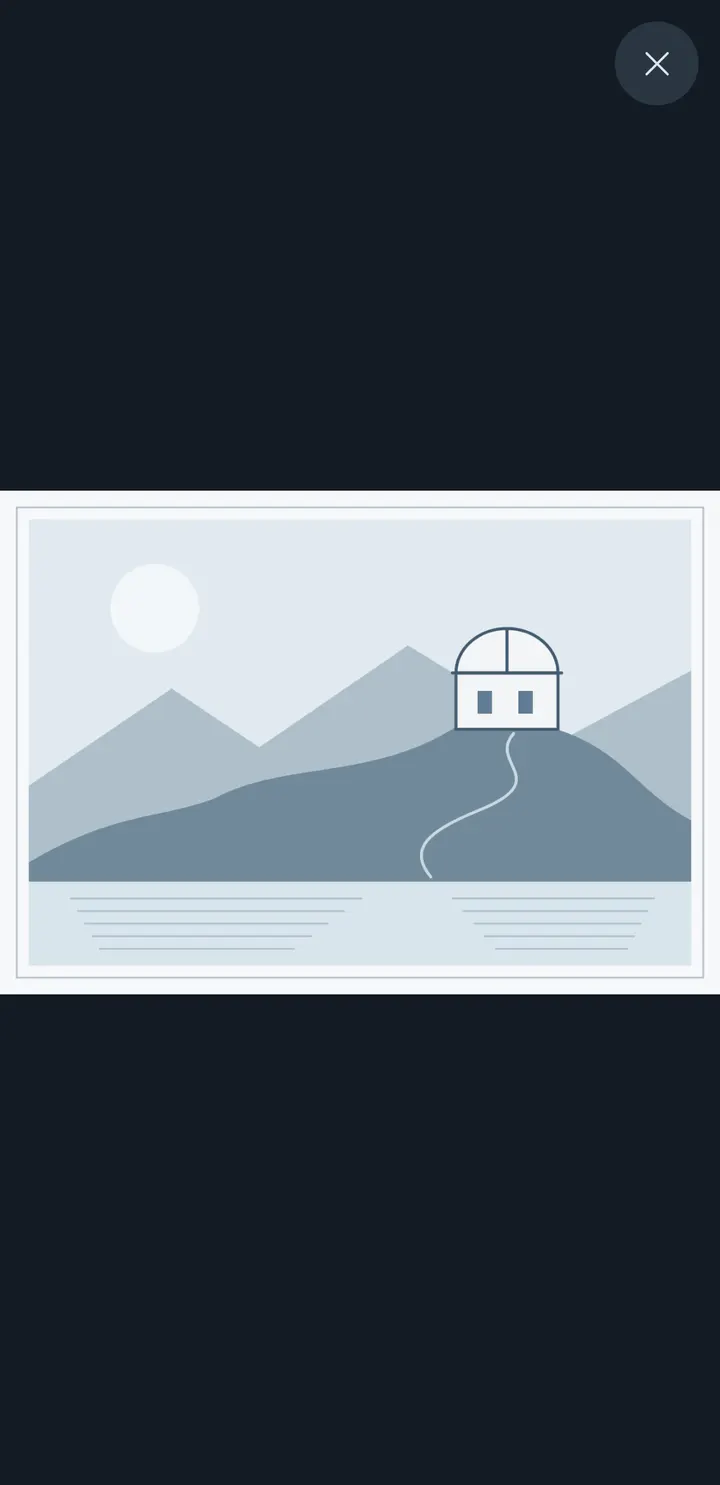
PDF keeps its original layout and opens in a separate zoom and pan viewer. Text search, font changes and text selection do not work in PDF, and images have no OCR. Password-protected PDFs can be unlocked inside the app only on Android 15 and 16. On Android 8 to 14 you must unlock the file first.
DRM-protected EPUB is not supported. The interface comes in seven languages: Russian, English, Spanish, German, French, Italian and Brazilian Portuguese.
What's new in 1.7.2
Version 1.7.2 was updated on November 4, 2026. It adds the new Plyos Sans font.
Turn the Page pros and cons
Pros
- Free, with no ads, no account and no internet requirement
- Reads FB2, FB2.ZIP, EPUB 2/3 and PDF in one library
- Named stacks, three shelf zoom levels and search by title or author
- Highlights in four colors, with a list that links back to the passage
- Open source under Apache-2.0
Cons
- PDF has no text search, font changes or text selection
- DRM-protected EPUB is not supported
- Opening password-protected PDFs in the app works only on Android 15 and 16
- Requires Android 8.0 or newer
Is Turn the Page safe?
We host the unmodified APK from Tier A, and the SHA-256 checksum is 6e304e3dbc2a332a8fd359d028ab9f94de3362642c412ab676b83d185022efa7. The code is published under Apache-2.0, with a source link on SourceCraft. The developer says there is no tracking and that books stay on the device. When you share a book, the receiving app gets temporary access to a copy. No independent security review is available.
How to install Turn the Page
- Download the APK with the button on this page and wait for it to finish.
- Compare the file with the SHA-256 checksum shown here if you want to confirm it arrived intact.
- Open the file on your phone and allow installs from this source when Android asks.
- Finish the install, then open Turn the Page from your app drawer.