Where Acrobat Reader centers on PDFs, Librera Reader covers a long list of book formats in one app, including EPUB, MOBI, DjVu, FB2, CBZ and DOCX. This listing is the F-Droid build, version 10.0.22-fdroid, published by Ivan Ivanenko under the GPL-3.0-or-later license. It costs nothing and shows no ads. TopDown APK hosts the unmodified file and lists its SHA-256 checksum for verification.
Who the F-Droid build of Librera suits
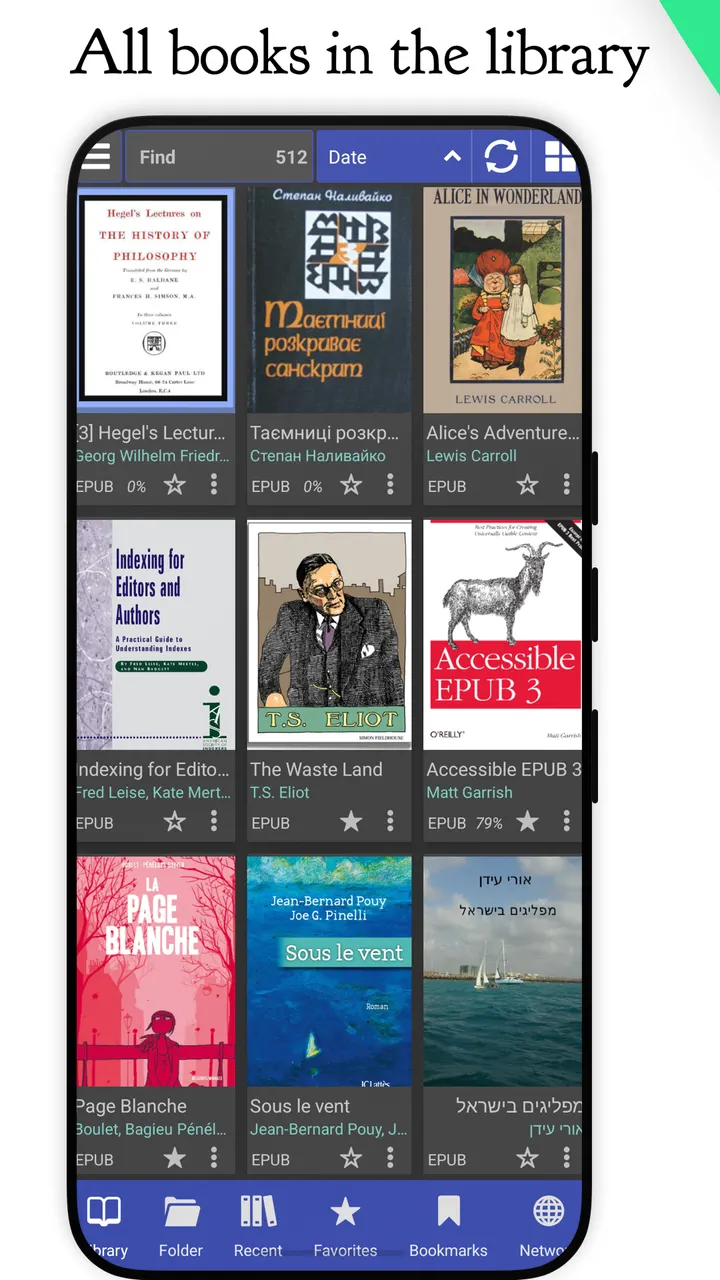
This build suits readers who keep a mixed library of PDFs, ebooks and comics and want a single app for all of it. Besides PDF, EPUB and MOBI, it opens DjVu, FB2, TXT, RTF, AZW, AZW3, HTML, CBZ, CBR, DOC and DOCX files.
It also appeals to people who prefer open-source software. The source code is public on GitHub under GPL-3.0-or-later. The app needs Android 7.0 or newer.
Finding books, then reading them
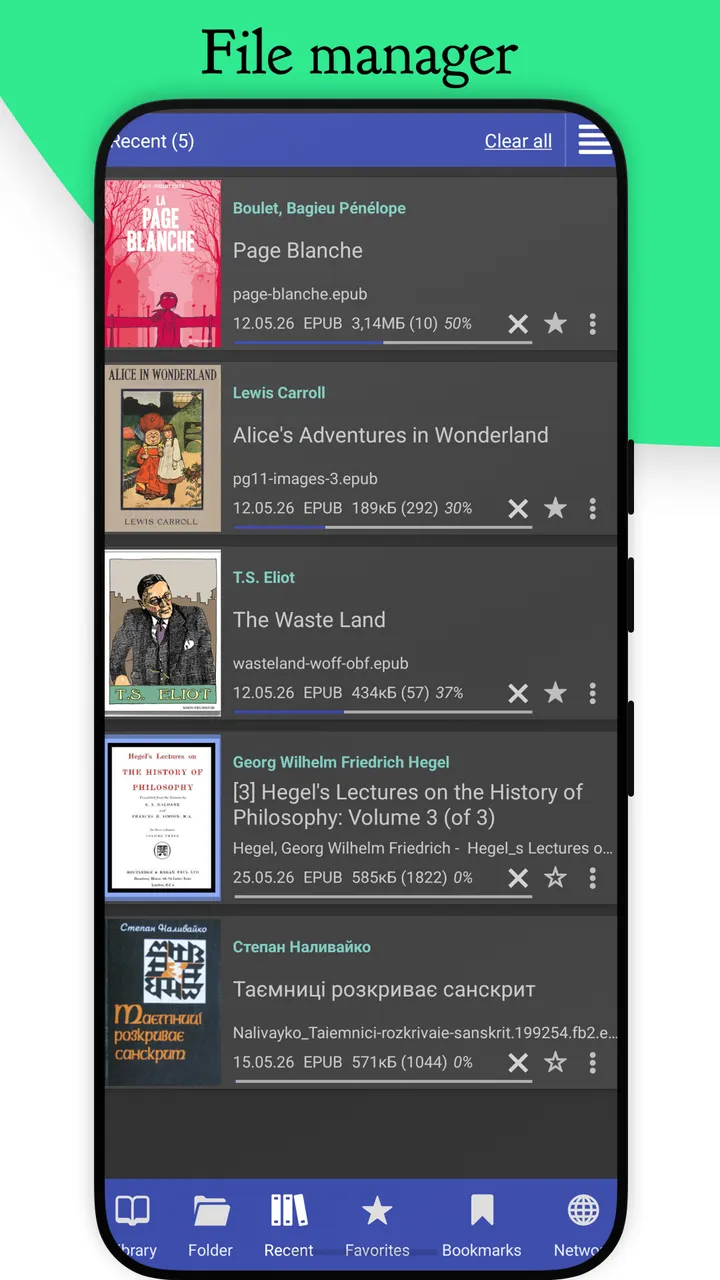
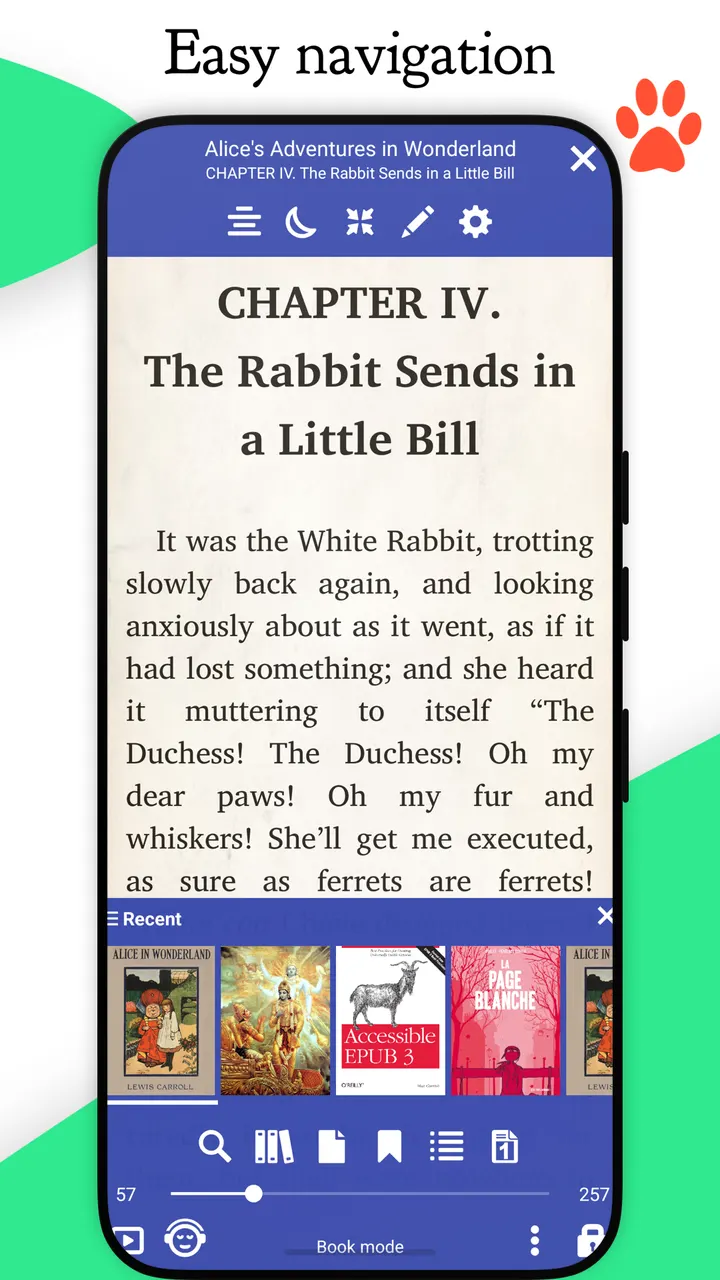
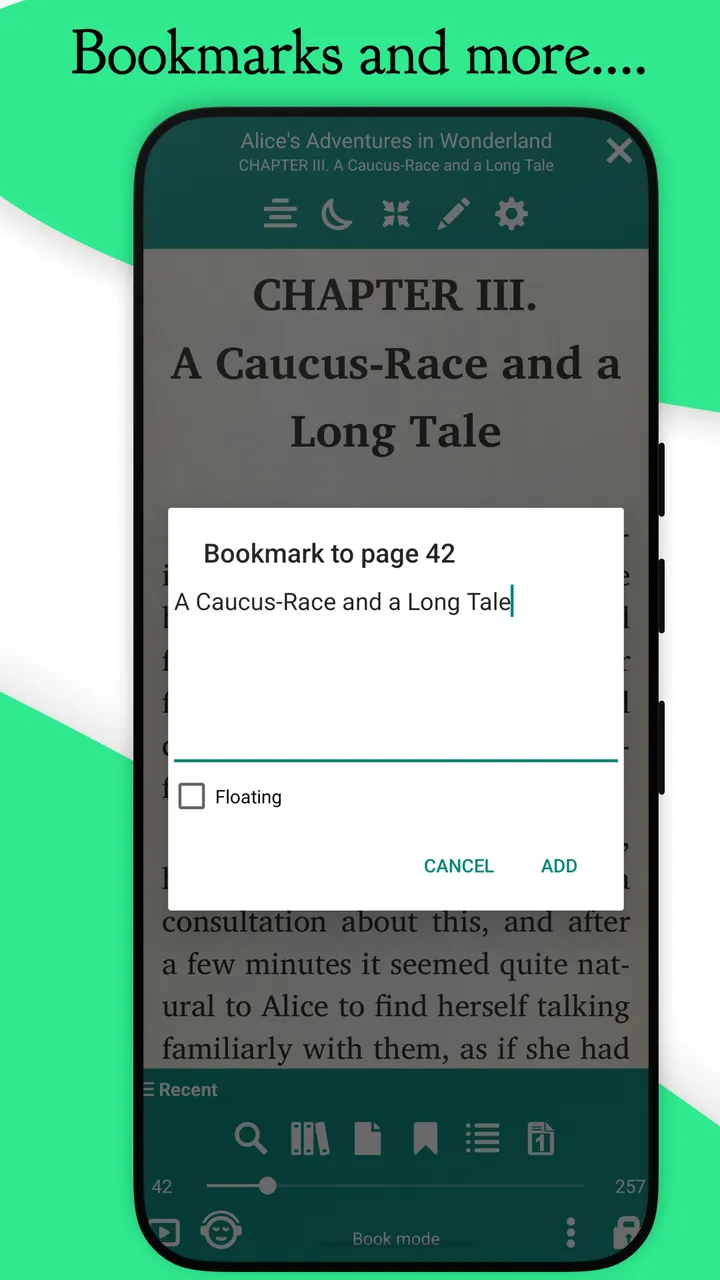
Librera offers three ways to locate documents. Auto-Scan checks folders you specify, an in-app file explorer lets you browse folders, and a Recent list shows a reading-progress indicator for each title. Bookmarks and annotations are supported, as are EPUB3 tables of contents.
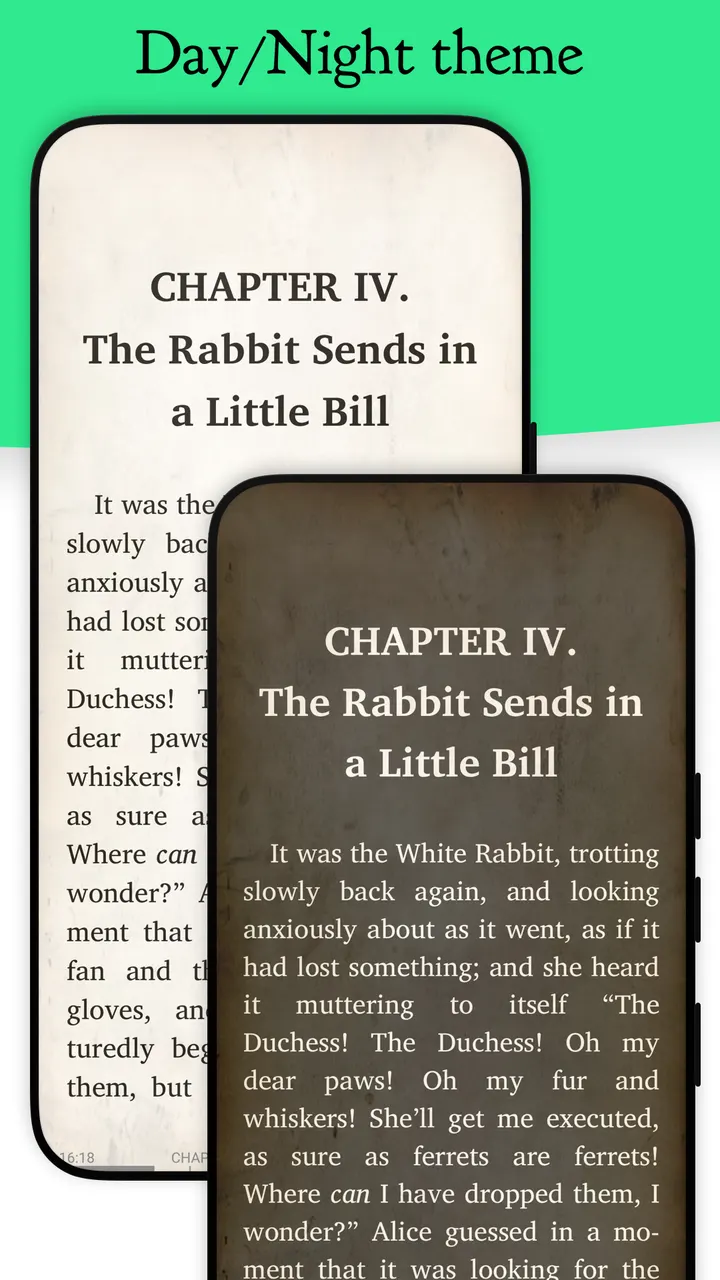
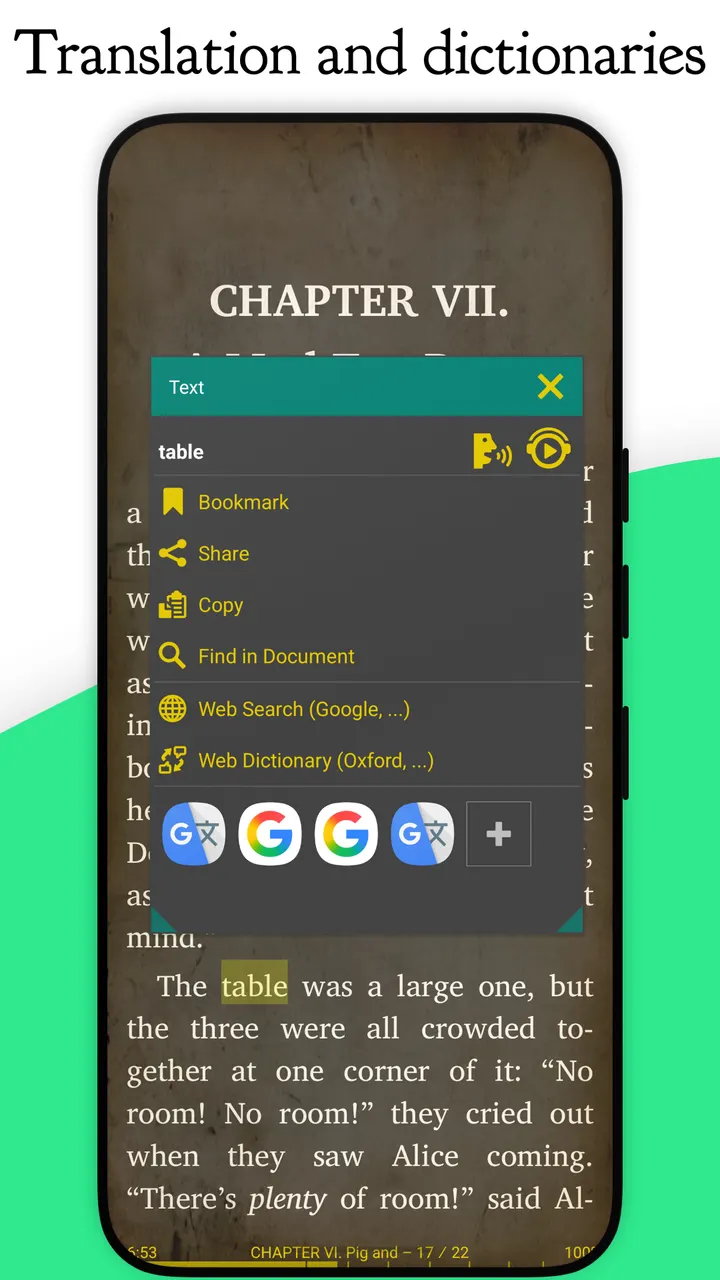
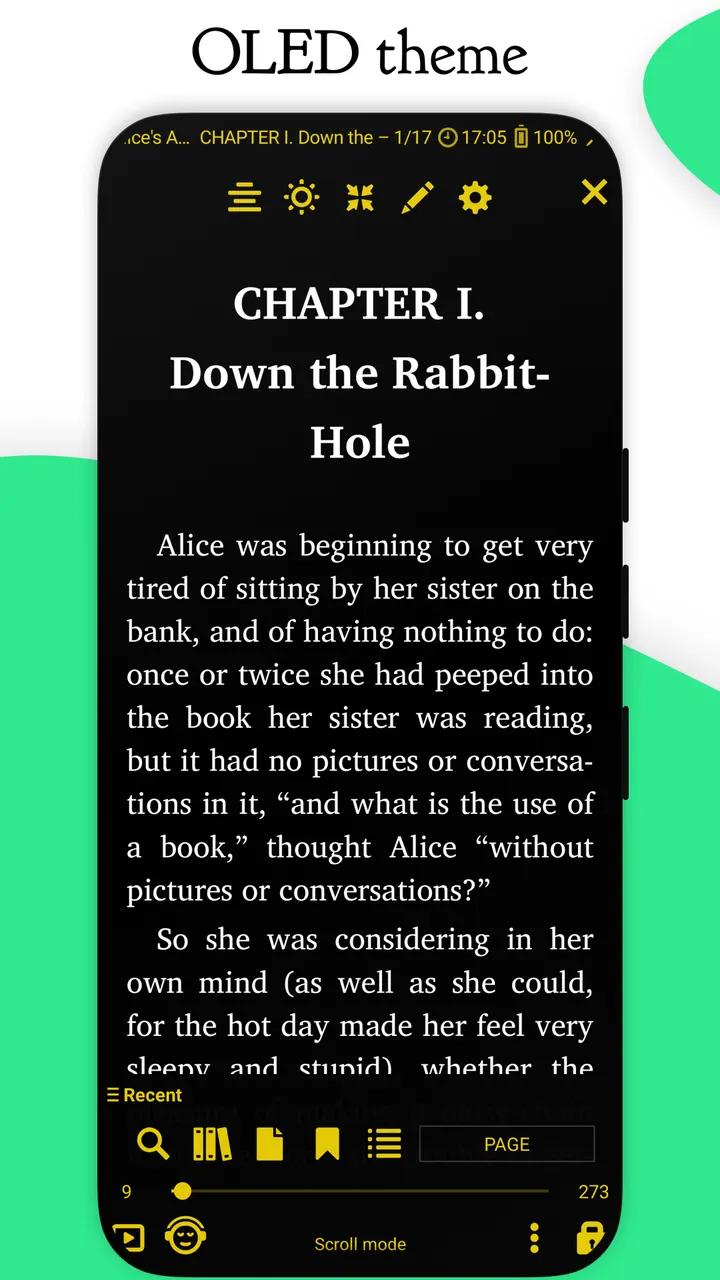
The reading view can be adjusted. Day and Night modes are configurable, and so is the link color, which also changes the color of footnotes and endnotes. The store description adds more: offline dictionaries, multi-word search, custom CSS, vertical-scroll lock and RSVP reading in the style of Spritz.
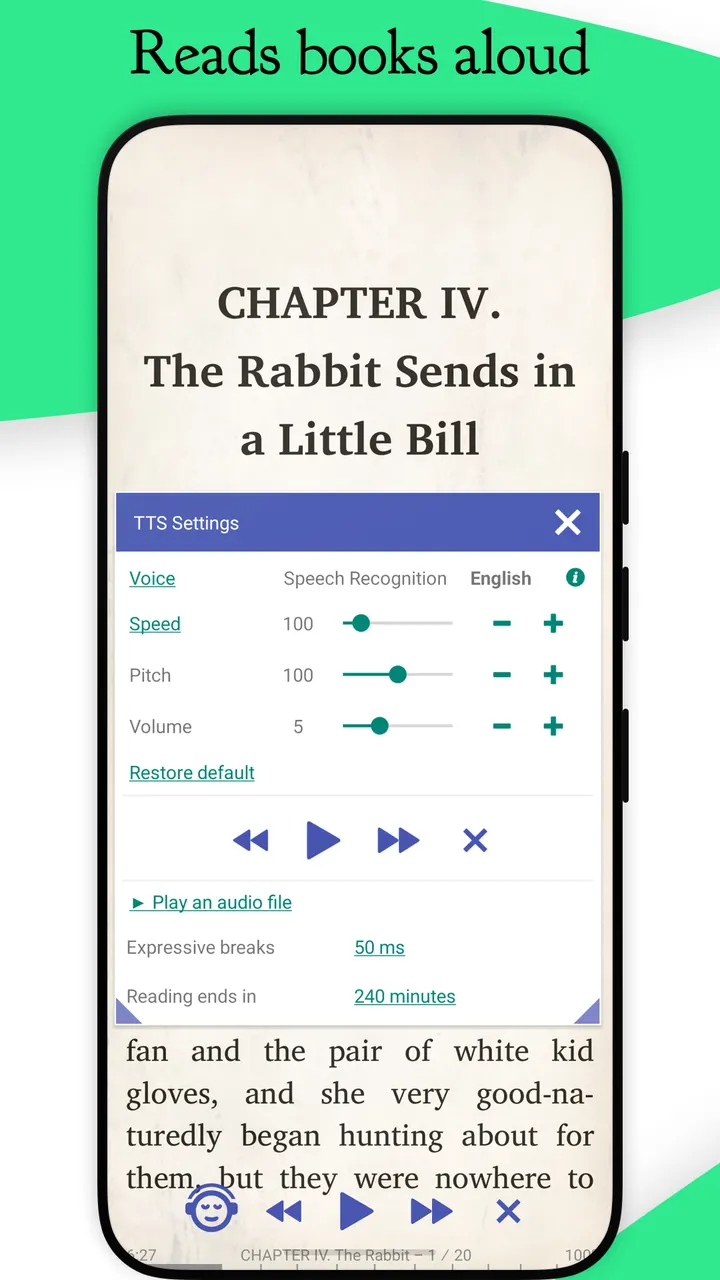
Two less common tools stand out. Musician's mode scrolls pages automatically at a speed you set, and text-to-speech can be recorded page by page to MP3 or WAV. Settings can be exported and imported, and the current session is backed up automatically.
What this build leaves out and what it takes up
This F-Droid build leaves out Google Play services and Google Drive book synchronization. That is the only difference from Librera PRO, so anyone who wants to sync books through Google Drive should look at the PRO version instead.
The package is large for a reader, at 119.6 MB. On the plus side, the app is free and shows no ads.
What's new in 10.0.22-fdroid
Version 10.0.22-fdroid was updated on November 4, 2026.
Librera Reader pros and cons
Pros
- Opens PDF, EPUB, MOBI, DjVu, FB2, CBZ and many other formats
- Free, with no ads and no price
- Open source under GPL-3.0-or-later with public code on GitHub
- Musician's mode and TTS recording to MP3 or WAV
- Configurable Day and Night modes and link color
Cons
- No Google Drive book sync in this F-Droid build
- Large download at 119.6 MB
- Many settings may take time to learn, given the long feature list
Is Librera Reader safe?
This is version 10.0.22-fdroid, and its SHA-256 checksum is e059aa272ee7425f4dcda867149ea88548a35f5bf71ce987642ff872b3f03958. Compare it with the checksum of your download to confirm the file is intact. The developer is Ivan Ivanenko, the code is public on GitHub under GPL-3.0-or-later, and the app shows no ads. This version leaves out Google Play services and Google Drive book synchronization.
How to install Librera Reader
- Download the APK with the button on this page and wait for it to finish.
- Compare the file with the SHA-256 checksum shown here if you want to confirm it arrived intact.
- Open the file on your phone and allow installs from this source when Android asks.
- Finish the install, then open Librera Reader from your app drawer.