
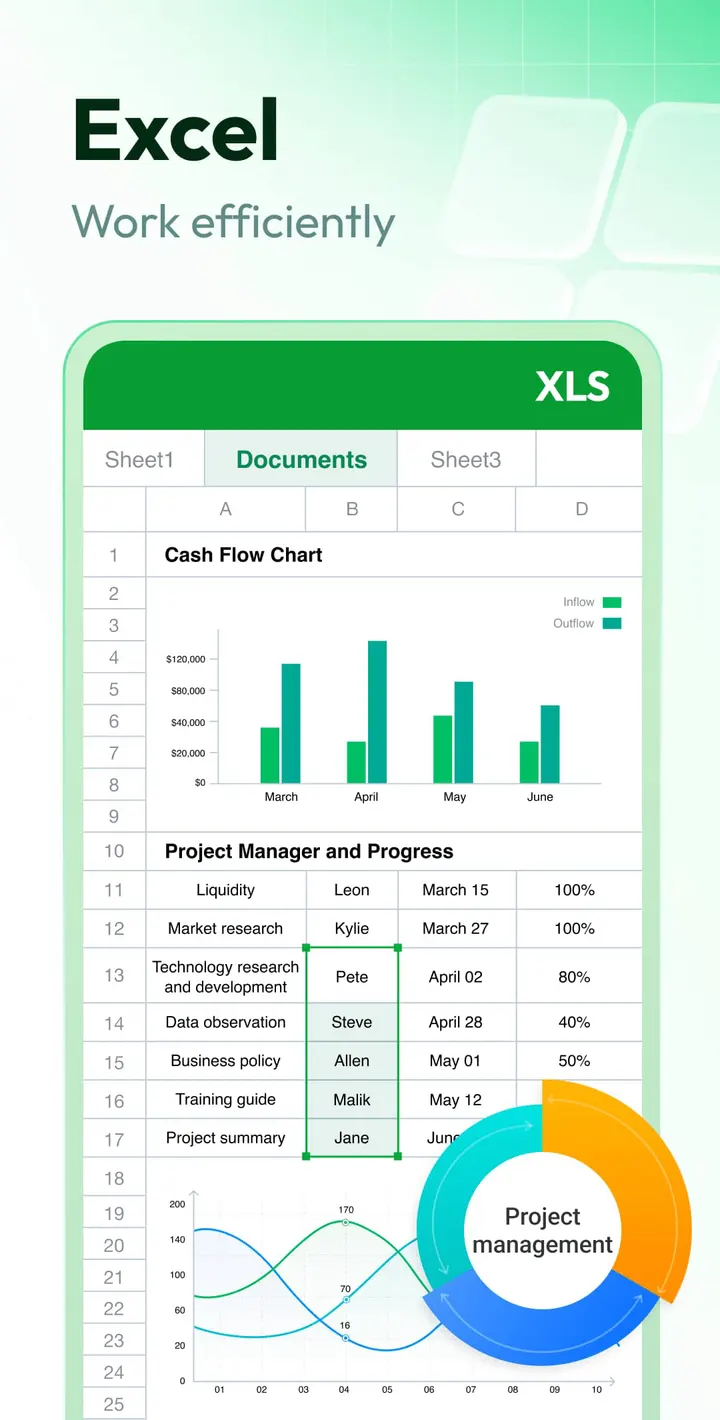
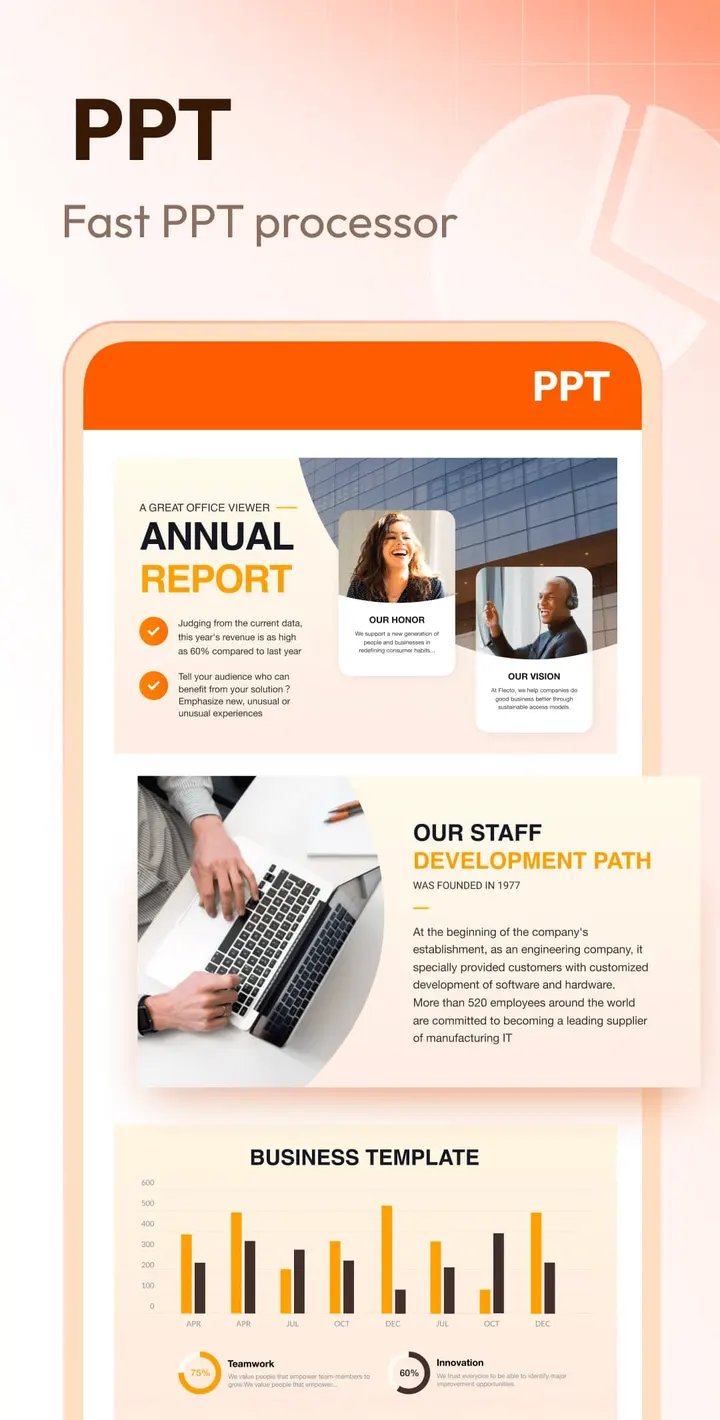
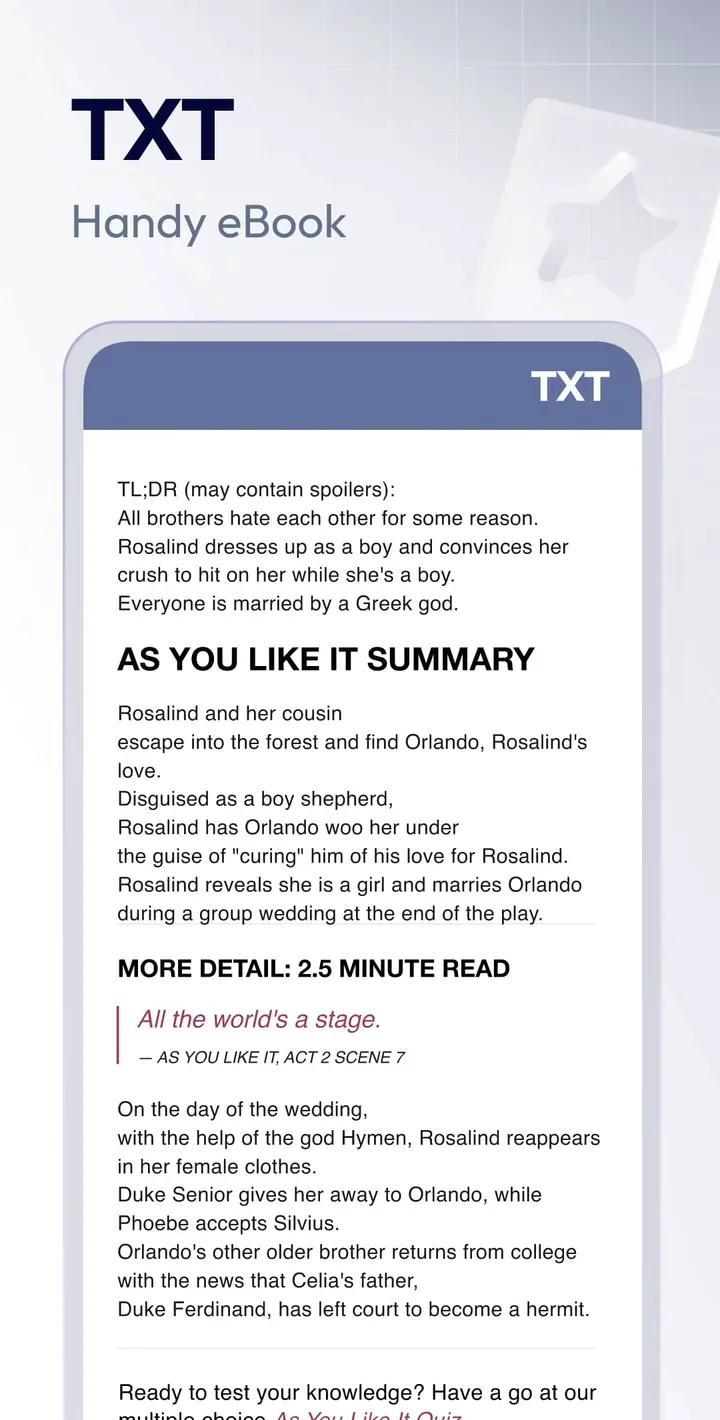
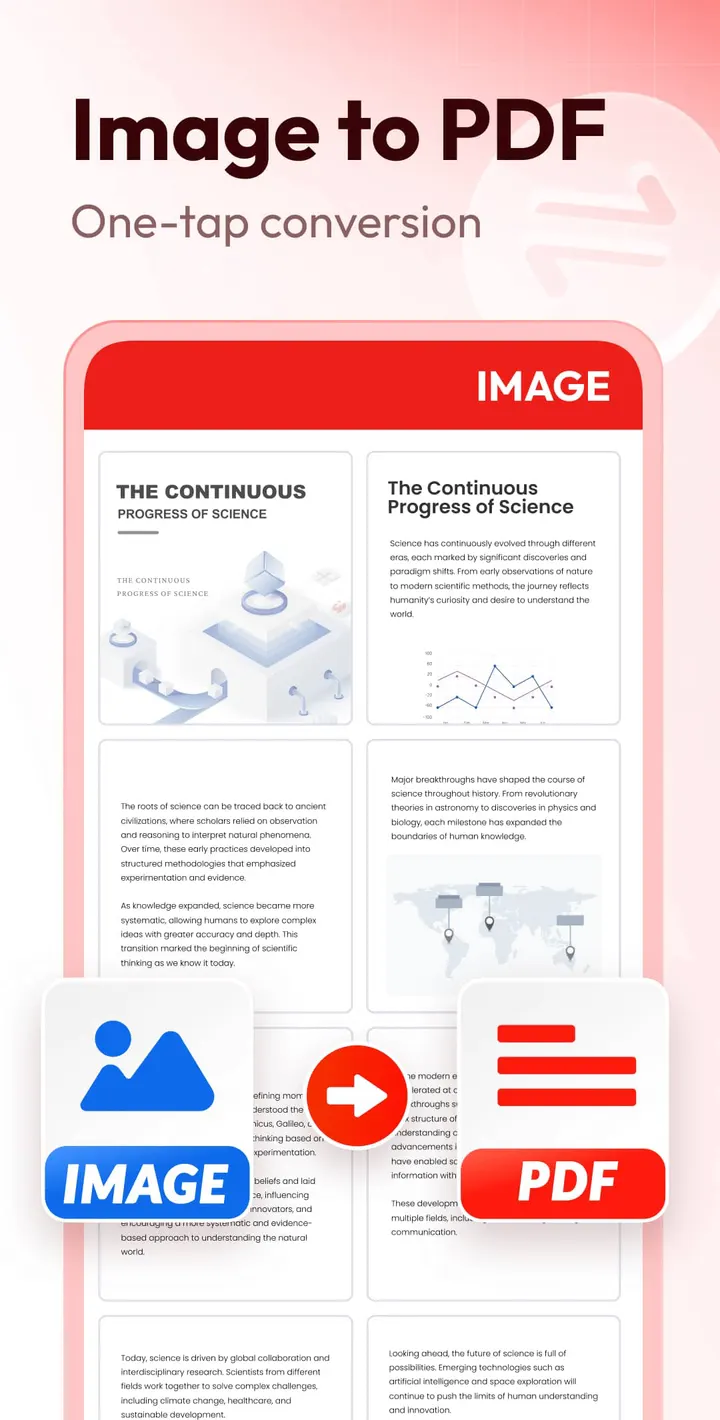
Document Reader & PDF Editor opens PDFs, Word files, spreadsheets, slides and plain text in one viewer on an Android phone. Beyond reading, it lets you change text in a PDF, including size, font and color, and it can search inside files or jump to a page. It needs Android 6.0 or newer and sits in the pdf-readers category.
Free to install, with ads and in-app purchases
Downloading is free, and the content rating is Everyone. Expect ads, and in-app purchases are offered too.
The developer name appears as QR Code Scanner., and the app has a website at alldocreader.deepthought.industries. Its package ID is all.documentreader.filereader.office.viewer.
Reading PDF, Word, Excel and PPT in one place
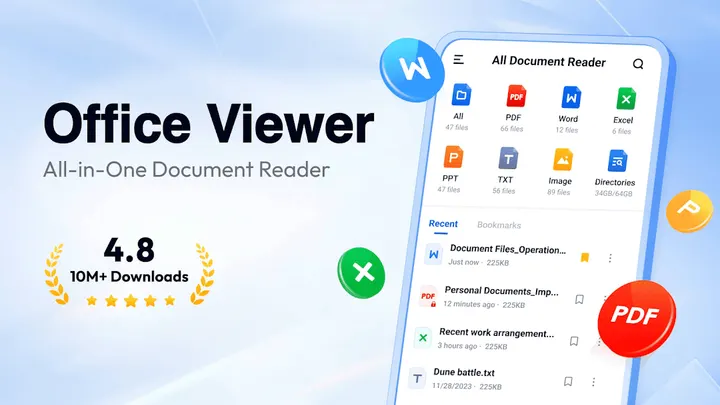
As a viewer, it opens PDF, DOCX, XLS, PPT and TXT files, and the description also lists images and RTF. Documents are shown in organized folders, and a built-in search finds files by name. The Word reader can sort files by path, size, name or last edit date.
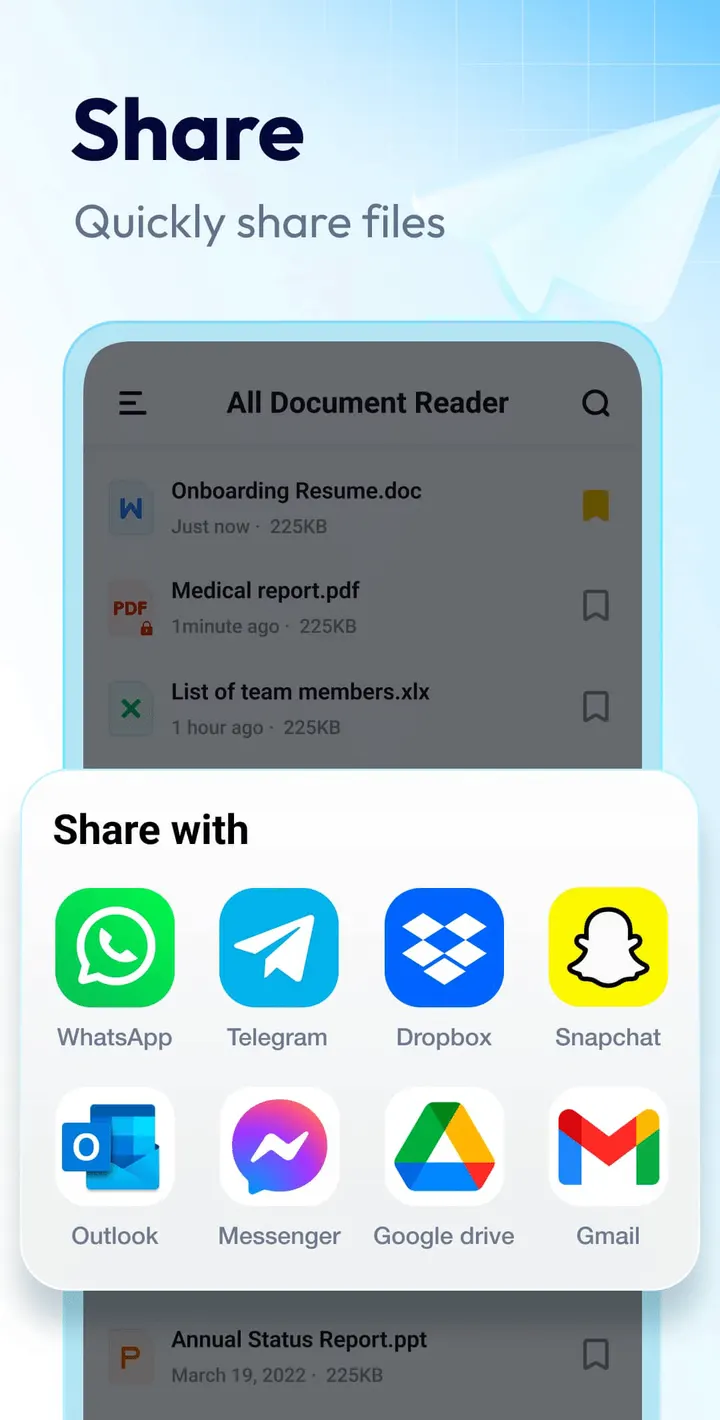
Inside a PDF you can zoom in and out, jump straight to a page, and switch between landscape and portrait. Text search works within a file. Printing and sharing are built in, and bookmarks give quick access to documents you reopen often. Color inversion is meant for reading at night, and files can be read offline without a connection.
Editing text, signing and converting PDFs
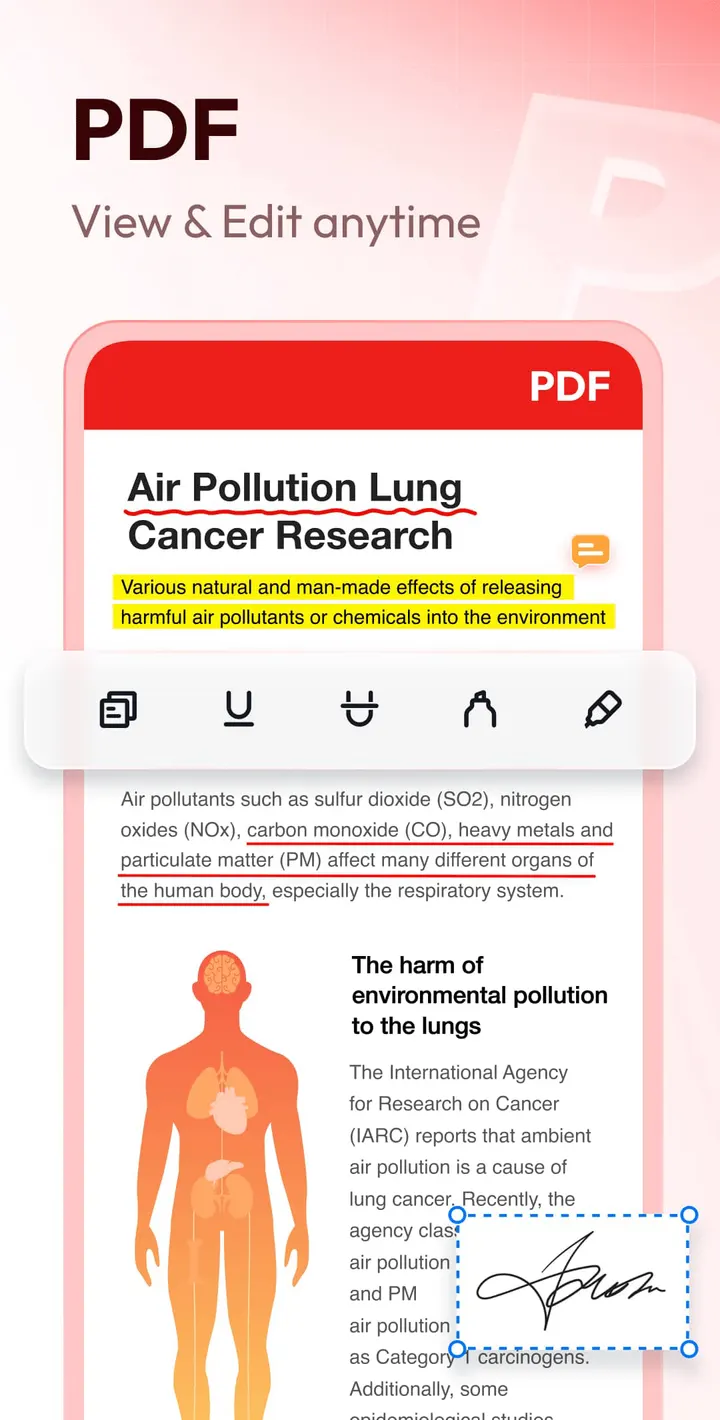
The editor lets you change PDF text content, size, font and color. You can apply bold, italic, underline, strikethrough and alignment. The description also lists inserting images, highlights, doodles, and adding a signature to a PDF.
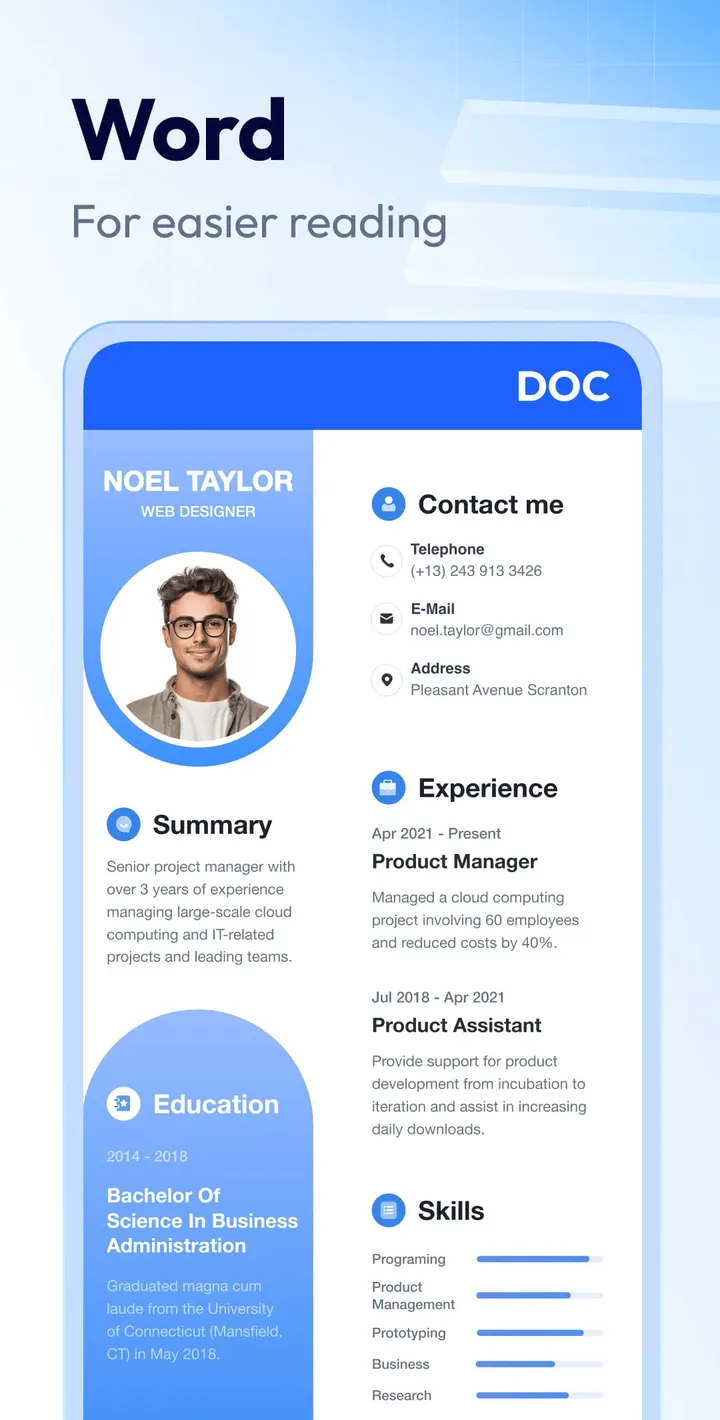
Conversion covers image or scan to PDF, Word to PDF, PDF to Word and PPT to PDF. Templates exist for resumes, letters, faxes and posters, with editable text and replaceable images.
The developer lists several features as coming later: AI summary, text translation, OCR for PDFs, Excel editing, PDF form filling and shared folders. These are plans, not current functions.
Version 1.3.5.83 and the update record
The current version is 1.3.5.83, last updated on September 29, 2026. The app first appeared on July 28, 2022, so it has been maintained for several years.
Document Reader & PDF Editor pros and cons
Pros
- Opens PDF, Word, Excel, PowerPoint and text files in one app
- Reading works offline, with no connection needed
- PDF text can be edited, including font, size and color
- Conversion tools include Word to PDF and PDF to Word
- Over 100 million installs and a 4.5 rating on Google Play
Cons
- Contains ads
- Has in-app purchases
- Editing Excel files, OCR and form filling are only planned, not available
- Recent updates are not described in detail
Is Document Reader & PDF Editor safe?
Document Reader & PDF Editor carries an Everyone content rating. The listed publisher is QR Code Scanner., a name that does not obviously match a document tool, so check the permissions and data safety section on the store page before opening contracts or invoices in it. It is free, with ads and in-app purchases.
How to install Document Reader & PDF Editor
- Press the Google Play button on this page.
- Check the listing in the Play Store and press Install.
- Open Document Reader & PDF Editor when the install finishes. Updates arrive through Google Play.