
ReadEra is a free Android reader from READERA LLC that opens PDF, EPUB, Word, Kindle, DJVU, FB2, TXT, ODT and CHM files without showing ads. Google Play counts 50 million installs and a 4.9 rating from about 1.6 million ratings. Install it from Google Play; the content rating is Everyone.
Free, offline and without ads or purchases
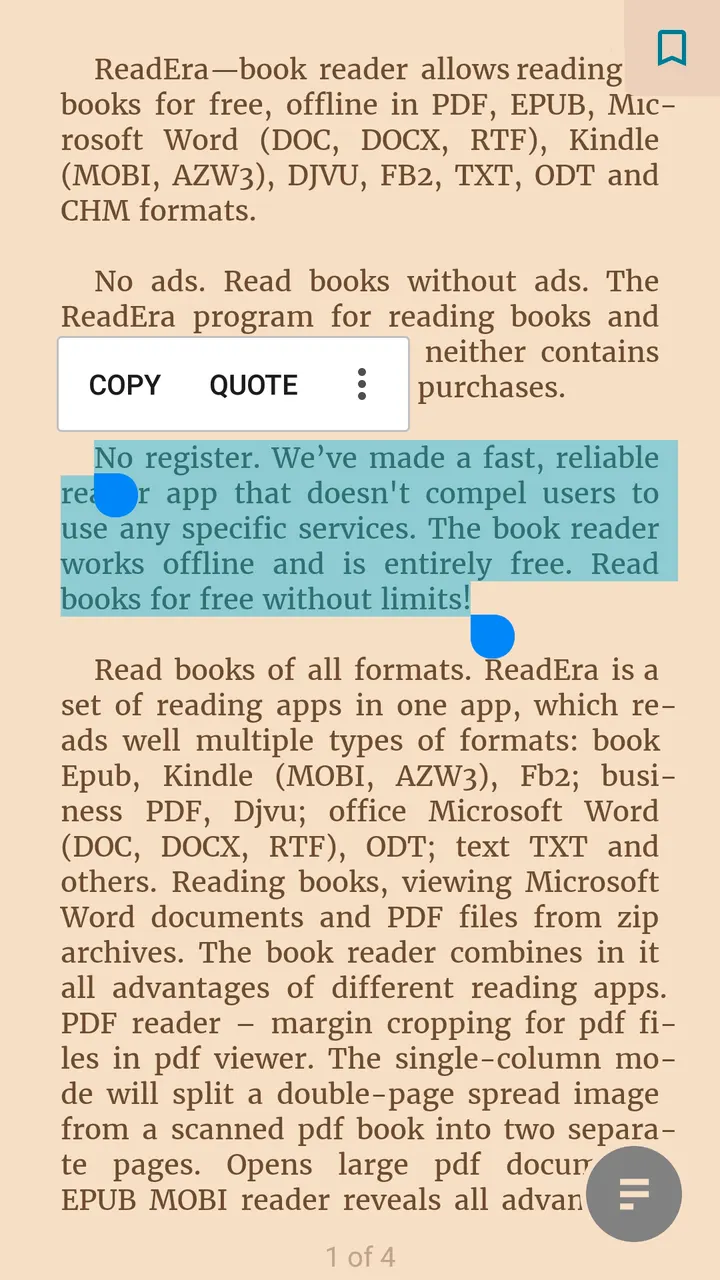
ReadEra costs nothing, shows no ads and sells no in-app purchases. According to the developer, it needs no registration and works offline, so reading PDF, EPUB, DOCX, MOBI, DJVU, FB2 and other files does not depend on an account or a connection.
It is tagged books-and-reference and no-ads. It runs on Android 4.1 or newer, so older phones can handle it too.
PDF cropping, DJVU and Word contents in one app
Format coverage is the main draw. The app handles ebooks such as EPUB, MOBI and AZW3, office files such as DOC, DOCX, RTF and ODT, and business formats such as PDF and DJVU. FB2 books and other documents can be read straight from zip archives, so there is no need to unpack them first.
PDF tools include margin cropping and a single-column mode that splits a scanned double-page spread into two pages. The description also says large PDF documents open. For Word files, the reader builds a table of contents from the titles.
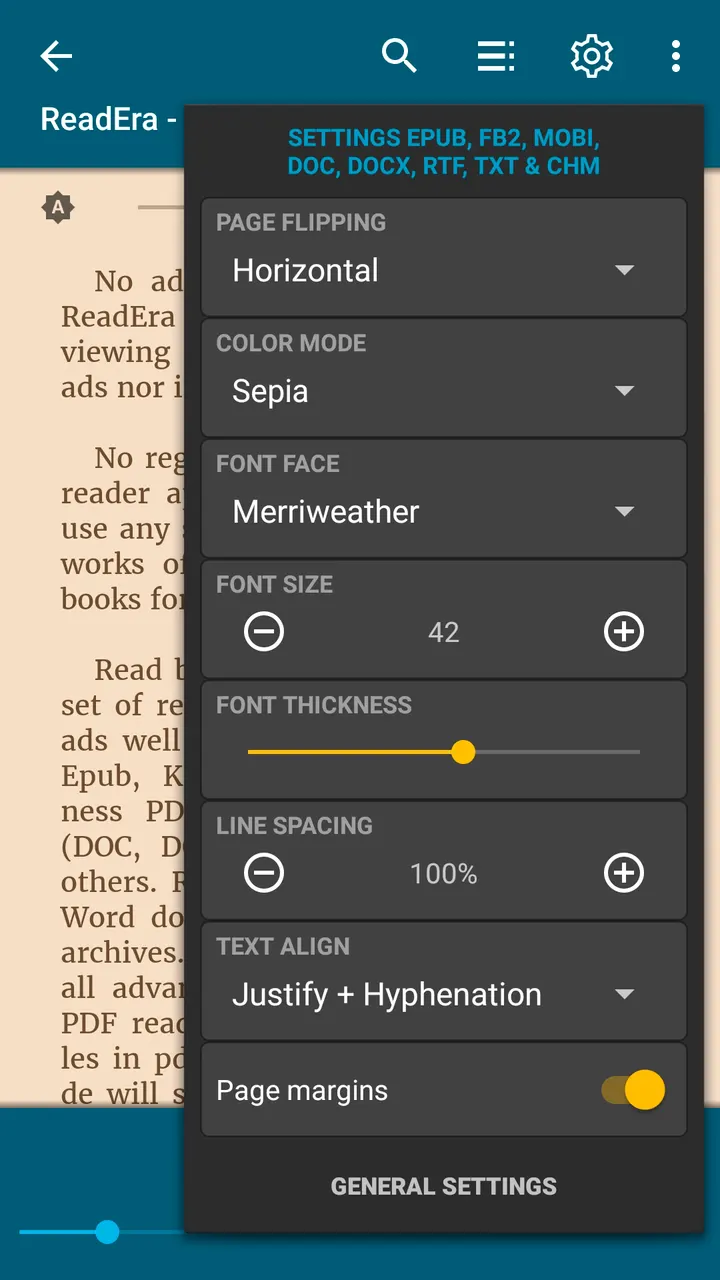
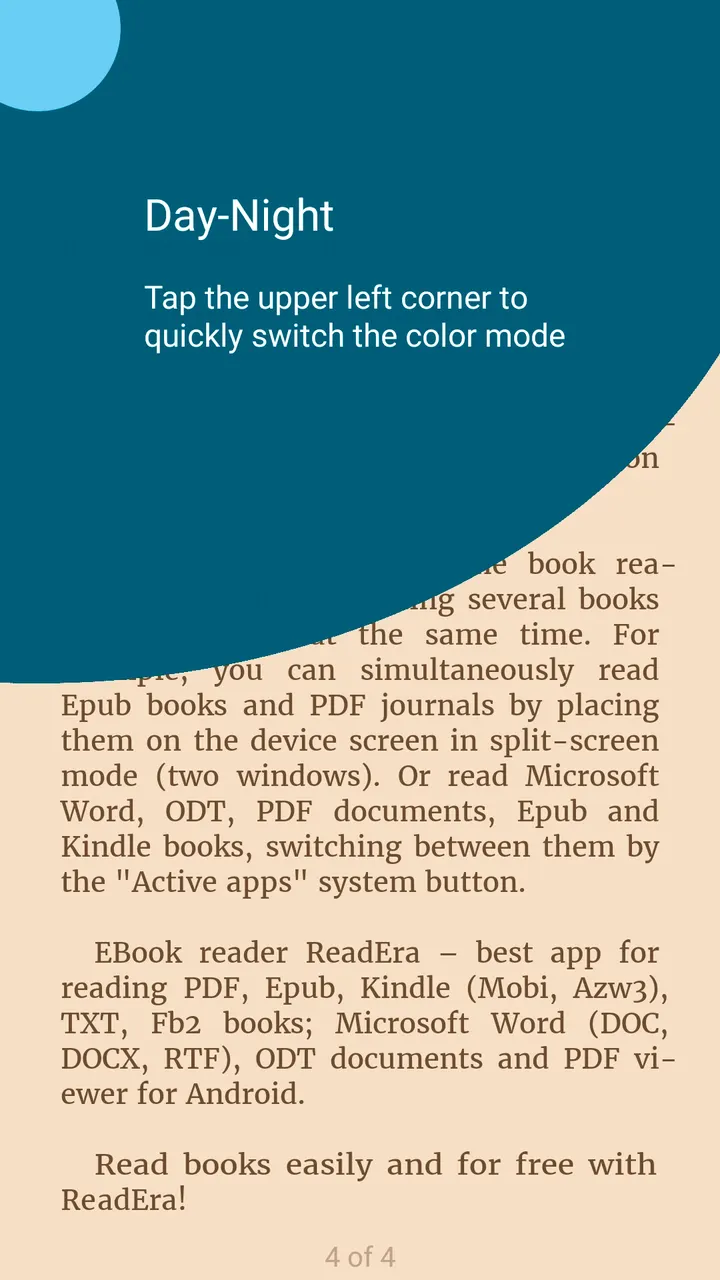
Reading settings cover day, night, sepia and console color modes, horizontal or vertical page flipping, and adjustments to brightness, orientation and margins. Font, size, boldness, line spacing and hyphenation can be changed for most text formats.
Library tools: collections, reading lists and bookmarks
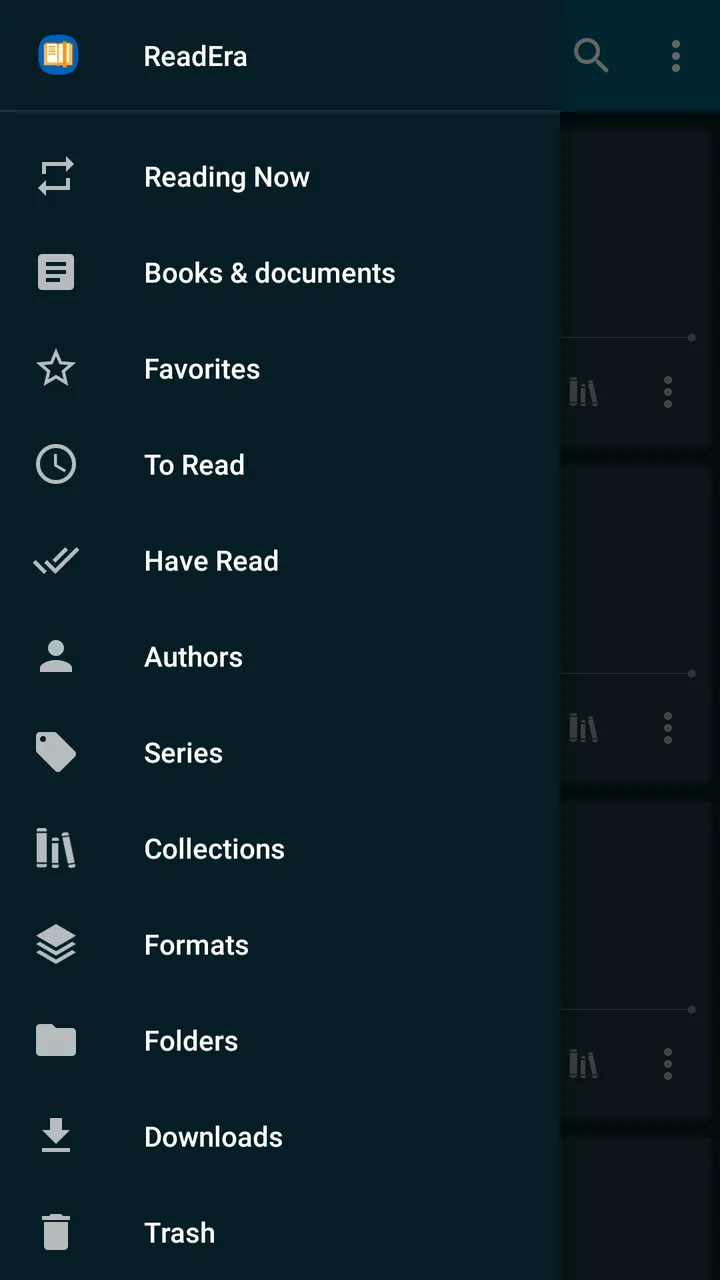
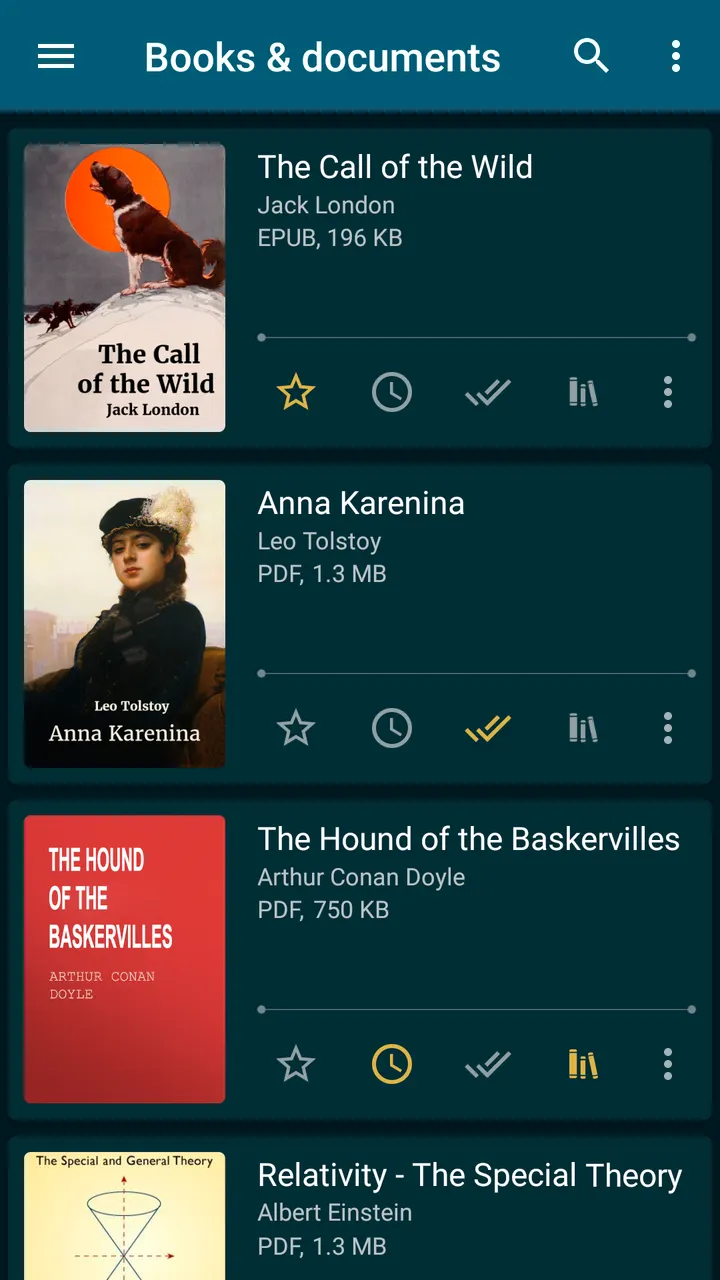
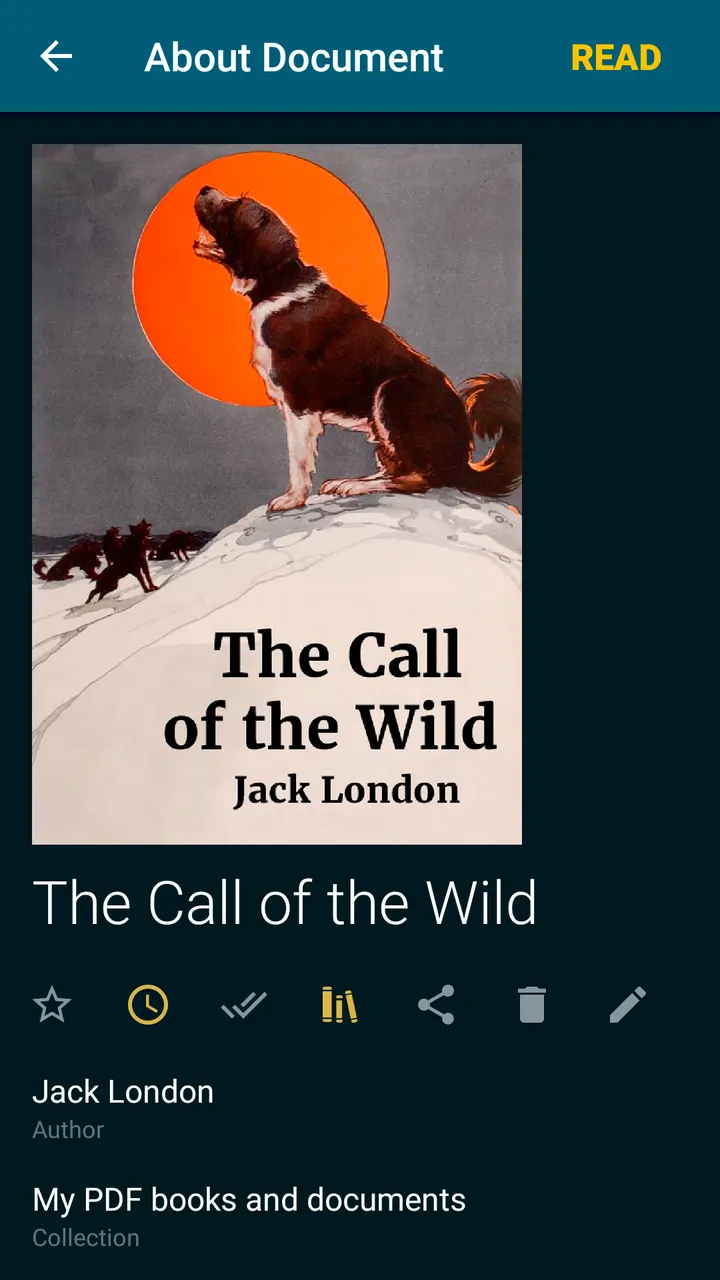
ReadEra detects books and documents on the device automatically, so a file downloaded from the web appears in the library. Books can be grouped by author and series, and sorted into To Read, Have Read and Favorites lists. The Collections tool works like bookshelves, and one book can sit in several collections.
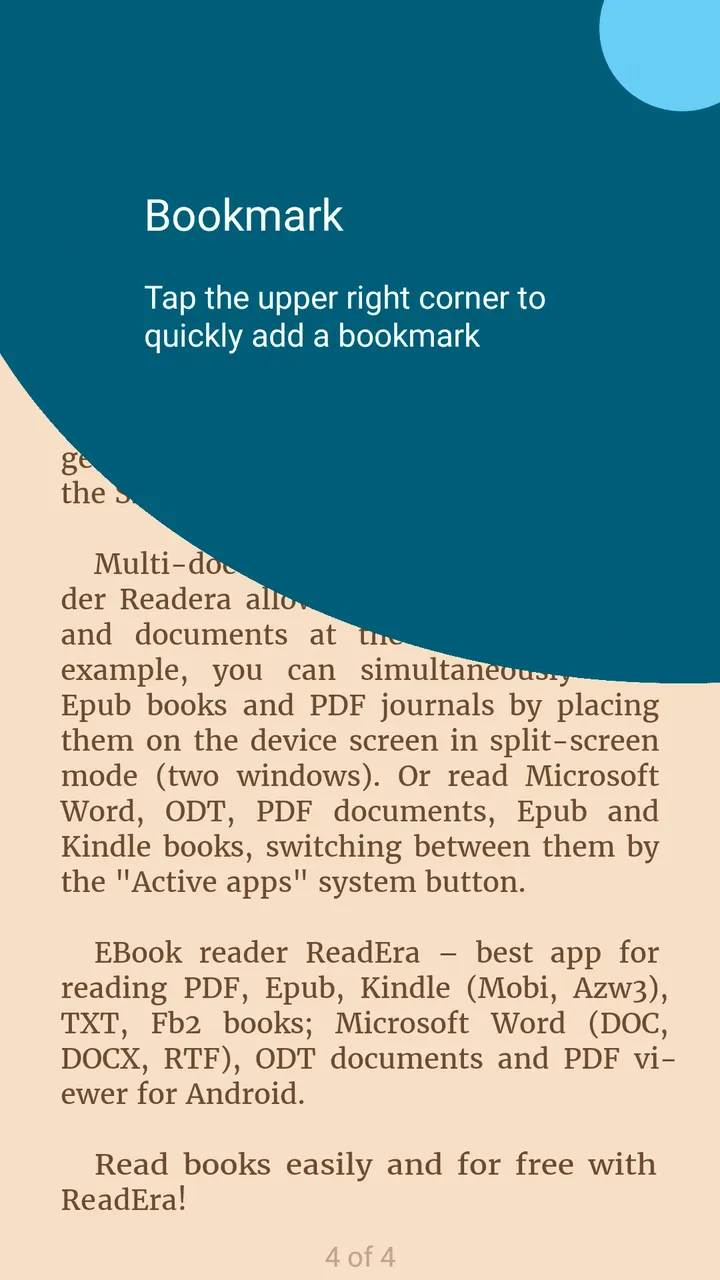
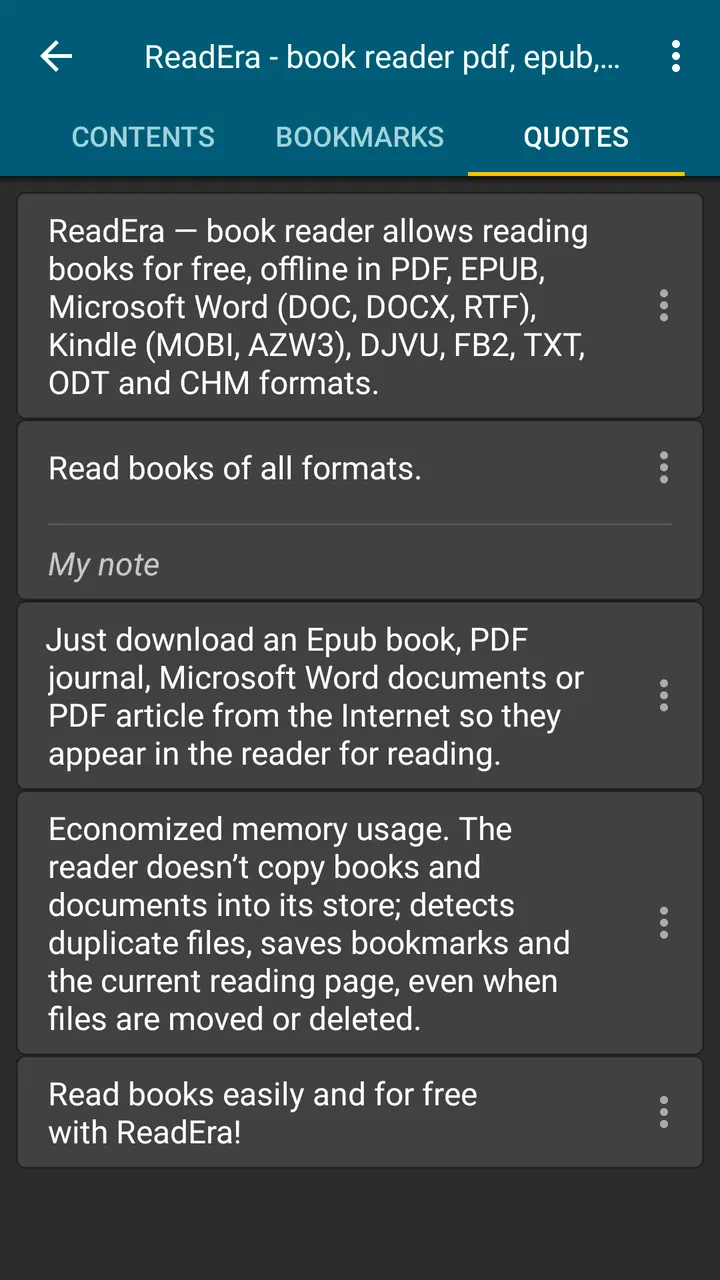
Inside a book, the app offers a table of contents, bookmarks, highlights, quotes, notes and page browsing history. Footnotes in EPUB, MOBI, DOCX and FB2 appear at the bottom of the page. It shows total pages and pages in the current chapter. The description also says the app does not copy books into its own storage.
Version 26.05.20+2300 and its maintenance record
The current version is 26.05.20+2300, updated on October 29, 2026. The app first came out on March 30, 2017, and it has been maintained since.
ReadEra pros and cons
Pros
- No ads and no in-app purchases, and it is free
- Opens PDF, EPUB, DOCX, MOBI, AZW3, FB2, DJVU and more offline
- PDF margin cropping and a single-column mode for scanned spreads
- Collections, reading lists and grouping by author and series
- Rated 4.9 on Google Play from about 1.6 million ratings
Cons
- Recent changes are not documented in a changelog
- Distributed through Google Play only
- App size and the full list of permissions are not shown on the page
Is ReadEra safe?
ReadEra is made by READERA LLC (readera.org). It shows no ads, sells no in-app purchases and works offline without an account, so there is little reason for it to ask for anything beyond access to your book files.
How to install ReadEra
- Press the Google Play button on this page.
- Check the listing in the Play Store and press Install.
- Open ReadEra when the install finishes. Updates arrive through Google Play.