
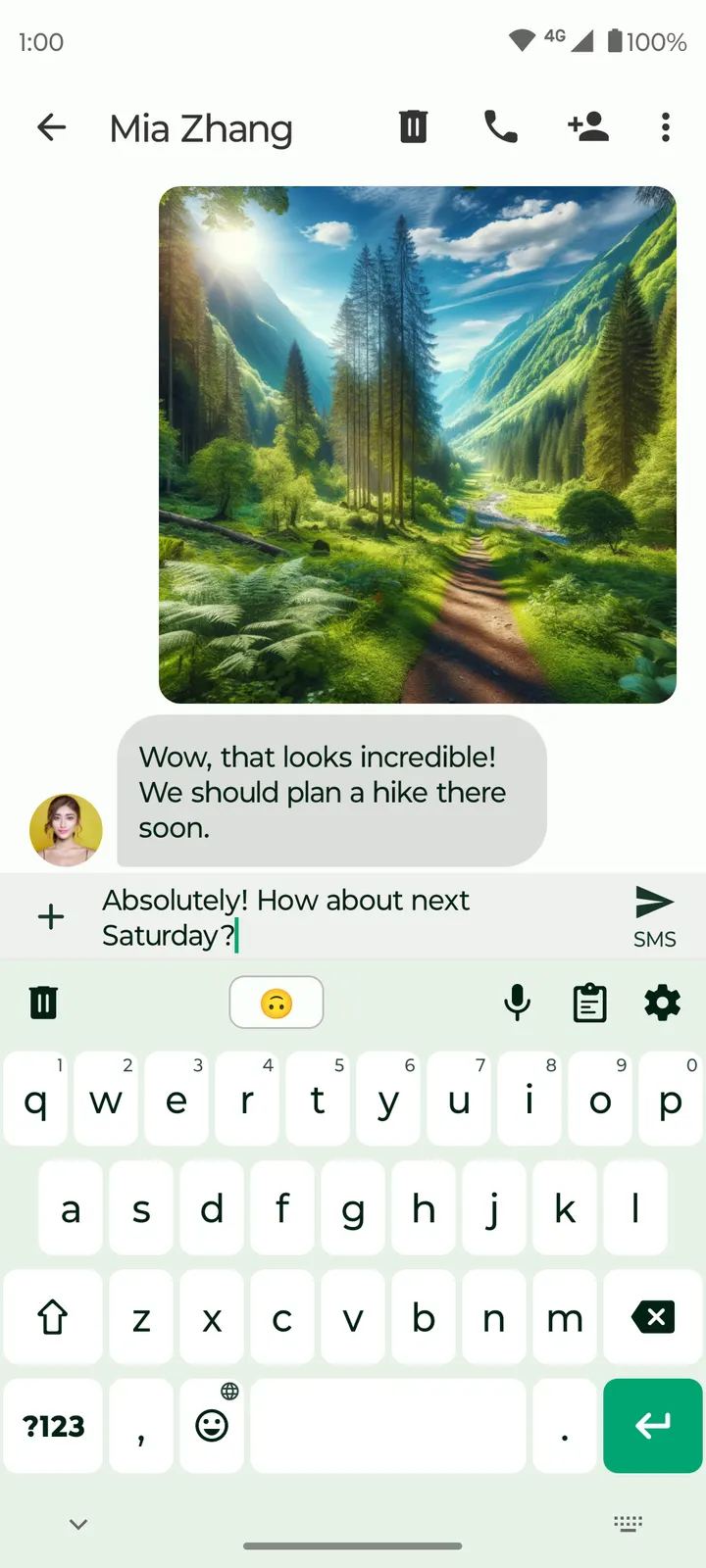
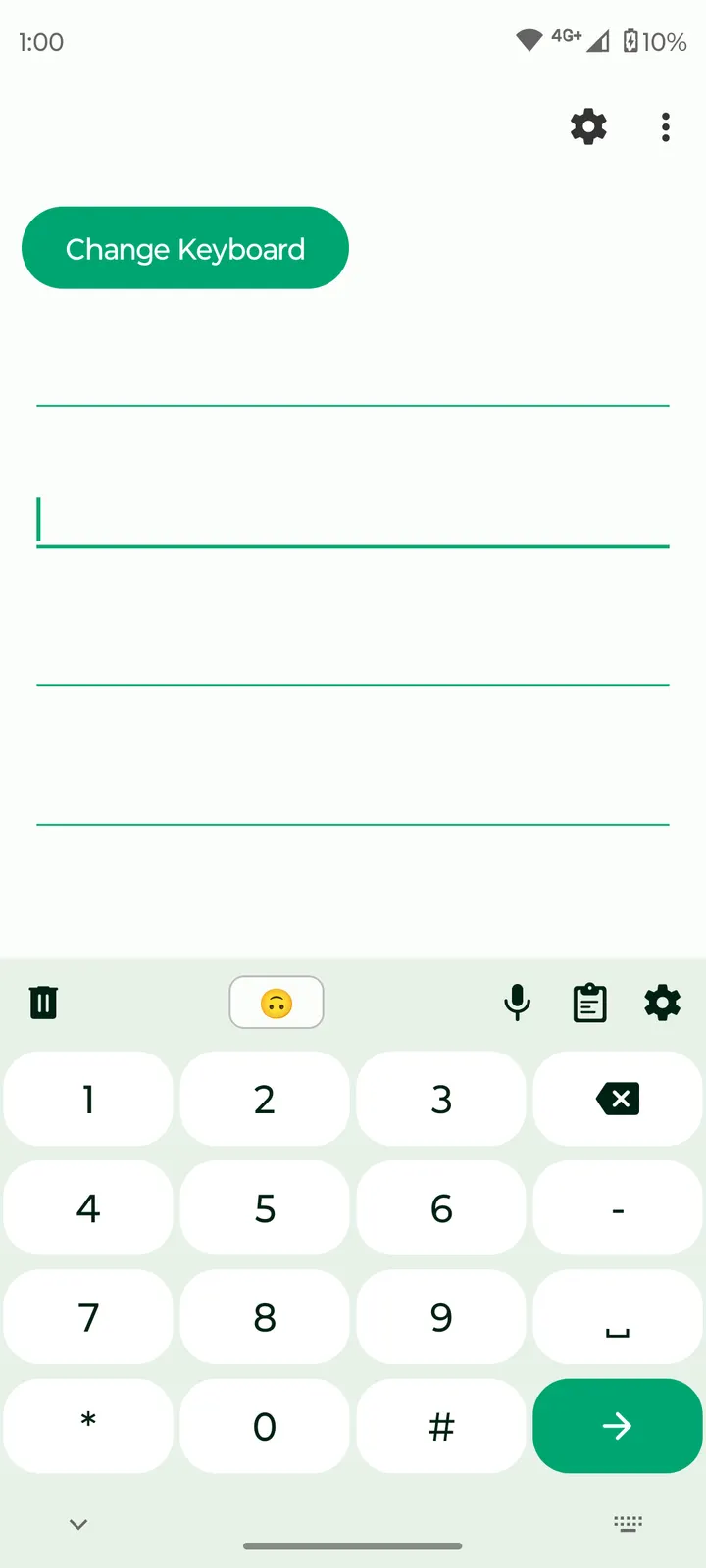
You are typing a message on a phone with no signal, and the keyboard should still work without asking for anything. Fossify Keyboard Beta is built for that case. It is an open-source keyboard from the developer Fossify, currently at version 1.9.1, listed in the keyboards category and tagged for writing and offline use. This page covers cost, features and upkeep using only the listing data.
Free, ad-free and licensed under GPL-3.0
The app is free and has no ads. There are no in-app purchases or paid tier, so no features are locked.
The licence is GPL-3.0-only, and the source code sits in a public repository on GitHub under the FossifyOrg account. That matters for a keyboard, because anyone with the skills can read how input is handled. The developer website is fossify.org, which also links to other apps from the same publisher.
The package ID is org.fossify.keyboard. The word Beta is part of the app's name.
Offline typing, pinned clips and color settings
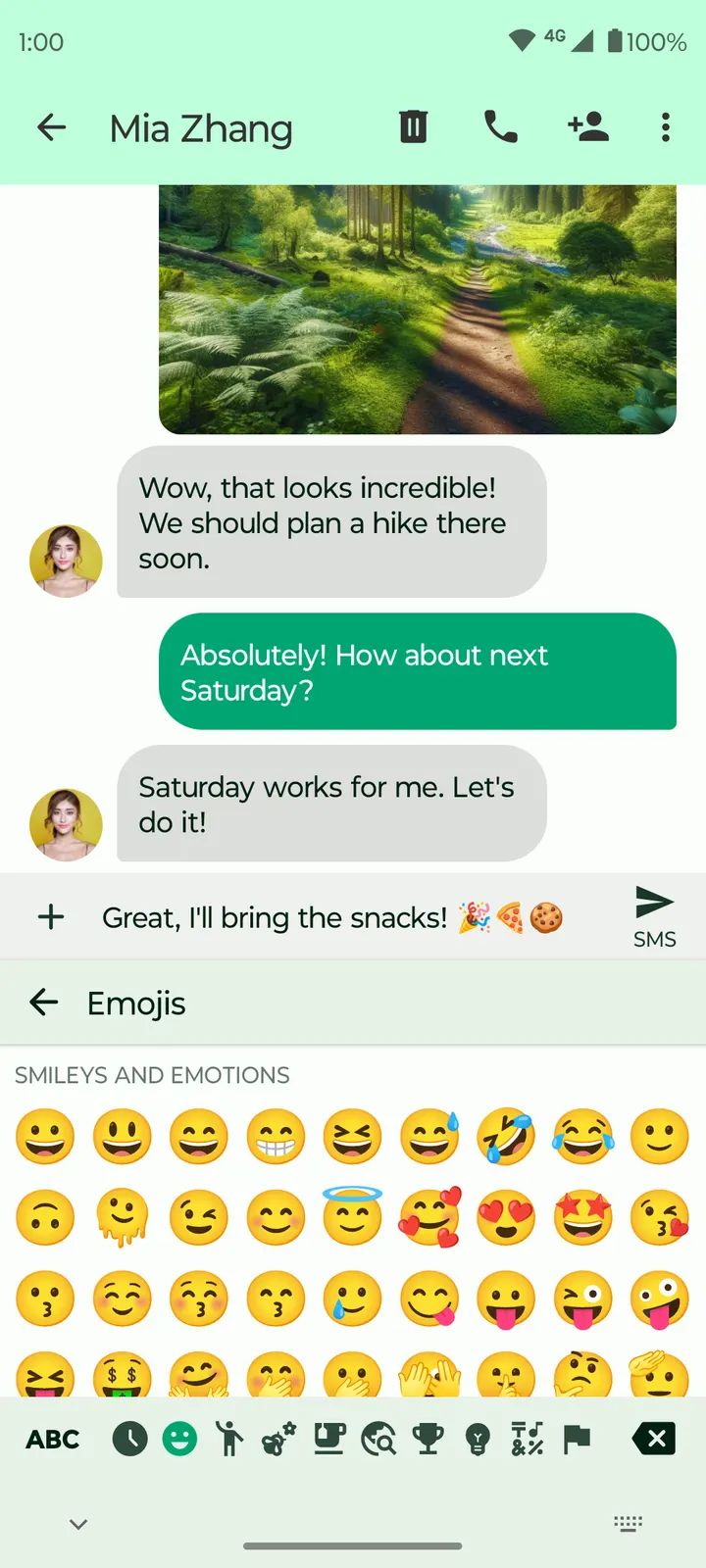
The core feature is a simple offline keyboard with emojis. The app runs without internet permission, so it cannot send what you type to a server. The developer also says it does not collect or share user information with third parties. Those are the publisher's claims, and the open source code is the way to check them.
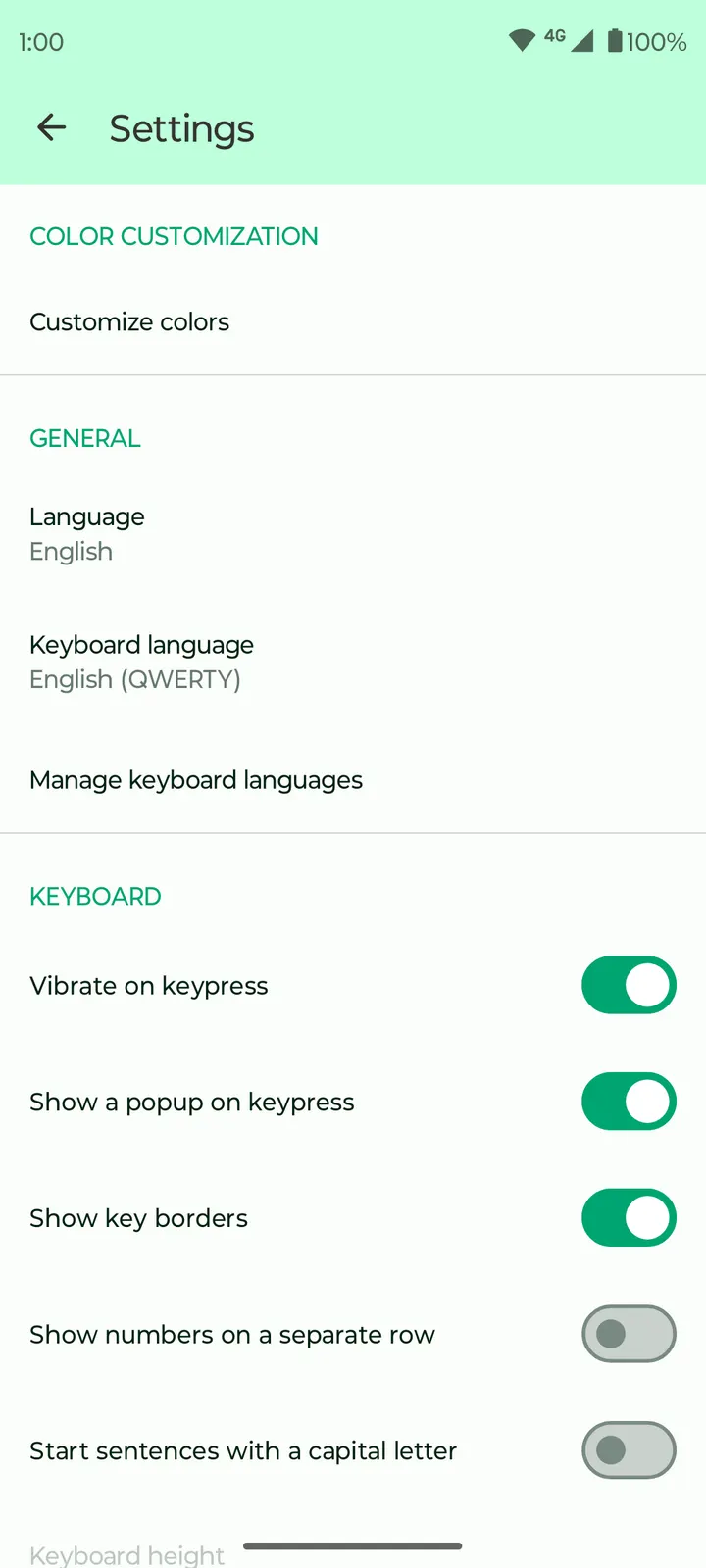
The keyboard supports multiple languages and layouts, with switching between them. Check the app itself if you need a specific language.
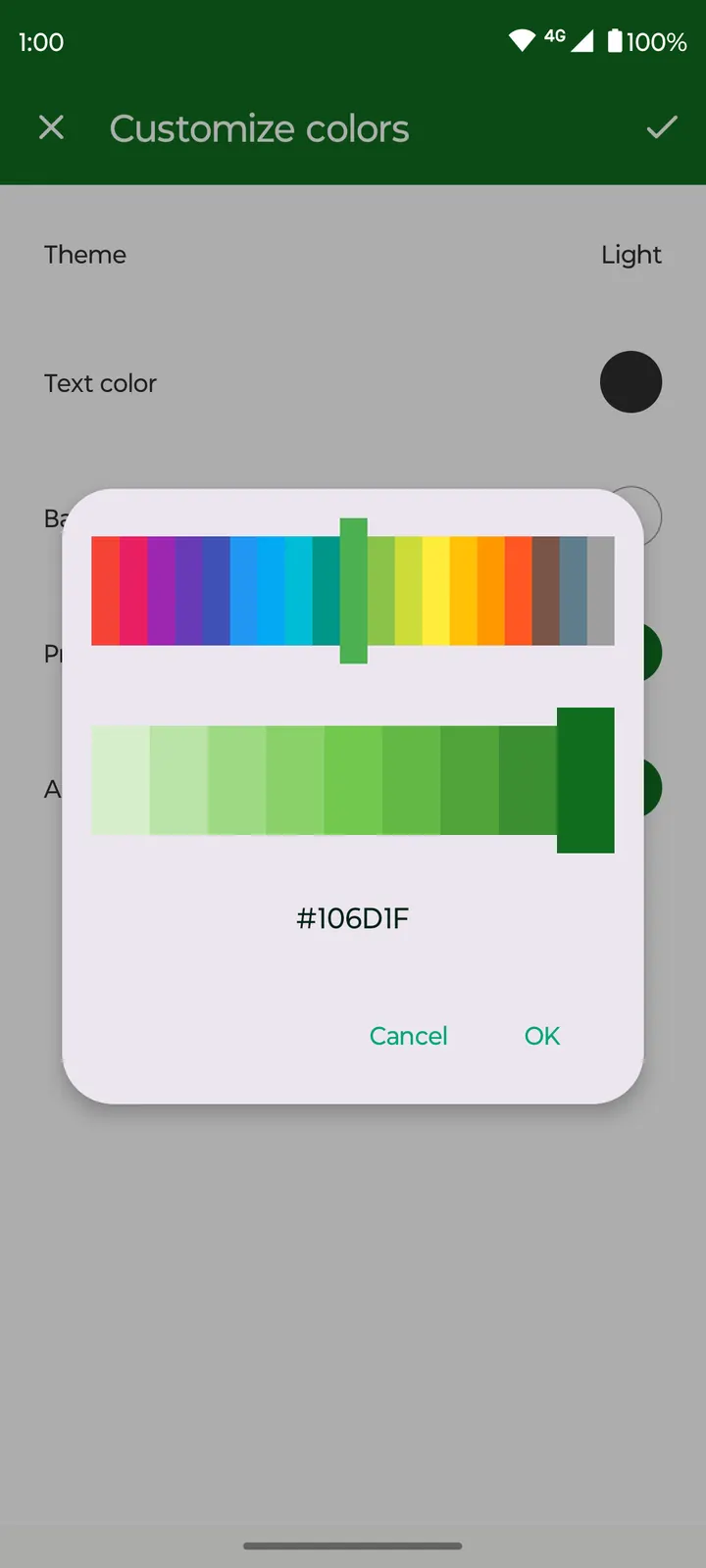
The clipboard feature lets you create clips and pin the ones you reuse, which suits addresses, short replies or standard phrases. Settings cover vibration on or off and popups on key presses. Colors are adjustable, and the design follows Material guidelines with a dark theme as the default.
Version 1.9.1 and the February 2026 update
The current version is 1.9.1. It first appeared on July 21, 2024, and its most recent update came on February 4, 2026, so the project has stayed maintained into 2026.
The app needs Android 8.0 or newer and takes up 16.3 MB, a modest footprint for a keyboard with emoji and multi-language layouts.
The unmodified APK is stored with its SHA-256 checksum, e326885c08b68212fd9fdda9be8a4fa492d5daba7ff37bb4ff4511826f40a8d0. Compare it with the file you download to confirm they match.
Fossify Keyboard Beta pros and cons
Pros
- Free, with no ads
- Runs without internet permission, so it works fully offline
- GPL-3.0-only licence with public source code on GitHub
- Pinnable clipboard clips for text you reuse often
- Small download at 16.3 MB, with Android 8.0 as the minimum
Cons
- The Beta label may mean stability is not guaranteed
- Current version is 1.9.1
- No language count or list of layouts is given
Is Fossify Keyboard Beta safe?
Fossify Keyboard Beta is released under GPL-3.0-only, and its source code is public on GitHub, so anyone can read how it works. The unmodified APK comes with a SHA-256 checksum you can verify. The keyboard runs entirely offline without internet permission, which matters for something that sees everything you type. That claim rests on the publisher and the open code.
How to install Fossify Keyboard Beta
- Download the APK with the button on this page and wait for it to finish.
- Compare the file with the SHA-256 checksum shown here if you want to confirm it arrived intact.
- Open the file on your phone and allow installs from this source when Android asks.
- Finish the install, then open Fossify Keyboard Beta from your app drawer.


