

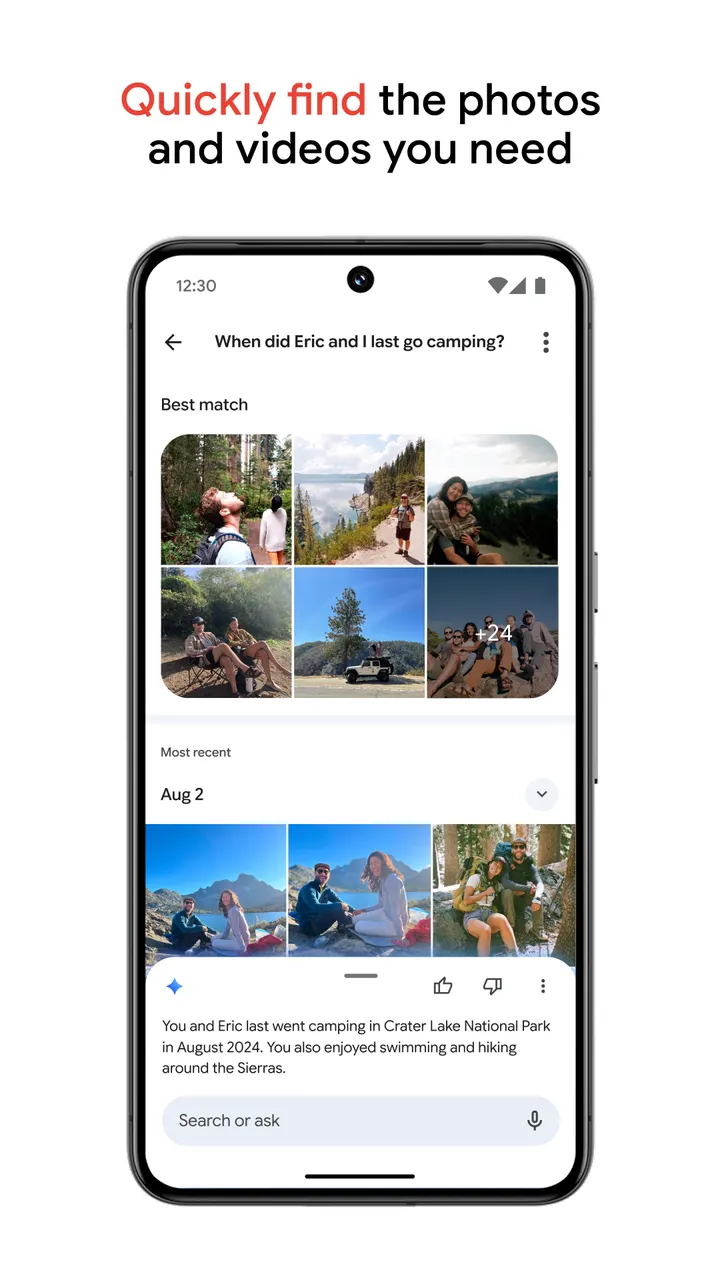
Google Photos suits Android owners who want photos and videos backed up off the phone, sorted automatically and simple to search with phrases like "Kayaking on a lake surrounded by mountains." Google LLC released it on May 27, 2015. Every Google account gets up to 15 GB of storage, and Magic Eraser, Unblur and Portrait Light handle quick edits. The app is free, with no ads and no in-app purchases. The latest update was on November 3, 2026.
Backup is the point, and the 15 GB is shared
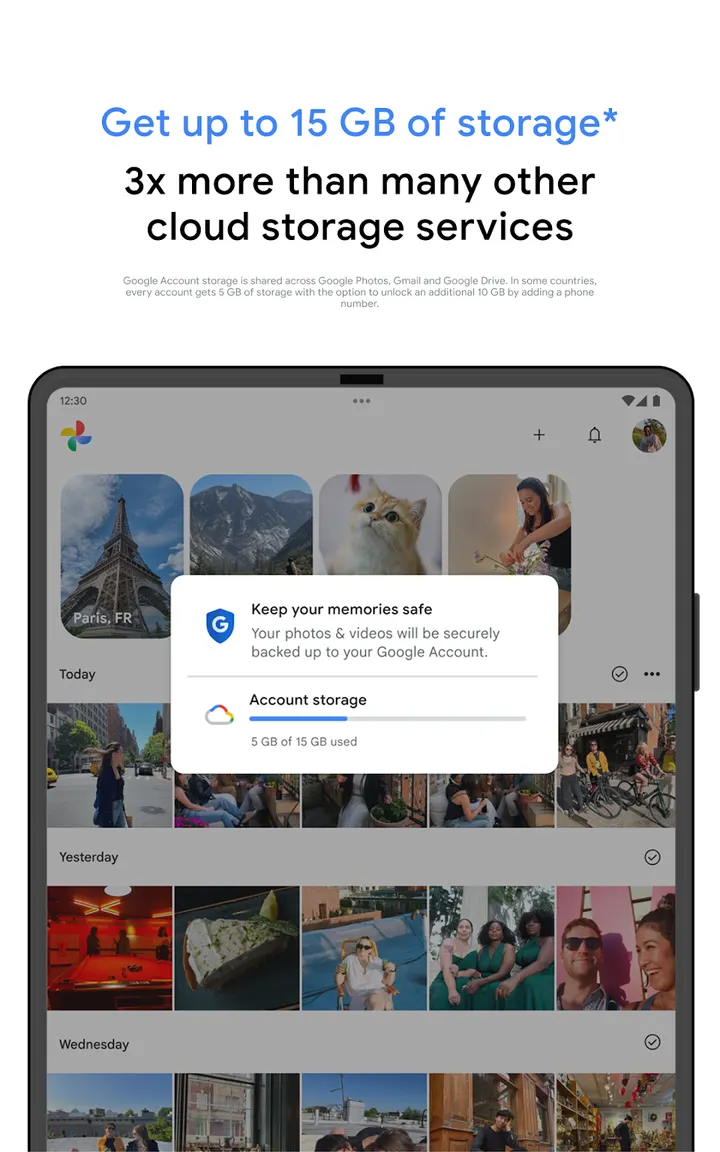
What defines the app is backup. Turn it on and photos from other apps, galleries and devices land in a single library, so the phone stops being the only copy. Once an item is backed up, you can remove it from the device with a tap, which is how the app frees space.
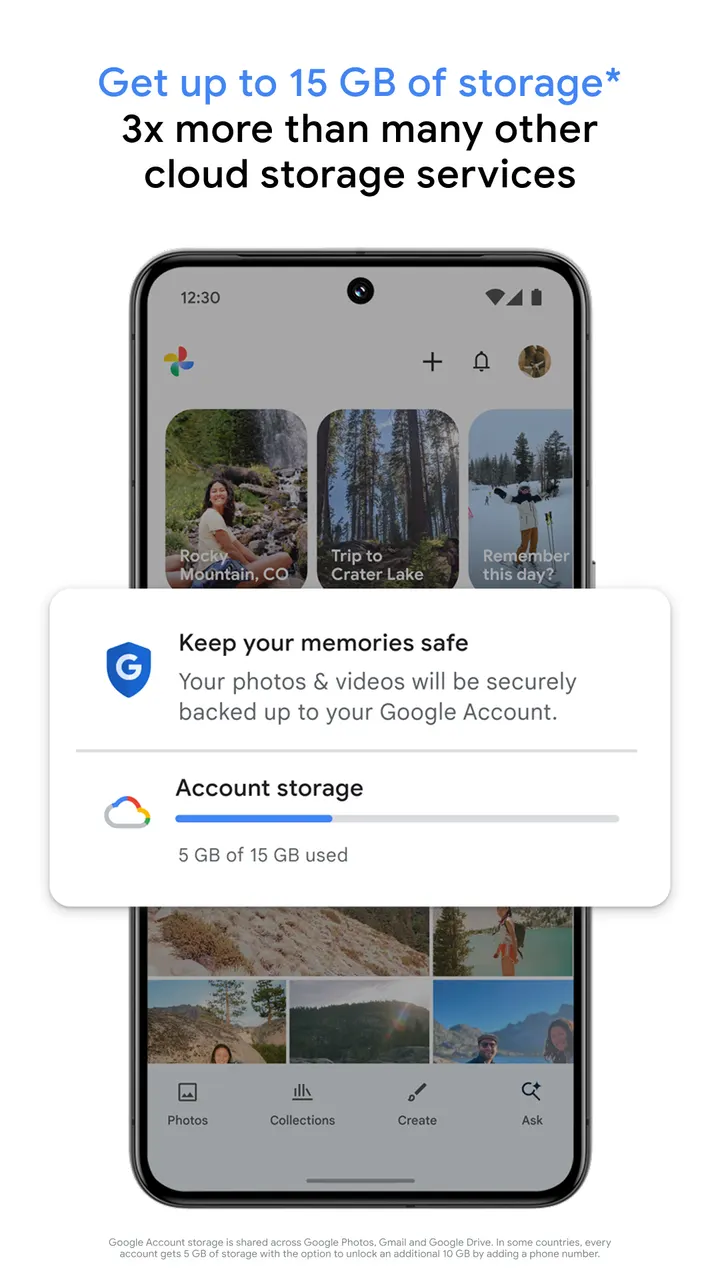
Storage comes from your Google account. Each account gets 15 GB, and that space is shared with Gmail and Google Drive, so a crowded inbox eats into photo room. In some countries the starting amount is 5 GB, with an extra 10 GB available after you add a phone number. Check the Google Play page for current terms on paid storage.
A session with stacks, Magic Eraser and a locked folder
A typical session starts when you open the app after a day of shooting. Backed-up photos appear in a timeline, and duplicates and similar shots are grouped into stacks, which trims clutter. Screenshots and documents get their own automatic folders, and you can build custom albums.
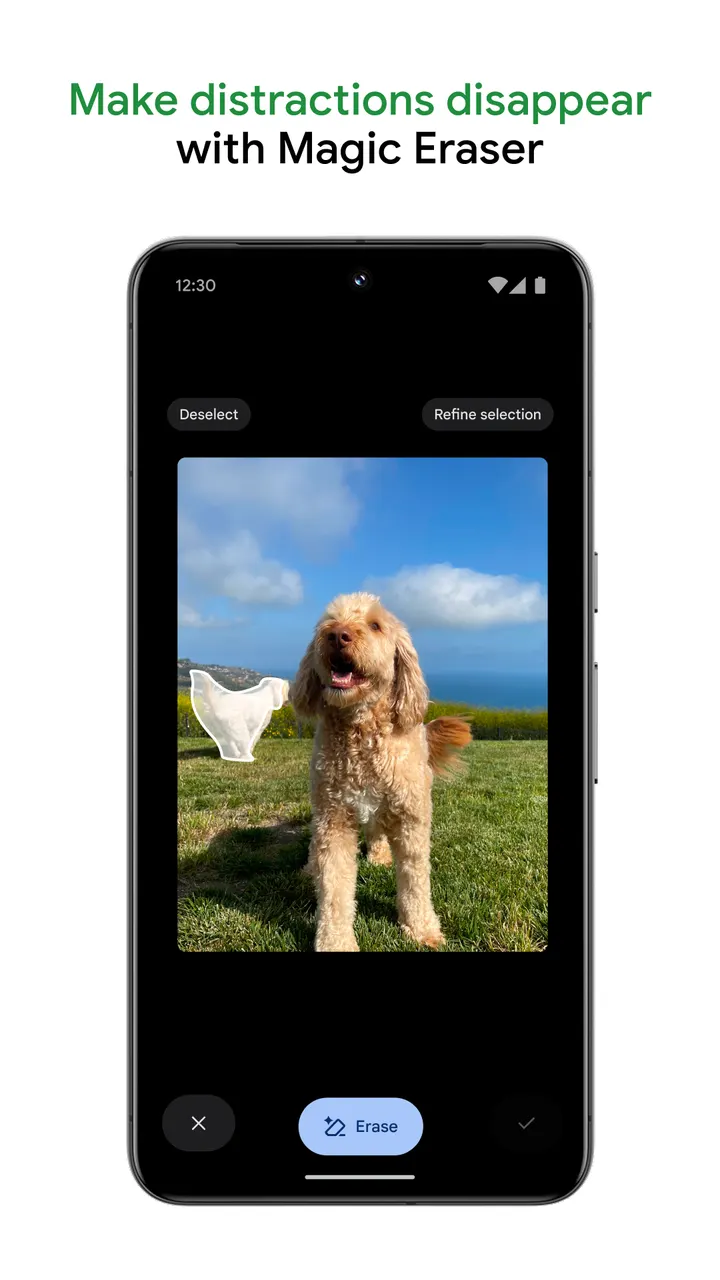
Search takes descriptive phrases, such as a named person laughing or kayaking on a lake with mountains behind. For edits, the app offers Magic Eraser for removing distractions, Unblur for soft photos and Portrait Light for lighting and brightness.
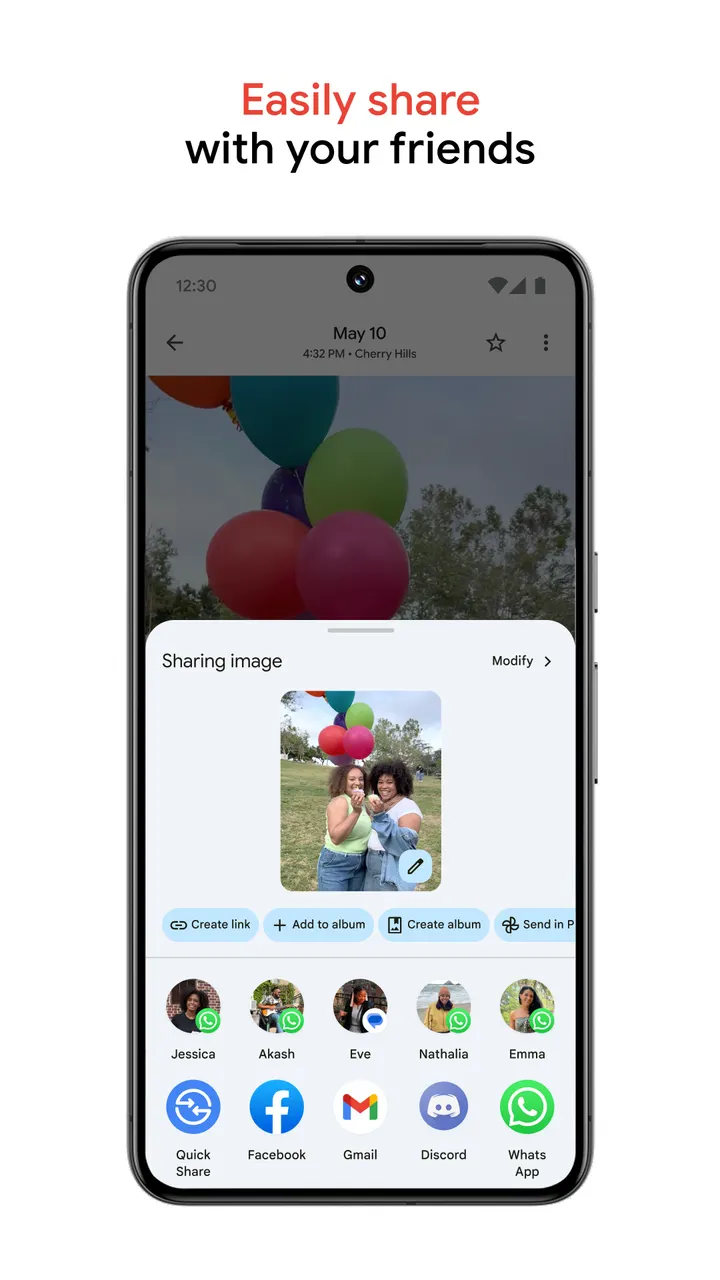
Sensitive items can go into a locked folder protected by the device screen lock. Sharing works with any contact, including people who do not use Google Photos. Google Lens is offered as a preview that reads text and objects in your pictures. Printing turns memories into photo books, prints and canvas art, priced per product and offered only in the US, EU, UK and CA.
How it sits next to WhatsApp, Facebook and the others
Google Photos is commonly paired with WhatsApp, Facebook, Messenger, X, Aegis Authenticator and AntennaPod. This page ranks none of them. By their names and general role, the messaging and social apps in that group are built around sending things to other people.
Google Photos is built around a personal library with backup, search and editing. It does share with contacts, but sharing is one function among several. Someone who already messages photos through other apps can still use Google Photos as the place where the originals are kept.
Google Photos pros and cons
Pros
- Backup gathers photos from other apps, galleries and devices into one library
- Backed-up photos can be removed from the phone with a tap to free space
- Descriptive search finds photos by what they show, such as kayaking on a lake
- Magic Eraser, Unblur and Portrait Light are named as editing tools
- No ads and no in-app purchases in the listing, with a price of zero
Cons
- The 15 GB of storage is shared with Gmail and Google Drive
- In some countries accounts start at 5 GB, and the extra 10 GB needs a phone number
- Printing is limited to the US, EU, UK and CA, and prices vary by product
- Google Lens is offered only as a preview
Is Google Photos safe?
Google LLC publishes Google Photos, and its content rating is Everyone. The app has no ads and no in-app purchases, so there is no ad code running alongside your library. Any claims about how stored photos are protected come from Google itself, so read its privacy policy if you plan to back up sensitive pictures.
How to install Google Photos
- Press the Google Play button on this page.
- Check the listing in the Play Store and press Install.
- Open Google Photos when the install finishes. Updates arrive through Google Play.


