
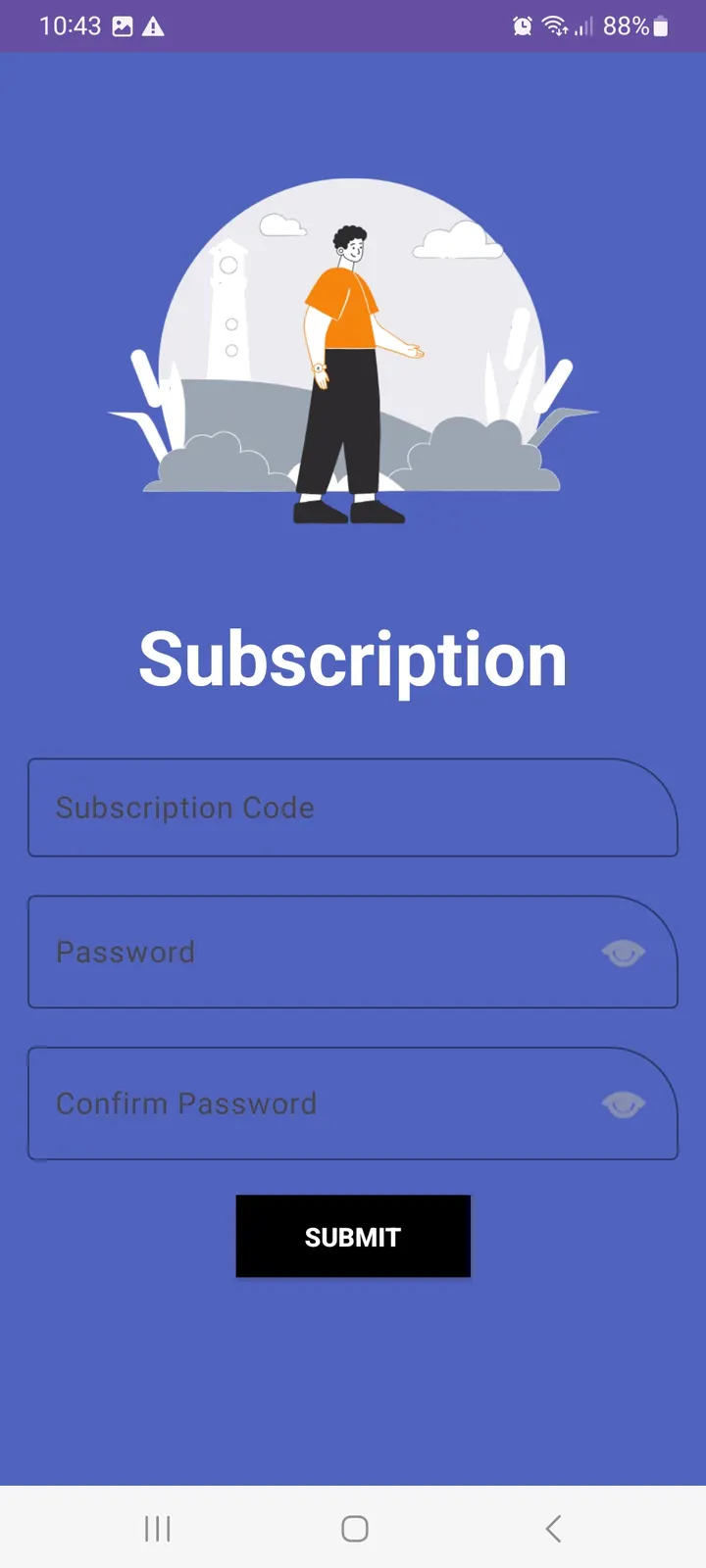
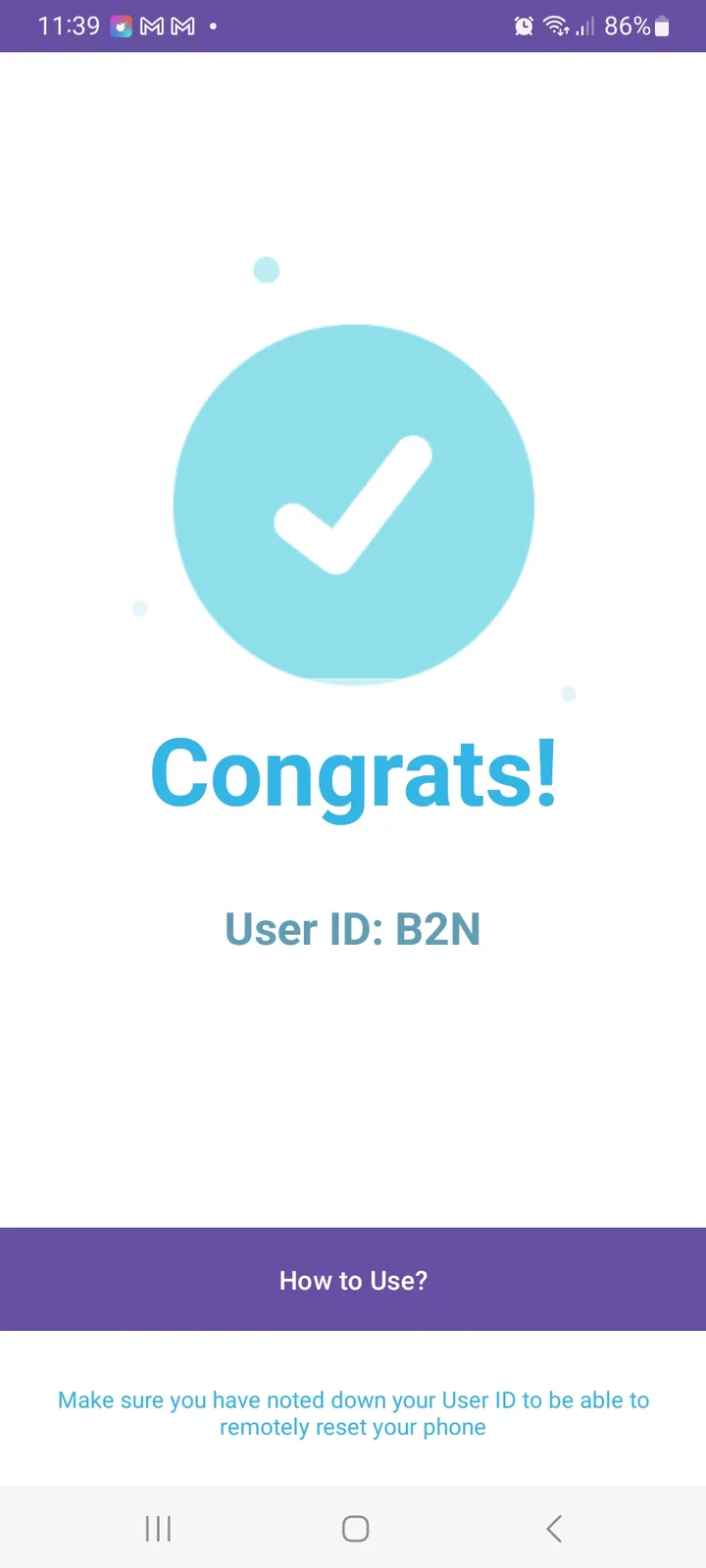
CleanSlate suits people who want a way to erase a lost or stolen phone and prefer open-source tools they can inspect. It comes from developer khalifa R., costs nothing and shows no ads. The APK we host is the unmodified file, and its SHA-256 checksum is listed with the download.
Who the remote wipe app fits
The app targets one job: protecting private data if a device goes missing. That makes it relevant for anyone carrying sensitive files, accounts or work material on a phone. Because the source code is public on GitHub under the MIT license, technically minded users can read how it works before installing.
It runs on Android 7.0 or newer, so older but still supported handsets are covered.
Wipe triggers and authentication in practice
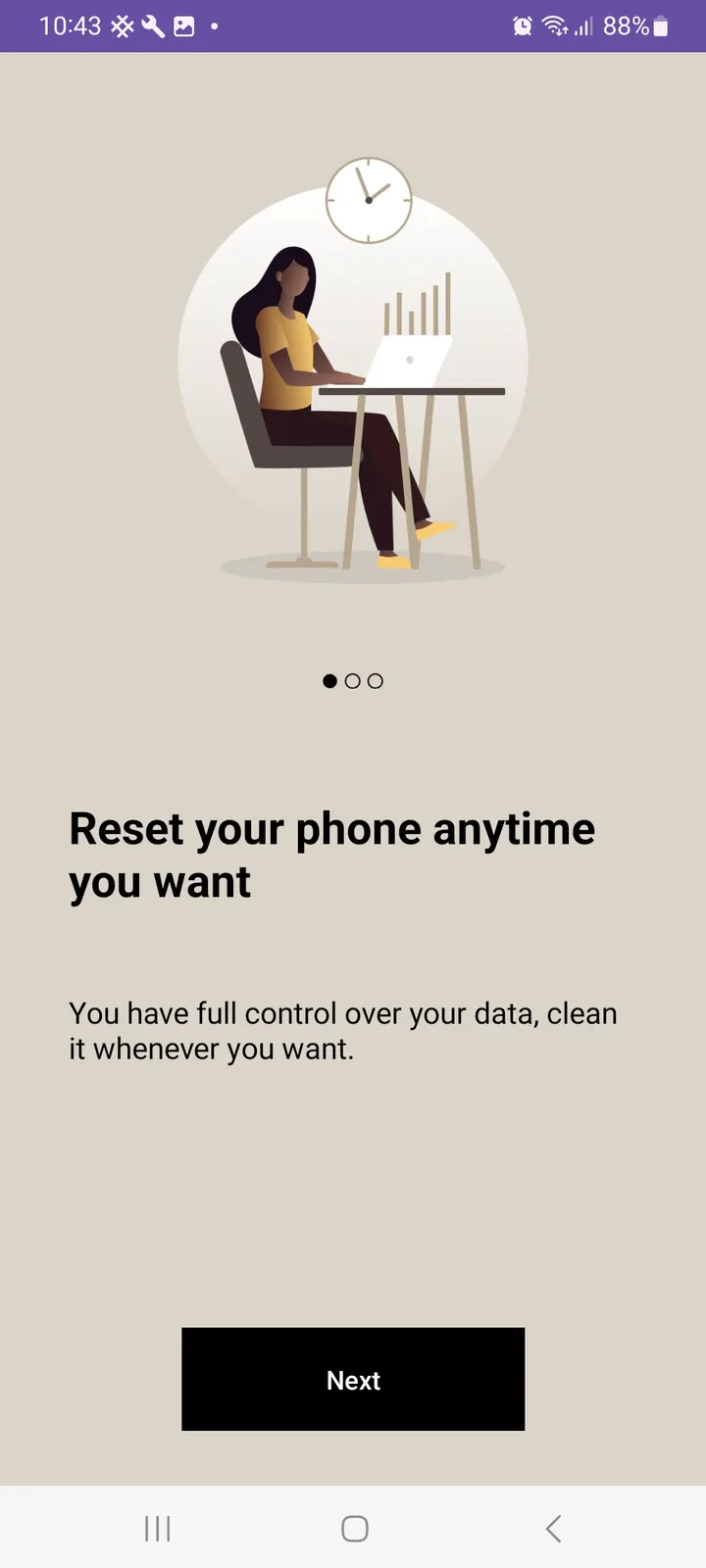
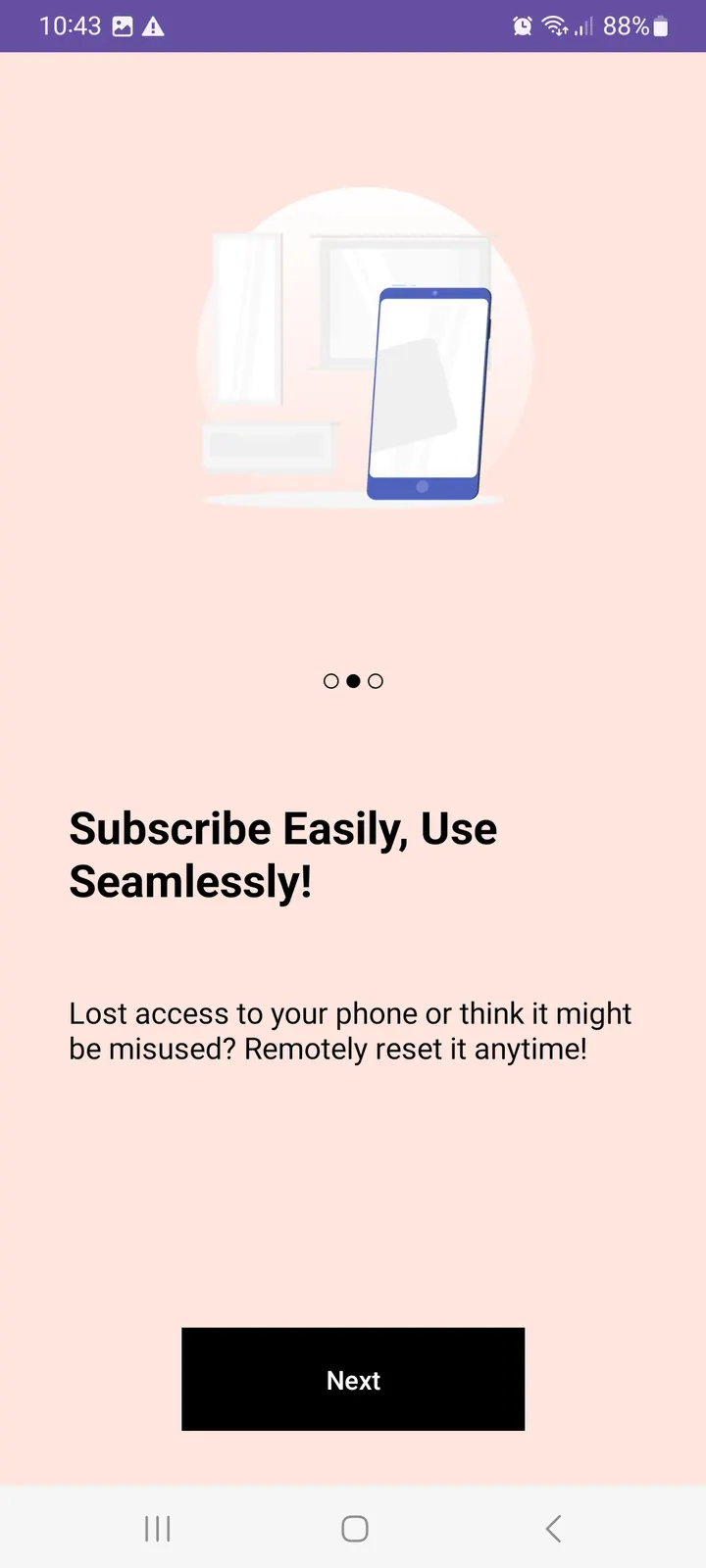
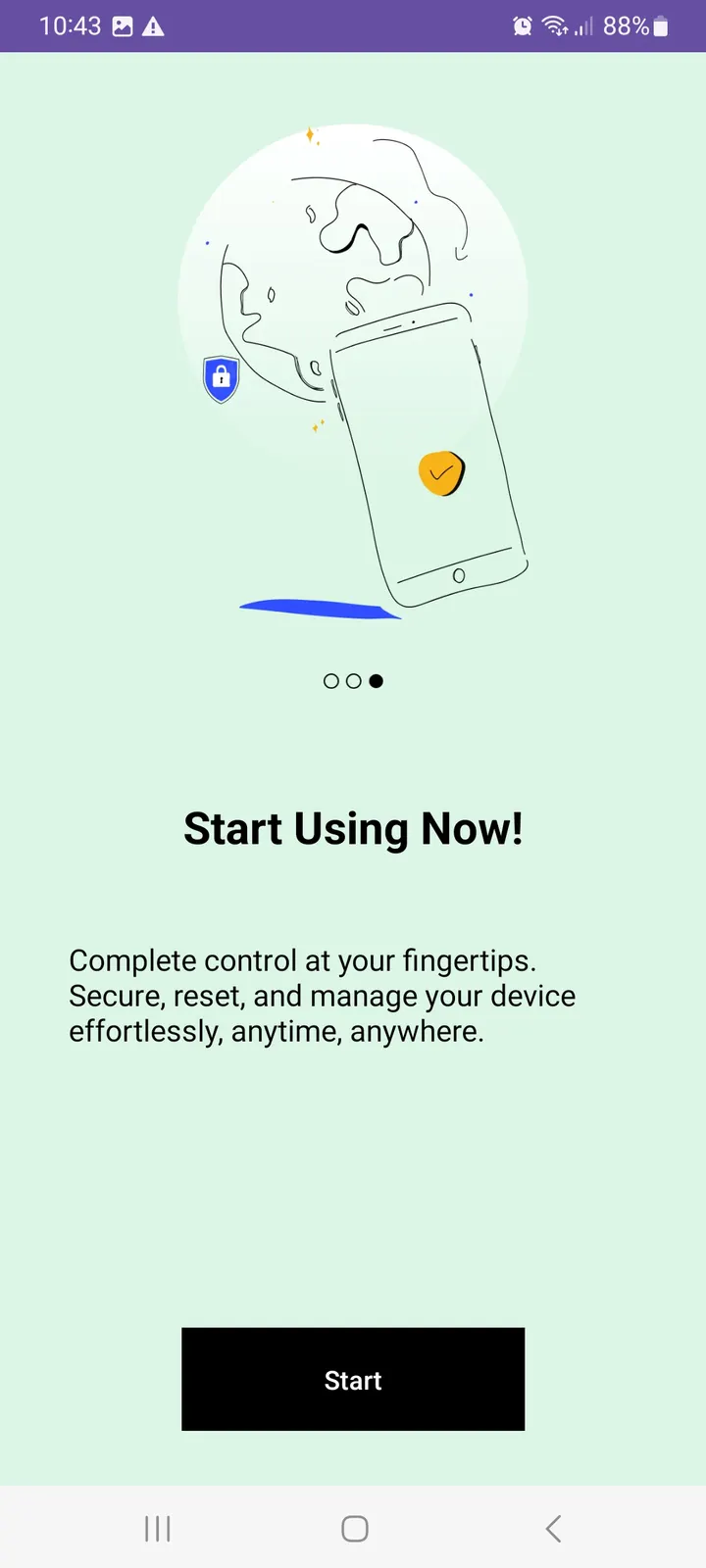
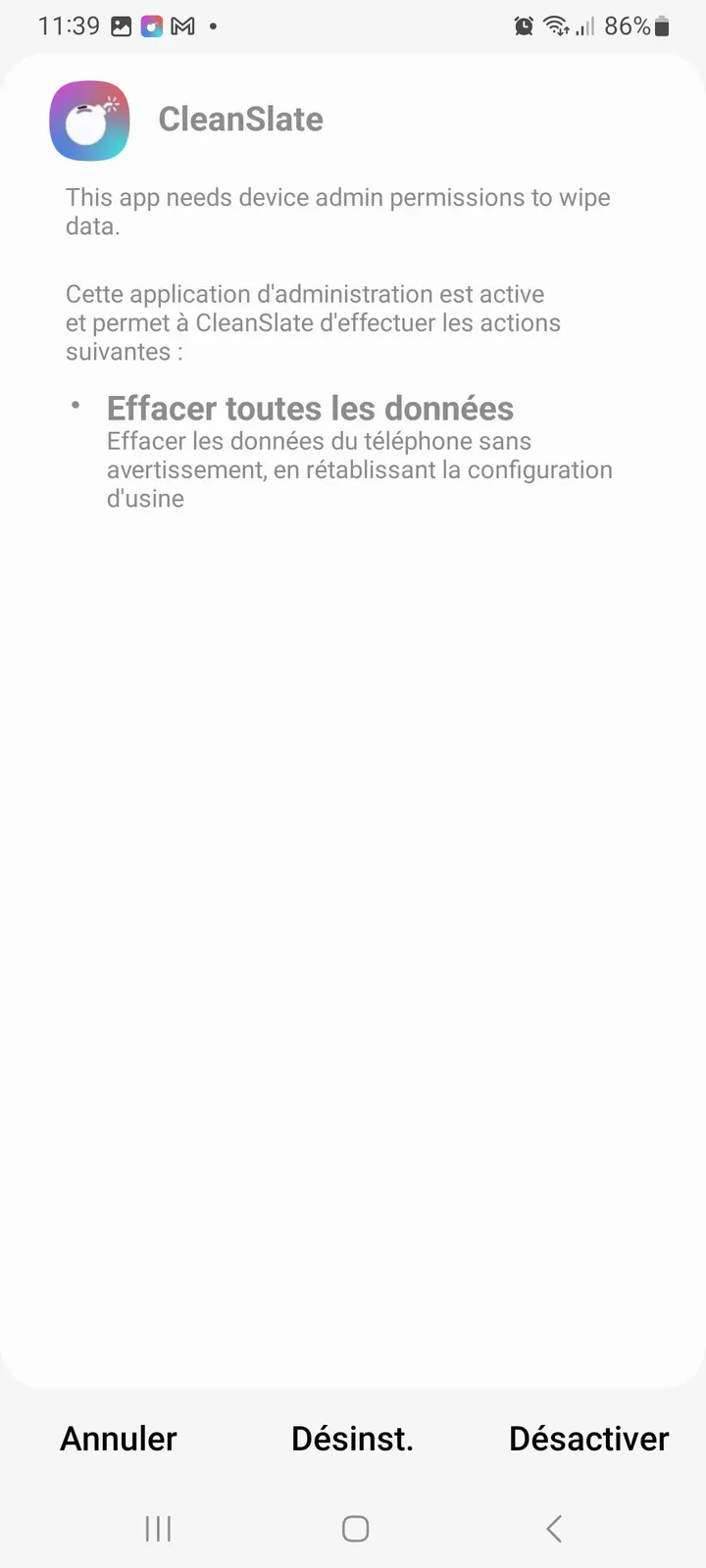
The app offers four functions. Remote wipe erases all data on the device from a distance. An authentication system is meant to stop other people from using the wipe function, and configurable triggers let you set how and when a wipe can be started.
The package is only 3 MB, and the app's footprint is minimal. Check the GitHub page for details on how the triggers are delivered, such as by message or by another channel.
Limits of a 1.0.43 release
The version is 1.0.43, released first on February 6, 2025 and last updated on February 10, 2026.
CleanSlate pros and cons
Pros
- Free, with no ads
- MIT license and public source code on GitHub
- Small 3 MB package
- Authentication step guards the wipe function
- Configurable wipe triggers
Cons
- The current version is 1.0.43
- No Google Play rating or install figures to judge by
- Delivery method of the remote trigger is not described
Is CleanSlate safe?
The APK is stored unmodified, and a SHA-256 checksum (8ee140219d85293eb5afcea087fccc2efe42a60a49969cc640a52944ff2a17e7) lets you confirm your download matches it. CleanSlate is MIT-licensed with its source public on GitHub, so anyone can review the code. No independent audit is on record, so treat it as unreviewed by third parties. Since its job is to erase a phone remotely, try the wipe triggers and authentication settings on a spare device before depending on them.
How to install CleanSlate
- Download the APK with the button on this page and wait for it to finish.
- Compare the file with the SHA-256 checksum shown here if you want to confirm it arrived intact.
- Open the file on your phone and allow installs from this source when Android asks.
- Finish the install, then open CleanSlate from your app drawer.


