
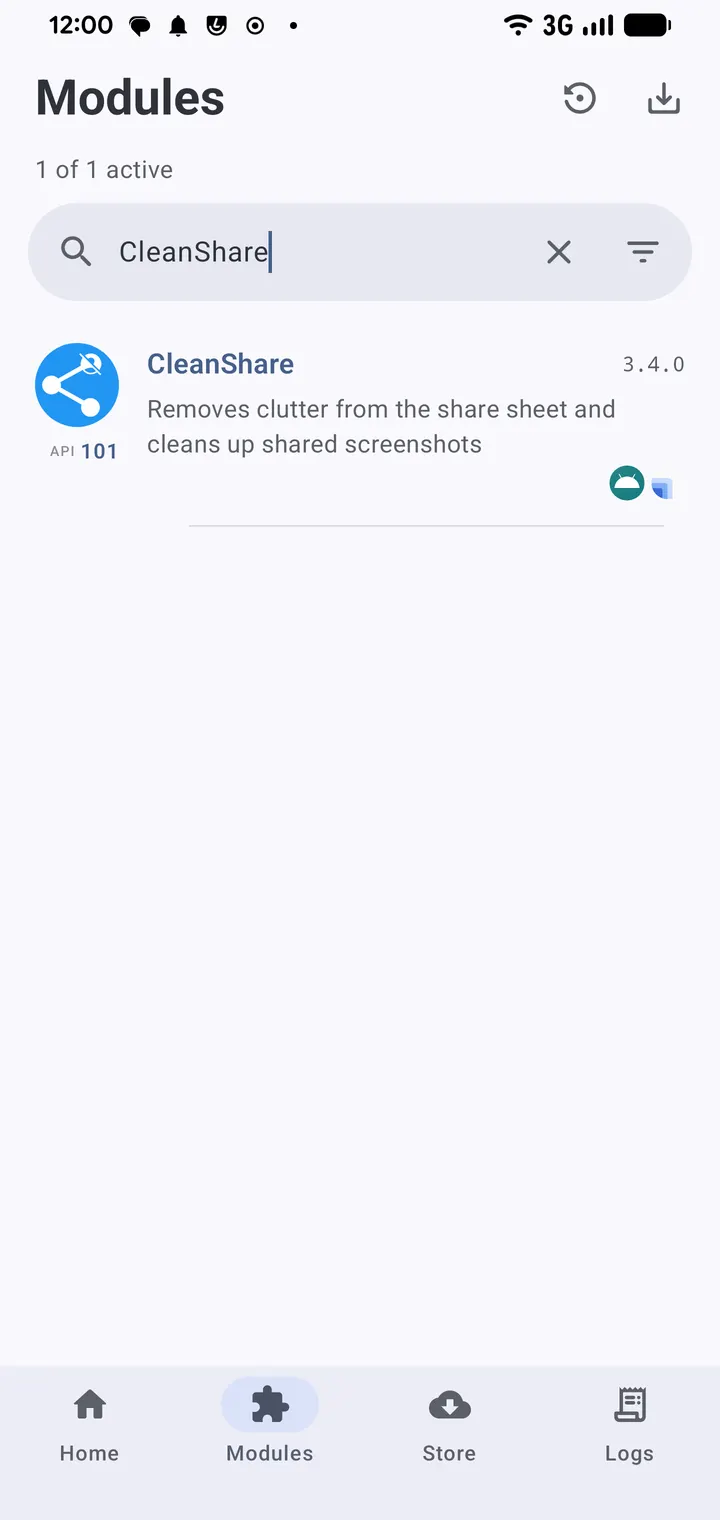
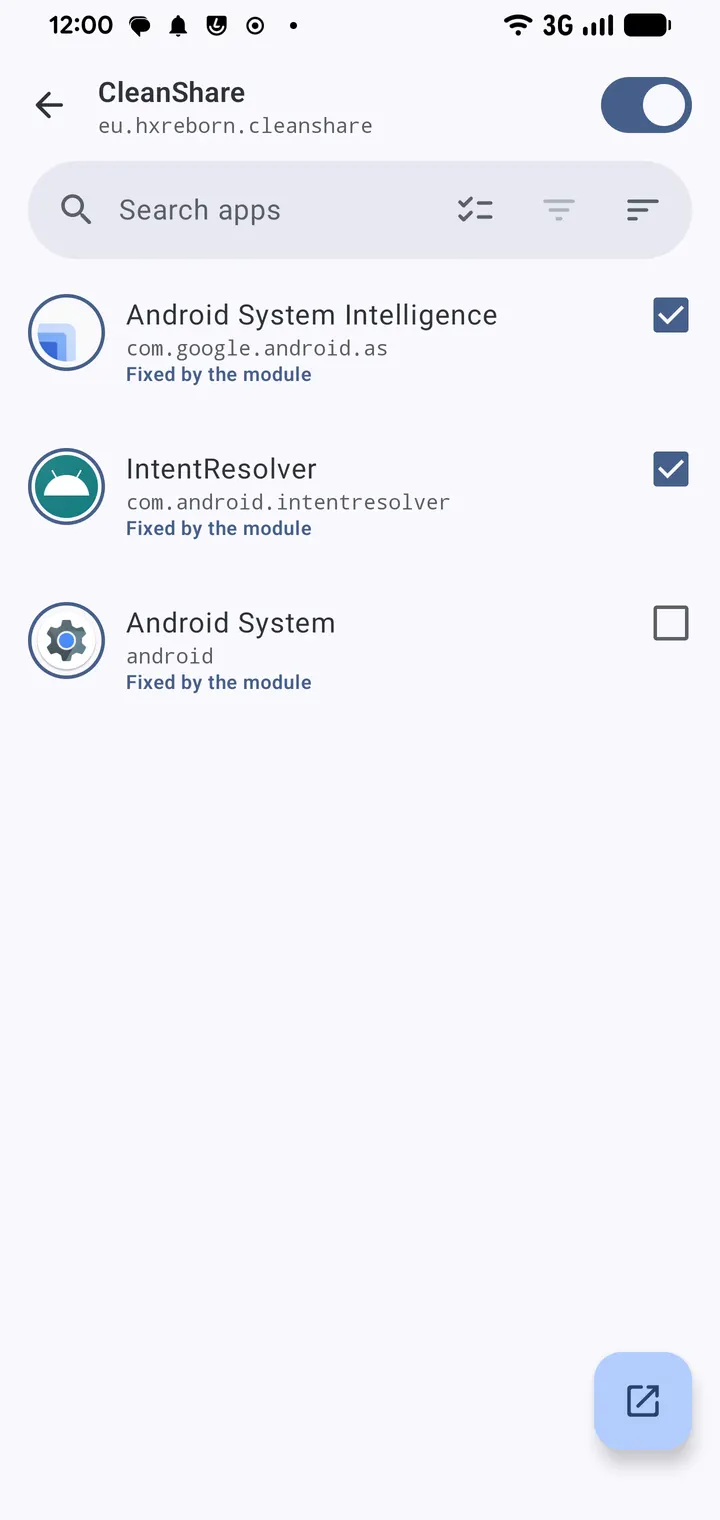
CleanShare is a free, open-source Xposed module that cleans up the Android Share Sheet. Version 3.4.0 by developer hxreborn needs Android 11 or newer and weighs about 3 MB. TopDown APK hosts the unmodified, verified file with its SHA-256 checksum.
Free, no ads, GPL-3.0 source
CleanShare is free and carries no ads. The code is published on GitHub under the GPL-3.0-only licence, so anyone can read what the module does.
There are no in-app purchases or paid tier.
Direct Share, Quick Share and target filtering
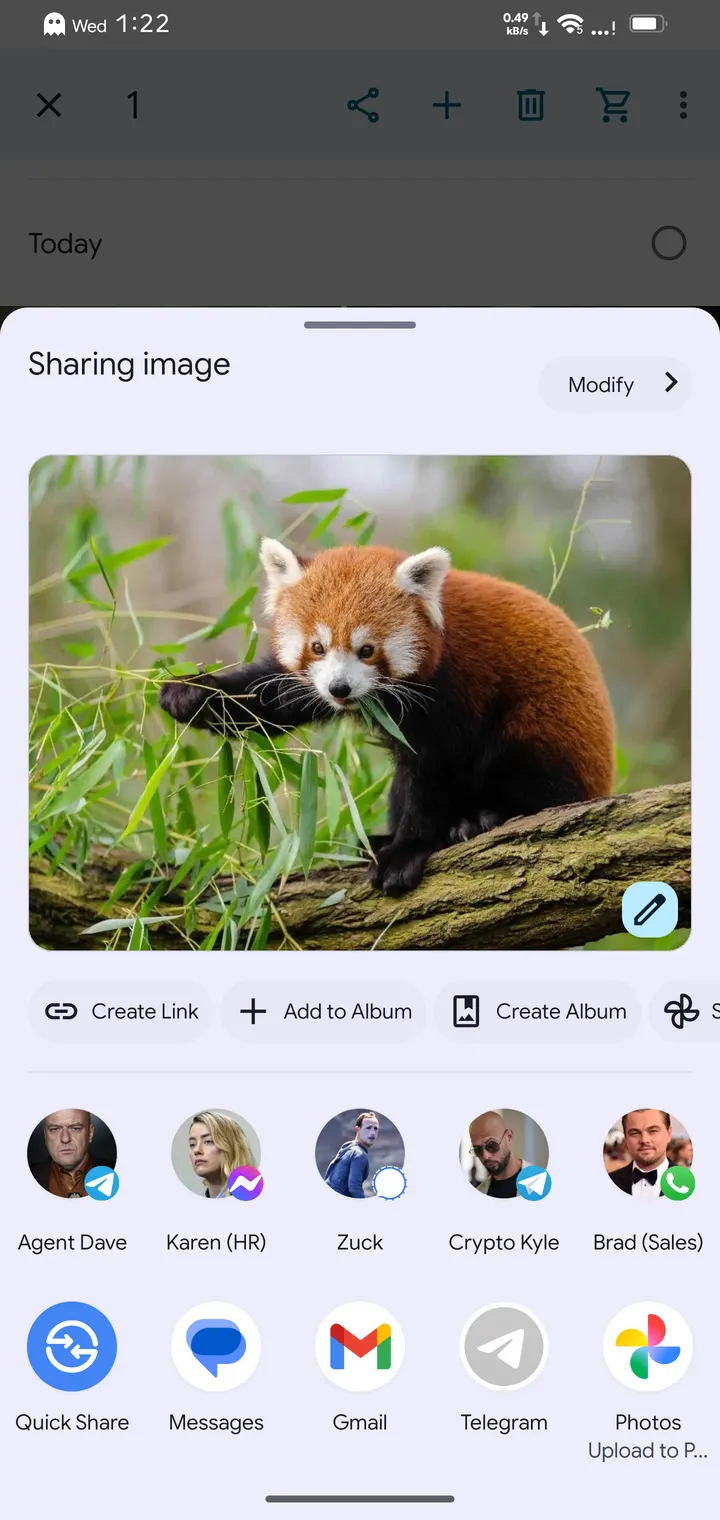
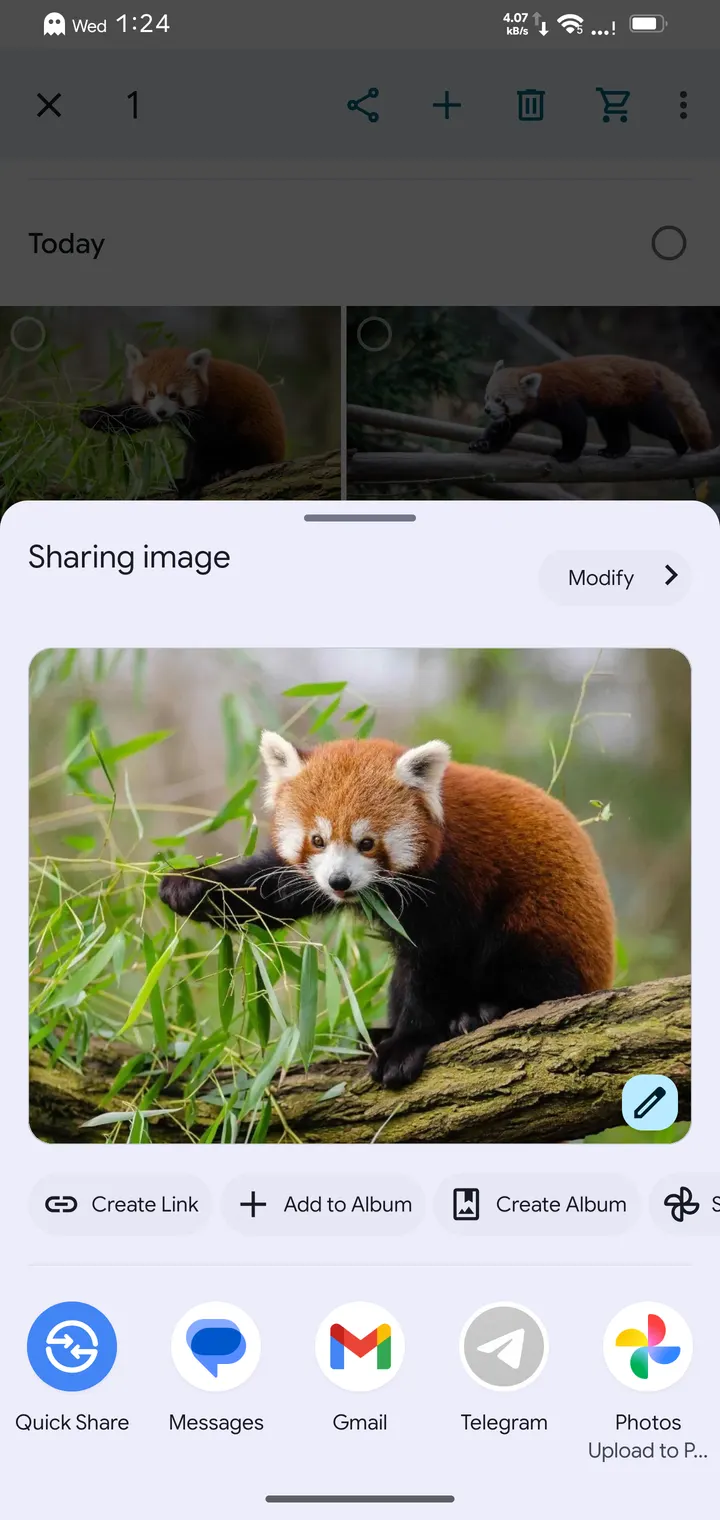
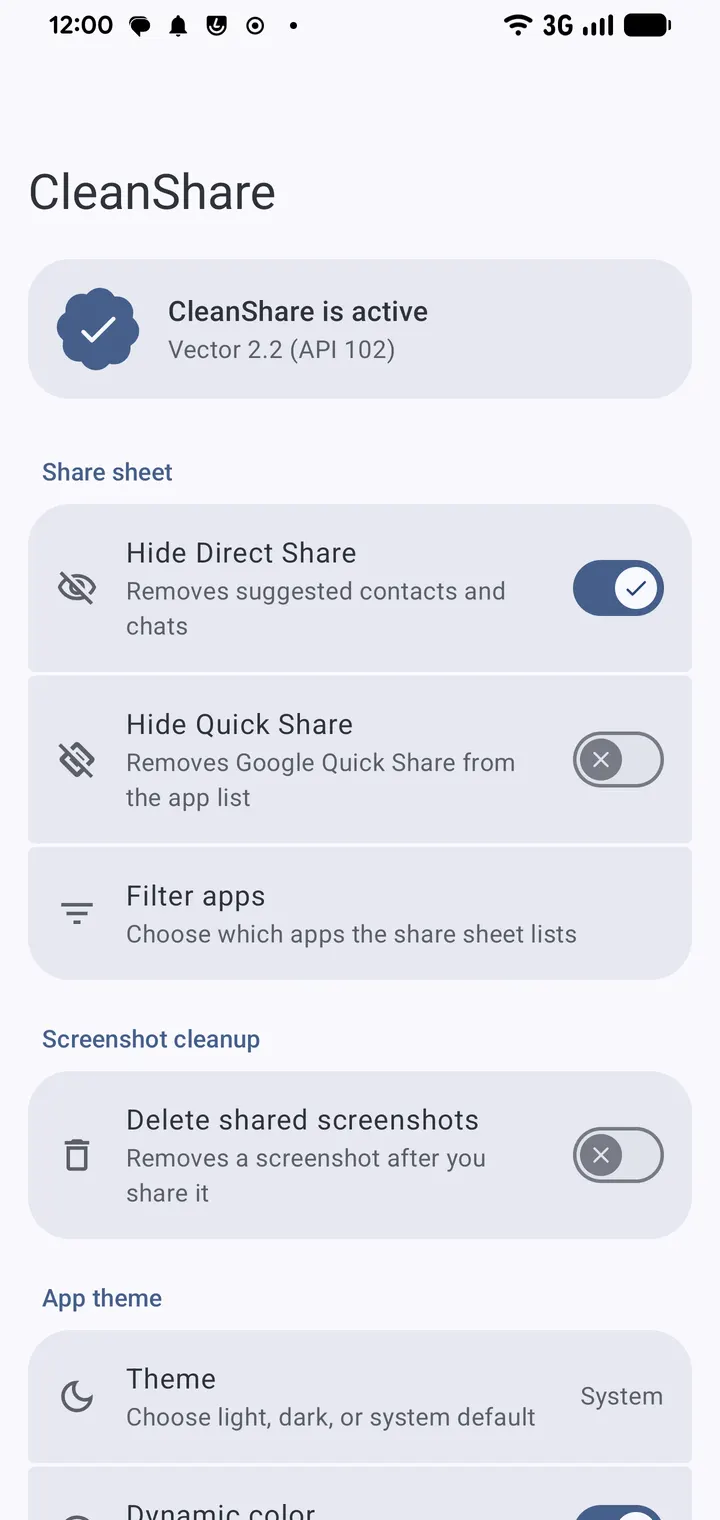
The module hides Direct Share suggestions and blocks share target profiling. It can also hide Quick Share, also known as Nearby Share.
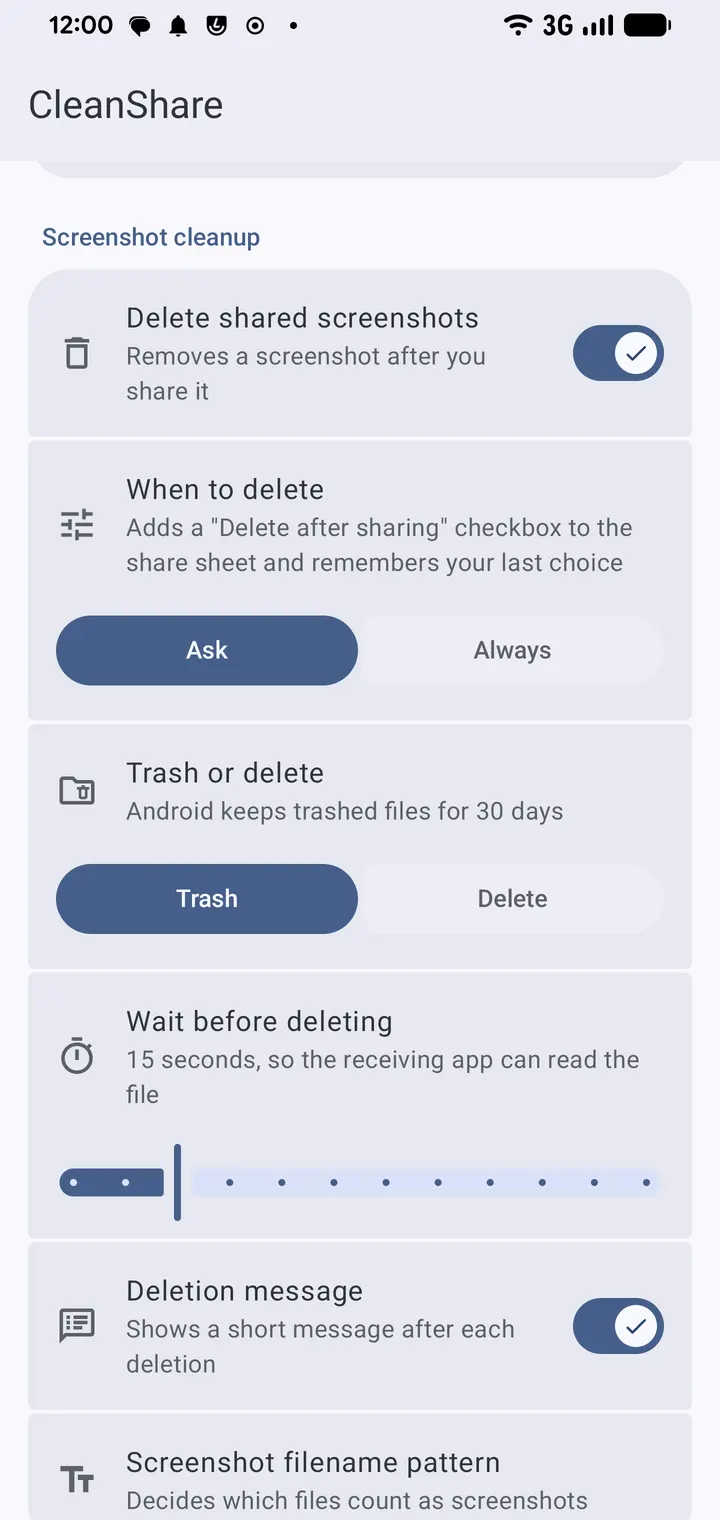
A filter lets you pick apps to hide from the sheet, or the reverse, show only the apps you choose. One extra option deletes screenshots after you share them, and it requires root. A built-in settings app controls these options.
Requirements and the January 2026 release
CleanShare was first released on January 9, 2026, and the current version was updated on November 4, 2026. It expects Android 11 or higher on an AOSP ROM. You also need an Xposed manager that supports libxposed API 101, such as Vector 2.1 or newer.
Those requirements rule out stock setups without an Xposed framework.
CleanShare pros and cons
Pros
- Free with no ads
- Open source under GPL-3.0-only
- Small 3 MB download
- Hides Direct Share suggestions and Quick Share
- Filters share targets by hiding or allowing chosen apps
Cons
- Needs an Xposed manager with libxposed API 101 support
- Designed for Android 11 or higher on an AOSP ROM
- Screenshot deletion after sharing requires root
- Version 3.4.0 has no published changelog
Is CleanShare safe?
TopDown APK rates this file tier A and hosts the unmodified APK, which you can check against the SHA-256 checksum bccc3a76...e44e68b. The source is public on GitHub under GPL-3.0-only, and the package ID is eu.hxreborn.cleanshare. As an Xposed module it changes system behaviour, and no independent security review is available.
How to install CleanShare
- Download the APK with the button on this page and wait for it to finish.
- Compare the file with the SHA-256 checksum shown here if you want to confirm it arrived intact.
- Open the file on your phone and allow installs from this source when Android asks.
- Finish the install, then open CleanShare from your app drawer.


