
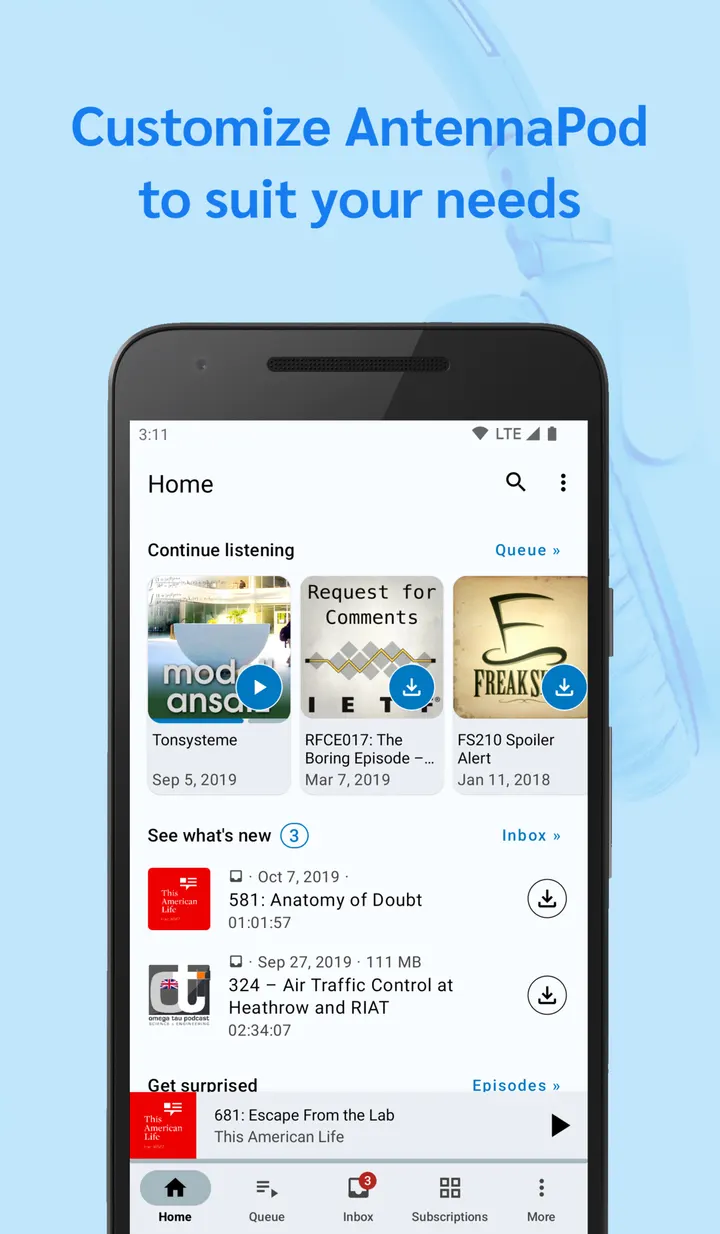
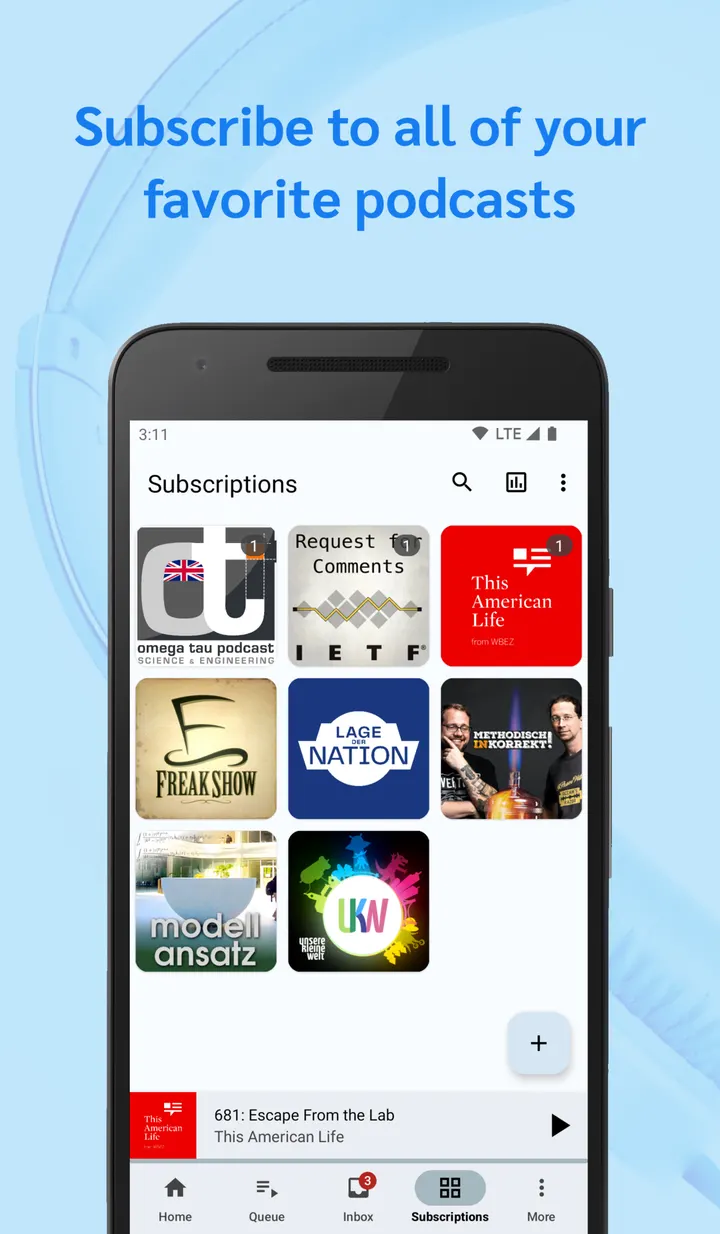
AntennaPod suits people who follow podcasts from many sources and want control over downloads, storage and playback without ads or a price tag. It is a podcast manager and player for Android 6.0 and newer, released under the GPL-3.0-only licence. This page covers version 3.12.3, updated on October 15, 2026, and a file of 16.9 MB.
Who gets the most from an open-source podcast manager
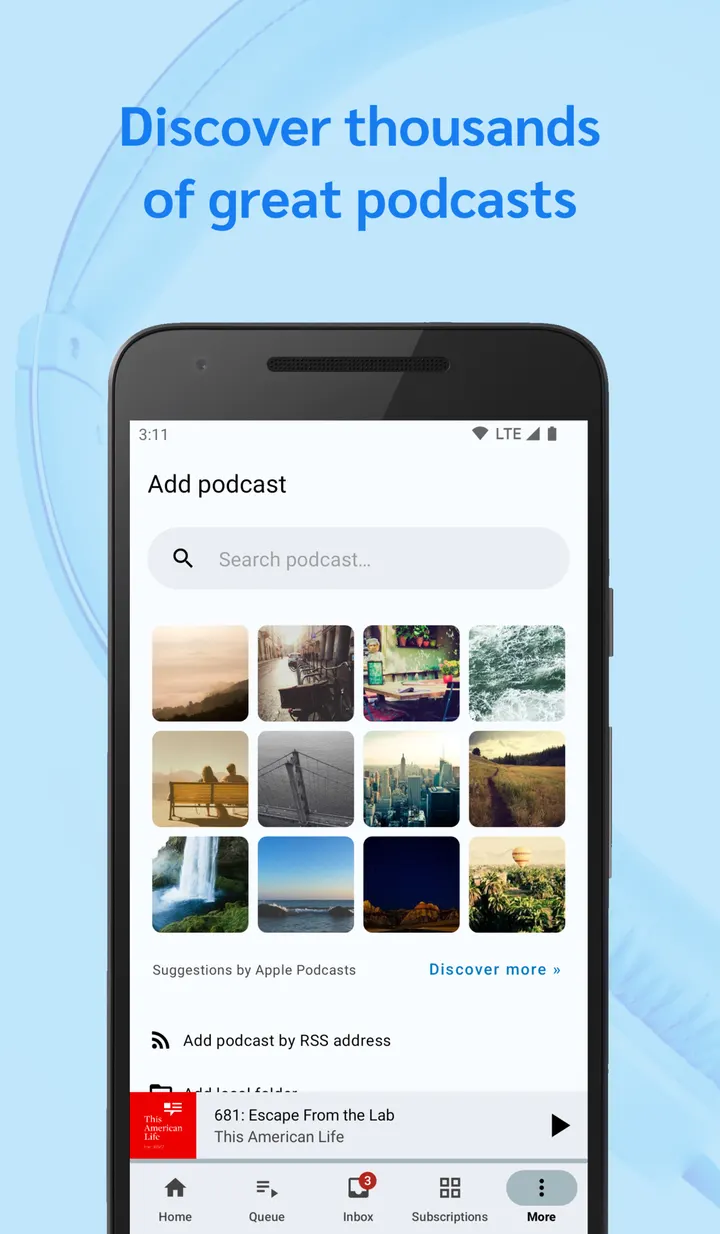
The app fits listeners who already have subscriptions elsewhere and want to bring them over. Feeds can be added through the Apple Podcasts, gPodder.net, fyyd or Podcast Index directories, from OPML files, or by pasting an RSS or Atom link. Password-protected feeds and episodes are also supported, which matters for paid or private shows.
It also suits anyone who prefers software they can inspect. The source code is public on GitHub, and the project says it is developed by volunteers. The first release dates back to September 20, 2012.
The app is free and carries no ads.
Playback controls, sleep timer and chapter support
Playback can be managed from a homescreen widget, a system notification, or earplug and Bluetooth controls. That means you do not have to open the app to pause or skip.
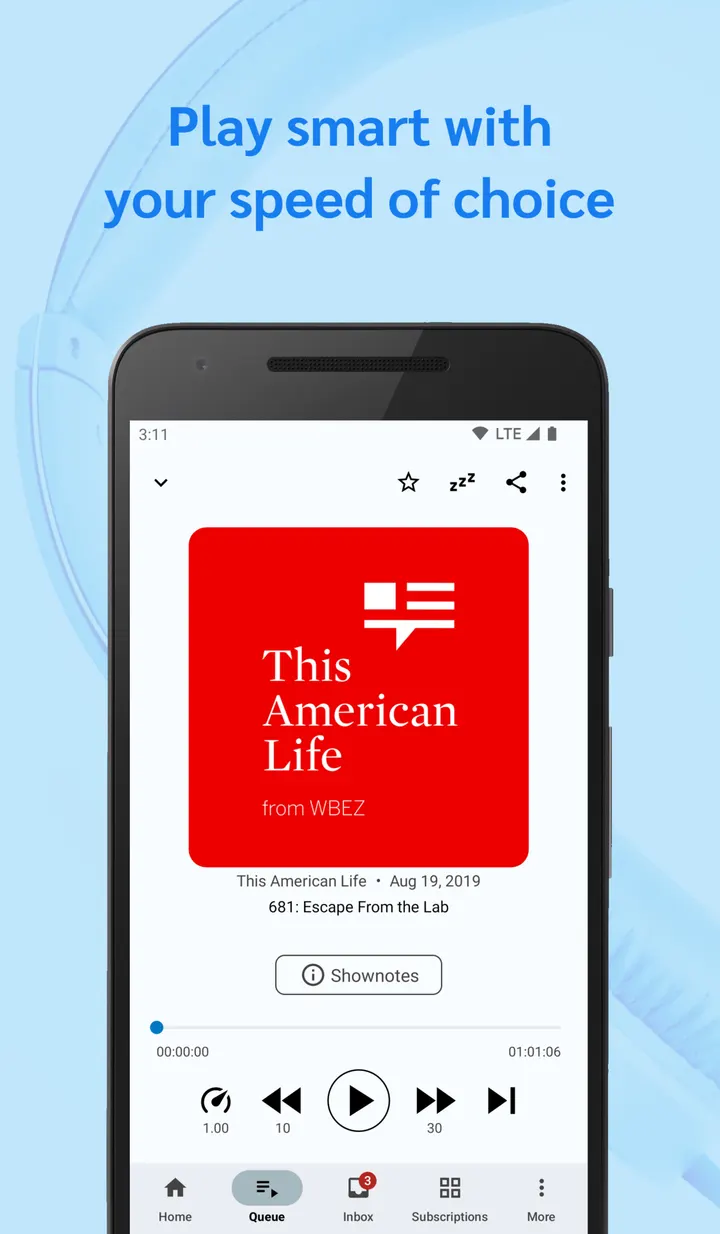
Listening options include adjustable playback speed, chapter support and a remembered playback position. The sleep timer is described as advanced: it can reset when you shake the phone and can lower the volume as it runs down.
For finding things later, there is a playback history and a search across titles and shownotes. You can mark episodes as favourites, and those favourites also feed into the deletion rules.
Automated downloads, storage rules and backups
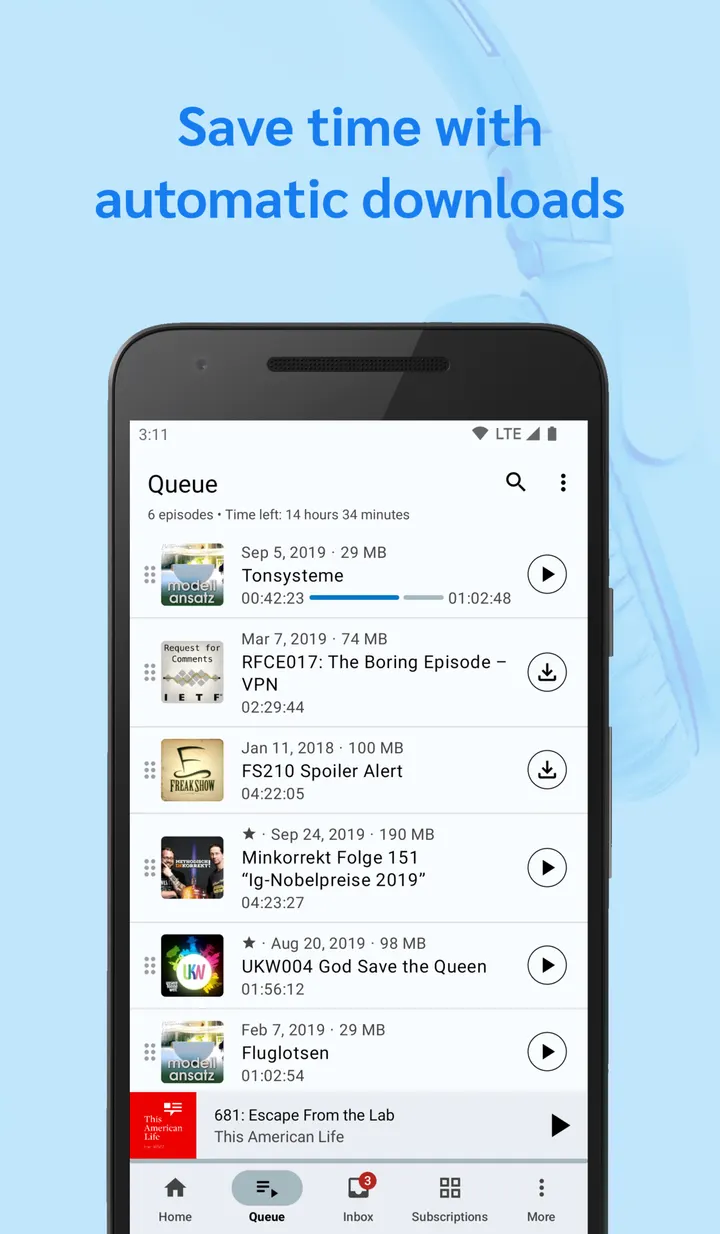
The download automation is the part that saves the most effort. You can pick which feeds download automatically, exclude mobile networks, limit downloads to chosen WiFi networks, require the phone to be charging, and set times or intervals.
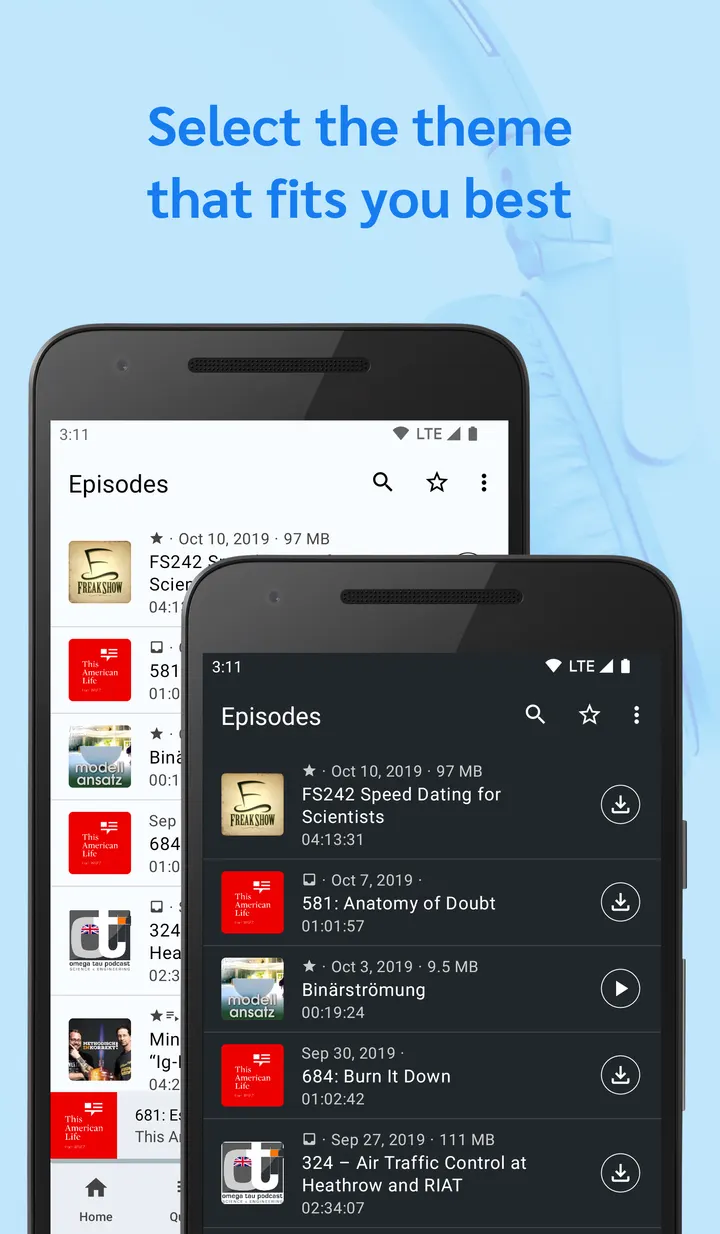
Storage has its own controls. You can set how many episodes are cached, turn on smart deletion and choose a preferred storage location. A light and dark theme is included.
Subscriptions can be backed up through the gPodder.net integration or an OPML export. Episodes and feeds can also be shared through social media, email and the gPodder.net services.
Limits and costs of a volunteer project
There is no charge and no advertising, so the trade-offs are different from commercial players. The project website is antennapod.org, and a community forum exists for questions.
Anyone who wants a built-in store or a paid content library will not find one here. The app is a manager and player for feeds you add yourself.
AntennaPod pros and cons
Pros
- No ads and a price of zero, with GPL-3.0-only source code on GitHub
- Imports from OPML, RSS or Atom links, and four directories including Podcast Index
- Download rules cover feeds, WiFi networks, charging state and time intervals
- Sleep timer can reset on shake and lower volume
- Supports password-protected feeds and episodes
Cons
- Version 3.12.3 is the current release
- No Google Play rating or install figures are available here
- Developer name is listed as unknown
- Requires Android 6.0 or newer
Is AntennaPod safe?
We host the unmodified APK for AntennaPod as a Tier A file, and the SHA-256 checksum is 6e79f28f69cef1a8b2e4f5f88c9c3cf3c3d7c51356f01394ac23b0dc5d56a00b. The code is open under GPL-3.0-only at github.com/AntennaPod/AntennaPod, so it can be reviewed. No independent security review is available, and we make no further safety claims beyond these points.
How to install AntennaPod
- Download the APK with the button on this page and wait for it to finish.
- Compare the file with the SHA-256 checksum shown here if you want to confirm it arrived intact.
- Open the file on your phone and allow installs from this source when Android asks.
- Finish the install, then open AntennaPod from your app drawer.


