
Aegis Authenticator is a free, open-source Android app from Beem Development that stores your 2-step verification tokens in an encrypted vault. This page covers version 3.4.3, which needs Android 6.0 or newer and weighs 6.6 MB. The app carries no ads and costs nothing. We host the unmodified APK, and the SHA-256 checksum is listed below so you can compare it against your download.
Why tokens need a safer home than a default authenticator
Two-step verification codes protect accounts, but the app that holds them becomes a single point of failure. Lose the phone without a backup and you can lose access to every service tied to it. Leave the codes in a store you cannot inspect and you depend on someone else's promises.
Aegis addresses both worries. The source code is public on GitHub under the GPL-3.0-only licence, so anyone can read how the vault works. It supports the HOTP and TOTP algorithms, and the developer states that any service that works with Google Authenticator will also work here.
The app first shipped on March 28, 2019, and the latest build in our catalog was updated on September 9, 2026. That span matters for a security tool, because it shows the project has been maintained for years rather than published once and left alone.
Encrypted vault, tap to reveal and AMOLED theme
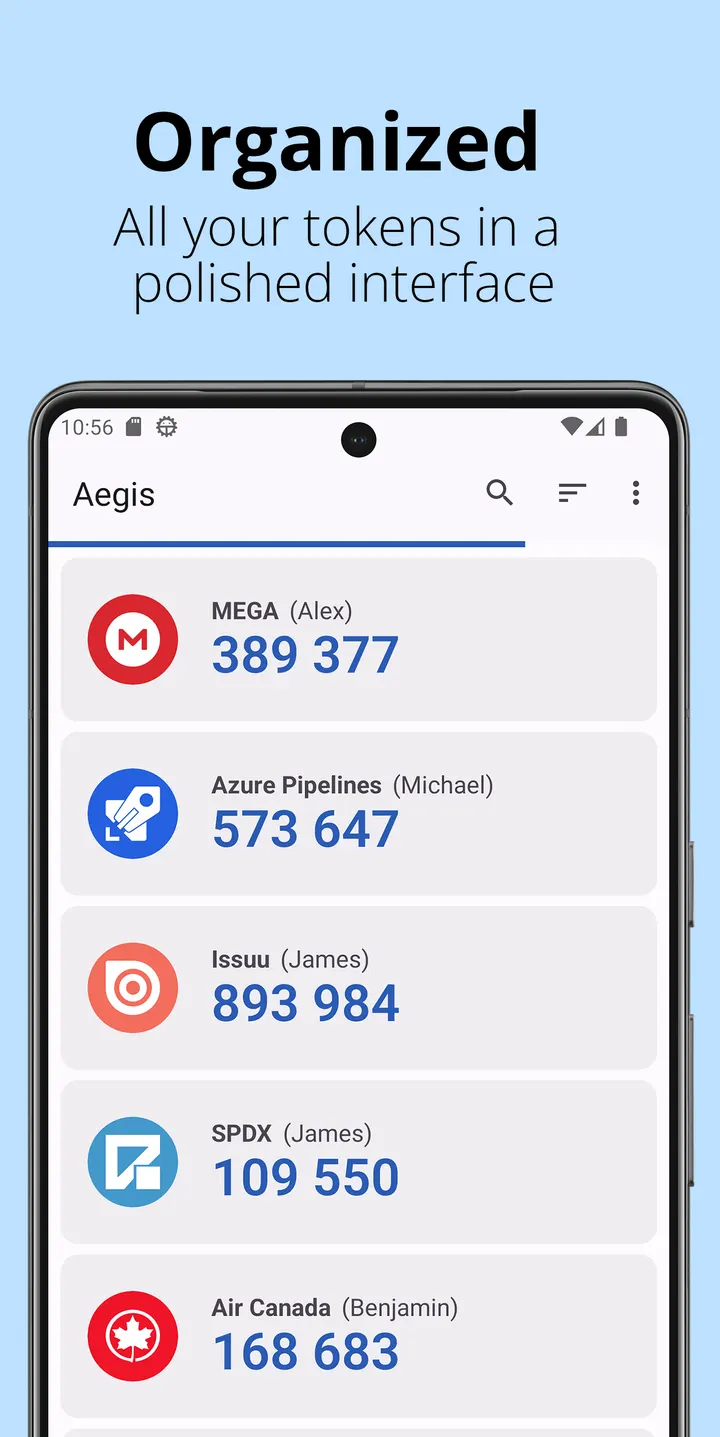
All tokens live in a single vault. If you set a password, the vault is encrypted, and the developer notes that a copied vault file cannot be read without that password. Typing a password for every code gets tedious, so you can switch on biometric unlock when the device has a fingerprint or face sensor.
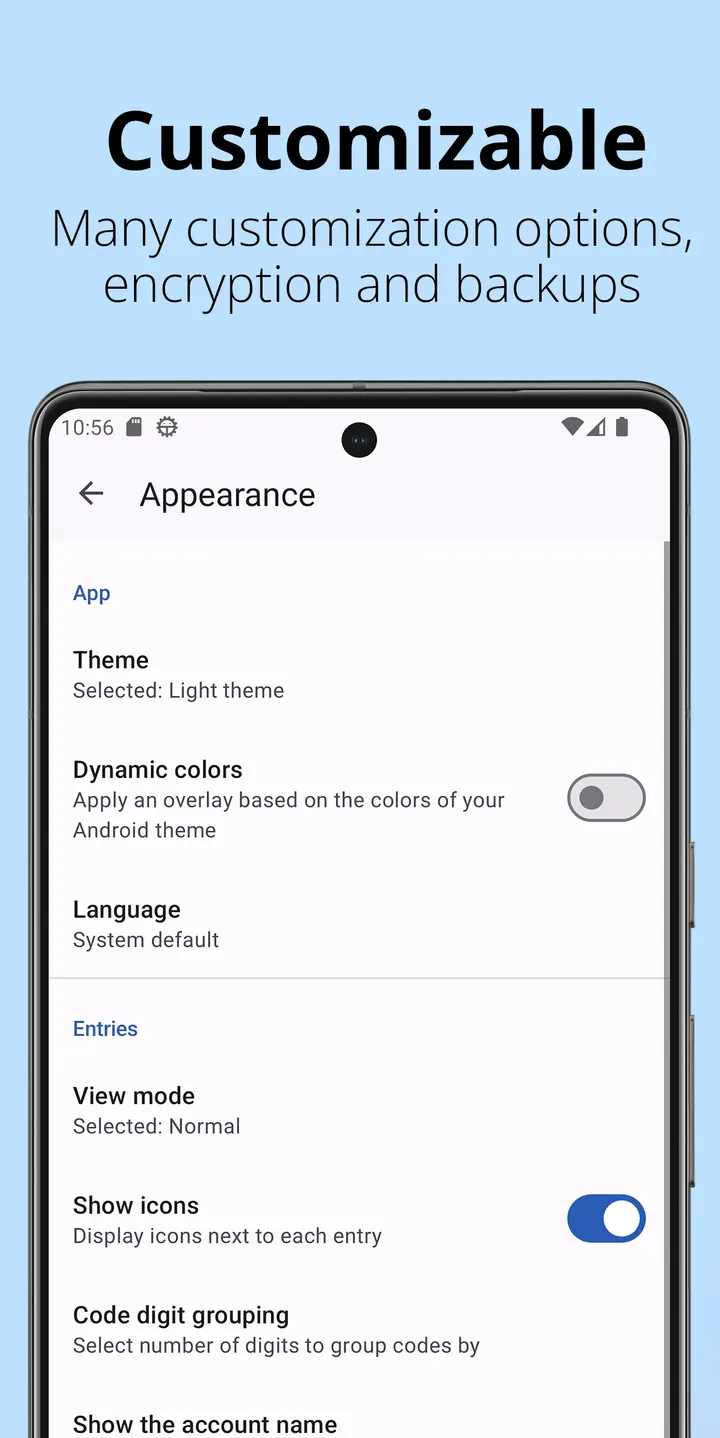
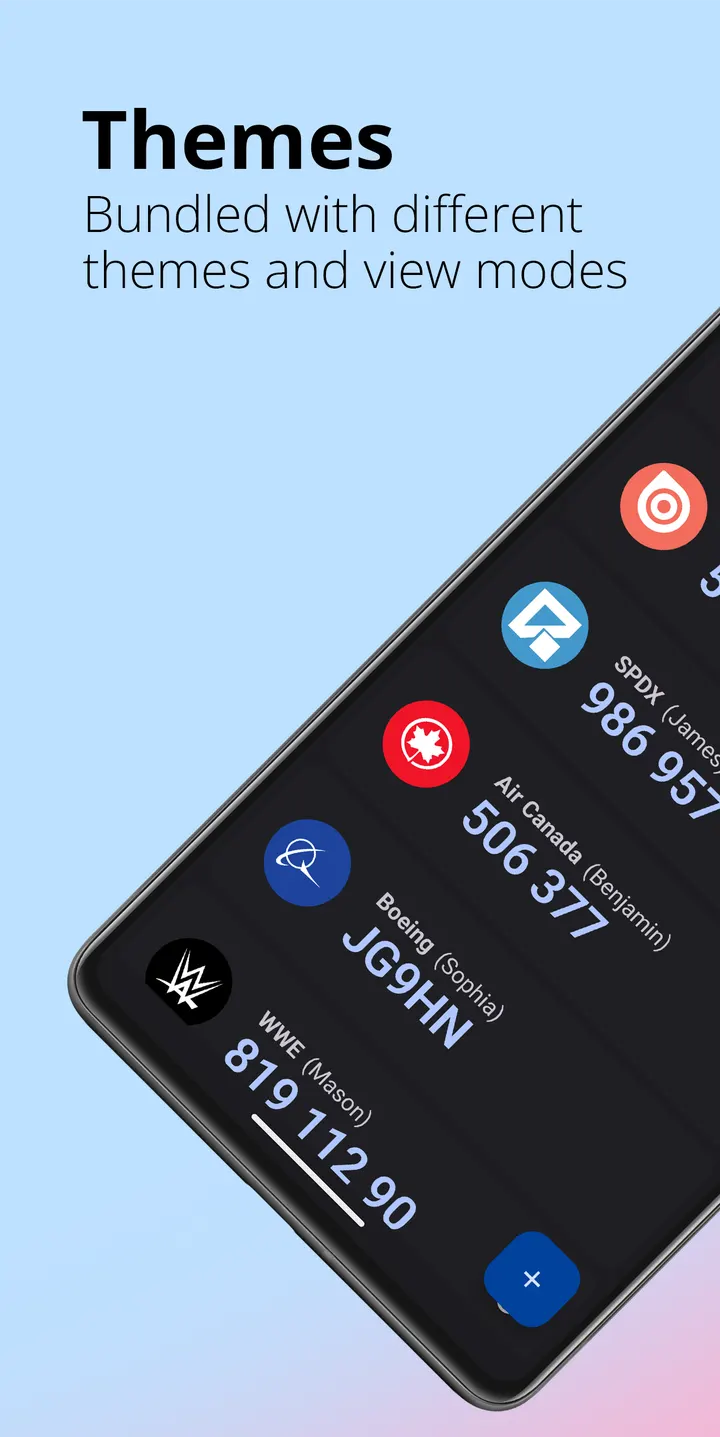
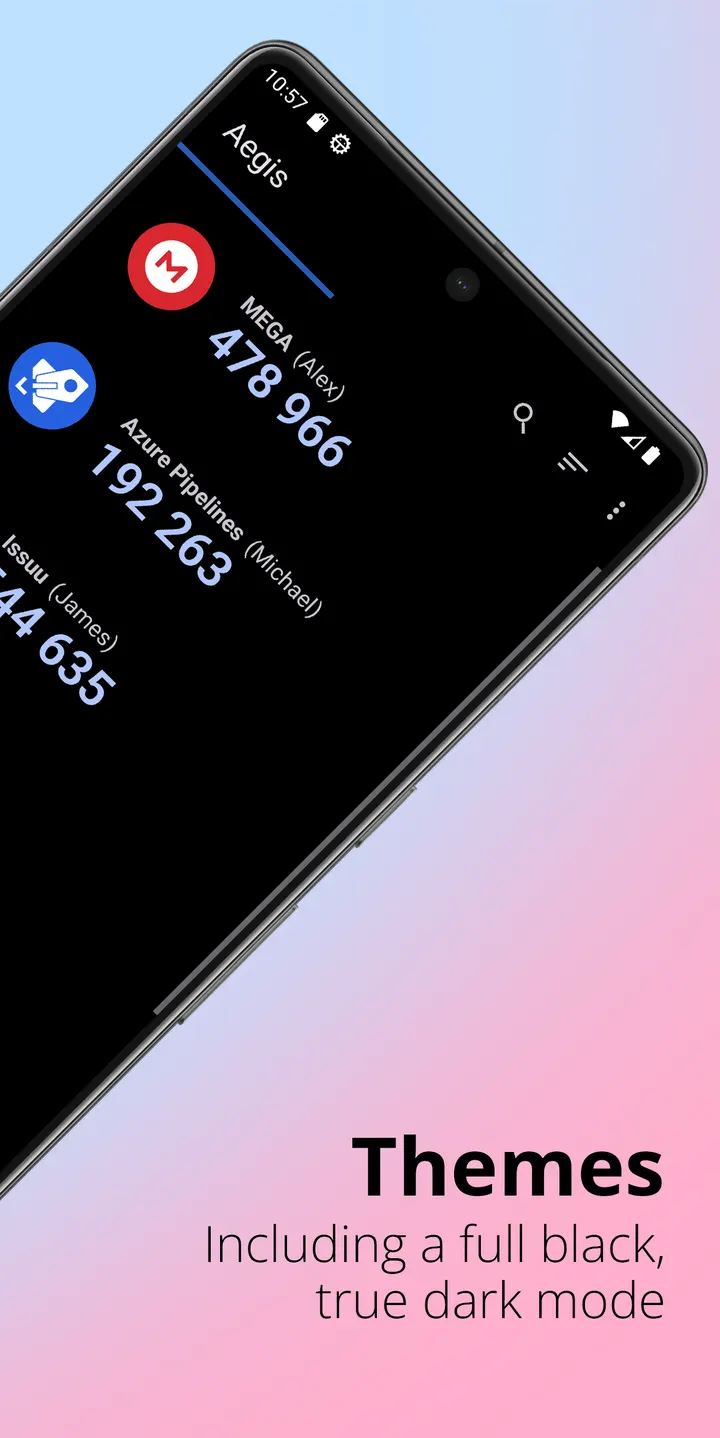
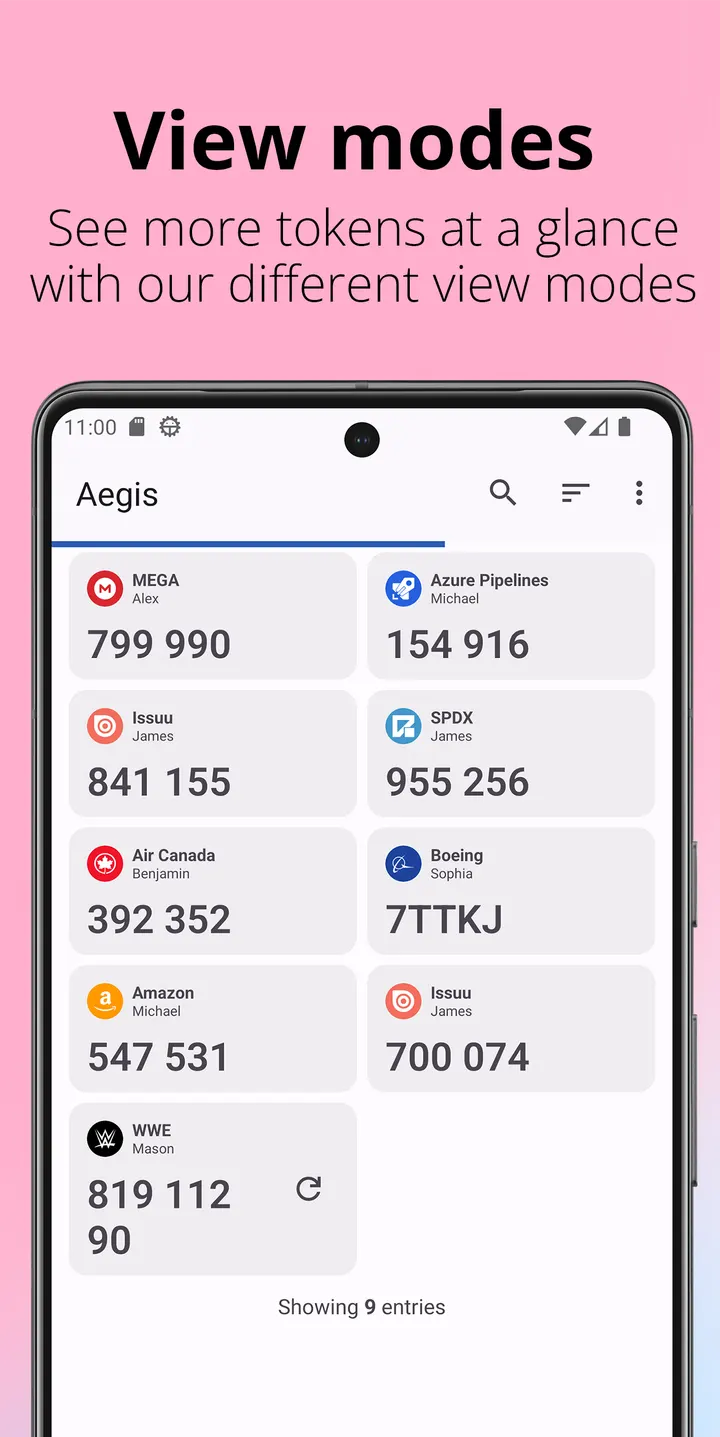
Other protections are listed in the feature overview: screen capture prevention and tap to reveal, which hides codes until you choose to show one. Appearance is handled with a Material design and Light, Dark and AMOLED themes.
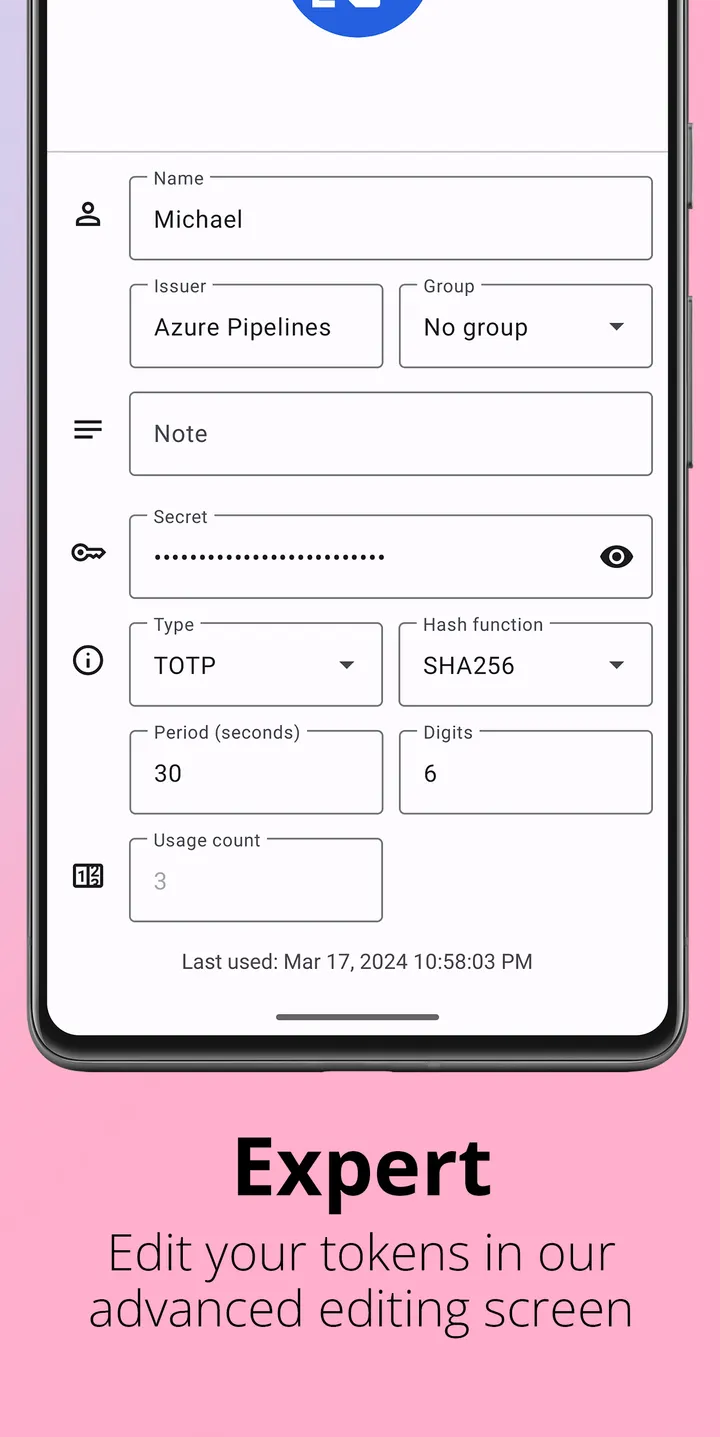
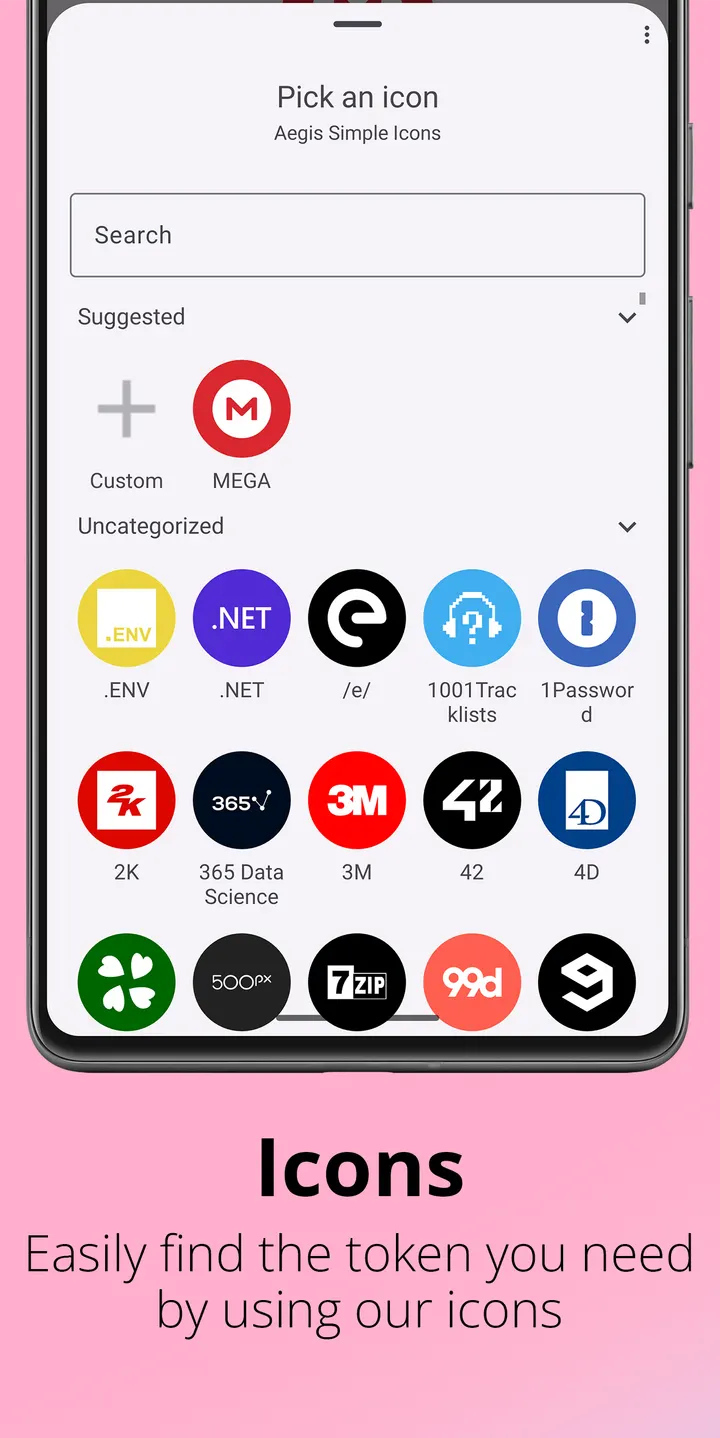
Adding entries works in several ways. You can scan a QR code, scan an image of one, or type the details by hand. Organisation tools include alphabetic or custom sorting, custom or generated icons, groups such as Personal, Work and Social, advanced entry editing, and search by account or issuer name.
Backups are the part that answers the lost-phone problem. Aegis can write automatic vault backups to a location you pick, including cloud storage if the provider supports the Android Storage Access Framework, with Nextcloud given as an example. Manual exports are also available, either in plaintext or encrypted form.
Moving from Authy or Google Authenticator, and what to check first
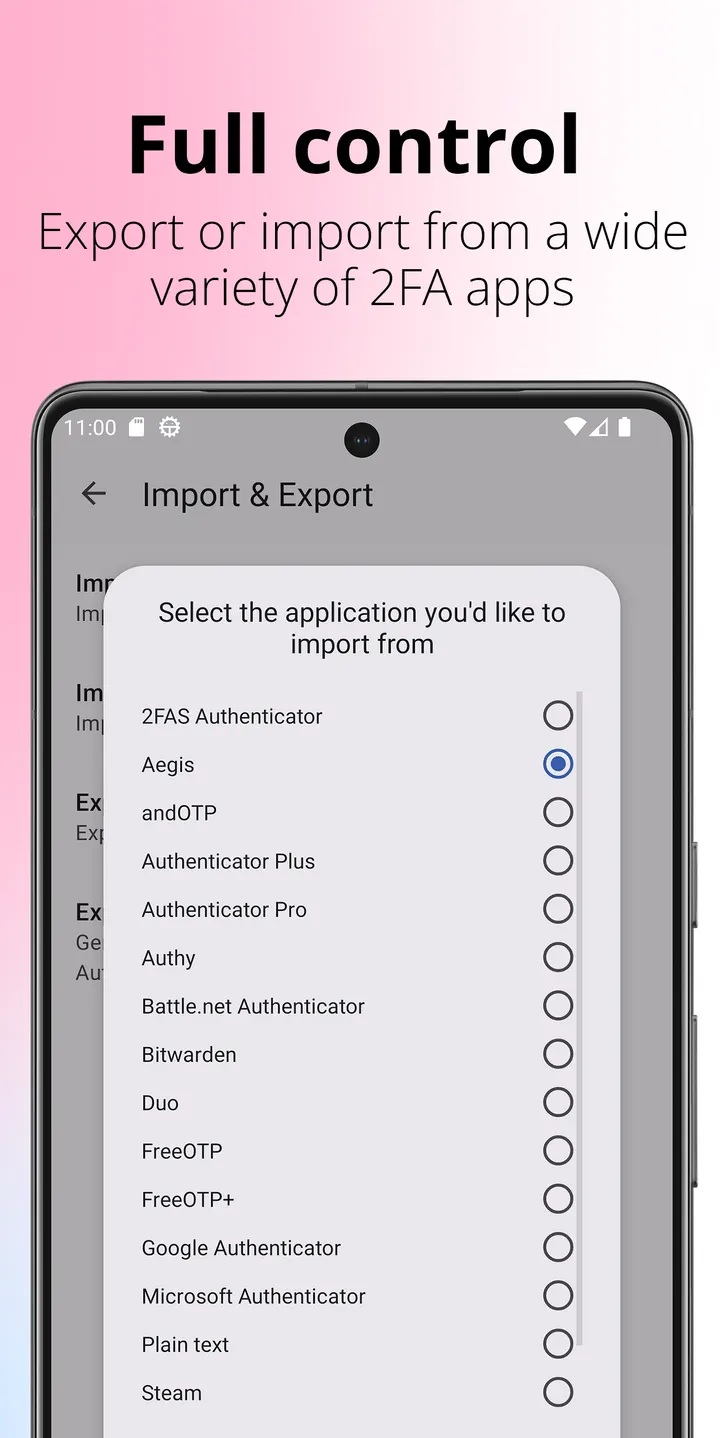
Switching is covered by an import function. The developer lists 2FAS Authenticator, Authenticator Plus, Authy, andOTP, FreeOTP, FreeOTP+, Google Authenticator, Microsoft Authenticator, Steam, TOTP Authenticator and WinAuth as sources. Apps that have no export option need root access before Aegis can read their entries, which is a real hurdle for most people.
Before installing, confirm that the phone runs Android 6.0 or later. Decide on a vault password at setup, since the developer recommends one and encryption depends on it. Pick a backup location early, because Aegis does not sync to the cloud by default.
Also be careful with plaintext export. It is useful for migration, but a plaintext file holds every token in readable form, so the encrypted option is the safer default. Compare the checksum on this page with your downloaded file, and keep old authenticator entries until you have confirmed the new codes work on each account.
Aegis Authenticator pros and cons
Pros
- Free, with no ads
- Open source under GPL-3.0-only, with code on GitHub
- Vault encryption with password and optional biometric unlock
- Automatic backups plus encrypted or plaintext manual export
- Imports from Authy, Google Authenticator, Microsoft Authenticator and other apps
Cons
- Importing from apps without an export option requires root access
- Plaintext export leaves every token readable in the exported file
- Recent changes in version 3.4.3 are unclear
Is Aegis Authenticator safe?
We host the unmodified APK as a Tier A file, with the SHA-256 checksum 0eecec45de0da3ff1358004b51e2960d9178551643a6ed44f6496ea9ec999c19 for verification. The app is published by Beem Development under the GPL-3.0-only licence, and its source is public on GitHub. The app shows no ads. Protection of your tokens still depends on setting a vault password and keeping backups.
How to install Aegis Authenticator
- Download the APK with the button on this page and wait for it to finish.
- Compare the file with the SHA-256 checksum shown here if you want to confirm it arrived intact.
- Open the file on your phone and allow installs from this source when Android asks.
- Finish the install, then open Aegis Authenticator from your app drawer.


