
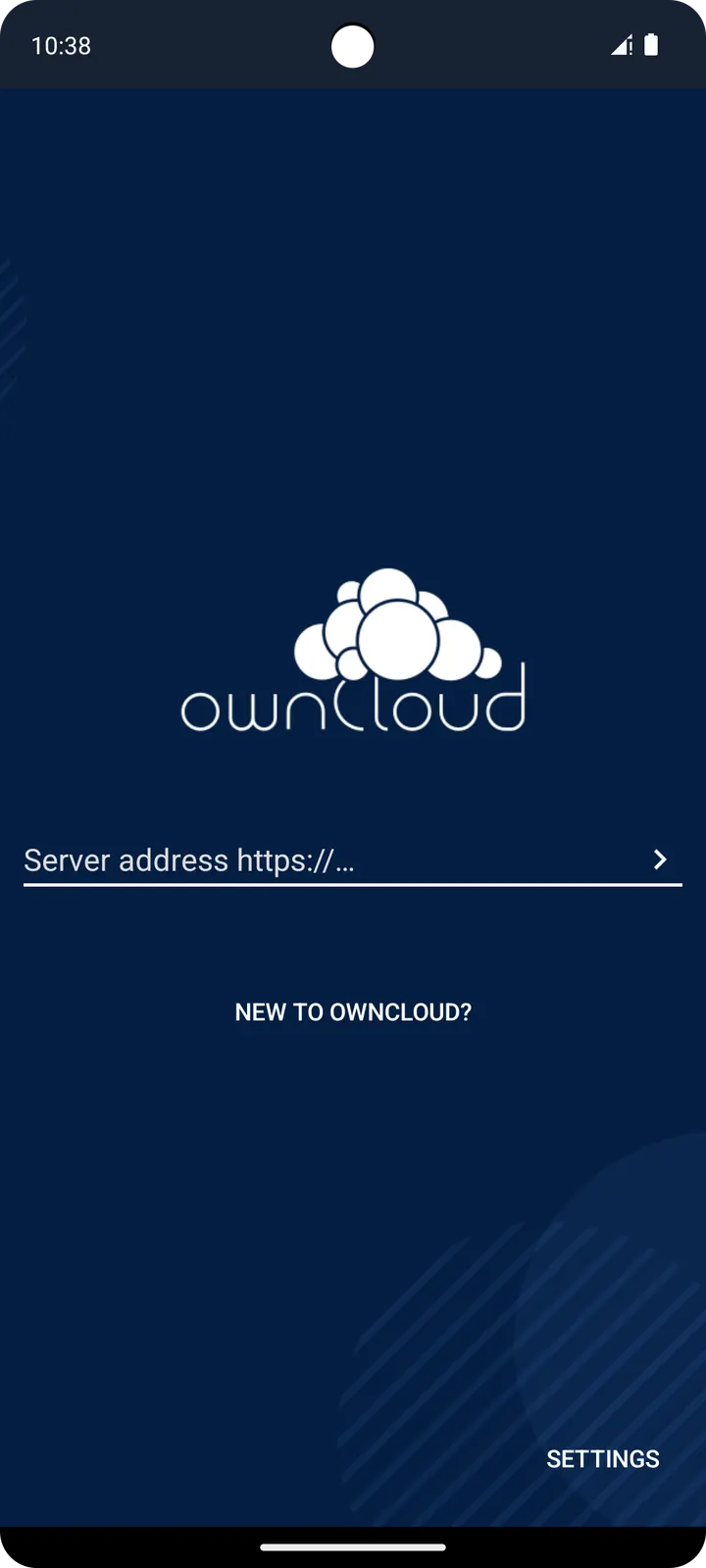
Google Photos, one of the alternatives listed for this app, comes with its own storage. ownCloud does not. The Android app is only a client, and it needs an ownCloud server that you or your organisation run. Version 4.8.4 is a free, open-source build under the GPL-2.0-only licence, and it carries no ads.
The problem: files that should stay on your own server
This app suits people who want file sync and sharing without handing their files to an outside host. The app is built around a private server in your own data center. ownCloud offers a free server for individuals and an Enterprise Subscription for large organisations and service providers.
That split shapes what to expect. The Android app stores nothing by itself. Someone has to run the server side first, and the app then connects phones and tablets to it.
It is tagged open-source, cloud storage and file sync, and internet. It was first released on August 2, 2012, so this is a long-running project rather than a new arrival.
Browsing, editing and sharing from a phone
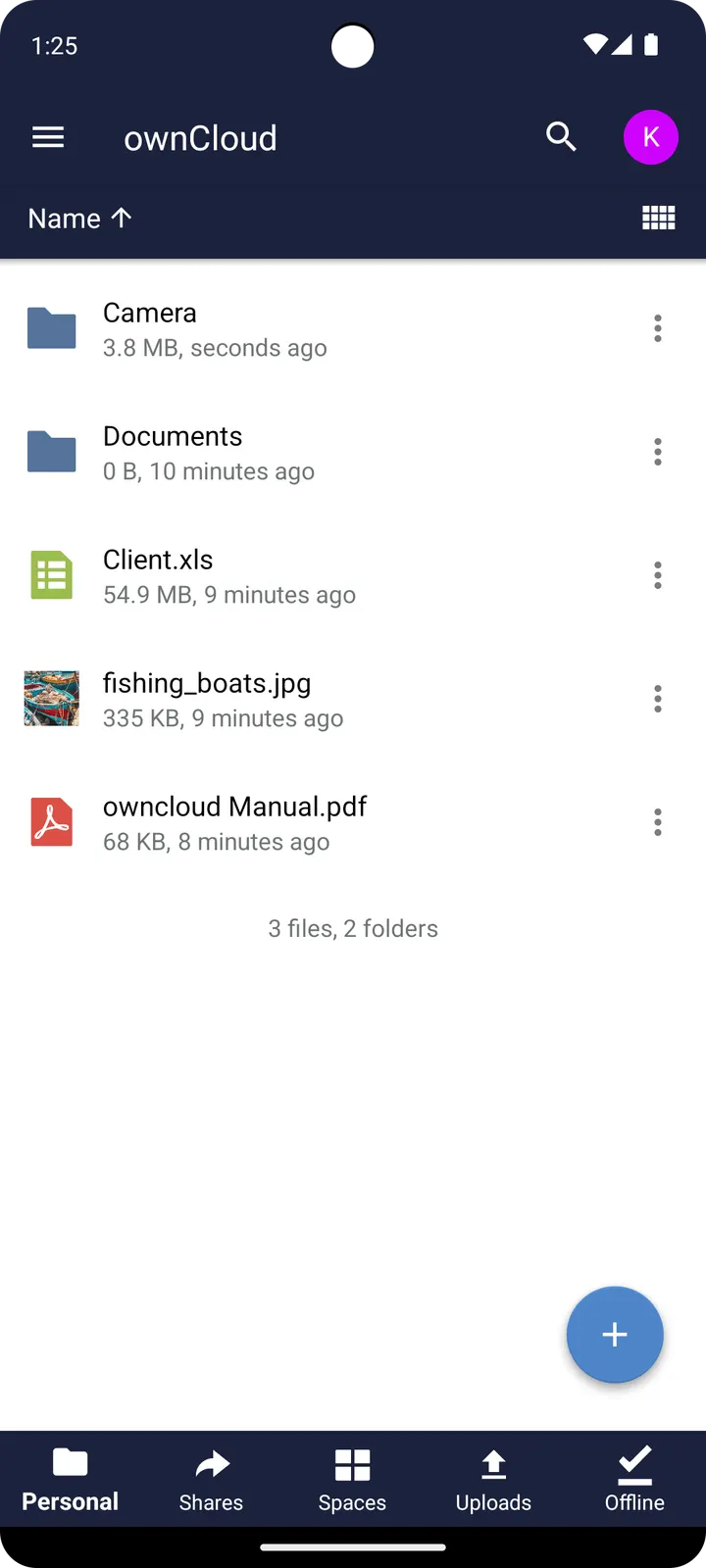
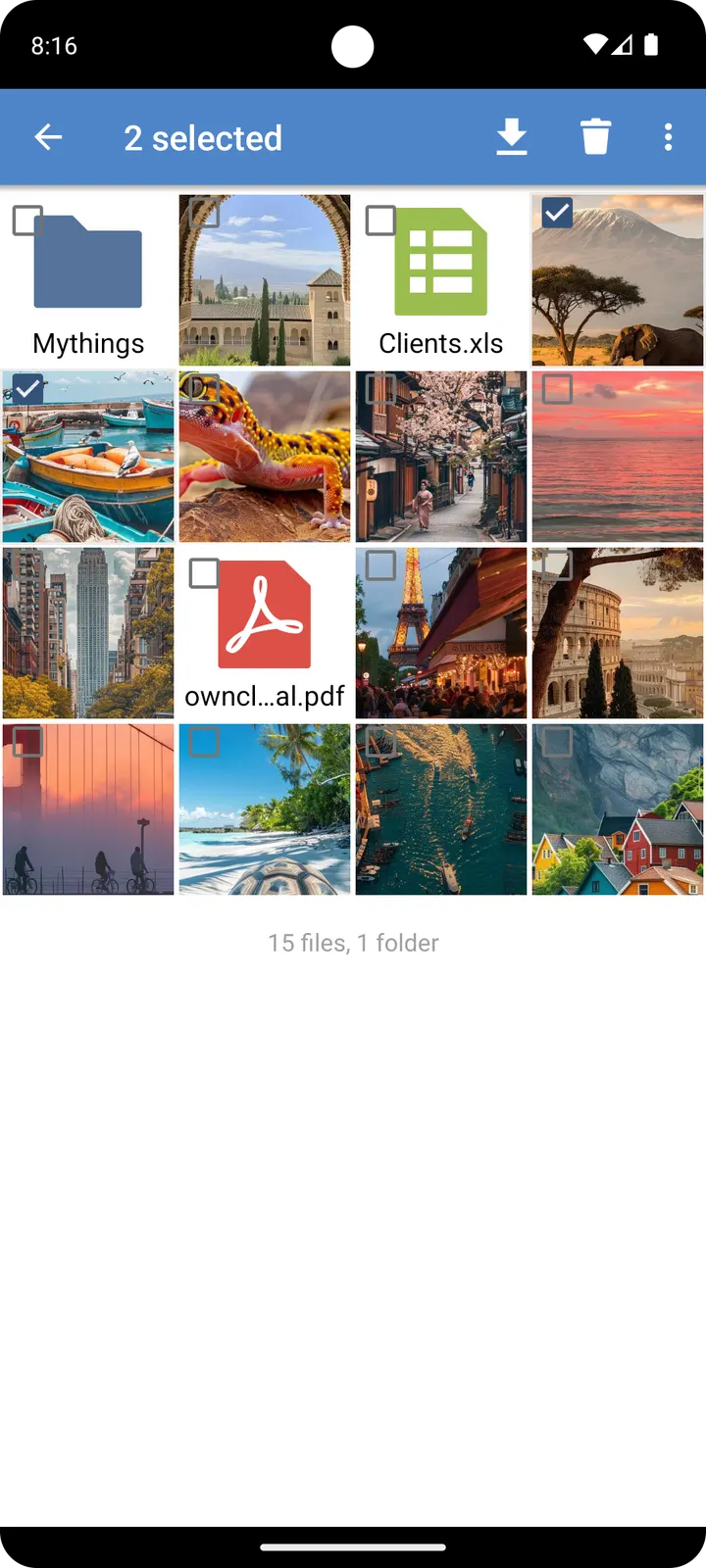
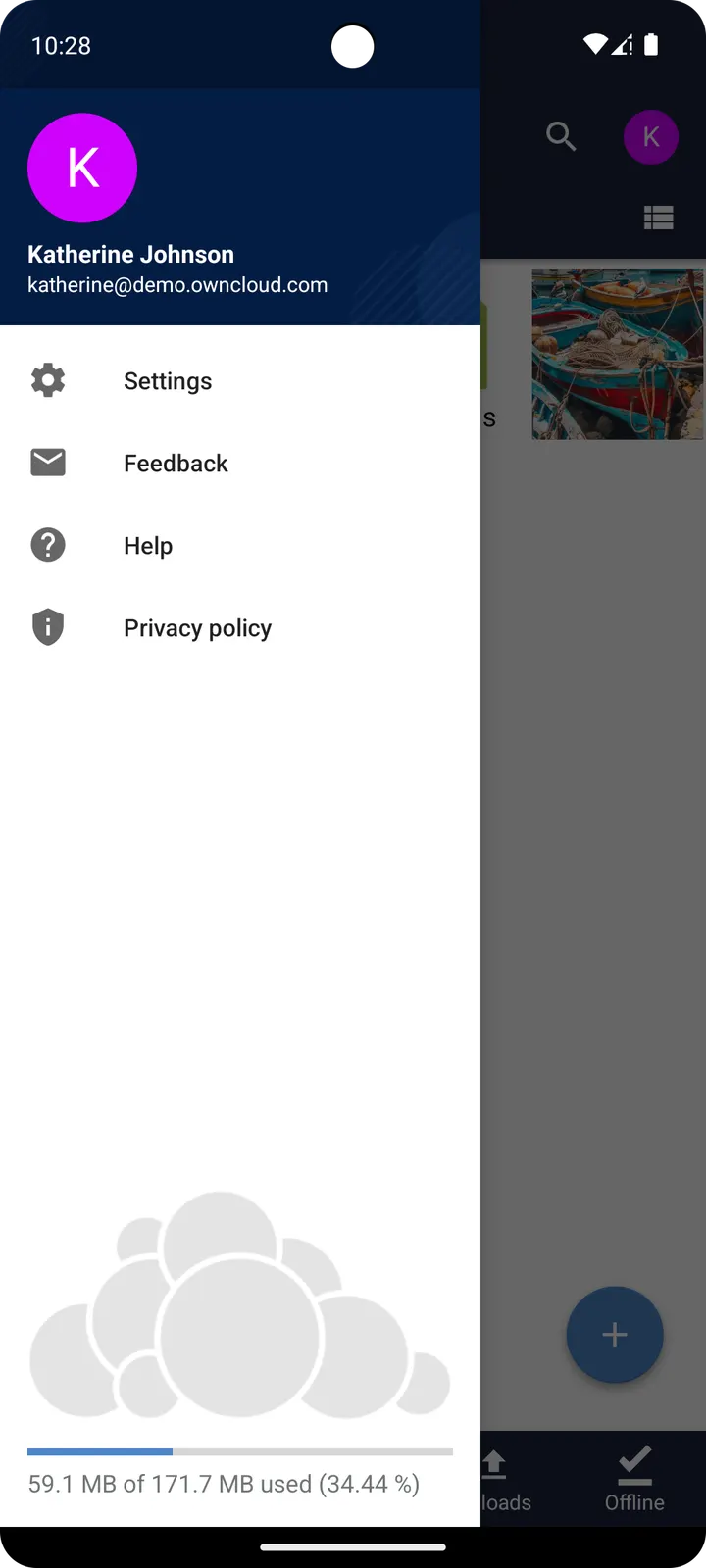
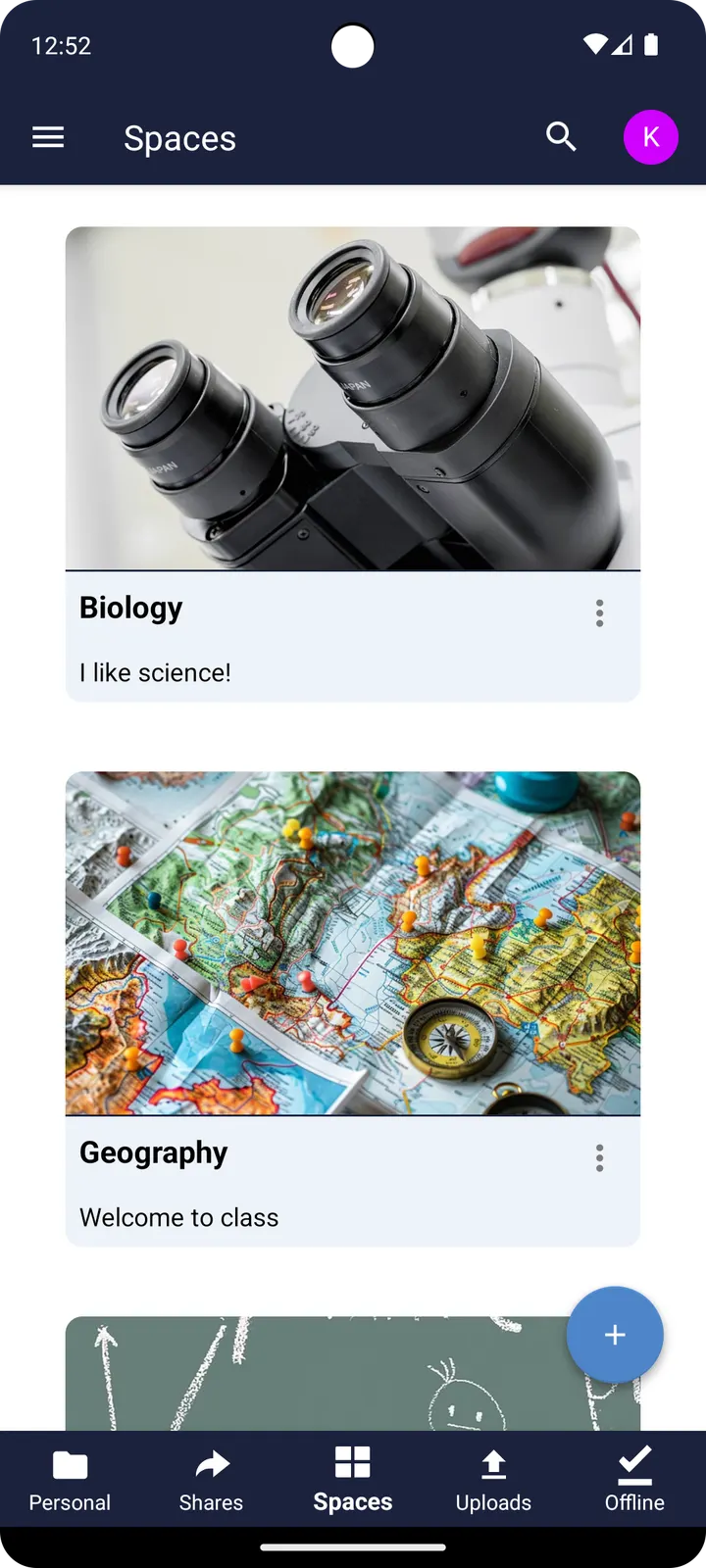
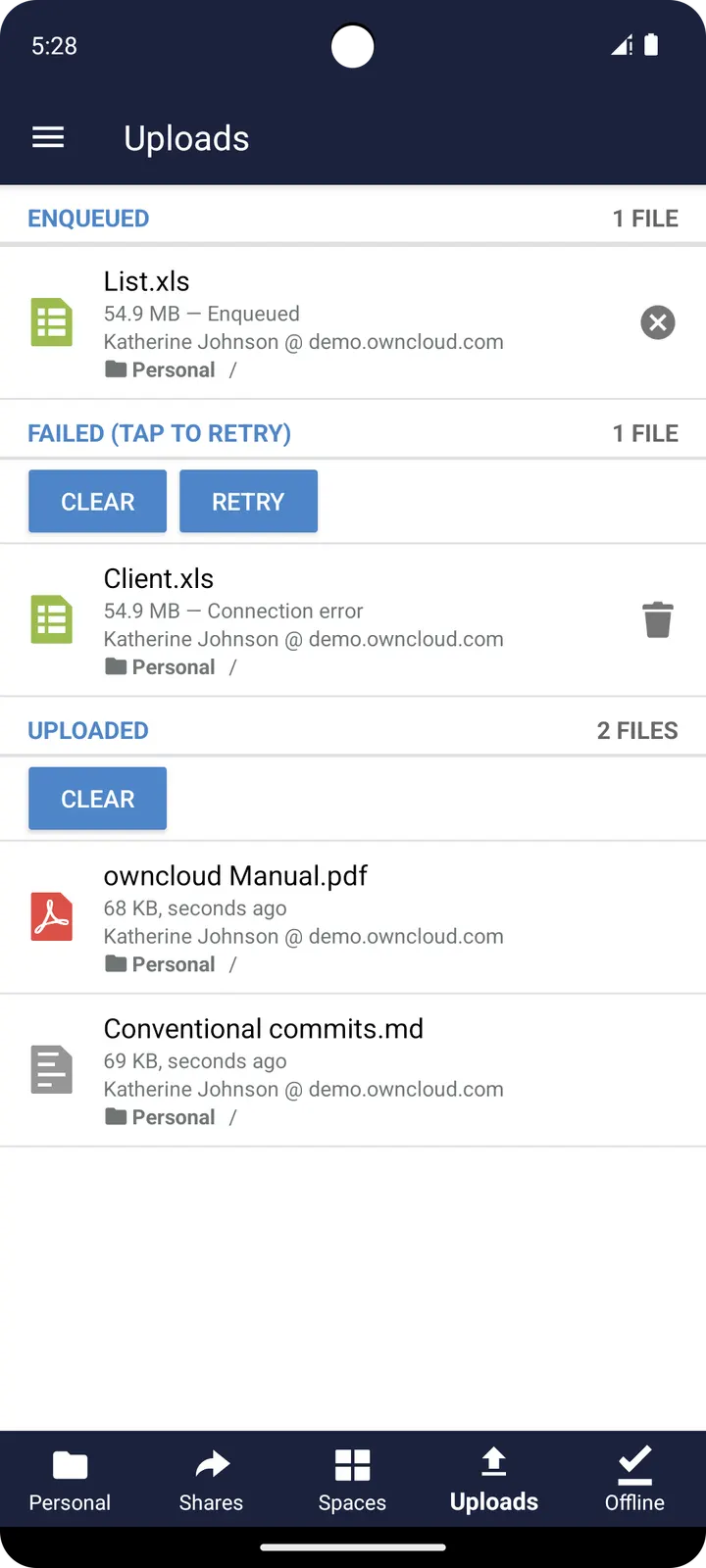
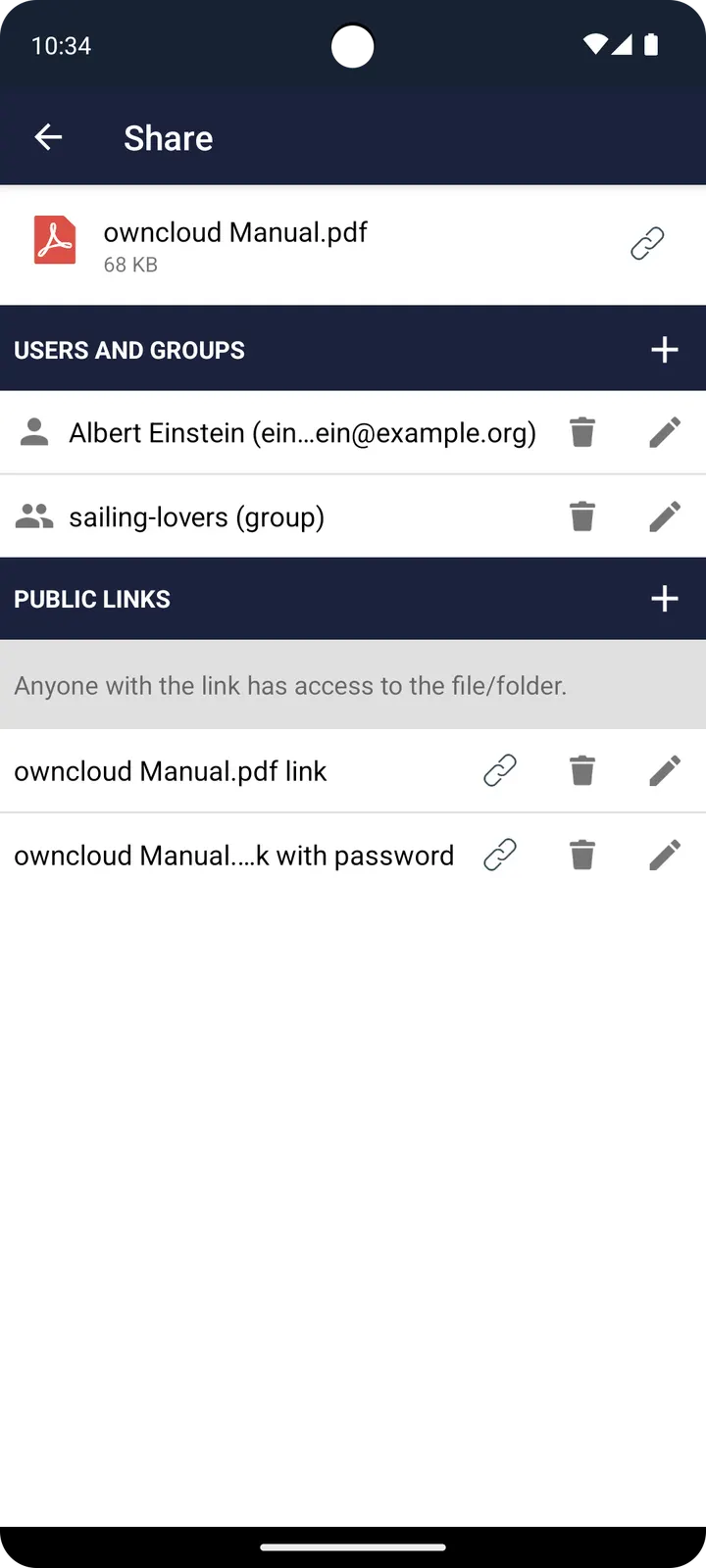
Once a server is added, the app lets you browse the files synced there. You can also create new files and edit them, then share files and folders with co-workers. The contents of those folders are kept in sync across your devices, and copying a file into a directory on the server is enough for ownCloud to handle the rest.
The same service is reachable from a desktop or the web client. The Android app is one of several entry points to the same set of files, which suits people who move between a phone and a computer during the day.
What to check before installing 4.8.4
Version 4.8.4 needs Android 7.0 or newer and weighs 13.9 MB. It was last updated on September 2, 2026, and the package ID is com.owncloud.android. Keep your ownCloud server address and login at hand, since the app only connects to a server you already run or have access to.
The project site is owncloud.org and the source code is on GitHub under GPL-2.0-only. The APK is unmodified, and its SHA-256 checksum is e09d8cf10d353473767328718f9f9381f89eef6cdb759440d1a7765937f0fb4f, so you can compare it against your own download.
ownCloud pros and cons
Pros
- Free to install, with no ads
- Open source under GPL-2.0-only, with the code on GitHub
- Lets you browse, create, edit and share files held on your own server
- Small download at 13.9 MB, for Android 7.0 and newer
- Support routes are named: the GitHub issue tracker and central.owncloud.org
Cons
- Needs an ownCloud server; the app has no storage of its own
- Developer name is not published
- Version 4.8.4 has no published changelog
- A known login issue after updates can involve the separate Workaround App
Is ownCloud safe?
The ownCloud 4.8.4 APK on this page is unmodified, and its SHA-256 checksum lets you verify the file after downloading. The app is open source under GPL-2.0-only, with the code public on GitHub. We have no named developer and no audit results to point to. How safe your files are also depends on the server you connect to.
How to install ownCloud
- Download the APK with the button on this page and wait for it to finish.
- Compare the file with the SHA-256 checksum shown here if you want to confirm it arrived intact.
- Open the file on your phone and allow installs from this source when Android asks.
- Finish the install, then open ownCloud from your app drawer.


