
Syncthing-Fork is a free, open-source Android app that puts a native interface on top of Syncthing, the decentralized file synchronization tool. Version 2.1.7.0 needs Android 6.0 or newer and takes up 59.1 MB. The SHA-256 checksum is listed on this page so you can verify the APK after downloading.
No price, no ads, and an MPL-2.0 licence
Syncthing-Fork costs nothing and shows no ads. Its source code is public on GitHub under the MPL-2.0 licence, and the open-source and no-ads tags both apply.
No in-app purchases or paid plans are mentioned. The developer name is unknown, but the project links to a wiki and a source repository. The package ID is com.github.catfriend1.syncthingfork.
Per-device and per-folder sync conditions
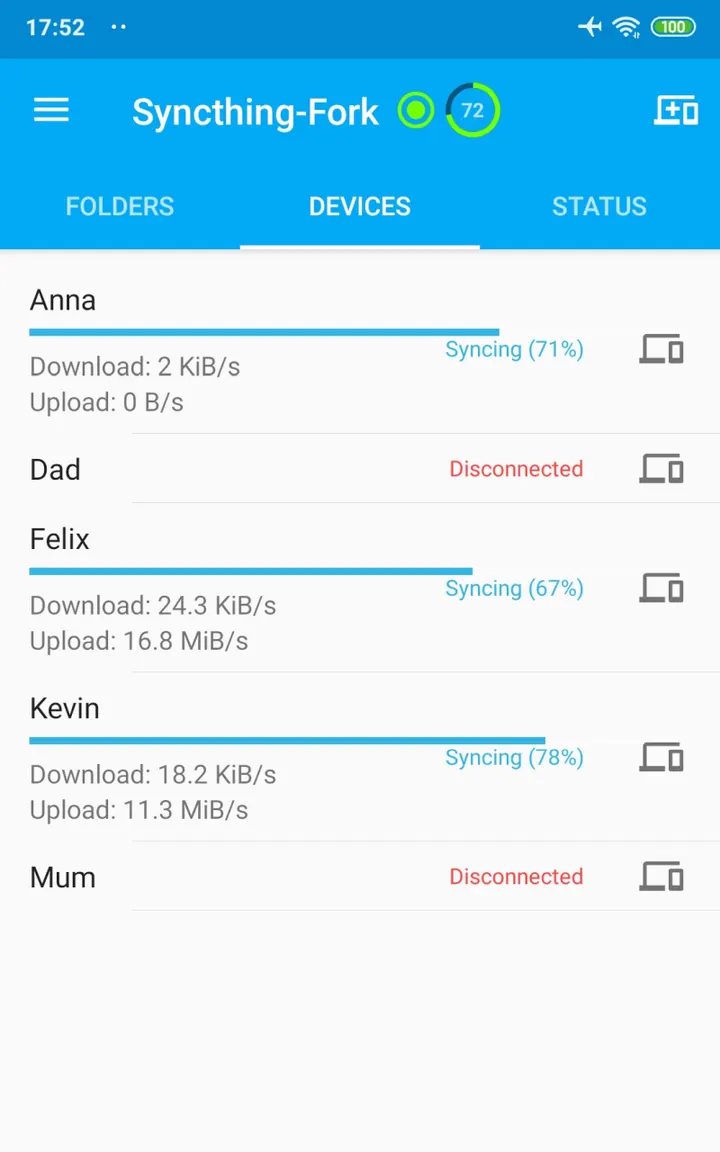
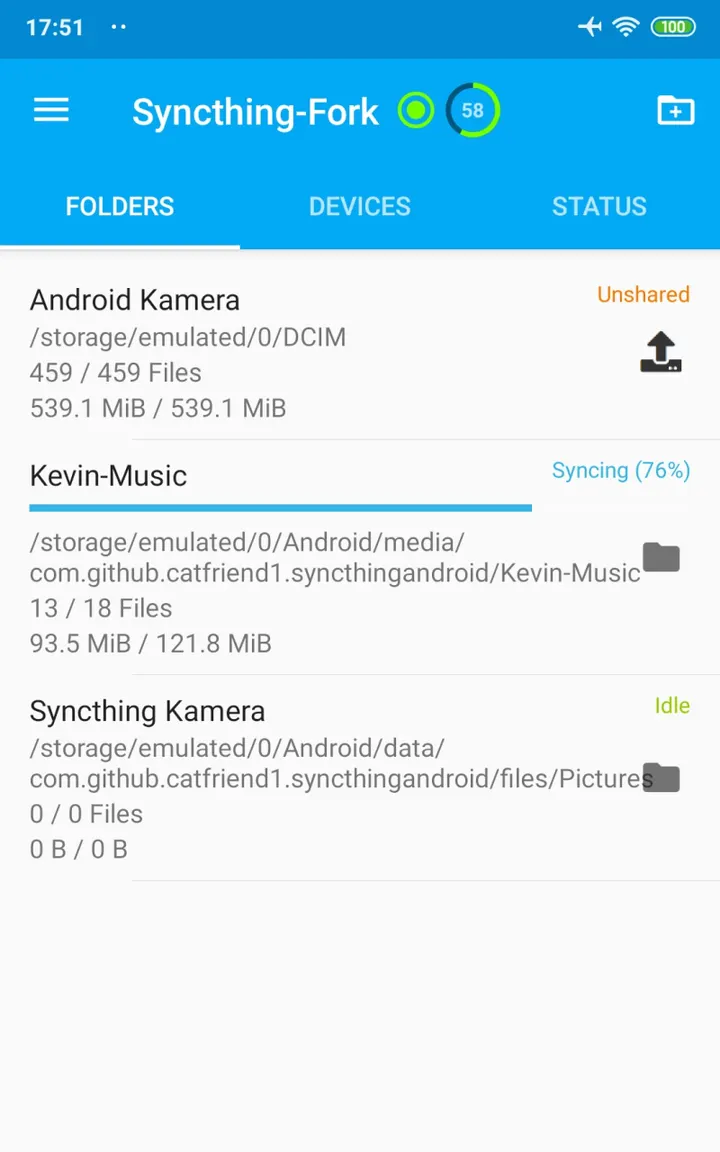
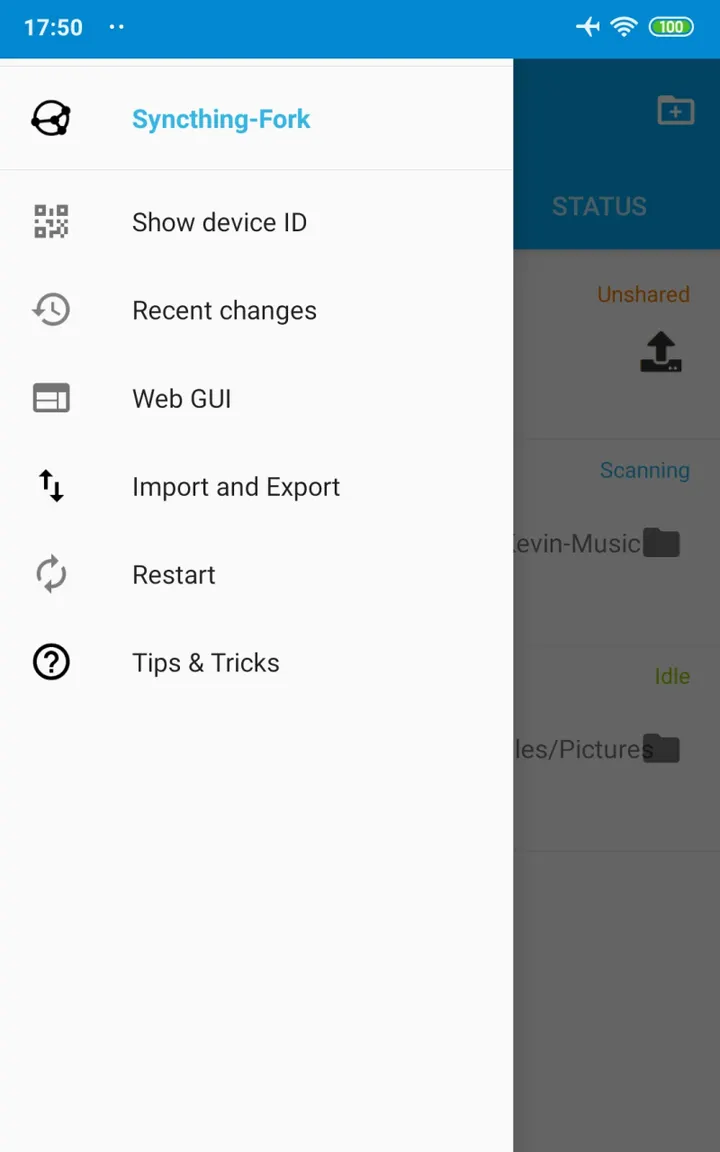
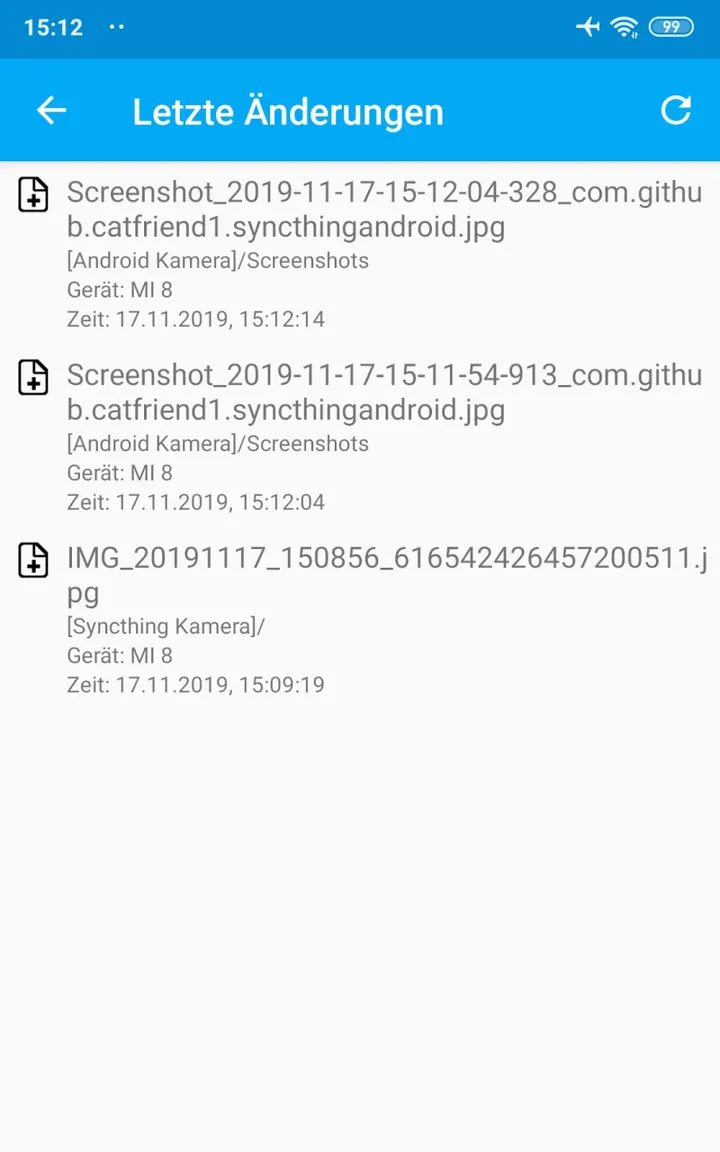
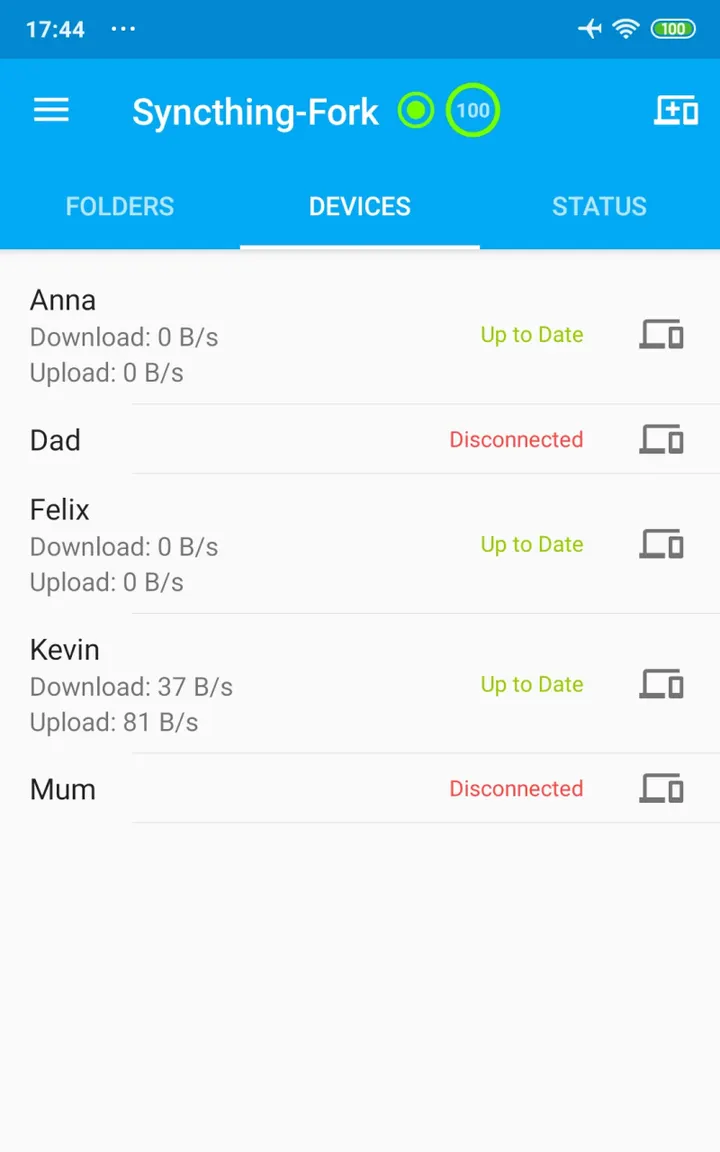
The app replaces Syncthing's built-in Web UI with an Android interface. Progress for each folder, each device and the overall sync can be read directly from the screen. A recent changes view lets you tap an entry to open the file.
Sync conditions can be set individually for every device and every folder. That means one folder can follow different rules from another instead of sharing a single global setting. Configuration changes to folders and devices also work whether or not Syncthing is currently running.
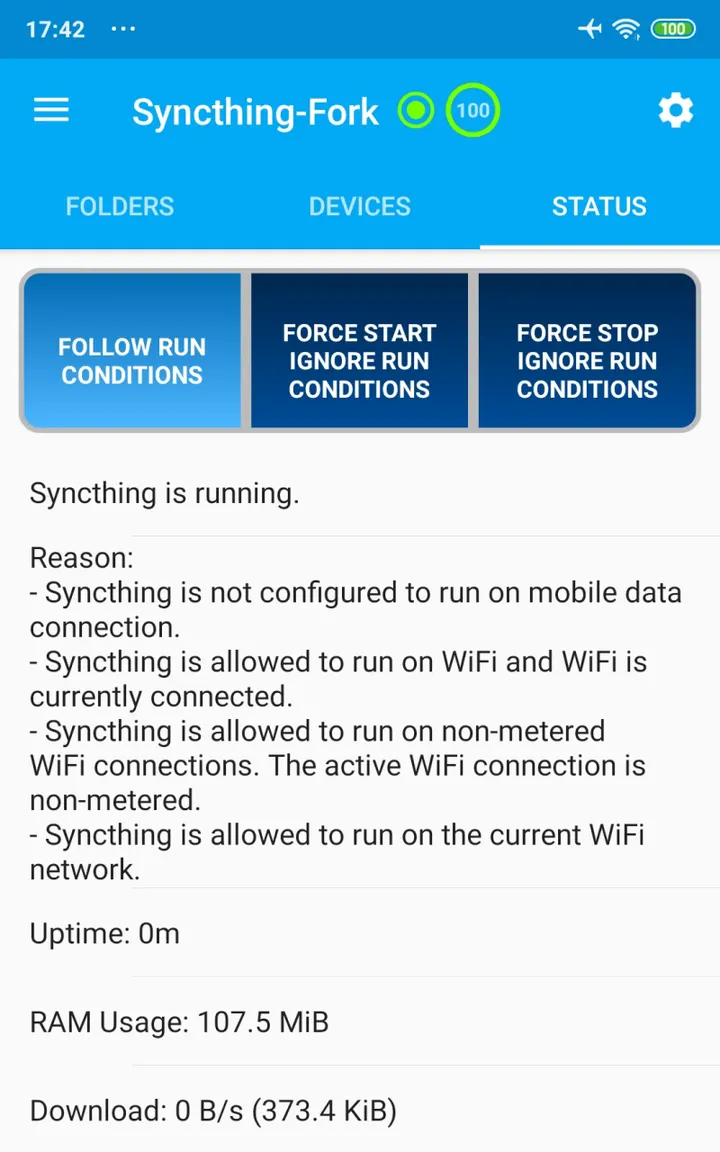
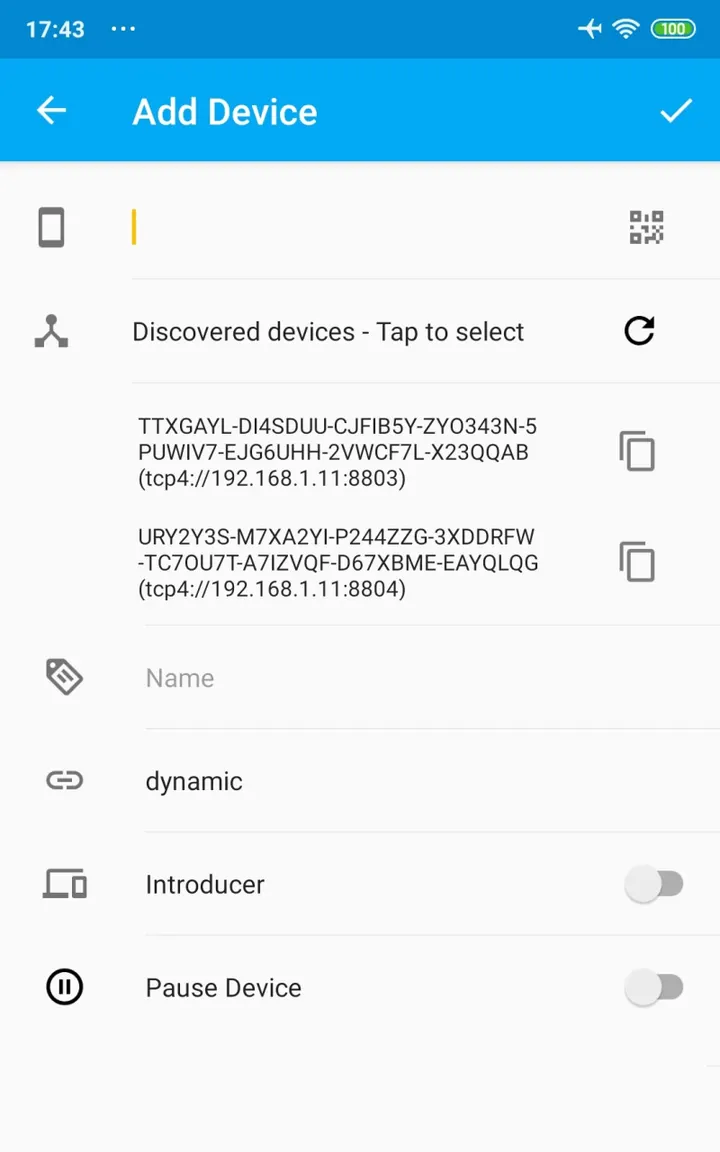
The interface explains why Syncthing is running or not, which removes some guesswork about background behavior. The store description also mentions discovery of other Syncthing devices on the same network, so they can be added without typing details by hand.
Battery handling and SD card sync
Battery use is a stated focus. The app offers a "Sync every hour" mode meant to save more power, and the developers say the earlier "battery eater" problem is fixed.
The developers also say two-way synchronization on an external SD card is supported since Android 11. The project links a wiki page on how Syncthing writes to SD cards, covering all-files access and write permission workarounds. Anyone planning to sync to removable storage should read it first.
Updates and where to get help
The app was first released on September 8, 2025 and last updated on October 25, 2026. The current version is 2.1.7.0.
The project wiki and its GitHub repository are the places to look for documentation and source details.
Syncthing-Fork pros and cons
Pros
- Free with no ads
- Open source under MPL-2.0, with the code on GitHub
- Sync conditions can be set per device and per folder
- Progress and the reason Syncthing is running are shown in the UI
- Supports two-way sync on external SD cards since Android 11
Cons
- Developer is listed only as unknown
- Version 2.1.7.0 changes are not described
- At 59.1 MB it is a fairly large download for a sync wrapper
- SD card writing needs extra setup described in a separate wiki page
Is Syncthing-Fork safe?
The SHA-256 checksum of the APK is 1ad568a373bd36c48100796e5fac3ebd0a0e0663ffdab1dc2baac355ab140063. Compare it with the file you download. The code is public under MPL-2.0, so anyone can inspect it, though the developer name is unknown.
How to install Syncthing-Fork
- Download the APK with the button on this page and wait for it to finish.
- Compare the file with the SHA-256 checksum shown here if you want to confirm it arrived intact.
- Open the file on your phone and allow installs from this source when Android asks.
- Finish the install, then open Syncthing-Fork from your app drawer.


